Recensione Zoom: Pro, Contro, Caratteristiche e Prezzi


Zoom is a meeting scheduling software for teams that need to book, host, and manage video meetings without jumping between tools. I'd consider it over something like Calendly if you want scheduling that's built directly into your video conferencing platform, as Calendly handles the booking experience well, but it still hands off to a separate meeting tool. With Zoom, the scheduling and the meeting happen in the same place, which makes it a more natural fit for teams already relying on it as their primary communication tool.
Zoom Evaluation Summary

- From $14.16/user/month (billed annually)
- Free plan available
Perché fidarsi delle nostre recensioni sui software
Il nostro team testa e recensisce software dal 2012. In quanto esperti HR noi stessi, sappiamo quanto sia difficile — e importante — scegliere il software giusto.
Per questa guida, abbiamo valutato gli strumenti attraverso test pratici e ricerche indipendenti, assegnando un punteggio agli strumenti in base ai nostri criteri di selezione. Ci basiamo inoltre sulle competenze di leader di pensiero del settore e di professionisti HR attivi.
Le nostre recensioni riflettono il nostro giudizio editoriale umano, non un discorso di vendita.
Revisori esperti:
Zoom Overview
In my opinion, Zoom is a solid choice for meeting scheduling software, especially for teams needing reliable video conferencing. It excels in user-friendliness and integration capabilities, making it a strong contender against competitors like Microsoft Teams or Google Meet. While its customer support could improve, the seamless interface and robust features offer great value for money.
Zoom stands out with its breakout rooms and virtual backgrounds, which are perfect for educational settings and creative industries. However, if your team heavily relies on customer support, you might want to weigh this aspect. Overall, Zoom is well-suited for dynamic environments that prioritize efficient communication and collaboration.
pros
-
You can easily set up and join meetings with just a few clicks.
-
The video quality is consistently high, keeping your team connected and engaged.
-
Breakout rooms allow for effective small group discussions during larger meetings.
cons
-
Your team might face occasional connectivity issues during peak usage times.
-
The user interface can feel cluttered if you're managing multiple meetings.
-
Customer support response times can be slower than expected when you need help.
-

Justworks
Visit WebsiteThis rating combines scores from multiple user review sites to reflect overall customer sentiment about the product.4.6 -
Small Improvements
Visit WebsiteThis rating combines scores from multiple user review sites to reflect overall customer sentiment about the product.4.3 -
HiBob
Visit WebsiteThis rating combines scores from multiple user review sites to reflect overall customer sentiment about the product.4.5





Come Testiamo e Valutiamo i Nostri Strumenti
Abbiamo impiegato anni per costruire, perfezionare e migliorare il nostro sistema di test e valutazione dei software. Il modello è progettato per cogliere le sfumature della scelta del software e per evidenziare cosa rende uno strumento efficace, concentrandosi sugli aspetti più critici del processo decisionale. Di seguito puoi vedere esattamente come funziona la nostra valutazione e attribuzione dei punteggi secondo sette criteri. Questo ci consente di fornire una valutazione imparziale del software basandoci su funzionalità principali, caratteristiche distintive, facilità d’uso, onboarding, assistenza clienti, integrazioni, recensioni dei clienti e rapporto qualità/prezzo.
Funzionalità Principali (25% del punteggio finale)
Il punto di partenza della nostra valutazione sono sempre le funzionalità principali dello strumento. Possiede le funzioni di base che l’utente si aspetta? Alcune di queste funzioni sono disponibili solo in piani a prezzi più alti? In sostanza, ci aspettiamo che uno strumento rispecchi almeno le capacità base dei concorrenti.
Caratteristiche Distintive (25% del punteggio finale)
Successivamente valutiamo le funzionalità particolari che superano le funzionalità di base tipiche degli strumenti della sua categoria. Un punteggio alto riflette caratteristiche specializzate o uniche che rendono il prodotto più veloce, efficiente, o che offrono ulteriore valore all’utente. Valutiamo inoltre quanto sia semplice integrare il software con altri strumenti tradizionalmente presenti nel tech stack per espanderne funzionalità e utilizzo. Gli strumenti che offrono numerose integrazioni native, collegamenti di terze parti e accesso API per creare integrazioni personalizzate ricevono i punteggi migliori.
Facilità d’Uso (10% del punteggio finale)
Consideriamo quanto sia veloce e semplice svolgere i compiti definiti dalle funzionalità principali utilizzando lo strumento. I software con punteggi alti sono ben progettati, intuitivi, dispongono di app mobili, offrono modelli preimpostati e rendono semplici anche i compiti più complessi.
Onboarding (10% del punteggio finale)
Sappiamo quanto sia importante una rapida adozione di una nuova piattaforma all’interno di un team, quindi valutiamo quanto sia facile imparare e utilizzare uno strumento con una formazione minima. Valutiamo quanto rapidamente un membro del team possa iniziare a utilizzare lo strumento senza esperienza. Le soluzioni con punteggio alto richiedono poco o nessun supporto.
Assistenza Clienti (10% del punteggio finale)
Esaminiamo quanto sia facile e veloce ricevere supporto o trovare aiuto tramite telefono, chat dal vivo o knowledge base. Gli strumenti e le aziende che forniscono un’assistenza in tempo reale ottengono i punteggi migliori, mentre i chatbot ottengono i risultati peggiori.
Recensioni dei Clienti (10% del punteggio finale)
Oltre ai nostri test e valutazioni, consideriamo il punteggio net promoter dei clienti attuali e passati. Analizziamo la loro propensione, se potessero scegliere, a selezionare di nuovo lo strumento per le sue funzionalità principali. Un software con un punteggio alto riflette un elevato net promoter score da parte dei clienti attuali o passati.
Rapporto Qualità/Prezzo (10% del punteggio finale)
Infine, considerando tutti gli altri criteri, esaminiamo il prezzo medio dei piani base rispetto alle funzionalità principali e teniamo conto del valore degli altri criteri di valutazione. I software che offrono di più, a meno, ottengono un punteggio più alto.
Core Features
High-Quality Video Conferencing: Zoom delivers clear video calls and audio, that keep your team connected. It stands out with its consistent quality, even in large meetings.
Screen Sharing: You can share your screen effortlessly during meetings, making presentations and collaborations smooth. This feature is valuable for showing documents or slides in real-time.
Meeting Recording: Record your meetings with ease and store them securely in Zoom’s cloud storage, so your team can revisit important discussions, training sessions, or follow-ups anytime.
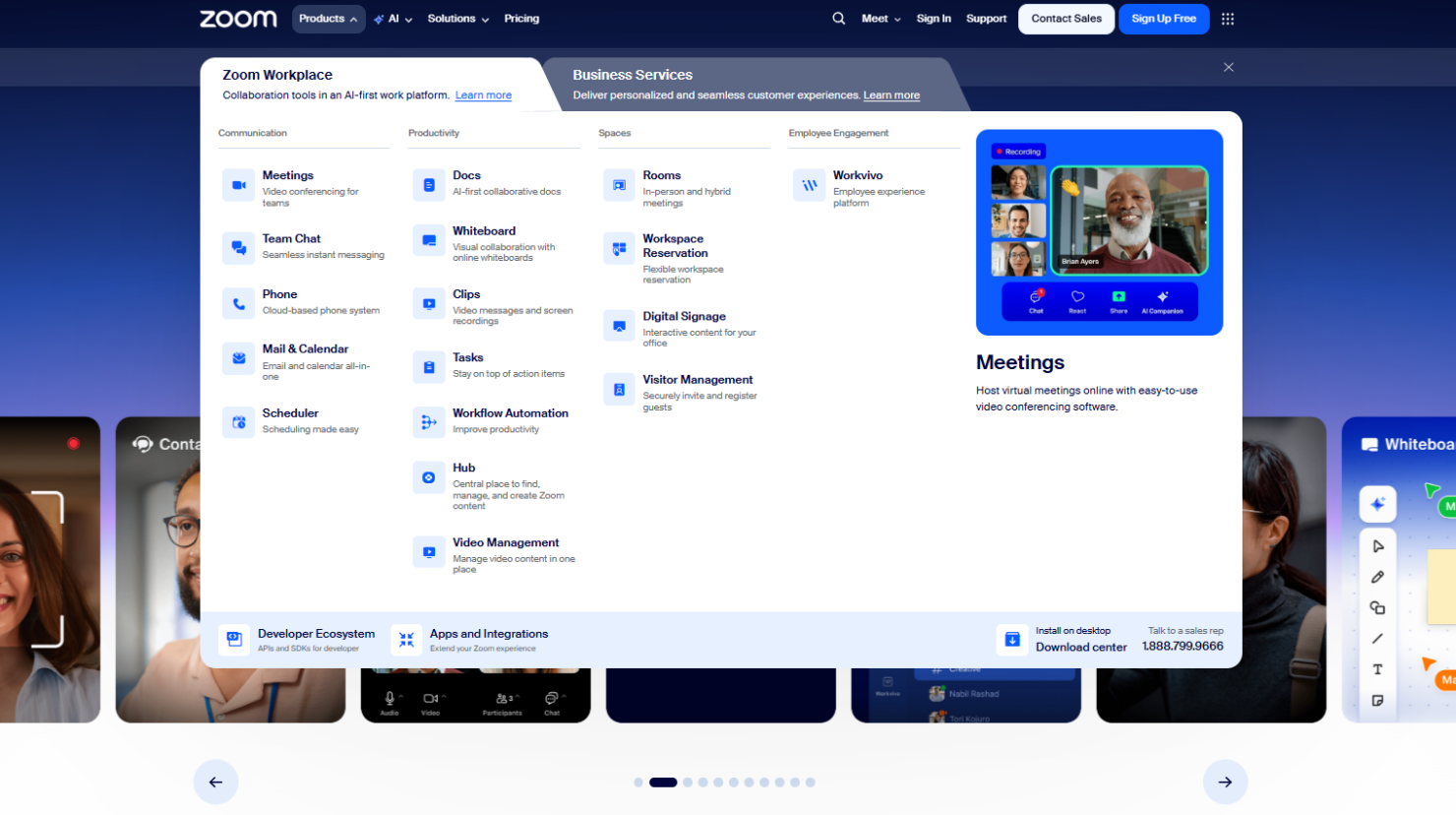
Zoom Phone: Zoom includes Zoom Phone, a cloud-based VoIP phone system that lets your team make and receive calls alongside video meetings, keeping voice and video communication in one platform.
Chat Functionality: Engage with your team using built-in team chat during meetings, allowing quick text communication without interrupting the speaker.
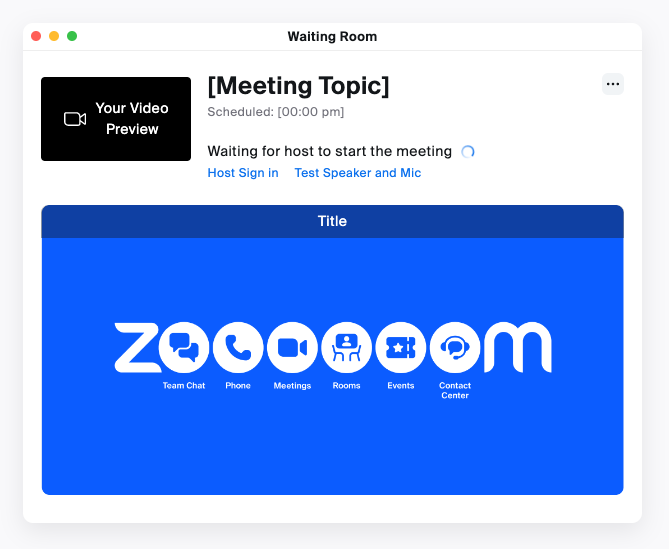
Waiting Room: Control who joins your online meeting by holding participants in a waiting room, giving the meeting host greater control over attendance and security.
Ease of Use
Zoom is incredibly user-friendly, and the Zoom app makes it easy for your team to join or host meetings from desktop or mobile devices with just a few clicks. The intuitive interface means you won't waste time navigating complex menus or settings. Features like screen sharing and breakout rooms are straightforward, allowing you to focus on your work rather than the technology. Users appreciate the smooth experience, often highlighting how quickly they get meetings started without technical hiccups. This makes Zoom a top choice for hassle-free virtual communication.
Integrations
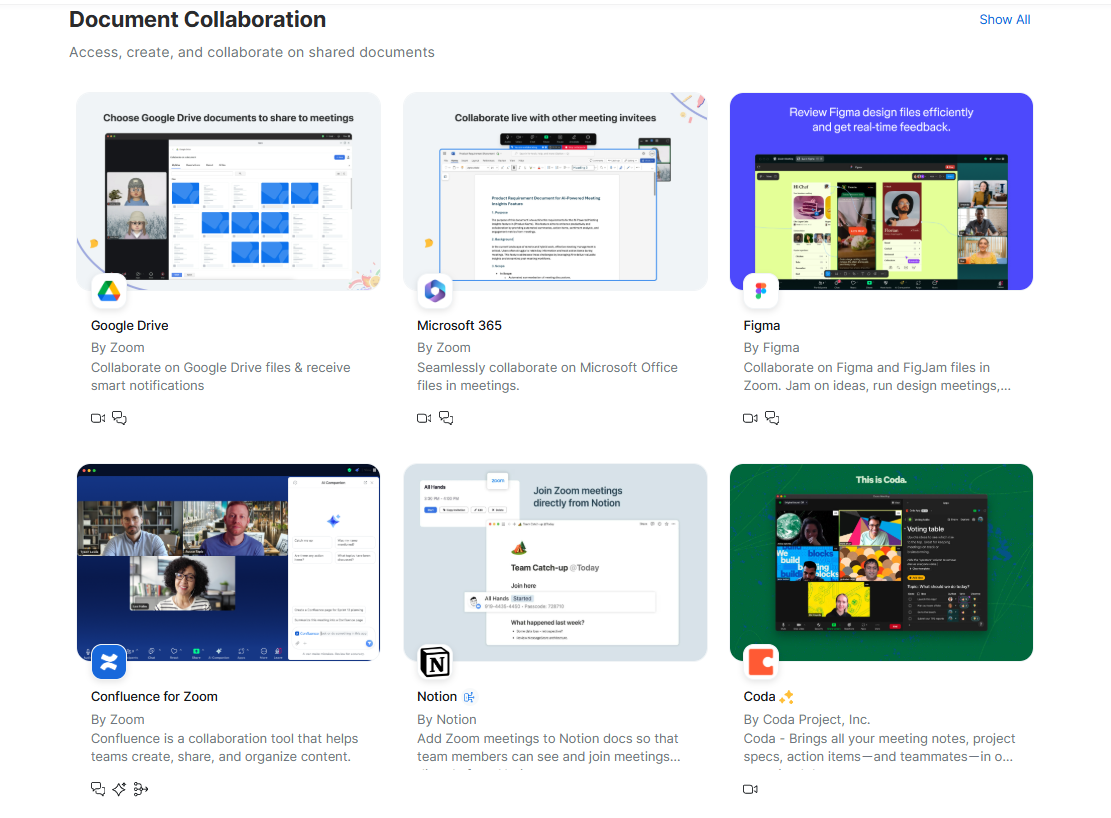
Zoom integrates with Microsoft Teams, Google Workspace, Slack, Calendly, Notion, Outlook, Salesforce, HubSpot, Freshworks CRM, and Figma. Zoom also offers an API and connects with third-party integration tools, allowing further customization and functionality.
Zoom Specs
- API
- Calendar Management
- Chat
- Contact Management
- Contact Sharing
- External Integrations
- History/Version Control
- Multi-User
- Notifications
- Scheduling