Wagepoint Review: Pros, Cons, Features and Pricing Explained



Wagepoint is a payroll software built for small businesses that need to run payroll, handle direct deposits, and file payroll taxes without wrestling with complicated setup. I'd point you toward it if you want something more approachable than Gusto for a small team, but with more dedicated payroll depth than trying to stretch a general HR platform like BambooHR to cover payroll on its own.
Wagepoint Evaluation Summary
- From $4/employee/month + $20/month
- Free trial available
Why Trust Our Software Recommendations
Our team has been testing and reviewing software since 2012. As HR experts ourselves, we know how difficult—and important—it is to choose the right software.
For this guide, we evaluated tools using hands-on testing and independent research, scoring tools using our selection criteria. We also draw on insights from industry thought leaders and practicing HR experts.
Our reviews reflect our human editorial judgment, not a sales pitch.
Expert reviewers:
Wagepoint Overview
In my experience, judging Wagepoint comes down to valuing ease of use and affordability. The interface is clean, onboarding is direct, and basic payroll runs take minutes. Its pricing structure is predictable, and I think the support team is responsive—rare for budget-friendly payroll tools. Across Wagepoint reviews the overall rating clusters high on support and simplicity, which tracks with what I’ve seen. This is payroll management for a small business owner who wants the job done, not configured. However, you’ll find integration options are limited compared to others, so determine if core payroll and tax filing are your main needs. I’d suggest Wagepoint for small businesses or startups that want a straightforward payroll solution without extra complexity or expense.
pros
-
Offers full-service payroll tax filing across Canada and the US
-
Provides helpful, human support with fast response times
-
Simple employee self-service portal for pay stubs and information
cons
-
Lacks native advanced HR or benefits management features
-
Direct deposit timelines can be slower than some alternatives
-
No native mobile app for employers to process payroll on the go
-

Justworks
Visit WebsiteThis rating combines scores from multiple user review sites to reflect overall customer sentiment about the product.4.6 -
Eletive
Visit WebsiteThis rating combines scores from multiple user review sites to reflect overall customer sentiment about the product.4.6 -
Prevue Assessments
Visit WebsiteThis rating combines scores from multiple user review sites to reflect overall customer sentiment about the product.4.6



How We Test & Score Our Tools
We’ve spent years building, refining, and improving our software testing and scoring system. The rubric is designed to capture the nuances of software selection and what makes a tool effective, focusing on critical aspects of the decision-making process.
Below, you can see exactly how our testing and scoring works across seven criteria. It allows us to provide an unbiased evaluation of the software based on core functionality, standout features, ease of use, onboarding, customer support, integrations, customer reviews, and value for money.
Core Functionality (25% of final score)
The starting point of our evaluation is always the core functionality of the tool. Does it have the basic features and functions that a user would expect to see? Are any of those core features locked to higher-tiered pricing plans? At its core, we expect a tool to stand up against the baseline capabilities of its competitors.
Standout Features (25% of final score)
Next, we evaluate uncommon standout features that go above and beyond the core functionality typically found in tools of its kind. A high score reflects specialized or unique features that make the product faster, more efficient, or offer additional value to the user.
We also evaluate how easy it is to integrate with other tools typically found in the tech stack to expand the functionality and utility of the software. Tools offering plentiful native integrations, 3rd party connections, and API access to build custom integrations score best.
Ease of Use (10% of final score)
We consider how quick and easy it is to execute the tasks defined in the core functionality using the tool. High scoring software is well designed, intuitive to use, offers mobile apps, provides templates, and makes relatively complex tasks seem simple.
Onboarding (10% of final score)
We know how important rapid team adoption is for a new platform, so we evaluate how easy it is to learn and use a tool with minimal training. We evaluate how quickly a team member can get set up and start using the tool with no experience. High scoring solutions indicate little or no support is required.
Customer Support (10% of final score)
We review how quick and easy it is to get unstuck and find help by phone, live chat, or knowledge base. Tools and companies that provide real-time support score best, while chatbots score worst.
Customer Reviews (10% of final score)
Beyond our own testing and evaluation, we consider the net promoter score from current and past customers. We review their likelihood, given the option, to choose the tool again for the core functionality. A high scoring software reflects a high net promoter score from current or past customers.
Value for Money (10% of final score)
Lastly, in consideration of all the other criteria, we review the average price of entry level plans against the core features and consider the value of the other evaluation criteria. Software that delivers more, for less, will score higher.
Core Features
Automated Payroll Processing
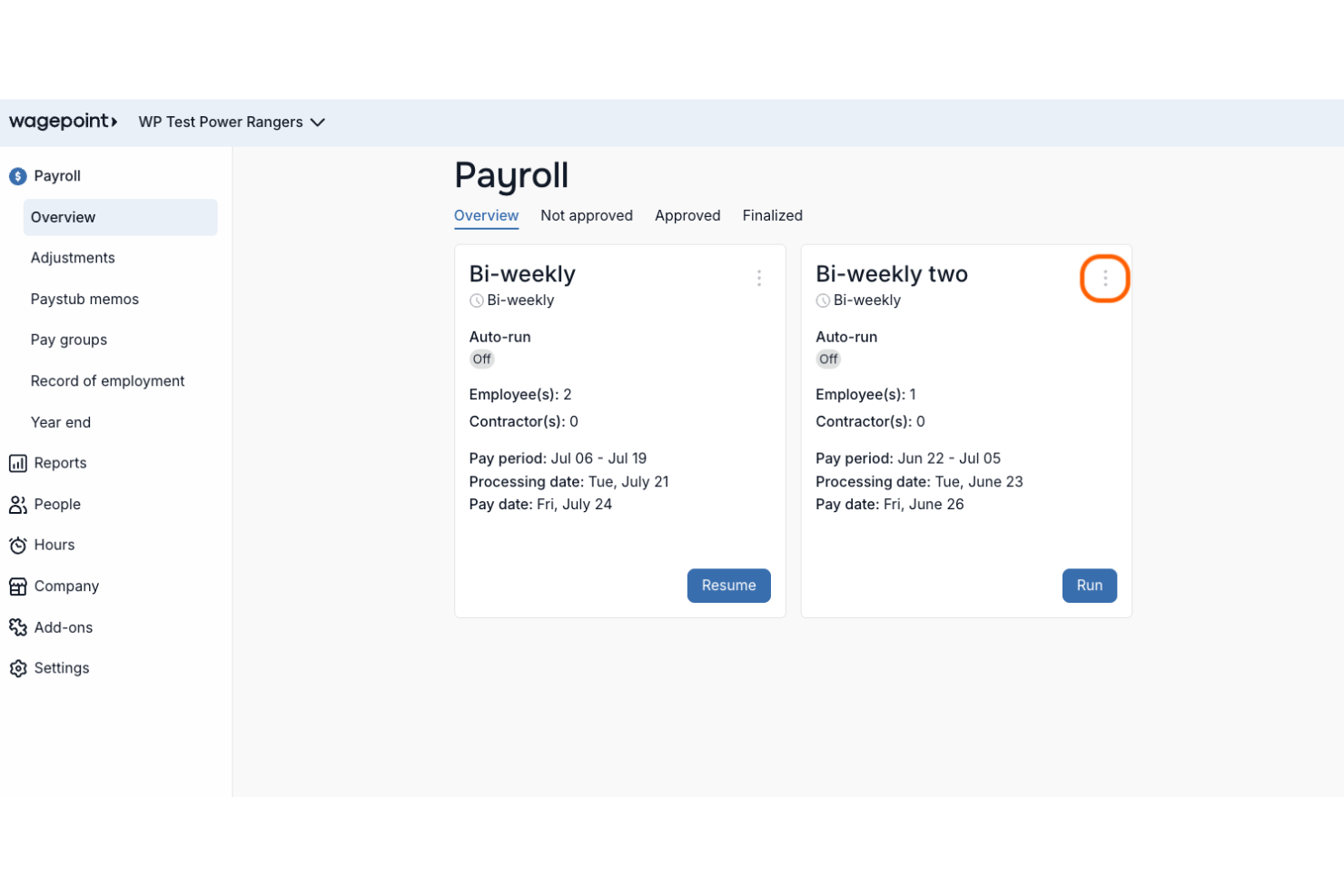
Run payroll with pre-set schedules, pay groups, automatic tax calculations, and reminders. This helps small teams pay employees on time without re-entering data.
Direct Deposit
Send employee pay directly to bank accounts across Canada and the US. This reduces manual check handling and eliminates extra steps for small businesses.
CRA and IRS Tax Filing
Wagepoint automatically calculates, withholds, and files payroll taxes. Users avoid missed deadlines and penalties since Wagepoint submits forms on their behalf.
Employee Self-Service Portal
Employees get easy access to pay stubs, tax slips, and info online. This cuts down on admin requests for basic payroll documents.
Automatic Remittance Payments
The system remits payroll taxes to government agencies automatically after each pay run. This minimizes compliance risk and extra paperwork for employers.
Contractor Payments
Pay contractors and employees in the same platform for streamlined payouts. Keep year-end reports and slips—T4s, T4As, 1099s—in a single dashboard.
Ease of Use
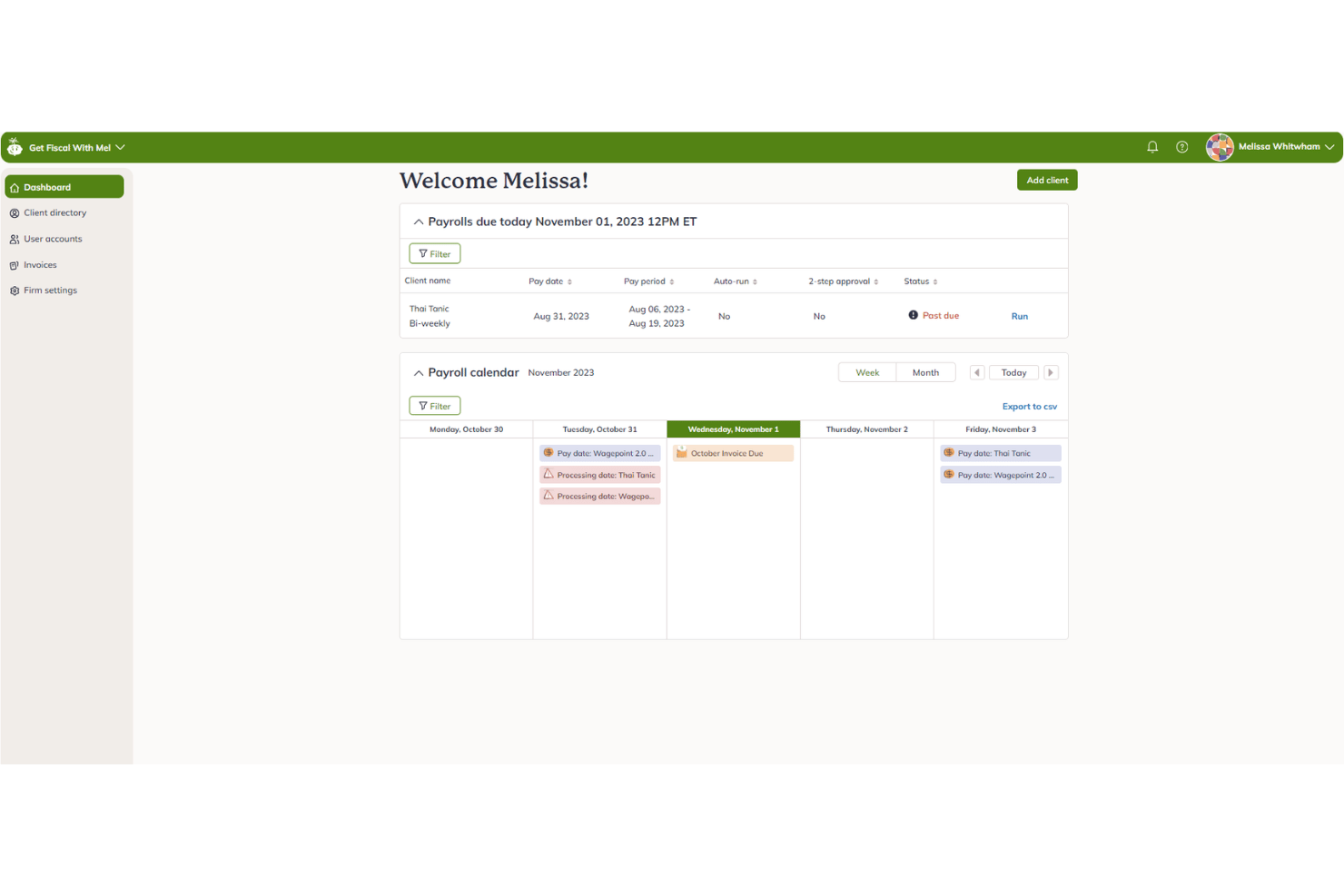
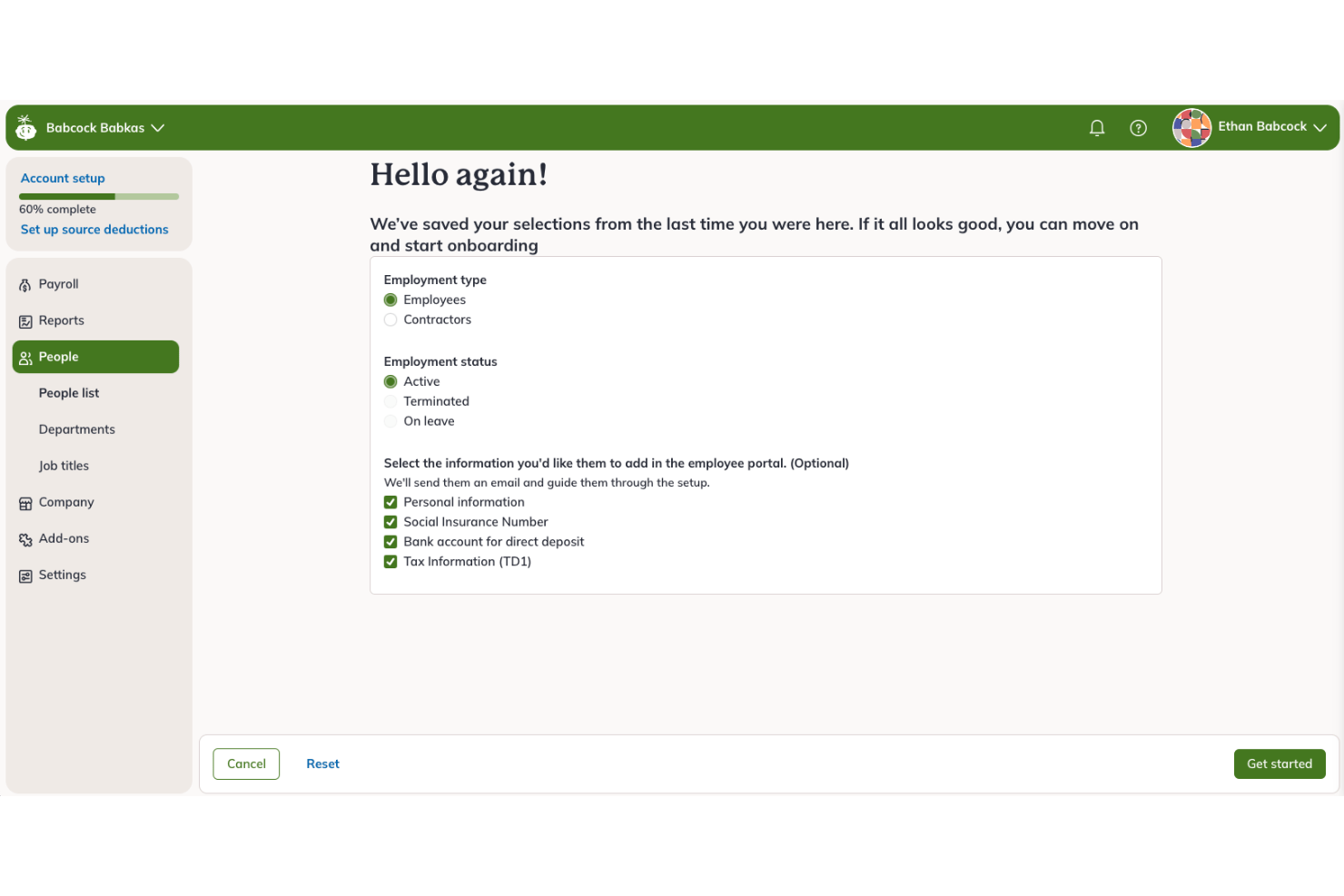
Wagepoint stands out for user-friendliness with a clean dashboard and logical workflows that simplify payroll from setup to pay runs. Most users mention quick onboarding and clear prompts, and even first-time payroll admins report confidence using its automated tax and direct deposit features. The self-service portal reduces admin tasks so teams stay focused.
Integrations
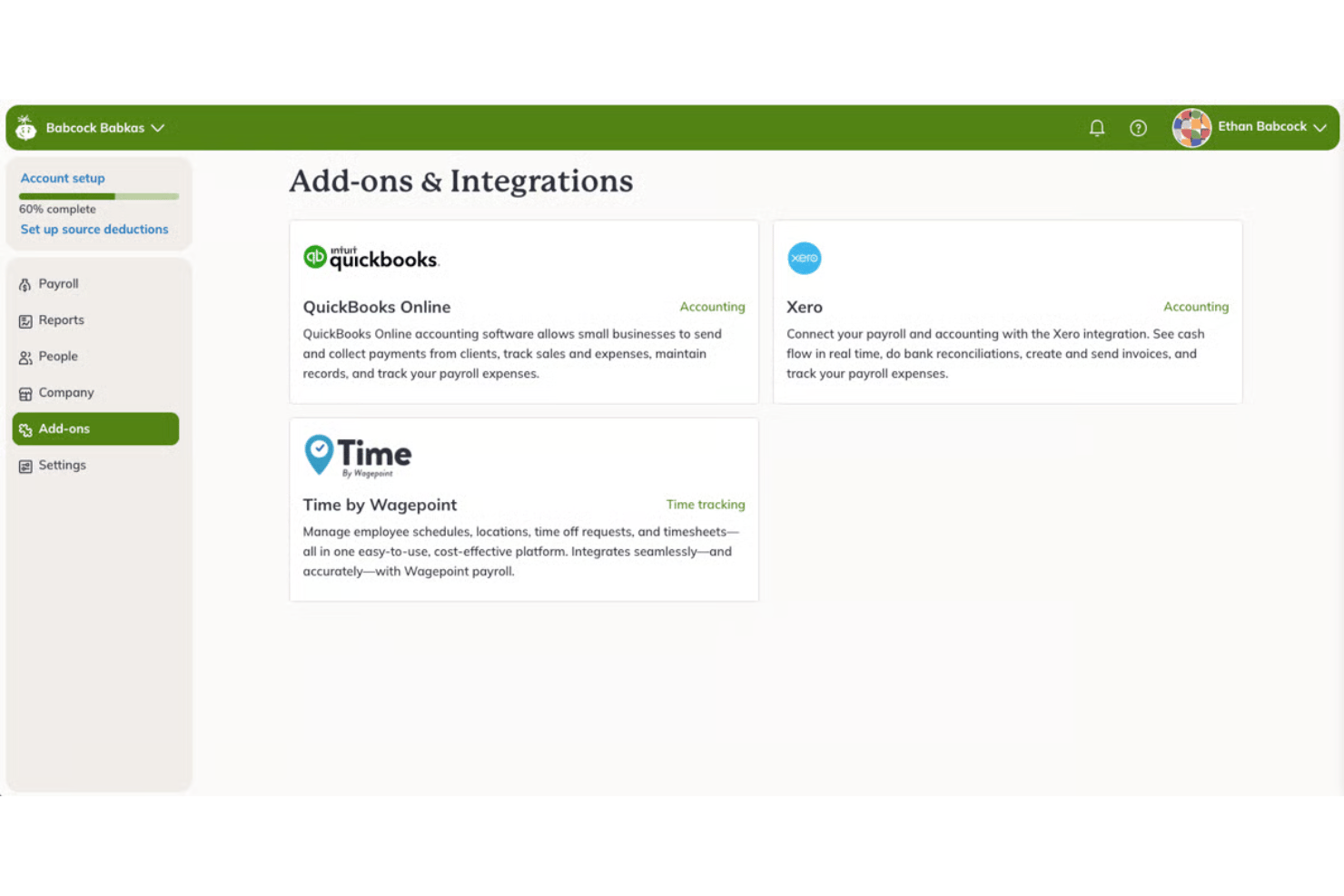
Wagepoint integrates with QuickBooks Online, Xero, Wagepoint Time, T Sheets, JazzHR, BambooHR, FreshBooks, Deputy, POS Nation, Accelo, and When I Work, among others. Wagepoint also provides an open API, making it possible to connect with other third-party tools and custom applications.
Wagepoint Specs
- API
- Application Tracking
- Approval Workflows
- Attendance Tracking
- Budgeting
- Calendar Management
- Compliance Tracking
- Dashboard
- Data Export
- Data Import
- Data Visualization
- Employee Database
- Employee Incentive Management
- Employee Onboarding
- Expense Tracking
- External Integrations
- Feedback Management
- Forecasting
- Multi-Currency
- Multi-User
- Notifications
- Payroll
- Scheduling
- Tax Management
- Time Management
- Timesheets
- Travel Management
- Vacation & Absence Calendar