Haystack vs. Workvivo: Comparison & Expert Reviews For 2026

People Ops Manager scaling teams via data-driven HR systems & recruiting.

We review tools independently, and commissions help fund our testing. See our transparency policy, our methodology, or suggest a tool.

If you manage internal communication or employee experience, you know how hard it is to keep people informed, connected, and engaged across teams and locations. You need a platform that makes sharing updates, building culture, and organizing internal resources simple, instead of adding more tools to manage.

In this guide, I’ll walk you through Haystack and Workvivo, two popular intranet and employee experience platforms. I’ll compare their features, pros and cons, pricing, and use cases so you can decide which one better fits your team’s communication and engagement needs.

Haystack
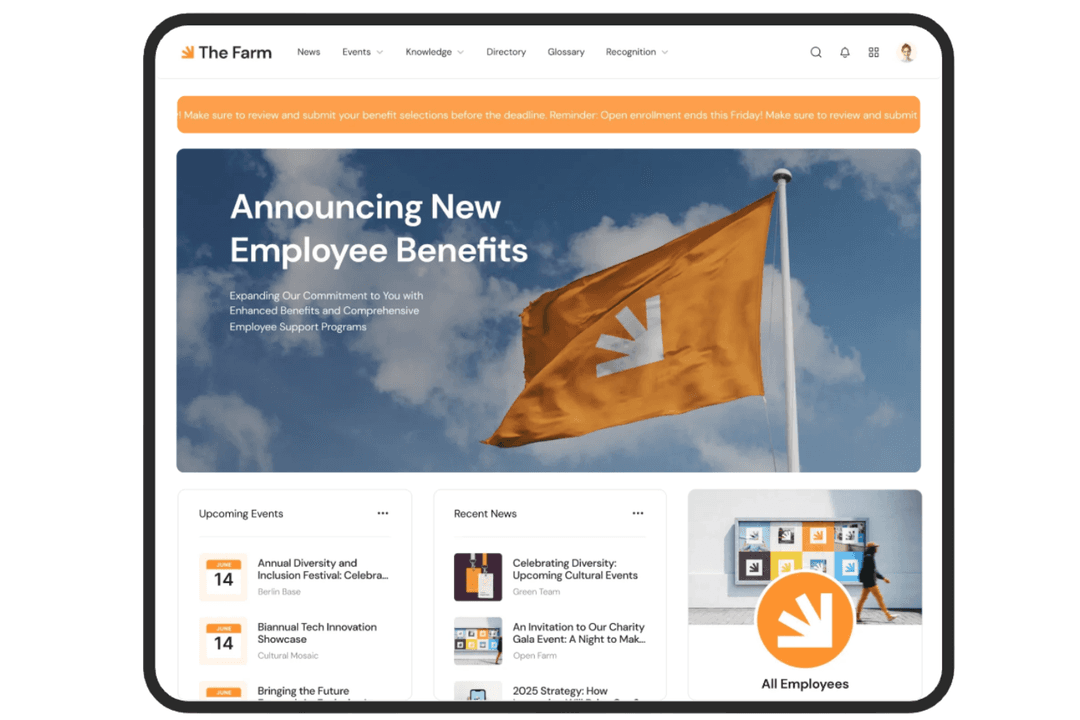
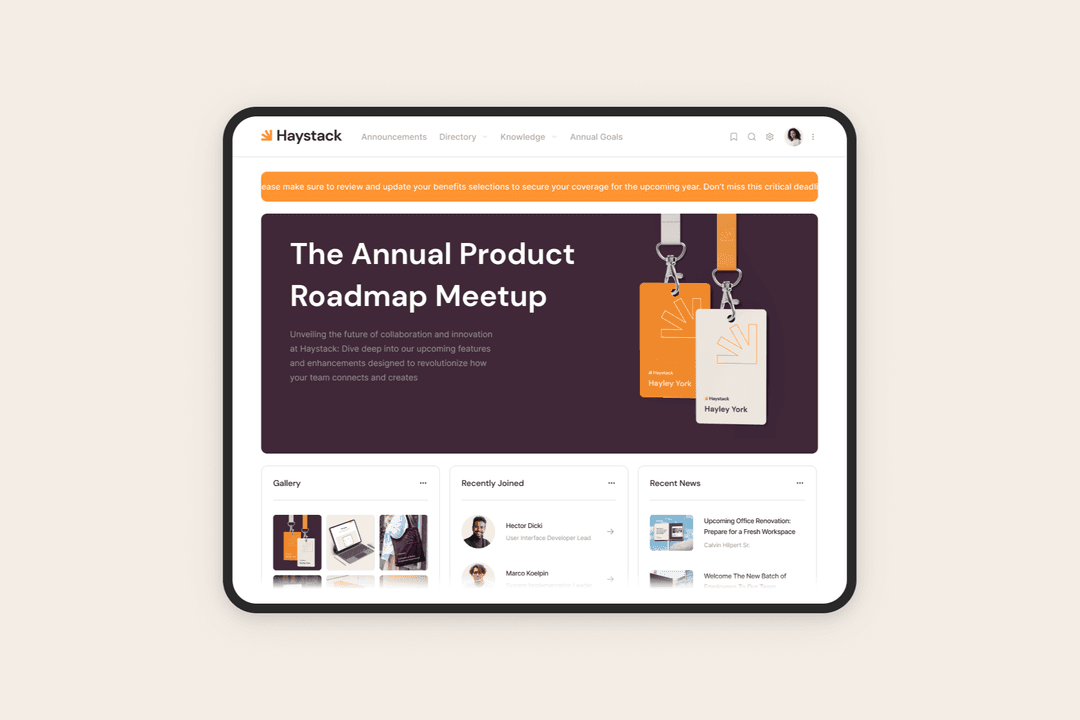
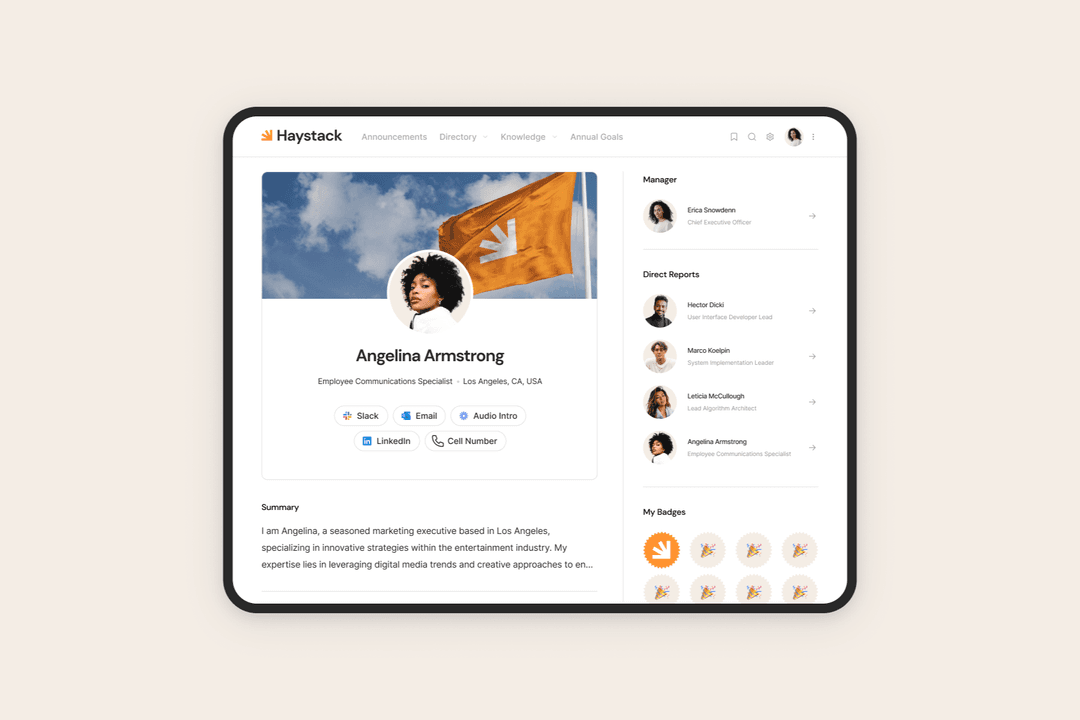
Haystack helps teams share updates, find information, and stay aligned at work.
Customer rating

4.7/5

Pricing
  • Free demo available
  • Pricing upon request

Workvivo

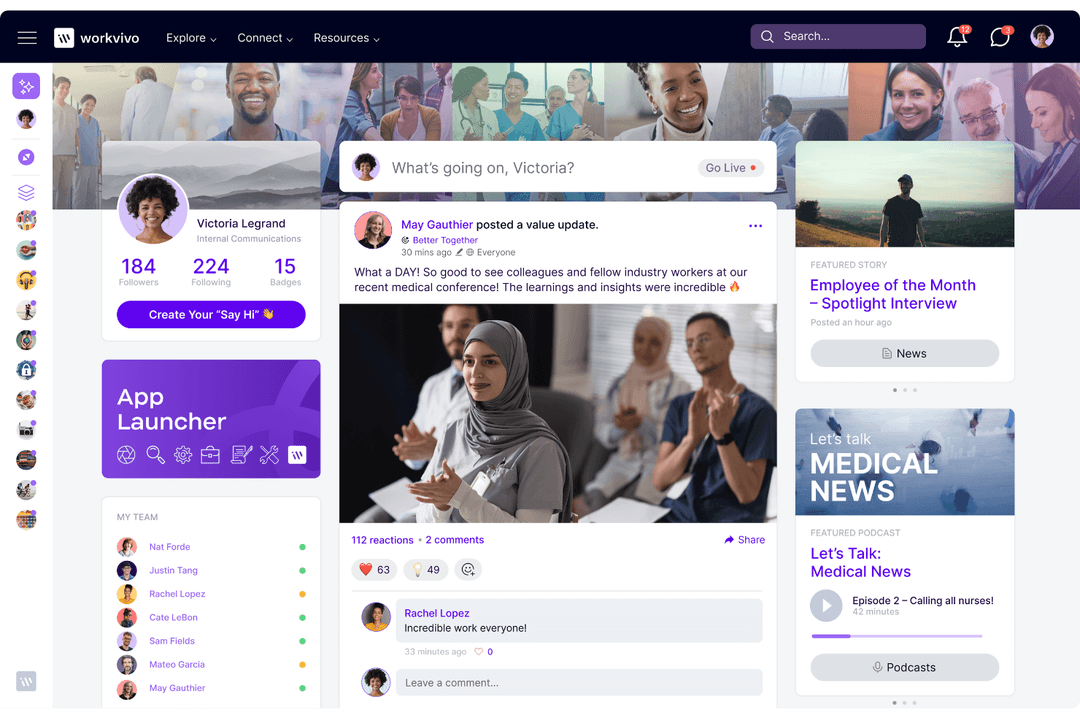
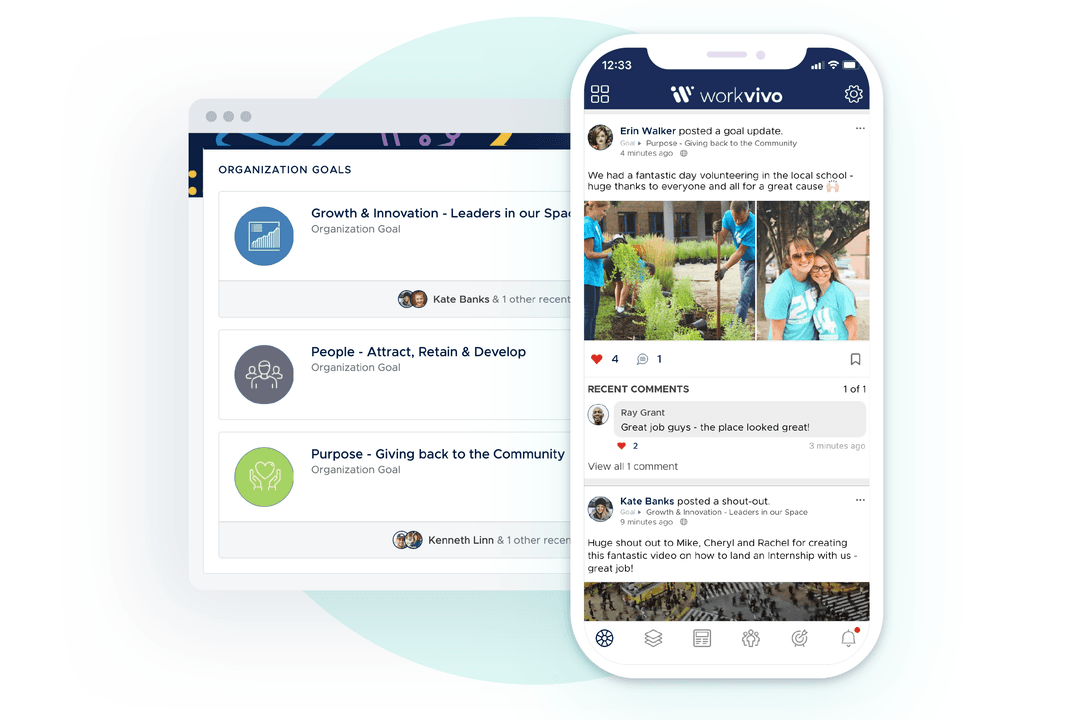
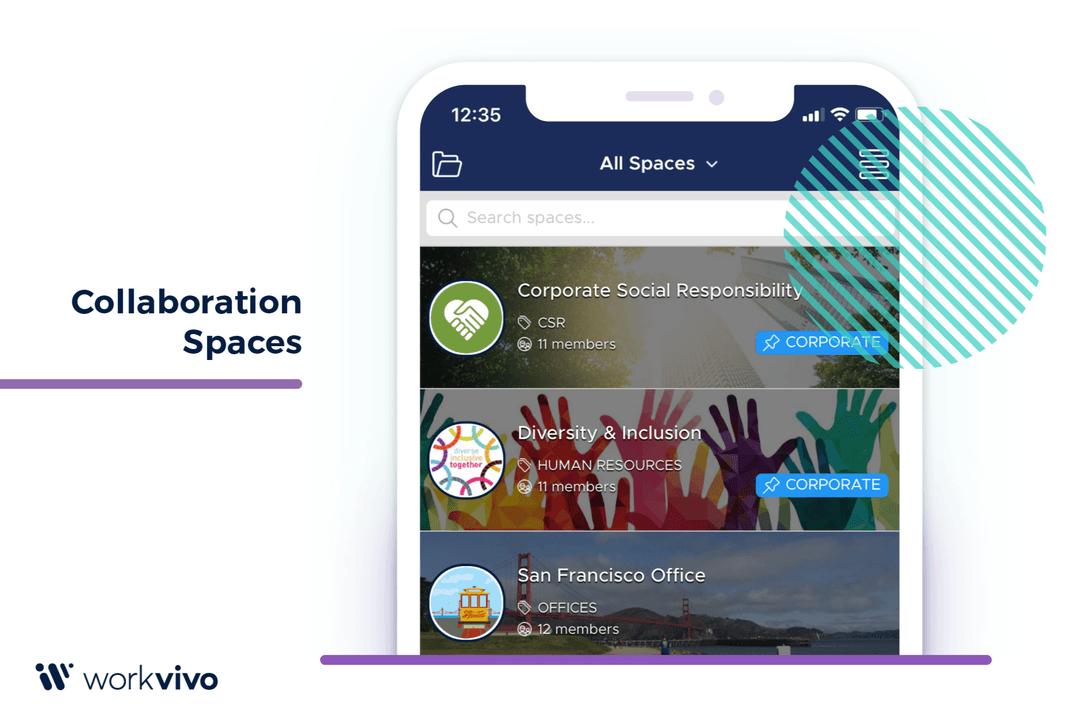
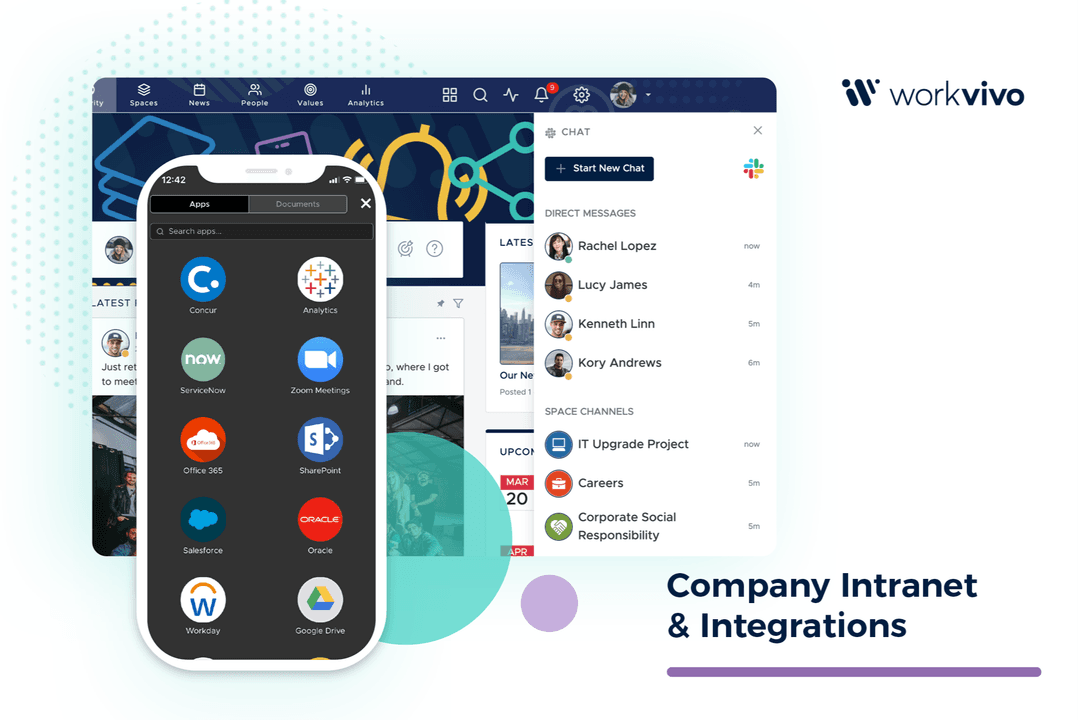
Workvivo connects teams with spaces for updates, collaboration, and community.
Customer rating

4.8/5

Pricing
  • Free demo available
  • Pricing upon request

Why Trust Our Software Recommendations

6,700+

Reviews

20

Industry experts

16+

Evaluation factors

14

Years

Our team has been testing and reviewing software since 2012. As HR experts ourselves, we know how difficult—and important—it is to choose the right software.

For this guide, we evaluated tools using hands-on testing and independent research, scoring tools using our selection criteria. We also draw on insights from industry thought leaders and practicing HR experts.

Our reviews reflect our human editorial judgment, not a sales pitch.

Expert reviewers:

HaystackWorkvivo
Free TrialFree demo availableFree demo available
PricingPricing upon requestPricing upon request

Haystack vs. Workvivo Pricing & Hidden Costs

Haystack pricing uses a custom quote model based on your team size and needs, with flat-rate plans that typically include onboarding support and ongoing assistance. Workvivo pricing offers Business and Enterprise plans with optional add-ons, and final pricing is provided upon request and can increase based on advanced features and scale. 

As an HR or EX leader, list your must-have features, estimate active users, and request full cost breakdowns upfront so you can compare real long-term costs rather than just base plans.

Haystack centers on clear internal communication, unified knowledge, people directories, and event management, making it easier for your team to share announcements, store and retrieve policies, and connect employees across roles and locations. Its mobile-first design and analytics help you monitor engagement and keep important content visible.

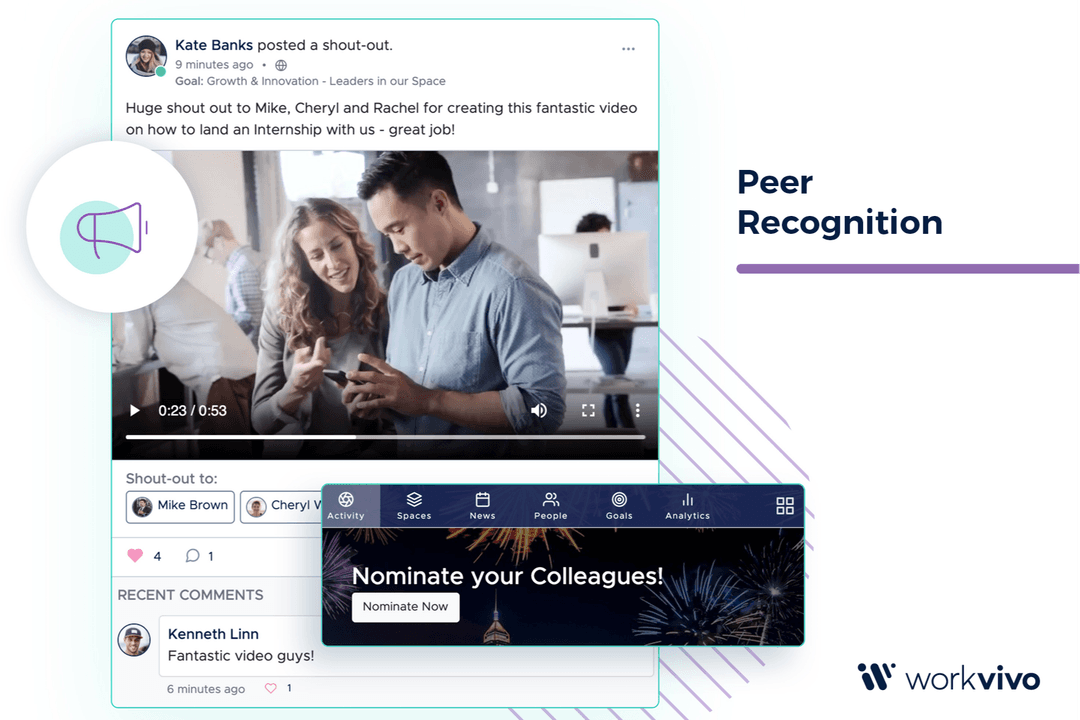
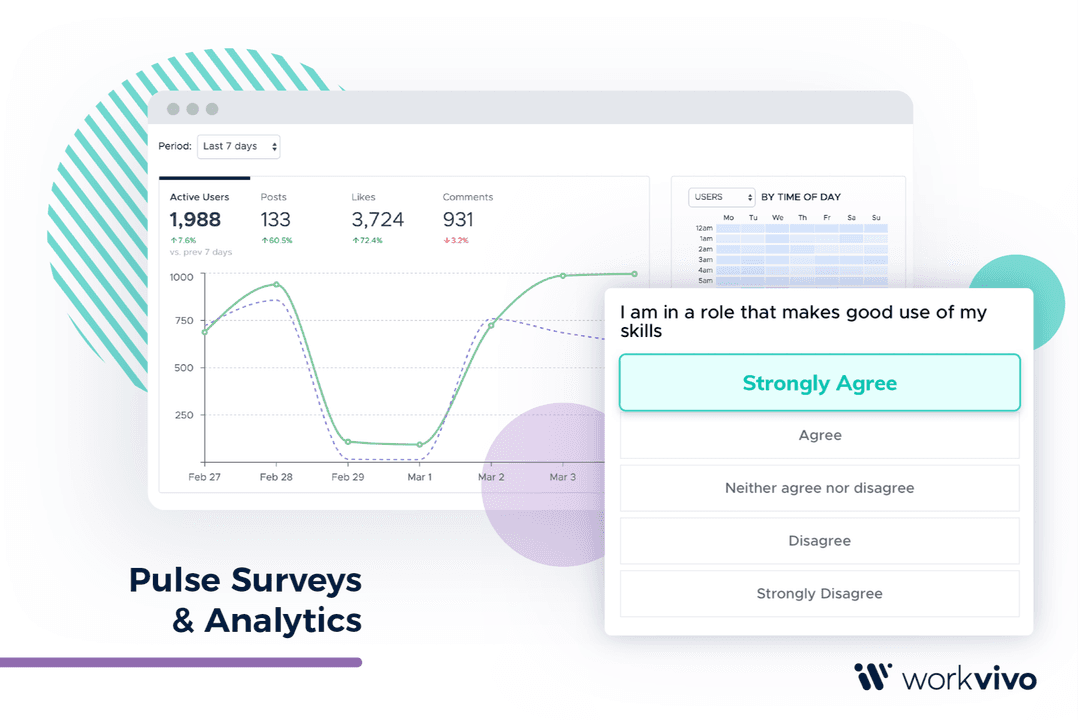
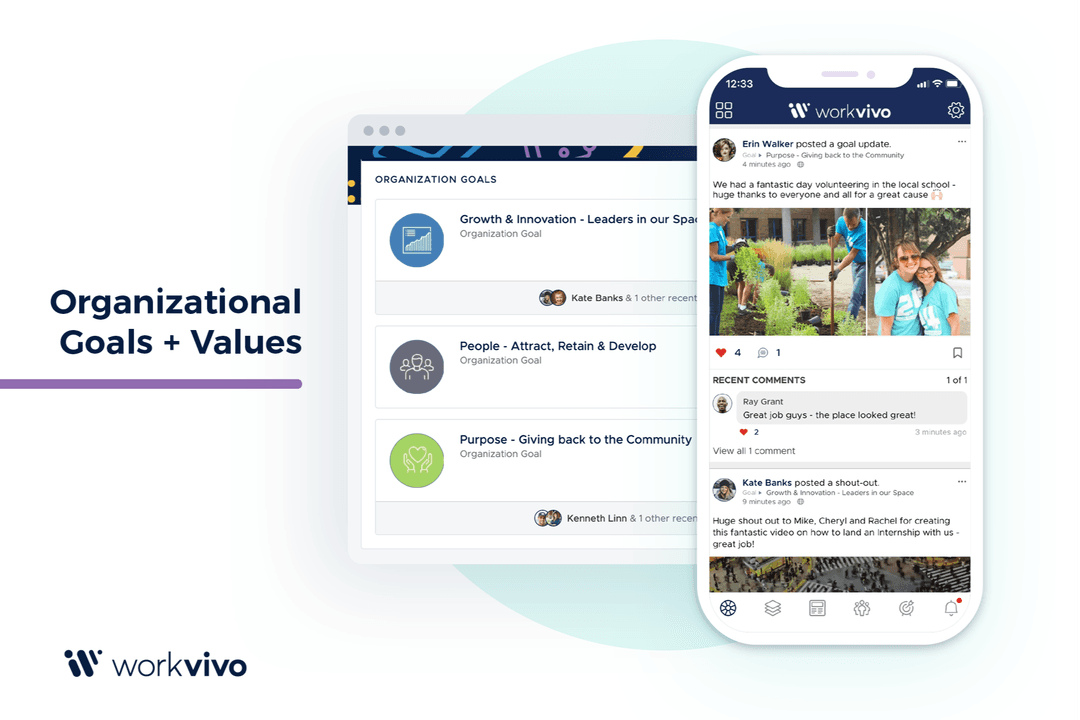
Workvivo, on the other hand, puts more emphasis on engagement and culture-building features. Its communication hub, recognition tools, community spaces, and content sharing make it easier to encourage interaction and highlight employee contributions. Engagement analytics give you visibility into how employees respond to content, while event management tools help promote internal activities. If your goal is to strengthen culture and measure participation alongside communication, Workvivo offers a more engagement-driven approach.

HaystackWorkvivo
APIYesYes
Batch Permissions & AccessYesYes
Calendar ManagementYesYes
ChatNoYes
Contact ManagementYesNo
Contact SharingYesYes
Customer ManagementNoNo
Document ComparisonNoNo
Email IntegrationNoNo
External IntegrationsYesYes
File SharingYesNo
File TransferNoYes
Google Apps IntegrationYesYes
History/Version ControlYesNo
Multi-UserYesYes
NotificationsYesYes
Project ManagementNoNo
SchedulingYesNo
Supplier ManagementNoNo

IntegrationMicrosoft TeamsHaystack✅Workvivo✅
IntegrationSlackHaystack✅Workvivo✅
IntegrationZoomHaystack✅Workvivo✅
IntegrationGoogle WorkspaceHaystack✅Workvivo✅
IntegrationConfluenceHaystack✅Workvivo✅
IntegrationDropboxHaystack✅Workvivo❌
IntegrationTrelloHaystack❌Workvivo✅
IntegrationJiraHaystack✅Workvivo✅
IntegrationSharePointHaystack✅Workvivo✅
IntegrationAPIHaystack✅Workvivo✅

Both Haystack and Workvivo support core workplace integrations that HR and EX teams rely on, including Microsoft Teams, Slack, Google Workspace, Zoom, SharePoint, and API access for custom workflows. Haystack offers a large catalog of native HR, payroll, and identity integrations, making it easier to sync employee data, automate user management, and keep profiles up to date across systems. Workvivo also provides broad integration coverage, but places stronger emphasis on deep in-app embedding, real-time cross-platform notifications, and content syncing across collaboration, document storage, and productivity tools.

FactorData EncryptionHaystackUses SHA-256 hashing to anonymize personal identifiers and protect user privacy.WorkvivoApplies enterprise-grade encryption and security controls to safeguard data across its platform.
FactorRegulatory ComplianceHaystackHaystack complies with ISO 27001, HIPAA, SOC 2 Type 1 & 2, GDPR, and CCPA standards.WorkvivoAdheres to GDPR and other global privacy regulations.
FactorAccess ControlHaystackLets you target content visibility by team, role, and department groups.WorkvivoSupports role-based access to manage visibility across content and community spaces.
FactorPlatform AvailabilityHaystackOffers web and mobile access so employees can stay connected across devices.WorkvivoRuns on enterprise-grade infrastructure built to support large, distributed workforces.

Haystack centers on compliance and access control by supporting standards like ISO 27001, SOC 2 Type 1 & 2, HIPAA, GDPR, and CCPA, using SHA-256 hashing for personal data, and limiting content visibility through role-based targeting across devices. Meanwhile, Workvivo takes a more enterprise-focused approach by applying broader platform encryption controls, supporting GDPR requirements, and running on infrastructure built to handle large, distributed workforces with higher reliability and uptime needs.

FactorUser InterfaceHaystackFeatures a clean, intuitive interface that’s easy to navigate and use.WorkvivoOffers a social media-style interface that's familiar and engaging.
FactorOnboarding ExperienceHaystackOffers guided setup resources and implementation support to help teams get started smoothly.WorkvivoOffers guided onboarding support through customer success teams for platform setup.
FactorSetupHaystackOffers a relatively simple setup process that gets teams started quickly.WorkvivoUsually involves a more structured setup process with onboarding support.
FactorNavigationHaystackMakes it easy to browse updates and resources, though search accuracy can be inconsistent.WorkvivoUses feed-based navigation and structured spaces to help employees discover content.
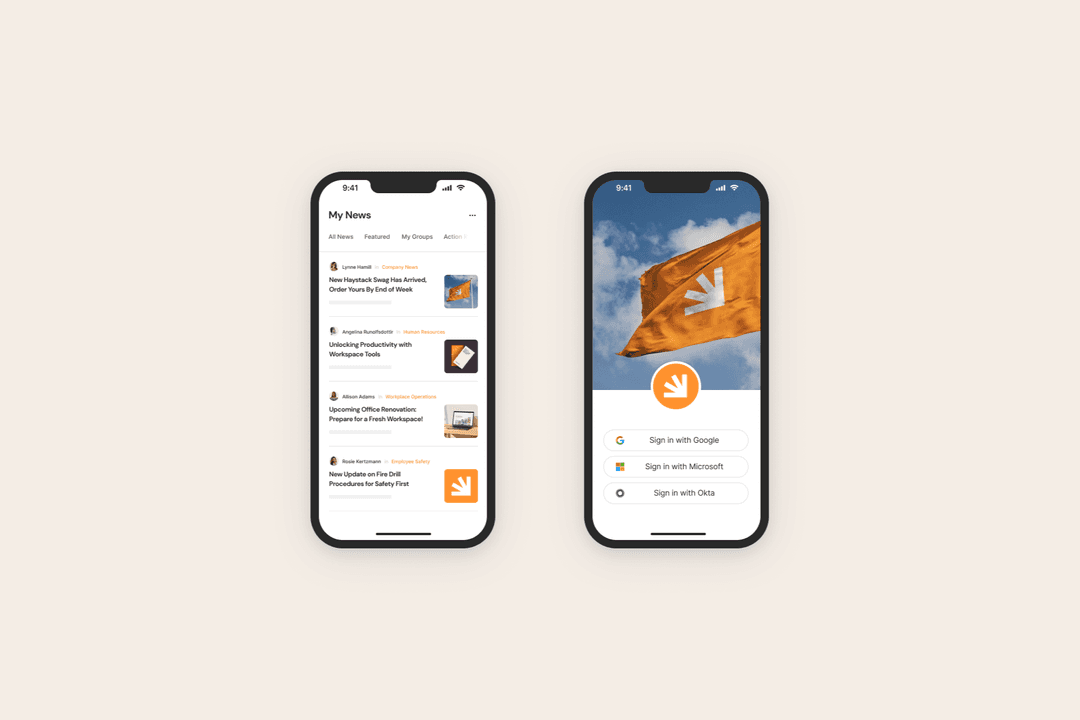
FactorMobile ExperienceHaystackPrioritizes mobile access so frontline and deskless workers can use it easily.WorkvivoOffers a polished mobile app that mirrors the desktop experience closely.

From my perspective, Haystack is easier to roll out and learn, especially if you want fast adoption with minimal training. Workvivo takes longer to set up, but once configured, it’s pretty polished and intuitive for daily engagement and content discovery.

Haystack

Pros
  • The interface is easy to learn, so employees can start using it with little to no training.
  • Navigation makes it faster to find company updates, policies, and internal resources.
  • Content sharing tools let HR and comms teams publish announcements without technical setup.
Cons
  • Magic link login issues can disrupt employee access and create extra support requests.
  • Search may return irrelevant results, which slows down document and policy lookups.
  • It offers customization, but more advanced needs may feel restricted.

Workvivo

Pros
  • Workvivo fosters a strong sense of community, making your team feel connected and engaged.
  • The intuitive user interface ensures your team can navigate and use the platform with ease.
  • Real-time feedback and recognition features boost morale and productivity within your team.
Cons
  • Some users find the customization options limited for specific organizational needs.
  • The mobile app could be more robust in terms of functionality.
  • Occasional glitches in the notifications can disrupt user experience.

Haystack

Haystack helps teams share updates, find information, and stay aligned at work.
  1. Technology CompaniesYou can keep fast-moving teams aligned by sharing product updates, internal news, and company announcements in real time.
  2. Construction OperationsHaystack helps you reach field workers via mobile access and urgent job-site alerts.
  3. Healthcare OrganizationsYou can distribute policy updates, safety notices, and shift-related announcements across departments and locations.
  4. Retail BusinessesHaystack makes it easy to send store-level updates and company announcements to frontline staff.
  5. Financial Services FirmsYou can share internal updates securely while controlling access by role or department.
  6. Multi-Location CompaniesHaystack helps organizations with multiple offices or branches keep communication consistent.

Workvivo

Workvivo connects teams with spaces for updates, collaboration, and community.
  1. Tech StartupsWorkvivo connects your dispersed team, enhancing collaboration and morale through real-time interaction tools.
  2. Healthcare TeamsYour staff will benefit from the strong community feel Workvivo promotes, crucial for high-stress environments.
  3. Remote WorkersWorkvivo’s engagement features keep your remote team connected and motivated, no matter where they are.
  4. HR DepartmentsYou’ll find Workvivo’s feedback and recognition tools invaluable for boosting employee satisfaction.
  5. Customer ServiceThe platform’s intuitive interface helps your team stay engaged and responsive to customer needs.
  6. Educational InstitutionsWorkvivo enhances communication and engagement, crucial for connecting educators and students alike.

Who Should Use Haystack, and Who Should Use Workvivo?

From my perspective, Haystack is best for teams in technology, construction, retail, healthcare, and financial services that need fast, simple internal communication across desk and frontline workers. I see it working well for organizations that want quick rollout, mobile-first access, and straightforward content sharing without heavy setup. 

Workvivo, on the other hand, fits education, customer service teams, HR-led organizations, remote teams, healthcare environments, and tech startups that want stronger culture-building and engagement tools. If your priority is everyday communication, I’d lean toward Haystack, but if you want deeper community interaction and recognition features, Workvivo is the better pick.

Analytics DepthHaystack

Offers basic engagement insights focused on content visibility and reach.

Workvivo

Provides deeper engagement analytics for tracking participation and activity.

Core FocusHaystack

Prioritizes fast internal communication and simple content sharing.

Workvivo

Emphasizes employee engagement, culture, and social interaction.

Pricing ModelHaystack

Uses custom quote pricing with flat-rate plans that include full access, onboarding help, and ongoing support.

Workvivo

Uses tiered plans with quote-based pricing and optional add-ons.

User EngagementHaystack

Includes recognition and announcements with a simpler engagement setup.

Workvivo

Offers richer recognition, feedback, and community-building features.

User-Friendly ExperienceHaystack

Uses a clean, straightforward layout focused on ease of use.

Workvivo

Uses a social feed-style interface designed to encourage interaction.

Branding

Both support branding options so companies can customize the look and feel of their intranet.

Cloud-Based

Haystack and Workvivo are cloud-based, providing easy access and scalability for your growing organization.

Communication Tools

Both provide a central feed for company updates and announcements.

Integrations

Both offer integrations with popular tools like Microsoft Teams and Slack, enhancing collaboration within your team.

Mobile Accessibility

Both offer mobile apps so deskless and remote employees can stay connected.