

TimeClock Plus Review 2026: Pros, Cons, Features, and Pricing



TimeClock Plus is an employee scheduling software built for organizations managing hourly workforces with complex scheduling, time tracking, and accrual needs. I'd look at it when your team is outgrowing simpler tools like When I Work and needs tighter control over labor compliance, pay rules, and time-off accruals—without committing to a full HCM platform.
TimeClock Plus Evaluation Summary
- Pricing upon request
- Free demo available
Why Trust Our Software Recommendations
Our team has been testing and reviewing software since 2012. As HR experts ourselves, we know how difficult—and important—it is to choose the right software.
For this guide, we evaluated tools using hands-on testing and independent research, scoring tools using our selection criteria. We also draw on insights from industry thought leaders and practicing HR experts.
Our reviews reflect our human editorial judgment, not a sales pitch.
Expert reviewers:
TimeClock Plus Overview
When I compare TimeClock Plus to others in its category, I think its customizable scheduling, compliance tools, and robust reporting stand out, especially for organizations with complex hourly needs. Pricing is transparent, and onboarding is straightforward, though smaller businesses may find the interface takes time to master.
I’d suggest it’s a smart pick for midsize teams, public sector employers, and anyone prioritizing real-time data and audit trails—though if your needs are ultra-simple or you want dozens of out-of-the-box integrations, you might find it less flexible than some alternatives.
pros
-
Offers advanced scheduling with real-time attendance monitoring.
-
Provides robust overtime and compliance management features.
-
Customizable reporting options for detailed workforce analytics.
cons
-
Mobile app can be unreliable for remote workers.
-
Interface requires multiple steps for simple schedule changes.
-
Limited template options for recurring shift patterns.
Is TimeClock Plus Right For Your Needs?
Who Would be a Good Fit for TimeClock Plus?
TimeClock Plus is a solid choice for organizations that operate in compliance-heavy sectors or manage large, hourly workforces across multiple sites. The system shines when you need integrated scheduling, attendance, strict labor law management, and accountability—all in one place. Its scalability and customization make it especially valuable for complex businesses with evolving time and attendance demands.
-
Manufacturing Plants
Compliance tracking and custom scheduling options support the mix of shifts, overtime, and union rules these environments face.
-
Public Sector Agencies
Detailed labor law features align with government requirements, and the robust audit trail helps meet public accountability standards.
-
Healthcare Networks
Supports coverage for round-the-clock shifts, multiple locations, and strict credential-based access with biometric options.
-
Restaurant Chains
Location geofencing and dynamic shift swapping are great for high-turnover, multi-site food service businesses.
-
Large Retailers
Bulk scheduling and overtime warnings help retailers manage seasonal spikes and strict break policies easily.
-
Higher Education
Manages diverse scheduling for faculty, staff, and student workers, with role-based access for department-level control.
Who Would be a Bad Fit for TimeClock Plus?
TimeClock Plus may not be the best fit for very small organizations, extremely lean teams, or environments with simple, fixed schedules where compliance isn’t a driving concern. If your needs are basic, or if your tech ecosystem relies on niche products without available integrations, you could find the platform’s complexity, cost, or setup excessive for your situation.
-
Microbusinesses
The setup and feature set are more than most businesses under 10 employees need.
-
Freelance or Solo Practitioners
No real benefit for those only tracking their own time without managing others’ schedules.
-
Creative Agencies
Few unique compliance needs and a flexible, project-based approach don’t take full advantage of labor law or biometric features.
-
Startups With Flat Teams
Flat structures and minimal hierarchy won’t use advanced role-based controls or analytics.
-
Basic Office Environments
Simple, static 9–5 schedules don’t require complex scheduling, automated compliance, or audit features.
-
Niche Tech Stacks
Organizations on highly specialized or uncommon software stacks might not find the integration options sufficient.
How We Test & Score Our Tools
We’ve spent years building, refining, and improving our software testing and scoring system. The rubric is designed to capture the nuances of software selection and what makes a tool effective, focusing on critical aspects of the decision-making process.
Below, you can see exactly how our testing and scoring works across seven criteria. It allows us to provide an unbiased evaluation of the software based on core functionality, standout features, ease of use, onboarding, customer support, integrations, customer reviews, and value for money.
Core Functionality (25% of final score)
The starting point of our evaluation is always the core functionality of the tool. Does it have the basic features and functions that a user would expect to see? Are any of those core features locked to higher-tiered pricing plans? At its core, we expect a tool to stand up against the baseline capabilities of its competitors.
Standout Features (25% of final score)
Next, we evaluate uncommon standout features that go above and beyond the core functionality typically found in tools of its kind. A high score reflects specialized or unique features that make the product faster, more efficient, or offer additional value to the user.
We also evaluate how easy it is to integrate with other tools typically found in the tech stack to expand the functionality and utility of the software. Tools offering plentiful native integrations, 3rd party connections, and API access to build custom integrations score best.
Ease of Use (10% of final score)
We consider how quick and easy it is to execute the tasks defined in the core functionality using the tool. High scoring software is well designed, intuitive to use, offers mobile apps, provides templates, and makes relatively complex tasks seem simple.
Onboarding (10% of final score)
We know how important rapid team adoption is for a new platform, so we evaluate how easy it is to learn and use a tool with minimal training. We evaluate how quickly a team member can get set up and start using the tool with no experience. High scoring solutions indicate little or no support is required.
Customer Support (10% of final score)
We review how quick and easy it is to get unstuck and find help by phone, live chat, or knowledge base. Tools and companies that provide real-time support score best, while chatbots score worst.
Customer Reviews (10% of final score)
Beyond our own testing and evaluation, we consider the net promoter score from current and past customers. We review their likelihood, given the option, to choose the tool again for the core functionality. A high scoring software reflects a high net promoter score from current or past customers.
Value for Money (10% of final score)
Lastly, in consideration of all the other criteria, we review the average price of entry level plans against the core features and consider the value of the other evaluation criteria. Software that delivers more, for less, will score higher.
Core Features
Real-Time Scheduling Dashboard
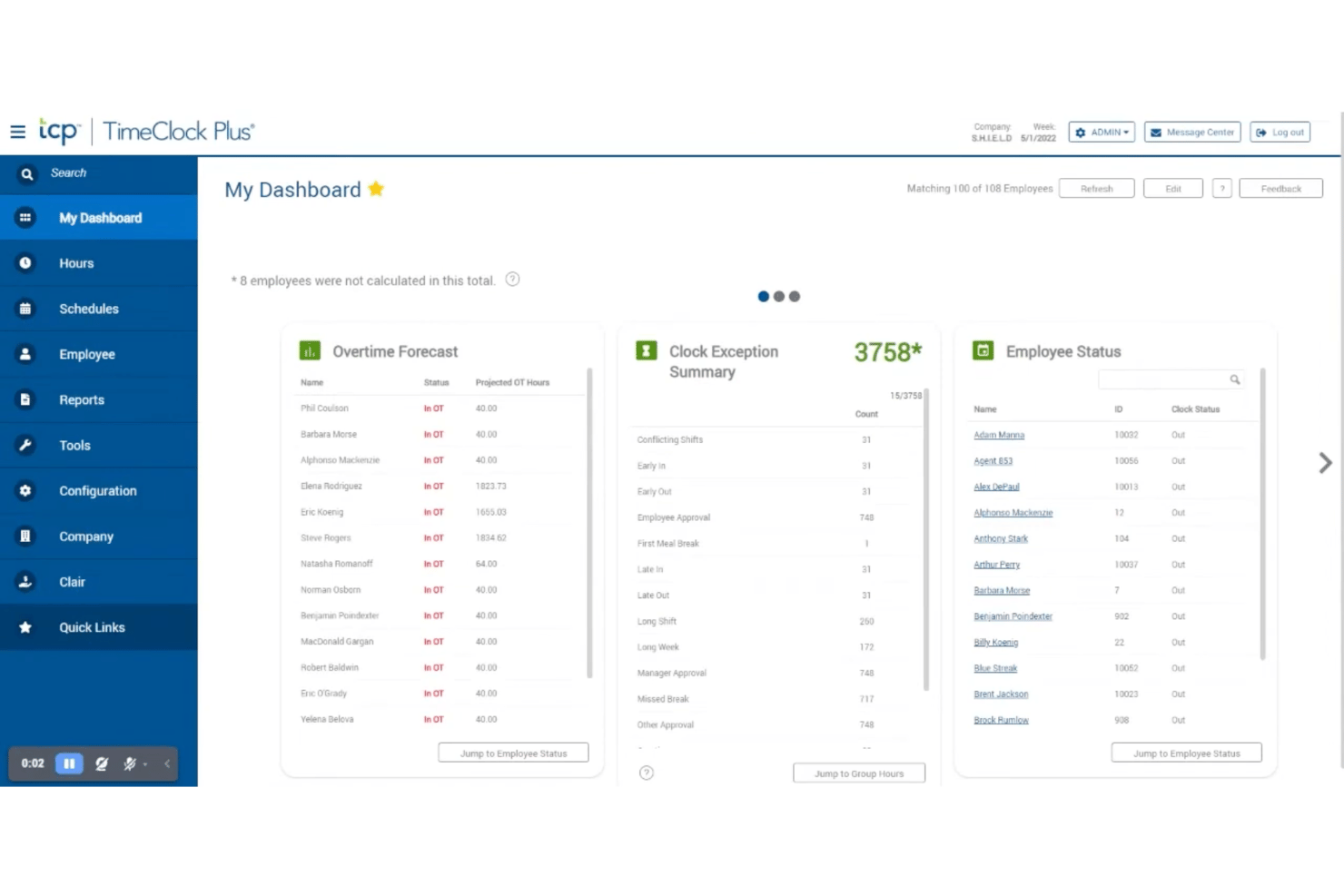
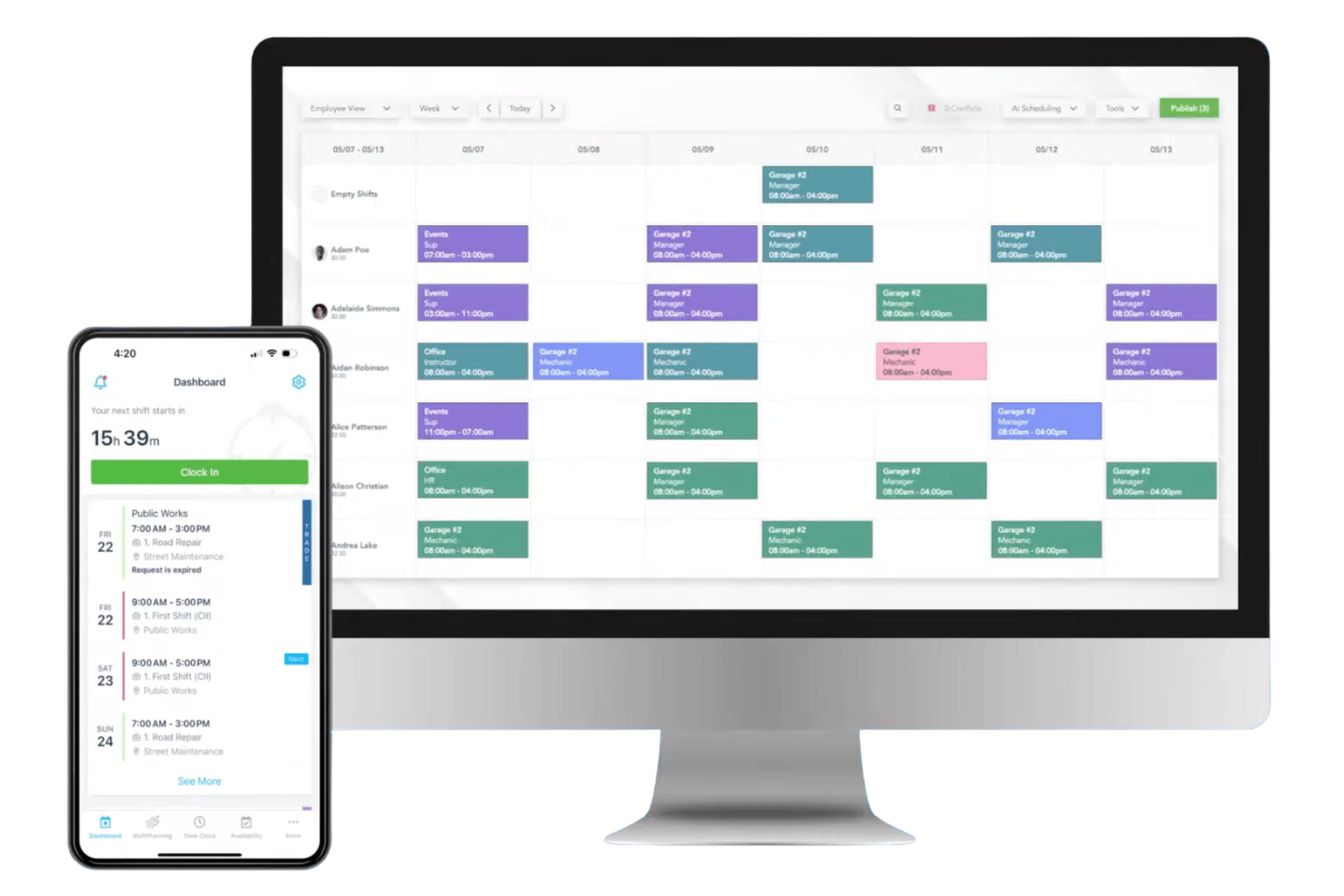
Manage shifts and employee time in one centralized calendar view. See availability, conflicts, and coverage instantly for quick decision-making.
Automated Overtime Alerts
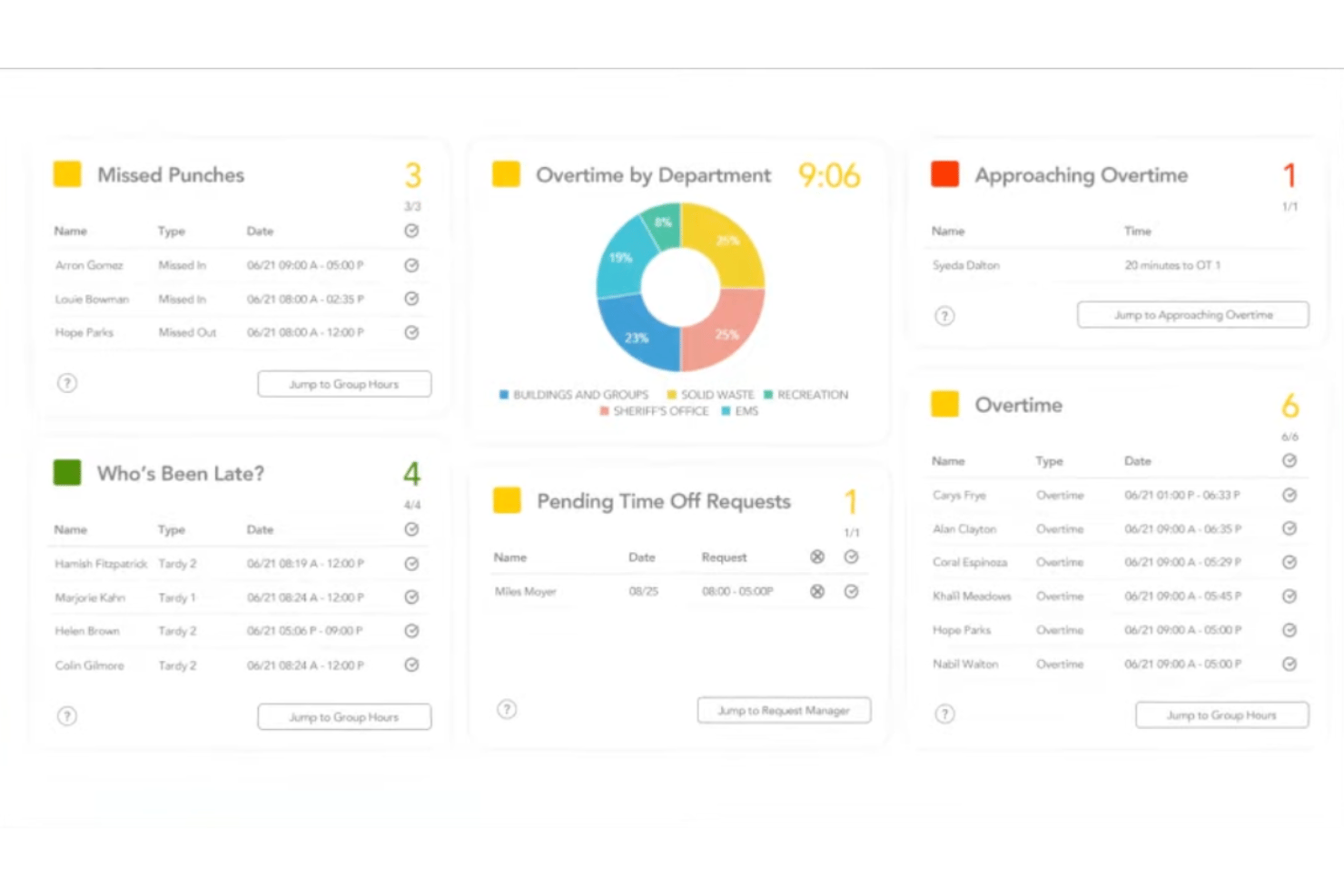
Get notified when employees approach overtime thresholds. Prevent compliance risks by flagging schedules that could lead to costly errors.
Shift Swapping and Self-Service Tools
Empower staff to swap shifts, request time off, or pick up open slots. Approvals and changes happen in real time, reducing manual intervention.
Labor Law and Break Compliance
Automatically build schedules around federal, state, or union work rules. TimeClock Plus flags non-compliant assignments before they’re published.
Custom Reporting and Analytics
Generate detailed reports on attendance, absenteeism, and labor costs. Filter by location or department to track trends and optimize schedules.
Geofencing and Location Tracking
Limit clock-ins and outs to authorized locations using geofencing. This adds an extra layer of accountability for remote or mobile teams.
Standout Features
Biometric Time Collection Devices
TimeClock Plus supports fingerprint, iris, and facial recognition clock-ins. This dramatically reduces buddy-punching and helps ensure accurate attendance records in secure environments.
Dynamic Access Control by Role
Assign scheduling access and permissions based on detailed user roles. Managers can set granular controls so only authorized staff can create, edit, or publish schedules.
Ease of Use
TimeClock Plus can feel complex at first, but I think its dashboard and scheduling tools are easy to navigate once you get familiar with them. Users praise the system’s drag-and-drop calendar and self-service options, though some mention admin screens can be clunky when making multiple changes.
Overall, it’s built for precision and control, which is great for detailed environments.
Onboarding
TimeClock Plus provides a comprehensive onboarding experience, helping you get up and running smoothly. The platform offers detailed tutorials and support resources to guide you through setup. While some users note that it can take time to fully understand all features, the available resources ensure you’re not left in the dark.
The support team is responsive, making it easier for your team to transition and start using the software effectively.
Customer Support
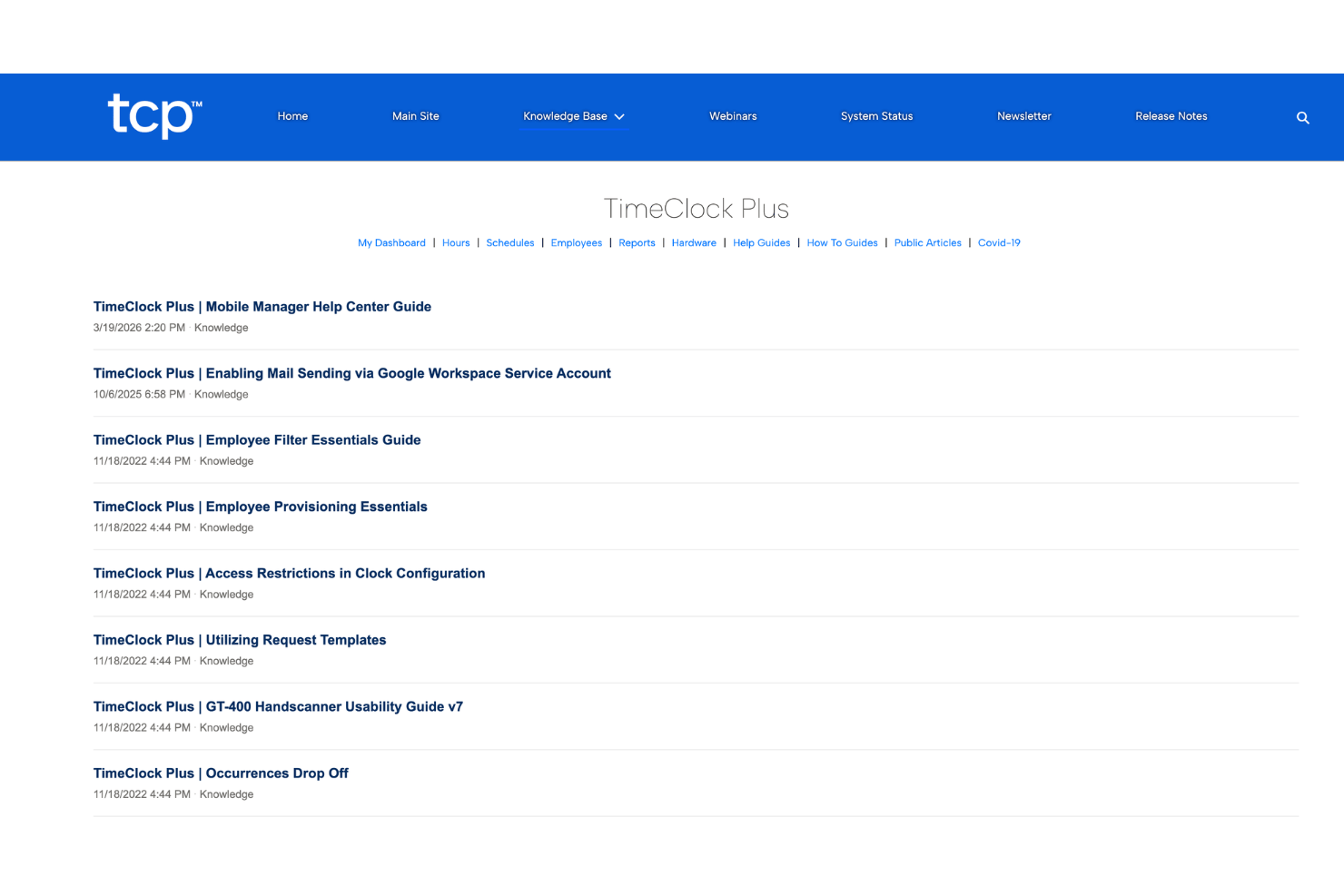
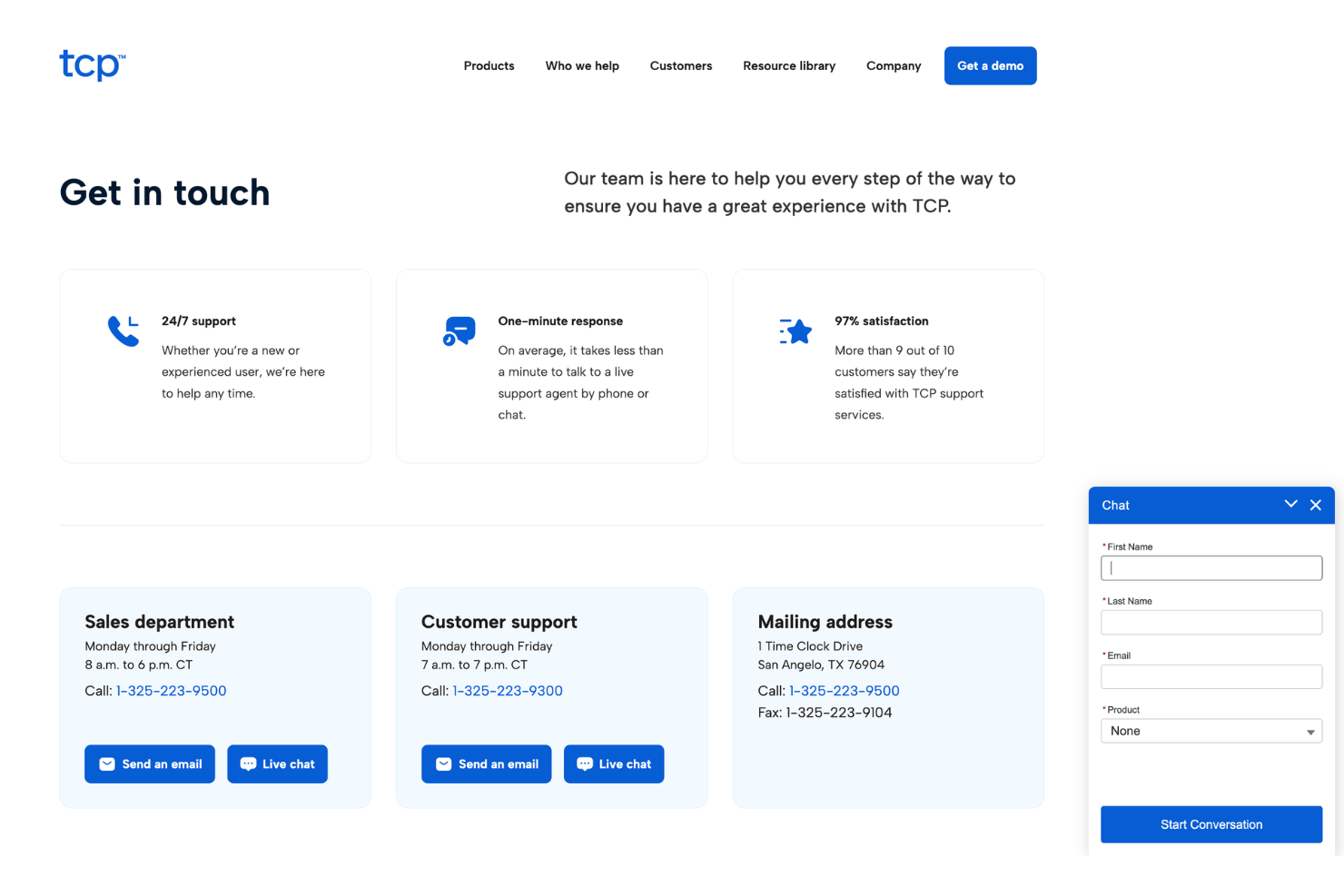
TimeClock Plus stands out for offering live phone support, online chat, and a detailed help center, which users say resolves most questions quickly. In my view, the dedicated support teams are especially helpful during rollouts and troubleshooting, though some users mention occasional longer wait times during peak periods.
Most new users value the knowledgeable staff and follow-up after complex queries.
Integrations
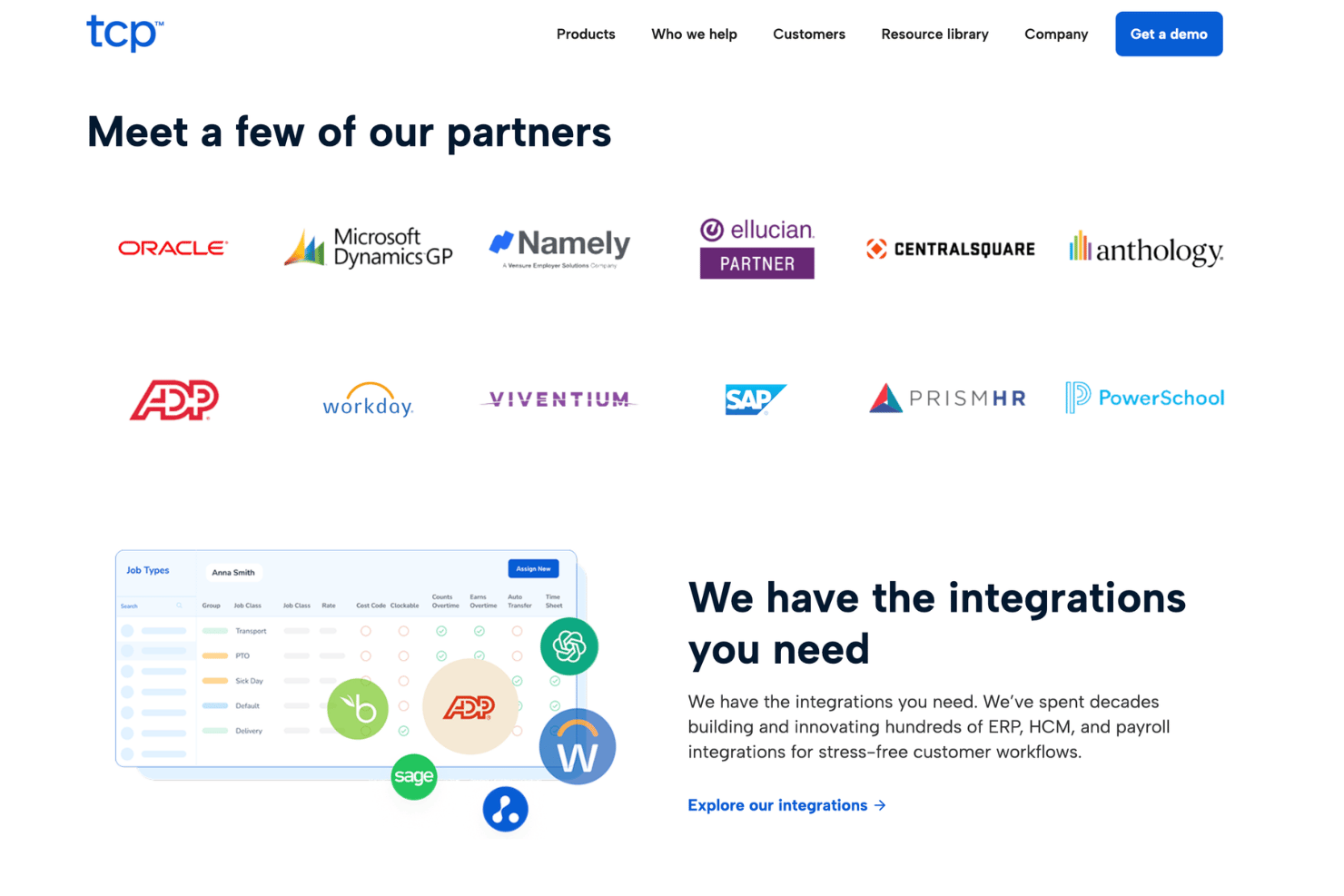
TimeClock Plus integrates with ADP, Paychex, QuickBooks, UKG, Oracle PeopleSoft, Tyler Technologies, SAP, Microsoft Dynamics, Munis, and Infor, among others.
TimeClock Plus also offers a REST API for custom integrations and connects with select third-party integration tools.
Value for Money
TimeClock Plus uses custom pricing based on company size, workforce requirements, and the modules selected for scheduling, time tracking, attendance, and compliance management.
While pricing is not publicly listed, the platform is positioned for organizations that need scalable workforce management tools with strong labor compliance, reporting, and scheduling capabilities.
TimeClock Plus Specs
- 360 Degree Feedback
- API
- Attendance Tracking
- Budgeting
- Calendar Management
- Dashboard
- Data Export
- Data Import
- Data Visualization
- Employee Database
- Employee Onboarding
- External Integrations
- Feedback Management
- Forecasting
- Multi-User
- Notifications
- Scheduling
- Time Management
- Timesheets
- Travel Management
- Vacation & Absence Calendar
TimeClock Plus FAQs
How easy is it to train managers and staff on TimeClock Plus?
Does TimeClock Plus support mobile clock-ins or remote employees?
Can TimeClock Plus help organizations stay compliant with labor laws and overtime rules?
How customizable are workflows and permissions in TimeClock Plus?
What types of reporting and analytics are available?
How does TimeClock Plus protect employee data and ensure security?
What options exist for integrating TimeClock Plus with payroll or HR systems?
How quickly can an enterprise deploy TimeClock Plus across multiple locations?
TimeClock Plus Company Overview & History
TimeClock Plus is a product of TCP Software, which is based in San Angelo, Texas. TCP Software serves thousands of organizations and schools across the U.S., supporting more than 6,900 clients with workforce management solutions. The company develops several time tracking and employee scheduling products, with a focus on compliance-driven environments and complex workplaces.
TCP Software is also known for delivering products that support secure, accurate labor management for public sector and commercial clients.
TimeClock Plus Major Milestones
- 1988: TCP Software is founded in San Angelo, Texas.
- 1989: TimeClock Plus is launched as the flagship product.
- 2019: TCP Software acquires Humanity and Aladtec to expand workforce management offerings.
- 2021: TimeClock Plus rebrands as TCP Software, expanding its product suite and client services.
- 2022: TCP Software surpasses 6,900 organizational clients, further establishing its reputation in education and public sector markets.