

Folks HR Review: Pros, Cons, Features & Pricing
Folks HR offers an all-in-one solution for streamlining HR processes. This folks hr review covers its features, benefits, and drawbacks to help you choose the right fit.

We review tools independently, and commissions help fund our testing. See our transparency policy, our methodology, or suggest a tool.
If managing employee data, onboarding, and daily HR admin is starting to slow your team down, it’s a sign you may need HR software built to handle those tasks in one place.
That’s often when people come across Folks HR and want to know if it’s actually a good fit for small and mid-sized teams. This guide covers everything you need to know so you can decide whether it meets your needs.
Folks HR Evaluation Summary
4.6/5
- Modular pricing, from $6/employee/month (module-dependent)
- Free demo available
Why Trust Our Software Recommendations
6,700+
Reviews
20
Industry experts
16+
Evaluation factors
14
Years
Our team has been testing and reviewing software since 2012. As HR experts ourselves, we know how difficult—and important—it is to choose the right software.
For this guide, we evaluated tools using hands-on testing and independent research, scoring tools using our selection criteria. We also draw on insights from industry thought leaders and practicing HR experts.
Our reviews reflect our human editorial judgment, not a sales pitch.
Expert reviewers:
- Phil GrayCOO
 Kim BehnkeHR Tech Editor & Analyst
 Josh BarkerPeople Ops Manager

Folks HR Overview
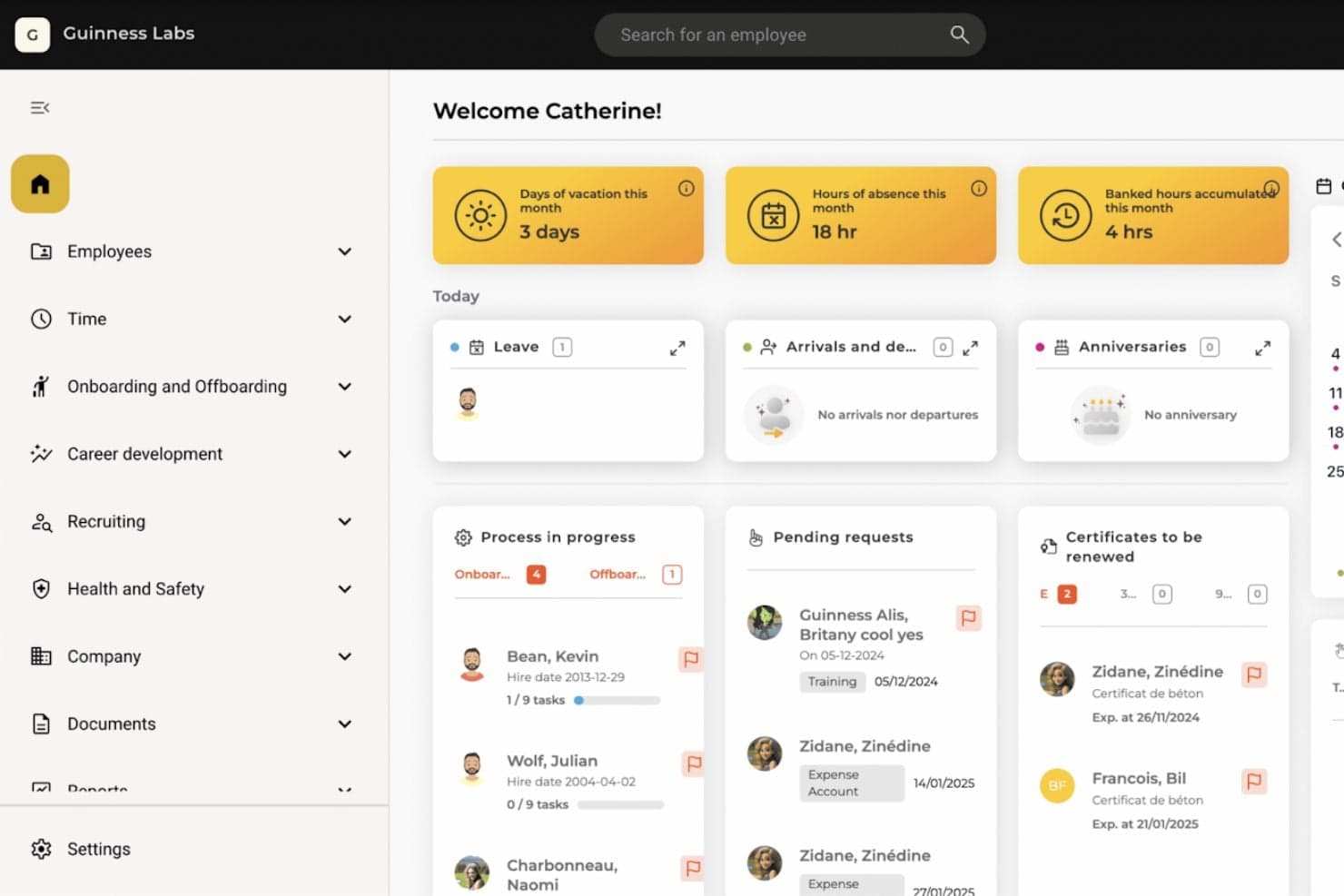
Folks HR is a cloud-based HR platform that centralizes key HR functions like employee management, hiring, performance reviews, and payroll for small and mid-sized organizations. It’s designed to simplify everyday HR work by reducing administrative tasks and giving teams intuitive tools to manage the entire employee lifecycle more efficiently.
Pros
- Simple and intuitive interface that’s easy for teams to adopt.
- Fast onboarding supported by tutorials, guided steps, and clear workflows.
- Natively bilingual (English and French), with deep roots in Quebec and strong alignment with Canadian SMB compliance.
Cons
- Not designed for enterprises that require complex or deeply customized workflows.
- Reporting and analytics may feel limited for data-heavy HR teams.
- The integration ecosystem is smaller than that of enterprise HR platforms.
Is Folks HR Right For Your Needs?
Who Would be a Good Fit for Folks HR?
Folks HR is ideal for small and mid-sized organizations that want a simple, all-in-one HR system to centralize data, automate routine tasks, and support everyday people management. Its ease of use and role-based tools make it especially valuable for teams looking to reduce paperwork and improve efficiency without dealing with complex software.
- Recruiters & Hiring TeamsHelpful for recruiters who need AI resume parsing, ATS workflows, job posting distribution, and automated interview scheduling.
- Small & Mid-Sized Businesses (SMBs)Ideal for growing SMBs that need an affordable, easy-to-use HR system to manage people data, onboarding, time-off, and performance in one place.
- Manufacturing CompaniesUseful for manufacturing teams that need organized training records, certifications, compliance tracking, and workforce visibility.
- Construction CompaniesGreat for construction firms needing tools for tracking accidents, certifications, training, and scheduling across dispersed job sites.
- Canadian CompaniesWith dedicated Canadian payroll and data stored in Canada, Folks makes it easier for Canadian companies to pay their employees compliantly.
- Professional Services FirmsWorks well for service-based organizations that need streamlined timesheets, performance tools, and centralized employee data to support billable workflows.
Who Would be a Bad Fit for Folks HR?
Folks HR is less suitable for large, complex, or global organizations that require deep customization, advanced analytics, or multi-country HR support.
- Large Enterprises with Complex HR ArchitecturesNot ideal for large organizations needing deeply configurable workflows, enterprise-grade customization, or sophisticated HR ecosystems.
- Highly Regulated, Data-Heavy IndustriesCompanies needing very advanced analytics or complex compliance reporting may outgrow Folks HR.
- Global Corporations with Multi-Country Payroll/ComplianceFolks HR is primarily for Canadian businesses and doesn’t advertise multi-country, multi-currency payroll or global compliance support.
- Enterprise Tech Firms Needing Extensive IntegrationsCompanies that rely heavily on API connections or a broad integration marketplace may find the available integrations too limited.
- Teams Needing Deeply Customized HR WorkflowsFolks HR focuses on simplicity and doesn’t highlight deeply customizable workflows with complex logic.
- Organizations That Need a Full Learning Management System (LMS)Folks HR supports training tracking, but it doesn’t offer course authoring, multimedia learning delivery, or SCORM-style features required from a true LMS.
How We Test & Score Our Tools
We’ve spent years building, refining, and improving our software testing and scoring system. The rubric is designed to capture the nuances of software selection and what makes a tool effective, focusing on critical aspects of the decision-making process.
Below, you can see exactly how our testing and scoring works across seven criteria. It allows us to provide an unbiased evaluation of the software based on core functionality, standout features, ease of use, onboarding, customer support, integrations, customer reviews, and value for money.
Core Functionality (25% of final score)
The starting point of our evaluation is always the core functionality of the tool. Does it have the basic features and functions that a user would expect to see? Are any of those core features locked to higher-tiered pricing plans? At its core, we expect a tool to stand up against the baseline capabilities of its competitors.
Standout Features (25% of final score)
Next, we evaluate uncommon standout features that go above and beyond the core functionality typically found in tools of its kind. A high score reflects specialized or unique features that make the product faster, more efficient, or offer additional value to the user.
We also evaluate how easy it is to integrate with other tools typically found in the tech stack to expand the functionality and utility of the software. Tools offering plentiful native integrations, 3rd party connections, and API access to build custom integrations score best.
Ease of Use (10% of final score)
We consider how quick and easy it is to execute the tasks defined in the core functionality using the tool. High scoring software is well designed, intuitive to use, offers mobile apps, provides templates, and makes relatively complex tasks seem simple.
Onboarding (10% of final score)
We know how important rapid team adoption is for a new platform, so we evaluate how easy it is to learn and use a tool with minimal training. We evaluate how quickly a team member can get set up and start using the tool with no experience. High scoring solutions indicate little or no support is required.
Customer Support (10% of final score)
We review how quick and easy it is to get unstuck and find help by phone, live chat, or knowledge base. Tools and companies that provide real-time support score best, while chatbots score worst.
Customer Reviews (10% of final score)
Beyond our own testing and evaluation, we consider the net promoter score from current and past customers. We review their likelihood, given the option, to choose the tool again for the core functionality. A high scoring software reflects a high net promoter score from current or past customers.
Value for Money (10% of final score)
Lastly, in consideration of all the other criteria, we review the average price of entry level plans against the core features and consider the value of the other evaluation criteria. Software that delivers more, for less, will score higher.
Core Features
Employee Profiles
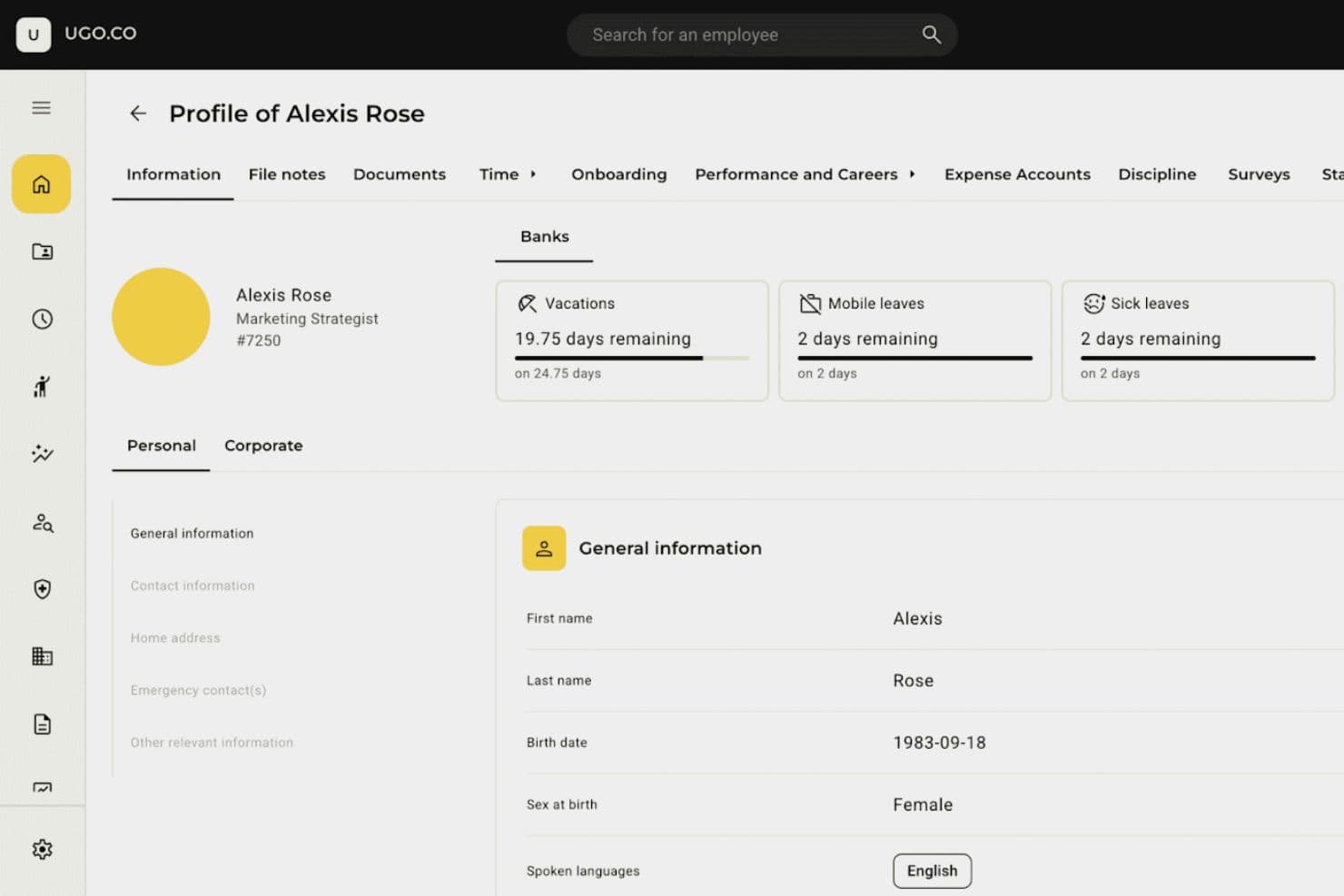
A centralized record of each employee’s personal information, job details, documents, training history, and more.
Employee Onboarding
Automated onboarding workflows with tasks, checklists, welcome steps, and document collection.
PTO & Absence Management
A simple system for requesting, approving, and tracking time off—including vacation, sick leave, and other absences.
Application Management (ATS)
A hiring dashboard where all job applicants, resumes, and hiring stages are organized in one place.
HR Analytics
Dashboards and reports showing workforce metrics like headcount, turnover, hiring funnel data, attendance trends, and more.
Payroll Software
A built-in payroll module that calculates employee pay, deductions, benefits, and Canadian tax compliance automatically.
Standout Features
AI-Powered Resume Parser & Matchmaking
Automatically reads resumes, extracts key details, and ranks candidates based on how well they match job requirements.
LinkedIn Sourcing Solution
A recruiting tool that helps teams source candidates directly from LinkedIn and bring them into the hiring pipeline.

Ease of Use
Folks HR is simple to navigate with a clean layout that makes everyday tasks easy to complete. Managing employee records, requesting time off, entering timesheets, and finding information feels straightforward, and most teams can become comfortable with the system shortly after starting.
Onboarding
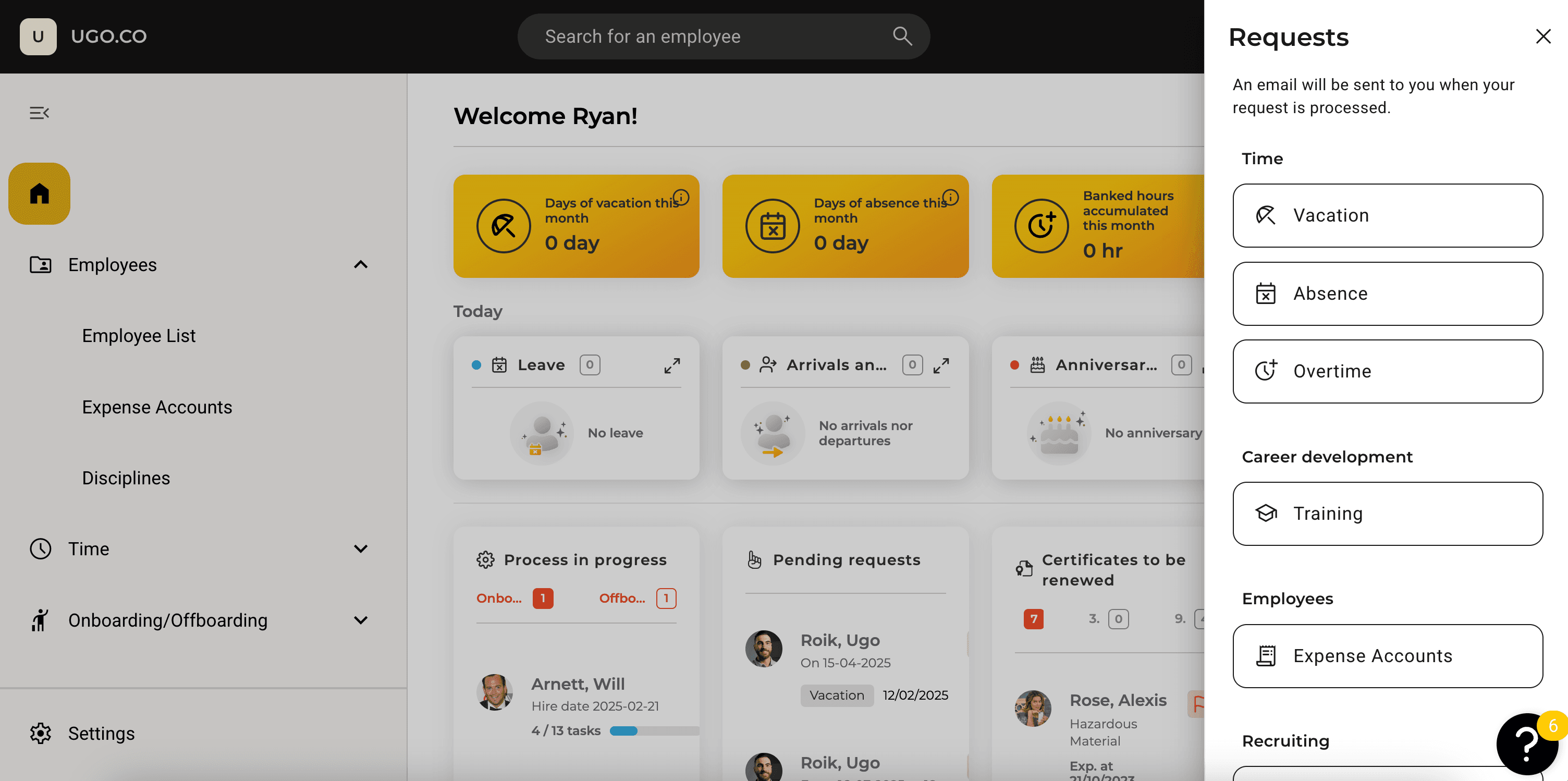
Folks HR provides a simple onboarding experience that helps teams get started without unnecessary steps. The setup process is clear and organized, with guidance that makes it easy for HR teams and managers to understand how the system works. New users can learn the essentials quickly, and the platform is designed so teams can begin using key features almost immediately after setup.
Customer Support
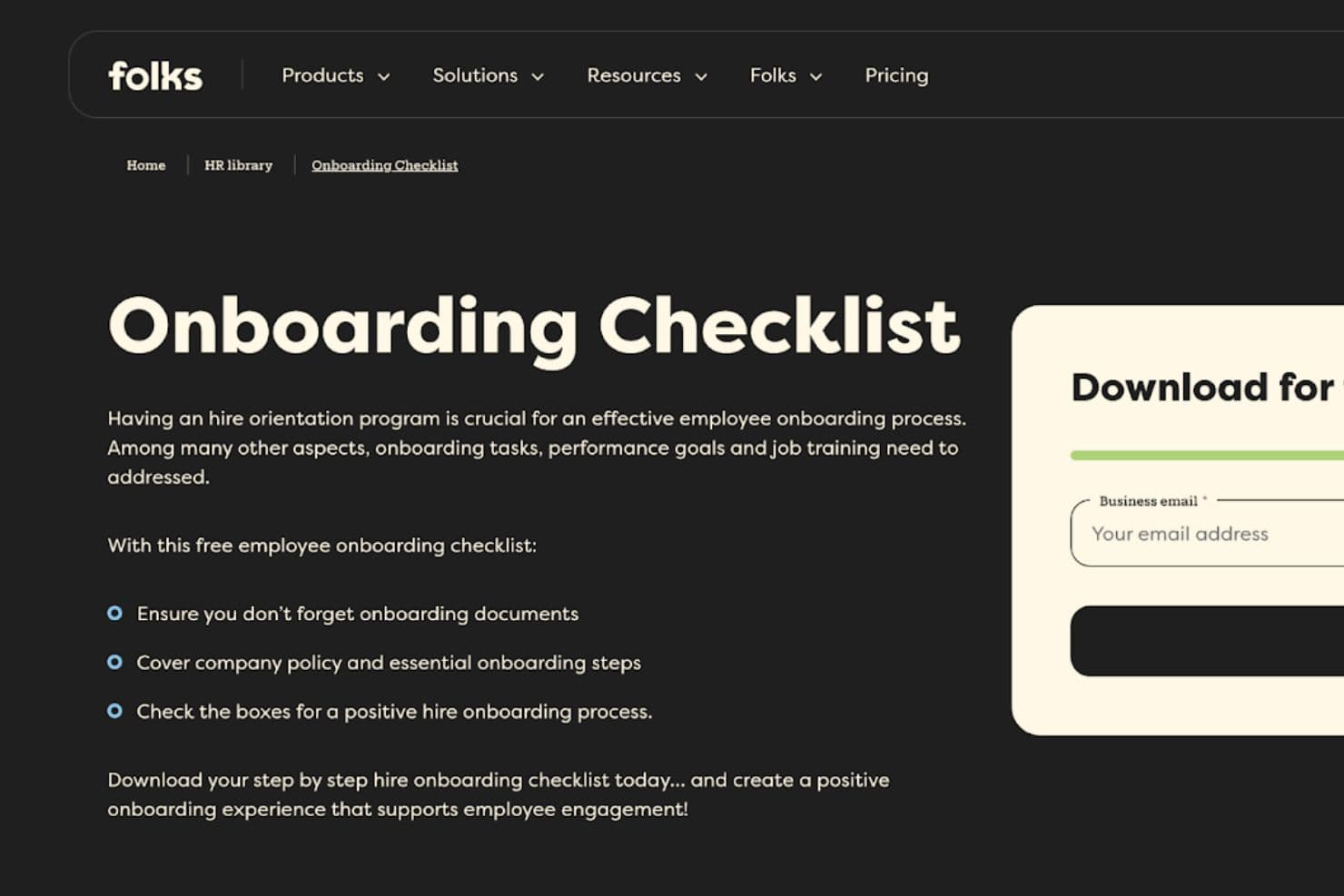
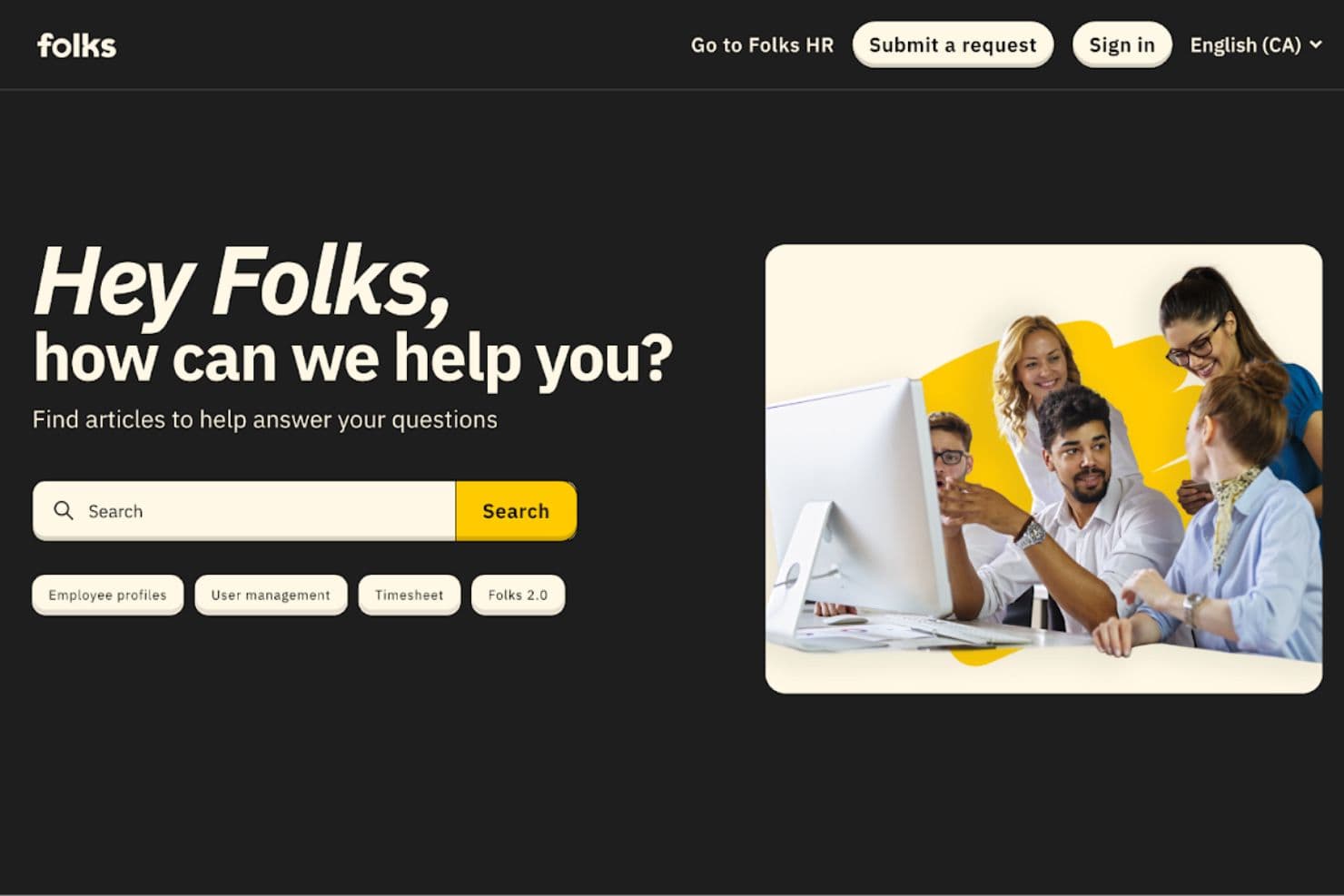
Getting assistance feels straightforward, with clear guidance available whenever questions come up. Email support and an organized help center make it simple to find answers or resolve issues quickly, whether you are setting things up or handling day-to-day tasks. Folks HR’s support structure is designed to keep teams moving without unnecessary delays, giving users the confidence that help is always within reach.
Integrations
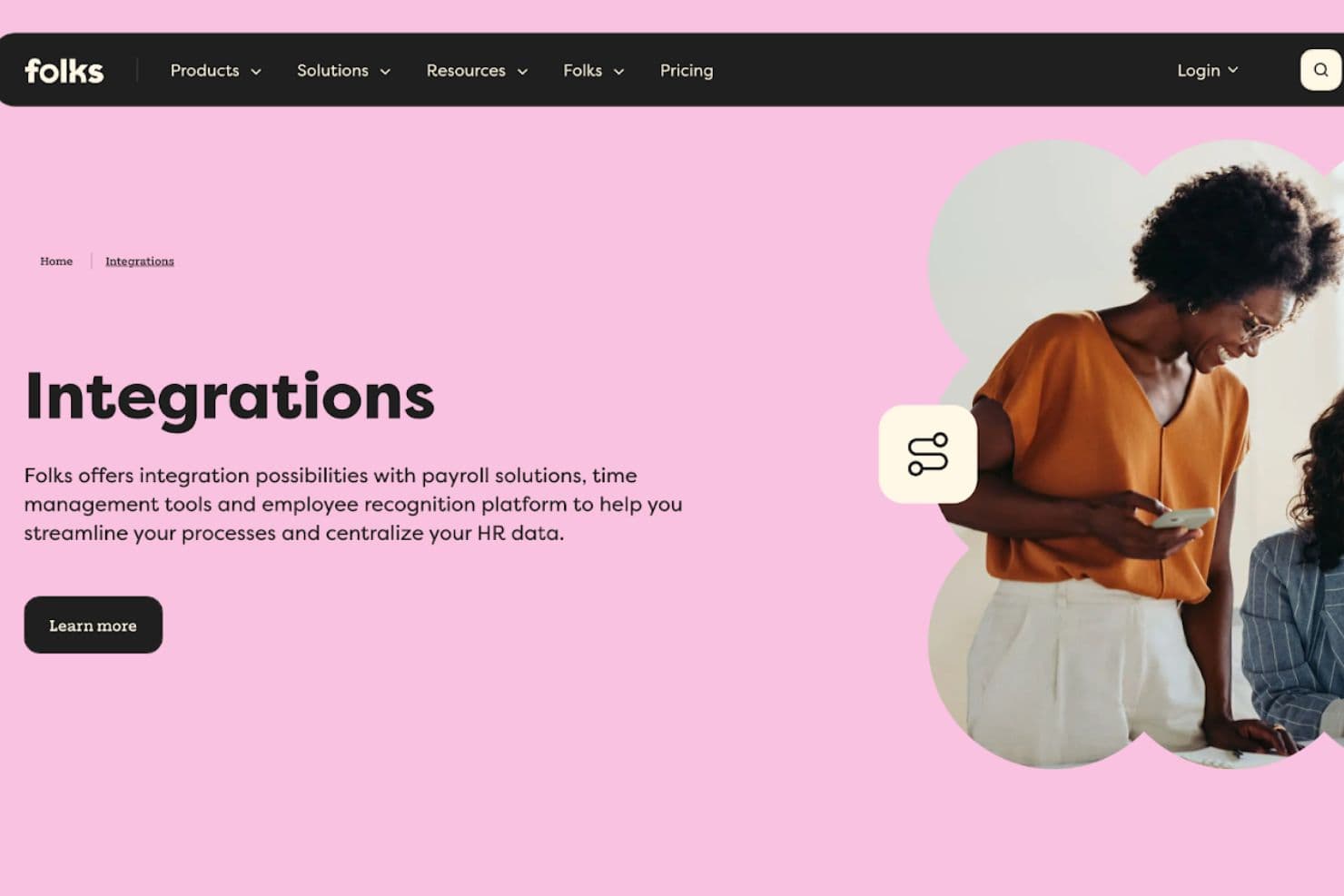
Folks HR connects with key payroll and HR tools such as QuickBooks, Xero, ADP, EmployerD, Nethris, Acomba, Deluxe, and Payworks, allowing data to move smoothly between systems. A public API is also available for teams that need custom connections or want to link software not covered by the native integrations.
Value for Money
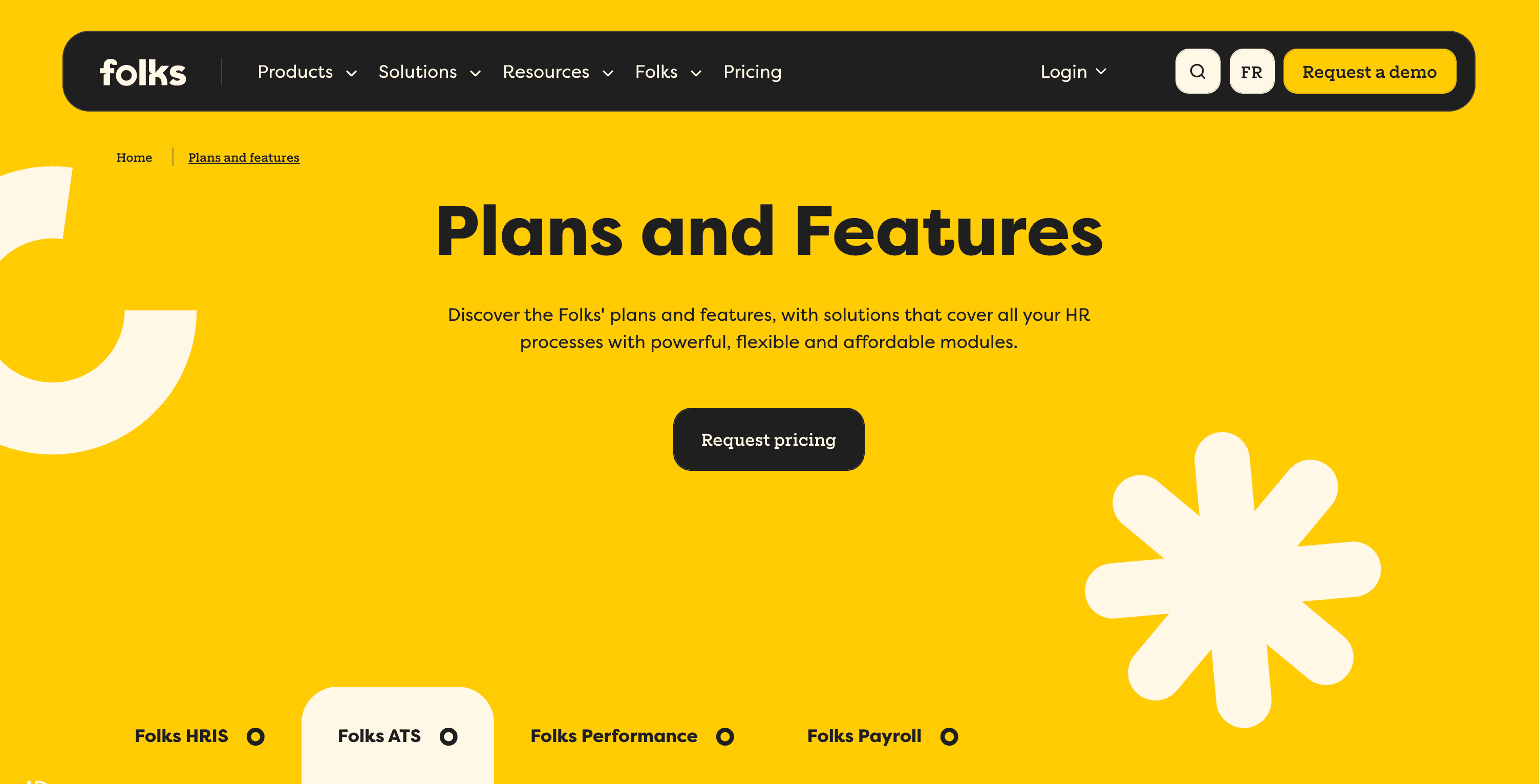
Folks HR does not offer fixed plan tiers. Instead, it provides custom quotes based on the specific modules a company selects, such as HRIS, ATS, or payroll. The starting prices per product include the following:
- HRIS: Starting at $6 per employee per month
- ATS: Starting at $99 per month
- Payroll: Starting at $3 per employee per pay cycle
This à-la-carte approach helps small and mid-sized organizations stay cost-efficient by paying only for the features they actually need, while still benefiting from clear baseline pricing.
Folks HR Specs
- 2-Factor Authentication: Yes
- API: Yes
- Application Tracking: Yes
- Attendance Tracking: No
- Batch Permissions & Access: Yes
- Compliance Tracking: No
- Dashboard: Yes
- Data Export: Yes
- Data Import: No
- Data Visualization: No
- Employee Database: Yes
- Employee Engagement: Yes
- Employee Incentive Management: No
- Employee Onboarding: Yes
- Employee Training: Yes
- Expense Tracking: Yes
- External Integrations: Yes
- Feedback Management: No
- Multi-User: Yes
- Notifications: Yes
- Payroll: Yes
- Scheduling: Yes
- Self-service Portal: Yes
- Timesheets: Yes
- Travel Management: No
- Vacation & Absence Calendar: Yes
Folks HR FAQs
Folks HR Company Overview & History
Folks HR is an HR software company based in Québec City that provides HRIS, ATS, performance management, and payroll solutions for small and medium-sized organizations across Canada. Founded in 2009 under the name Manage With Success, the company later rebranded to Allié RH in 2016 before adopting the name Folks in 2020.
Timeline of Key Milestones
- 2009: Founded as Manage With Success.
- 2016: Rebranded to Allié RH.
- 2020: Rebranded to Folks.
- February 2024: Raised $4.5 million in funding to enhance its HR solutions.
- September 2024: Acquired Glow Talents, expanding its HR technology ecosystem.