


Avis sur Worksuite : avantages, inconvénients, fonctionnalités et détails des tarifs



Managing a growing freelance workforce gets complicated fast when onboarding, payments, contracts, and compliance span multiple countries. The right platform should bring those moving parts together without forcing your team to rely on a patchwork of general-purpose tools.
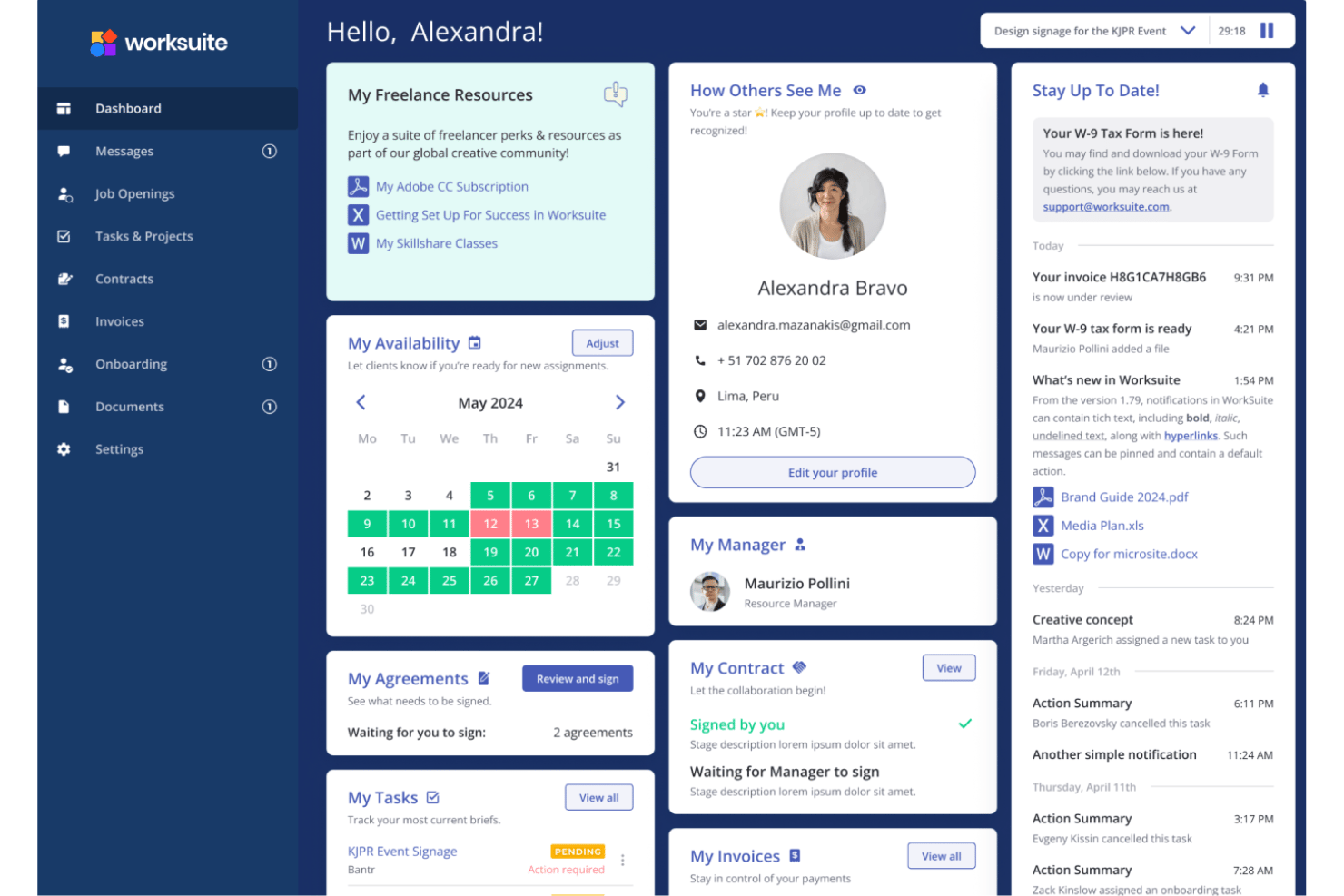
Worksuite is a freelancer management system for teams that need to onboard, pay, and stay compliant with a large external workforce across multiple countries. It runs on the contractors you already work with rather than a marketplace you have to source from. I’d mainly consider it if you want a dedicated freelancer operations platform that handles vendor vetting, contracts, and tax compliance more thoroughly than a generalist tool, while offering more freelancer-specific workflows than a typical project-based system.
Worksuite Evaluation Summary
- Pricing upon request
- Free demo available
Pourquoi faire confiance à nos avis sur les logiciels
Notre équipe teste et évalue des logiciels depuis 2012. En tant qu’experts RH nous-mêmes, nous savons à quel point il est difficile — et important — de choisir le bon logiciel.
Pour ce guide, nous avons évalué les outils grâce à des tests pratiques et une recherche indépendante, en notant les outils selon nos critères de sélection. Nous nous appuyons également sur les enseignements de leaders d’opinion du secteur et de professionnels des RH en activité.
Nos avis reflètent notre jugement éditorial humain, et non un argumentaire de vente.
Réviseurs experts:
Worksuite Overview
If you’re judging freelancer and contractor management software based on compliance features, vendor vetting, and ongoing onboarding support, I think Worksuite edges out most of the competition. Its dedicated workflows, worker classification, and contract tools make it ideal for companies with global freelance teams, and classification cover is included rather than sold as an extra. The interface feels streamlined, and each new customer gets a solutions architect who designs the setup with them. Pricing is competitive, but integrations are fewer than some larger platforms. If you’re selecting a tool for agencies, media, or teams running complex, long-term freelance operations, Worksuite is a strong pick.
pros
-
Worker classification and compliance cover, with indemnification included as standard
-
Contract templates, tax documentation, and agent or employer of record in one system
-
Guided implementation with a named solutions architect, not a self-serve setup
cons
-
Mobile view is less complete than the desktop experience
-
Standard reporting handles the basics, so deeper analysis needs custom reports
-
Permission sets and roles take work to configure across a mixed team
Is Worksuite Right For Your Needs?
Who Would be a Good Fit for Worksuite?
Worksuite is well suited for companies managing a large, global contingent workforce or freelancers who need onboarding, compliance, and integrated payment workflows all in one place. It suits multi-brand and multi-entity businesses especially well. Organizations that prioritize vendor vetting, contract management, and flexible integrations with payroll, HR, CRM, and ERP systems will get the most value. Worksuite’s guided onboarding and custom workflow automation suit HR teams and operations in industries where compliance and fast onboarding are top priorities.
-
Global Agencies
Worksuite centralizes compliance, payment, and contracts for agencies managing freelancers across multiple countries and currencies.
-
Large Enterprises
Large organizations get custom contract terms, API access, dedicated support, and bespoke integrations, along with approval chains built around holding company and multi-entity structures that generic tools struggle with.
-
HR Departments
HR teams benefit from custom onboarding workflows, vendor vetting, and integrations with solutions like BambooHR and Workday.
-
Creative Studios
Studios with frequent project-based hiring can set up fast onboarding, approvals, and pay workflows for rotating creative talent.
-
Finance Teams
Integration with accounting tools like QuickBooks and Xero streamlines payment management and compliance tracking for freelance spend.
-
Media And Publishing Teams
Publishers, broadcasters, and streaming teams running big rosters of writers, producers, and crew can track spend across brands and keep paperwork in one portal.
Who Would be a Bad Fit for Worksuite?
Worksuite may not be the best choice for organizations with only a handful of contingent workers, industries with limited contractor use, or teams that only need basic freelancer payments without advanced compliance processes. It solves problems that appear at scale, so a small or occasional freelance program means paying for capability you won’t use. Teams that want highly customizable reporting or only need payments, not onboarding or compliance, may feel constrained.
-
Small Nonprofits
The advanced compliance and automation features are likely unnecessary and the cost too high for nonprofits with a handful of contractors.
-
Boutique Consultancies
Firms with few freelancers don’t need Worksuite’s workflow and onboarding tools, making lighter platforms a better fit.
-
Simple Payroll Needs
If a business only needs to pay freelancers without compliance or onboarding, Worksuite’s feature set is too complex.
-
Local Businesses
Companies hiring only within one country for occasional gigs don’t benefit from global onboarding and compliance automation.
-
Procurement Departments
Procurement teams needing deep, procurement-focused workflows and advanced reporting will find Worksuite’s reporting inflexible.
-
Construction Firms
Industries where freelancer use is low or compliance processes are handled outside software won’t see enough value in Worksuite’s approach.
Comment nous testons et évaluons nos outils
Nous avons passé des années à construire, affiner et améliorer notre système de test et d’évaluation des logiciels. La grille d’évaluation est conçue pour saisir les nuances de la sélection des logiciels et ce qui rend un outil efficace, en se concentrant sur les aspects critiques du processus décisionnel. Ci-dessous, vous pouvez voir exactement comment fonctionne notre test et notre système d’évaluation à travers sept critères. Cela nous permet de fournir une évaluation impartiale des logiciels basée sur les fonctionnalités principales, les caractéristiques remarquables, la facilité d’utilisation, l’intégration, le support client, les intégrations, les avis clients et le rapport qualité-prix.
Fonctionnalités principales (25 % de la note finale)
Le point de départ de notre évaluation est toujours la fonctionnalité principale de l’outil. Dispose-t-il des fonctionnalités de base qu’un utilisateur s’attend à voir ? Certaines de ces fonctionnalités principales sont-elles réservées à des forfaits plus élevés ? En substance, nous nous attendons à ce qu’un outil soit à la hauteur des capacités de base de ses concurrents.
Fonctionnalités remarquables (25 % de la note finale)
Ensuite, nous évaluons les fonctionnalités remarquables, peu courantes, qui vont au-delà de la fonction principale habituellement présente dans les outils de ce type. Un score élevé reflète des fonctionnalités spéciales ou uniques qui rendent le produit plus rapide, plus efficace, ou offrent une valeur ajoutée à l’utilisateur. Nous évaluons également la facilité d’intégration avec d’autres outils généralement présents dans la pile technologique pour étendre la fonctionnalité et l’utilité du logiciel. Les outils qui proposent de nombreuses intégrations natives, des connexions tierces et un accès API pour développer des intégrations personnalisées obtiennent les meilleurs résultats.
Facilité d’utilisation (10 % de la note finale)
Nous prenons en compte la rapidité et la simplicité d’exécution des tâches définies par la fonctionnalité principale à l’aide de l’outil. Un logiciel bien noté est bien conçu, intuitif à utiliser, offre des applications mobiles, propose des modèles, et permet de simplifier des tâches relativement complexes.
Mise en route (10 % de la note finale)
Nous savons à quel point une adoption rapide par l’équipe est cruciale pour une nouvelle plateforme, c’est pourquoi nous évaluons la facilité d’apprentissage et d’utilisation d’un outil avec un minimum de formation. Nous évaluons la rapidité avec laquelle un membre de l’équipe peut s’installer et commencer à utiliser l’outil sans expérience préalable. Les solutions bien notées impliquent qu’aucune ou très peu d’assistance soit requise.
Support client (10 % de la note finale)
Nous examinons la rapidité et la simplicité d’obtention d’aide par téléphone, chat en direct ou base de connaissances. Les outils et sociétés qui proposent une assistance en temps réel obtiennent les meilleurs scores, tandis que les chatbots sont moins bien notés.
Avis clients (10 % de la note finale)
En plus de nos propres tests et évaluations, nous prenons en compte le score net de recommandation (NPS) des clients actuels et passés. Nous évaluons leur propension, s’ils en avaient l’option, à choisir à nouveau l’outil pour la fonctionnalité principale. Un logiciel obtenant un score élevé reflète un NPS élevé de clients actuels ou passés.
Rapport qualité-prix (10 % de la note finale)
Enfin, en tenant compte de tous les autres critères, nous comparons le prix moyen des forfaits d’entrée de gamme aux principales fonctionnalités et considérons la valeur des autres critères d’évaluation. Un logiciel qui en offre plus, pour moins, sera mieux noté.
Core Features
Freelancer Onboarding Workflows
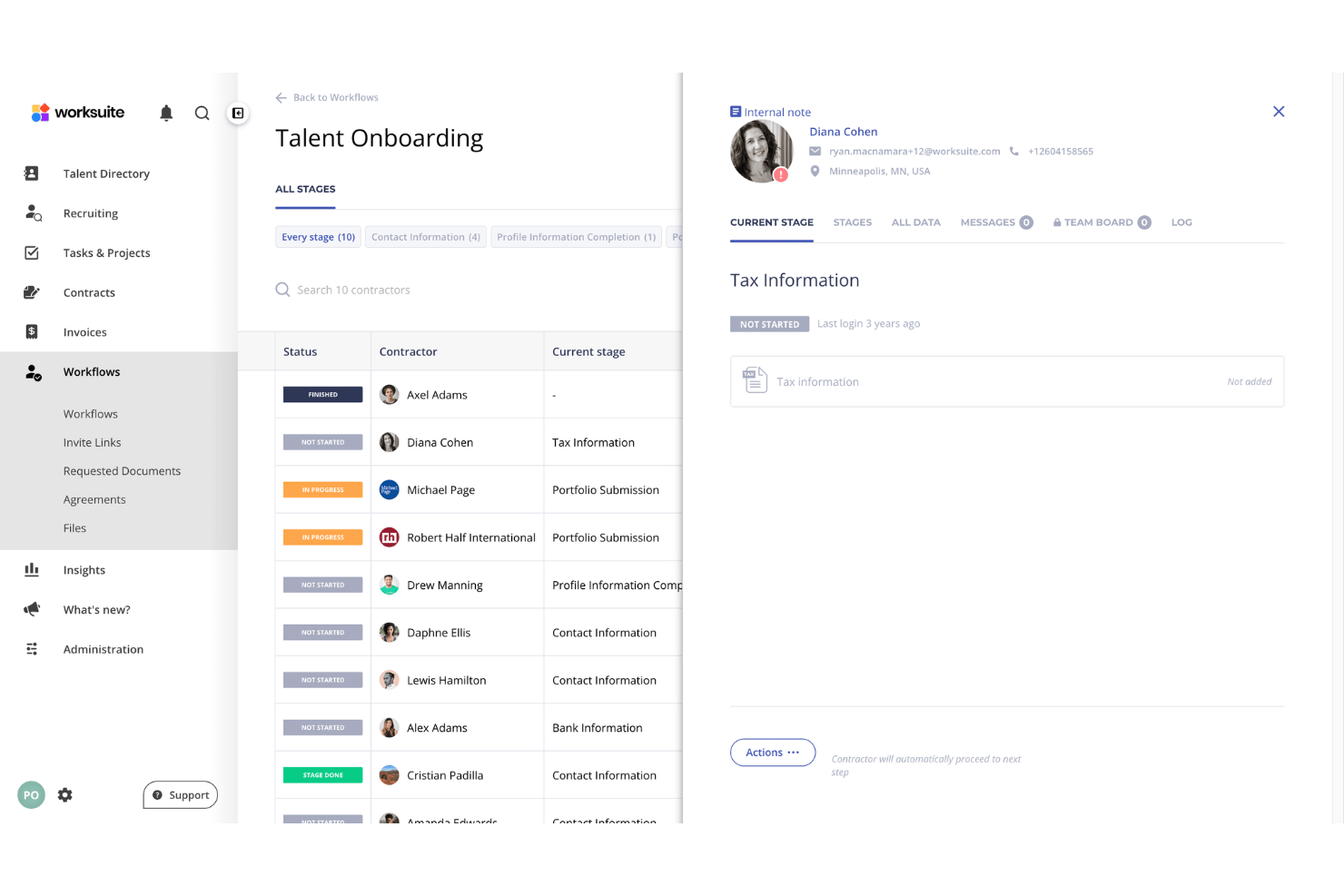
Create and customize onboarding processes to meet your team’s policies and local regulations. Worksuite guides freelancers through document uploads, contract signing, and compliance tasks, so nothing falls through the cracks. After setup, new contractors go from invite to active in minutes.
Compliance, Classification, and Tax Documentation
Centralize collection and management of freelancer tax forms and regulatory documents. The platform automatically requests, tracks, and renews key documents like W-9s and VAT certificates, and worker status is judged against the labor rules where the work is done.
Contract Management
Generate, store, and manage contracts with built-in templates tailored for global freelancers. Worksuite tracks contract status, automates renewal reminders, and centralizes all agreements for easy access.
Payment Processing and Invoice Management
Automate bulk payments to freelancers in multiple currencies with clear audit trails, with local transfer options in most markets. Payment tracking lets you review payment status across contractors, reducing admin hours and payout errors.
Vendor Management
Set up approval workflows to vet, verify, and onboard qualified freelancers. You can standardize background checks and credential verifications before work begins.
Centralized Freelancer Database
Maintain a searchable freelancer network of all engaged contractors, including skill profiles, contract terms, and work history. The pool stays private to your business rather than a shared roster others can browse, so assignments and compliance stay in one hub.
Standout Features
Customizable Workflow Automations
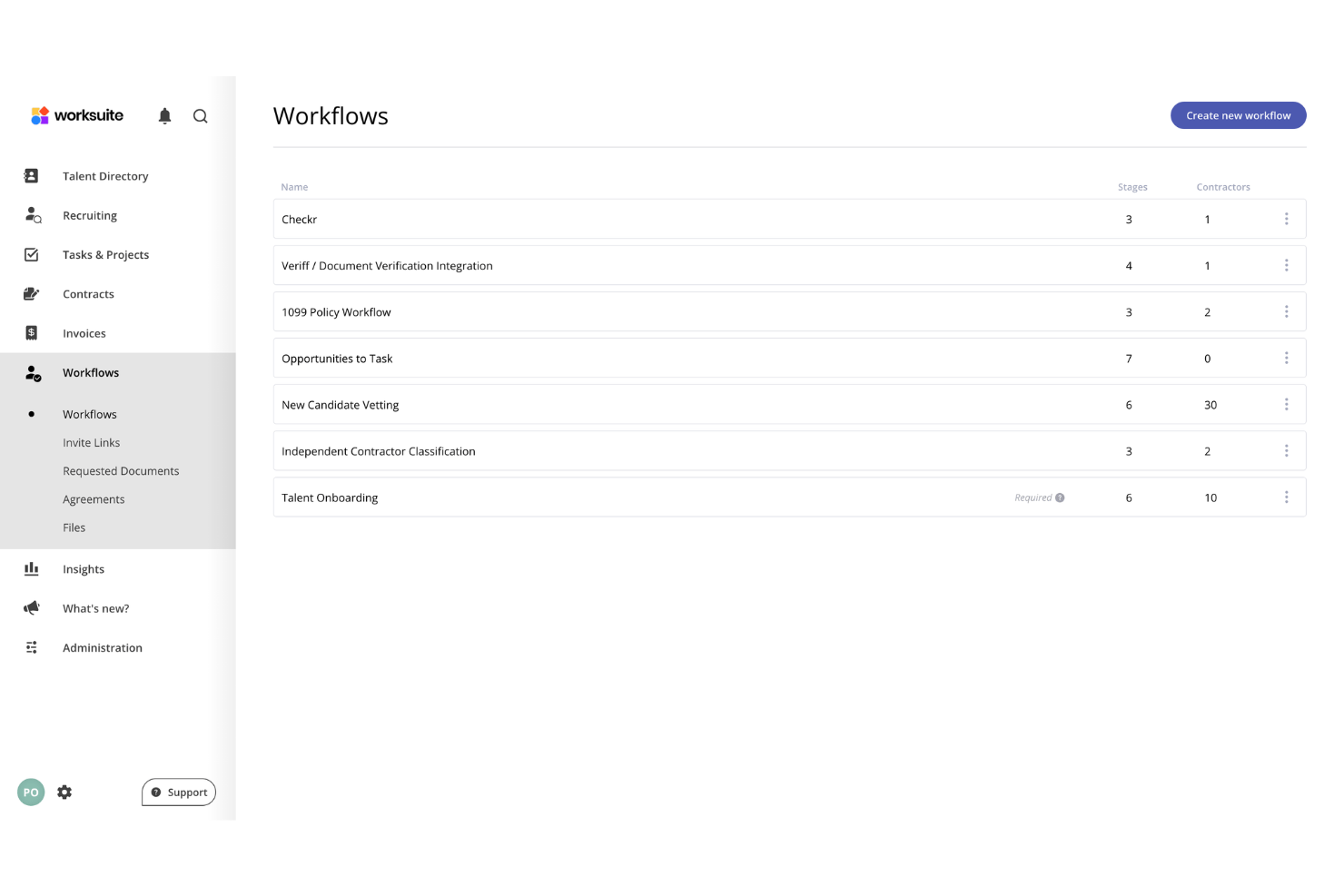
Worksuite lets your team design automated workflows for complex approval chains, document reviews, or compliance steps with drag-and-drop logic. This flexibility helps large organizations adapt processes for unique use cases like recurring onboarding for different teams or automating reminders for contract renewals. Businesses running several brands or entities can set approvals and spend visibility differently for each.
Built-In Classification and Indemnification
Worksuite judges worker status by what the engagement actually involves and the rules in force where it is carried out, then backs that call with indemnification built in. Agent of record and employer of record options sit in the same system, so a later change in the relationship doesn’t mean adding a vendor.
Private, White-Labeled Talent Pools
Your contractor bench sits in a pool branded to your own business and visible only to your team, not in an open marketplace competitors can search. Where a freelance roster is a real competitive asset, that keeps hard-won relationships from being poached mid-project.
Ease of Use
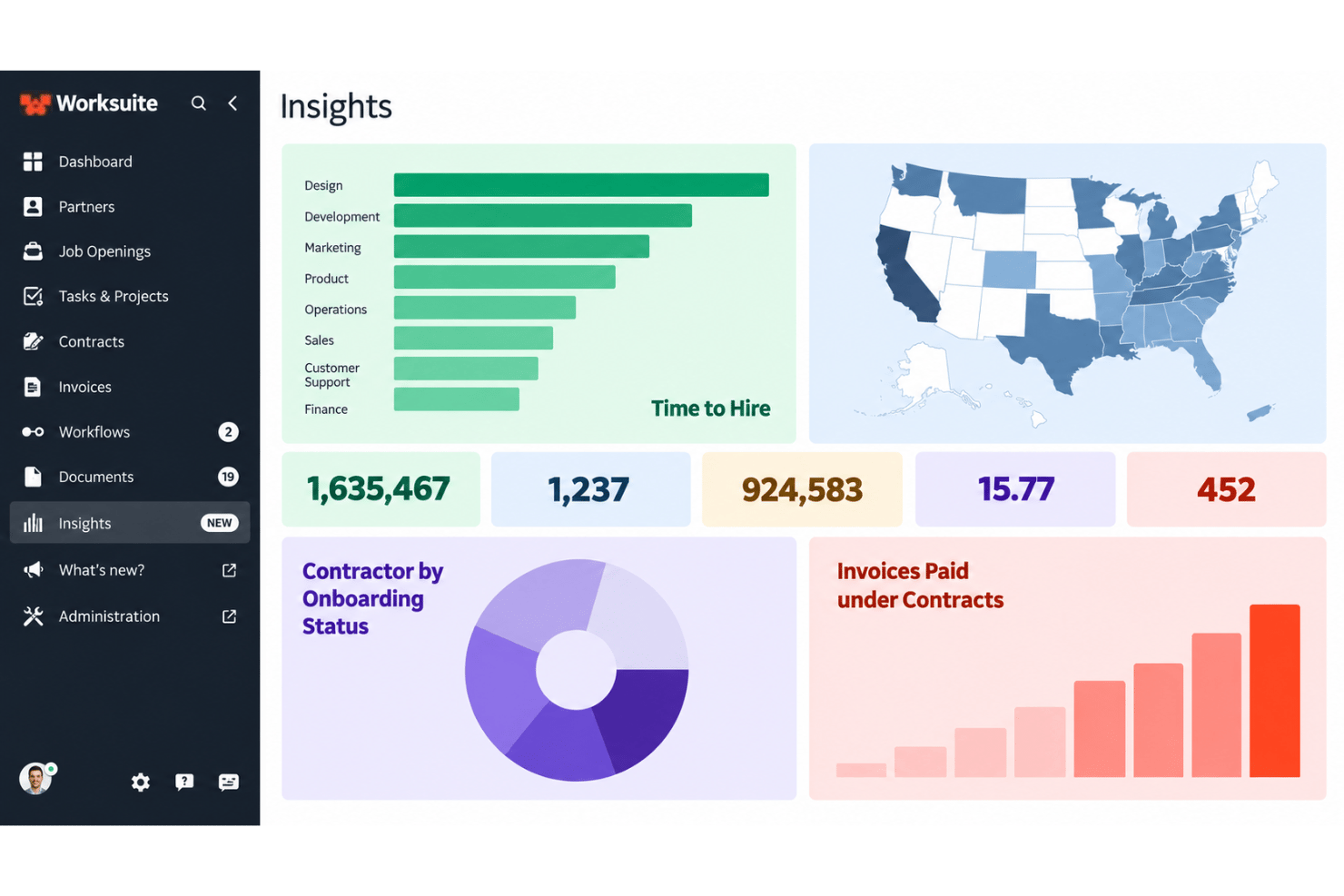
Worksuite feels intuitive even for large teams managing global freelancers. The onboarding workflows walk you through vendor vetting, document uploads, and contract signing without confusion. Users say the interface is clean, with payments, compliance, and contracts all in one place. Setting up custom approval flows is quick, though getting permissions right across a mixed team takes some trial and error. Some wish advanced reporting was more flexible, but daily admin work takes less time thanks to Worksuite’s clear navigation and task automation.
Onboarding
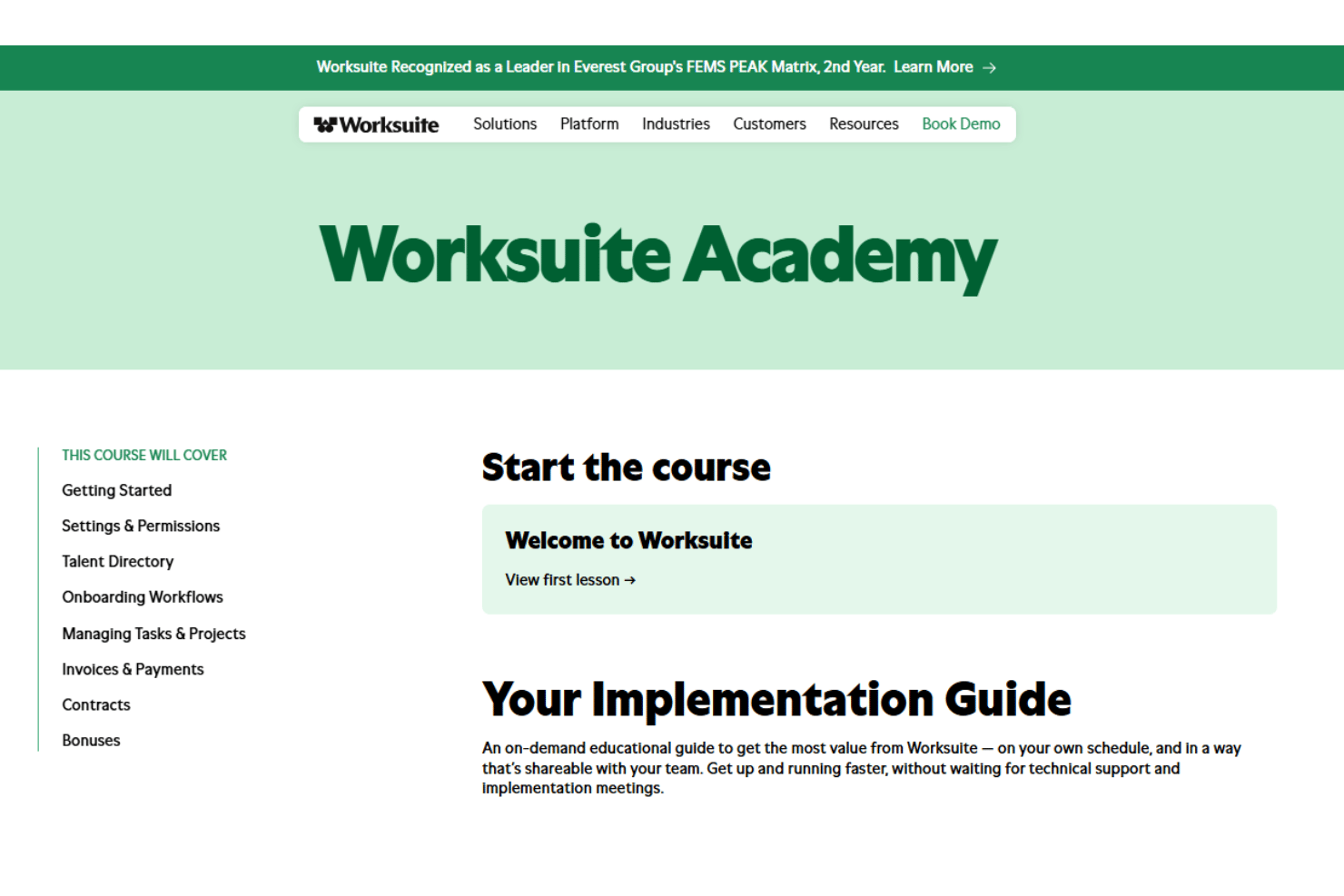
Worksuite onboarding is guided rather than self-serve. Each new customer works with a dedicated solutions architect who learns how the business runs, migrates existing contractor records, builds the workflows, and sets up a test environment so you can validate everything before go-live. Standard implementations wrap up in a matter of weeks, and little technical work lands on your side, though you do need people available to explain how approvals and assignments should work. If you want an onboarding process that gets freelancers compliant and working fast, Worksuite delivers.
Customer Support
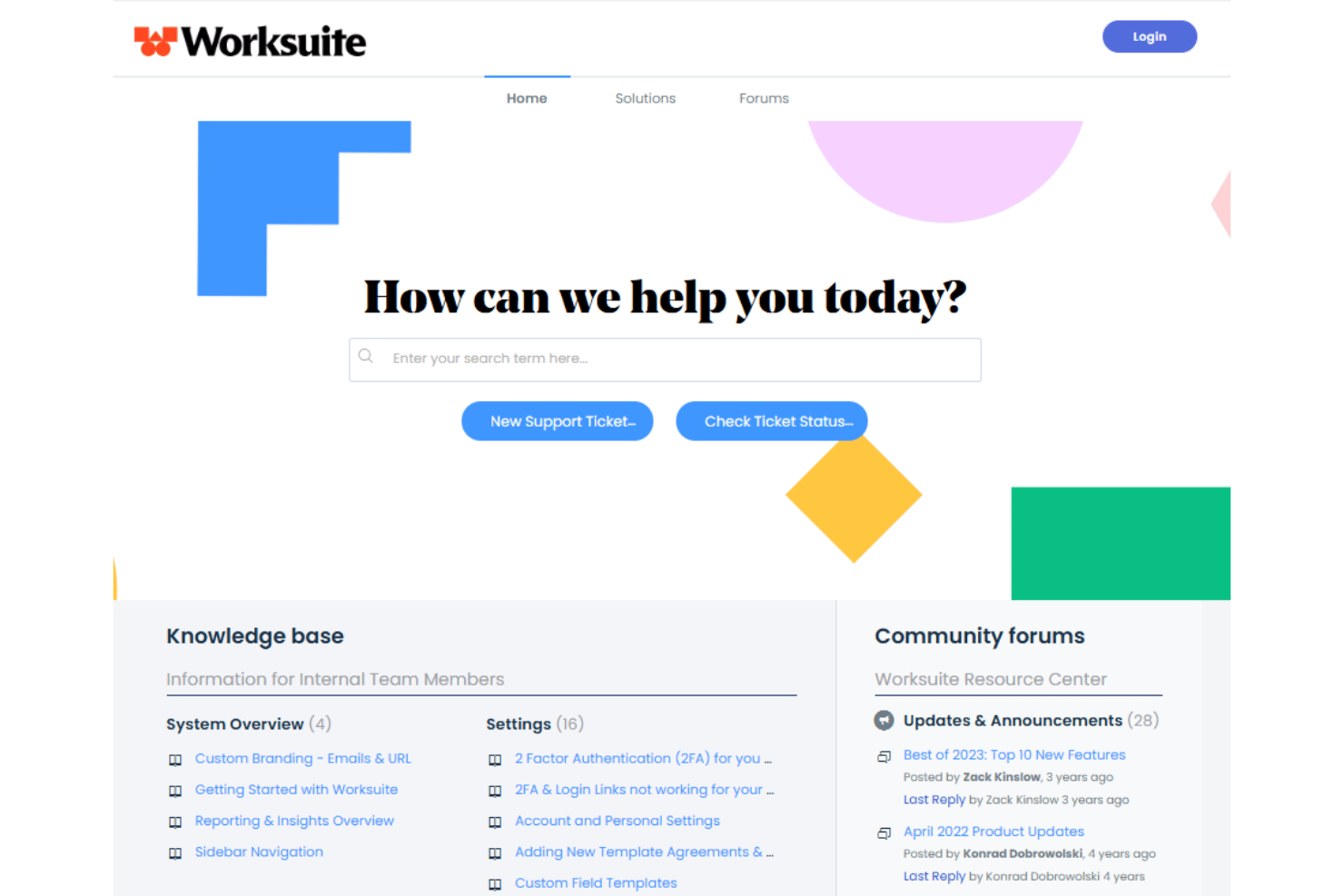
Worksuite’s customer support gets high marks for its responsive team and guided implementation. Instead of a general ticket queue you get a named specialist during setup, and customers describe the experience as white glove. Users mention prompt replies and a willingness to build custom solutions, especially while contractor onboarding is being stood up. Self-serve help resources are thinner than on some platforms, but live support means your questions won’t go unanswered for long.
Integrations
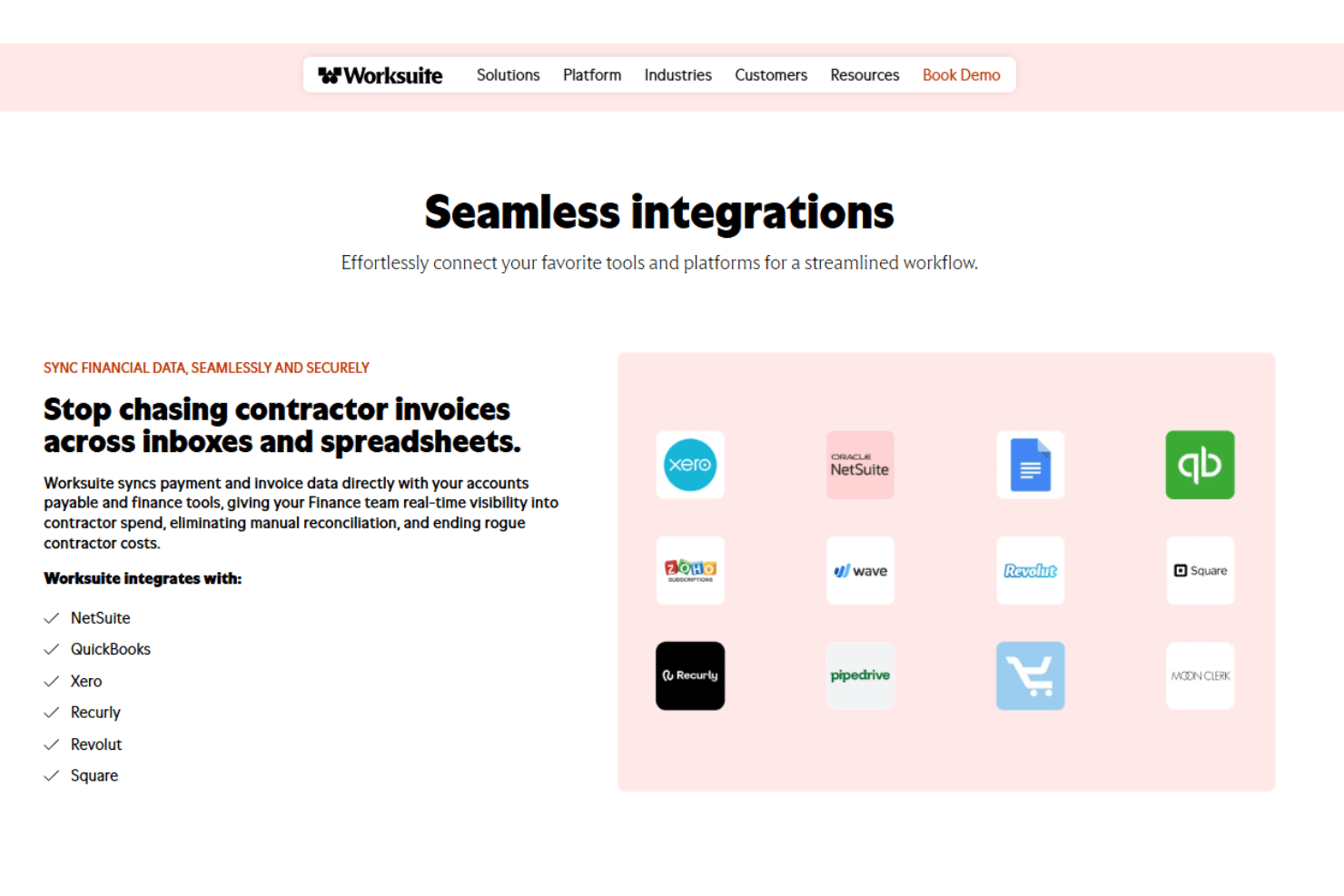
Worksuite integrates with QuickBooks, Xero, Pipedrive, Salesforce, Slack, PayPal, Square, Airtable, Asana, and NetSuite, among others.
Worksuite offers a RESTful API for custom integrations and connections with third-party integration tools.
Value for Money
Worksuite’s pricing is quote-based and not readily transparent, so you’ll need to contact the company for costs tailored to your workforce size and requirements. While smaller teams may find the investment harder to justify, larger organizations can get strong value from its guided onboarding, responsive support, compliance tools, and flexible workflows.
Worksuite Specs
- API
- Calendar Management
- Cloud Deployment
- Contact Management
- CRM Integration
- Customer Management
- Customer Service
- Data Export
- Data Import
- Data Visualization
- Database
- Email Integration
- Multi-Account
- Multi-Site
- Multi-User
- Payroll
- Process Reporting
- Project Management
- Resource Management
- Scheduling
- Social-Media Integration
- Software Integration
- Software Modernization
- Task Scheduling/Tracking
- Third-Party Plugins/Add-Ons
- Workflow Management
Worksuite FAQs
How does Worksuite help manage global contractor compliance?
Can I integrate Worksuite with our existing payroll, HR, or accounting systems?
What kind of onboarding experience does Worksuite provide for contractors?
Is Worksuite suitable for small teams or organizations with simple freelancer needs?
How does Worksuite handle data security and regulatory compliance?
What kind of customer support does Worksuite offer?
What happens if my compliance needs change as we grow?
Can I customize onboarding workflows and contract templates in Worksuite?
Does Worksuite have a mobile app?
Worksuite Company Overview & History
Worksuite is a software company focused on helping organizations manage freelance and contractor workforces with workflow automation, compliance tools, and global payment solutions. Headquartered in San Francisco, California, Worksuite serves clients ranging from global agencies to large enterprises in creative, media, tech, and finance sectors, and Everest Group has named it a category leader two years running. The platform is used by notable clients such as The Walt Disney Company, Microsoft, Vox Media, Jack Morton Worldwide, and The Motley Fool. Worksuite is privately held and has not publicly disclosed financial data such as valuation, earnings, or workforce size.
Worksuite Major Milestones
- 2015: Worksuite founded and launches its freelancer management platform.
- 2021: Company rebrands from Shortlist to Worksuite, reflecting its expanded global workforce management capabilities.
- 2022: Worksuite featured by media outlets for its role in helping companies adapt to remote and distributed work models.