


QuickBooks Workforce versus Paychex: Vergelijking en deskundige beoordelingen voor 2026


Payroll issues rarely announce themselves politely. They usually show up as missed details, messy approvals, or one more task you thought was already handled. When accuracy, compliance, and employee access are all on the line, the right platform can make daily admin feel a lot less fragile.
Choosing between QuickBooks Workforce and Paychex isn’t easy when you need reliable payroll and billing support. You’re likely juggling compliance risks, time-consuming admin, and questions about which invoicing and payroll software can actually handle your specific business needs. Both tools promise accuracy and convenience but approach payroll, invoicing, and employee self-service a little differently.
In this article, you’ll get a clear comparison—including pros and cons, use cases, pricing, security, and usability—so you can make the best call for your business. I’ll highlight what each platform does well (and where it falls short) to help you confidently choose the right fit.
QuickBooks Workforce vs. Paychex: An Overview
QuickBooks Workforce
Paychex
Waarom u onze softwarebeoordelingen kunt vertrouwen
Ons team test en beoordeelt software sinds 2012. Als HR-experts weten we zelf hoe moeilijk — en belangrijk — het is om de juiste software te kiezen.
Voor deze gids hebben we tools geëvalueerd met behulp van praktijktests en onafhankelijk onderzoek, waarbij we tools beoordeelden aan de hand van onze selectiecriteria. We putten ook uit inzichten van vooraanstaande experts uit de branche en van praktiserende HR-professionals.
Onze reviews weerspiegelen ons menselijke redactionele oordeel, geen verkooppraatje.
Deskundige beoordelaars:
QuickBooks Workforce vs. Paychex Pricing Comparison
| QuickBooks Workforce | Paychex | |
|---|---|---|
| Free Trial | 30-day free trial | Free demo available |
| Pricing | From $88/month | Pricing upon request |
QuickBooks Workforce vergeleken met Paychex: prijzen en verborgen kosten
QuickBooks Workforce gebruikt een abonnementsmodel waarbij kosten per medewerker in rekening worden gebracht, met extra kosten voor bepaalde functies zoals belastingaangiften of integraties. Paychex biedt prijsniveaus op basis van bedrijfsgrootte en diensten, waarbij vaak extra kosten worden gerekend voor de installatie, belastingdiensten of gespecialiseerde HR-ondersteuning. Bij beide tools kunt u te maken krijgen met verborgen kosten voor implementatiehulp, aangiften aan het einde van het jaar of maatwerk.
Wanneer u deze opties tegen elkaar afweegt, moet u verder kijken dan de prijs van het basisabonnement en nagaan welke functies inbegrepen zijn, vooral als u later behoefte hebt aan geautomatiseerde belastingverwerking, rapportages of integraties. Ik raad aan om beide leveranciers om een volledig overzicht van terugkerende en eenmalige kosten te vragen en die extra's vervolgens te koppelen aan functies waar uw salarisadministratie niet zonder kan. Zo wordt u niet verrast door uitbreidingen en kunt u de optie kiezen die daadwerkelijk past bij uw werkwijze en groeiplannen.
QuickBooks Workforce vs. Paychex Feature Comparison
| QuickBooks Workforce | Paychex | |
|---|---|---|
| API | ||
| Application Tracking | ||
| Attendance Tracking | ||
| Compliance Tracking | ||
| Dashboard | ||
| Data Export | ||
| Data Import | ||
| Data Visualization | ||
| Employee Database | ||
| Employee Incentive Management | ||
| Employee Onboarding | ||
| Expense Tracking | ||
| External Integrations | ||
| Feedback Management | ||
| Multi-User | ||
| Notifications | ||
| Payroll | ||
| Scheduling | ||
| Time Management | ||
| Timesheets | ||
| Travel Management | ||
| Vacation & Absence Calendar |
QuickBooks Workforce vergeleken met Paychex: integraties
| Integratie | QuickBooks Workforce | Paychex |
|---|---|---|
| QuickBooks Online | ✅ | ✅ |
| Xero | ❌ | ✅ |
| FreshBooks | ❌ | ❌ |
| Asana | ❌ | ❌ |
| QuickBooks Time | ✅ | ✅ |
| JazzHR | ✅ | ✅ |
| Clockify | ✅ | ❌ |
| API | ✅ | ✅ |
| Zapier | ✅ | ❌ |
| QuickBooks Online | ✅ | ✅ |
Beide tools bieden belangrijke integraties voor boekhoud- en productiviteitsplatforms, maar QuickBooks Workforce blinkt uit als u volledig binnen het Intuit-ecosysteem werkt, terwijl Paychex ondersteuning biedt voor enkele unieke concurrenten op het gebied van salarisadministratie. Dankzij toegang tot API en Zapier zouden de meeste gebruikers verbinding moeten kunnen maken met gespecialiseerde tools of werkstromen die belangrijk zijn voor hun bedrijf.
QuickBooks Workforce versus Paychex: Beveiliging, naleving & betrouwbaarheid
| Factor | QuickBooks Workforce | Paychex |
|---|---|---|
| Gegevensversleuteling | Gebruikt AES256- en TLS-versleuteling voor alle gegevens in rust, en RSA-versleuteling voor gegevens tijdens de overdracht. | Beveiligt alle gegevens met end-to-endversleuteling en geavanceerde toegangscontroles. |
| Naleving van regelgeving | Voldoet aan PCI DSS, ondergaat SOC-audits en -rapportages, en is ISO 27001-gecertificeerd. | Voldoet aan SOC 1 en 2 en is ISO 27001-gecertificeerd |
| Gebruikersrechten | Rechten zijn gebaseerd op aanpasbare gebruikersrollen binnen het QuickBooks-ecosysteem. | Biedt meervoudige verificatie en aanpasbare gebruikersrechten. |
| Beschikbaarheid en betrouwbaarheid | 99,9% beschikbaarheid, ondersteund door de infrastructuur van Intuit. | Handhaaft robuuste garanties voor beschikbaarheid met 24/7-bewaking en snel herstel na calamiteiten. |
Beide platforms nemen beveiliging en naleving serieus, met betrouwbare waarborgen voor salarisgegevens, werknemersinformatie en accounttoegang. Over het algemeen vind ik ze behoorlijk vergelijkbaar, waarbij de beste keuze afhangt van je bestaande systemen, ondersteuningsbehoeften en prioriteiten op het gebied van personeelsbeheer.
QuickBooks Workforce versus Paychex: gebruiksgemak
| Factor | QuickBooks Workforce | Paychex |
|---|---|---|
| Gebruikersinterface | Overzichtelijk, intuïtief dashboard, afgestemd op kleine bedrijven en accountants. | Indeling met meer functies, waardoor aanvankelijk wat meer tijd nodig is om ermee te leren werken. |
| Onboarding | Korte begeleide rondleidingen en installatietips direct op het platform. | Biedt persoonlijke onboarding, maar kan langer duren voor gebruikers buiten HR. |
| Eenvoud van workflows | Overzichtelijke salarisverwerking en facturering met zo min mogelijk klikken. | Stapsgewijze begeleiding, maar soms complexere stappen voor wijzigingen in de salarisadministratie. |
| Mobiele toegang | Gebruiksvriendelijke mobiele app voor basistaken en het controleren van salarisgegevens. | Mobiele app met uitgebreide functies, maar met een steilere initiële leercurve. |
| Klantenondersteuning | Sterk digitaal helpcentrum met snelle ondersteuning via chat en telefoon. | Biedt live ondersteuning plus vaste contactpersonen voor grotere accounts. |
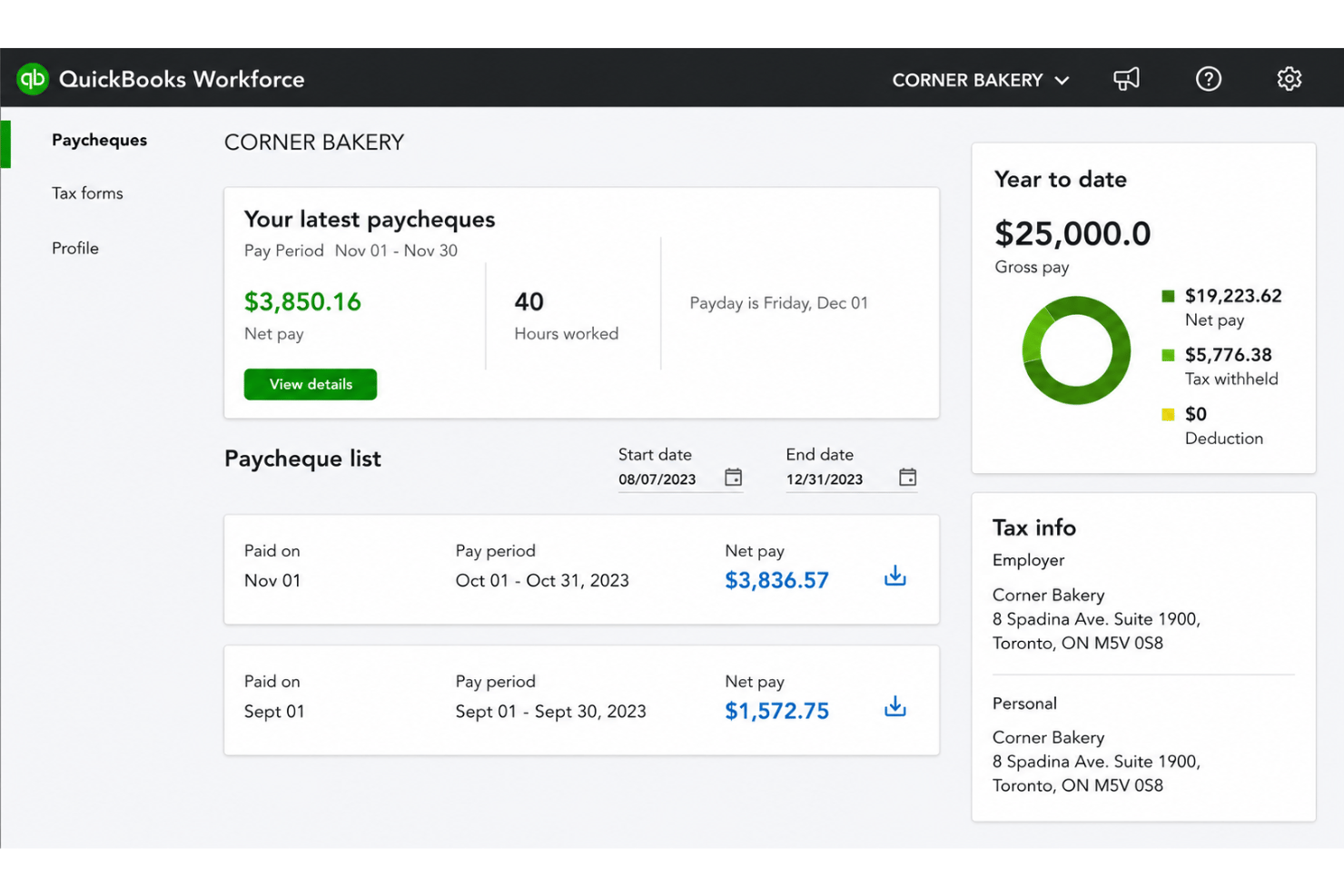
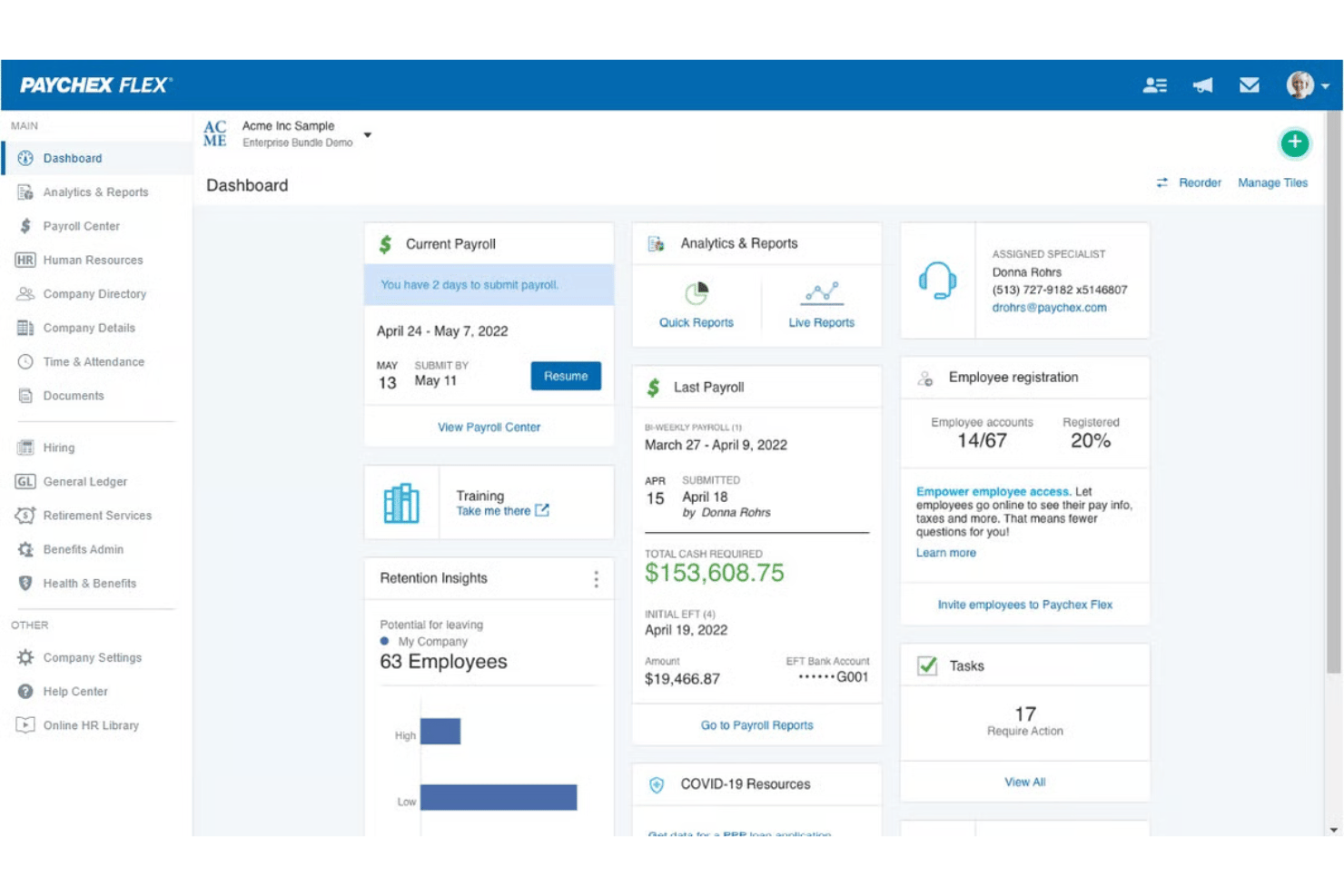
QuickBooks Workforce is eenvoudiger voor beginners en kleine tot groeiende teams, terwijl Paychex meer tijd kost om onder de knie te krijgen, maar uitblinkt voor gebruikers die complexe HR-behoeften beheren. Ik heb gemerkt dat QuickBooks Workforce toegankelijker is voor snelle salarisverwerking, en dat Paychex beter past als je diepgaande ondersteuning of persoonlijke onboarding nodig hebt.
QuickBooks Workforce vs Paychex: Pros & Cons
QuickBooks Workforce
- Paystubs and W-2s are accessible for employees anytime.
- Automated payroll tax calculations help prevent errors.
- Mobile access lets employees view pay and year-end forms.
- May not suit complex or global payroll needs.
- May lack advanced features found in dedicated enterprise HCM platforms.
- May require transition time when moving from manual payroll processes.
Paychex
- Handles multi-state payroll and tax compliance automatically
- Offers live support from payroll specialists and HR advisors
- Provides detailed, customizable payroll and invoice reports
- Mobile app has limited invoicing features and options
- Initial setup can be time-intensive for complex businesses
- Some users report inconsistent direct deposit timing
Best Use Cases for QuickBooks Workforce and Paychex
QuickBooks Workforce
- Small Businesses Intuitive setup and payroll automation suit leaders without dedicated HR or accounting staff.
- Retail Teams Hourly shift workers and frequent turnover make pay stub access and real-time PTO tracking a key advantage.
- Accountants Easy access to year-end tax forms and long-term pay history streamlines accounting and client payroll work.
- Construction Firms Mobile app access lets field teams check pay, view W-2s, and update info without coming to the office.
- Distributed Teams Remote or hybrid workers benefit from digital payroll and instant access to direct deposit or tax records.
- Growing Startups Features scale for businesses with fluctuating headcounts and evolving payroll needs.
Paychex
- Multi-State Employers Paychex automates tax calculations and manages compliance for businesses with employees in several states.
- Healthcare Practices Industry-specific compliance support and easier handling of variable shifts make Paychex helpful for healthcare employers.
- Franchise Groups Franchise owners benefit from consolidated reporting, multi-location payroll, and centralized invoice control.
- HR Departments HR teams get built-in compliance guidance, onboarding, and document management all in one platform.
- Construction Firms Prevailing wage calculations, labor compliance poster kits, and certified payroll reporting support contractors who need documentation for government work.
- Mid-Sized Businesses Growing mid-sized companies can scale up applicant tracking, compliance, payroll, and HR features as their needs grow.
Wie zou QuickBooks Workforce moeten gebruiken en wie Paychex?
QuickBooks Workforce is het meest geschikt voor kleine bedrijven, accountants en groeiende teams die QuickBooks al gebruiken voor hun financiën en snel aan de slag willen zonder gedoe. Paychex is de juiste keuze voor middelgrote bedrijven die geavanceerde HR-functies, meer persoonlijke ondersteuning en flexibele opties voor complexe nalevingsvereisten nodig hebben. Als je salarisadministratie eenvoudig is en het budget het belangrijkst is, kies dan voor QuickBooks Workforce. Als je verwacht op te schalen of te maken krijgt met complexe regelgeving, kan Paychex meegroeien.
Differences Between QuickBooks Workforce and Paychex
| QuickBooks Workforce | Paychex | |
|---|---|---|
| Accounting Integration | Deeply connected with QuickBooks accounting for seamless sync. | Integrates with more payroll competitors but less with accounting tools. |
| Customization | Limited custom workflows or reporting options. | Highly customizable processes and in-depth reports for complex needs. |
| Pricing Structure | Clear per-employee pricing with some add-on fees. | Tiered packages with a variety of additional service charges. |
| User Learning Curve | Simple, fast setup—ideal for non-HR professionals. | Steeper learning curve due to feature depth, best for HR specialists. |
| Visit QuickBooks WorkforceOpens new window | Read Paychex ReviewOpens new window |
Similarities Between QuickBooks Workforce and Paychex
| Compliance Updates | Both solutions keep payroll compliant with real-time updates for federal, state, and local rules, reducing legal and tax headaches. |
|---|---|
| Direct Deposit | Each platform offers secure, reliable direct deposit options so staff are paid accurately and on time every payday. |
| Payroll Automation | Both automate payroll runs, tax calculations, and employee deductions, letting you spend less time on manual pay processing. |
| Self-Service Access | Employees can review pay stubs, manage personal info, and access tax forms directly from a portal in both tools. |
| Visit QuickBooks WorkforceOpens new window Read Paychex ReviewOpens new window | |