

Monitask-recension: Fördelar, nackdelar, funktioner & priser



Monitask is an employee monitoring software built for teams managing remote or hybrid workforces who need time tracking, screenshot capture, and activity monitoring in one place. I'd consider it over Hubstaff if your priority is a lighter setup and a lower price point without giving up the core visibility features that distributed teams actually rely on.
Monitask Evaluation Summary
- From $6.49/user/month (billed annually)
- 10-day free trial available
Varför du kan lita på våra programvarurecensioner
Vårt team har testat och recenserat programvara sedan 2012. Som HR-experter själva vet vi hur svårt — och viktigt — det är att välja rätt programvara.
För den här guiden utvärderade vi verktyg genom praktisk testning och oberoende research, och betygsatte verktygen enligt våra urvalskriterier. Vi drar även nytta av insikter från branschens tankeledare och praktiserande HR-experter.
Våra recensioner speglar vårt mänskliga redaktionella omdöme, inte ett säljbudskap.
Expertgranskare:
Monitask Overview
pros
-
It's easy to use and requires minimal training for your team.
-
Automated screenshots provide clear insights into employee productivity.
-
It's great for remote teams needing reliable time tracking.
cons
-
The user interface feels outdated and can complicate navigation.
-
Customization options are limited compared to other monitoring software providers.
-
It lacks advanced data security features, which may concern some users.
-

Justworks
Visit WebsiteThis rating combines scores from multiple user review sites to reflect overall customer sentiment about the product.4.6 -
Small Improvements
Visit WebsiteThis rating combines scores from multiple user review sites to reflect overall customer sentiment about the product.4.3 -
HiBob
Visit WebsiteThis rating combines scores from multiple user review sites to reflect overall customer sentiment about the product.4.5





Core Features
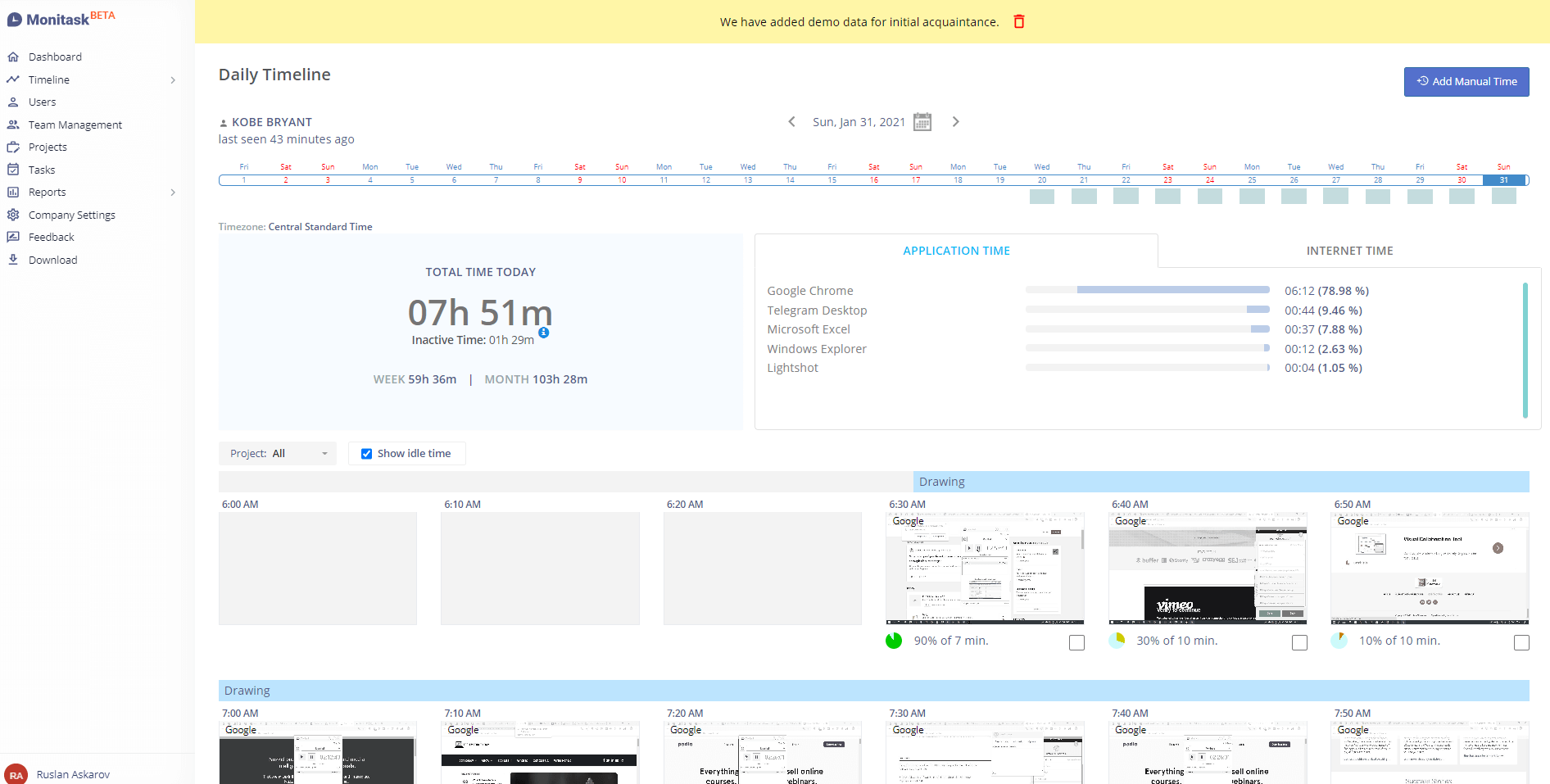
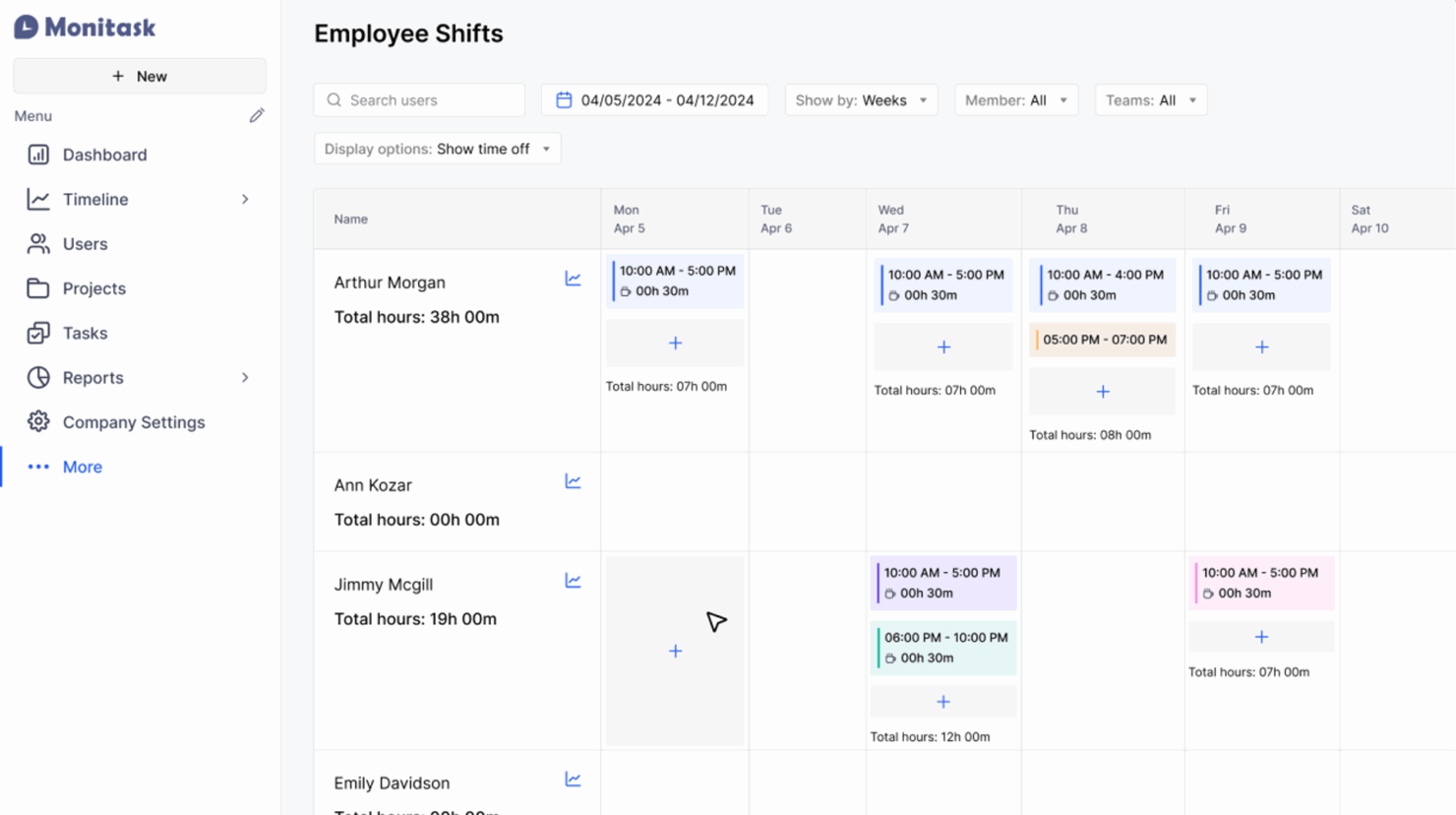
Time Tracking Software: Monitask allows you to monitor your team's work hours with precision, helping you ensure accurate billing and productivity analysis. It automatically records time spent on tasks and generates timesheets, so you can focus on managing your team rather than tracking hours manually.
Automated Screenshots: This feature captures regular screenshots of your team's screens, giving you insights into their work habits and productivity. It's a valuable tool for accountability without being intrusive.
Activity Monitoring: Monitask tracks keyboard and mouse activity to gauge productivity levels, helping you identify patterns and areas for improvement. It provides a clear view of how actively your team is working.
Project Management: You can assign tasks and track progress within Monitask, making team coordination simpler. It keeps everyone on the same page, ensuring deadlines are met.
Reporting Tools: Monitask generates detailed reports on employee time usage and productivity, so you can make informed decisions. These reports help you identify trends so you can optimize your workflows.
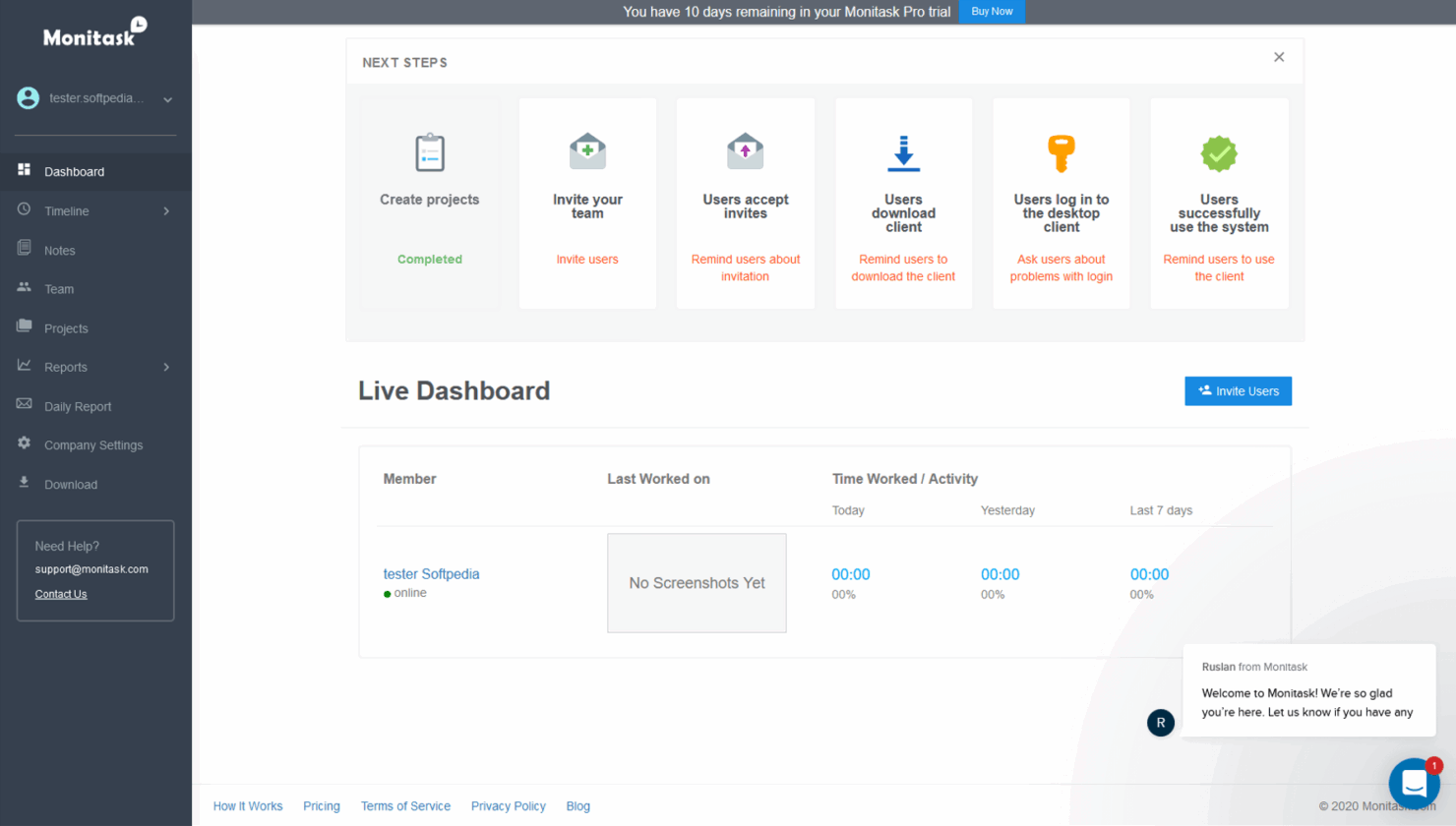
Dashboard: The intuitive dashboard gives you a real-time overview of your team's performance, making it easy to monitor and manage tasks. It also simplifies complex data using easy-to-understand visuals.
Ease of Use
Monitask is user-friendly, making it easy for your team to get started without extensive training. Its intuitive user interface makes navigating through features like time tracking and reporting straightforward.
Unlike some complex software, Monitask keeps things simple, so you can focus on productivity rather than figuring out how to use the tool. User reviews often praise the straightforward setup and minimal learning curve, which helps you integrate it into your workflow quickly.
Monitask Specs
- API
- Batch Permissions & Access
- Behavioral Tracking
- Big Data
- Competency Assessment
- Compliance Tracking
- Dashboard
- Data Export
- Data Import
- Data Visualization
- Database
- Employee Database
- Employee Engagement
- Employee Onboarding
- External Integrations
- Feedback Management
- Multi-User
- Notifications
- Password & Access Management
- Performance Appraisal
- Site Access Management
- Social-Media Integration
- Workflow Management


Monitask FAQs
How does Monitask handle data security and compliance?
Can Monitask be used for remote team management?
Does Monitask offer mobile access?
How customizable is Monitask for different team needs?
What kind of reporting capabilities does Monitask offer?
Is training required to use Monitask effectively?
How does Monitask support team collaboration?
What customer support options are available with Monitask?
Vad händer härnäst?
För att hålla dig uppdaterad om allt det senaste inom personalledning, prenumerera på vårt nyhetsbrev för ledare och chefer. Du får insikter och erbjudanden anpassade för ledare och HR-personal direkt till din inkorg.