Otter-recension: Fördelar, nackdelar, funktioner och priser


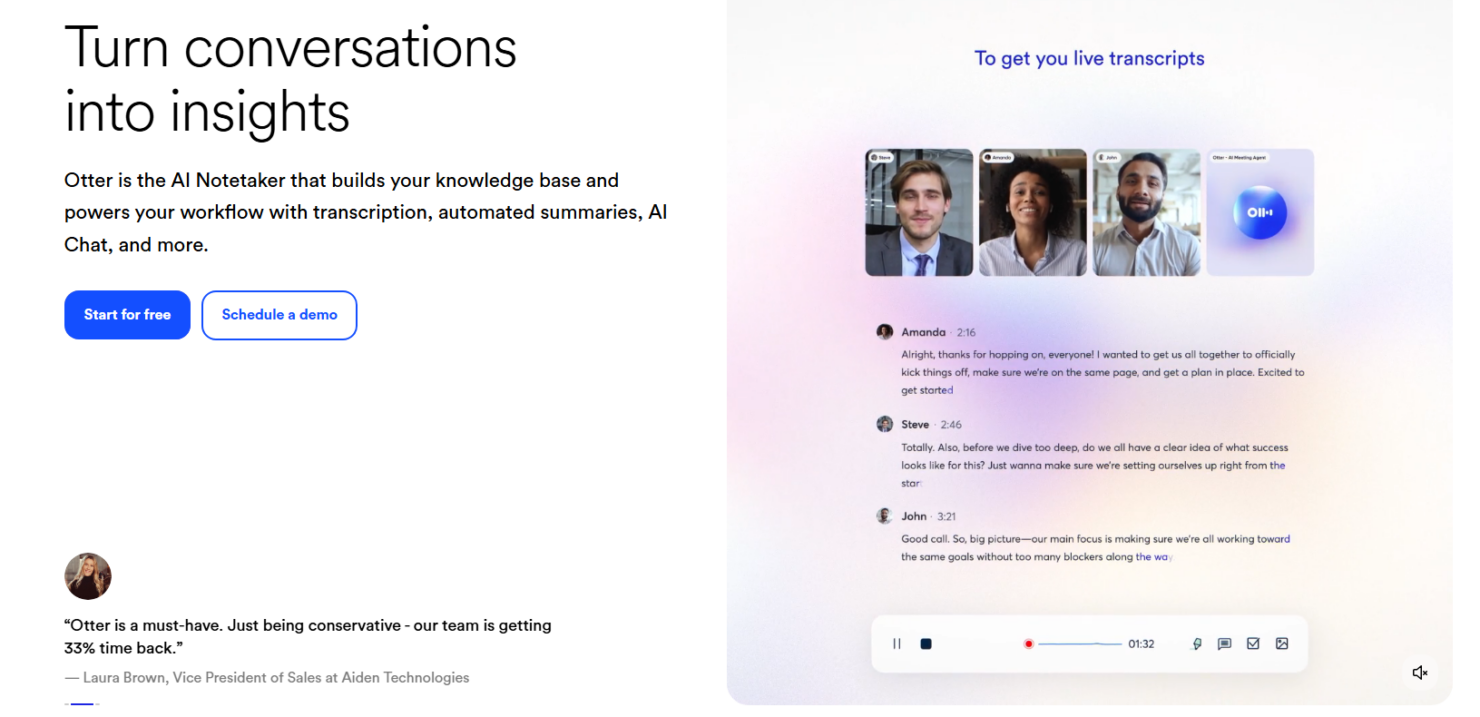
Otter.ai is an AI meeting assistant that transcribes, summarizes, and captures action items from your meetings in real time. It's worth considering if your team needs more than a post-call recording to reference after the fact. Compared to Fireflies.ai, Otter.ai gives you a more interactive in-meeting experience—with a live transcript your whole team can follow and annotate together while the conversation is still happening.
Otter.ai Evaluation Summary
- From $16.99/user/month
- Free plan available
Varför du kan lita på våra programvarurecensioner
Vårt team har testat och recenserat programvara sedan 2012. Som HR-experter själva vet vi hur svårt — och viktigt — det är att välja rätt programvara.
För den här guiden utvärderade vi verktyg genom praktisk testning och oberoende research, och betygsatte verktygen enligt våra urvalskriterier. Vi drar även nytta av insikter från branschens tankeledare och praktiserande HR-experter.
Våra recensioner speglar vårt mänskliga redaktionella omdöme, inte ett säljbudskap.
Expertgranskare:
Otter.ai Overview
In my opinion, Otter is a solid choice for teams needing efficient transcription and note-taking. Its user-friendly interface and real-time capabilities make it stand out. Otter.ai pricing is competitive, support and onboarding could improve. It excels in environments like tech and education where accuracy and collaboration are key. However, if your team needs extensive integration options, you might find Otter AI slightly lacking compared to some competitors. Overall, it’s among the best AI tools for those prioritizing ease of use and transcription quality.
pros
-
Otter offers real-time transcription, making it easy for your team to capture discussions.
-
The interface is user-friendly, so your team can start using it without hassle.
-
Team collaboration features lets you share and edit notes conveniently.
cons
-
The onboarding process could be smoother for new team members.
-
Customer support might not be as responsive as you'd like in urgent situations.
-
Lacks extensive customization options.
-

Justworks
Visit WebsiteThis rating combines scores from multiple user review sites to reflect overall customer sentiment about the product.4.6 -
Prevue Assessments
Visit WebsiteThis rating combines scores from multiple user review sites to reflect overall customer sentiment about the product.4.6 -
Small Improvements
Visit WebsiteThis rating combines scores from multiple user review sites to reflect overall customer sentiment about the product.4.3





Core Features
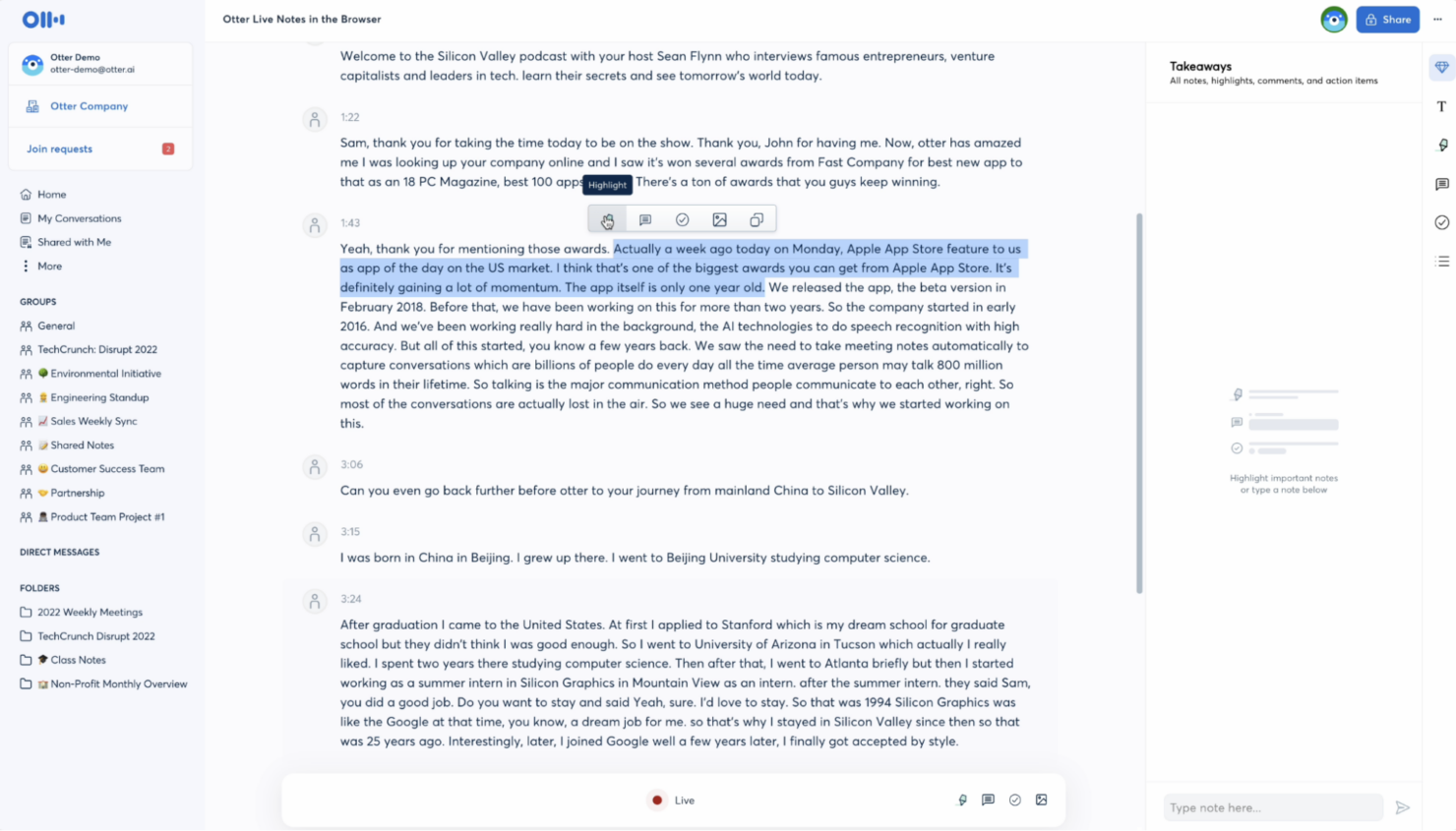
Real-Time Transcription: Otter captures spoken words instantly, allowing your team to follow along and make notes as discussions happen. This feature helps keep everyone on the same page during meetings.
Collaboration Tools: Share and edit notes from in-person and virtual meetings with your team seamlessly. You can work together on the same document, enhancing teamwork and productivity.
Searchable Transcripts: Easily find specific information by searching through your transcripts. This saves you time when you need to catch up on important details from past meetings.
Speaker Identification: Otter identifies different speakers, making it easy to see who said what. This feature adds clarity and context to your meeting notes and full transcripts.
Custom Vocabulary: Add industry-specific terms to ensure accurate transcription. This feature is especially useful if your team uses specialized language.
Audio Playback: Listen to audio recordings of meetings directly within Otter AI. This helps verify information and ensures nothing is missed.
Ease of Use
Otter shines in user-friendliness with its intuitive interface, making it easy for your team to jump right in. The setup is straightforward, so you won't spend much time getting started. Features like real-time transcription and speaker identification work seamlessly, reducing the learning curve. Users often appreciate how quickly they can navigate and utilize the platform, which is a big plus for teams needing efficient, accessible tools for meetings.

Integrations
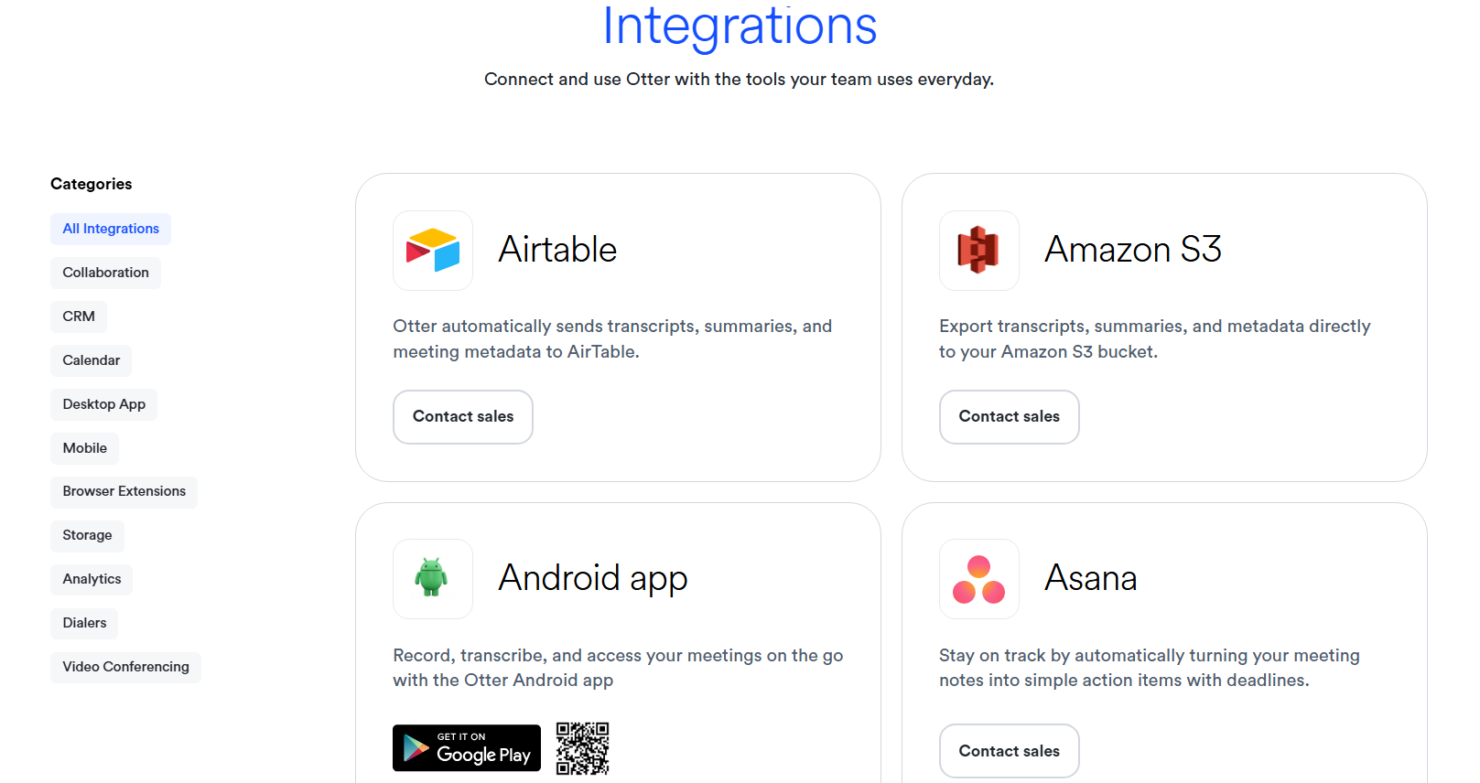
Otter integrates with Google Meet, Microsoft Teams, Zoom, Slack, Google Calendar, Google Drive, Dropbox, Salesforce, Asana, and HubSpot. Otter also offers an API for custom integrations and connects with third-party tools like Zapier for additional automation options.
Otter.ai Specs
- Corporate/Business
- Employee Training
- Gamification
- Personal Learning
- Video Courses