



Atlas vs. Loxo: Comparison and Expert Reviews for 2026



Choosing recruiting software gets harder when both options look strong on paper. The real difference is how much admin each platform takes off your desk, and how closely it matches the way your team already sources, sells, and places.
If you’re stuck weighing Atlas against Loxo and wondering which one fits your team’s needs, you’re not alone. Both are AI-first platforms built to replace the patchwork of tools agencies run, but they arrive from different directions: one is organized around capturing every conversation, the other around a vast sourcing pool with agents working across it.
In this guide, I’ll break down how Atlas and Loxo stack up on pricing, features, integrations, security, and day-to-day usability, so you can see which one could actually make hiring smoother for you.
Atlas vs. Loxo: An Overview
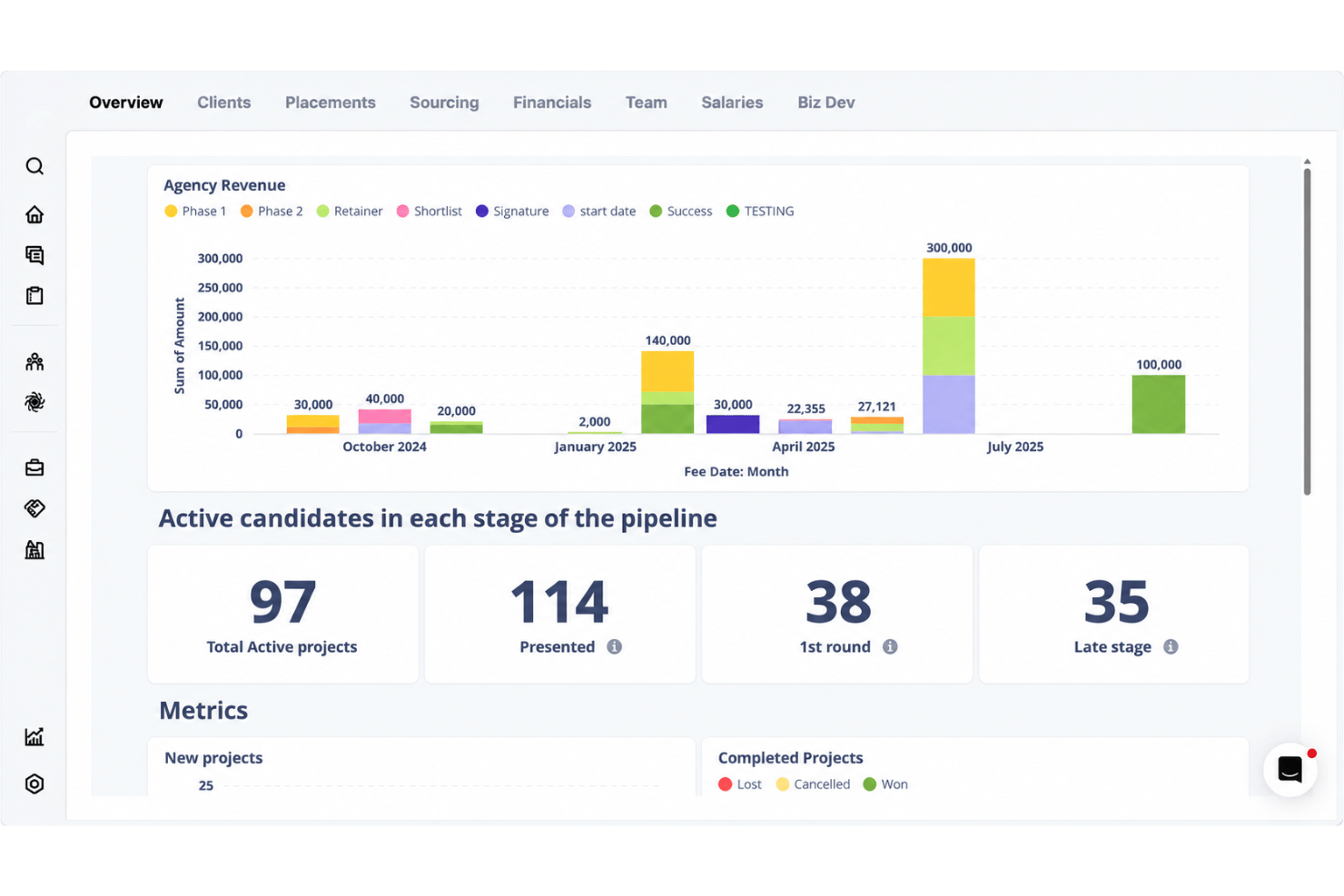
Atlas
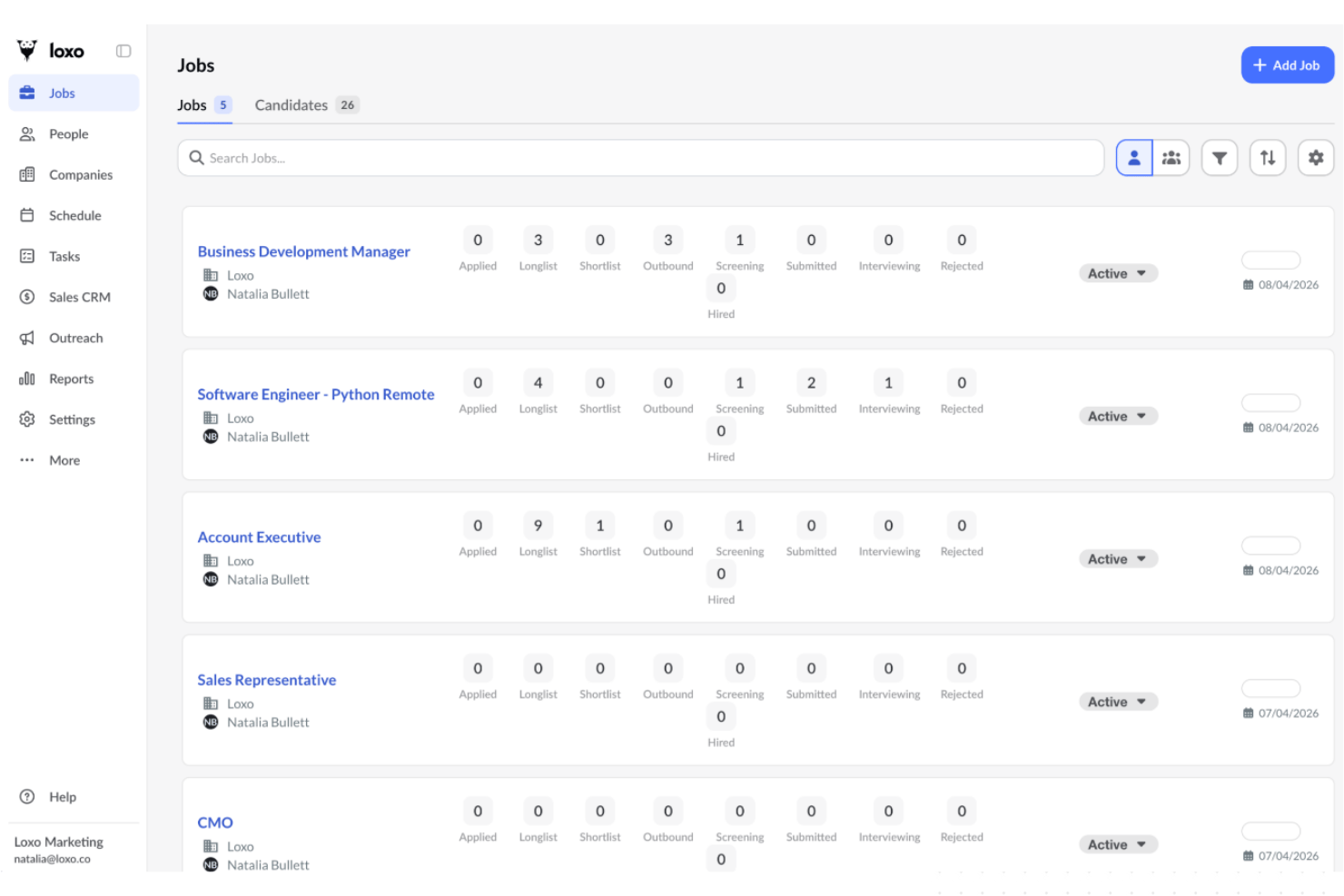
Loxo
Why Trust Our Software Recommendations
Our team has been testing and reviewing software since 2012. As HR experts ourselves, we know how difficult—and important—it is to choose the right software.
For this guide, we evaluated tools using hands-on testing and independent research, scoring tools using our selection criteria. We also draw on insights from industry thought leaders and practicing HR experts.
Our reviews reflect our human editorial judgment, not a sales pitch.
Expert reviewers:
Atlas vs. Loxo Pricing Comparison
| Atlas | Loxo | |
|---|---|---|
| Free Trial | 14-day free trial | Free demo + 7-day free trial available |
| Pricing | From $120/user/month (billed annually) | From $149/user/month (billed annually) |
Atlas vs. Loxo Pricing & Hidden Costs
Atlas and Loxo take different approaches to pricing. Atlas works from custom quotes shaped by your team size and requirements, so you’ll need to speak with their team before you know the number. That keeps costs opaque early, though onboarding and migration come as part of the relationship rather than as line items, and they’ll help cover the tail end of an existing vendor contract when you switch. Loxo publishes its plans instead, priced per seat and billed annually across Core, Professional, and Enterprise tiers. Watch what sits above the entry plan: the sourcing database and the full agent workforce land on the middle tier, agent activity draws on a monthly credit allowance you can top up with add-on boosts, and single sign-on, deeper governance, and dedicated support are reserved for enterprise agreements.
To choose the right vendor, I suggest mapping your must-have features and growth plans first, then getting a detailed proposal in writing with every fee spelled out. Dig into what’s included by default, what counts as an add-on, and how migration gets handled. With Loxo, work out how much agent activity your desk will realistically consume before the allowance runs thin. With Atlas, ask what the number does as you add seats. References from firms your size are still the fastest way to surface the surprises neither proposal mentions.
Atlas vs. Loxo Feature Comparison
| Atlas | Loxo | |
|---|---|---|
| 360 Degree Feedback | ||
| API | ||
| Application Tracking | ||
| Batch Permissions & Access | ||
| Compliance Tracking | ||
| Dashboard | ||
| Data Export | ||
| Data Import | ||
| Data Visualization | ||
| Employee Database | ||
| Employee Engagement | ||
| Employee Incentive Management | ||
| Employee Onboarding | ||
| External Integrations | ||
| Feedback Management | ||
| Multi-User | ||
| Notifications | ||
| Scheduling | ||
| Travel Management |
Atlas vs. Loxo Integrations
| Integration | Atlas | Loxo |
|---|---|---|
| Broadbean | ✅ | ✅ |
| CoRecruit | ✅ | ✅ |
| RingCentral | ✅ | ✅ |
| Zoom | ✅ | ✅ |
| Microsoft Teams | ✅ | ❌ |
| Xero | ✅ | ✅ |
| Greenhouse | ❌ | ✅ |
| Workday | ❌ | ✅ |
| API | ✅ | ✅ |
| Claude MCP connector | ✅ | ✅ |
Atlas and Loxo overlap on the plumbing most agencies need: job distribution through Broadbean, automated call and meeting capture, phone systems such as RingCentral, video in Zoom, and accounting in Xero. Loxo reaches further into the HR and sales stack with Greenhouse, Workday, iCIMS, HubSpot, and Mailchimp, plus assessment and employer of record partners, while Atlas leans into UK job boards through idibu and outreach tools like Talin and Expandi. Neither offers a Zapier connection, so custom automation runs through their open APIs, and both expose an MCP connector for feeding the database into other AI tools. Check for the one integration your workflow depends on before you commit.
Atlas vs. Loxo Security, Compliance & Reliability
| Factor | Atlas | Loxo |
|---|---|---|
| Data Privacy | Operates within GDPR, and because every call, email, and message is captured as it happens, there’s a dated record behind each placement. | Aligns with GDPR and CCPA, and backs it with a data processing addendum and a published list of subprocessors. |
| Regulatory Compliance | Certified to ISO 27001, with SOC 2 accreditation underway and expected in early 2027. | Holds a SOC 2 Type II attestation, with role-based access and least-privilege controls behind it. |
| Data Encryption | Encryption specifics aren’t published, though ISO 27001 certification covers how customer data is handled across the platform. | Strong encryption at rest, modern TLS in transit, and keys managed through a dedicated key management service. |
| Uptime & Reliability | No public availability commitment, so uptime terms are worth pinning down in the contract. | Publishes a service level agreement with a monthly availability target, capped maintenance windows, and an exit remedy for repeated misses. |
Loxo is the stronger option if procurement gets involved: a SOC 2 Type II attestation, published security documentation, regular penetration testing, and a service level agreement with a real availability target and a remedy attached. Atlas holds ISO 27001 and operates within GDPR, with SOC 2 accreditation underway and expected in early 2027, which clears the bar for most agency buyers but leaves less to handle a client’s security team today. I think Loxo suits firms placing into regulated sectors or answering enterprise vendor reviews, while Atlas is fine where GDPR and a credible certification are what’s being asked for.
Atlas vs. Loxo Ease of Use
| Factor | Atlas | Loxo |
|---|---|---|
| User Interface | Organized around how a desk runs, and because the record builds itself there’s far less to fill in; agency founders describe it as working the way they already think. | One workspace covering sourcing, CRM, ATS, and outreach, with visual pipelines that new recruiters pick up fast. |
| Onboarding | Led by a dedicated team running daily sessions until the whole desk is confident, with the migration off your old system handled for you. | Migration is included for smaller teams on the entry plan and scoped as a fixed package higher up, and the middle tier can be trialled before you commit. |
| Customization | Pipelines and stages can be shaped around your process, with AI agents handling the repetitive steps in between. | Jobs, pipelines, and reporting are flexible, with business, team, and job-level views you can adapt as you go. |
| Support Access | In-app support that usually answers within minutes, staffed by people from recruitment, with the founding team known to step in. | Support comes with every plan, while priority support and a dedicated success team sit on enterprise agreements. |
| Mobile Experience | A mobile app for working away from the desk. | A mobile app covering recruiting tasks on the move. |
Loxo feels familiar out of the gate, because it looks like the ATS and CRM recruiters already know, only consolidated, with agents working alongside them. Atlas takes the opposite route: there’s less to learn because there’s less to enter, and the payoff arrives once the record starts building itself from calls and messages. I think Loxo suits teams that want to be productive on day one, while Atlas rewards teams willing to change how they work in return for losing the admin altogether.
Atlas vs Loxo: Pros & Cons
Atlas
- Calls, emails, and messages are logged and made searchable without manual entry
- Plain-language search pulls answers from past conversations, not just CV fields
- Client-ready candidate reports are produced from data already in the platform
- Fewer native integrations than vendors that have been building them for a decade
- Smaller pool of public reviews and reference customers than incumbent platforms
- Workflows are tailored to agencies, not in-house talent acquisition teams
Loxo
- AI sourcing uncovers passive candidates quickly
- Built-in outreach automates bulk email and texting
- Visual pipeline tracks candidate status in real time
- Mobile app is only available for iOS
- Reporting options are less detailed than some platforms
- Browser extension can be slow to load at times
Best Use Cases for Atlas and Loxo
Atlas
- Enterprise HR Teams Large staffing and search organizations get a shared record across desks and offices, plus the reporting leaders need to run the business.
- Regulated Industries Automatic capture leaves a dated trail of every conversation, backed by ISO 27001 certification and GDPR compliance, which helps in sectors with tighter record-keeping expectations.
- Multi-location Companies Centralized dashboards let you manage activity across regions, standardize how work gets recorded, and maintain visibility into distributed desks.
- Staffing Agencies Permanent and contract desks, automatic context capture, opportunity tracking, and contractor management sit in one platform, which is precisely the buyer Atlas is built for.
- Tech Scaleups Agencies placing into fast-moving markets can connect Atlas to the rest of their stack through its open API and Claude MCP connector as their tooling changes.
- Growth-focused Startups Newer and smaller agencies can get productive quickly, since onboarding is guided and the platform builds the candidate record for them from day one.
Loxo
- Staffing Agencies High-volume candidate search and outreach gets automated, saving time and managing many open roles at once.
- Executive Search Firms Comprehensive sourcing, talent graph database, and built-in CRM help manage long recruiting cycles and complex pipelines.
- Tech Startups Easy job posting, pipeline flexibility, and affordable tiers suit teams ramping up hiring quickly with little admin support.
- HR Departments (SMB) HR teams in small to mid-sized businesses appreciate the drag-and-drop interface and fast onboarding for easy adoption.
- RPO Providers Recruitment process outsourcing teams leverage advanced sourcing and easy client-candidate relationship tracking in one place.
- Third-Party Recruiters Integrated calling, SMS, and outreach campaigns help third-party recruiters manage many clients and candidate pools efficiently.
Who Should Use Atlas, and Who Should Use Loxo?
Atlas is the right pick if you run an agency or search firm where the value sits in relationships, particularly with permanent and contract desks side by side, and your real problem is that nobody has time to write anything up. It isn’t sold to in-house talent teams, so cross it off if you’re hiring for your own vacancies. Loxo is the better fit if sourcing reach is your constraint, or if you need one platform spanning staffing, search, RPO, and internal recruiting, with published pricing you can budget against. If you want the admin to disappear, I think Atlas will feel like a relief. If you want a bigger pool to fish in with agents working it for you, Loxo is going to feel like home.
Differences Between Atlas and Loxo
| Atlas | Loxo | |
|---|---|---|
| AI approach | Designed after generative AI arrived, with automatic capture of calls, emails, and messages as the foundation. | Proprietary AI developed in-house over more than a decade, surfaced as agents you assign work to. |
| Contract & temp desks | Contract Suite handles contractor management inside the same platform. | Contractor payroll and employer of record work runs through marketplace partners. |
| Pricing transparency | Quote based, with no public rates. | Published per-seat plans billed annually, with credit allowances covering agent work. |
| Sourcing reach | Works your own database, mining the context of past conversations rather than an outside pool. | Layers its own vast talent graph and enriched contact data on top of your database. |
| Who it’s built for | Staffing, recruitment, and executive search firms only, from a handful of people up to large enterprises. | Agencies, search firms, RPOs, and in-house recruiting teams alike. |
| Visit AtlasOpens new window | Read Loxo ReviewOpens new window |
Similarities Between Atlas and Loxo
| AI Agents On The Admin | Both hand routine work to agents: tidying records, drafting outreach, summarizing calls, and writing up candidate submissions, instead of leaving it to recruiters. |
|---|---|
| Automatic Note Taking | Both capture interviews and calls as they happen and turn them into notes and summaries attached to the right record. |
| Connections To AI Tools | Each offers an MCP connector alongside an open API, so the database can feed the other AI tools your team already uses. |
| One Platform Per Desk | ATS, CRM, outreach, and reporting sit in a single system in both, so agencies aren’t stitching a sourcing tool to a database to a mailbox. |
| Plain-Language Search | Each lets recruiters search in ordinary language rather than boolean strings, with matches tied back to evidence in the record. |
| Visit AtlasOpens new window Read Loxo ReviewOpens new window | |