

BIPO Review: Pros, Cons, Features and Pricing Overview



BIPO is an employer of record built for companies that want to hire international employees without setting up legal entities abroad. It's worth a close look if your workforce expansion is focused on Asia-Pacific—BIPO's regional infrastructure and local HR expertise in that part of the world go deeper than what you'd get from a broader global platform like Deel.
BIPO Evaluation Summary
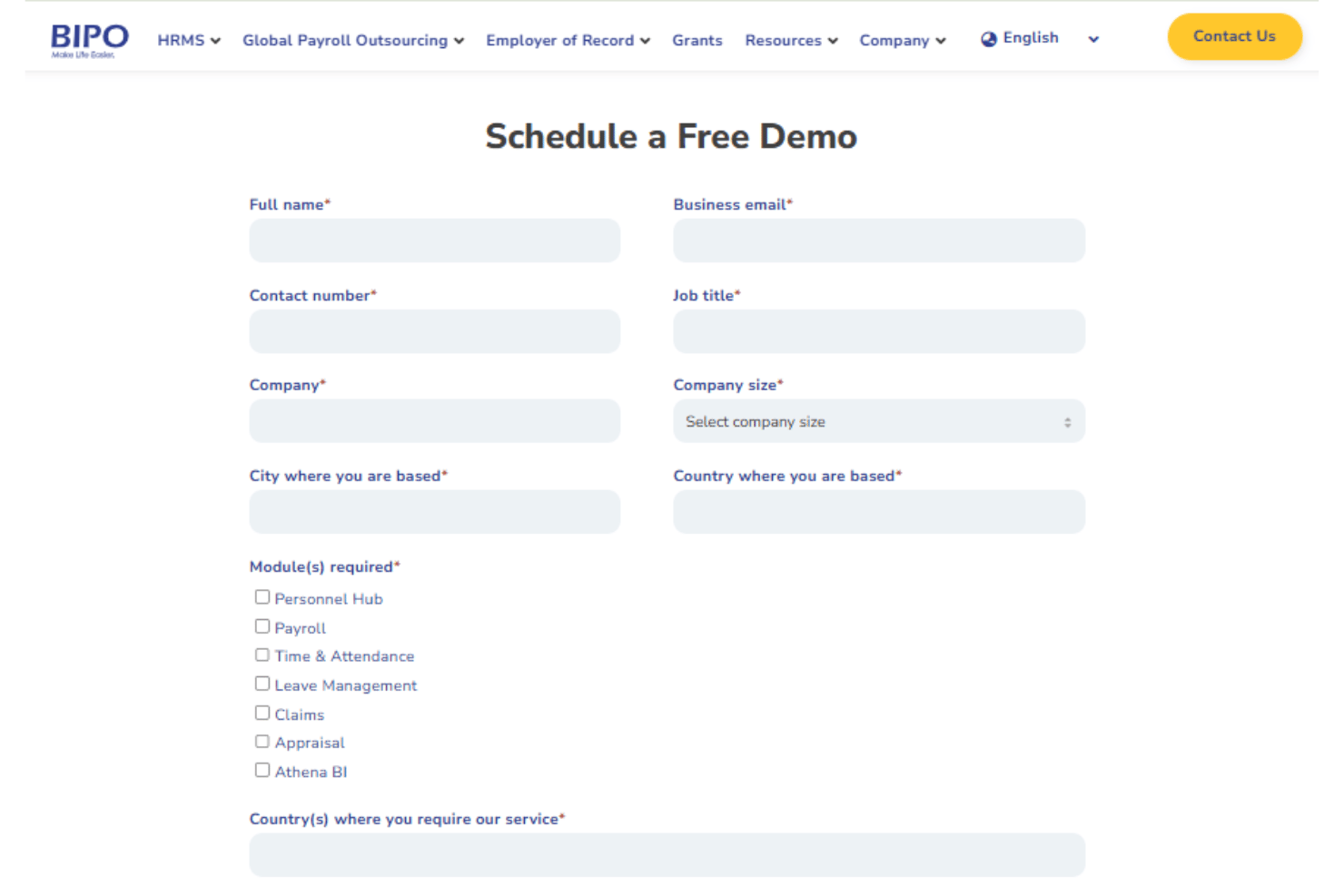
- Pricing upon request
- Free demo available
Why Trust Our Software Recommendations
Our team has been testing and reviewing software since 2012. As HR experts ourselves, we know how difficult—and important—it is to choose the right software.
For this guide, we evaluated tools using hands-on testing and independent research, scoring tools using our selection criteria. We also draw on insights from industry thought leaders and practicing HR experts.
Our reviews reflect our human editorial judgment, not a sales pitch.
Expert reviewers:
BIPO Overview
In my experience, BIPO stands out for its global payroll reach, straightforward onboarding, and responsive support, especially when you need to navigate compliance in emerging markets. Compared to others, pricing is transparent, but integration options feel limited if you rely on niche HR tools. I think HR teams looking for dependable support and ease of use—rather than deep custom integrations—will judge BIPO favorably. For example, if you’re hiring quickly across APAC, selecting BIPO can remove headaches, but those building a complex HR tech stack may find its ecosystem somewhat restrictive.
pros
-
Supports compliant hiring in over 150 countries
-
Offers multicurrency payroll and benefits administration
-
Responsive customer support with dedicated account managers
cons
-
Limited self-service functionality for employees
-
Fewer integrations with third-party HR platforms
-
Some users report delays with onboarding documentation
Is BIPO Right For Your Needs?
Who Would be a Good Fit for BIPO?
BIPO is ideal for organizations with global ambitions, especially those expanding into new markets with little in-house HR infrastructure. Companies managing distributed teams or needing localized payroll, compliance, and benefits in multiple countries will see strong value. Specialized support for onboarding, global contract management, and compliance auditing also suits fast-growing tech, remote-first, and VC-backed businesses who need a trusted partner to minimize employer risk.
-
Global Tech Startups
BIPO makes it easy to hire and pay talent across borders without setting up local entities, reducing overhead for fast-scaling startups.
-
VC-Backed Growth Companies
With BIPO’s compliance automation and HR advisory, companies undergoing rapid hiring sprees avoid costly missteps and legal issues during scale.
-
HR Departments in Midsize Enterprises
Centralized dashboards, payroll, and onboarding tools allow lean HR teams to handle international operations without extra headcount.
-
Remote-First Businesses
BIPO’s global benefits and contracts coverage let remote teams hire the best talent anywhere, with local compliance and payroll handled.
-
International NGOs
Nonprofits expanding outreach in developing countries get localized labor law support and reduce admin with BIPO’s all-in-one platform.
-
Multinational Retailers
BIPO helps retailers manage seasonal, distributed teams by handling complex onboarding, payroll cycles, and benefits packages worldwide.
Who Would be a Bad Fit for BIPO?
BIPO isn’t the right choice for businesses that only hire in one country or need highly specialized, niche HR software integrations. Very small firms or individuals with low employee counts may find the scope and pricing misaligned with their needs. Companies with intensive customization requirements, heavily unionized workforces, or highly regulated professional fields may need a more tailored provider.
-
Small Local Businesses
For companies hiring only locally, BIPO’s global features and price point are unnecessary compared to simpler domestic solutions.
-
Freelancers or Solopreneurs
Individuals or tiny teams don’t need BIPO’s complex processes or multi-country compliance tools.
-
Unionized Industrial Firms
Heavy collective bargaining or complex union rules exceed BIPO’s standardized contract handling and compliance support.
-
Highly Regulated Healthcare Providers
Niche medical compliance, credentialing, and specialty licensing needs likely aren’t covered by BIPO’s standard offering.
-
Companies Requiring Deep Custom Integrations
BIPO’s integration options are limited, so companies with unique, deeply embedded systems may not get the automation or data exchange they want.
-
Government Contractors
Strict regulatory, security, and data residency requirements may not be fully addressed with BIPO’s standard international platform.
How We Test & Score Our Tools
We’ve spent years building, refining, and improving our software testing and scoring system. The rubric is designed to capture the nuances of software selection and what makes a tool effective, focusing on critical aspects of the decision-making process.
Below, you can see exactly how our testing and scoring works across seven criteria. It allows us to provide an unbiased evaluation of the software based on core functionality, standout features, ease of use, onboarding, customer support, integrations, customer reviews, and value for money.
Core Functionality (25% of final score)
The starting point of our evaluation is always the core functionality of the tool. Does it have the basic features and functions that a user would expect to see? Are any of those core features locked to higher-tiered pricing plans? At its core, we expect a tool to stand up against the baseline capabilities of its competitors.
Standout Features (25% of final score)
Next, we evaluate uncommon standout features that go above and beyond the core functionality typically found in tools of its kind. A high score reflects specialized or unique features that make the product faster, more efficient, or offer additional value to the user.
We also evaluate how easy it is to integrate with other tools typically found in the tech stack to expand the functionality and utility of the software. Tools offering plentiful native integrations, 3rd party connections, and API access to build custom integrations score best.
Ease of Use (10% of final score)
We consider how quick and easy it is to execute the tasks defined in the core functionality using the tool. High scoring software is well designed, intuitive to use, offers mobile apps, provides templates, and makes relatively complex tasks seem simple.
Onboarding (10% of final score)
We know how important rapid team adoption is for a new platform, so we evaluate how easy it is to learn and use a tool with minimal training. We evaluate how quickly a team member can get set up and start using the tool with no experience. High scoring solutions indicate little or no support is required.
Customer Support (10% of final score)
We review how quick and easy it is to get unstuck and find help by phone, live chat, or knowledge base. Tools and companies that provide real-time support score best, while chatbots score worst.
Customer Reviews (10% of final score)
Beyond our own testing and evaluation, we consider the net promoter score from current and past customers. We review their likelihood, given the option, to choose the tool again for the core functionality. A high scoring software reflects a high net promoter score from current or past customers.
Value for Money (10% of final score)
Lastly, in consideration of all the other criteria, we review the average price of entry level plans against the core features and consider the value of the other evaluation criteria. Software that delivers more, for less, will score higher.
Core Features
Global Payroll Management
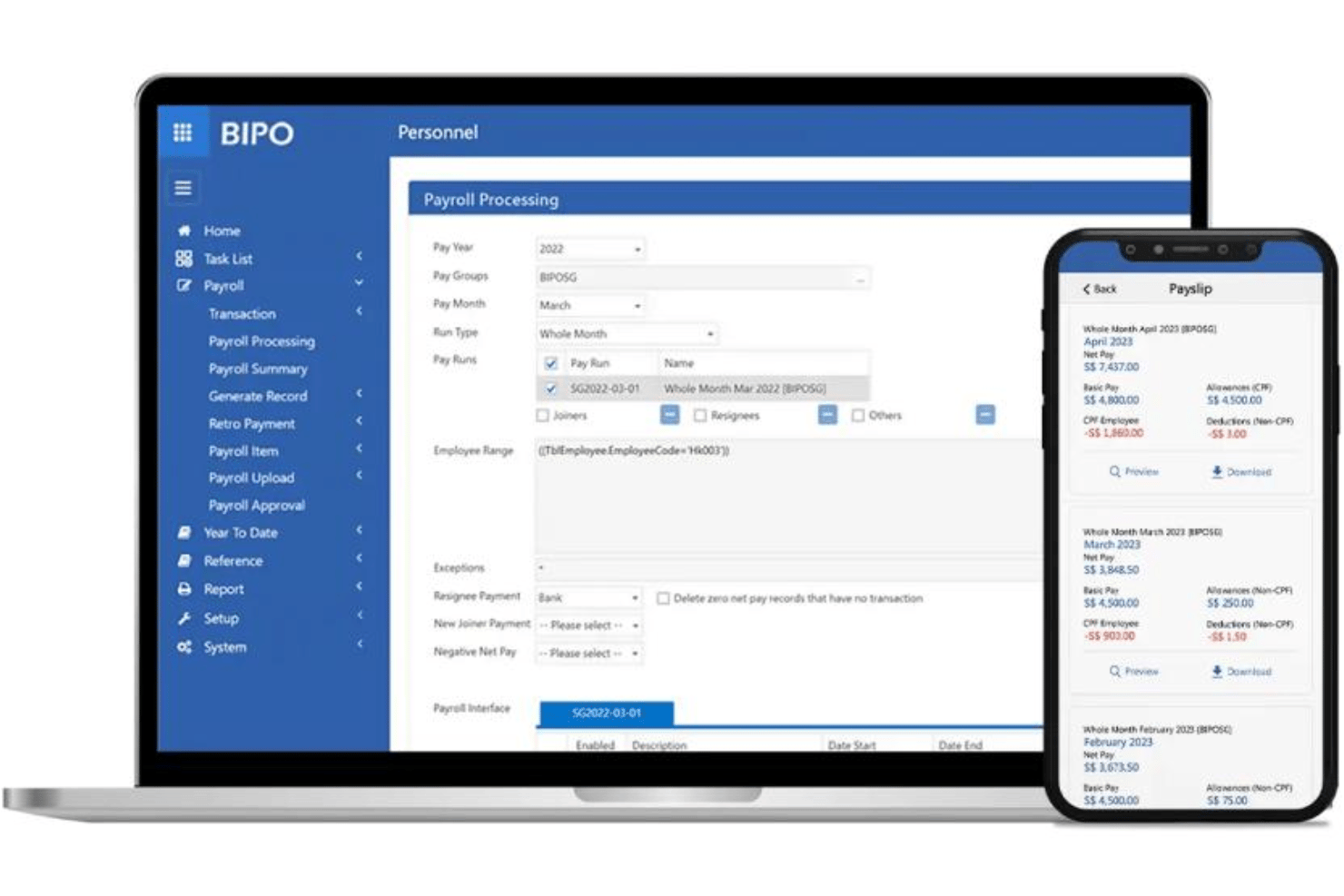
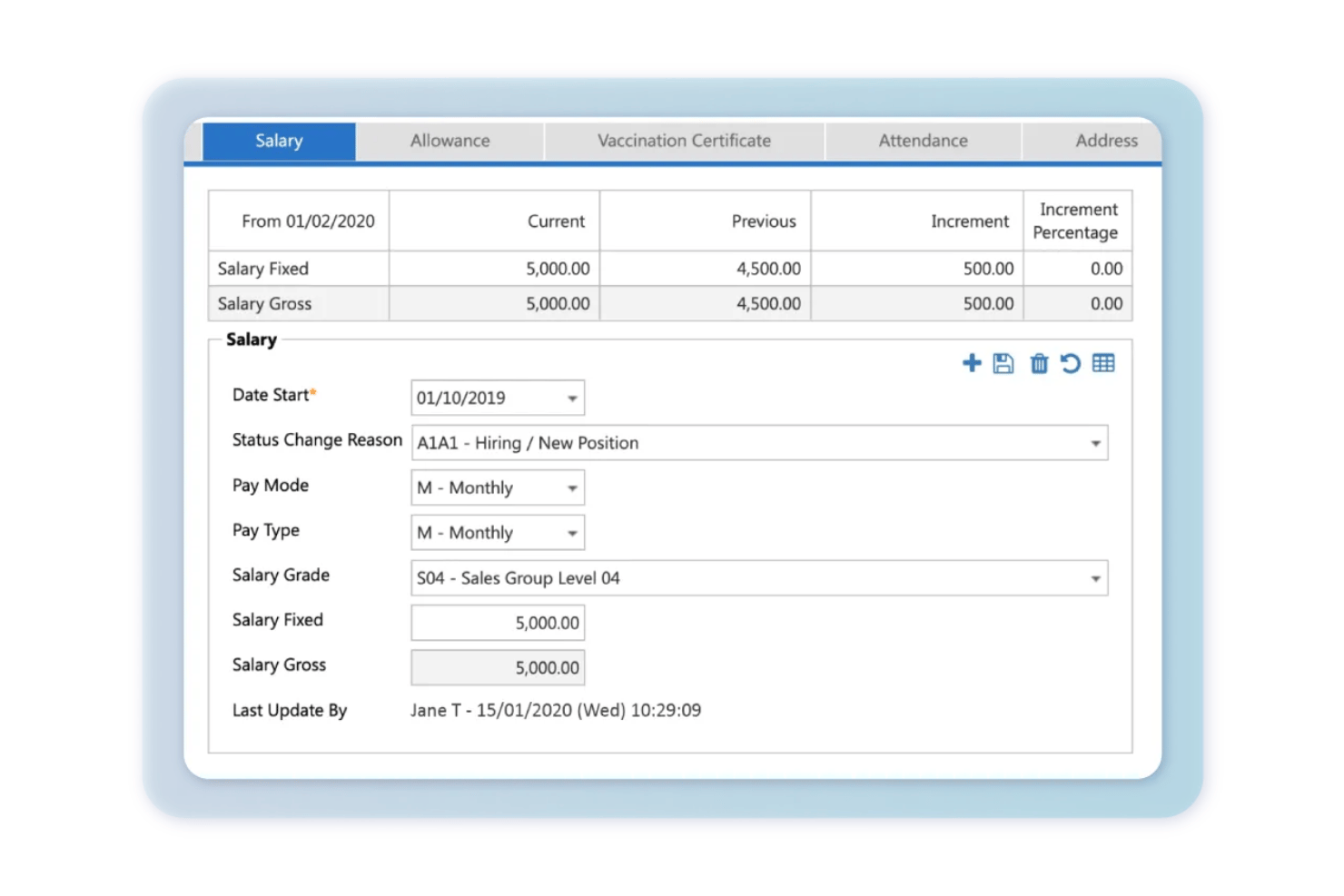
BIPO processes payroll in over 170 countries with local compliance. You get multicurrency payments, tax filing, and detailed payslips instantly.
Employment Contract Generation
BIPO drafts compliant employment contracts customized for each country. You avoid legal headaches and ensure local labor standards are met.
Benefits Administration
BIPO manages statutory and supplemental benefits for your employees worldwide. Health insurance, pensions, and allowances are handled in-country by BIPO’s experts.
Onboarding and Offboarding Support
BIPO guides employees through onboarding paperwork and exit processes step by step. This reduces HR admin time, especially when hiring or offboarding at scale.
Workforce Compliance Monitoring
BIPO monitors evolving labor laws and updates your HR processes automatically. Audit trails and compliance reports help you avoid fines or penalties.
Centralized Employee Self-Service Portal
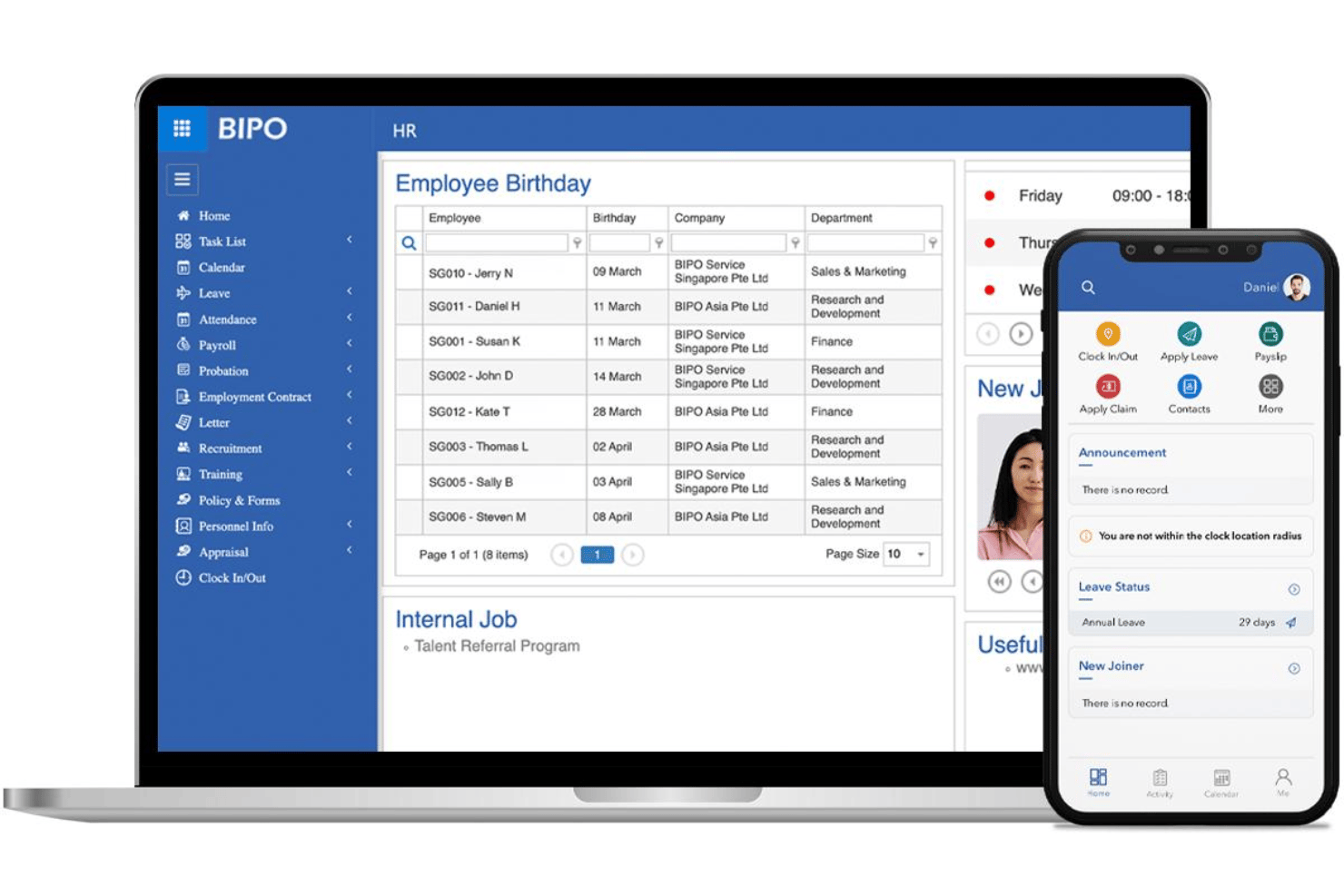
Employees can view payslips, contracts, and policies in a secure portal. This reduces HR support requests and gives staff real-time access to documents.
Standout Features
In-Country HR Advisory Services
BIPO provides local HR experts for guidance on market-specific hiring practices. You get tailored advice before entering unfamiliar regions or markets.
Custom Analytics and Reporting Dashboard
BIPO offers a dashboard with workforce analytics on trends, costs, and headcounts. Users can quickly identify hiring costs by country or spot compliance risk patterns.
Ease of Use
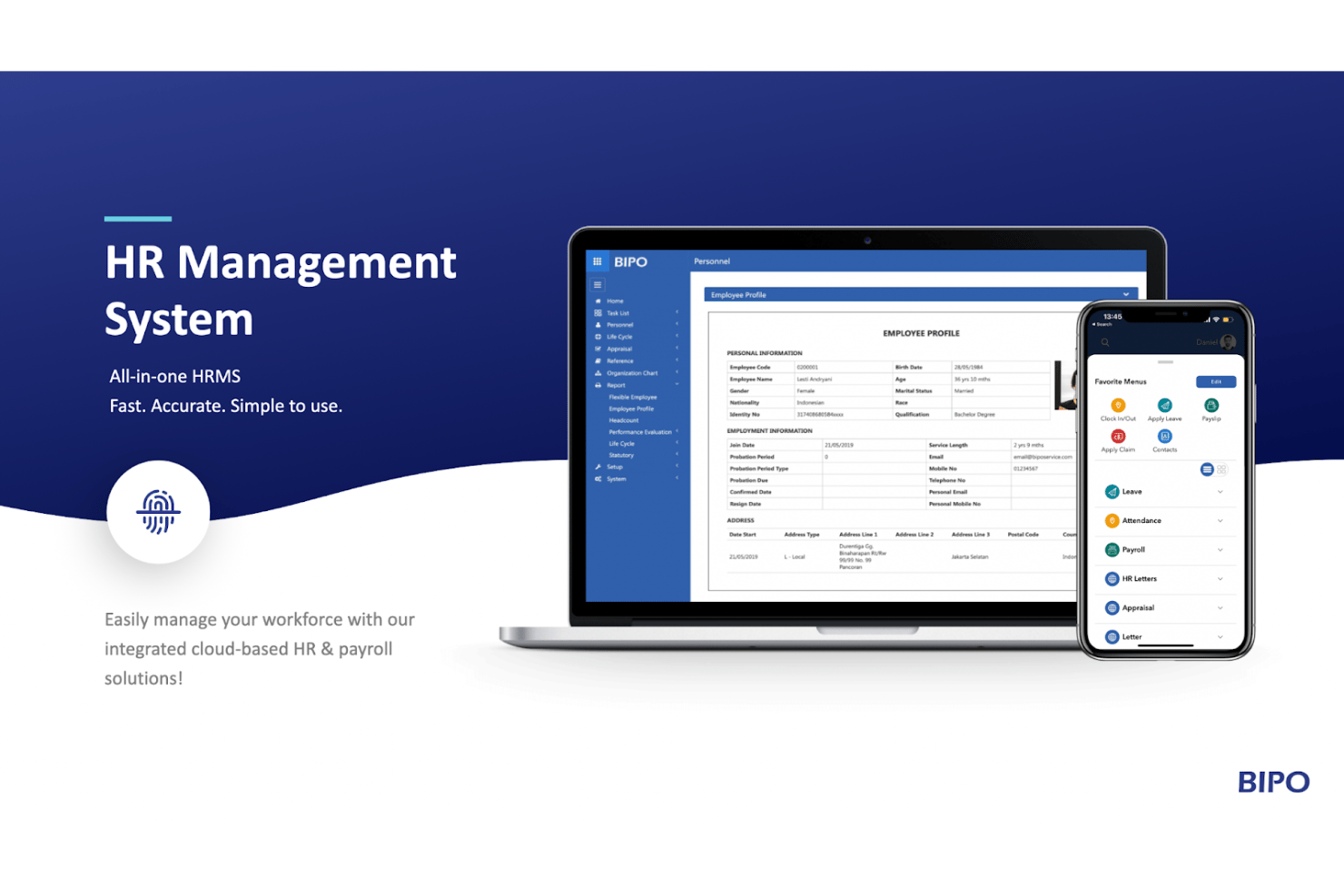
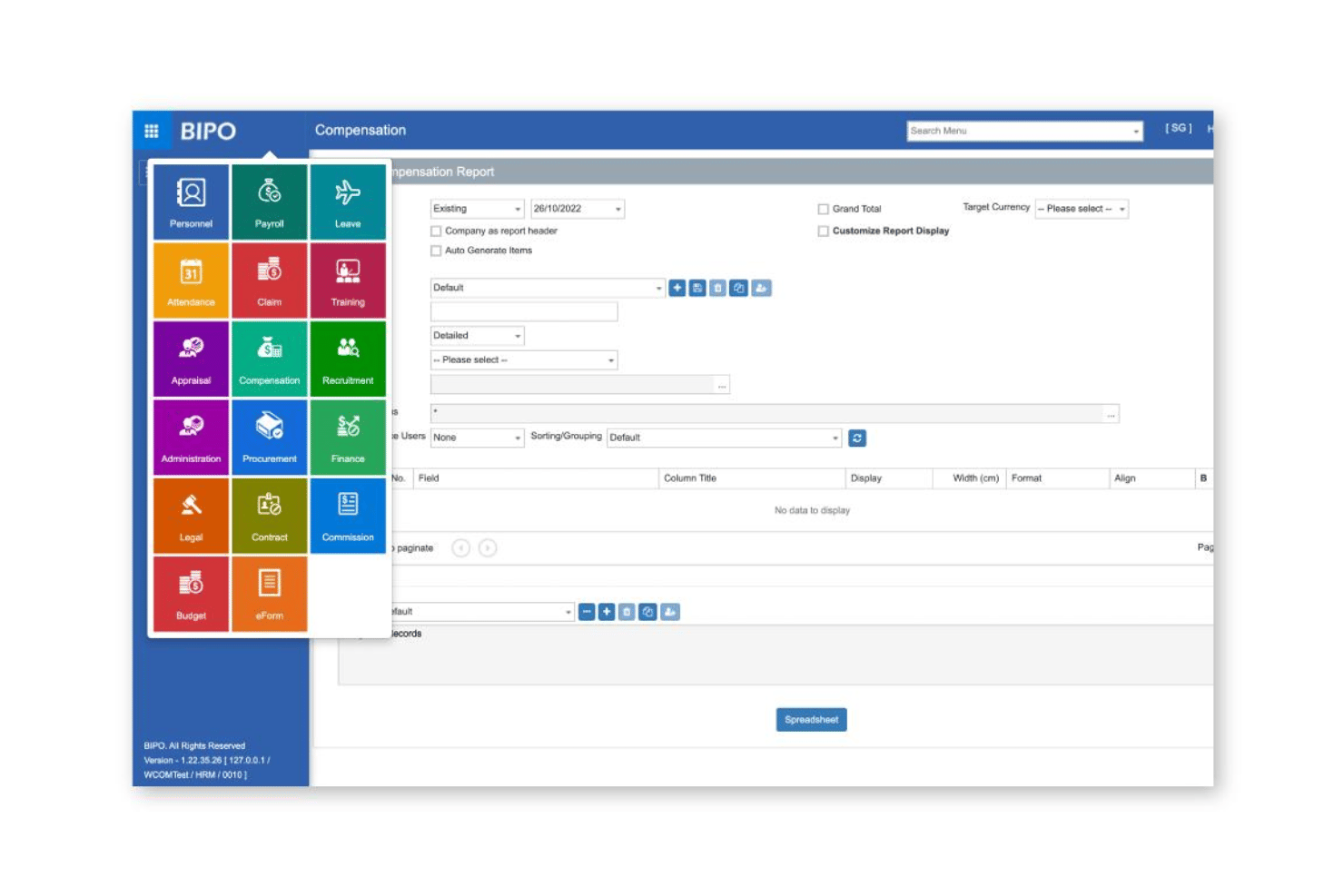
BIPO’s platform is user-friendly, especially for HR teams new to global hiring—navigation is straightforward, onboarding checklists are clear, and the self-service portal reduces manual admin. Users mention responsive support and fast answers, but some report delays in updating employee records or accessing full historical documentation, hinting at a need for more workflow automation or deeper self-serve options.
Onboarding
BIPO’s onboarding is guided and hands-on, with dedicated account managers and localized HR advisors making the paperwork and setup process easier, even in challenging regions. Most users report a quick start and fast issue resolution, but some mention that document processing can stall when large volumes are submitted at once, which may delay time to value for organizations scaling quickly.
Customer Support
BIPO is praised for its responsive customer support, with most users able to reach dedicated account managers and local HR advisors quickly via email or live chat. Many cite reliable guidance on labor laws and urgent payroll queries, though a few note that response times can be slower in less common markets or during peak periods.
Integrations
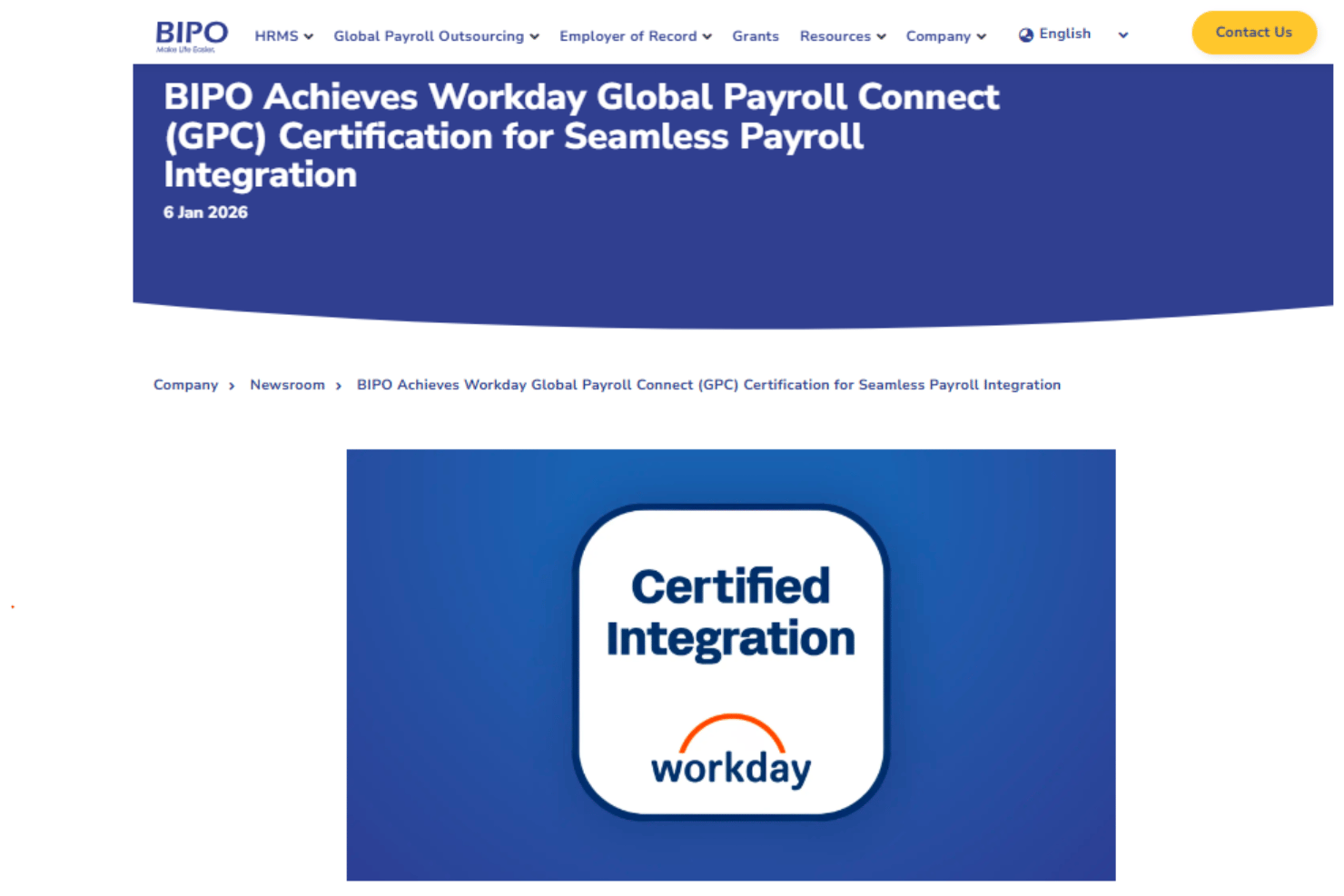
BIPO integrates with HRMS systems like Workday and SAP SuccessFactors, among others.
BIPO also offers an API for more flexibility, allowing connections with custom or third-party systems where needed.
Value for Money
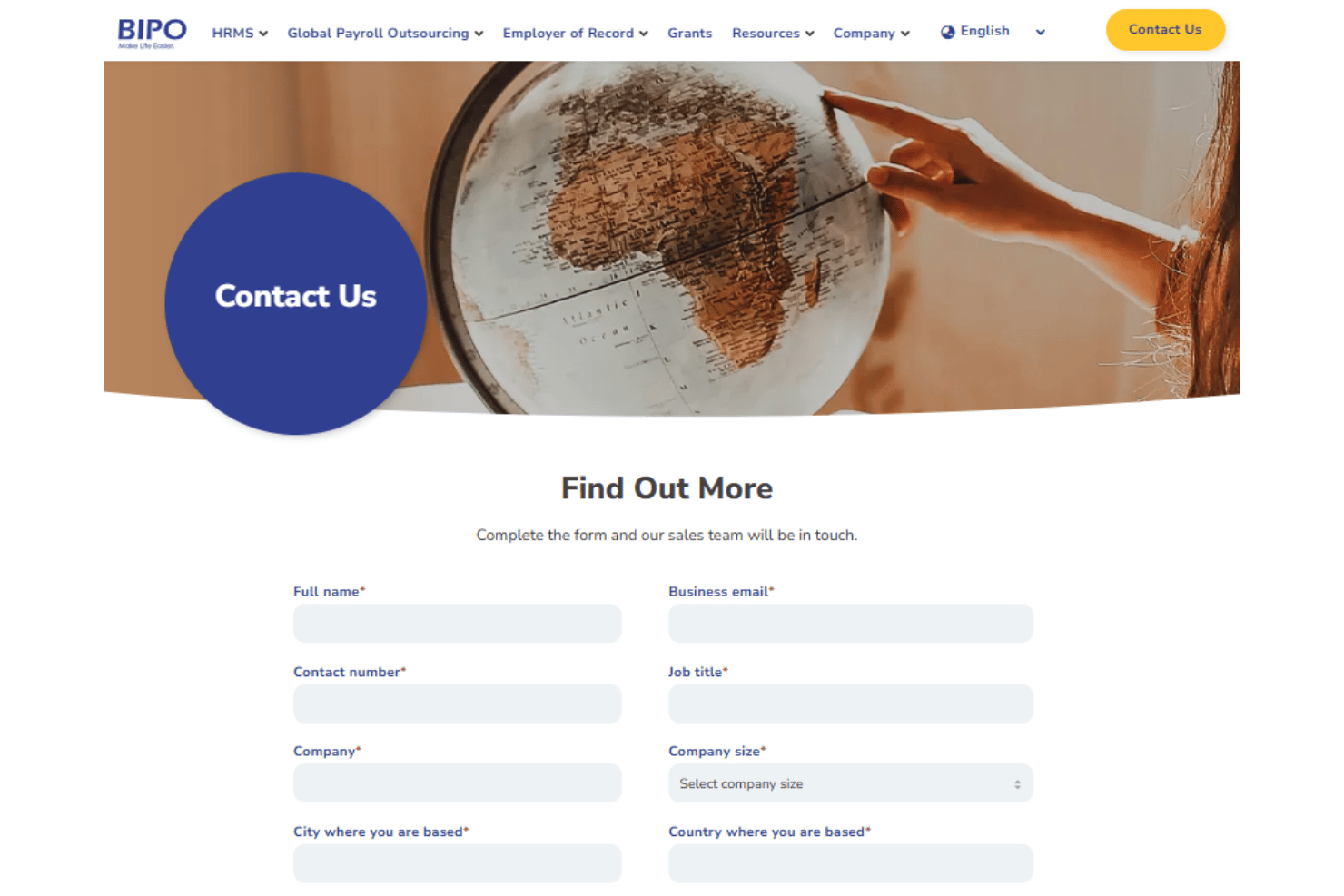
BIPO provides customized pricing for its Employer of Record, payroll, and HRMS solutions based on business size, countries covered, and service requirements. Many businesses value the platform for its global payroll capabilities, compliance support, and integrated HR services across 170+ countries. However, BIPO does not publicly list fixed pricing tiers or detailed feature-level pricing on its website, so companies need to contact sales for a tailored quote.
BIPO Specs
- API
- Application Tracking
- Batch Permissions & Access
- Compliance Tracking
- Contract Management
- Data Export
- Data Import
- Data Visualization
- Database Search
- Document Management
- Employee Database
- Employee Onboarding
- Employee Training
- External Integrations
- HRIS Integration
- Mobile App
- Multi-Currency
- Multi-User
- Notifications
- Password & Access Management
- Payroll
- Report & Compliance
- Risk Assessment
- Scheduling
- Tax Management
- Timesheets
BIPO FAQs
How quickly can BIPO onboard employees in new countries?
Does BIPO ensure compliance with local labor laws?
What data security measures does BIPO have in place?
Can BIPO manage both permanent and contract employees?
How transparent is BIPO’s pricing structure?
Does BIPO handle statutory benefits and local perks?
What support channels are available to BIPO customers?
How does BIPO handle payroll in multiple currencies?
BIPO Company Overview & History
BIPO is a global payroll and people solutions provider headquartered in Singapore, with over 900 employees worldwide. Founded in 2010, BIPO focuses on simplifying HR, payroll, and employer of record services for businesses operating across more than 150 countries. The company is recognized for its strong regional presence in Asia Pacific, with additional offices in Malaysia and Hong Kong, and its user-centric, tech-driven approach to workforce management. BIPO serves a diverse mix of clients, including large multinationals and regional enterprises.
BIPO Major Milestones
- 2010: BIPO is founded in Singapore.
- 2015: Launches proprietary cloud-based HR management system.
- 2018: Expands service coverage to over 100 countries.
- 2020: Recognized as an HR service leader in Asia Pacific.
- 2022: Opens new offices in Europe and the Americas.
- 2023: Surpasses 900 global employees and supports payroll in 150+ countries.