


QuickBooks Online vs. FreshBooks: Comparison & Reviews for 2026


The wrong finance setup quietly turns everyday admin into a full-time job. When payroll, invoices, and employee details all need attention, the right platform can bring a little order back to the chaos.
If you’re struggling to juggle payroll, invoicing, and HR admin, you’re not alone. Choosing between QuickBooks Online and FreshBooks as your HR and accounting software can make a big difference in how smoothly you run your business. You want to know which tool will fit your team, budget, and day-to-day needs.
In this article, you’ll get a side-by-side comparison covering key features, pros and cons, practical use cases, pricing, security, and what it’s like to actually use each one. I’ll help you decide which option meets your needs so you can focus on the work that matters.
QuickBooks Online vs. FreshBooks: An Overview
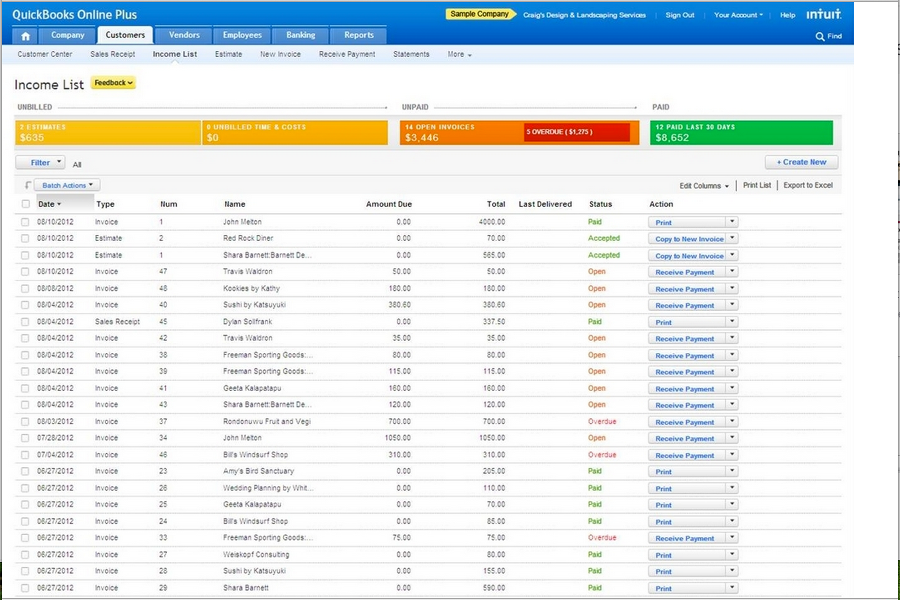
QuickBooks Online
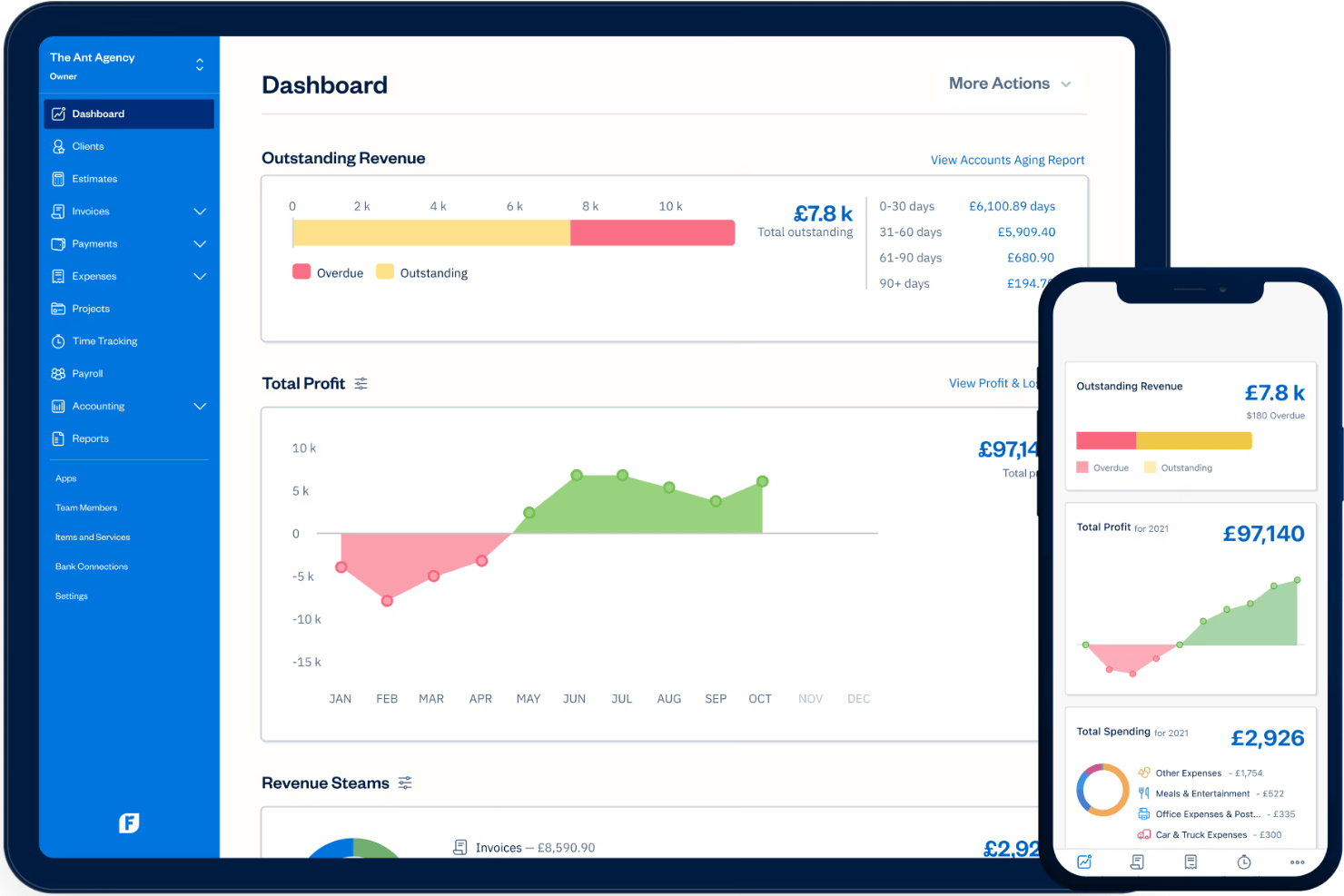
FreshBooks

Why Trust Our Software Recommendations
Our team has been testing and reviewing software since 2012. As HR experts ourselves, we know how difficult—and important—it is to choose the right software.
For this guide, we evaluated tools using hands-on testing and independent research, scoring tools using our selection criteria. We also draw on insights from industry thought leaders and practicing HR experts.
Our reviews reflect our human editorial judgment, not a sales pitch.
Expert reviewers:
QuickBooks Online vs. FreshBooks Pricing Comparison
| QuickBooks Online | FreshBooks | |
|---|---|---|
| Free Trial | Free trial available | Free demo + 30-day free trial available |
| Pricing | From $38/month | From $12/month (billed annually) |
QuickBooks Online vs. FreshBooks Pricing & Hidden Costs
QuickBooks Online uses a tiered subscription model, where you pay more as you add desired features and users; essentials like payroll and advanced reporting often mean extra fees. FreshBooks also uses a tiered approach but tends to bundle core accounting and invoicing in the base price, with add-ons for team members or certain automations. Both platforms can sneak in costs for extra users, integrations, or higher transaction volumes.
To pick the right pricing option, start by mapping your real needs—like team size, must-have HR features, and expected growth—against each platform’s tiers. Consider not just headline costs, but also recurring expenses for add-ons and support. Check contract terms, upgrade conditions, and whether you pay monthly or annually, so you’re not surprised a few months down the road.
QuickBooks Online vs. FreshBooks Feature Comparison
| QuickBooks Online | FreshBooks | |
|---|---|---|
| 2-Factor Authentication | ||
| API | ||
| Accounts Payable | ||
| Accounts Receivable | ||
| Balance Sheet | ||
| Billing/Invoicing | ||
| BitCoin | ||
| Budgeting | ||
| CRM Integration | ||
| Calendar Management | ||
| Contact Management | ||
| Customer Management | ||
| Dashboard | ||
| Data Export | ||
| Data Import | ||
| Data Visualization | ||
| Expense Tracking | ||
| External Integrations | ||
| Forecasting | ||
| General Account Ledger | ||
| Inventory Tracking | ||
| Multi-Currency | ||
| Multi-User | ||
| Notifications | ||
| P&L | ||
| PayPal | ||
| Payroll | ||
| SAP Integration | ||
| Stripe | ||
| Supplier Management | ||
| Tax Management |
QuickBooks Online vs. FreshBooks Integrations
| Integration | QuickBooks Online | FreshBooks |
|---|---|---|
| Gusto | ✅ | ❌ |
| Shopify | ✅ | ❌ |
| Square | ✅ | ❌ |
| PayPal | ✅ | ❌ |
| Expensify | ✅ | ❌ |
| Wagepoint | ❌ | ✅ |
| HubSpot | ✅ | ✅ |
| Gusto | ❌ | ✅ |
| API | ✅ | ✅ |
| Zapier | ✅ | ✅ |
QuickBooks Online has the stronger integration library, with more out-of-the-box connections across payment, ecommerce, CRM, payroll, and business operations tools. FreshBooks has a more limited native integration catalog, though both platforms offer API and Zapier support for teams that need custom workflows or additional app connections.
QuickBooks Online vs. FreshBooks Security, Compliance & Reliability
| Factor | QuickBooks Online | FreshBooks |
|---|---|---|
| Data Encryption | Uses AES256 and TLS encryption for all data at rest, and RSA encryption for data in transit. | Uses industry-standard SSL encryption to protect client data. |
| Regulatory Compliance | Complies with PCI DSS, undergoes SOC audits and reports, and is ISO 27001-certified. | Meets GDPR and PCI DSS standards for data and payment protection. |
| Access Controls | Offers customizable user permissions and audit logs for activity tracking. | Provides team permissions and role-based access controls. |
| Backup & Recovery | Runs automatic daily backups with disaster recovery protocols. | Performs regular backups and keeps redundant copies for reliability. |
| Uptime Guarantee | Reports 99.9% uptime backed by operational status dashboards. | Targets high uptime and publicly shares system status. |
QuickBooks Online edges ahead with advanced compliance tools and role-based access, while FreshBooks covers the essentials with user-friendly encryption and permissions. I trust QuickBooks Online for larger teams with strict requirements, but FreshBooks feels approachable and solid for smaller businesses.
QuickBooks Online vs. FreshBooks Ease of Use
| Factor | QuickBooks Online | FreshBooks |
|---|---|---|
| User Interface | Modern dashboard, lots of features—menus can feel crowded at first. | Clean, simple design—navigation is intuitive even for beginners. |
| Onboarding | Step-by-step setup guides and tutorials, but can feel overwhelming. | Guided onboarding with prompts that keep setup light and friendly. |
| Mobile Experience | Full-featured mobile app with complex menus but robust tools. | Streamlined mobile app makes tasks like invoicing fast and easy. |
| Customer Support | Live chat, phone, and help center resources—response times may vary. | Friendly support team, quick responses, and lots of user guides. |
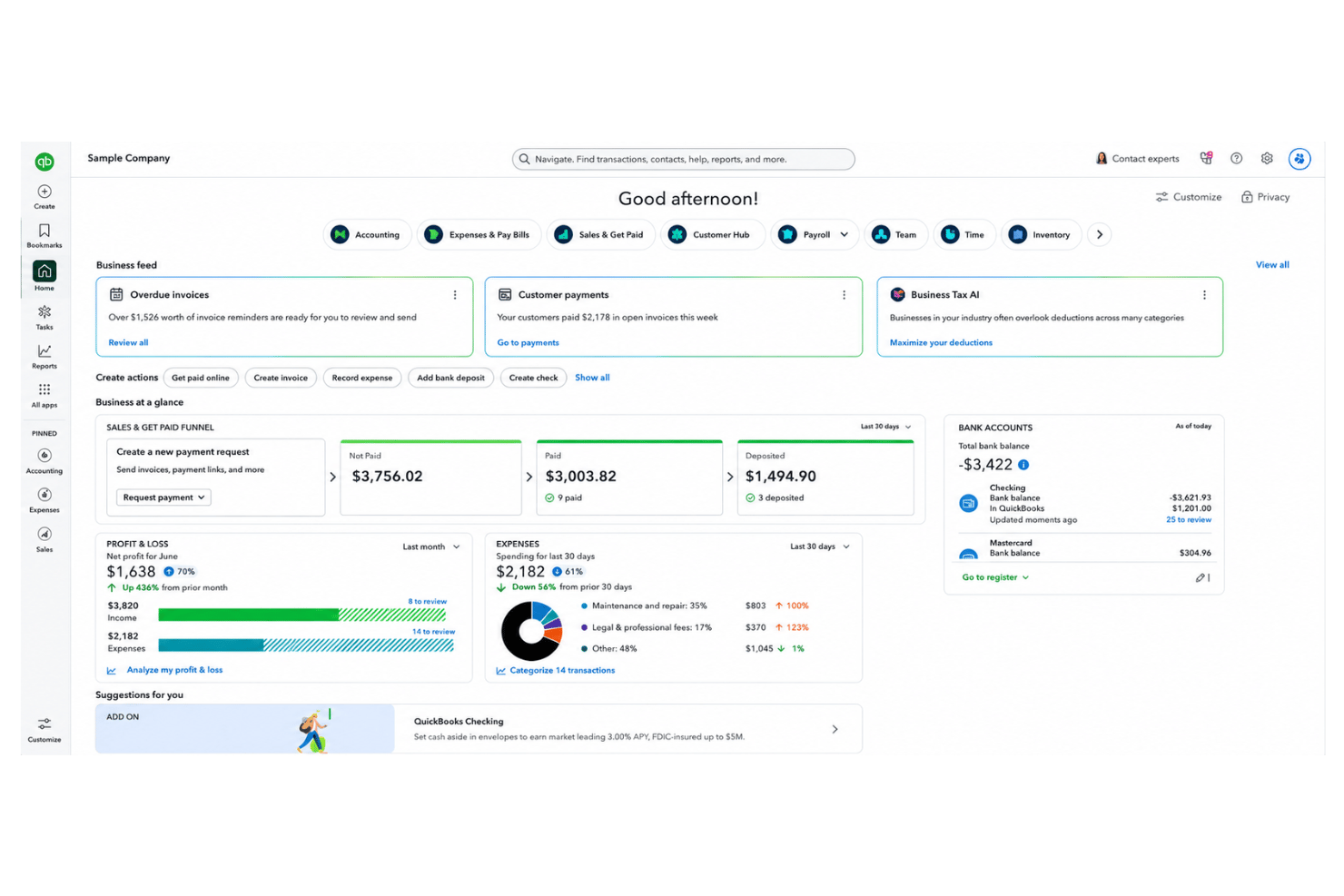
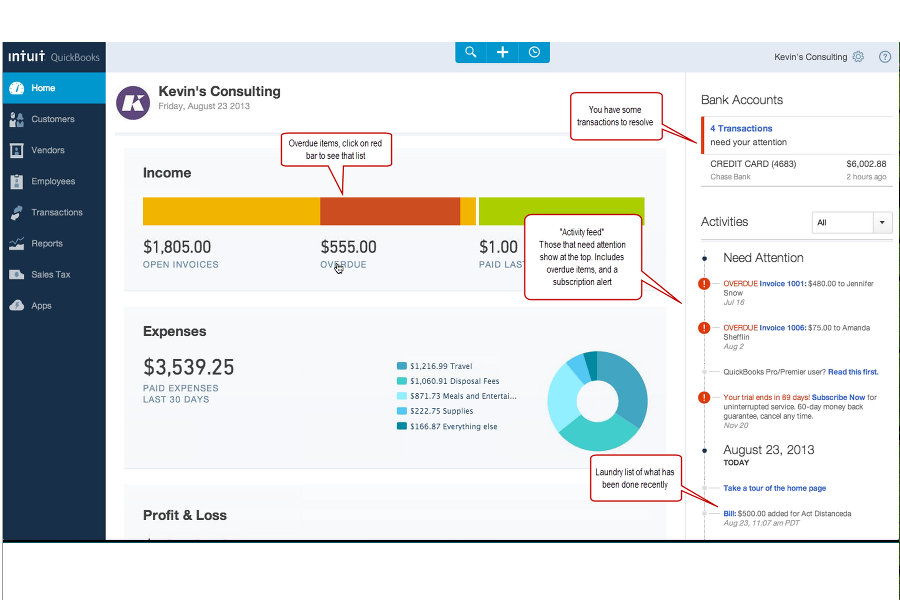
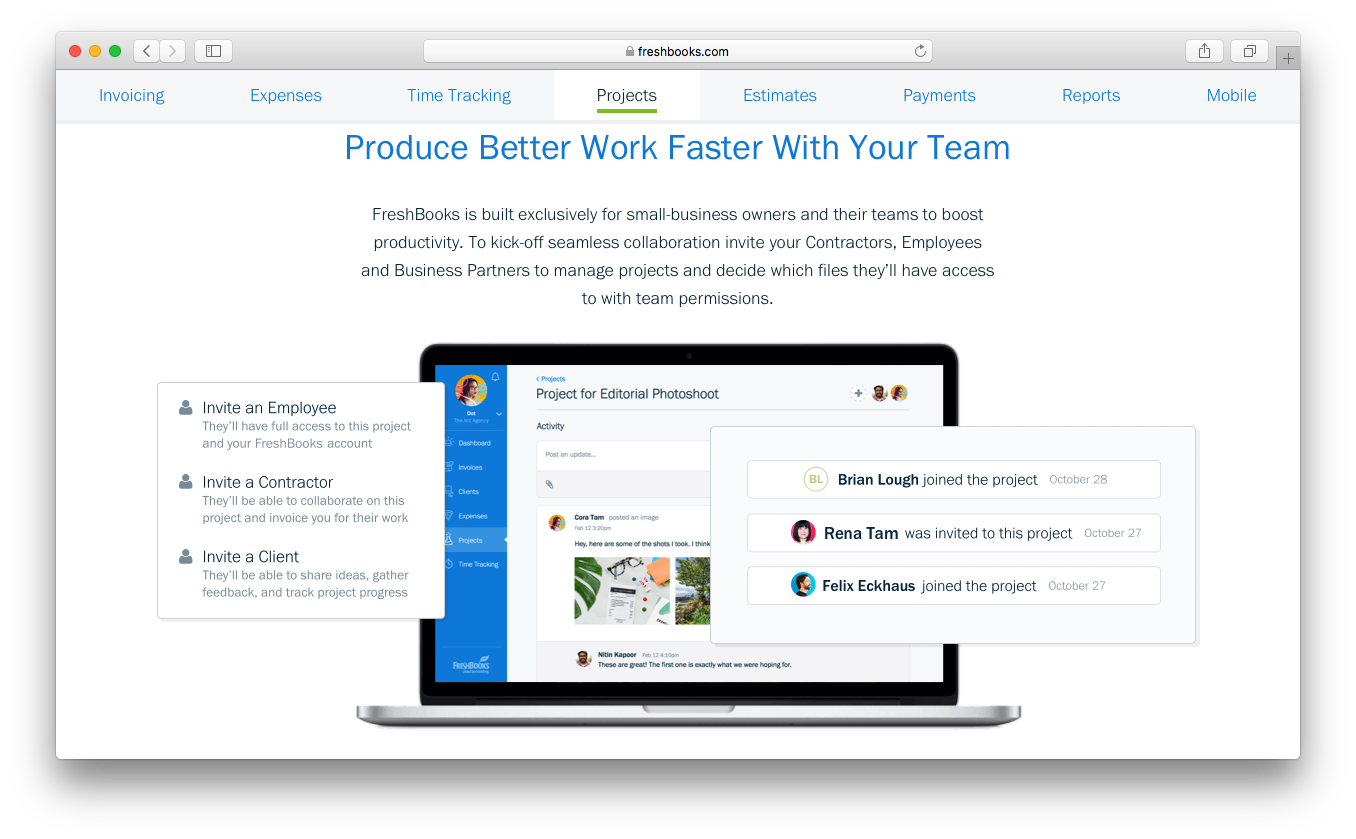
FreshBooks stands out for its beginner-friendly interface and smooth setup, while QuickBooks Online’s wide feature set requires more patience but rewards deeper dives. I find FreshBooks a go-to for teams wanting simplicity, while QuickBooks Online shines for those who can invest a bit of time into mastering its many options.
QuickBooks Online vs FreshBooks: Pros & Cons
QuickBooks Online
- Payroll runs and tax filings are automated and accurate
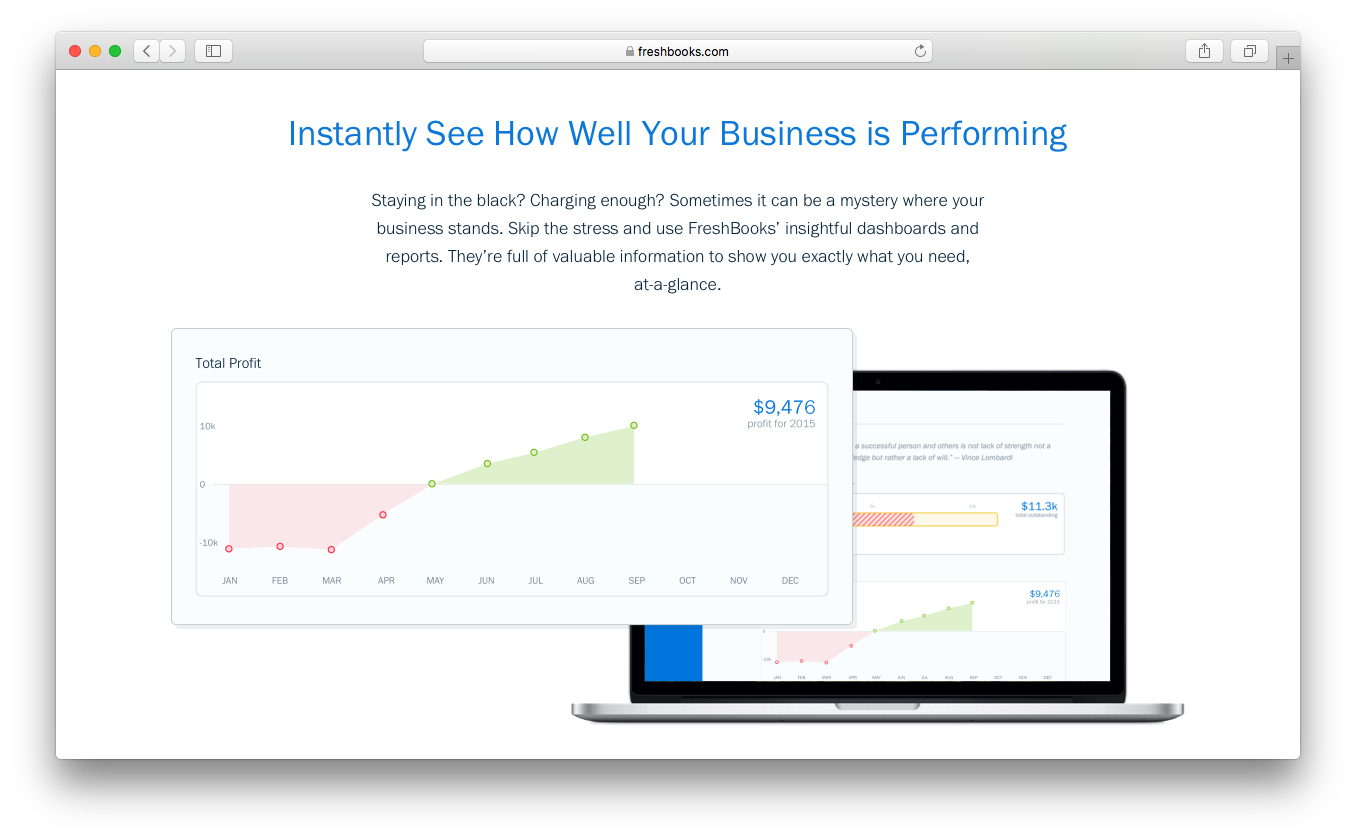
- Dashboards and reports give real-time insight into expenses and payroll
- Employee self-service portal reduces HR admin workload
- Some advanced reporting features are only available with higher-tier plans
- Not ideal for advanced ERP or global organizations
- May require time to learn for new users
FreshBooks
- Payroll tax filing is included at no extra cost
- Built-in time tracking supports hourly wage calculations
- Step-by-step setup guidance simplifies onboarding for new users
- Multi-state payroll support is not included by default
- No native international payroll processing available
- Advanced employee benefits management is limited
Best Use Cases for QuickBooks Online and FreshBooks
QuickBooks Online
- Retail Stores Easy inventory tracking and sales management make it simple to keep up with daily operations.
- Professional Services Automated payroll and project profitability tools help agencies and consultancies track client costs and pay staff on time.
- Startups Startups love the fast onboarding, mobile app, and all-in-one dashboards for managing payroll, expenses, and taxes.
- Nonprofit Organizations QuickBooks Online supports grant management and basic fund tracking to simplify nonprofit bookkeeping and reporting.
- Remote Teams The cloud-based platform and mobile access let remote or distributed teams handle payroll and HR tasks from anywhere.
- Bookkeepers Bookkeepers appreciate the straightforward workflows, reporting, and role-based access in QuickBooks Online.
FreshBooks
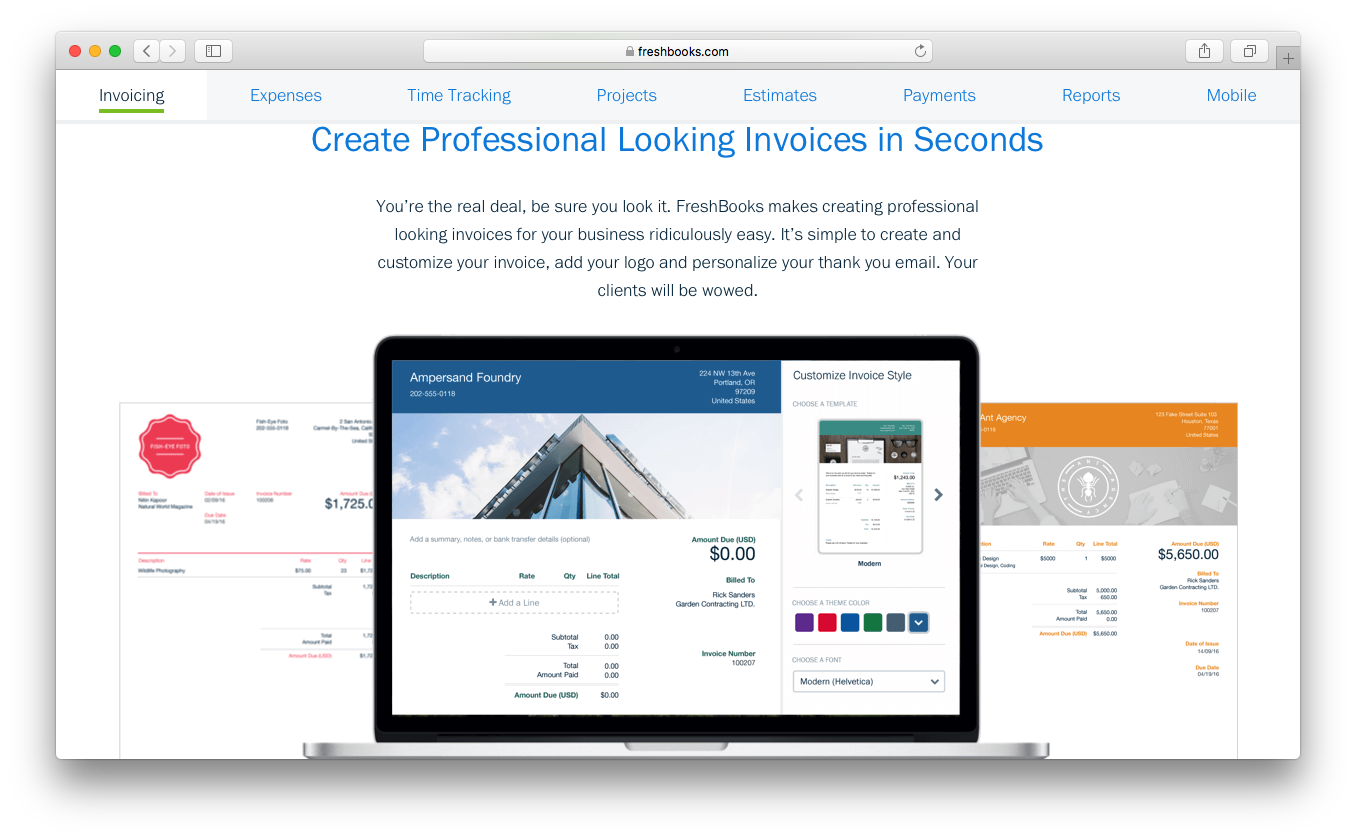
- Freelancers and Solopreneurs FreshBooks makes managing payroll, invoicing, and taxes straightforward for individuals with simple payment needs.
- Professional Services Firms Law firms, consultants, and agencies can track billable hours and run payroll with integrated time tracking.
- Marketing Agencies Agencies find value in automating payroll for both employees and contractors alongside project management features.
- Small Retail Businesses Shops with a handful of staff appreciate FreshBooks’s easy payroll runs and clear cost structure.
- Remote Teams Under 50 Distributed teams get self-service portals and automated direct deposit without layers of HR admin.
- Nonprofit Organizations Nonprofits can manage payroll compliance and tax filing at a predictable cost, with tools that reduce manual paperwork.
Who Should Use QuickBooks Online, and Who Should Use FreshBooks?
QuickBooks Online is the better pick for established businesses, larger teams, and anyone needing HR features, deep financial reporting, or strong payroll integration. I’d suggest FreshBooks for solo professionals, small teams, or client services firms that care about easy invoicing, time tracking, and user-friendly collaboration. If you want lots of features and room to scale, go with QuickBooks Online. If simplicity and fast setup matter most, FreshBooks is hard to beat.
Differences Between QuickBooks Online and FreshBooks
| QuickBooks Online | FreshBooks | |
|---|---|---|
| Integration Depth | Broad native integration library with deeper connections across accounting, payroll, ecommerce, CRM, and business operations tools. | More limited native integrations, with API and Zapier available for additional connectivity. |
| Payroll Integration | Built-in, robust payroll tools for comprehensive HR management. | Payroll requires third-party apps and simpler integrations. |
| Pricing Flexibility | Tiers based on features, users, and optional add-ons. | Tiers based on core functions with simple per-user add-ons. |
| Reporting Depth | Advanced, customizable reports for detailed financial analysis. | Basic reports with a focus on invoices and expenses. |
| User Experience | Feature-rich but can be complex for beginners. | Clean, intuitive, and easy for anyone to use. |
| Visit QuickBooks OnlineOpens new window | Read FreshBooks ReviewOpens new window |
Similarities Between QuickBooks Online and FreshBooks
| Cloud Access | Both offer secure, cloud-based platforms with web and mobile access so you can manage books and run payroll from anywhere. |
|---|---|
| Customer Support | Both vendors offer live chat, email, and self-serve knowledge bases, providing responsive help whether you’re troubleshooting or just getting started. |
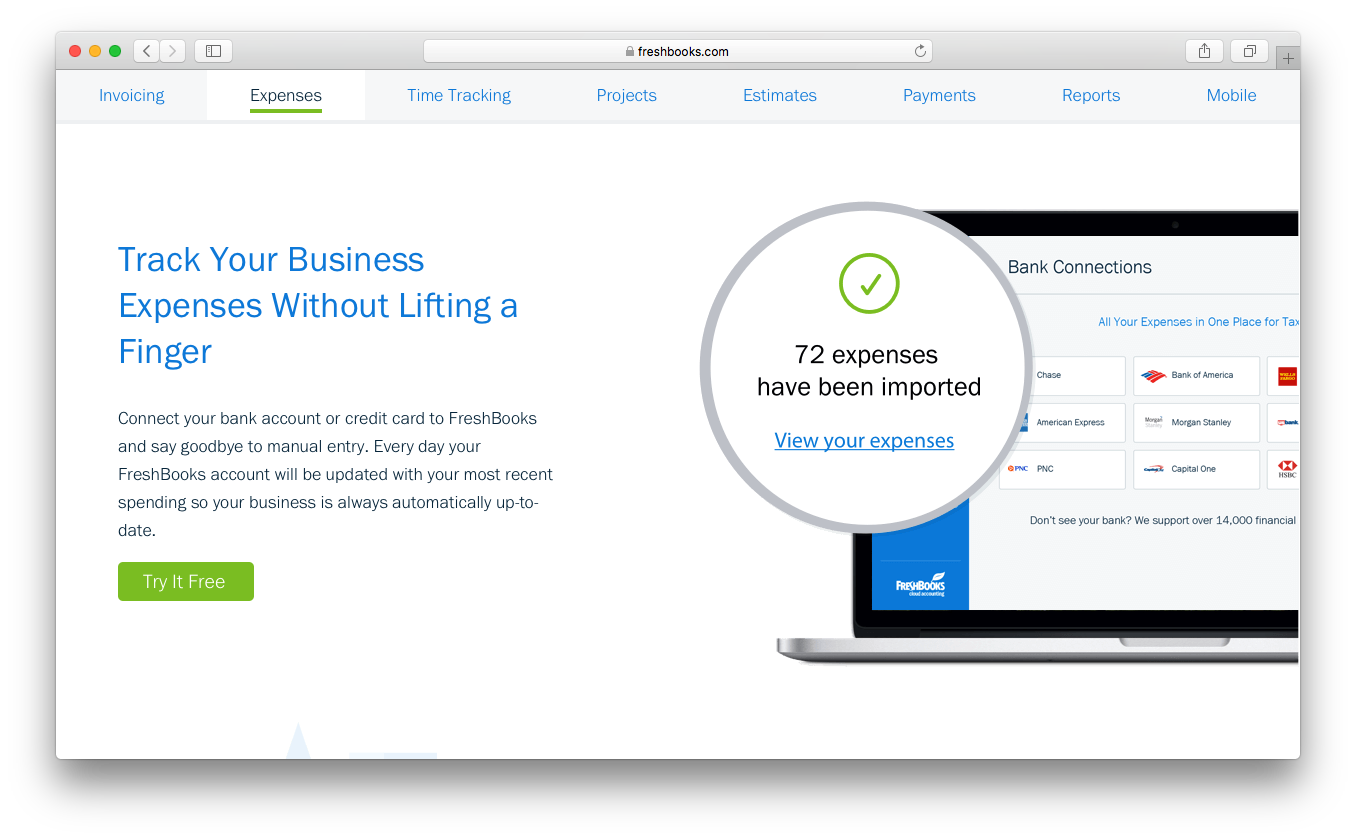
| Expense Tracking | Both tools let you easily snap receipts, categorize expenses, and link up your business bank accounts for automatic import and reconciliation. |
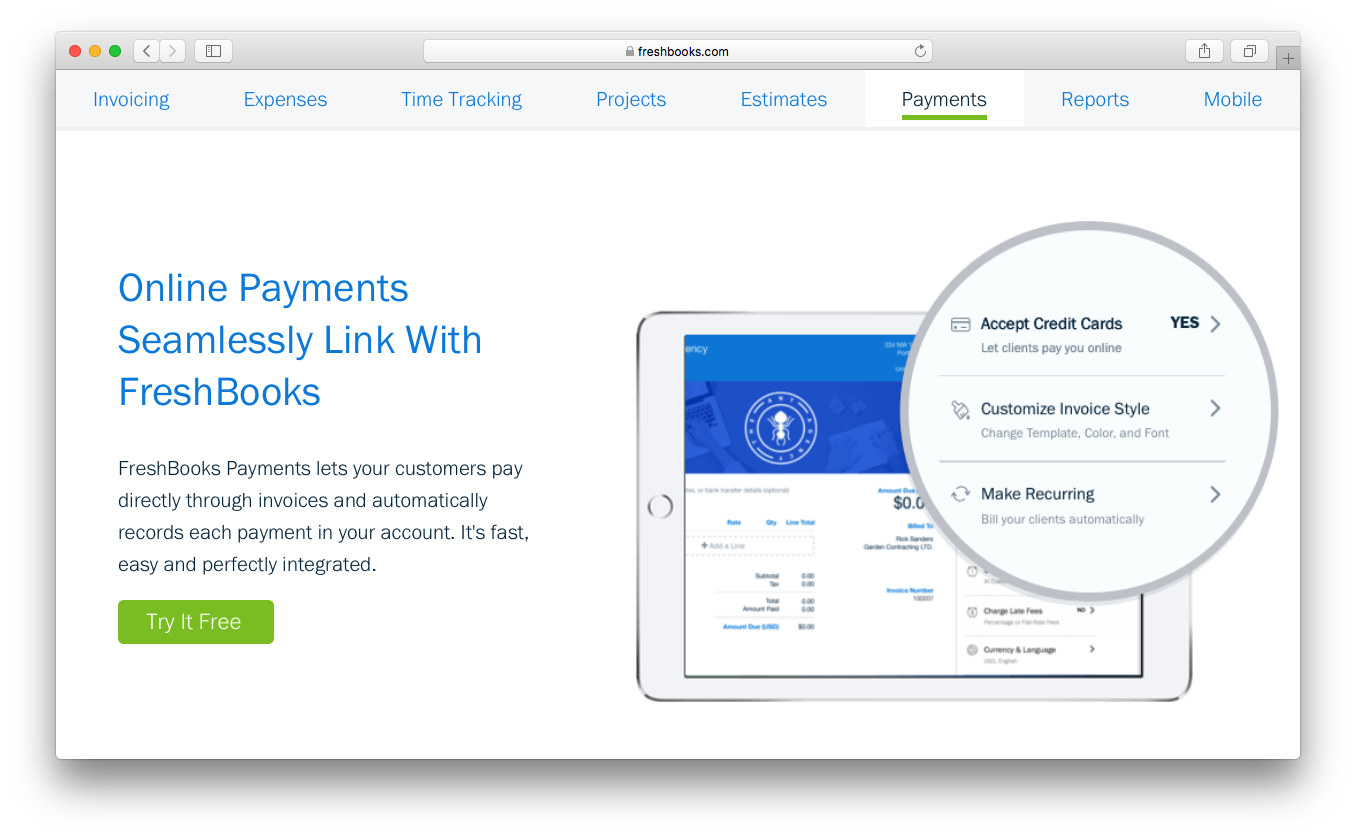
| Invoicing Tools | Each provides customizable invoicing, online payments, and recurring billing, letting users get paid faster and keep clients happy. |
| Visit QuickBooks OnlineOpens new window Read FreshBooks ReviewOpens new window | |