


QuickBooks Workforce vs. Gusto: Features, Pricing, and Reviews in 2026



Payroll problems have a sneaky way of turning small admin tasks into full-blown distractions. When your team depends on accurate pay, clean records, and fewer manual fixes, the software you choose matters more than it seems.
I get it. You want payroll and invoicing to just work, without headaches or surprises. Choosing between QuickBooks Workforce and Gusto can feel overwhelming, especially when every minute counts and accuracy matters. If you’re searching for invoicing and payroll software that fits your business, the differences really do impact your daily work.
In this article, I’ll compare these tools side by side—covering their pros and cons, common use cases, pricing, security, and overall usability—so you can decide with confidence.
QuickBooks Workforce vs. Gusto: An Overview
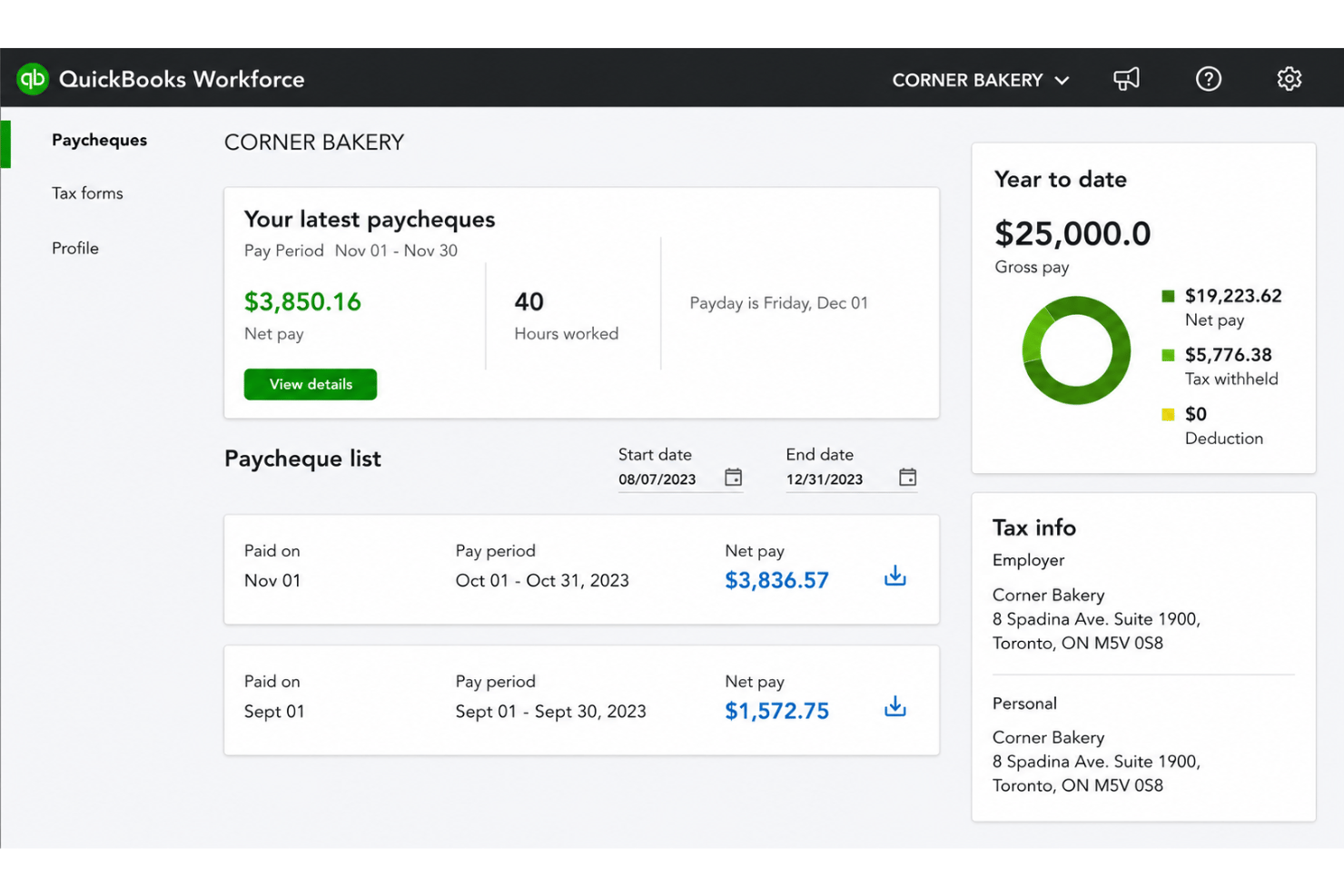
QuickBooks Workforce
Gusto


Why Trust Our Software Recommendations
Our team has been testing and reviewing software since 2012. As HR experts ourselves, we know how difficult—and important—it is to choose the right software.
For this guide, we evaluated tools using hands-on testing and independent research, scoring tools using our selection criteria. We also draw on insights from industry thought leaders and practicing HR experts.
Our reviews reflect our human editorial judgment, not a sales pitch.
Expert reviewers:
QuickBooks Workforce vs. Gusto Pricing Comparison
| QuickBooks Workforce | Gusto | |
|---|---|---|
| Free Trial | 30-day free trial | Free demo available |
| Pricing | From $88/month | From $49/month + $6/month/user |
QuickBooks Workforce vs. Gusto Pricing & Hidden Costs
QuickBooks Workforce uses a subscription model tied to QuickBooks payroll and accounting products, with costs that can increase if you add features or support. Some businesses find additional fees for tax filing, direct deposit, and integrations. Gusto offers tiered monthly plans based on features and number of employees, plus potential extras like one-off payments for contractor payments or upgraded support.
To make the best pricing choice, start by listing the must-have features for your team—including pay runs, reporting, employee access, and support. Check for any features that may come as add-ons or require higher-tier plans. Asking vendors to clarify all possible extra fees, not just the base price, helps you avoid cost surprises as you scale.
QuickBooks Workforce vs. Gusto Feature Comparison
| QuickBooks Workforce | Gusto | |
|---|---|---|
| API | ||
| Application Tracking | ||
| Approval Workflows | ||
| Attendance Tracking | ||
| Budgeting | ||
| Calendar Management | ||
| Compliance Tracking | ||
| Dashboard | ||
| Data Export | ||
| Data Import | ||
| Data Visualization | ||
| Employee Database | ||
| Employee Incentive Management | ||
| Employee Onboarding | ||
| Expense Tracking | ||
| External Integrations | ||
| Feedback Management | ||
| Forecasting | ||
| Multi-Currency | ||
| Multi-User | ||
| Notifications | ||
| Payroll | ||
| Scheduling | ||
| Tax Management | ||
| Time Management | ||
| Timesheets | ||
| Travel Management | ||
| Vacation & Absence Calendar |
QuickBooks Workforce vs. Gusto Integrations
| Integration | QuickBooks Workforce | Gusto |
|---|---|---|
| QuickBooks Online | ✅ | ✅ |
| Xero | ❌ | ✅ |
| FreshBooks | ❌ | ✅ |
| Asana | ❌ | ✅ |
| QuickBooks Time | ✅ | ✅ |
| JazzHR | ✅ | ✅ |
| Clockify | ✅ | ❌ |
| API | ✅ | ✅ |
| Zapier | ✅ | ❌ |
QuickBooks Workforce is more of a companion tool within the broader QuickBooks ecosystem, so its direct external integrations are more limited and largely depend on the apps connected through the main QuickBooks platform. It does offer API and Zapier support for added flexibility, but Gusto is generally the stronger choice if you want more standalone, out-of-the-box HR and payroll integrations.
QuickBooks Workforce vs. Gusto Security, Compliance & Reliability
| Factor | QuickBooks Workforce | Gusto |
|---|---|---|
| Data Encryption | Uses AES256 and TLS encryption for all data at rest, and RSA encryption for data in transit. | Data in transit is encrypted using TLS v1.2, and AES256 for data at rest. |
| Regulatory Compliance | Complies with PCI DSS, undergoes SOC audits and reports, and is ISO 27001-certified. | SOC 1 & 2 compliant, and maintains HIPAA compliance. |
| Access Controls | Customizable user roles within QuickBooks ecosystem. | Role-based permissions with detailed activity logs. |
| System Reliability | 99.9% uptime, supported by Intuit’s infrastructure. | Multiple redundancies and transparent uptime reporting. |
Both products deliver strong security and compliance, but Gusto edges ahead with its HIPAA compliance, regulatory monitoring, and transparency. I trust QuickBooks Workforce for reliability and integration with accounting, while Gusto stands out for compliance tracking and clear communication.
QuickBooks Workforce vs. Gusto Ease of Use
| Factor | QuickBooks Workforce | Gusto |
|---|---|---|
| User Interface | Navigation feels familiar for QuickBooks users, but menus can be dense. | Clean, modern design with intuitive navigation and dashboards. |
| Onboarding | Setup is step-by-step but sometimes requires QuickBooks support. | Guided onboarding with helpful tips and email support. |
| Payroll Setup | Integrates seamlessly if you already use QuickBooks. | Simplifies multi-state payroll and adds clear workflow prompts. |
| Customer Support | Live chat and phone support during business hours. | Responsive support via chat, email, and extended hours. |
| Mobile Experience | Mobile options are limited for some payroll tasks. | Strong mobile experience for admins and employees. |
Gusto generally provides a smoother, friendlier experience for new users, while QuickBooks Workforce feels more natural if you're already in the QuickBooks ecosystem. I find Gusto great for fast onboarding and clean workflows, and QuickBooks Workforce handy for teams entrenched in QuickBooks accounting.
QuickBooks Workforce vs Gusto: Pros & Cons
QuickBooks Workforce
- Paystubs and W-2s are accessible for employees anytime.
- Automated payroll tax calculations help prevent errors.
- Mobile access lets employees view pay and year-end forms.
- May not suit complex or global payroll needs.
- May lack advanced features found in dedicated enterprise HCM platforms.
- May require transition time when moving from manual payroll processes.
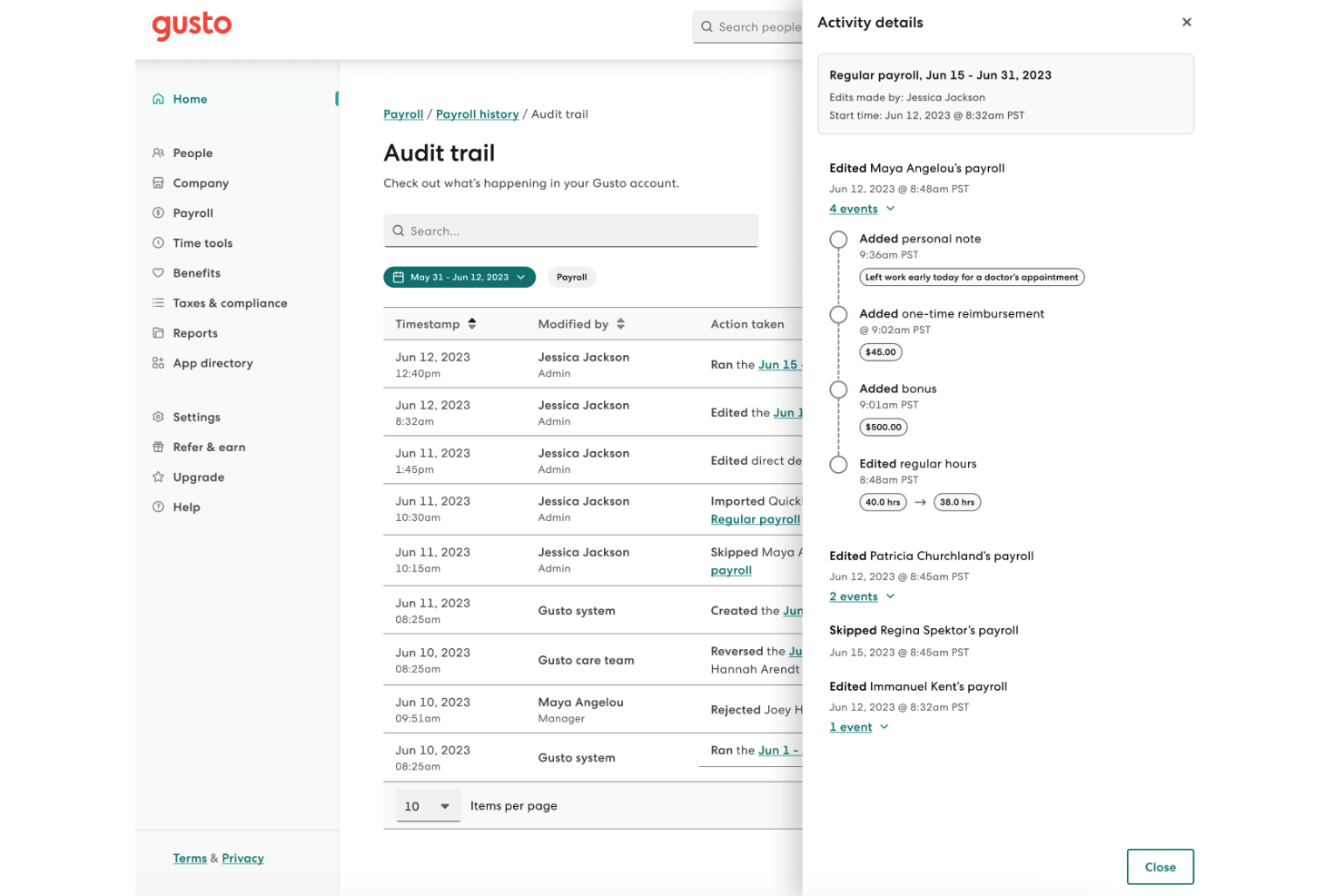
Gusto
- You can run payroll using guided steps, even without prior payroll experience.
- Employees can access pay stubs, tax forms, and update personal details without HR help.
- Health insurance premiums and 401(k) contributions are automatically deducted and synced with payroll.
- Support response times can be slower outside standard business hours.
- Costs can rise quickly as you add employees and features.
- May feel limiting if you need enterprise-level scalability and controls.
Best Use Cases for QuickBooks Workforce and Gusto
QuickBooks Workforce
- Small Businesses Intuitive setup and payroll automation suit leaders without dedicated HR or accounting staff.
- Retail Teams Hourly shift workers and frequent turnover make pay stub access and real-time PTO tracking a key advantage.
- Accountants Easy access to year-end tax forms and long-term pay history streamlines accounting and client payroll work.
- Construction Firms Mobile app access lets field teams check pay, view W-2s, and update info without coming to the office.
- Distributed Teams Remote or hybrid workers benefit from digital payroll and instant access to direct deposit or tax records.
- Growing Startups Features scale for businesses with fluctuating headcounts and evolving payroll needs.
Gusto
- Small Businesses Good fit if you want an easy way to run payroll, file taxes, and manage employee records without needing payroll expertise.
- Mid-Sized Business Works well for growing teams that need automated payroll, benefits management, and support for multiple pay schedules.
- Contractor Business Useful if you pay freelancers or contractors regularly and need simple 1099 generation and payment tracking.
- Accountants Helps accountants manage payroll for multiple clients from one system with automated tax filing and reporting.
- New Businesses Ideal if you want to set up payroll quickly, stay compliant from the start, and avoid manual payroll processing.
- One Employee Teams Suitable for solo employers who need to run compliant payroll and handle taxes without complex HR tools.
Who Should Use QuickBooks Workforce, and Who Should Use Gusto?
QuickBooks Workforce is best for small to mid-market businesses already using QuickBooks for accounting and wanting payroll tightly connected to their existing workflows, with some added HCM capabilities. I see it suiting accountants, bookkeepers, and growing teams that need employee self-service, time tracking, and basic workforce management without a full enterprise HR suite. Gusto is a better fit for startups, scaling teams, or anyone wanting all-in-one payroll plus deeper HR features, benefits, modern onboarding, and flexibility for contractors or remote staff. If building a positive, people-focused workplace is a top priority, Gusto is likely the stronger choice.
Differences Between QuickBooks Workforce and Gusto
| QuickBooks Workforce | Gusto | |
|---|---|---|
| Accounting Integration | Built for seamless sync with QuickBooks accounting. | Connects with multiple accounting tools, not just QuickBooks. |
| Contractor Payments | Supports but prioritizes traditional payroll. | Built-in flexibility for paying contractors and remote teams. |
| Pricing Model | Subscription linked to QuickBooks payroll plans and add-ons. | Tiered monthly pricing based on features and employee count. |
| User Experience | Intuitive for existing QuickBooks users, steeper for others. | Modern, simple UI that's easy even for payroll beginners. |
| Visit QuickBooks WorkforceOpens new window | Visit GustoOpens new window |
Similarities Between QuickBooks Workforce and Gusto
| Compliance Updates | Both keep up with the latest payroll tax laws and compliance changes—Gusto often notifies users, while QuickBooks adjusts calculations automatically. |
|---|---|
| Direct Deposit | Each provides direct deposit for employees; setup is simple and both platforms support scheduled payroll with minimal clicks. |
| Employee Self-Service | Both platforms offer employee portals for pay stubs and tax documents, with Gusto adding more onboarding tools and QuickBooks syncing with accounting. |
| Integration Options | Both offer core integrations (like accounting software and time tracking), plus API and Zapier; Gusto offers more variety but both cover essentials. |
| Payroll Automation | Both automate pay runs, tax calculations, and filings; QuickBooks Workforce emphasizes integration speed, while Gusto focuses on reducing manual entry. |
| Visit QuickBooks WorkforceOpens new window Visit GustoOpens new window | |