


QuickBooks Workforce vs. Paychex: Comparison and Expert Reviews for 2026


Payroll issues rarely announce themselves politely. They usually show up as missed details, messy approvals, or one more task you thought was already handled. When accuracy, compliance, and employee access are all on the line, the right platform can make daily admin feel a lot less fragile.
Choosing between QuickBooks Workforce and Paychex isn’t easy when you need reliable payroll and billing support. You’re likely juggling compliance risks, time-consuming admin, and questions about which invoicing and payroll software can actually handle your specific business needs. Both tools promise accuracy and convenience but approach payroll, invoicing, and employee self-service a little differently.
In this article, you’ll get a clear comparison—including pros and cons, use cases, pricing, security, and usability—so you can make the best call for your business. I’ll highlight what each platform does well (and where it falls short) to help you confidently choose the right fit.
QuickBooks Workforce vs. Paychex: An Overview
QuickBooks Workforce
Paychex
Why Trust Our Software Recommendations
Our team has been testing and reviewing software since 2012. As HR experts ourselves, we know how difficult—and important—it is to choose the right software.
For this guide, we evaluated tools using hands-on testing and independent research, scoring tools using our selection criteria. We also draw on insights from industry thought leaders and practicing HR experts.
Our reviews reflect our human editorial judgment, not a sales pitch.
Expert reviewers:
QuickBooks Workforce vs. Paychex Pricing Comparison
| QuickBooks Workforce | Paychex | |
|---|---|---|
| Free Trial | 30-day free trial | Free demo available |
| Pricing | From $88/month | Pricing upon request |
QuickBooks Workforce vs. Paychex Pricing & Hidden Costs
QuickBooks Workforce uses a subscription model that charges per employee, with extra fees for certain features like tax filings or integrations. Paychex offers tiers based on business size and services, often adding charges for setup, tax services, or specialized HR support. With both tools, you might run into hidden costs for implementation help, year-end filings, or customization.
When you’re weighing these options, look beyond the base subscription price and consider which features are included—especially if you need tax automation, reporting, or integrations down the line. I’d suggest asking both vendors for a full breakdown of recurring and one-time charges, then mapping those extras to features your payroll process can’t live without. This way, you won’t be surprised by add-ons and can pick the option that actually fits your workflow and scaling plans.
QuickBooks Workforce vs. Paychex Feature Comparison
| QuickBooks Workforce | Paychex | |
|---|---|---|
| API | ||
| Application Tracking | ||
| Attendance Tracking | ||
| Compliance Tracking | ||
| Dashboard | ||
| Data Export | ||
| Data Import | ||
| Data Visualization | ||
| Employee Database | ||
| Employee Incentive Management | ||
| Employee Onboarding | ||
| Expense Tracking | ||
| External Integrations | ||
| Feedback Management | ||
| Multi-User | ||
| Notifications | ||
| Payroll | ||
| Scheduling | ||
| Time Management | ||
| Timesheets | ||
| Travel Management | ||
| Vacation & Absence Calendar |
QuickBooks Workforce vs. Paychex Integrations
| Integration | QuickBooks Workforce | Paychex |
|---|---|---|
| QuickBooks Online | ✅ | ✅ |
| Xero | ❌ | ✅ |
| FreshBooks | ❌ | ❌ |
| Asana | ❌ | ❌ |
| QuickBooks Time | ✅ | ✅ |
| JazzHR | ✅ | ✅ |
| Clockify | ✅ | ❌ |
| API | ✅ | ✅ |
| Zapier | ✅ | ❌ |
| QuickBooks Online | ✅ | ✅ |
Both tools cover key integrations for accounting and productivity platforms, but QuickBooks Workforce shines if you live in the Intuit ecosystem, while Paychex supports a few unique payroll competitors. Thanks to API and Zapier access, most users should be able to connect with niche tools or workflows that matter to their business.
QuickBooks Workforce vs. Paychex Security, Compliance & Reliability
| Factor | QuickBooks Workforce | Paychex |
|---|---|---|
| Data Encryption | Uses AES256 and TLS encryption for all data at rest, and RSA encryption for data in transit. | Secures all data with end-to-end encryption and advanced access controls. |
| Regulatory Compliance | Complies with PCI DSS, undergoes SOC audits and reports, and is ISO 27001-certified. | Maintains SOC 1 & 2, and is ISO 27001-certified |
| User Permissions | Permissions based on customizable user roles within the QuickBooks ecosystem. | Offers multi-factor authentication and customizable user permissions. |
| Uptime & Reliability | 99.9% uptime, supported by Intuit’s infrastructure. | Maintains robust uptime guarantees with 24/7 monitoring and fast disaster recovery. |
Both platforms take security and compliance seriously, with reliable safeguards for payroll data, employee information, and account access. Overall, I’d consider them fairly similar, with the better choice depending on your existing systems, support needs, and workforce management priorities.
QuickBooks Workforce vs. Paychex Ease of Use
| Factor | QuickBooks Workforce | Paychex |
|---|---|---|
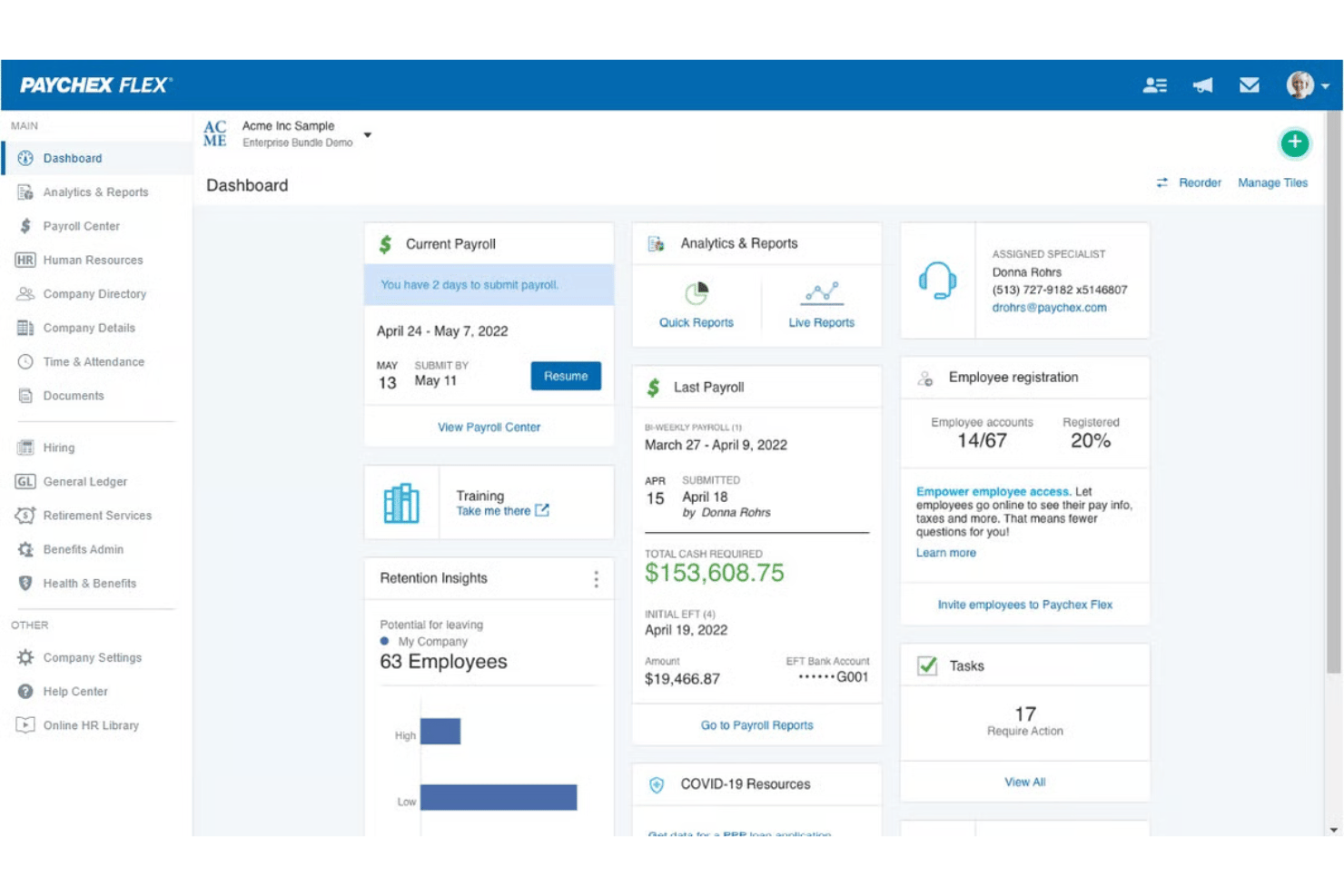
| User Interface | Clean, intuitive dashboard tailored for small business and accountants. | More feature-dense layout, requiring a bit more learning upfront. |
| Onboarding | Quick guided walkthroughs and setup tips right on the platform. | Offers personalized onboarding but may take longer for non-HR users. |
| Workflow Simplicity | Straightforward payroll runs and invoicing with minimal clicks required. | Step-by-step guidance but sometimes more complex steps for payroll changes. |
| Mobile Access | Easy-to-use mobile app for basic tasks and pay review. | Full-featured mobile app but with a steeper initial learning curve. |
| Customer Support | Strong digital help center with responsive chat and phone support. | Offers live support plus dedicated reps for larger accounts. |
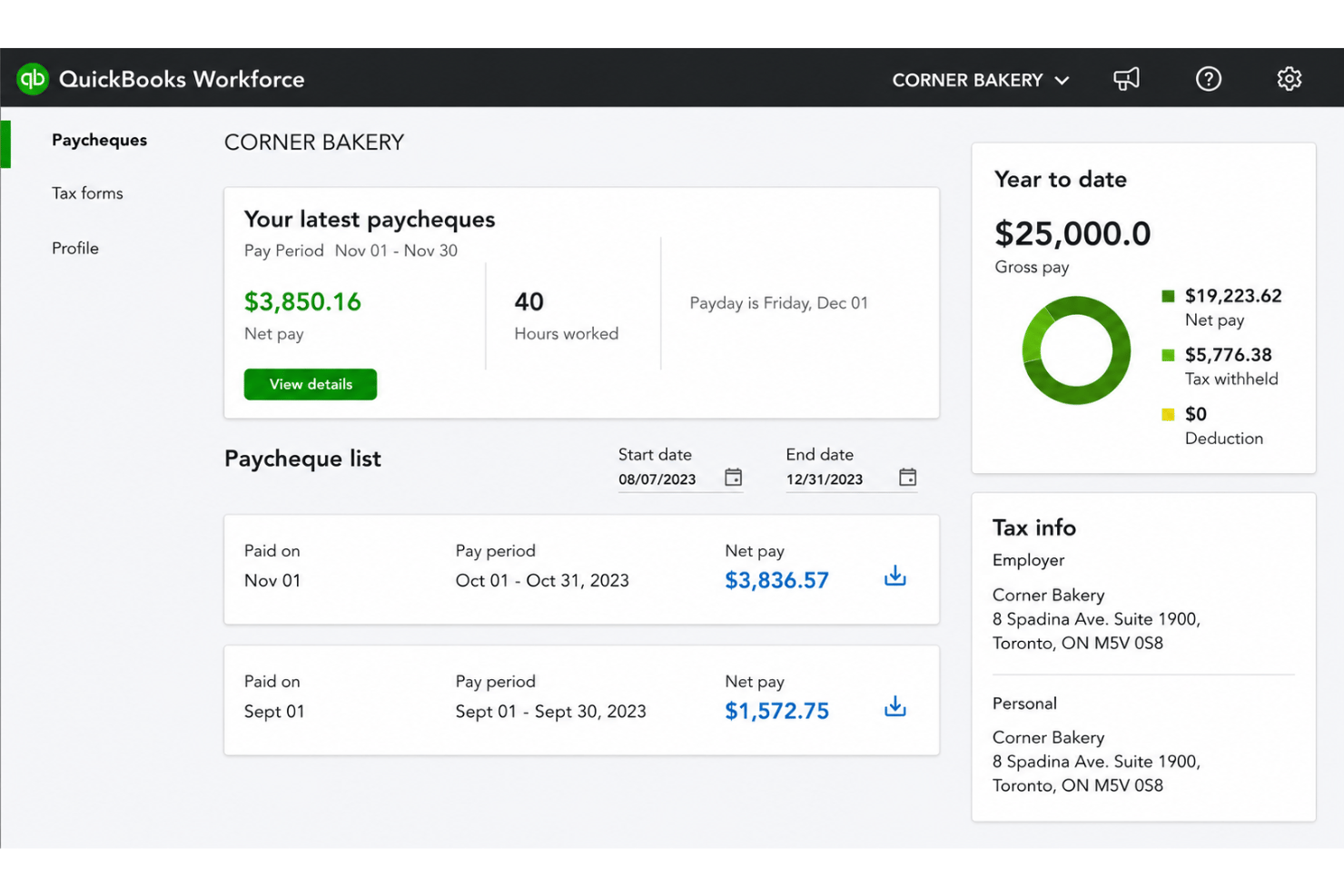
QuickBooks Workforce is easier for first-timers and small to growing teams, while Paychex takes more time to master but excels for users managing complex HR needs. I’ve found QuickBooks Workforce more approachable for quick payroll tasks, and Paychex a better fit if you need in-depth support or hands-on onboarding.
QuickBooks Workforce vs Paychex: Pros & Cons
QuickBooks Workforce
- Paystubs and W-2s are accessible for employees anytime.
- Automated payroll tax calculations help prevent errors.
- Mobile access lets employees view pay and year-end forms.
- May not suit complex or global payroll needs.
- May lack advanced features found in dedicated enterprise HCM platforms.
- May require transition time when moving from manual payroll processes.
Paychex
- Handles multi-state payroll and tax compliance automatically
- Offers live support from payroll specialists and HR advisors
- Provides detailed, customizable payroll and invoice reports
- Mobile app has limited invoicing features and options
- Initial setup can be time-intensive for complex businesses
- Some users report inconsistent direct deposit timing
Best Use Cases for QuickBooks Workforce and Paychex
QuickBooks Workforce
- Small Businesses Intuitive setup and payroll automation suit leaders without dedicated HR or accounting staff.
- Retail Teams Hourly shift workers and frequent turnover make pay stub access and real-time PTO tracking a key advantage.
- Accountants Easy access to year-end tax forms and long-term pay history streamlines accounting and client payroll work.
- Construction Firms Mobile app access lets field teams check pay, view W-2s, and update info without coming to the office.
- Distributed Teams Remote or hybrid workers benefit from digital payroll and instant access to direct deposit or tax records.
- Growing Startups Features scale for businesses with fluctuating headcounts and evolving payroll needs.
Paychex
- Multi-State Employers Paychex automates tax calculations and manages compliance for businesses with employees in several states.
- Healthcare Practices Industry-specific compliance support and easier handling of variable shifts make Paychex helpful for healthcare employers.
- Franchise Groups Franchise owners benefit from consolidated reporting, multi-location payroll, and centralized invoice control.
- HR Departments HR teams get built-in compliance guidance, onboarding, and document management all in one platform.
- Construction Firms Prevailing wage calculations, labor compliance poster kits, and certified payroll reporting support contractors who need documentation for government work.
- Mid-Sized Businesses Growing mid-sized companies can scale up applicant tracking, compliance, payroll, and HR features as their needs grow.
Who Should Use QuickBooks Workforce, and Who Should Use Paychex?
QuickBooks Workforce is best for small businesses, accountants, and growing teams already using QuickBooks for their finances who want quick onboarding and minimal fuss. Paychex is the right pick for midsize companies that need advanced HR features, more hands-on support, and flexible options for complex compliance needs. If your payroll is straightforward and budget matters most, go with QuickBooks Workforce. If you expect to scale or deal with complex regulations, Paychex will keep pace.
Differences Between QuickBooks Workforce and Paychex
| QuickBooks Workforce | Paychex | |
|---|---|---|
| Accounting Integration | Deeply connected with QuickBooks accounting for seamless sync. | Integrates with more payroll competitors but less with accounting tools. |
| Customization | Limited custom workflows or reporting options. | Highly customizable processes and in-depth reports for complex needs. |
| Pricing Structure | Clear per-employee pricing with some add-on fees. | Tiered packages with a variety of additional service charges. |
| User Learning Curve | Simple, fast setup—ideal for non-HR professionals. | Steeper learning curve due to feature depth, best for HR specialists. |
| Visit QuickBooks WorkforceOpens new window | Read Paychex ReviewOpens new window |
Similarities Between QuickBooks Workforce and Paychex
| Compliance Updates | Both solutions keep payroll compliant with real-time updates for federal, state, and local rules, reducing legal and tax headaches. |
|---|---|
| Direct Deposit | Each platform offers secure, reliable direct deposit options so staff are paid accurately and on time every payday. |
| Payroll Automation | Both automate payroll runs, tax calculations, and employee deductions, letting you spend less time on manual pay processing. |
| Self-Service Access | Employees can review pay stubs, manage personal info, and access tax forms directly from a portal in both tools. |
| Visit QuickBooks WorkforceOpens new window Read Paychex ReviewOpens new window | |