Recruiterflow Review 2026: Pros, Cons, Features and Pricing Explained



Recruiterflow is an applicant tracking system built for recruiting agencies and staffing firms that need to manage candidates, clients, and job pipelines in one place. I'd mainly consider it if you're running a boutique or growing agency that finds something like Bullhorn too heavy and costly for your current scale, but still needs a purpose-built ATS with CRM features built right in rather than bolted on.
Recruiterflow Evaluation Summary
- From $119/user/month (billed annually)
- Free demo available
Why Trust Our Software Recommendations
Our team has been testing and reviewing software since 2012. As HR experts ourselves, we know how difficult—and important—it is to choose the right software.
For this guide, we evaluated tools using hands-on testing and independent research, scoring tools using our selection criteria. We also draw on insights from industry thought leaders and practicing HR experts.
Our reviews reflect our human editorial judgment, not a sales pitch.
Expert reviewers:
Recruiterflow Overview
From my point of view, Recruiterflow stands out for its clean interface and quick onboarding, making it easy for new recruiters to hit the ground running. I think the automation and email integration are especially useful compared to most competitors, though reporting options feel limited if you’re after deep analytics. Pricing is fair for the feature set, and I’ve found support responsive.
I’d suggest Recruiterflow is particularly well-suited for agencies or in-house recruiters who value usability, need collaborative tools, and want reliable integrations with job boards and communication platforms.
pros
-
Automated email outreach and follow-up streamline candidate communication
-
Collaboration tools simplify team notes and hiring feedback
-
Visual pipeline management provides clear overview of open roles
cons
-
Reporting features offer limited customization and export options
-
Mobile app is missing core functionalities many recruiters expect
-
No in-platform video interviewing or assessment integrations
-

Justworks
Visit WebsiteThis rating combines scores from multiple user review sites to reflect overall customer sentiment about the product.4.6 -
Prevue Assessments
Visit WebsiteThis rating combines scores from multiple user review sites to reflect overall customer sentiment about the product.4.6 -
Small Improvements
Visit WebsiteThis rating combines scores from multiple user review sites to reflect overall customer sentiment about the product.4.3





How We Test & Score Our Tools
We’ve spent years building, refining, and improving our software testing and scoring system. The rubric is designed to capture the nuances of software selection and what makes a tool effective, focusing on critical aspects of the decision-making process.
Below, you can see exactly how our testing and scoring works across seven criteria. It allows us to provide an unbiased evaluation of the software based on core functionality, standout features, ease of use, onboarding, customer support, integrations, customer reviews, and value for money.
Core Functionality (25% of final score)
The starting point of our evaluation is always the core functionality of the tool. Does it have the basic features and functions that a user would expect to see? Are any of those core features locked to higher-tiered pricing plans? At its core, we expect a tool to stand up against the baseline capabilities of its competitors.
Standout Features (25% of final score)
Next, we evaluate uncommon standout features that go above and beyond the core functionality typically found in tools of its kind. A high score reflects specialized or unique features that make the product faster, more efficient, or offer additional value to the user.
We also evaluate how easy it is to integrate with other tools typically found in the tech stack to expand the functionality and utility of the software. Tools offering plentiful native integrations, 3rd party connections, and API access to build custom integrations score best.
Ease of Use (10% of final score)
We consider how quick and easy it is to execute the tasks defined in the core functionality using the tool. High scoring software is well designed, intuitive to use, offers mobile apps, provides templates, and makes relatively complex tasks seem simple.
Onboarding (10% of final score)
We know how important rapid team adoption is for a new platform, so we evaluate how easy it is to learn and use a tool with minimal training. We evaluate how quickly a team member can get set up and start using the tool with no experience. High scoring solutions indicate little or no support is required.
Customer Support (10% of final score)
We review how quick and easy it is to get unstuck and find help by phone, live chat, or knowledge base. Tools and companies that provide real-time support score best, while chatbots score worst.
Customer Reviews (10% of final score)
Beyond our own testing and evaluation, we consider the net promoter score from current and past customers. We review their likelihood, given the option, to choose the tool again for the core functionality. A high scoring software reflects a high net promoter score from current or past customers.
Value for Money (10% of final score)
Lastly, in consideration of all the other criteria, we review the average price of entry level plans against the core features and consider the value of the other evaluation criteria. Software that delivers more, for less, will score higher.
Core Features
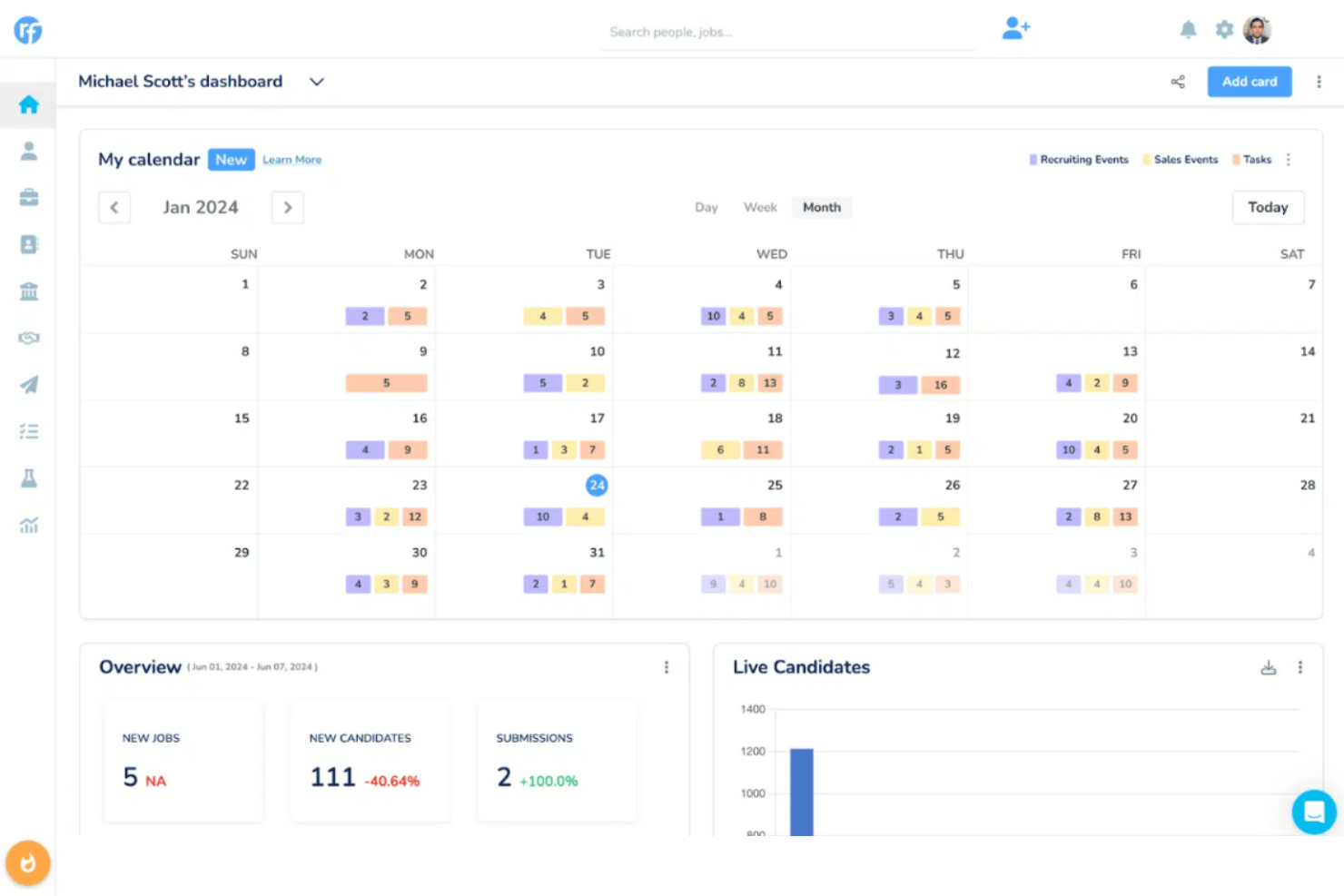
Visual Pipeline Management
Track candidates with a drag-and-drop workflow that mirrors your hiring stages. See each job’s progress at a glance and move applicants between stages instantly.
Automated Email Sequences
Set up personalized email campaigns to engage candidates throughout the process. Automate reminders, follow-ups, and scheduling outreach without manual work.
Collaborative Hiring Tools
Share candidate profiles and interview notes with your team in real time. Tag colleagues, leave feedback, and assign tasks to improve team communication.
Resume Parsing and Candidate Database
Upload resumes in bulk and let Recruiterflow automatically extract relevant details. Build a searchable talent pool with rich candidate profiles in seconds.
Job Posting Management
Post jobs directly to your website and multiple job boards from one platform. Customize application forms and track source effectiveness for every application.
Task and Activity Tracking
Manage all recruiter and team activities with reminders and checklists. Keep track of every call, meeting, and interview with centralized notes and tasks.
Ease of Use
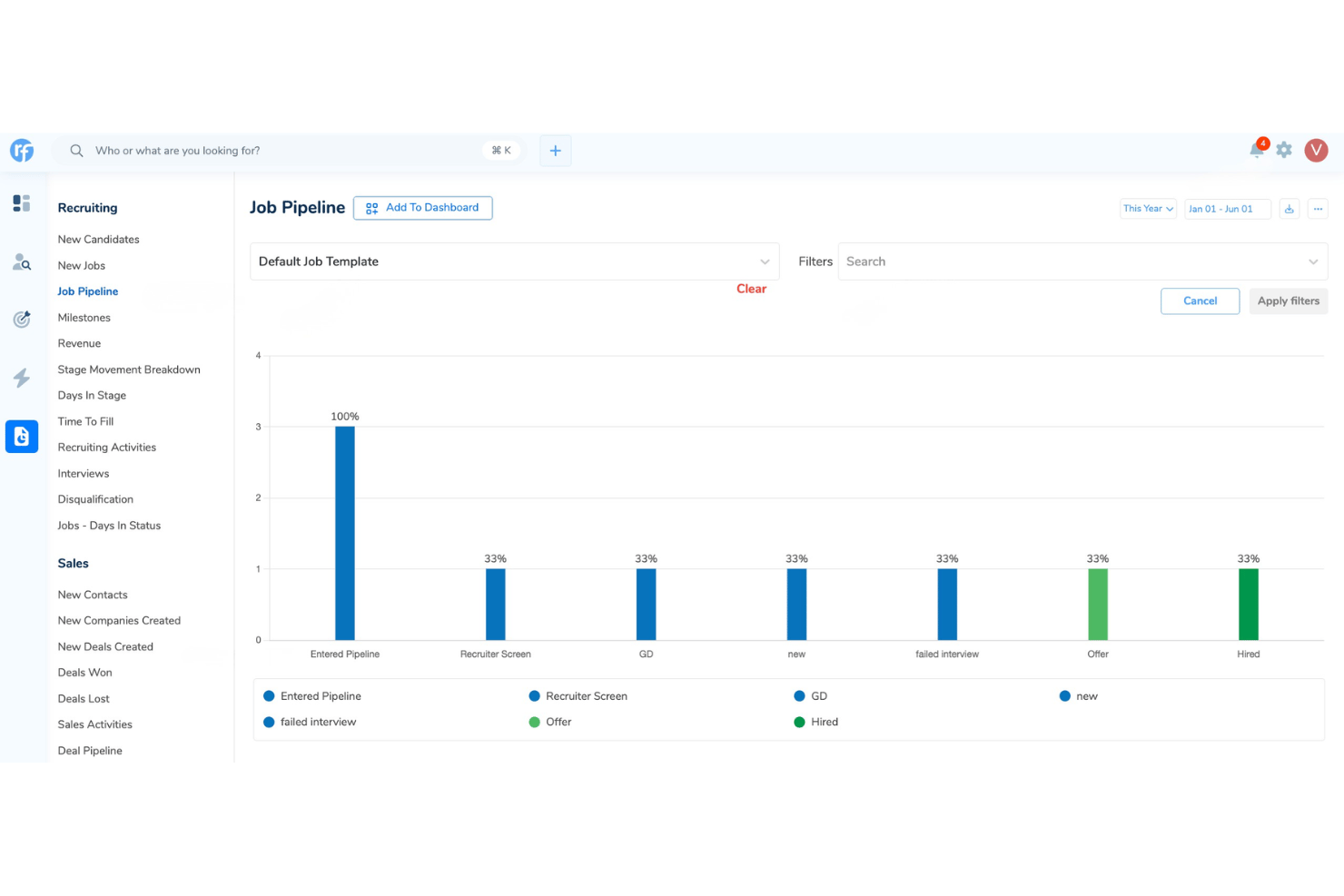
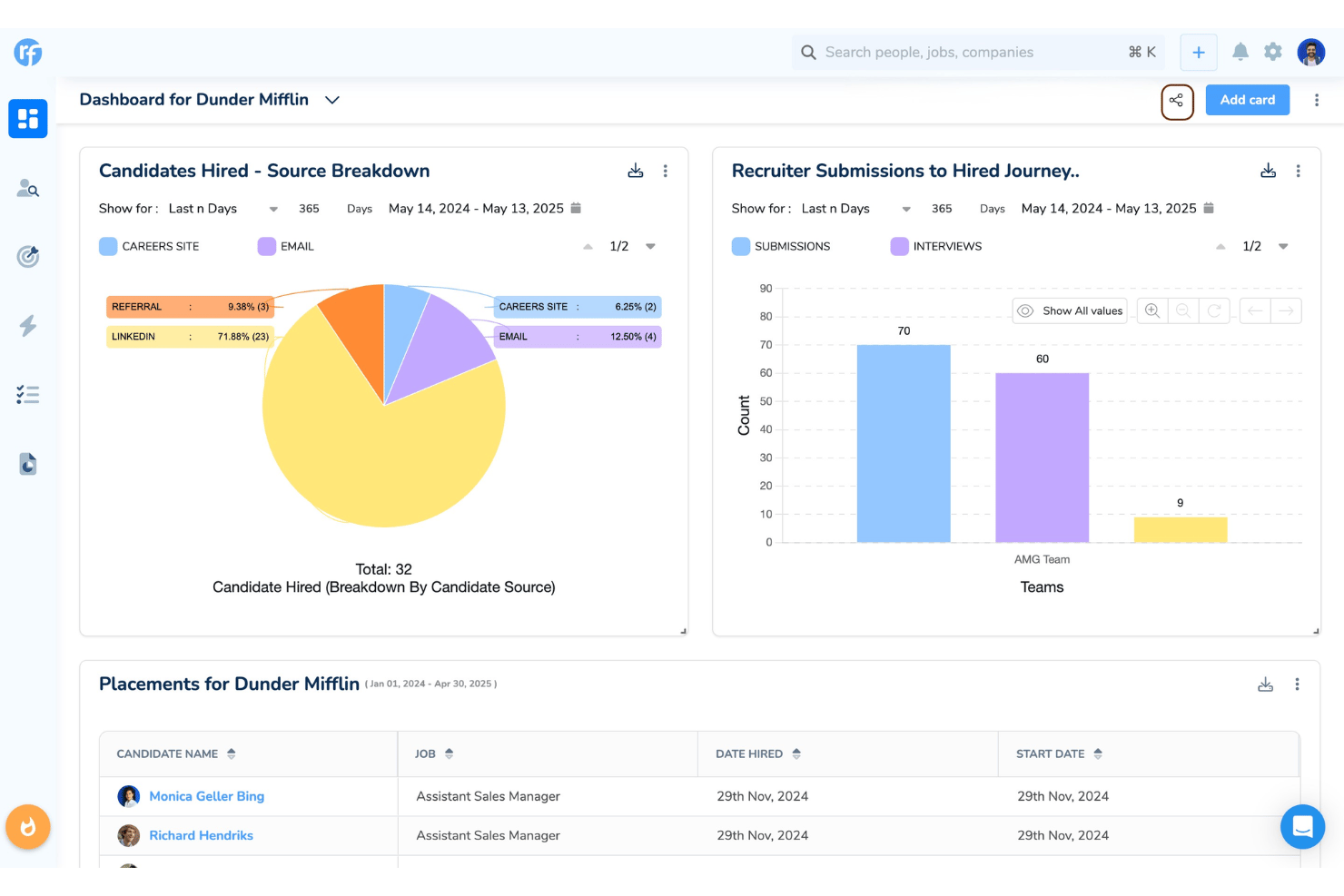
Recruiterflow feels approachable even for first-timers, thanks to its modern design, drag-and-drop pipeline, and straightforward email automation workflows. Users consistently praise its quick setup and clear navigation, while real-time collaboration features reduce confusion between recruiters. I think the minimal clicks needed to log activities and move candidates make common tasks fast.
Integrations
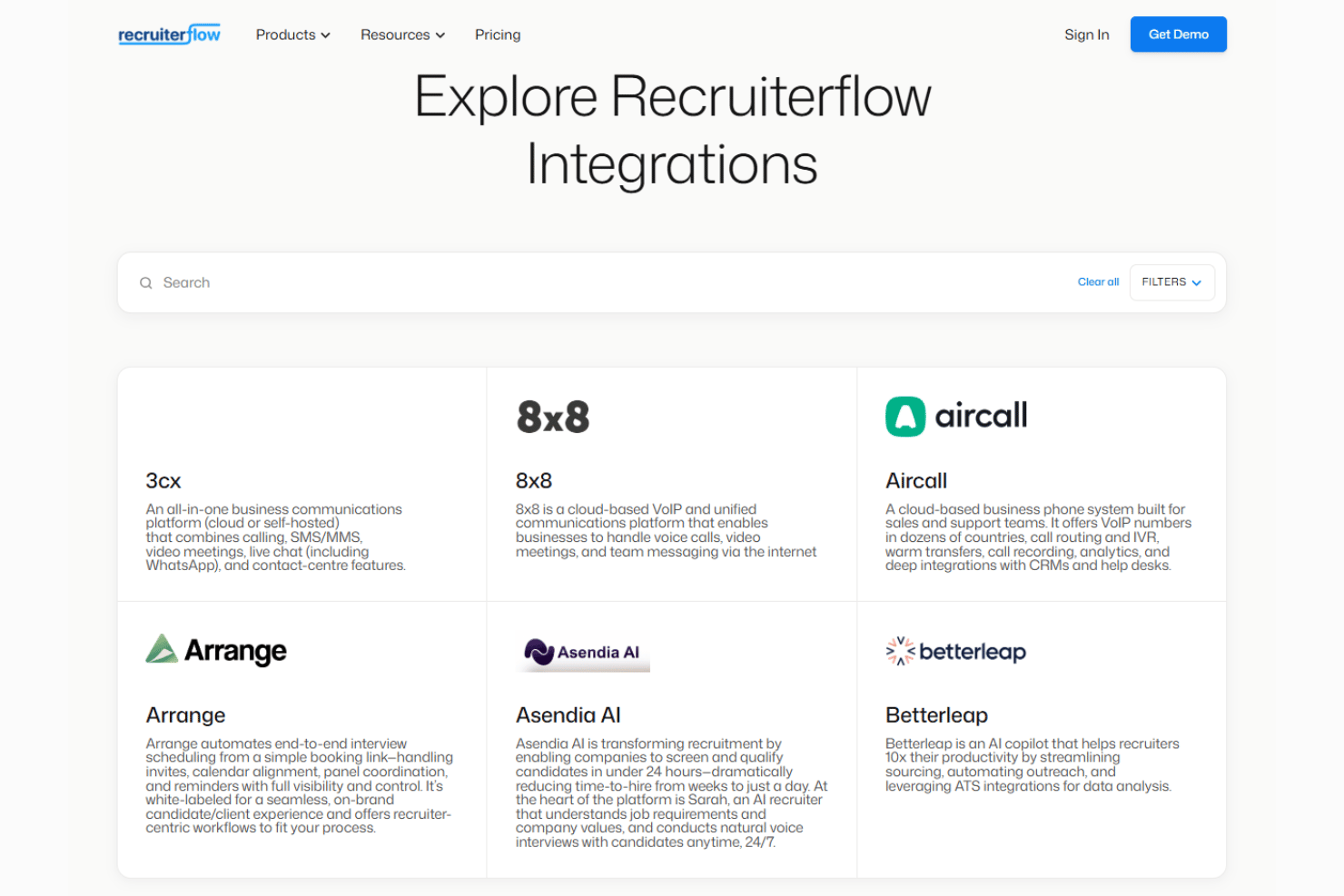
Recruiterflow integrates with LinkedIn, Slack, Google Workspace, ZipRecruiter, Hubspot, Microsoft 365, and Indeed, among others.
Recruiterflow also offers an open API for custom connections and supports integrations through Zapier.
Recruiterflow Specs
- API
- Application Tracking
- Behavioral Testing
- Budgeting
- Calendar Management
- Candidate Database
- Cognitive Testing
- Contact Management
- Custom Assessments
- Dashboard
- Dashboards
- Data Export
- Data Import
- Data Visualization
- Email Integration
- Employee Database
- Employee Onboarding
- External Integrations
- Feedback Management
- Forecasting
- Interview Scheduling
- Multi-Source Feedback
- Multi-User
- Notifications
- Personality Testing
- Psychometric Testing
- Scheduling
- Status Notifications
- Travel Management