Rivermate Review: Pros, Cons, Features and Pricing Guide for 2026



Rivermate is an employer of record for companies that need to hire and pay full-time employees in countries where they don't have a legal entity. It handles local payroll, compliance, contracts, and benefits on your behalf. I'd consider it most seriously if you want more dedicated, hands-on account support than a self-serve platform like Deel typically provides—especially if your team is navigating international hiring for the first time and needs more than just a portal to click through.
Rivermate Evaluation Summary

- From $319/user/month
- Free demo available
Why Trust Our Software Reviews
Our team has been testing and reviewing software since 2012. As HR experts ourselves, we know how difficult—and important—it is to choose the right software.
For this guide, we evaluated tools using hands-on testing and independent research, scoring tools using our selection criteria. We also draw on insights from industry thought leaders and practicing HR experts.
Our reviews reflect our human editorial judgment, not a sales pitch.
Expert reviewers:
Rivermate Overview
I think Rivermate stands out for delivering transparent international hiring with simple contracts, fast onboarding, and responsive support. The platform is easy to navigate, and I like how its global payroll features run smoothly even at volume. While its core functionalities are solid, reporting options feel limited compared to some alternatives. Pricing is competitive for high-growth organizations hiring remote teams across continents. If you're selecting an EOR provider for rapid expansion or lean HR ops, Rivermate is a strong option, especially if you value personal support and low administrative overhead.
pros
-
Global compliance is handled in over 160 countries
-
Dedicated account manager provides responsive, knowledgeable support
-
Payroll processing is reliable for both employees and contractors
cons
-
No integrations with ERP systems.
-
Analytics and reporting features are basic
-
No local entity setup support for every country
-

Justworks
Visit WebsiteThis rating combines scores from multiple user review sites to reflect overall customer sentiment about the product.4.6 -
Small Improvements
Visit WebsiteThis rating combines scores from multiple user review sites to reflect overall customer sentiment about the product.4.3 -
HiBob
Visit WebsiteThis rating combines scores from multiple user review sites to reflect overall customer sentiment about the product.4.5





How We Test & Score Our Tools
We’ve spent years building, refining, and improving our software testing and scoring system. The rubric is designed to capture the nuances of software selection and what makes a tool effective, focusing on critical aspects of the decision-making process.
Below, you can see exactly how our testing and scoring works across seven criteria. It allows us to provide an unbiased evaluation of the software based on core functionality, standout features, ease of use, onboarding, customer support, integrations, customer reviews, and value for money.
Core Functionality (25% of final score)
The starting point of our evaluation is always the core functionality of the tool. Does it have the basic features and functions that a user would expect to see? Are any of those core features locked to higher-tiered pricing plans? At its core, we expect a tool to stand up against the baseline capabilities of its competitors.
Standout Features (25% of final score)
Next, we evaluate uncommon standout features that go above and beyond the core functionality typically found in tools of its kind. A high score reflects specialized or unique features that make the product faster, more efficient, or offer additional value to the user.
We also evaluate how easy it is to integrate with other tools typically found in the tech stack to expand the functionality and utility of the software. Tools offering plentiful native integrations, 3rd party connections, and API access to build custom integrations score best.
Ease of Use (10% of final score)
We consider how quick and easy it is to execute the tasks defined in the core functionality using the tool. High scoring software is well designed, intuitive to use, offers mobile apps, provides templates, and makes relatively complex tasks seem simple.
Onboarding (10% of final score)
We know how important rapid team adoption is for a new platform, so we evaluate how easy it is to learn and use a tool with minimal training. We evaluate how quickly a team member can get set up and start using the tool with no experience. High scoring solutions indicate little or no support is required.
Customer Support (10% of final score)
We review how quick and easy it is to get unstuck and find help by phone, live chat, or knowledge base. Tools and companies that provide real-time support score best, while chatbots score worst.
Customer Reviews (10% of final score)
Beyond our own testing and evaluation, we consider the net promoter score from current and past customers. We review their likelihood, given the option, to choose the tool again for the core functionality. A high scoring software reflects a high net promoter score from current or past customers.
Value for Money (10% of final score)
Lastly, in consideration of all the other criteria, we review the average price of entry level plans against the core features and consider the value of the other evaluation criteria. Software that delivers more, for less, will score higher.
Core Features
Global Payroll Processing
Automate payments to employees and contractors in local currencies. Rivermate handles taxes, deductions, and compliance for each country.
International Employment Contracts
Generate region-specific employment contracts with built-in legal protections. Contracts are vetted for compliance with local labor laws.
Benefits Administration
Offer and manage health insurance, retirement, and statutory employee benefits globally. Rivermate ensures all benefits packages meet local legal requirements.
Local Tax Compliance
Rivermate calculates, files, and remits all required taxes. This reduces compliance risks for your business in every supported country.
Onboarding and Offboarding Support
Digitally onboard new hires and manage exits with localized guidance. This feature streamlines and standardizes documentation and workflows for any country.
HR Support and Guidance
Access expert HR advice and dedicated account management. Users can get answers about labor laws, dispute resolution, and best practices.
Ease of Use
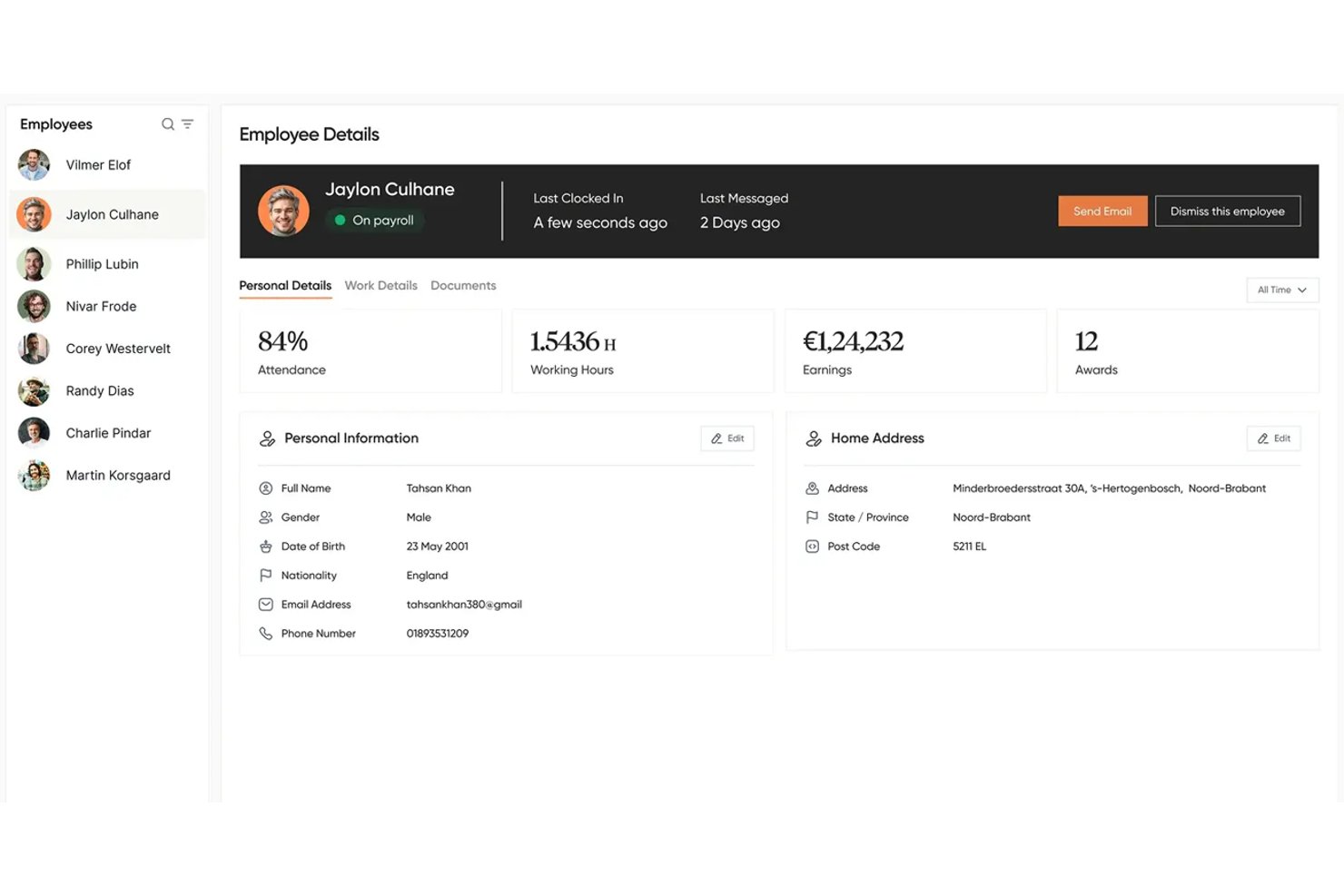
Rivermate's interface feels modern, user-friendly, and quick to navigate, with onboarding steps and payroll processes that are clearly outlined. Users consistently mention responsive live support and minimal manual input, which reduces mistakes and makes cross-border HR tasks far less stressful than with more cumbersome platforms.
Integrations
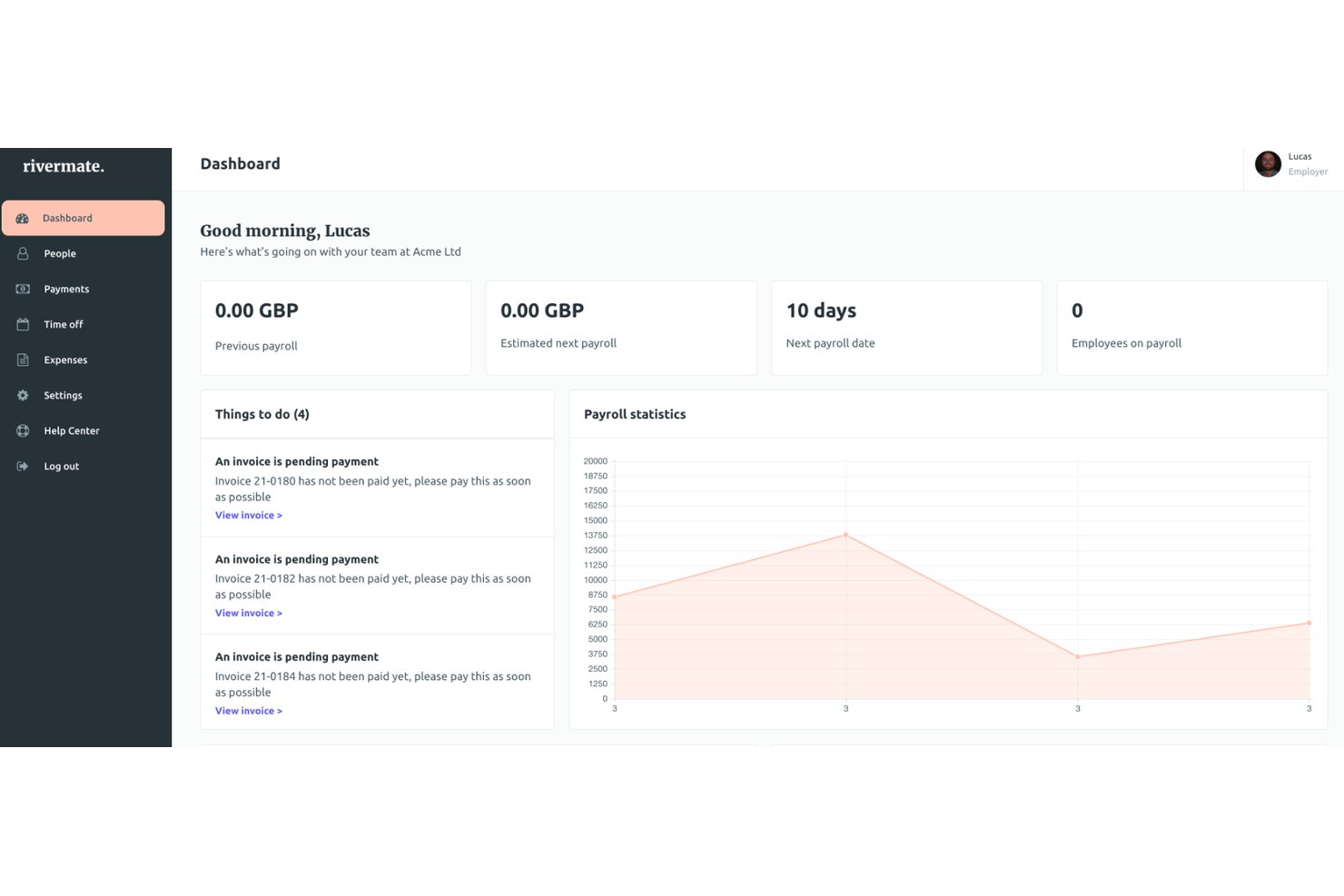
Rivermate integrates with Slack and Whatsapp, among others, though It doesn’t provide an API for developer use.
Rivermate Specs
- API
- Application Tracking
- Approval Workflows
- Attendance Tracking
- Budgeting
- Calendar Management
- Compliance Tracking
- Dashboard
- Data Export
- Data Import
- Data Visualization
- Employee Database
- Employee Incentive Management
- Employee Onboarding
- Expense Tracking
- External Integrations
- Feedback Management
- Forecasting
- Multi-Currency
- Multi-User
- Notifications
- Payroll
- Scheduling
- Tax Management
- Time Management
- Timesheets
- Travel Management
- Vacation & Absence Calendar