


Vitay Review: Pros, Cons, Features, and Pricing Explained



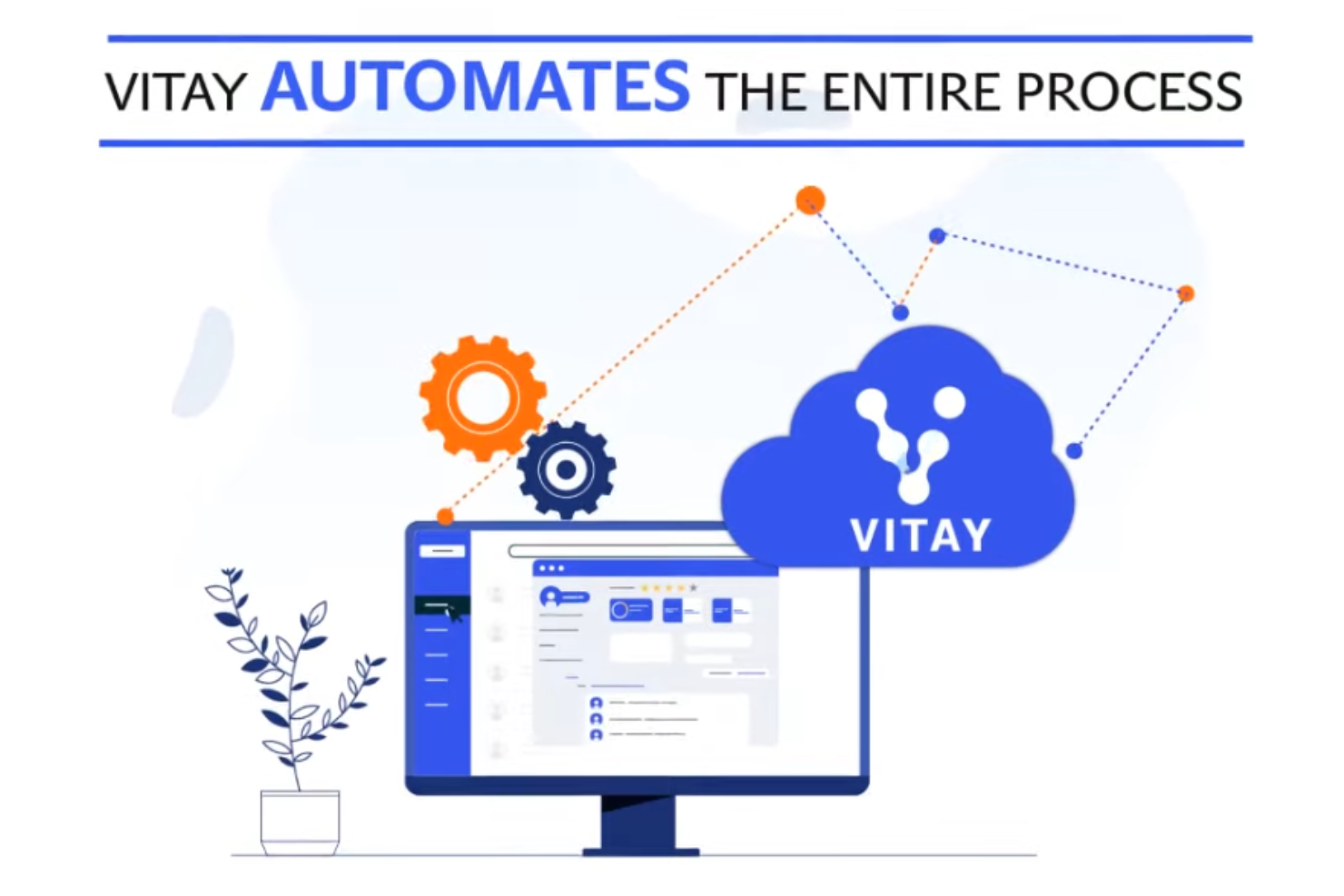
Vitay is a pre-employment testing software built around automating the reference check process—collecting structured feedback from a candidate's references digitally, without the back-and-forth of manual outreach. It's worth considering if your team is spending too much time chasing references or losing candidates to a slow hiring timeline. If you're evaluating tools like Xref, Vitay covers similar ground but tends to be more accessible for smaller HR teams that don't need an enterprise-level contract to get started.
Vitay Evaluation Summary
- Pricing upon request
Why Trust Our Software Reviews
Our team has been testing and reviewing software since 2012. As HR experts ourselves, we know how difficult—and important—it is to choose the right software.
For this guide, we evaluated tools using hands-on testing and independent research, scoring tools using our selection criteria. We also draw on insights from industry thought leaders and practicing HR experts.
Our reviews reflect our human editorial judgment, not a sales pitch.
Expert reviewers:
Vitay Overview
If you're judging Vitay against other pre-employment testing software, I think you'll appreciate its intuitive interface, fast onboarding, and responsive support. Vitay's customizable reference checks and automation-driven workflows make it a strong pick for HR teams who want to save time without sacrificing compliance. While its analytics and third-party integrations aren't as deep as some competitors, the pricing is fair for small businesses and mid-sized organizations alike. I'd suggest Vitay for organizations that value simplicity and speed over complex reporting or niche integrations.
pros
-
Automates the reference checking process to save significant recruiter time
-
Customizable question sets for different roles and industries
-
Detects fake references using IP and device fingerprinting
cons
-
Limited advanced analytics compared to some competitors
-
Fewer integration options with third-party HR tools
-
Reporting features can feel basic for data-driven teams
-

Justworks
Visit WebsiteThis rating combines scores from multiple user review sites to reflect overall customer sentiment about the product.4.6 -
Small Improvements
Visit WebsiteThis rating combines scores from multiple user review sites to reflect overall customer sentiment about the product.4.3 -
HiBob
Visit WebsiteThis rating combines scores from multiple user review sites to reflect overall customer sentiment about the product.4.5





How We Test & Score Our Tools
We’ve spent years building, refining, and improving our software testing and scoring system. The rubric is designed to capture the nuances of software selection and what makes a tool effective, focusing on critical aspects of the decision-making process.
Below, you can see exactly how our testing and scoring works across seven criteria. It allows us to provide an unbiased evaluation of the software based on core functionality, standout features, ease of use, onboarding, customer support, integrations, customer reviews, and value for money.
Core Functionality (25% of final score)
The starting point of our evaluation is always the core functionality of the tool. Does it have the basic features and functions that a user would expect to see? Are any of those core features locked to higher-tiered pricing plans? At its core, we expect a tool to stand up against the baseline capabilities of its competitors.
Standout Features (25% of final score)
Next, we evaluate uncommon standout features that go above and beyond the core functionality typically found in tools of its kind. A high score reflects specialized or unique features that make the product faster, more efficient, or offer additional value to the user.
We also evaluate how easy it is to integrate with other tools typically found in the tech stack to expand the functionality and utility of the software. Tools offering plentiful native integrations, 3rd party connections, and API access to build custom integrations score best.
Ease of Use (10% of final score)
We consider how quick and easy it is to execute the tasks defined in the core functionality using the tool. High scoring software is well designed, intuitive to use, offers mobile apps, provides templates, and makes relatively complex tasks seem simple.
Onboarding (10% of final score)
We know how important rapid team adoption is for a new platform, so we evaluate how easy it is to learn and use a tool with minimal training. We evaluate how quickly a team member can get set up and start using the tool with no experience. High scoring solutions indicate little or no support is required.
Customer Support (10% of final score)
We review how quick and easy it is to get unstuck and find help by phone, live chat, or knowledge base. Tools and companies that provide real-time support score best, while chatbots score worst.
Customer Reviews (10% of final score)
Beyond our own testing and evaluation, we consider the net promoter score from current and past customers. We review their likelihood, given the option, to choose the tool again for the core functionality. A high scoring software reflects a high net promoter score from current or past customers.
Value for Money (10% of final score)
Lastly, in consideration of all the other criteria, we review the average price of entry level plans against the core features and consider the value of the other evaluation criteria. Software that delivers more, for less, will score higher.
Core Features
Automated Reference Requests
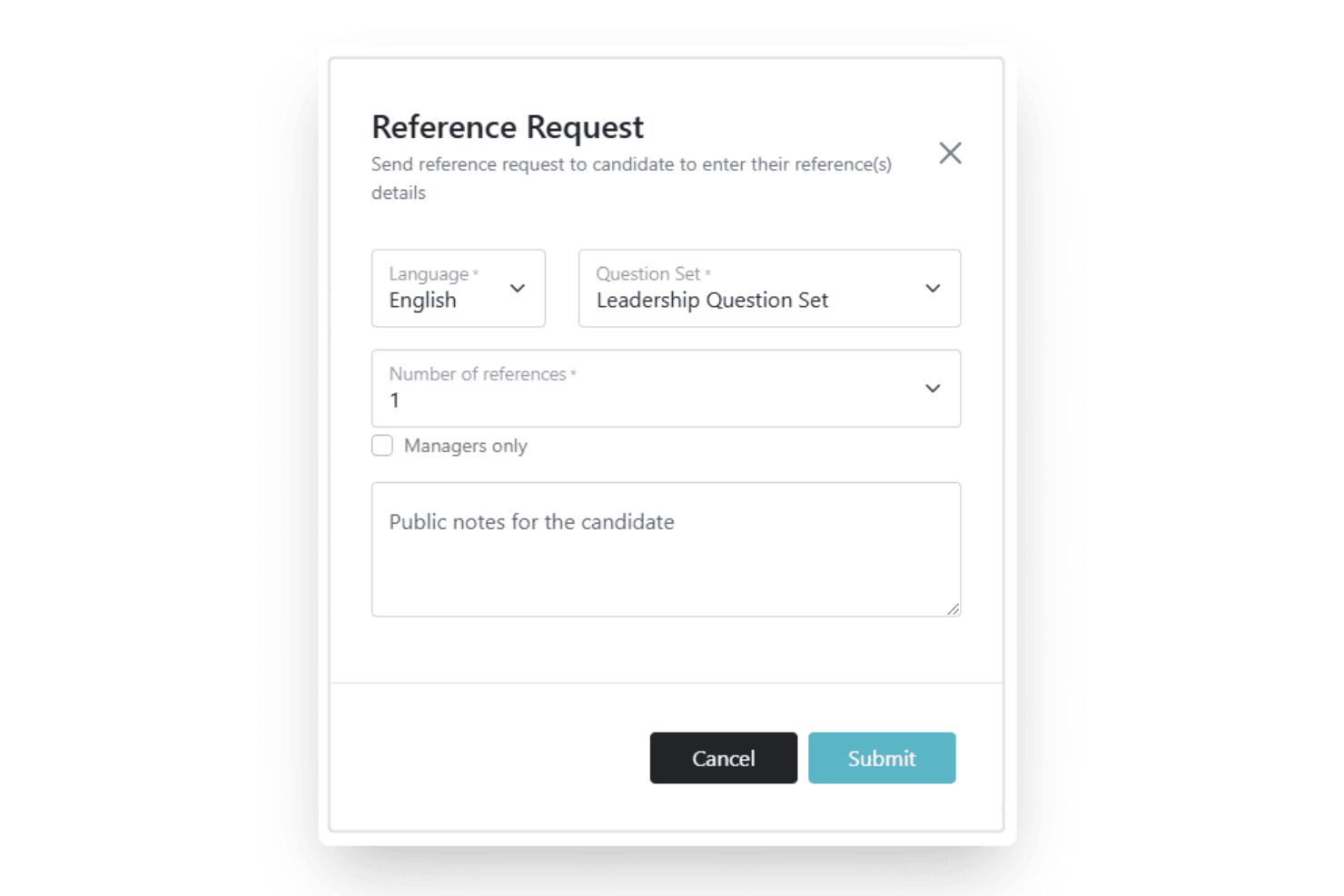
Send reference requests in under 60 seconds and track responses automatically. This feature helps HR teams process high volumes of candidates without manual follow-ups.
Customizable Question Sets
Choose from a library or create your own questions tailored to each role. This lets you gather the most relevant insights for every position.
Fraud Detection
Detects fake references using IP matching and device fingerprinting. This adds a layer of security and trust to your hiring process.
Automated Reminders
Vitay sends email and SMS notifications to referees who haven't responded. This reduces delays and helps you complete checks faster.
Background Screening
Order criminal, employment, education, and international background checks directly from the platform. This centralizes candidate verification in one place.
Pre-Screening Surveys
Collect candidate information and assess cultural fit before interviews. This helps you filter out unqualified applicants early in the process.
Ease of Use
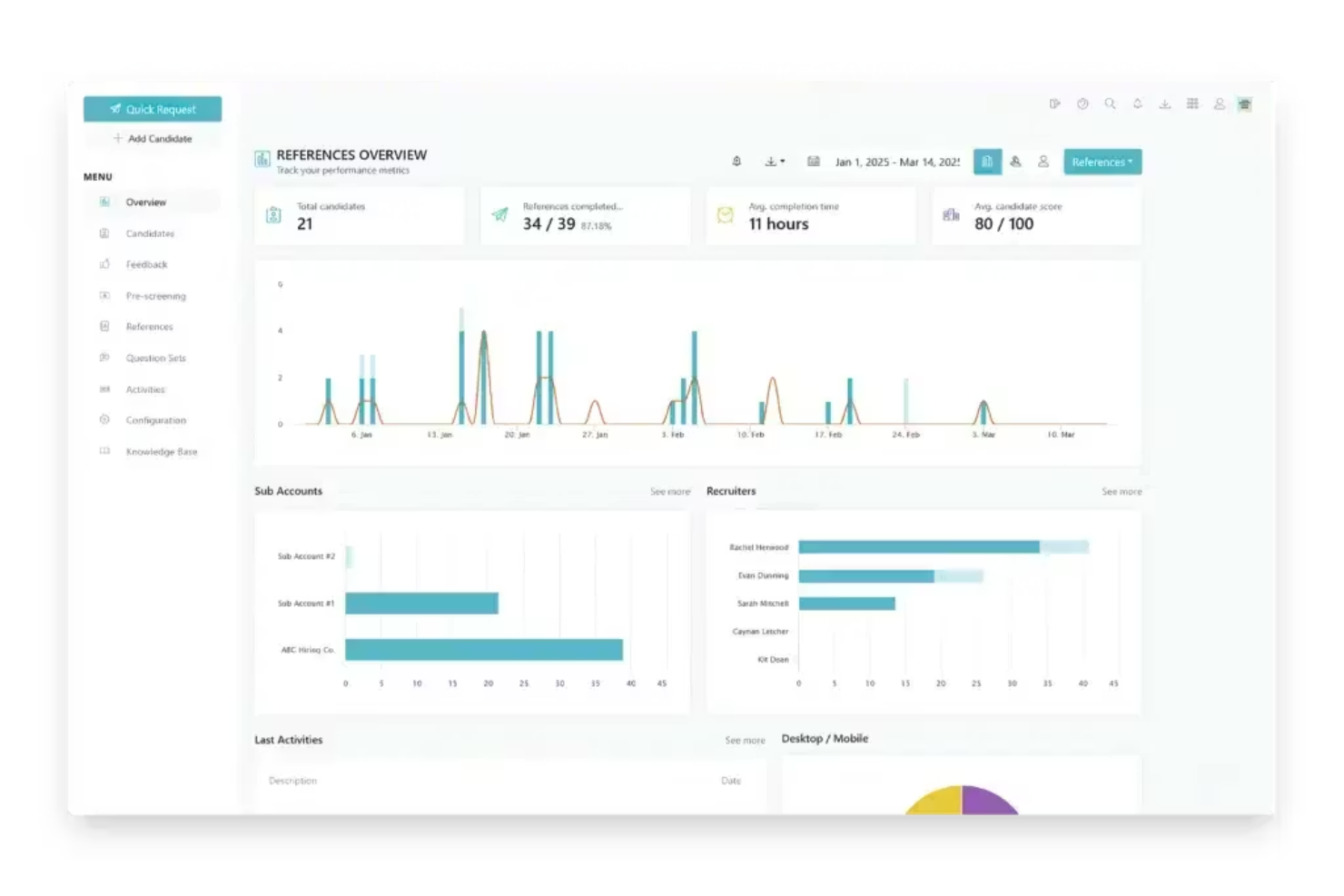
Vitay is easy to navigate, with a clean dashboard and straightforward workflows that let users send reference requests in just a few clicks. Many HR professionals mention the minimal setup time and intuitive interface, which means teams can get started quickly without extensive training. The platform's automated reminders and clear status tracking reduce manual follow-up, making it especially user-friendly for busy recruiters handling multiple candidates at once.
Integrations
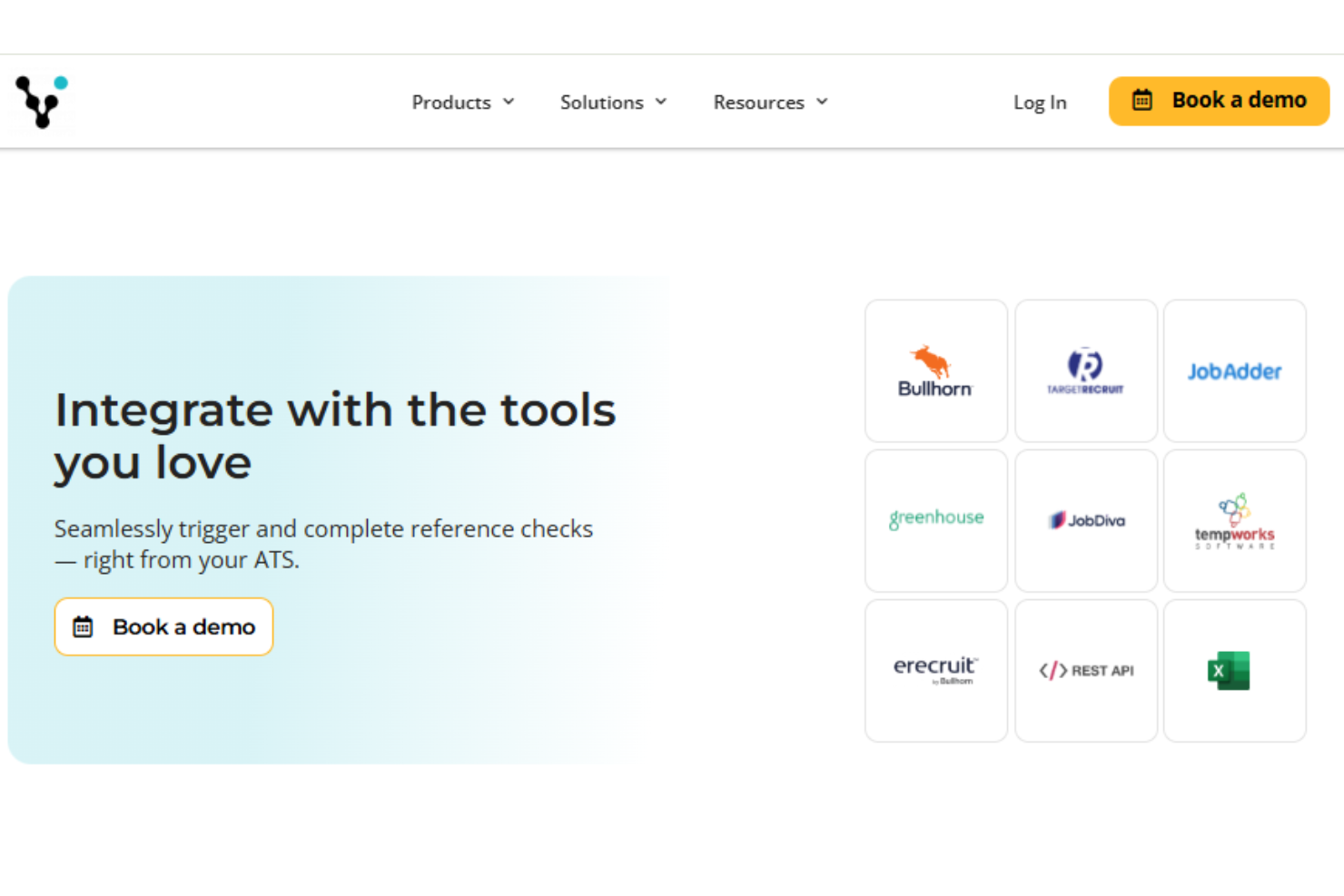
Vitay integrates with platforms like Bullhorn, JobAdder, TargetRecruit, Greenhouse, JobDiva, TempWorks Software, and Erecruit.
Vitay also provides a REST API, enabling custom integrations with internal systems and other tools to enhance your team’s workflow.
Vitay Specs
- API
- Application Tracking
- Calendar Management
- Contact Management
- Dashboard
- Data Export
- Data Import
- Data Visualization
- Database
- Employee Onboarding
- External Integrations
- Feedback Management
- Multi-User
- Notifications
- Scheduling



