Insightful vs Hubstaff: 2026 Expert Comparison

9 years in HR + certified Digital HR Specialist turned software researcher

We review tools independently, and commissions help fund our testing. See our transparency policy, our methodology, or suggest a tool.

Insightful offers a straightforward solution for tracking employee productivity in your workplace, while Hubstaff provides robust time tracking and team management capabilities.

While both tools focus on enhancing workforce efficiency, Insightful leans towards simplicity, compared to Hubstaff's more comprehensive feature set.

In this article, you'll find a detailed comparison of these tools, including their features, pros and cons, and pricing, to help you choose the right employee monitoring software for your needs.

Insightful
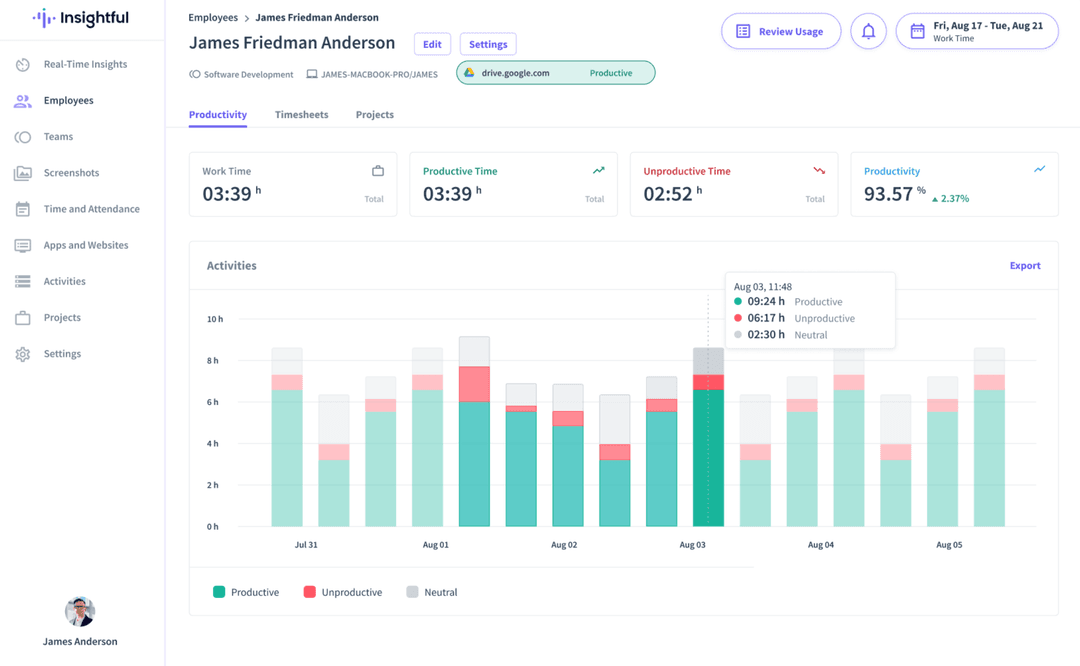
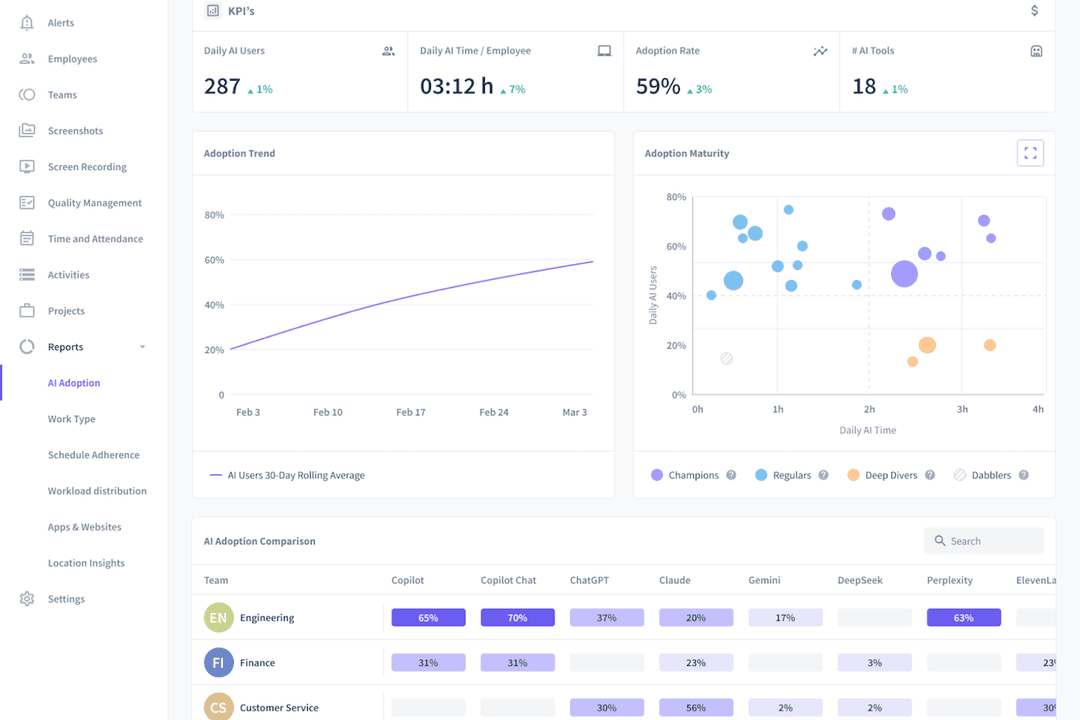
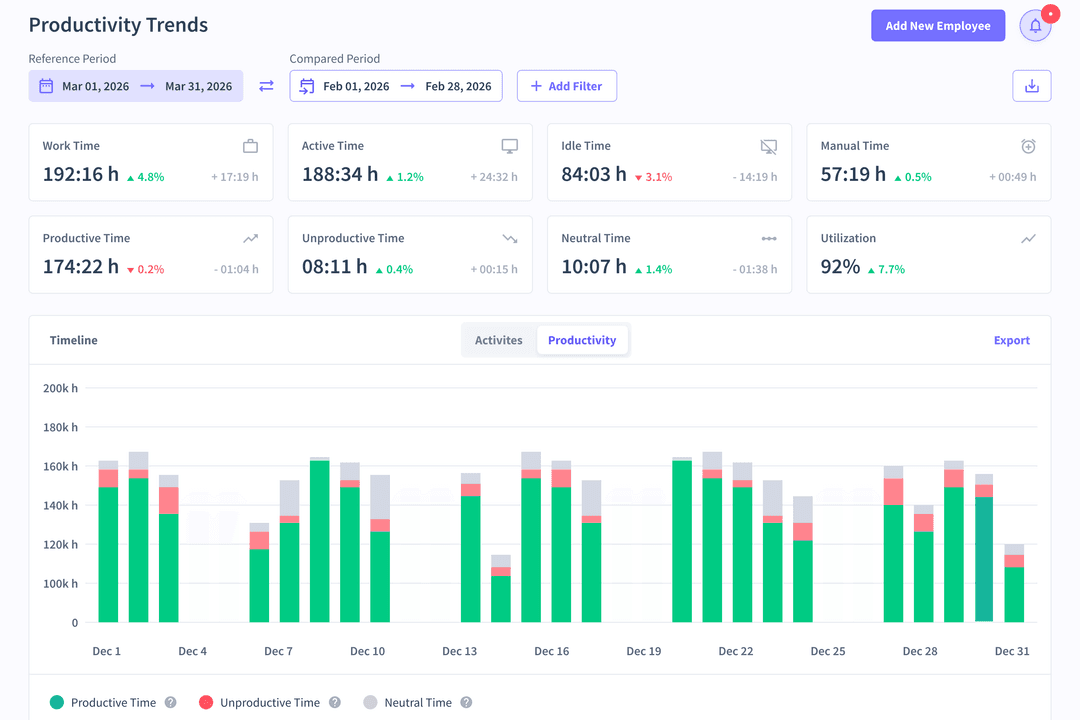
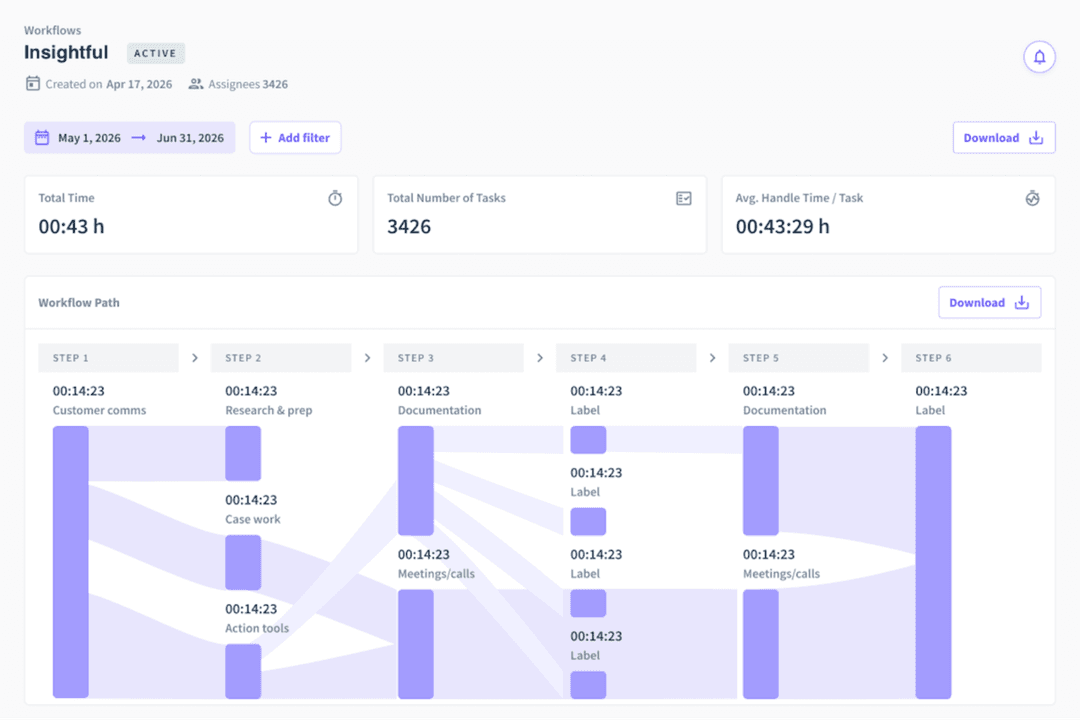
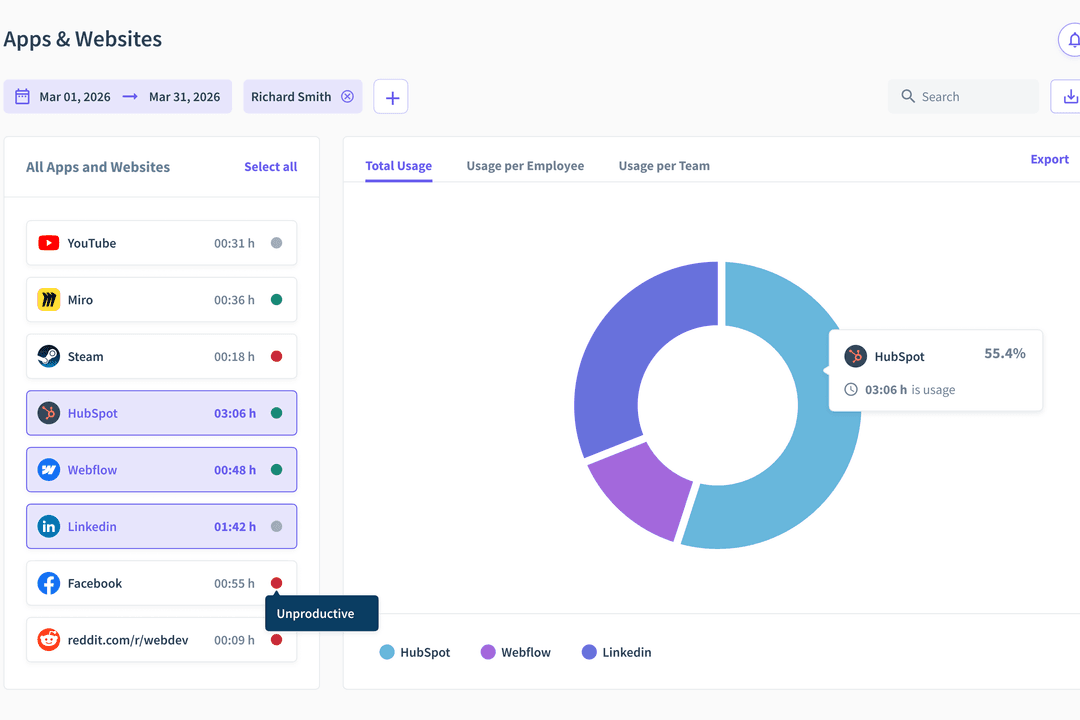
Insightful simplifies employee monitoring with easy to understand visuals.
Customer rating

4.8/5

Pricing
  • Free trial available
  • From $10/user/month

Hubstaff

Hubstaff combines time tracking with workforce and project management.
Customer rating

4.5/5

Pricing
  • 14-day free trial + demo available
  • Pricing upon request

Why Trust Our Software Recommendations

6,700+

Reviews

20

Industry experts

16+

Evaluation factors

14

Years

Our team has been testing and reviewing software since 2012. As HR experts ourselves, we know how difficult—and important—it is to choose the right software.

For this guide, we evaluated tools using hands-on testing and independent research, scoring tools using our selection criteria. We also draw on insights from industry thought leaders and practicing HR experts.

Our reviews reflect our human editorial judgment, not a sales pitch.

Expert reviewers:

InsightfulHubstaff
Free TrialFree trial available14-day free trial + demo available
PricingFrom $10/user/monthPricing upon request

Insightful vs. Hubstaff Pricing & Hidden Costs

Insightful pricing is structured around tiered plans, with potential extra costs for advanced analytics and integrations.

Hubstaff pricing also follows a similar tiered model; however, users may encounter additional fees for premium features such as payroll and GPS tracking.

To choose the right tool for your HR needs, evaluate the specific features your team requires and consider any hidden costs that might impact your budget.

Look for flexibility in plans and ensure the vendor's offerings align with your long-term business goals.

With Insightful’s automated time tracking, you can easily monitor your team’s productivity in a remote work setting, ensuring accurate work hour records. Alternatively, Hubstaff’s GPS tracking is ideal for teams on the move, such as delivery services, to ensure timely and efficient operations. While Insightful enhances office-based productivity management, Hubstaff excels in tracking and managing field teams efficiently.

InsightfulHubstaff
APIYesYes
Batch Permissions & AccessNoYes
DashboardYesYes
Data ExportYesYes
Data ImportYesYes
Data VisualizationYesYes
Employee DatabaseYesYes
Employee EngagementYesYes
Employee OnboardingNoYes
External IntegrationsYesYes
Feedback ManagementNoYes
Multi-UserYesYes
NotificationsYesYes

IntegrationInsightfulHubstaff
Slack✅✅
Trello✅✅
Asana❌✅
QuickBooks✅✅
Salesforce❌✅
Xero✅❌
Google Workspace✅❌
Microsoft Teams✅✅
API✅✅
Zapier✅✅

With Insightful's integration with Slack, you can streamline communication and address any productivity issues within your team quickly. In contrast, Hubstaff's integration with QuickBooks is ideal for automating payroll and managing your finances with ease. While Insightful focuses on enhancing communication, Hubstaff offers a seamless way to handle financial tasks.

FactorInsightfulHubstaff
Data EncryptionUses AES-256 encryption to secure data during transmission and storage.Employs end-to-end encryption to protect sensitive information.
Regulatory ComplianceComplies with GDPR to ensure user data privacy.Adheres to GDPR and CCPA standards for comprehensive data protection.
Uptime ReliabilityGuarantees 99.9% uptime with continuous monitoring and support.Offers reliable service with a 99.9% uptime backed by robust infrastructure.

Both Insightful and Hubstaff provide strong security and compliance measures, but Hubstaff's additional CCPA compliance could offer broader coverage. When evaluating these tools, focus on the specific compliance needs of your organization and the level of encryption they provide to ensure your data is protected.

FactorInsightfulHubstaff
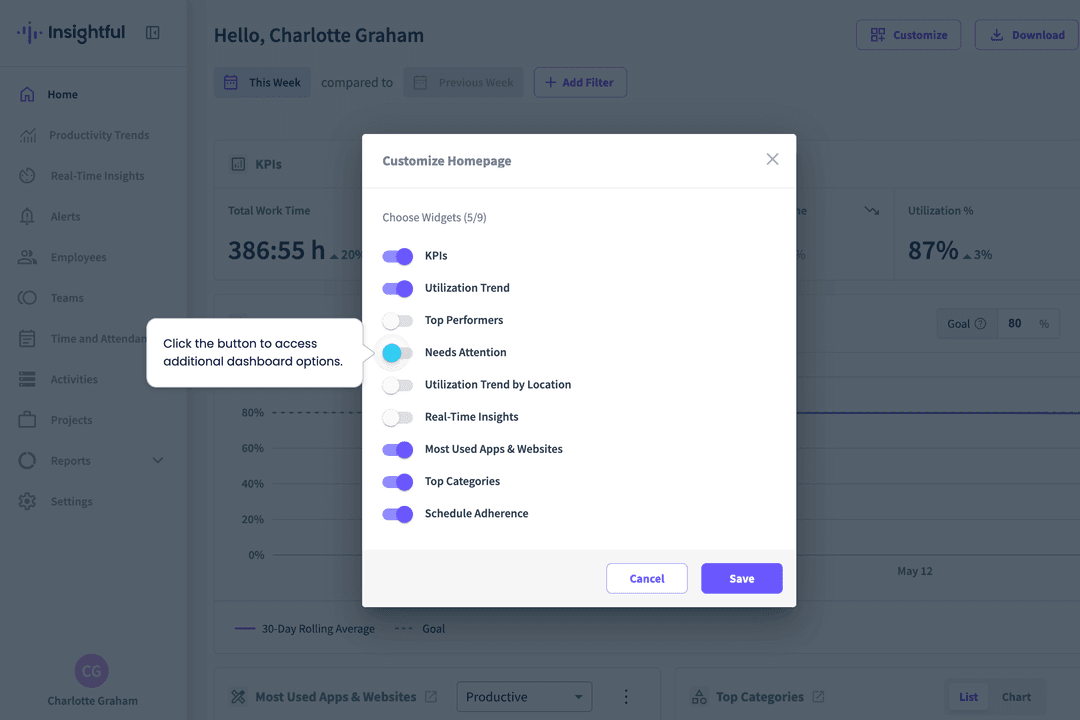
User InterfaceOffers a clean, intuitive dashboard that simplifies navigation for quick access.Features a customizable interface that allows you to tailor the view to your specific needs.
Onboarding ExperienceProvides step-by-step guides and tutorials to ease the onboarding process.Offers live chat support and comprehensive guides to assist with onboarding.
SetupStraightforward setup with minimal configuration required.Requires more initial setup but offers detailed instructions to help.
SupportHas responsive email support to resolve issues quickly.Provides 24/7 live chat support for immediate assistance.

Insightful is easier to navigate due to its straightforward interface, but Hubstaff truly shines with its customizable dashboard, providing a more personalized experience. While Insightful's setup is quicker, Hubstaff's detailed instructions help overcome initial setup challenges.

Insightful

Pros
  • Seamless onboarding with helpful guides and responsive assistance.
  • Intuitive UI that scales easily to manage dozens of users without becoming complex.
  • Actionable reporting for productivity insights across sales, operations, and project teams.
Cons
  • Some features may feel excessive for very small teams or solo practitioners.
  • Doesn’t show real-time screen activity without manual setup.
  • Reporting tools can feel limited for deeper analysis.

Hubstaff

Pros
  • GPS tracking and geofencing support field-team timekeeping.
  • Screenshots and app tracking verify billable hours.
  • Project budgets and approvals connect tracked time to costs.
Cons
  • Idle detection can misclassify meetings and reading as inactivity.
  • Reports require manual editing and lack timezone controls.
  • Monitoring and screenshots can feel intrusive to employees.

Insightful

Insightful simplifies employee monitoring with easy to understand visuals.
  1. Remote Tech TeamsYou can easily track time spent on tools like GitHub or Jira and see where work stalls.
  2. Customer Support CentersIt captures app usage and idle time, so you can understand team efficiency during shifts.
  3. Sales & Operations TeamsIt shows how your team uses tools throughout the day and helps cut time-wasting habits.
  4. Project ManagersYou can dig into how time is spent on tasks to facilitate more efficient resource planning.
  5. Small to Medium-Sized OrgsInsightful offers a straightforward and cost-effective way to improve team oversight and performance.
  6. BPOs, Call Centers, or Support TeamsIdeal for BPOs needing real-time visibility, productivity tracking, and accountability across large support teams.

Hubstaff

Hubstaff combines time tracking with workforce and project management.
  1. Remote AgenciesHubstaff combines timers, screenshots, reports, budgets, and client billing features for agencies tracking distributed project work.
  2. Field Service TeamsGPS and location tracking, scheduling, attendance features, and mobile apps help managers record work performed away from a central workplace.
  3. Distributed ContractorsDesktop, web, and mobile timers give contractors multiple ways to record hours, while screenshots and activity reports provide project-level visibility.
  4. Payroll DepartmentsHubstaff supports approvals, payroll, payments, and integrations with QuickBooks, Gusto, PayPal, and BambooHR for teams managing paid work hours.
  5. Client Services TeamsBudgets, reports, time entries, and integrations with Asana, ClickUp, Jira, and Trello help client teams connect tracked hours with project work.
  6. Growing EnterprisesEnterprise features include SSO, account provisioning, compliance features, location tracking, and dedicated support for organizations with larger workforce administration needs.

Who Should Use Insightful and Hubstaff?

In my opinion, Insightful is ideal for teams seeking straightforward productivity tracking, especially in office settings where simplicity and ease of use are key.

Hubstaff, on the other hand, is better suited for businesses that require comprehensive tracking features, like GPS and payroll, making it great for teams on the move or those with more complex operational needs.

If your work involves managing remote teams or requires detailed project management, Hubstaff's robust features might be what you need. Insightful suits smaller teams more, focusing on efficiency without requiring extensive customization.

AutomationInsightful

Provides automated time tracking to monitor productivity.

Hubstaff

Offers detailed project management and GPS tracking automation.

IntegrationsInsightful

Offers integrations with Slack and Google Workspace for communication.

Hubstaff

Integrates with QuickBooks and Salesforce for financial tasks.

PricingInsightful

Offers tiered plans with optional advanced analytics.

Hubstaff

Uses tiered plans but includes fees for premium features.

Setup and OnboardingInsightful

Quick setup with step-by-step guides for onboarding.

Hubstaff

Requires more setup, but provides 24/7 support to assist you.

User InterfaceInsightful

Features a clean and intuitive dashboard for easy navigation.

Hubstaff

Allows you to customize the interface to fit your needs.

Data Security

They ensure data security with encryption, protecting your team's sensitive information.

Employee Monitoring

Insightful and Hubstaff offer robust employee monitoring features to track productivity and time usage.

Integrations

The platforms support integration with popular tools like Slack and Trello to enhance team collaboration.

Reporting

Each tool provides comprehensive reporting features, allowing you to analyze productivity trends effectively.

User Support

Both offer responsive support to help you resolve any issues quickly and efficiently.