Reseña de Paychex: Ventajas, Desventajas, Características y Precios Explicados


Paychex is a payroll software built for businesses that need to handle payroll processing, tax compliance, and HR administration together. I'd consider it if your organization has grown past what a tool like Gusto can support—particularly if you're managing multi-state payroll, need dedicated specialist access, or want more depth in HR services alongside your payroll workflows.
Paychex Evaluation Summary
- Pricing upon request
- Free demo available
Por qué confiar en nuestras reseñas de software
Nuestro equipo lleva probando y evaluando software desde 2012. Como expertos en RR. HH., sabemos lo difícil —y lo importante— que es elegir el software adecuado.
Para esta guía, evaluamos las herramientas mediante pruebas prácticas e investigación independiente, puntuando las herramientas según nuestros criterios de selección. También nos basamos en la experiencia de líderes de opinión del sector y de profesionales de RR. HH. en activo.
Nuestras reseñas reflejan nuestro criterio editorial humano, no un discurso de ventas.
Revisores expertos:
Paychex Overview
When I judge Paychex as an invoicing and payroll software, I think its robust feature set, extensive support, and detailed compliance tools set it apart for established businesses with growing teams. The interface feels a bit dated compared to some, yet onboarding is straightforward and integrations are solid, especially for HR and accounting systems. Pricing can trend higher, but you get granular payroll options out of the box. If you’re choosing for reliability and need both payroll and invoicing in one place, Paychex is a strong pick—especially for HR teams that value live support and step-by-step onboarding.
pros
-
Handles multi-state payroll and tax compliance automatically
-
Offers live support from payroll specialists and HR advisors
-
Provides detailed, customizable payroll and invoice reports
cons
-
Mobile app has limited invoicing features and options
-
Initial setup can be time-intensive for complex businesses
-
Some users report inconsistent direct deposit timing
-

Justworks
Visit WebsiteThis rating combines scores from multiple user review sites to reflect overall customer sentiment about the product.4.6 -
Prevue Assessments
Visit WebsiteThis rating combines scores from multiple user review sites to reflect overall customer sentiment about the product.4.6 -
Small Improvements
Visit WebsiteThis rating combines scores from multiple user review sites to reflect overall customer sentiment about the product.4.3





Cómo probamos y puntuamos nuestras herramientas
Hemos pasado años construyendo, refinando y mejorando nuestro sistema de pruebas y puntuación de software. La rúbrica está diseñada para capturar los matices de la selección de software y lo que hace que una herramienta sea efectiva, centrándose en los aspectos críticos del proceso de toma de decisiones. A continuación, puedes ver exactamente cómo funcionan nuestras pruebas y puntuaciones a través de siete criterios. Esto nos permite ofrecer una evaluación imparcial del software basada en la funcionalidad principal, características destacadas, facilidad de uso, incorporación, soporte al cliente, integraciones, reseñas de clientes y relación calidad-precio.
Funcionalidad principal (25% de la puntuación final)
El punto de partida de nuestra evaluación siempre es la funcionalidad principal de la herramienta. ¿Tiene las funciones básicas que se espera encontrar? ¿Alguna de esas funciones básicas está restringida a planes de precio superiores? En esencia, esperamos que una herramienta se compare favorablemente con las capacidades básicas de sus competidores.
Características destacadas (25% de la puntuación final)
Luego, evaluamos características poco comunes que van más allá de la funcionalidad principal que normalmente se encuentra en herramientas de su tipo. Una puntuación alta refleja funciones especializadas o únicas que hacen que el producto sea más rápido, eficiente o que ofrezca un valor adicional al usuario. También evaluamos lo fácil que es integrar con otras herramientas comúnmente usadas en el entorno tecnológico para ampliar la funcionalidad y utilidad del software. Las herramientas que ofrecen muchas integraciones nativas, conexiones de terceros y acceso a API para construir integraciones personalizadas obtienen las mejores puntuaciones.
Facilidad de uso (10% de la puntuación final)
Consideramos qué tan rápido y fácil es ejecutar las tareas definidas en la funcionalidad principal utilizando la herramienta. El software que obtiene una puntuación alta está bien diseñado, es intuitivo, ofrece aplicaciones móviles, proporciona plantillas y hace que tareas relativamente complejas parezcan simples.
Incorporación (10% de la puntuación final)
Sabemos lo importante que es la rápida adopción del equipo para una nueva plataforma, por eso evaluamos qué tan fácil es aprender y usar una herramienta con una capacitación mínima. Evaluamos cuán rápido un miembro del equipo puede configurarse y comenzar a usar la herramienta sin experiencia. Las soluciones con mejores puntuaciones requieren poco o ningún soporte.
Soporte al cliente (10% de la puntuación final)
Revisamos cuán rápido y fácil es obtener ayuda mediante teléfono, chat en vivo o base de conocimientos. Las herramientas y empresas que ofrecen soporte en tiempo real obtienen las mejores puntuaciones, mientras que los chatbots obtienen las peores.
Reseñas de clientes (10% de la puntuación final)
Además de nuestras propias pruebas y evaluaciones, consideramos el puntaje neto de promotores de clientes presentes y pasados. Revisamos su probabilidad, dada la opción, de elegir nuevamente la herramienta por su funcionalidad principal. El software con una puntuación alta refleja un alto puntaje neto de promotores por parte de clientes actuales o anteriores.
Relación calidad-precio (10% de la puntuación final)
Por último, considerando todos los demás criterios, revisamos el precio promedio de los planes de entrada frente a las funciones principales y valoramos el resto de los criterios de evaluación. El software que ofrece más por menos tendrá una mejor puntuación.
Core Features
Automated Payroll Processing
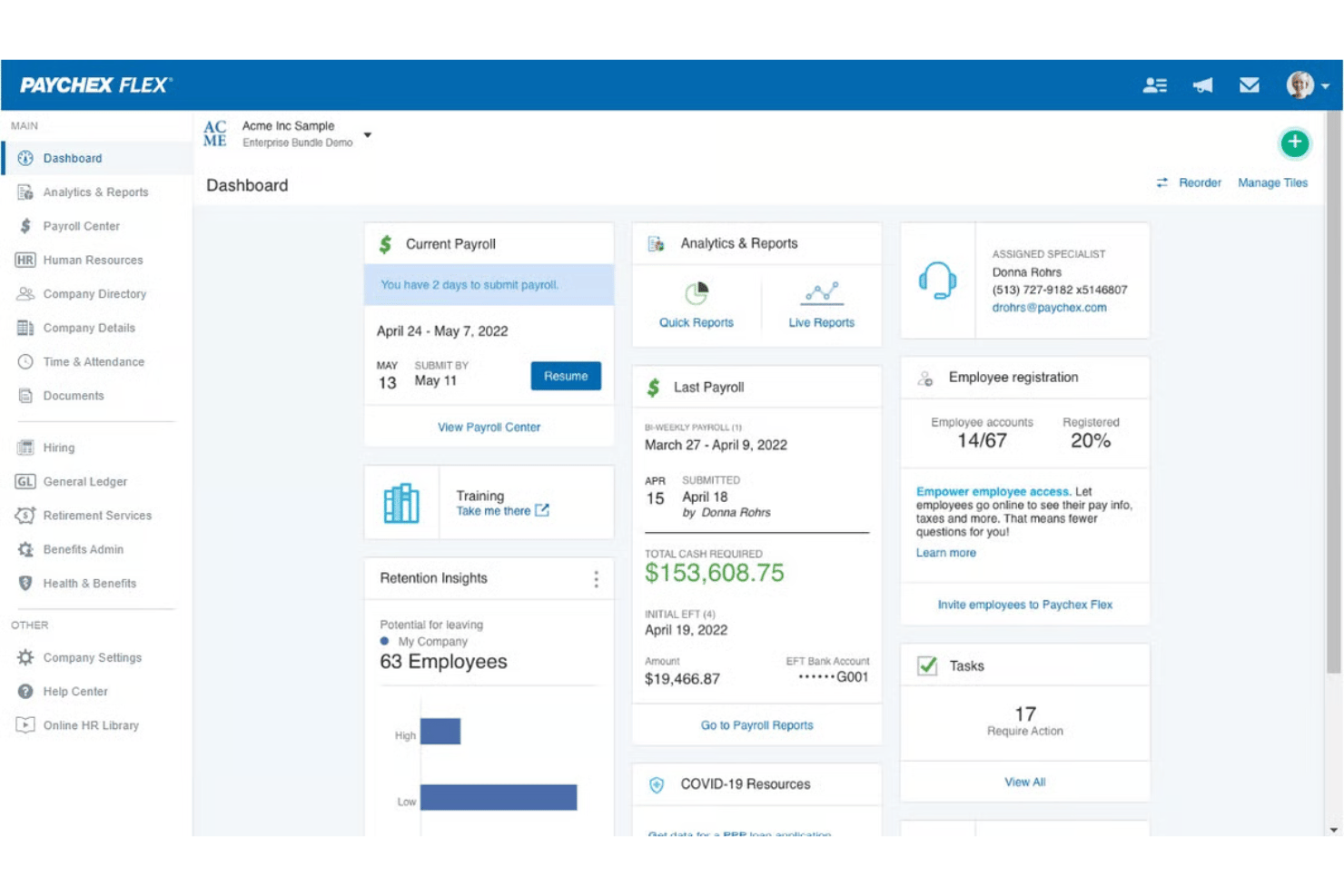
Paychex automatically calculates wages, taxes, and deductions using time and attendance data for each pay period. Overtime alerts and built-in checks minimize manual data entry and help reduce mistakes.
Tax Filing and Compliance
The platform handles federal, state, and local payroll tax calculations and filings. It updates tax rates, handles new-hire reporting, and issues year-end tax documents like W-2s and 1099s.
Invoicing and Payment Management
You can create, send, and track invoices directly from your Paychex dashboard. Payment processing links to payroll data for faster reconciliation and reporting.
Employee Self-Service Portal
Employees access pay stubs, update information, and review tax documents online anytime. This reduces routine HR questions and increases transparency.
Direct Deposit and Payment Options
Paychex offers direct deposit, paper checks, and paycards for flexible employee payments. Funds are distributed quickly based on your payroll run.
Customizable Payroll Reports
Generate detailed payroll, time tracking, and deduction reports tailored to your business needs. Export reports in multiple formats for accounting or audits.
Ease of Use
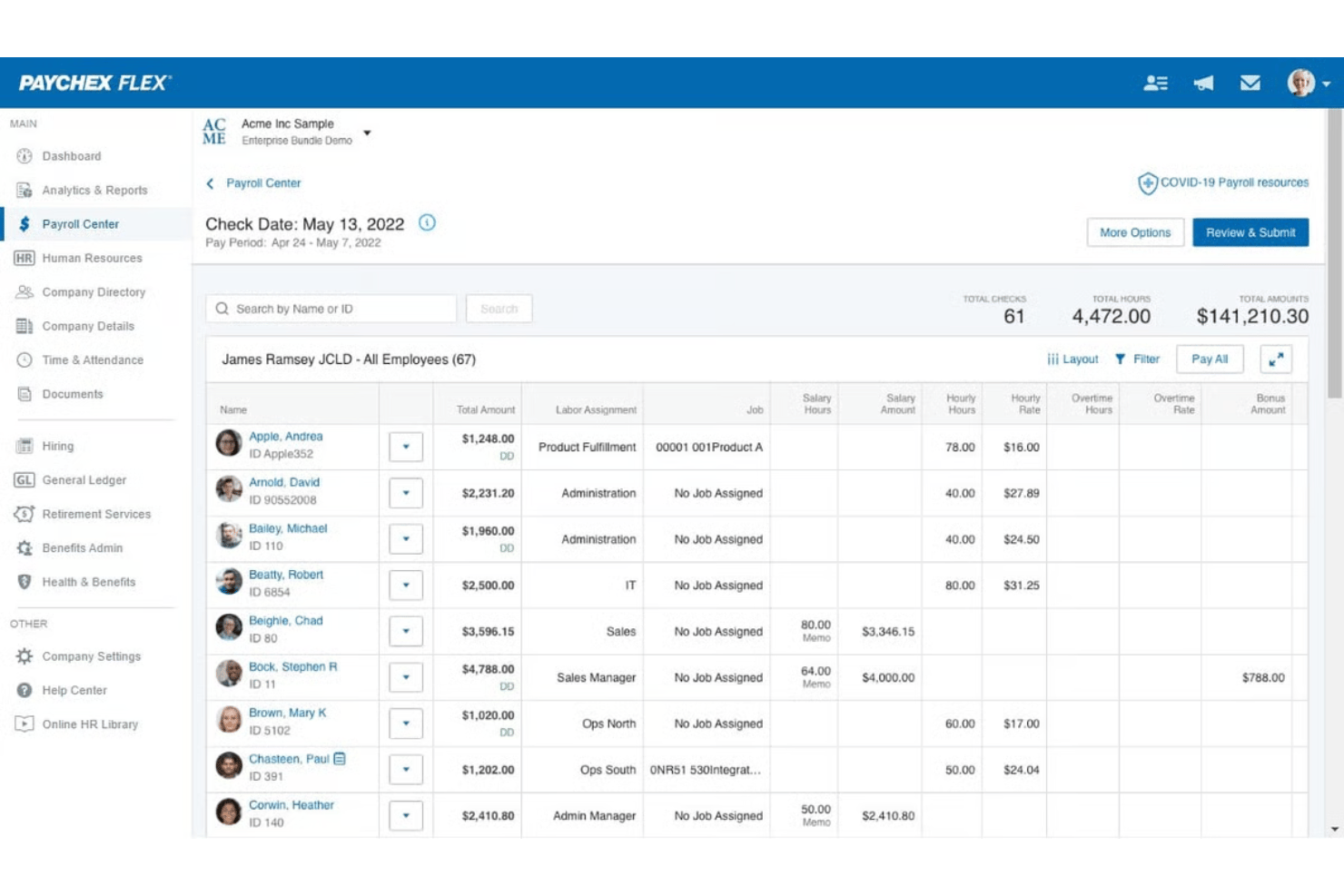
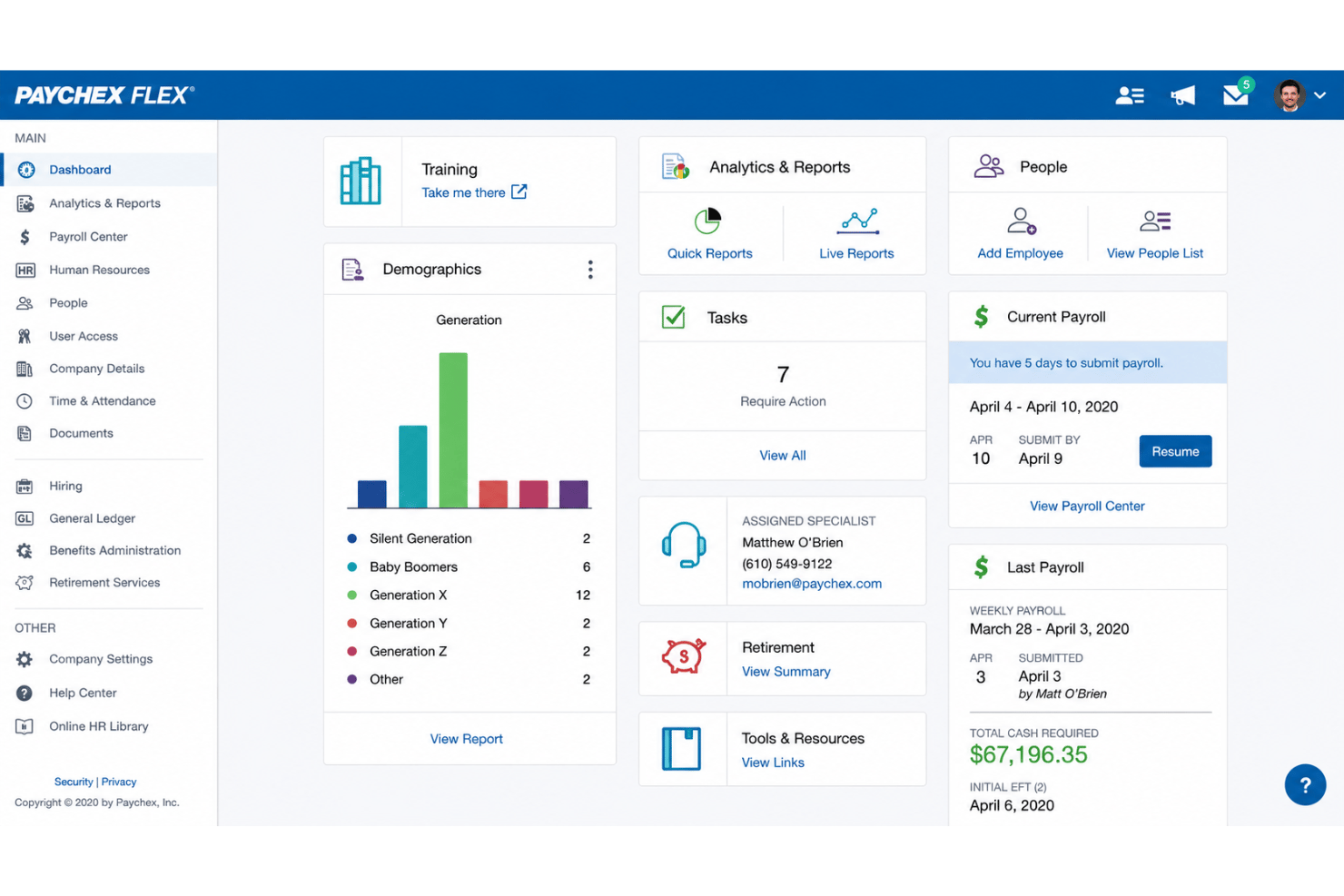
From my point of view, Paychex offers a straightforward payroll run and invoice management process, but the interface can feel outdated and menu-heavy. Many users appreciate quick access to support and onboarding resources, which offsets a steeper learning curve. Features like the employee self-service portal and customizable dashboards make day-to-day management more intuitive once you’re familiar with the layout.
Integrations
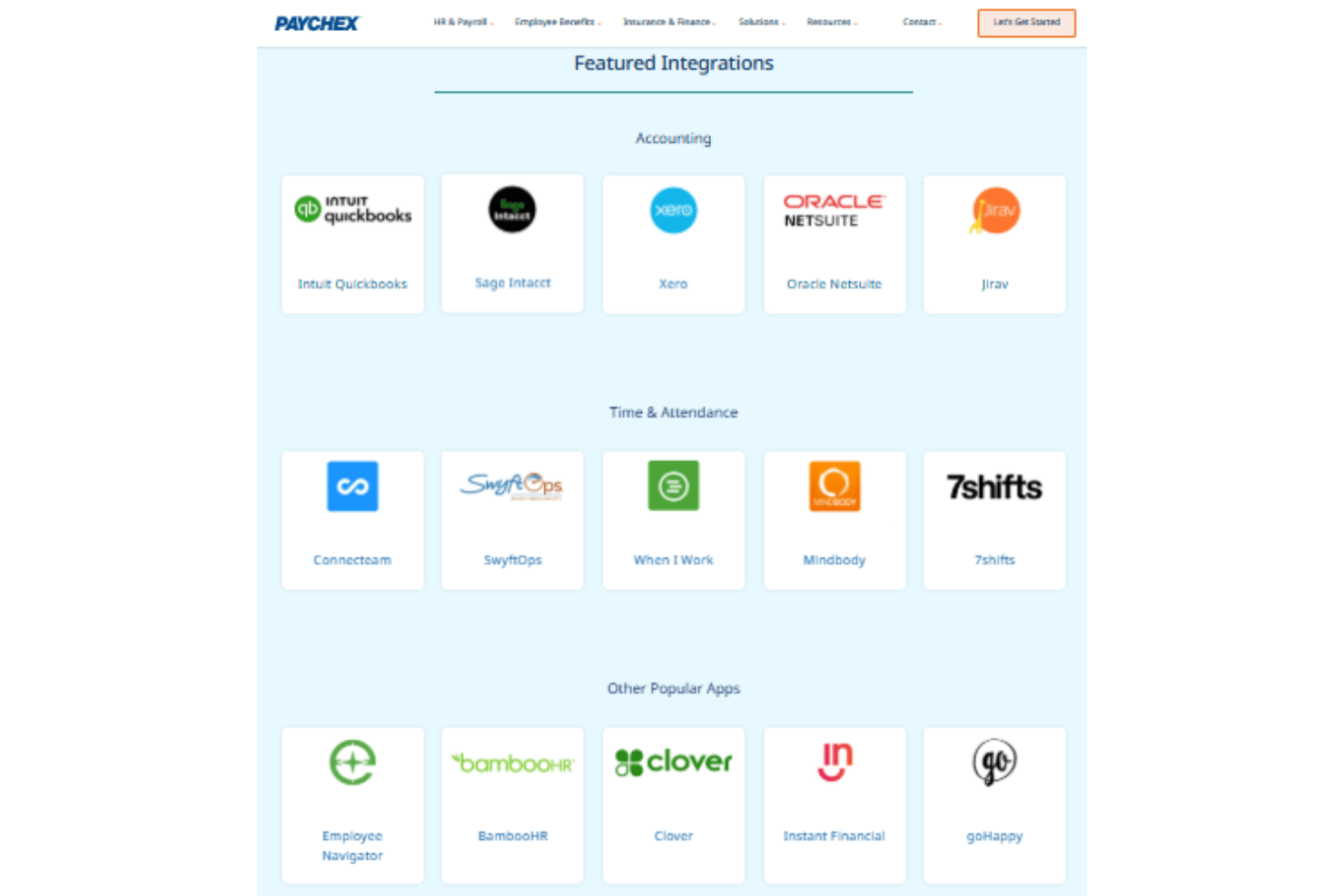
Paychex integrates with QuickBooks Online, Xero, Sage Intacct, BambooHR, Clover, Indeed, Jobvite, 7Shifts and iCIMS, among others.
Paychex also offers an API and connects with several third-party integration platforms.
Paychex Specs
- 2-Factor Authentication
- 360 Degree Feedback
- API
- Application Tracking
- Attendance Tracking
- Batch Permissions & Access
- Compliance Tracking
- Dashboard
- Data Export
- Data Import
- Data Visualization
- Employee Database
- Employee Engagement
- Employee Incentive Management
- Employee Onboarding
- Employee Training
- Expense Tracking
- External Integrations
- Feedback Management
- Multi-User
- Notifications
- Payroll
- Performance Appraisal
- Scheduling
- Time Management
- Timesheets
- Travel Management
- Vacation & Absence Calendar