


Reseña de Worksuite: ventajas, desventajas, funciones y detalles de precios



Managing a growing freelance workforce gets complicated fast when onboarding, payments, contracts, and compliance span multiple countries. The right platform should bring those moving parts together without forcing your team to rely on a patchwork of general-purpose tools.
Worksuite is a freelancer management system for teams that need to onboard, pay, and stay compliant with a large external workforce across multiple countries. It runs on the contractors you already work with rather than a marketplace you have to source from. I’d mainly consider it if you want a dedicated freelancer operations platform that handles vendor vetting, contracts, and tax compliance more thoroughly than a generalist tool, while offering more freelancer-specific workflows than a typical project-based system.
Worksuite Evaluation Summary
- Pricing upon request
- Free demo available
Por qué confiar en nuestras reseñas de software
Nuestro equipo lleva probando y evaluando software desde 2012. Como expertos en RR. HH., sabemos lo difícil —y lo importante— que es elegir el software adecuado.
Para esta guía, evaluamos las herramientas mediante pruebas prácticas e investigación independiente, puntuando las herramientas según nuestros criterios de selección. También nos basamos en la experiencia de líderes de opinión del sector y de profesionales de RR. HH. en activo.
Nuestras reseñas reflejan nuestro criterio editorial humano, no un discurso de ventas.
Revisores expertos:
Worksuite Overview
If you’re judging freelancer and contractor management software based on compliance features, vendor vetting, and ongoing onboarding support, I think Worksuite edges out most of the competition. Its dedicated workflows, worker classification, and contract tools make it ideal for companies with global freelance teams, and classification cover is included rather than sold as an extra. The interface feels streamlined, and each new customer gets a solutions architect who designs the setup with them. Pricing is competitive, but integrations are fewer than some larger platforms. If you’re selecting a tool for agencies, media, or teams running complex, long-term freelance operations, Worksuite is a strong pick.
pros
-
Worker classification and compliance cover, with indemnification included as standard
-
Contract templates, tax documentation, and agent or employer of record in one system
-
Guided implementation with a named solutions architect, not a self-serve setup
cons
-
Mobile view is less complete than the desktop experience
-
Standard reporting handles the basics, so deeper analysis needs custom reports
-
Permission sets and roles take work to configure across a mixed team
Is Worksuite Right For Your Needs?
Who Would be a Good Fit for Worksuite?
Worksuite is well suited for companies managing a large, global contingent workforce or freelancers who need onboarding, compliance, and integrated payment workflows all in one place. It suits multi-brand and multi-entity businesses especially well. Organizations that prioritize vendor vetting, contract management, and flexible integrations with payroll, HR, CRM, and ERP systems will get the most value. Worksuite’s guided onboarding and custom workflow automation suit HR teams and operations in industries where compliance and fast onboarding are top priorities.
-
Global Agencies
Worksuite centralizes compliance, payment, and contracts for agencies managing freelancers across multiple countries and currencies.
-
Large Enterprises
Large organizations get custom contract terms, API access, dedicated support, and bespoke integrations, along with approval chains built around holding company and multi-entity structures that generic tools struggle with.
-
HR Departments
HR teams benefit from custom onboarding workflows, vendor vetting, and integrations with solutions like BambooHR and Workday.
-
Creative Studios
Studios with frequent project-based hiring can set up fast onboarding, approvals, and pay workflows for rotating creative talent.
-
Finance Teams
Integration with accounting tools like QuickBooks and Xero streamlines payment management and compliance tracking for freelance spend.
-
Media And Publishing Teams
Publishers, broadcasters, and streaming teams running big rosters of writers, producers, and crew can track spend across brands and keep paperwork in one portal.
Who Would be a Bad Fit for Worksuite?
Worksuite may not be the best choice for organizations with only a handful of contingent workers, industries with limited contractor use, or teams that only need basic freelancer payments without advanced compliance processes. It solves problems that appear at scale, so a small or occasional freelance program means paying for capability you won’t use. Teams that want highly customizable reporting or only need payments, not onboarding or compliance, may feel constrained.
-
Small Nonprofits
The advanced compliance and automation features are likely unnecessary and the cost too high for nonprofits with a handful of contractors.
-
Boutique Consultancies
Firms with few freelancers don’t need Worksuite’s workflow and onboarding tools, making lighter platforms a better fit.
-
Simple Payroll Needs
If a business only needs to pay freelancers without compliance or onboarding, Worksuite’s feature set is too complex.
-
Local Businesses
Companies hiring only within one country for occasional gigs don’t benefit from global onboarding and compliance automation.
-
Procurement Departments
Procurement teams needing deep, procurement-focused workflows and advanced reporting will find Worksuite’s reporting inflexible.
-
Construction Firms
Industries where freelancer use is low or compliance processes are handled outside software won’t see enough value in Worksuite’s approach.
Cómo probamos y puntuamos nuestras herramientas
Hemos pasado años construyendo, refinando y mejorando nuestro sistema de pruebas y puntuación de software. La rúbrica está diseñada para capturar los matices de la selección de software y lo que hace que una herramienta sea efectiva, centrándose en los aspectos críticos del proceso de toma de decisiones. A continuación, puedes ver exactamente cómo funcionan nuestras pruebas y puntuaciones a través de siete criterios. Esto nos permite ofrecer una evaluación imparcial del software basada en la funcionalidad principal, características destacadas, facilidad de uso, incorporación, soporte al cliente, integraciones, reseñas de clientes y relación calidad-precio.
Funcionalidad principal (25% de la puntuación final)
El punto de partida de nuestra evaluación siempre es la funcionalidad principal de la herramienta. ¿Tiene las funciones básicas que se espera encontrar? ¿Alguna de esas funciones básicas está restringida a planes de precio superiores? En esencia, esperamos que una herramienta se compare favorablemente con las capacidades básicas de sus competidores.
Características destacadas (25% de la puntuación final)
Luego, evaluamos características poco comunes que van más allá de la funcionalidad principal que normalmente se encuentra en herramientas de su tipo. Una puntuación alta refleja funciones especializadas o únicas que hacen que el producto sea más rápido, eficiente o que ofrezca un valor adicional al usuario. También evaluamos lo fácil que es integrar con otras herramientas comúnmente usadas en el entorno tecnológico para ampliar la funcionalidad y utilidad del software. Las herramientas que ofrecen muchas integraciones nativas, conexiones de terceros y acceso a API para construir integraciones personalizadas obtienen las mejores puntuaciones.
Facilidad de uso (10% de la puntuación final)
Consideramos qué tan rápido y fácil es ejecutar las tareas definidas en la funcionalidad principal utilizando la herramienta. El software que obtiene una puntuación alta está bien diseñado, es intuitivo, ofrece aplicaciones móviles, proporciona plantillas y hace que tareas relativamente complejas parezcan simples.
Incorporación (10% de la puntuación final)
Sabemos lo importante que es la rápida adopción del equipo para una nueva plataforma, por eso evaluamos qué tan fácil es aprender y usar una herramienta con una capacitación mínima. Evaluamos cuán rápido un miembro del equipo puede configurarse y comenzar a usar la herramienta sin experiencia. Las soluciones con mejores puntuaciones requieren poco o ningún soporte.
Soporte al cliente (10% de la puntuación final)
Revisamos cuán rápido y fácil es obtener ayuda mediante teléfono, chat en vivo o base de conocimientos. Las herramientas y empresas que ofrecen soporte en tiempo real obtienen las mejores puntuaciones, mientras que los chatbots obtienen las peores.
Reseñas de clientes (10% de la puntuación final)
Además de nuestras propias pruebas y evaluaciones, consideramos el puntaje neto de promotores de clientes presentes y pasados. Revisamos su probabilidad, dada la opción, de elegir nuevamente la herramienta por su funcionalidad principal. El software con una puntuación alta refleja un alto puntaje neto de promotores por parte de clientes actuales o anteriores.
Relación calidad-precio (10% de la puntuación final)
Por último, considerando todos los demás criterios, revisamos el precio promedio de los planes de entrada frente a las funciones principales y valoramos el resto de los criterios de evaluación. El software que ofrece más por menos tendrá una mejor puntuación.
Core Features
Freelancer Onboarding Workflows
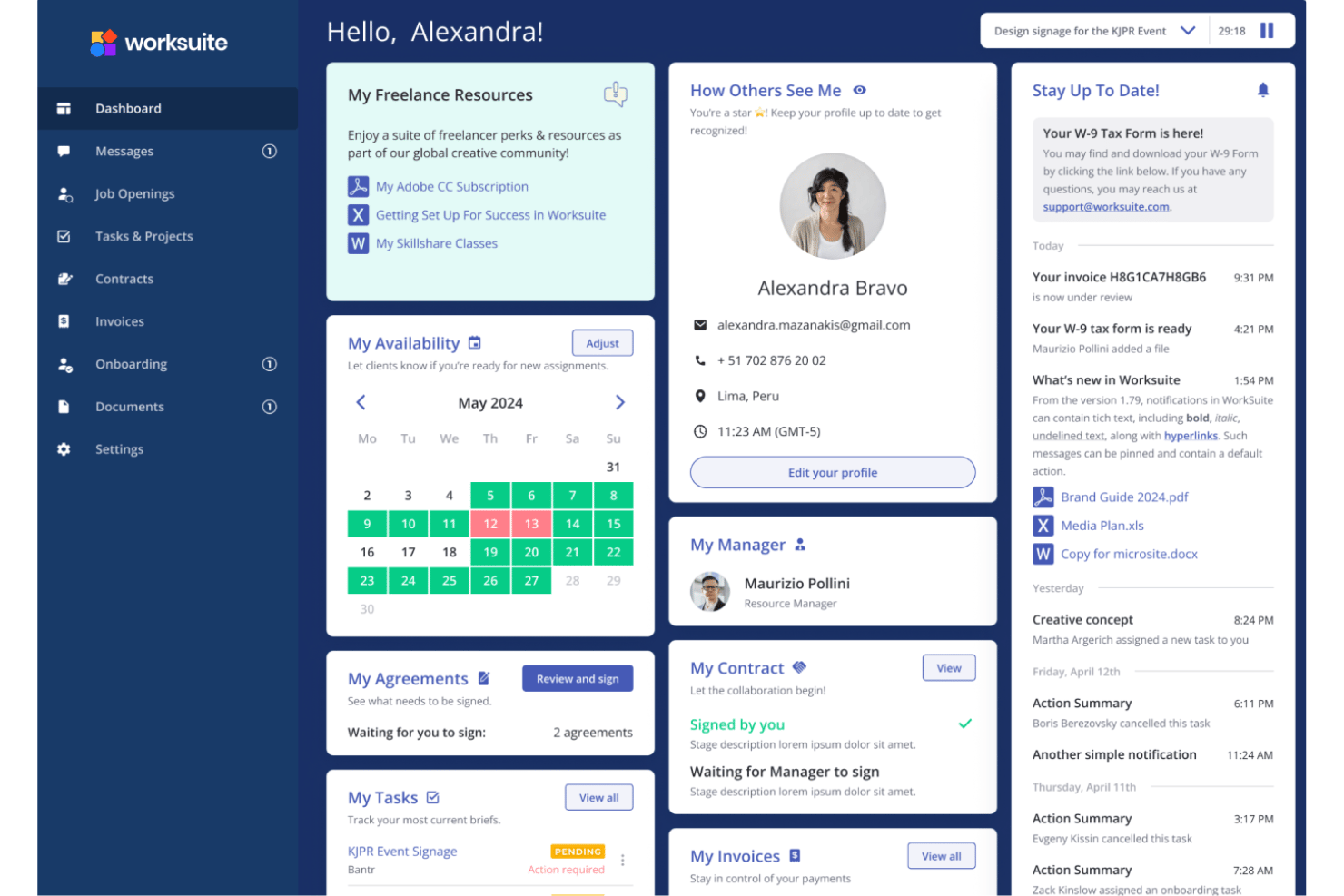
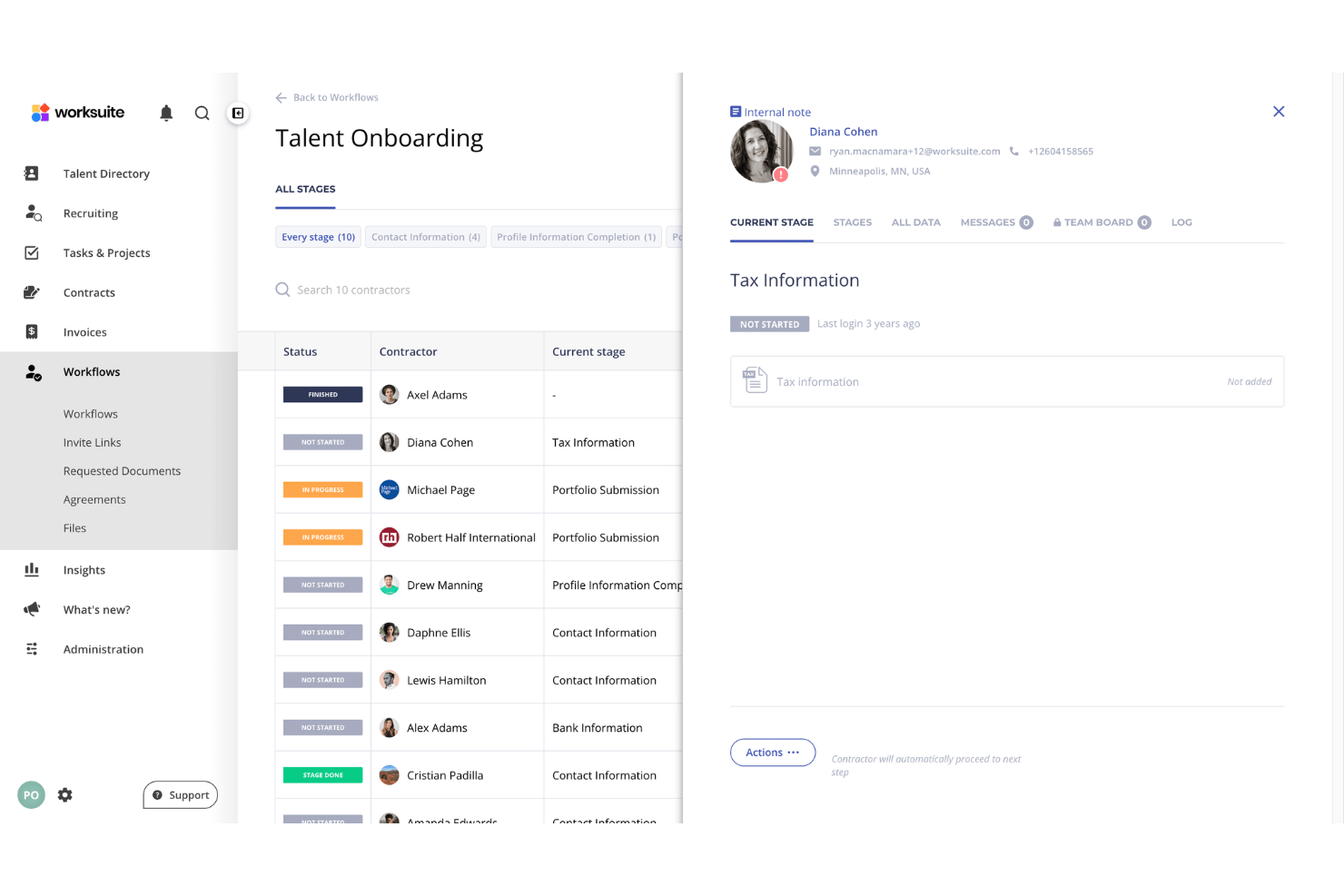
Create and customize onboarding processes to meet your team’s policies and local regulations. Worksuite guides freelancers through document uploads, contract signing, and compliance tasks, so nothing falls through the cracks. After setup, new contractors go from invite to active in minutes.
Compliance, Classification, and Tax Documentation
Centralize collection and management of freelancer tax forms and regulatory documents. The platform automatically requests, tracks, and renews key documents like W-9s and VAT certificates, and worker status is judged against the labor rules where the work is done.
Contract Management
Generate, store, and manage contracts with built-in templates tailored for global freelancers. Worksuite tracks contract status, automates renewal reminders, and centralizes all agreements for easy access.
Payment Processing and Invoice Management
Automate bulk payments to freelancers in multiple currencies with clear audit trails, with local transfer options in most markets. Payment tracking lets you review payment status across contractors, reducing admin hours and payout errors.
Vendor Management
Set up approval workflows to vet, verify, and onboard qualified freelancers. You can standardize background checks and credential verifications before work begins.
Centralized Freelancer Database
Maintain a searchable freelancer network of all engaged contractors, including skill profiles, contract terms, and work history. The pool stays private to your business rather than a shared roster others can browse, so assignments and compliance stay in one hub.
Standout Features
Customizable Workflow Automations
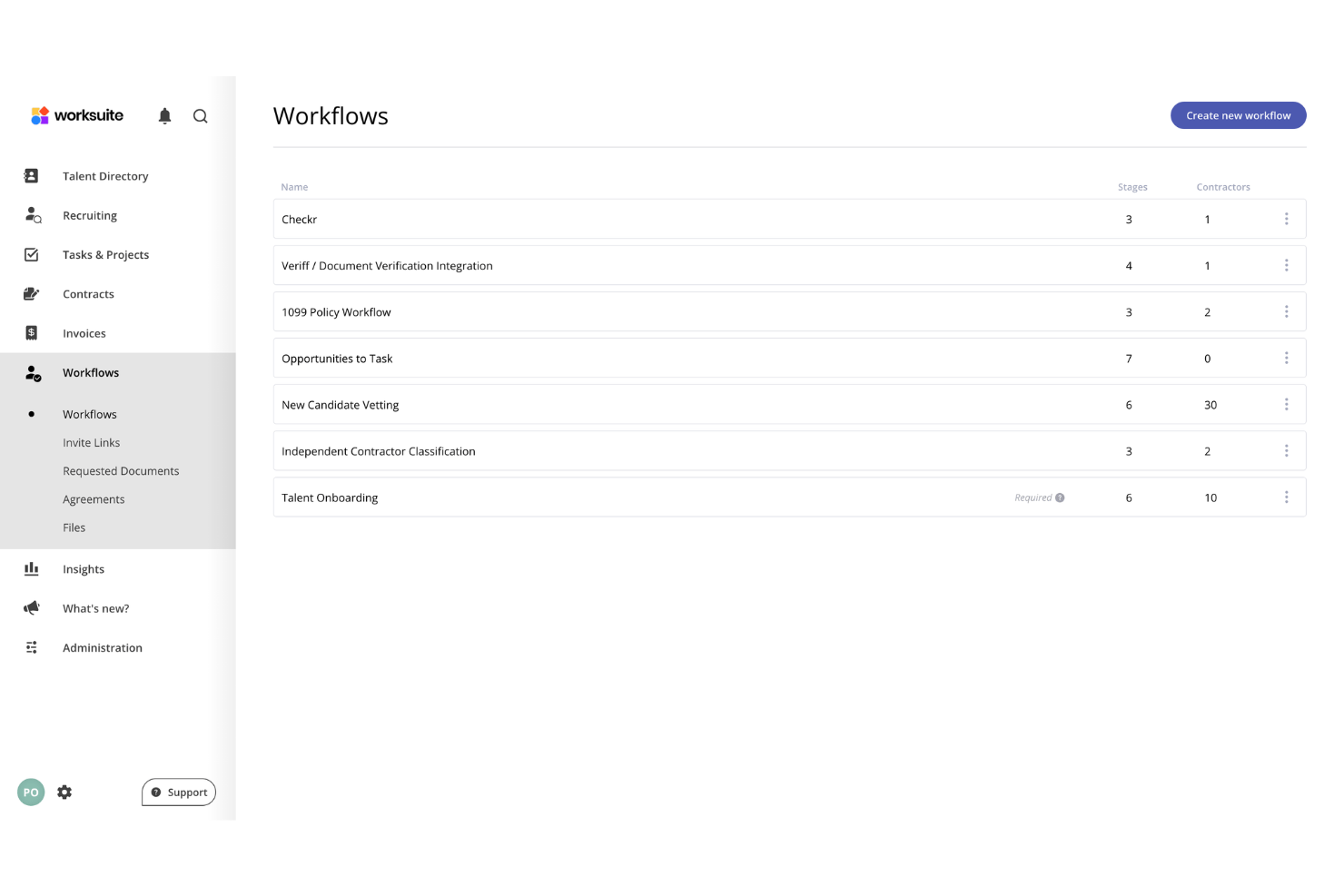
Worksuite lets your team design automated workflows for complex approval chains, document reviews, or compliance steps with drag-and-drop logic. This flexibility helps large organizations adapt processes for unique use cases like recurring onboarding for different teams or automating reminders for contract renewals. Businesses running several brands or entities can set approvals and spend visibility differently for each.
Built-In Classification and Indemnification
Worksuite judges worker status by what the engagement actually involves and the rules in force where it is carried out, then backs that call with indemnification built in. Agent of record and employer of record options sit in the same system, so a later change in the relationship doesn’t mean adding a vendor.
Private, White-Labeled Talent Pools
Your contractor bench sits in a pool branded to your own business and visible only to your team, not in an open marketplace competitors can search. Where a freelance roster is a real competitive asset, that keeps hard-won relationships from being poached mid-project.
Ease of Use
Worksuite feels intuitive even for large teams managing global freelancers. The onboarding workflows walk you through vendor vetting, document uploads, and contract signing without confusion. Users say the interface is clean, with payments, compliance, and contracts all in one place. Setting up custom approval flows is quick, though getting permissions right across a mixed team takes some trial and error. Some wish advanced reporting was more flexible, but daily admin work takes less time thanks to Worksuite’s clear navigation and task automation.
Onboarding
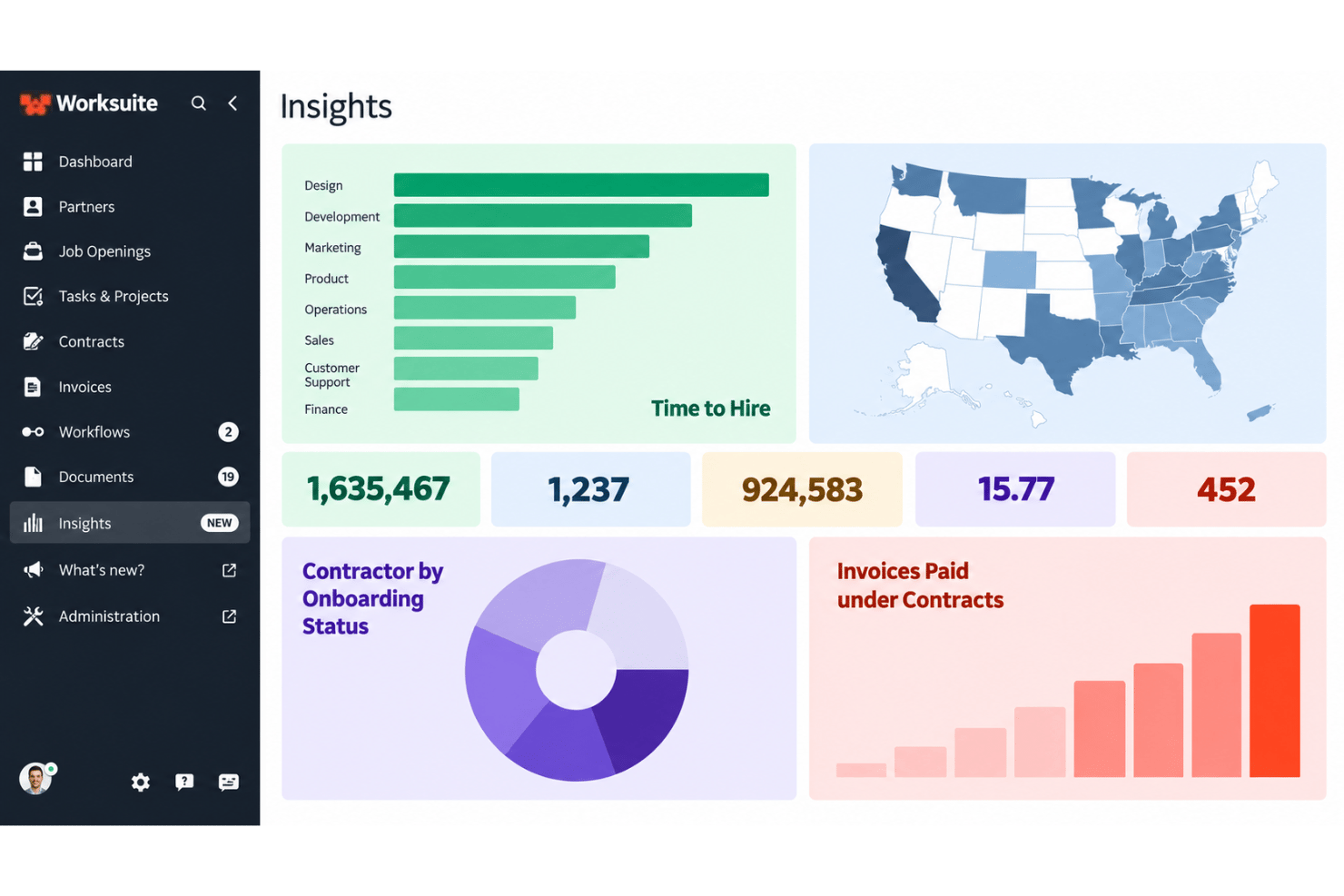
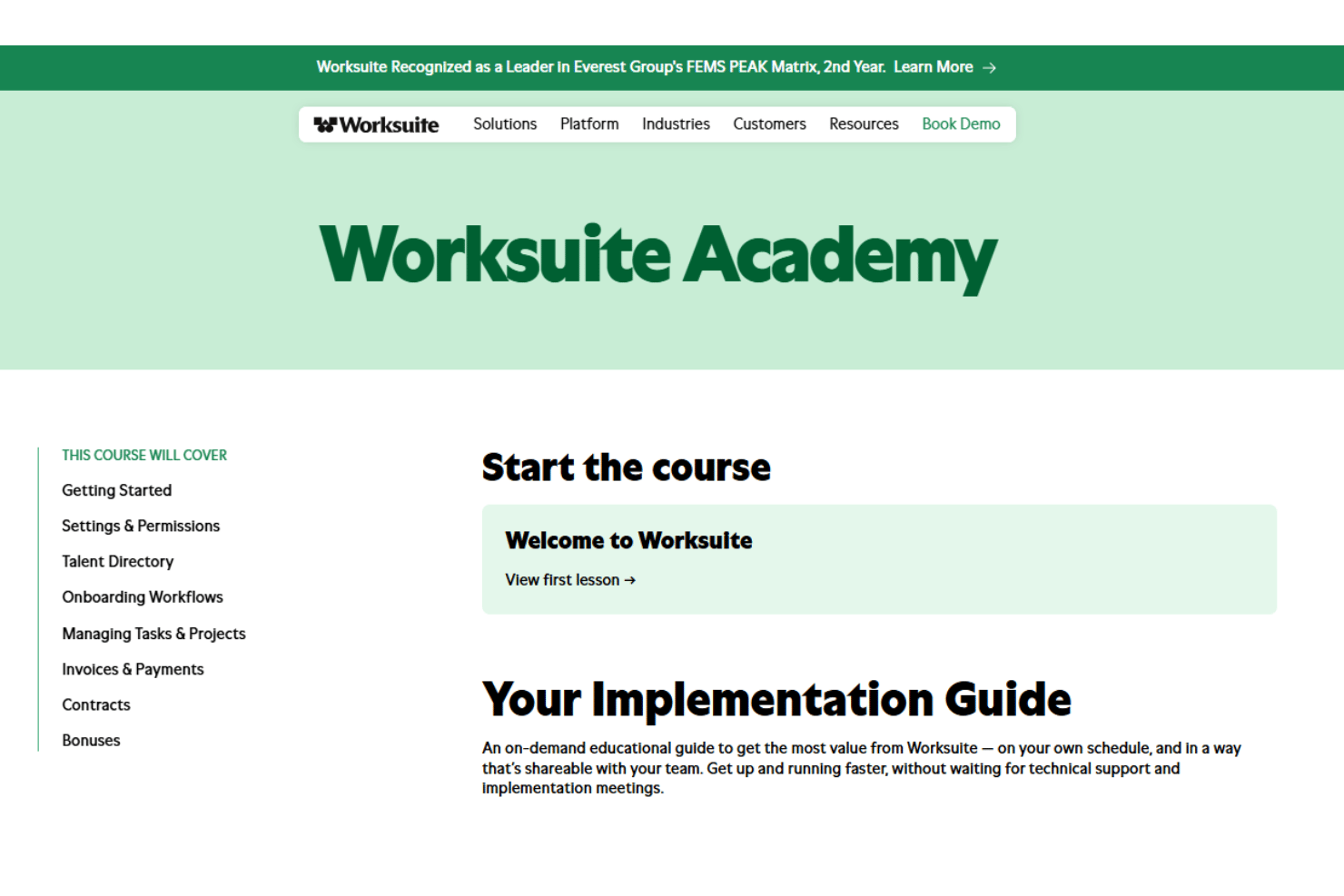
Worksuite onboarding is guided rather than self-serve. Each new customer works with a dedicated solutions architect who learns how the business runs, migrates existing contractor records, builds the workflows, and sets up a test environment so you can validate everything before go-live. Standard implementations wrap up in a matter of weeks, and little technical work lands on your side, though you do need people available to explain how approvals and assignments should work. If you want an onboarding process that gets freelancers compliant and working fast, Worksuite delivers.
Customer Support
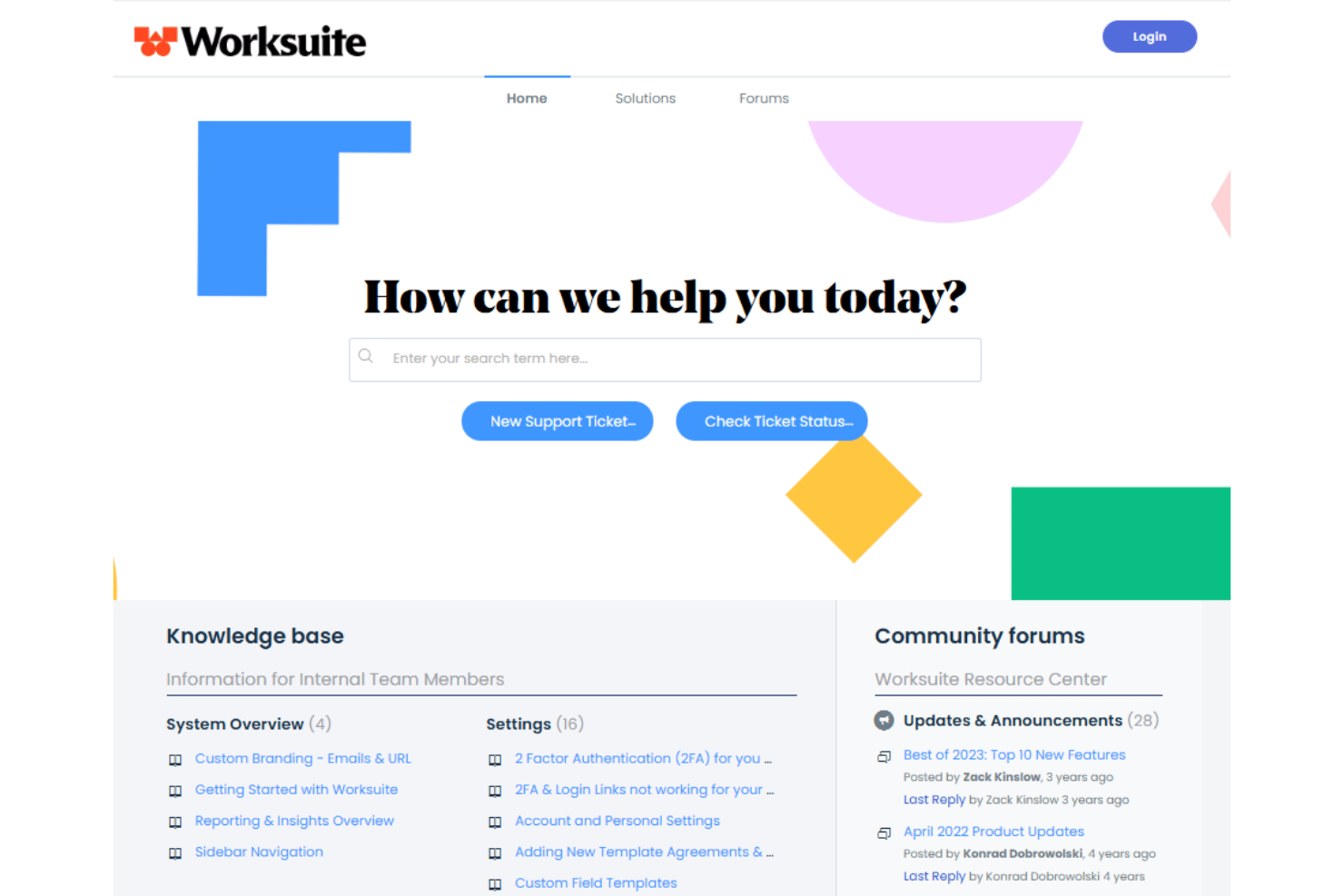
Worksuite’s customer support gets high marks for its responsive team and guided implementation. Instead of a general ticket queue you get a named specialist during setup, and customers describe the experience as white glove. Users mention prompt replies and a willingness to build custom solutions, especially while contractor onboarding is being stood up. Self-serve help resources are thinner than on some platforms, but live support means your questions won’t go unanswered for long.
Integrations
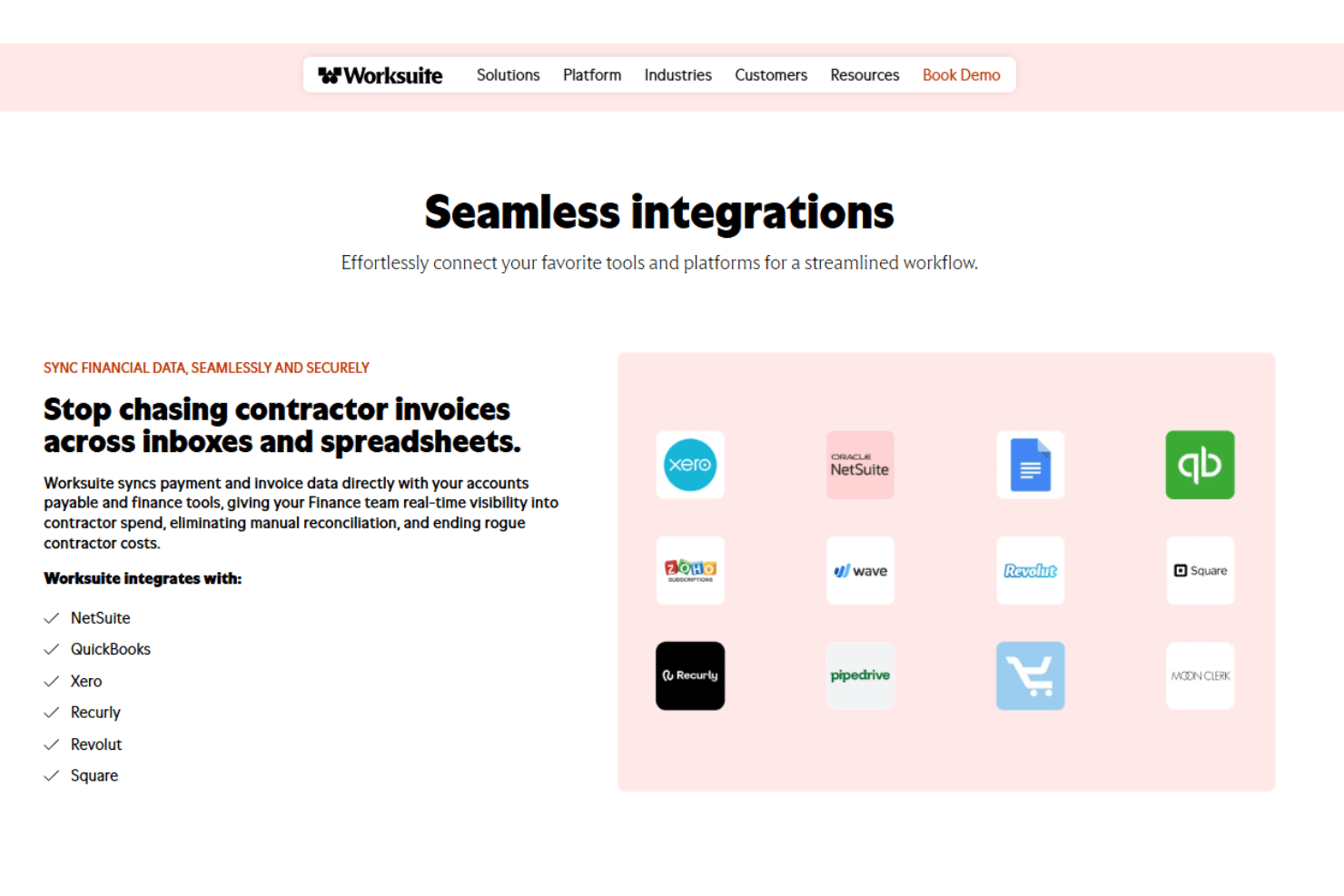
Worksuite integrates with QuickBooks, Xero, Pipedrive, Salesforce, Slack, PayPal, Square, Airtable, Asana, and NetSuite, among others.
Worksuite offers a RESTful API for custom integrations and connections with third-party integration tools.
Value for Money
Worksuite’s pricing is quote-based and not readily transparent, so you’ll need to contact the company for costs tailored to your workforce size and requirements. While smaller teams may find the investment harder to justify, larger organizations can get strong value from its guided onboarding, responsive support, compliance tools, and flexible workflows.
Worksuite Specs
- API
- Calendar Management
- Cloud Deployment
- Contact Management
- CRM Integration
- Customer Management
- Customer Service
- Data Export
- Data Import
- Data Visualization
- Database
- Email Integration
- Multi-Account
- Multi-Site
- Multi-User
- Payroll
- Process Reporting
- Project Management
- Resource Management
- Scheduling
- Social-Media Integration
- Software Integration
- Software Modernization
- Task Scheduling/Tracking
- Third-Party Plugins/Add-Ons
- Workflow Management
Worksuite FAQs
How does Worksuite help manage global contractor compliance?
Can I integrate Worksuite with our existing payroll, HR, or accounting systems?
What kind of onboarding experience does Worksuite provide for contractors?
Is Worksuite suitable for small teams or organizations with simple freelancer needs?
How does Worksuite handle data security and regulatory compliance?
What kind of customer support does Worksuite offer?
What happens if my compliance needs change as we grow?
Can I customize onboarding workflows and contract templates in Worksuite?
Does Worksuite have a mobile app?
Worksuite Company Overview & History
Worksuite is a software company focused on helping organizations manage freelance and contractor workforces with workflow automation, compliance tools, and global payment solutions. Headquartered in San Francisco, California, Worksuite serves clients ranging from global agencies to large enterprises in creative, media, tech, and finance sectors, and Everest Group has named it a category leader two years running. The platform is used by notable clients such as The Walt Disney Company, Microsoft, Vox Media, Jack Morton Worldwide, and The Motley Fool. Worksuite is privately held and has not publicly disclosed financial data such as valuation, earnings, or workforce size.
Worksuite Major Milestones
- 2015: Worksuite founded and launches its freelancer management platform.
- 2021: Company rebrands from Shortlist to Worksuite, reflecting its expanded global workforce management capabilities.
- 2022: Worksuite featured by media outlets for its role in helping companies adapt to remote and distributed work models.