


Insightful vs Hubstaff: Confronto Esperto 2026



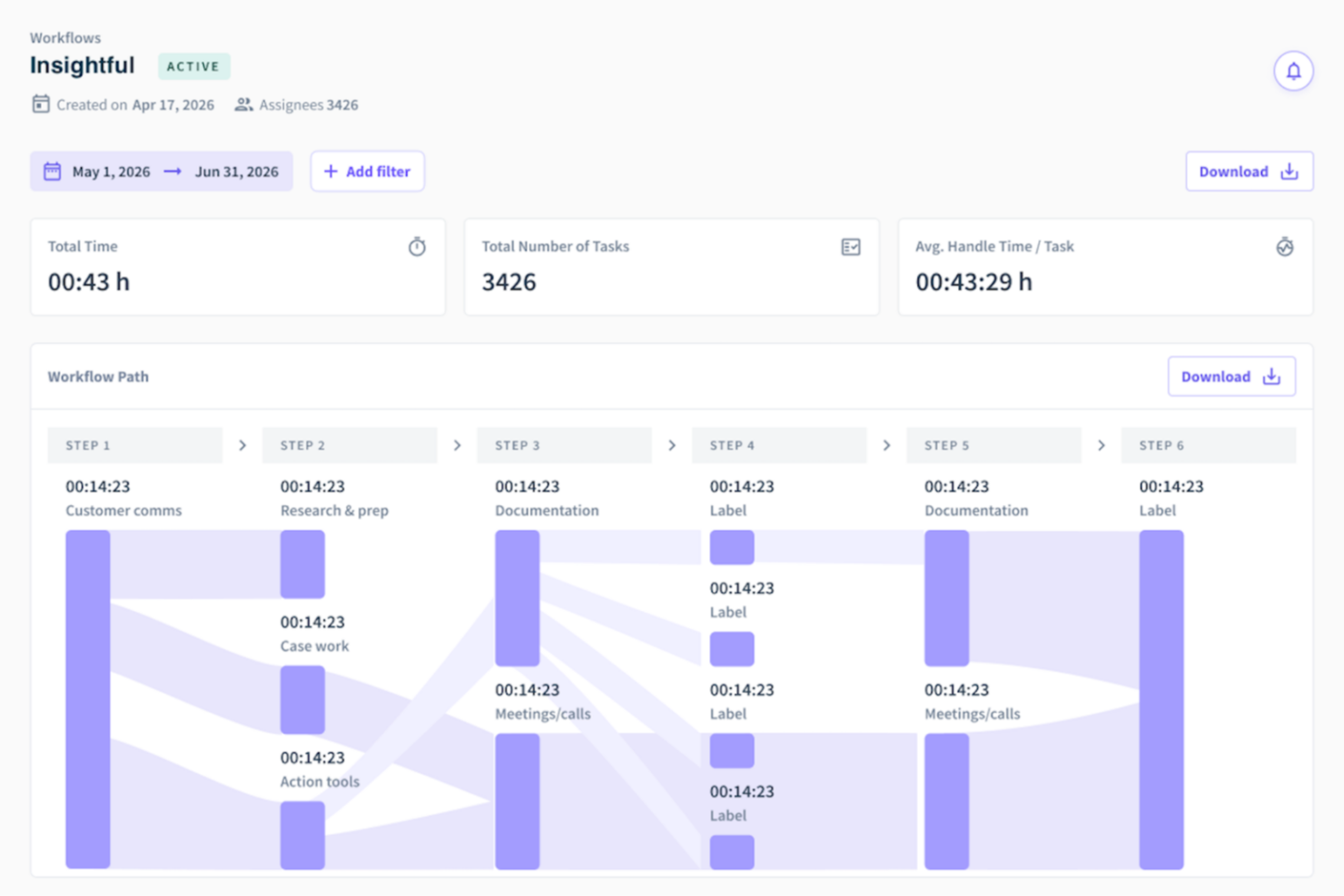
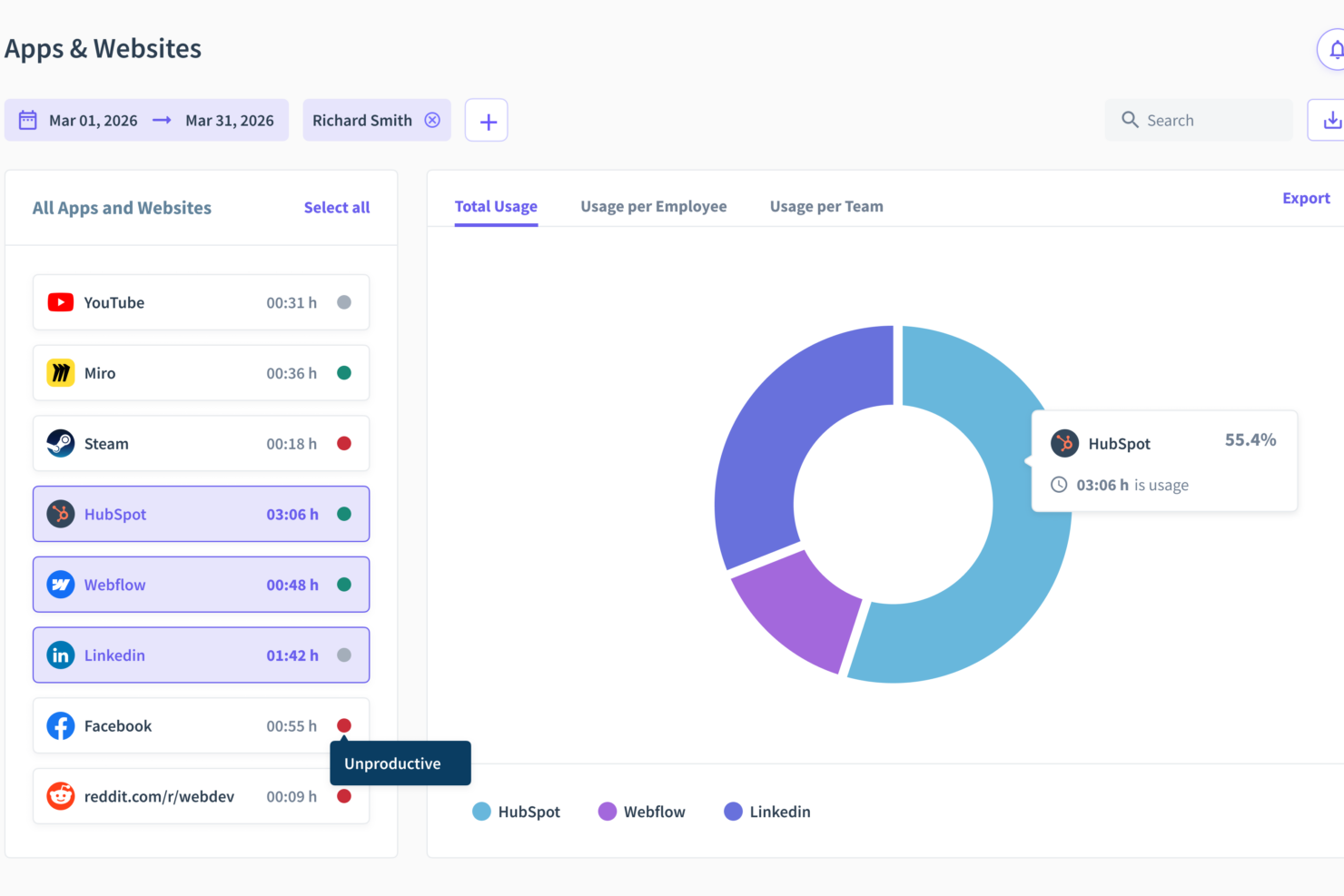
Insightful offre una soluzione semplice per monitorare la produttività dei dipendenti nel tuo luogo di lavoro, mentre Hubstaff fornisce solide funzionalità di monitoraggio del tempo e gestione del team.
Sebbene entrambi gli strumenti puntino a migliorare l'efficienza della forza lavoro, Insightful si distingue per la sua semplicità, rispetto alla più ampia gamma di funzionalità offerte da Hubstaff.
In questo articolo troverai un confronto dettagliato tra questi due strumenti, comprese le loro funzionalità, i pro e i contro e i prezzi, per aiutarti a scegliere il software di monitoraggio dei dipendenti più adatto alle tue esigenze.
Insightful vs. Hubstaff: An Overview
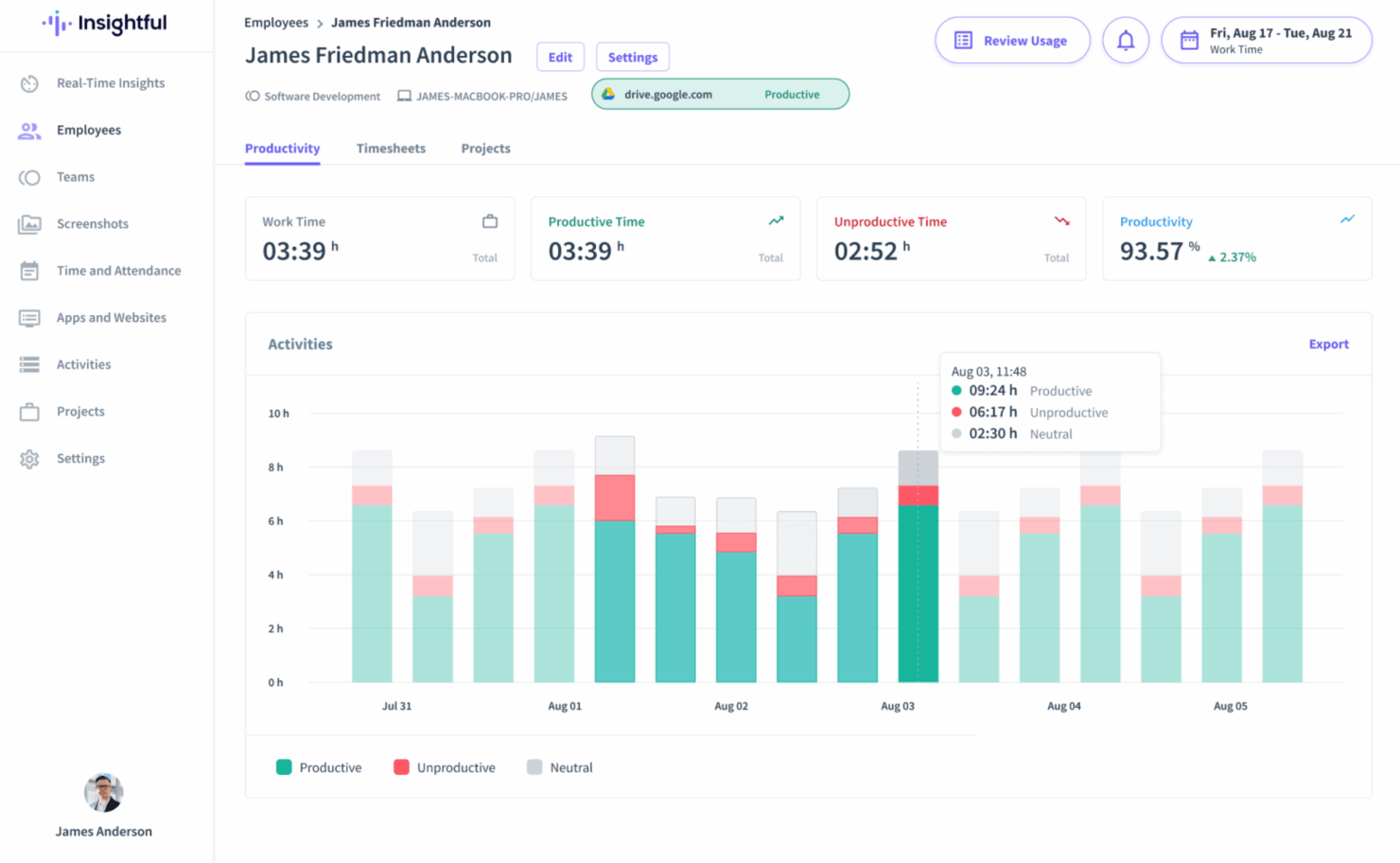
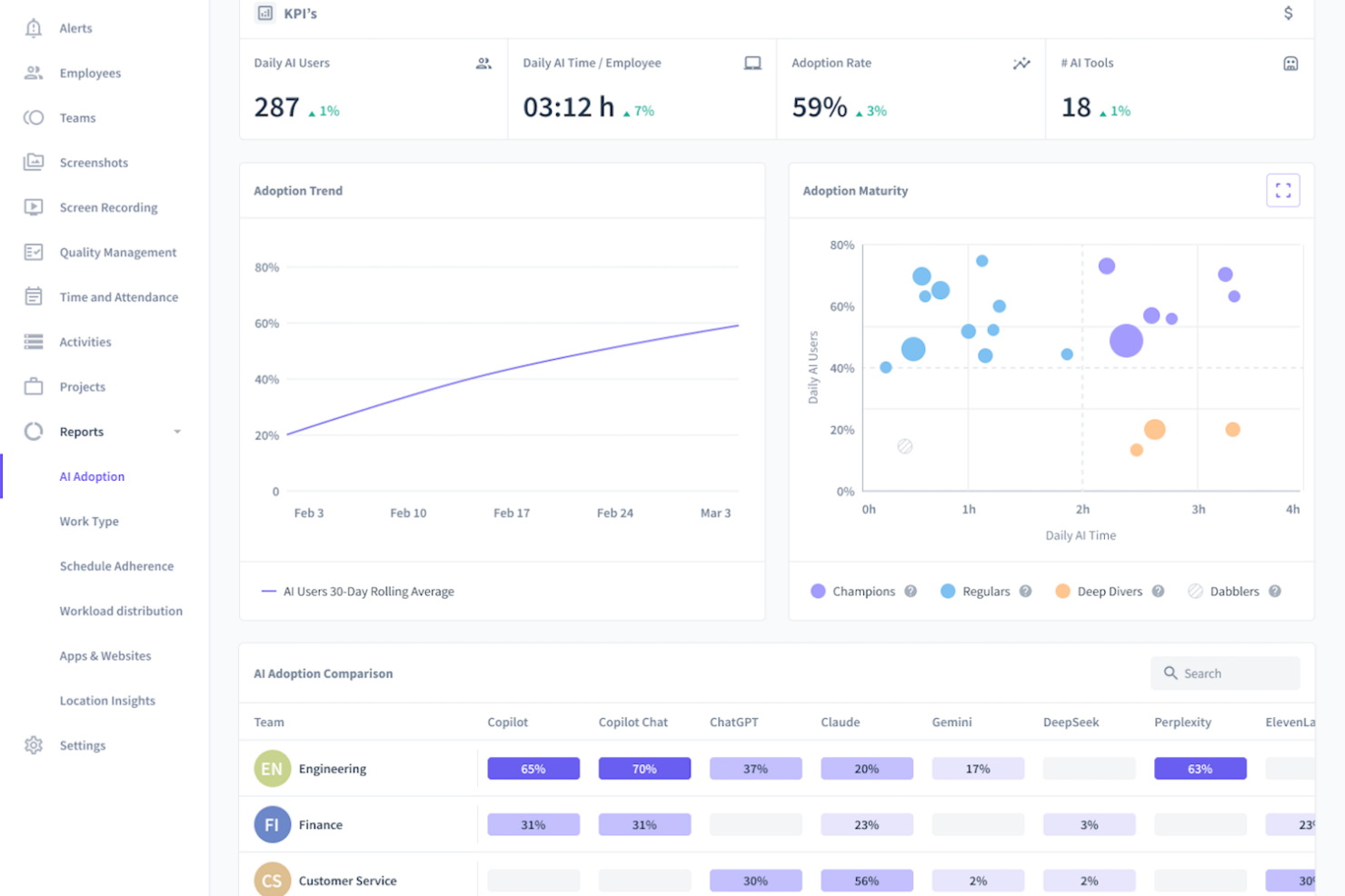
Insightful
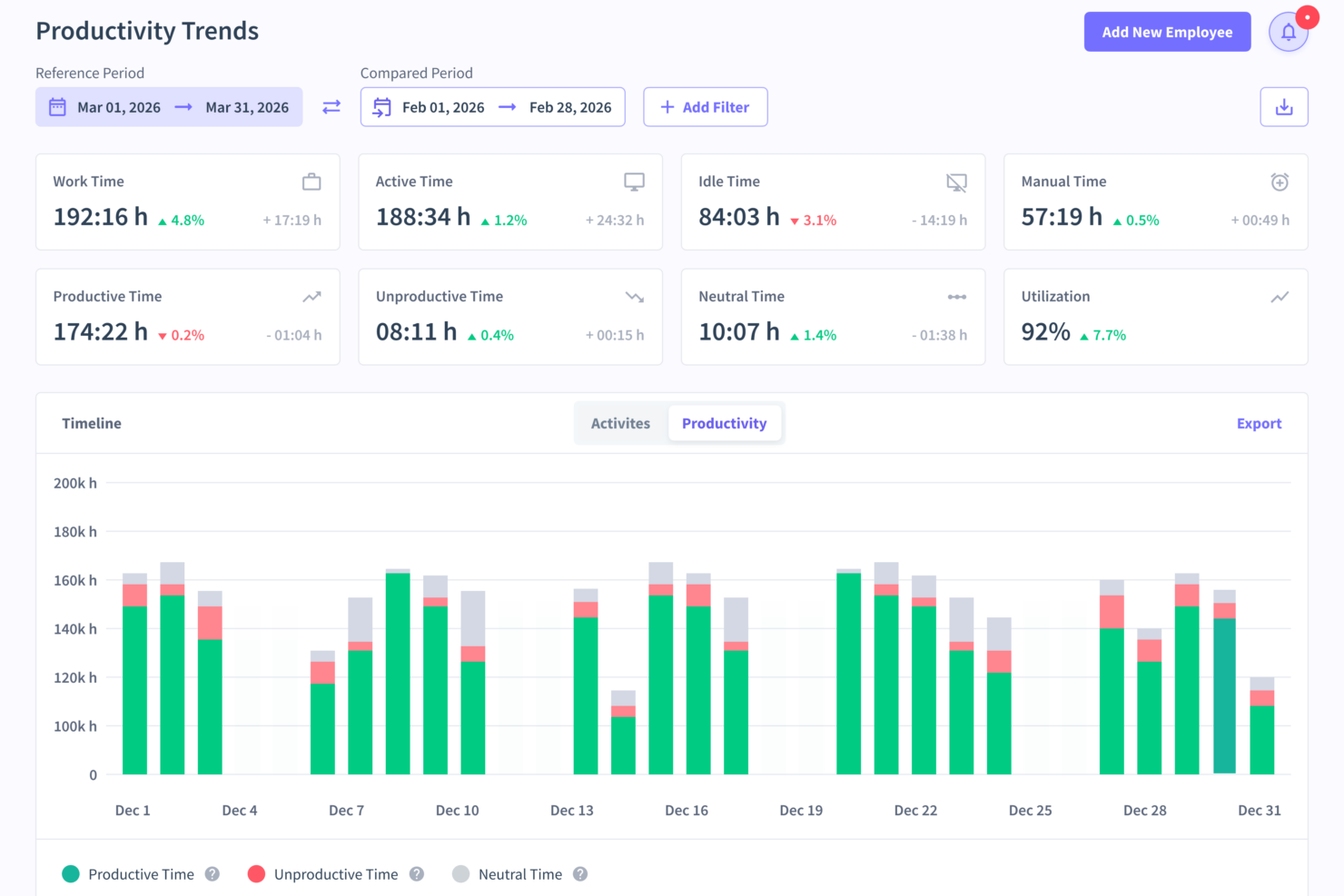
Hubstaff


Perché fidarsi delle nostre recensioni sui software
Il nostro team testa e recensisce software dal 2012. In quanto esperti HR noi stessi, sappiamo quanto sia difficile — e importante — scegliere il software giusto.
Per questa guida, abbiamo valutato gli strumenti attraverso test pratici e ricerche indipendenti, assegnando un punteggio agli strumenti in base ai nostri criteri di selezione. Ci basiamo inoltre sulle competenze di leader di pensiero del settore e di professionisti HR attivi.
Le nostre recensioni riflettono il nostro giudizio editoriale umano, non un discorso di vendita.
Revisori esperti:
Insightful vs. Hubstaff Pricing Comparison
| Insightful | Hubstaff | |
|---|---|---|
| Free Trial | Free demo + 7-day free trial available | Free demo + 14-day free trial available |
| Pricing | From $8/user/month (billed annually) | From $4.99/user/month (billed annually) |
Prezzi e Costi Nascosti di Insightful vs. Hubstaff
La struttura tariffaria di Insightful si basa su piani a livelli, con possibili costi aggiuntivi per analisi avanzate e integrazioni.
Anche la struttura tariffaria di Hubstaff segue un modello a livelli; tuttavia, gli utenti possono incontrare costi extra per funzionalità premium come pagamento stipendi e tracciamento GPS.
Per scegliere lo strumento più adatto alle esigenze delle tue Risorse Umane, valuta le funzionalità specifiche richieste dal tuo team e considera eventuali costi nascosti che potrebbero incidere sul budget.
Cerca flessibilità nei piani e assicurati che le offerte del fornitore siano allineate con gli obiettivi di business a lungo termine.
Insightful vs. Hubstaff Feature Comparison
Con il monitoraggio automatico dei tempi di Insightful, puoi facilmente tenere traccia della produttività del tuo team anche in modalità lavoro a distanza, garantendo registrazioni accurate delle ore lavorate. In alternativa, il tracciamento GPS di Hubstaff è ideale per i team in movimento, come i servizi di consegna, per assicurare un’operatività tempestiva ed efficiente. Mentre Insightful migliora la gestione della produttività in ufficio, Hubstaff eccelle nel monitoraggio e nella gestione efficace dei team sul campo.
| Insightful | Hubstaff | |
|---|---|---|
| API | ||
| Batch Permissions & Access | ||
| Dashboard | ||
| Data Export | ||
| Data Import | ||
| Data Visualization | ||
| Employee Database | ||
| Employee Engagement | ||
| Employee Onboarding | ||
| External Integrations | ||
| Feedback Management | ||
| Multi-User | ||
| Notifications |
Integrazioni di Insightful vs. Hubstaff
| Integrazione | Insightful | Hubstaff |
| Slack | ✅ | ✅ |
| Trello | ✅ | ✅ |
| Asana | ❌ | ✅ |
| QuickBooks | ✅ | ✅ |
| Salesforce | ❌ | ✅ |
| Xero | ✅ | ❌ |
| Google Workspace | ✅ | ❌ |
| Microsoft Teams | ✅ | ✅ |
| API | ✅ | ✅ |
| Zapier | ✅ | ✅ |
Con l'integrazione di Insightful con Slack puoi ottimizzare la comunicazione e affrontare rapidamente eventuali problemi di produttività all'interno del team. Al contrario, l'integrazione di Hubstaff con QuickBooks è ideale per automatizzare il processo paghe e gestire con facilità la contabilità aziendale. Mentre Insightful punta a rafforzare la comunicazione, Hubstaff offre un metodo semplice per occuparsi delle attività finanziarie.
Insightful vs. Hubstaff: Sicurezza, Conformità & Affidabilità
| Fattore | Insightful | Hubstaff |
| Crittografia dei Dati | Utilizza la crittografia AES-256 per proteggere i dati durante la trasmissione e l'archiviazione. | Impiega la crittografia end-to-end per proteggere le informazioni sensibili. |
| Conformità Normativa | Rispetta il GDPR per garantire la privacy dei dati degli utenti. | Si attiene agli standard GDPR e CCPA per una protezione completa dei dati. |
| Affidabilità Uptime | Garantisce un uptime del 99,9% con monitoraggio e supporto continui. | Offre un servizio affidabile con una disponibilità del 99,9% grazie a un'infrastruttura robusta. |
Sia Insightful che Hubstaff offrono solide misure di sicurezza e conformità, ma la conformità aggiuntiva al CCPA di Hubstaff può offrire una copertura più ampia. Quando si valutano questi strumenti, è importante concentrarsi sulle esigenze specifiche di conformità della propria organizzazione e sul livello di crittografia offerto per garantire la protezione dei propri dati.
Insightful vs. Hubstaff: Facilità d'Uso
| Fattore | Insightful | Hubstaff |
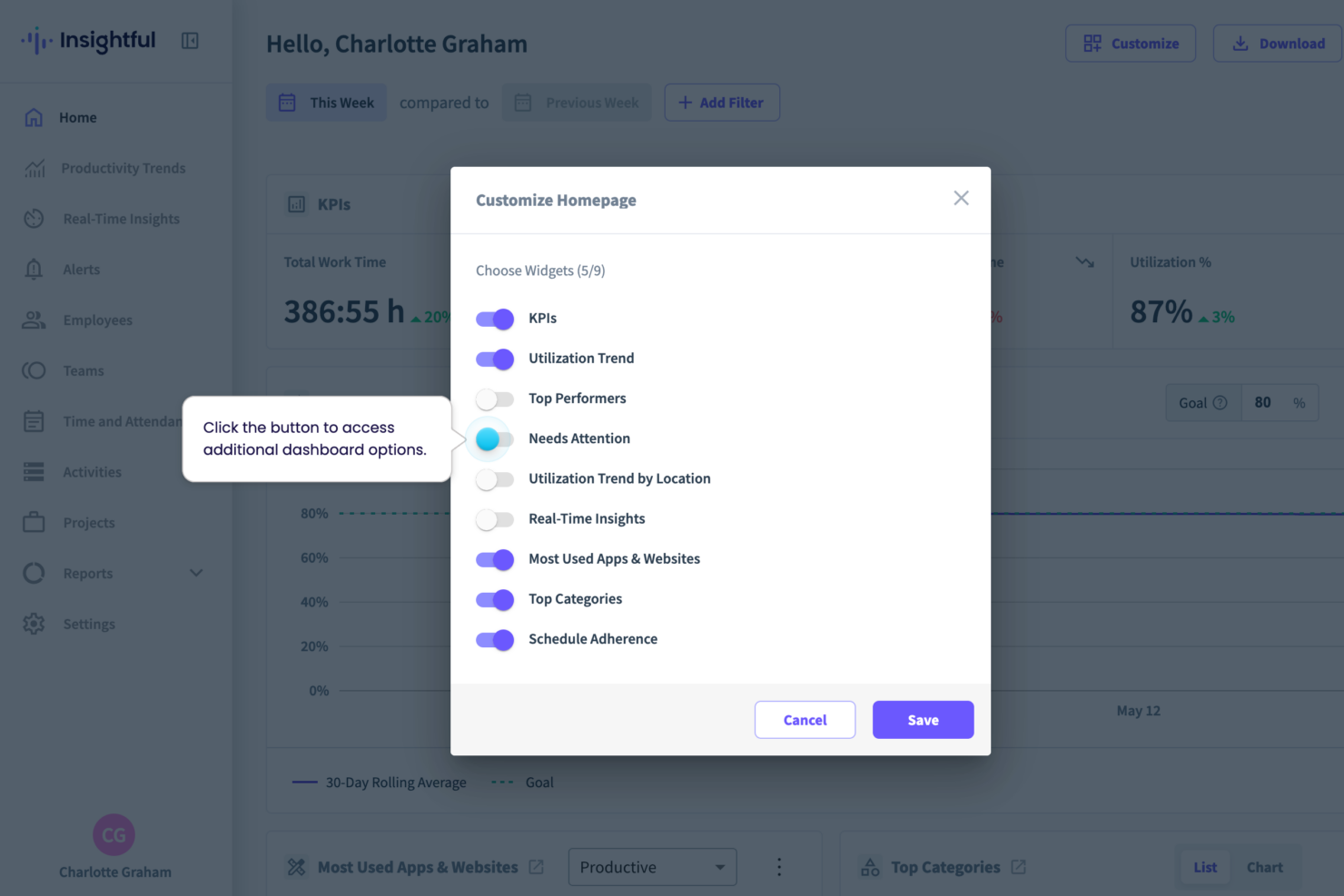
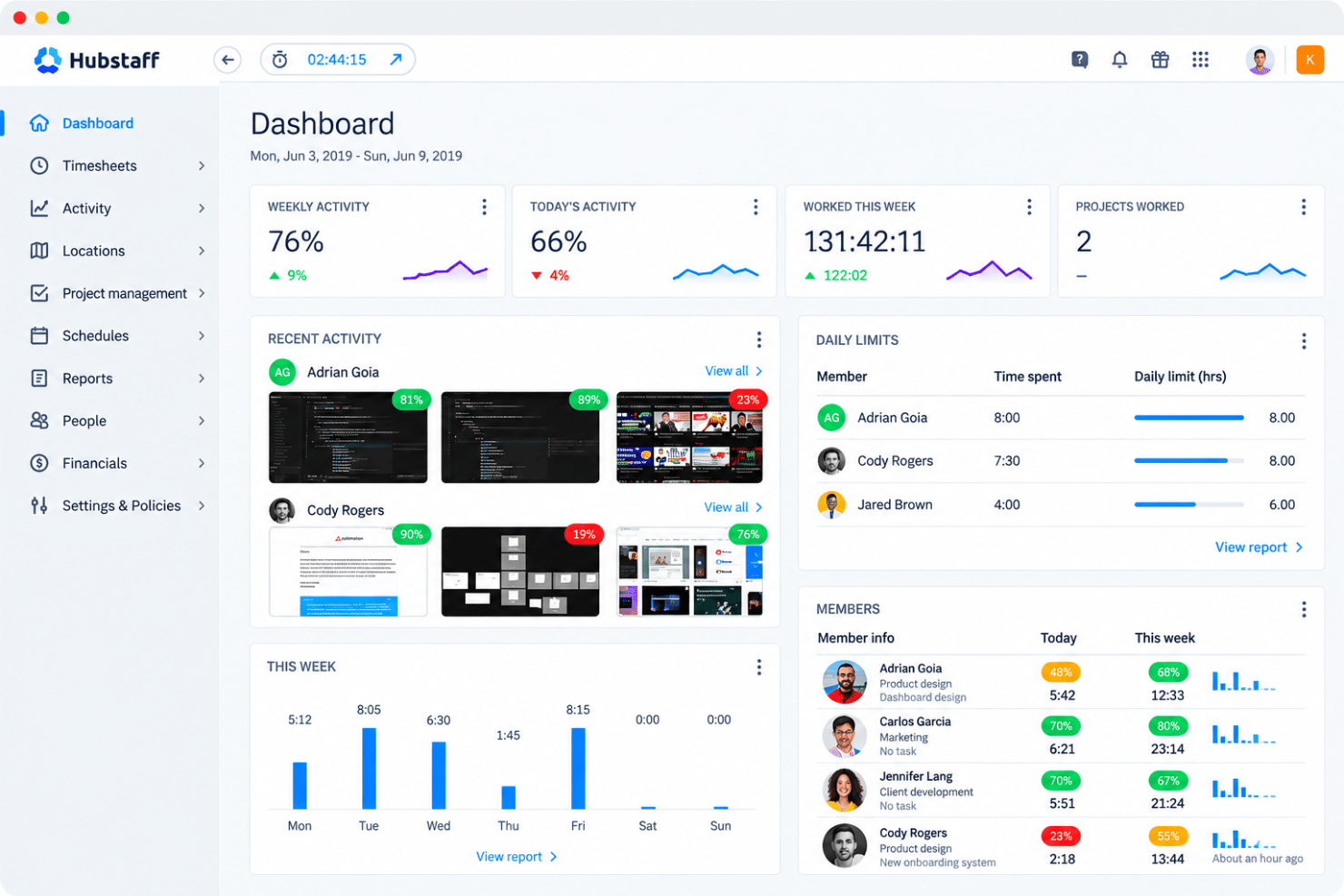
| Interfaccia Utente | Offre una dashboard pulita e intuitiva che semplifica la navigazione per un accesso rapido. | Presenta un'interfaccia personalizzabile che consente di adattare la visualizzazione alle proprie esigenze. |
| Esperienza di Onboarding | Fornisce guide passo passo e tutorial per facilitare il processo di onboarding. | Offre supporto tramite chat live e guide dettagliate per assistere durante l'onboarding. |
| Configurazione | Configurazione semplice con poche impostazioni richieste. | Richiede una configurazione iniziale più approfondita ma fornisce istruzioni dettagliate per aiutare. |
| Supporto | Offre supporto via email reattivo per risolvere rapidamente i problemi. | Fornisce supporto tramite chat live 24/7 per assistenza immediata. |
Insightful è più facile da navigare grazie all'interfaccia semplice e diretta, ma Hubstaff spicca per la dashboard personalizzabile che offre un'esperienza più su misura. Sebbene Insightful abbia una configurazione più rapida, le istruzioni dettagliate di Hubstaff aiutano a superare le difficoltà iniziali di setup.
Insightful vs Hubstaff: Pros & Cons
Insightful
- Seamless onboarding with helpful guides and responsive assistance.
- Intuitive UI that scales easily to manage dozens of users without becoming complex.
- Actionable reporting for productivity insights across sales, operations, and project teams.
- Some features may feel excessive for very small teams or solo practitioners.
- Doesn’t show real-time screen activity without manual setup.
- Reporting tools can feel limited for deeper analysis.
Hubstaff
- GPS tracking and geofencing support field-team timekeeping.
- Screenshots and app tracking verify billable hours.
- Project budgets and approvals connect tracked time to costs.
- Idle detection can misclassify meetings and reading as inactivity.
- Reports require manual editing and lack timezone controls.
- Monitoring and screenshots can feel intrusive to employees.
Best Use Cases for Insightful and Hubstaff
Insightful
- Remote Tech Teams You can easily track time spent on tools like GitHub or Jira and see where work stalls.
- Customer Support Centers It captures app usage and idle time, so you can understand team efficiency during shifts.
- Sales & Operations Teams It shows how your team uses tools throughout the day and helps cut time-wasting habits.
- Project Managers You can dig into how time is spent on tasks to facilitate more efficient resource planning.
- Small to Medium-Sized Orgs Insightful offers a straightforward and cost-effective way to improve team oversight and performance.
- BPOs, Call Centers, or Support Teams Ideal for BPOs needing real-time visibility, productivity tracking, and accountability across large support teams.
Hubstaff
- Remote Agencies Hubstaff combines timers, screenshots, reports, budgets, and client billing features for agencies tracking distributed project work.
- Field Service Teams GPS and location tracking, scheduling, attendance features, and mobile apps help managers record work performed away from a central workplace.
- Distributed Contractors Desktop, web, and mobile timers give contractors multiple ways to record hours, while screenshots and activity reports provide project-level visibility.
- Payroll Departments Hubstaff supports approvals, payroll, payments, and integrations with QuickBooks, Gusto, PayPal, and BambooHR for teams managing paid work hours.
- Client Services Teams Budgets, reports, time entries, and integrations with Asana, ClickUp, Jira, and Trello help client teams connect tracked hours with project work.
- Growing Enterprises Enterprise features include SSO, account provisioning, compliance features, location tracking, and dedicated support for organizations with larger workforce administration needs.
Chi dovrebbe usare Insightful e Hubstaff?
Secondo me, Insightful è ideale per i team che cercano un monitoraggio della produttività semplice, soprattutto negli ambienti d'ufficio dove la semplicità e la facilità d'uso sono fondamentali.
Hubstaff, invece, è più indicato per le aziende che necessitano di funzionalità di tracciamento complete, come GPS e gestione delle paghe, risultando ottimale per team in movimento o con esigenze operative più complesse.
Se il tuo lavoro comporta la gestione di team remoti o richiede una gestione dettagliata dei progetti, le robuste funzionalità di Hubstaff potrebbero essere ciò che ti serve. Insightful è più adatto a team più piccoli, concentrandosi sull'efficienza senza richiedere una personalizzazione approfondita.
Differences Between Insightful and Hubstaff
| Insightful | Hubstaff | |
|---|---|---|
| Automation | Provides automated time tracking to monitor productivity. | Offers detailed project management and GPS tracking automation. |
| Integrations | Offers integrations with Slack and Google Workspace for communication. | Integrates with QuickBooks and Salesforce for financial tasks. |
| Pricing | Offers tiered plans with optional advanced analytics. | Uses tiered plans but includes fees for premium features. |
| Setup and Onboarding | Quick setup with step-by-step guides for onboarding. | Requires more setup, but provides 24/7 support to assist you. |
| User Interface | Features a clean and intuitive dashboard for easy navigation. | Allows you to customize the interface to fit your needs. |
| Read Insightful ReviewOpens new window | Read Hubstaff ReviewOpens new window |
Similarities Between Insightful and Hubstaff
| Data Security | They ensure data security with encryption, protecting your team's sensitive information. |
|---|---|
| Employee Monitoring | Insightful and Hubstaff offer robust employee monitoring features to track productivity and time usage. |
| Integrations | The platforms support integration with popular tools like Slack and Trello to enhance team collaboration. |
| Reporting | Each tool provides comprehensive reporting features, allowing you to analyze productivity trends effectively. |
| User Support | Both offer responsive support to help you resolve any issues quickly and efficiently. |
| Read Insightful ReviewOpens new window Read Hubstaff ReviewOpens new window | |