Recensione di Time Doctor: Pro, Contro, Caratteristiche e Prezzi Spiegati



Time Doctor is an employee monitoring software for teams that need to track time, monitor activity, and measure productivity across remote or distributed workforces. It's worth a close look if you need more detailed productivity analytics than Hubstaff provides—especially if you're managing large outsourced teams or want distraction alerts and work-session breakdowns alongside time tracking.
Time Doctor Evaluation Summary
- Pricing upon request
- 14-day free trial
Perché fidarsi delle nostre recensioni sui software
Il nostro team testa e recensisce software dal 2012. In quanto esperti HR noi stessi, sappiamo quanto sia difficile — e importante — scegliere il software giusto.
Per questa guida, abbiamo valutato gli strumenti attraverso test pratici e ricerche indipendenti, assegnando un punteggio agli strumenti in base ai nostri criteri di selezione. Ci basiamo inoltre sulle competenze di leader di pensiero del settore e di professionisti HR attivi.
Le nostre recensioni riflettono il nostro giudizio editoriale umano, non un discorso di vendita.
Revisori esperti:
Time Doctor Overview
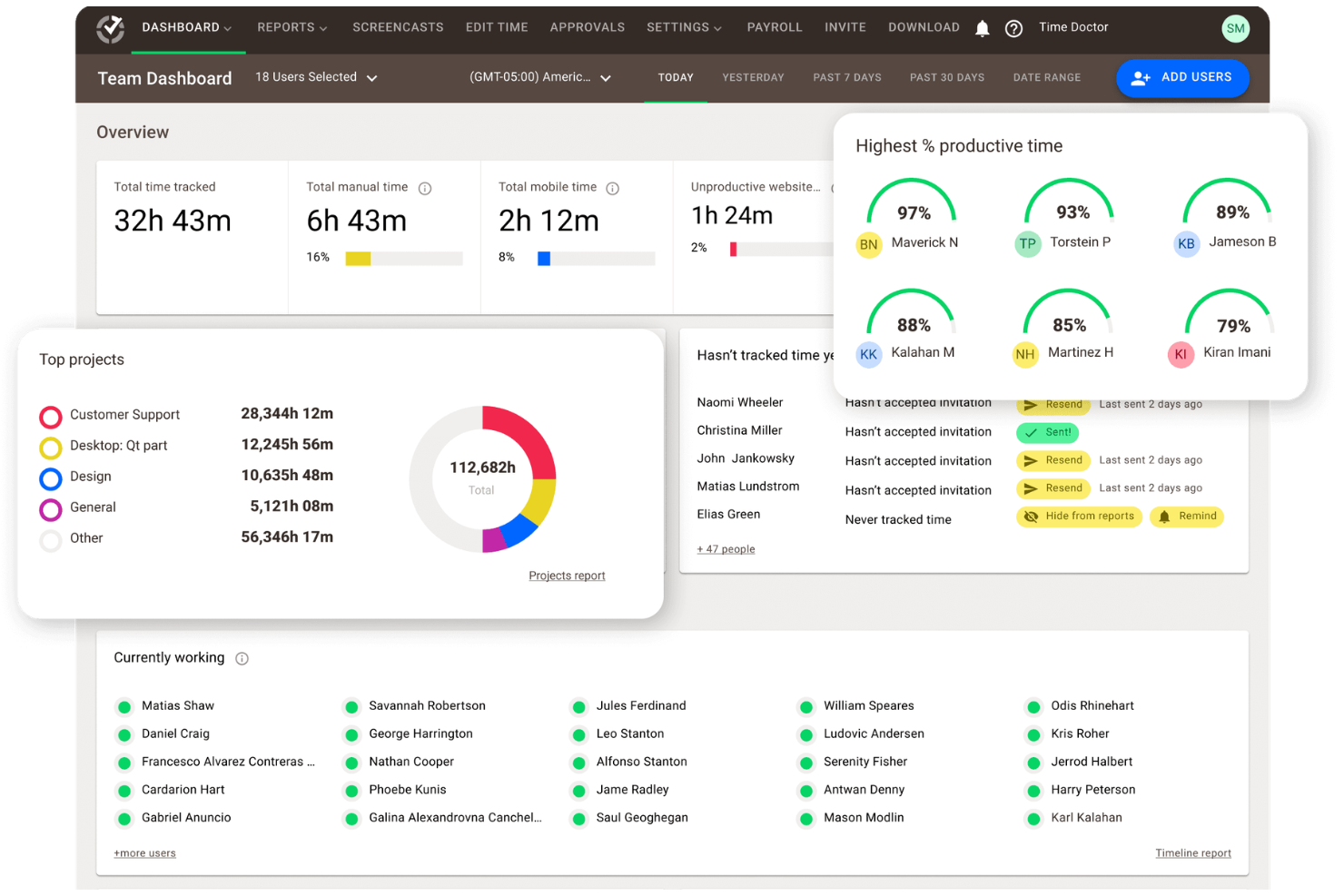
If you're judging employee monitoring software by depth of tracking, reporting, and integration options, Time Doctor is a top contender. Its user interface is straightforward, onboarding is quick, and support is responsive. Time Doctor pricing is competitive for the feature set, especially for teams needing detailed productivity analytics and payroll integrations. However, some team members may find the monitoring features too granular or the interface less modern than others. I'd suggest Time Doctor for organizations prioritizing accountability and data-driven project management, especially in remote or distributed environments where visibility and trust are key.
pros
-
Detailed productivity analytics and time tracking for teams.
-
Payroll export and automated timesheets save admin time.
-
Privacy controls like screenshot blurring and manual time entry.
cons
-
Monitoring features can feel invasive to some employees.
-
Occasional bugs and glitches reported in user reviews.
-
Interface may come across as overwhelming and cluttered.
-

Justworks
Visit WebsiteThis rating combines scores from multiple user review sites to reflect overall customer sentiment about the product.4.6 -
Prevue Assessments
Visit WebsiteThis rating combines scores from multiple user review sites to reflect overall customer sentiment about the product.4.6 -
Small Improvements
Visit WebsiteThis rating combines scores from multiple user review sites to reflect overall customer sentiment about the product.4.3





Come Testiamo e Valutiamo i Nostri Strumenti
Abbiamo impiegato anni per costruire, perfezionare e migliorare il nostro sistema di test e valutazione dei software. Il modello è progettato per cogliere le sfumature della scelta del software e per evidenziare cosa rende uno strumento efficace, concentrandosi sugli aspetti più critici del processo decisionale. Di seguito puoi vedere esattamente come funziona la nostra valutazione e attribuzione dei punteggi secondo sette criteri. Questo ci consente di fornire una valutazione imparziale del software basandoci su funzionalità principali, caratteristiche distintive, facilità d’uso, onboarding, assistenza clienti, integrazioni, recensioni dei clienti e rapporto qualità/prezzo.
Funzionalità Principali (25% del punteggio finale)
Il punto di partenza della nostra valutazione sono sempre le funzionalità principali dello strumento. Possiede le funzioni di base che l’utente si aspetta? Alcune di queste funzioni sono disponibili solo in piani a prezzi più alti? In sostanza, ci aspettiamo che uno strumento rispecchi almeno le capacità base dei concorrenti.
Caratteristiche Distintive (25% del punteggio finale)
Successivamente valutiamo le funzionalità particolari che superano le funzionalità di base tipiche degli strumenti della sua categoria. Un punteggio alto riflette caratteristiche specializzate o uniche che rendono il prodotto più veloce, efficiente, o che offrono ulteriore valore all’utente. Valutiamo inoltre quanto sia semplice integrare il software con altri strumenti tradizionalmente presenti nel tech stack per espanderne funzionalità e utilizzo. Gli strumenti che offrono numerose integrazioni native, collegamenti di terze parti e accesso API per creare integrazioni personalizzate ricevono i punteggi migliori.
Facilità d’Uso (10% del punteggio finale)
Consideriamo quanto sia veloce e semplice svolgere i compiti definiti dalle funzionalità principali utilizzando lo strumento. I software con punteggi alti sono ben progettati, intuitivi, dispongono di app mobili, offrono modelli preimpostati e rendono semplici anche i compiti più complessi.
Onboarding (10% del punteggio finale)
Sappiamo quanto sia importante una rapida adozione di una nuova piattaforma all’interno di un team, quindi valutiamo quanto sia facile imparare e utilizzare uno strumento con una formazione minima. Valutiamo quanto rapidamente un membro del team possa iniziare a utilizzare lo strumento senza esperienza. Le soluzioni con punteggio alto richiedono poco o nessun supporto.
Assistenza Clienti (10% del punteggio finale)
Esaminiamo quanto sia facile e veloce ricevere supporto o trovare aiuto tramite telefono, chat dal vivo o knowledge base. Gli strumenti e le aziende che forniscono un’assistenza in tempo reale ottengono i punteggi migliori, mentre i chatbot ottengono i risultati peggiori.
Recensioni dei Clienti (10% del punteggio finale)
Oltre ai nostri test e valutazioni, consideriamo il punteggio net promoter dei clienti attuali e passati. Analizziamo la loro propensione, se potessero scegliere, a selezionare di nuovo lo strumento per le sue funzionalità principali. Un software con un punteggio alto riflette un elevato net promoter score da parte dei clienti attuali o passati.
Rapporto Qualità/Prezzo (10% del punteggio finale)
Infine, considerando tutti gli altri criteri, esaminiamo il prezzo medio dei piani base rispetto alle funzionalità principali e teniamo conto del valore degli altri criteri di valutazione. I software che offrono di più, a meno, ottengono un punteggio più alto.
Core Features
Time Tracking
Track work hours automatically or manually, with options to assign time to specific projects or tasks. Managers can review daily, weekly, or custom reports for accurate payroll and billing.
Activity Monitoring
Monitor keyboard and mouse activity levels. as well as task tracking, to gauge productivity without recording sensitive data. This helps identify idle time and optimize workflows across team members.
Screenshot Capture
Take periodic screenshots of user screens, with options to blur images for privacy. This supports accountability and transparency for remote teams.
Website and App Usage
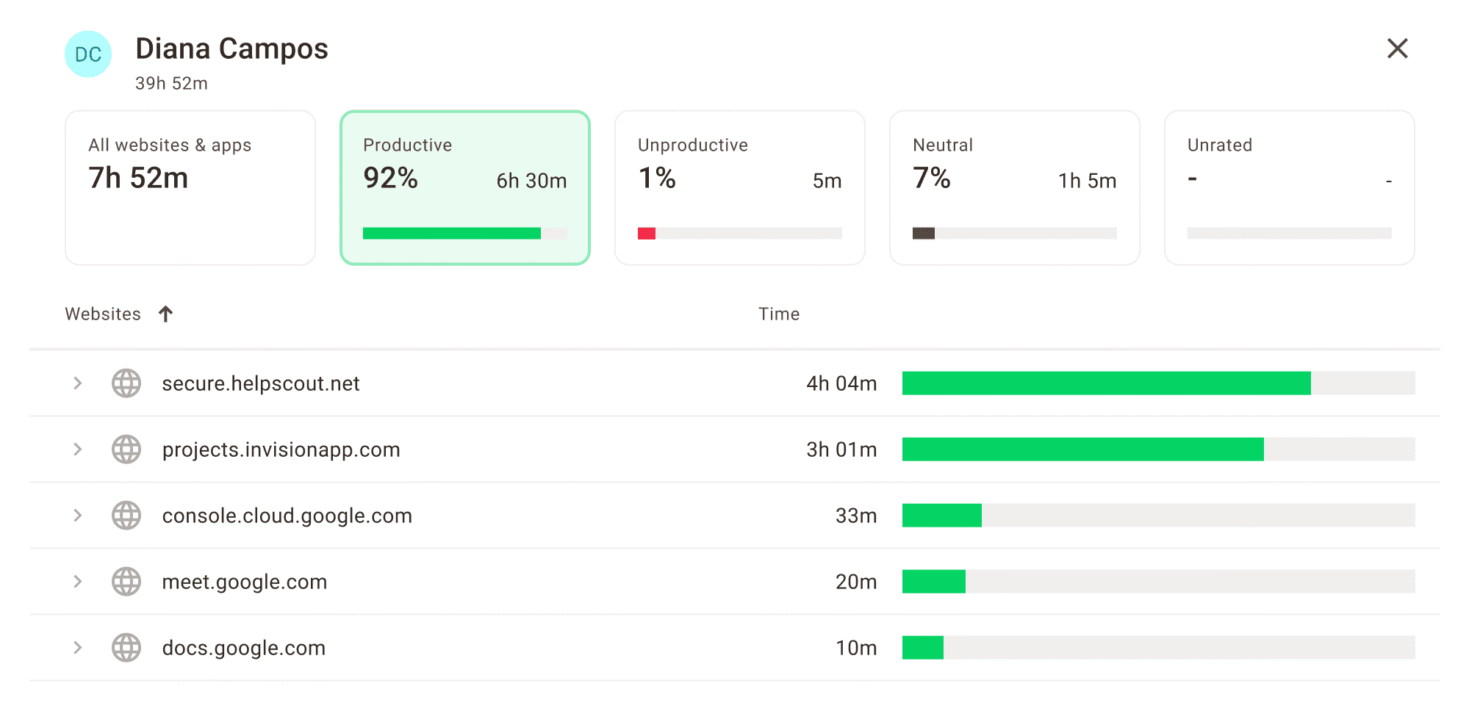
Log which websites and applications employees use during work hours. Managers can spot distractions and keep time focused on work-related tasks.
Payroll Management
Automate payroll calculations based on tracked hours and export data for payment processing. This reduces manual admin work and errors for hourly teams.
Customizable Reports
Generate detailed reports with detailed insights on attendance, productivity, and project hours. Filter and export data to share insights with stakeholders or clients.
Ease of Use
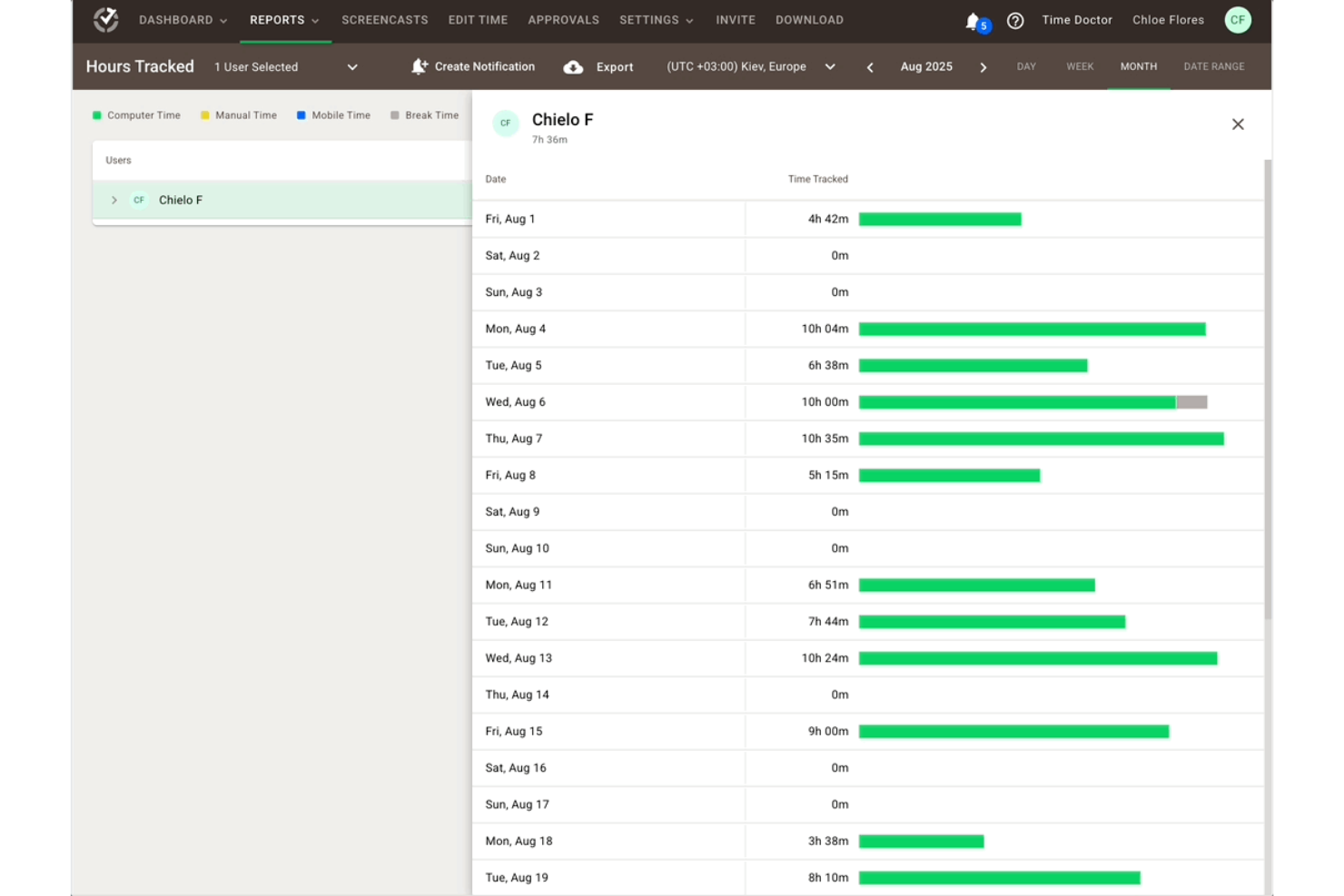
Time Doctor is straightforward to set up and navigate, with a clean dashboard and clear reporting tools. Most team members find onboarding quick, and the desktop app is lightweight. The mobile app—available on both iOS and Android—extends that simplicity to on-the-go tracking, making it easy for distributed teams to log time from any device. However, some reviewers mention the user interface feels dated, and occasional bugs can disrupt workflows. The learning curve is minimal for most teams, but those expecting a more modern and highly polished experience may find the design less appealing than newer options.
Integrations
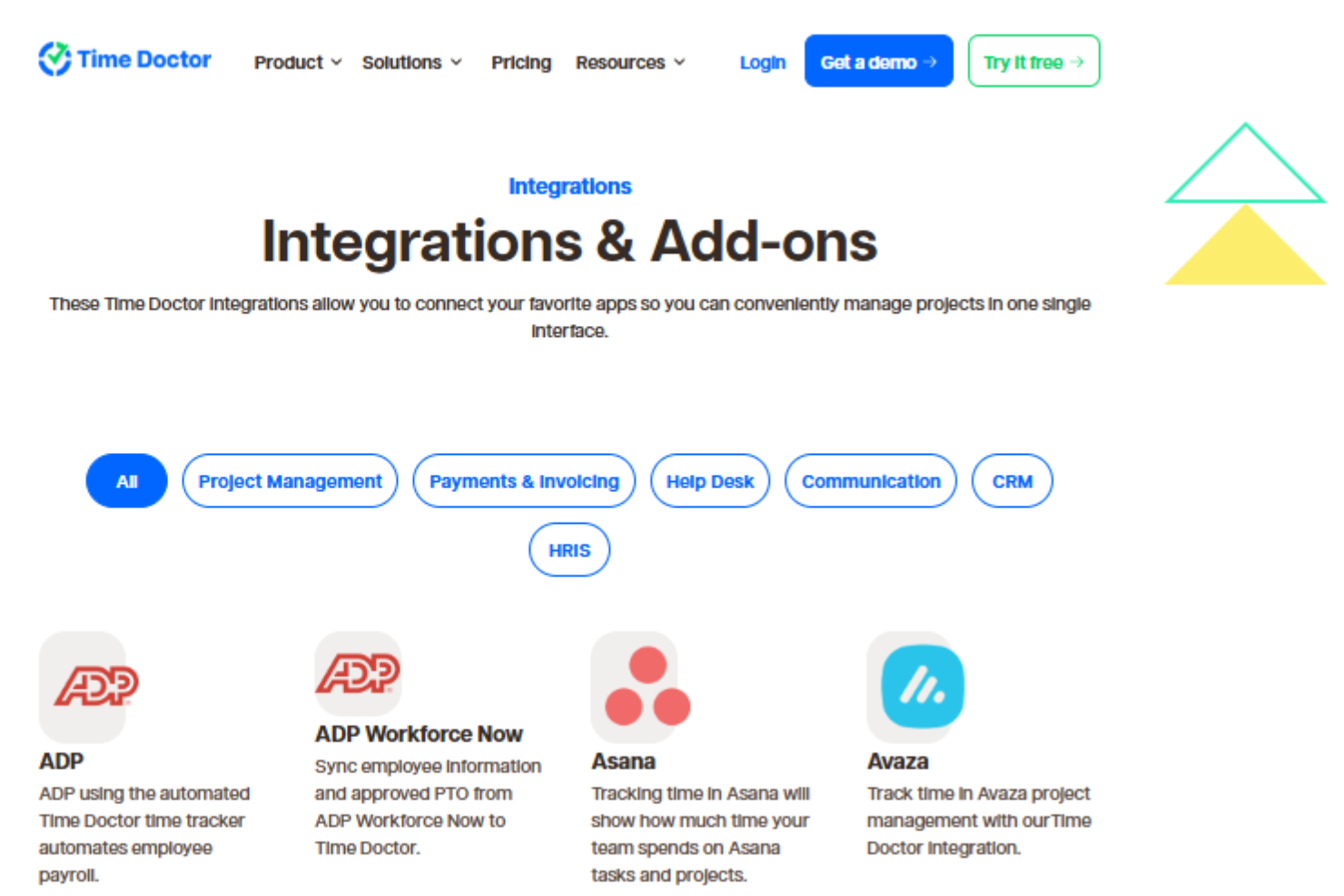
Time Doctor integrates with Asana, ADP, Jira, Trello, monday.com, Salesforce, HubSpot, BambooHR, Zendesk, and ClickUp, among others.
Time Doctor also offers an API and connects with third-party integration tools.
Time Doctor Specs
- Analytics
- API
- Approval Workflows
- Attendance Tracking
- Batch Permissions & Access
- Billing/Invoicing
- Budgeting
- Calendar Management
- Dashboard
- Data Export
- Data Import
- Data Visualization
- Expense Tracking
- External Integrations
- Forecasting
- Multi-User
- Notifications
- Project Management
- Resource Management
- Scheduling
- Task Scheduling/Tracking
- Time Management
- Timesheets
- Vacation & Absence Calendar