Certn Review: Pros, Cons, Features and Pricing Explained



Certn is a background check software built for teams running criminal record checks, identity verification, credit checks, and international screening from one platform. I'd reach for it when you're hiring across borders and need in-country coverage without stitching together regional vendors for every jurisdiction. Compared to something like Checkr, which leans heavily into US-based screening and gig-economy volume hiring, Certn gives you broader international reach and a workflow that fits corporate HR teams handling salaried, remote, and cross-border hires.
Certn Evaluation Summary
- Pricing upon request
- First check free
Why Trust Our Software Recommendations
Our team has been testing and reviewing software since 2012. As HR experts ourselves, we know how difficult—and important—it is to choose the right software.
For this guide, we evaluated tools using hands-on testing and independent research, scoring tools using our selection criteria. We also draw on insights from industry thought leaders and practicing HR experts.
Our reviews reflect our human editorial judgment, not a sales pitch.
Expert reviewers:
Certn Overview
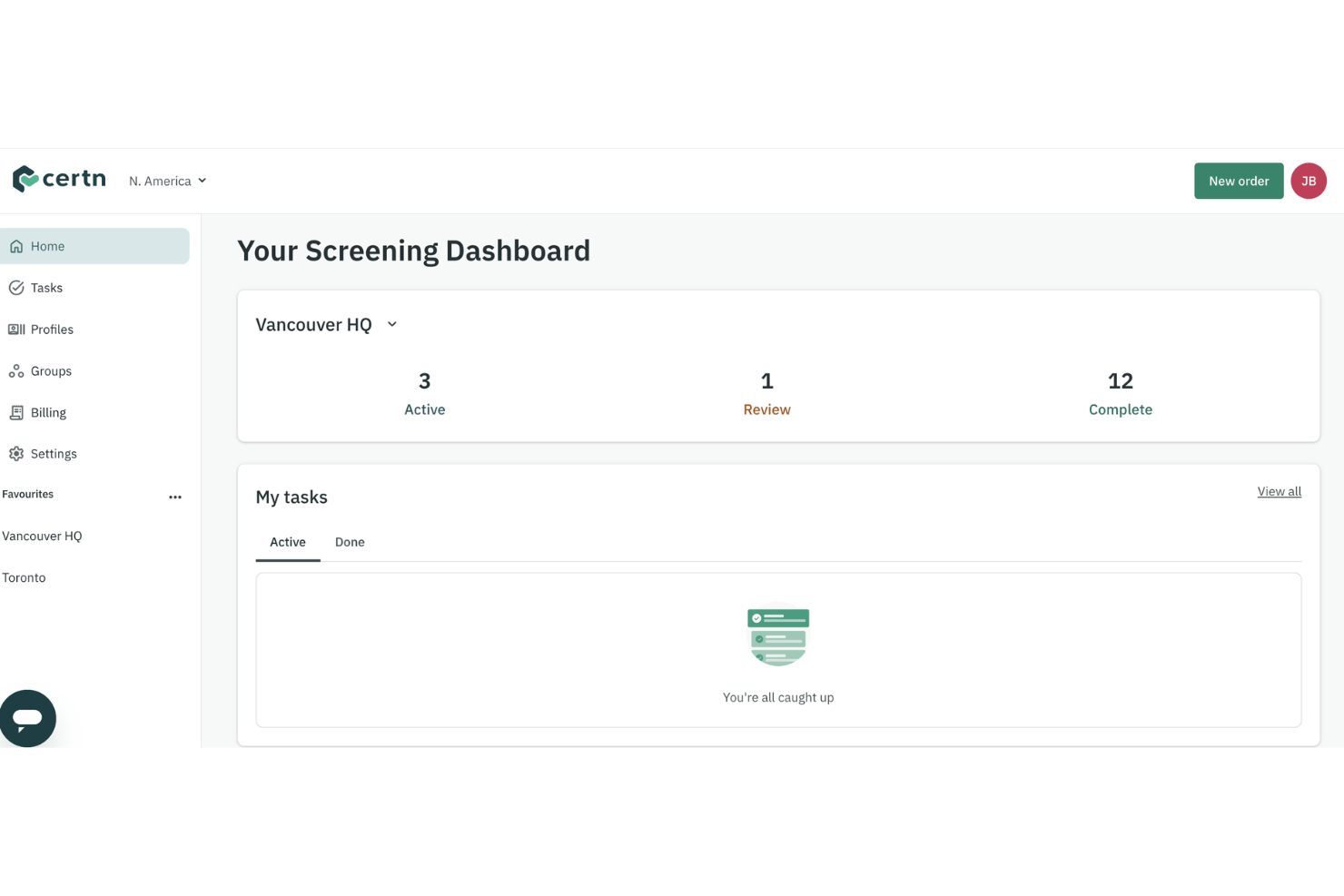
I think Certn wins when you need fast, international background checks with a smooth user interface and clear, actionable reports. Its onboarding and support make it easy to get up to speed, and built-in integrations with HR systems take extra steps out of your process. I’d say pricing is transparent, but can feel high if you only hire occasionally or need lots of custom checks. If you’re hiring across borders or need to centralize screening for a growing team, I’d choose Certn over most options designed just for local hires.
pros
-
International background checks cover over 200 countries.
-
Fast turnaround times for identity and criminal record reports.
-
Customizable screening packages for varied hiring needs.
cons
-
Occasional delays with international verifications reported by users.
-
Pricing can be high for low-volume hiring needs.
-
Limited applicant communication features compared to competitors.
-

Justworks
Visit WebsiteThis rating combines scores from multiple user review sites to reflect overall customer sentiment about the product.4.6 -
Prevue Assessments
Visit WebsiteThis rating combines scores from multiple user review sites to reflect overall customer sentiment about the product.4.6 -
Small Improvements
Visit WebsiteThis rating combines scores from multiple user review sites to reflect overall customer sentiment about the product.4.3





How We Test & Score Our Tools
We’ve spent years building, refining, and improving our software testing and scoring system. The rubric is designed to capture the nuances of software selection and what makes a tool effective, focusing on critical aspects of the decision-making process.
Below, you can see exactly how our testing and scoring works across seven criteria. It allows us to provide an unbiased evaluation of the software based on core functionality, standout features, ease of use, onboarding, customer support, integrations, customer reviews, and value for money.
Core Functionality (25% of final score)
The starting point of our evaluation is always the core functionality of the tool. Does it have the basic features and functions that a user would expect to see? Are any of those core features locked to higher-tiered pricing plans? At its core, we expect a tool to stand up against the baseline capabilities of its competitors.
Standout Features (25% of final score)
Next, we evaluate uncommon standout features that go above and beyond the core functionality typically found in tools of its kind. A high score reflects specialized or unique features that make the product faster, more efficient, or offer additional value to the user.
We also evaluate how easy it is to integrate with other tools typically found in the tech stack to expand the functionality and utility of the software. Tools offering plentiful native integrations, 3rd party connections, and API access to build custom integrations score best.
Ease of Use (10% of final score)
We consider how quick and easy it is to execute the tasks defined in the core functionality using the tool. High scoring software is well designed, intuitive to use, offers mobile apps, provides templates, and makes relatively complex tasks seem simple.
Onboarding (10% of final score)
We know how important rapid team adoption is for a new platform, so we evaluate how easy it is to learn and use a tool with minimal training. We evaluate how quickly a team member can get set up and start using the tool with no experience. High scoring solutions indicate little or no support is required.
Customer Support (10% of final score)
We review how quick and easy it is to get unstuck and find help by phone, live chat, or knowledge base. Tools and companies that provide real-time support score best, while chatbots score worst.
Customer Reviews (10% of final score)
Beyond our own testing and evaluation, we consider the net promoter score from current and past customers. We review their likelihood, given the option, to choose the tool again for the core functionality. A high scoring software reflects a high net promoter score from current or past customers.
Value for Money (10% of final score)
Lastly, in consideration of all the other criteria, we review the average price of entry level plans against the core features and consider the value of the other evaluation criteria. Software that delivers more, for less, will score higher.
Core Features
International Criminal Record Checks
Certn lets you run criminal record checks in over 200 countries from one dashboard. You get fast, localized reports that cover regional regulations and data sources.
Identity Verification
Certn verifies candidate identity using secure ID scanning and biometric checks in real time. This stops impersonation and speeds up compliance for remote hiring.
Credit Checks
Certn pulls credit history directly from trusted bureaus for roles that require financial vetting. You see clear, actionable credit summaries—no jargon or delay.
Adverse Media Screening
Certn scans global news and media databases for negative coverage connected to candidates. You get instant alerts on potential reputational risks before moving forward.
Customizable Screening Packages
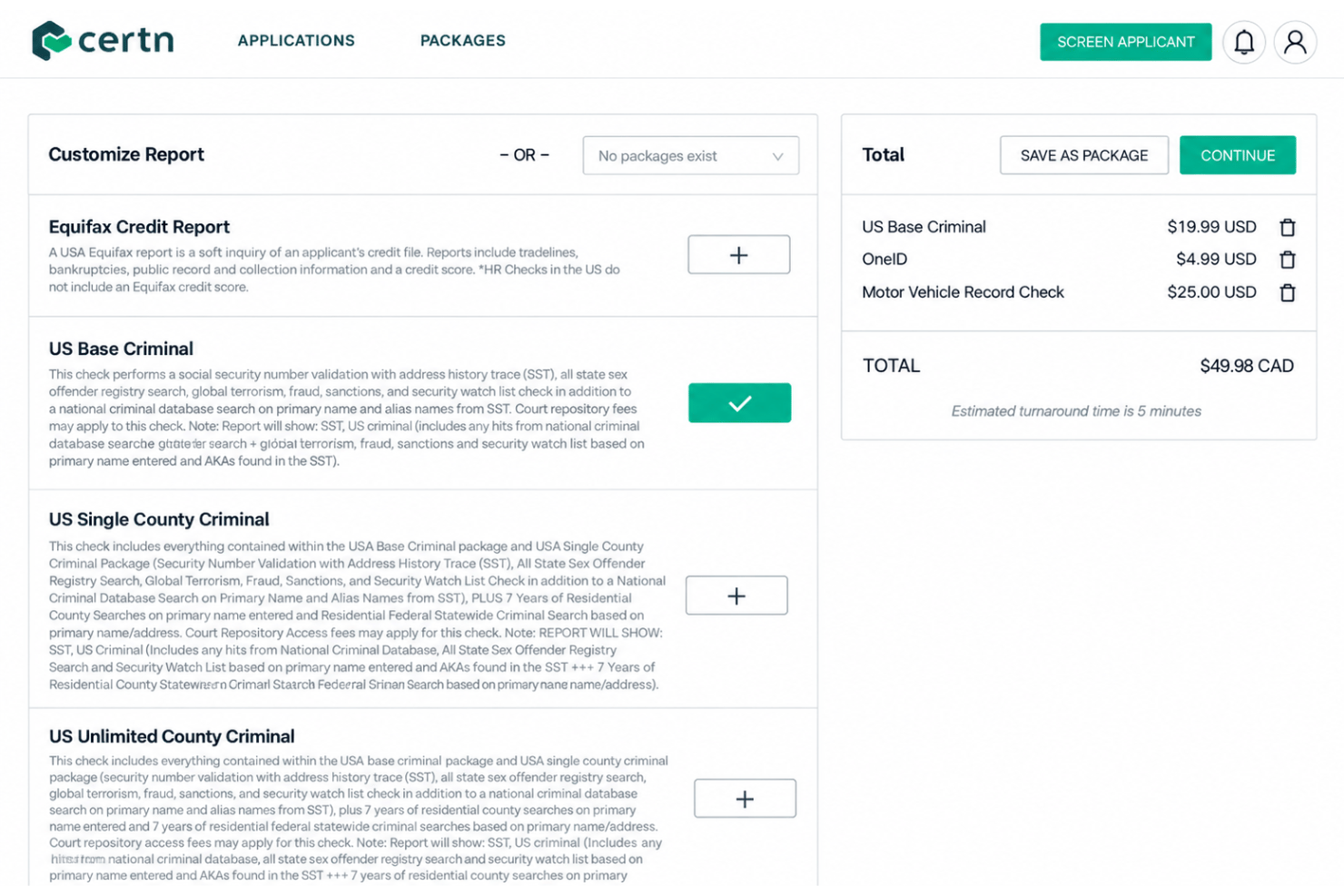
Certn lets you tailor check packages by role, region, or seniority with just a few clicks. This means you avoid over- or under-screening and match checks to each hiring need.
Digital Reference Checks
Certn automates reference requests and collects responses digitally, tracking completion in your dashboard. This cuts delays and adds structure to subjective hiring data.
Ease of Use
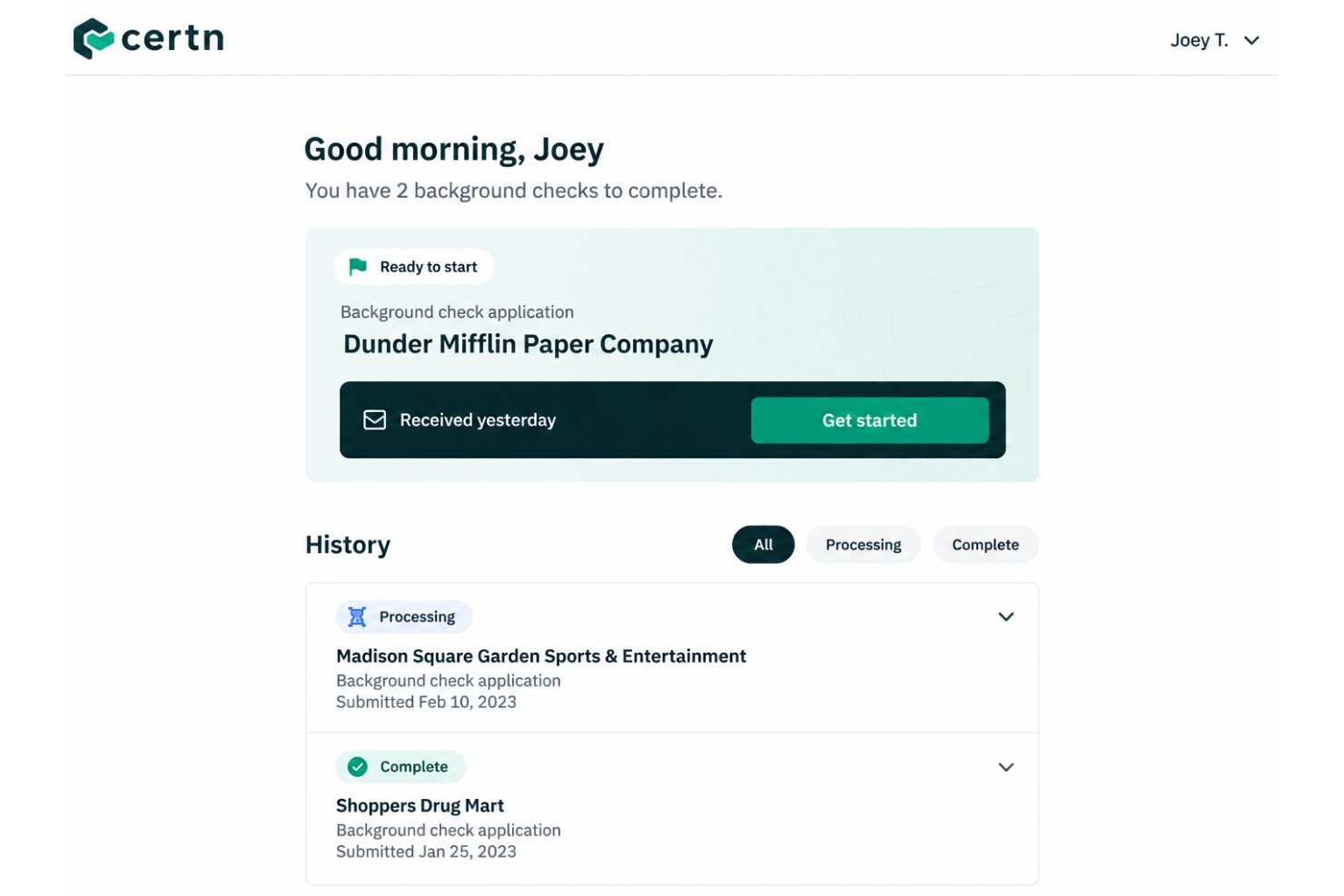
Certn’s interface is straightforward and easy to navigate, so you can launch checks, customize packages, and track progress with minimal training. Users mention clear dashboards and rapid onboarding, plus strong support when issues come up. The self-entry portal for candidates cuts down on HR back-and-forth and helps minimize errors, making the entire screening process feel organized and approachable—even for teams who haven’t used background check software before.
Integrations
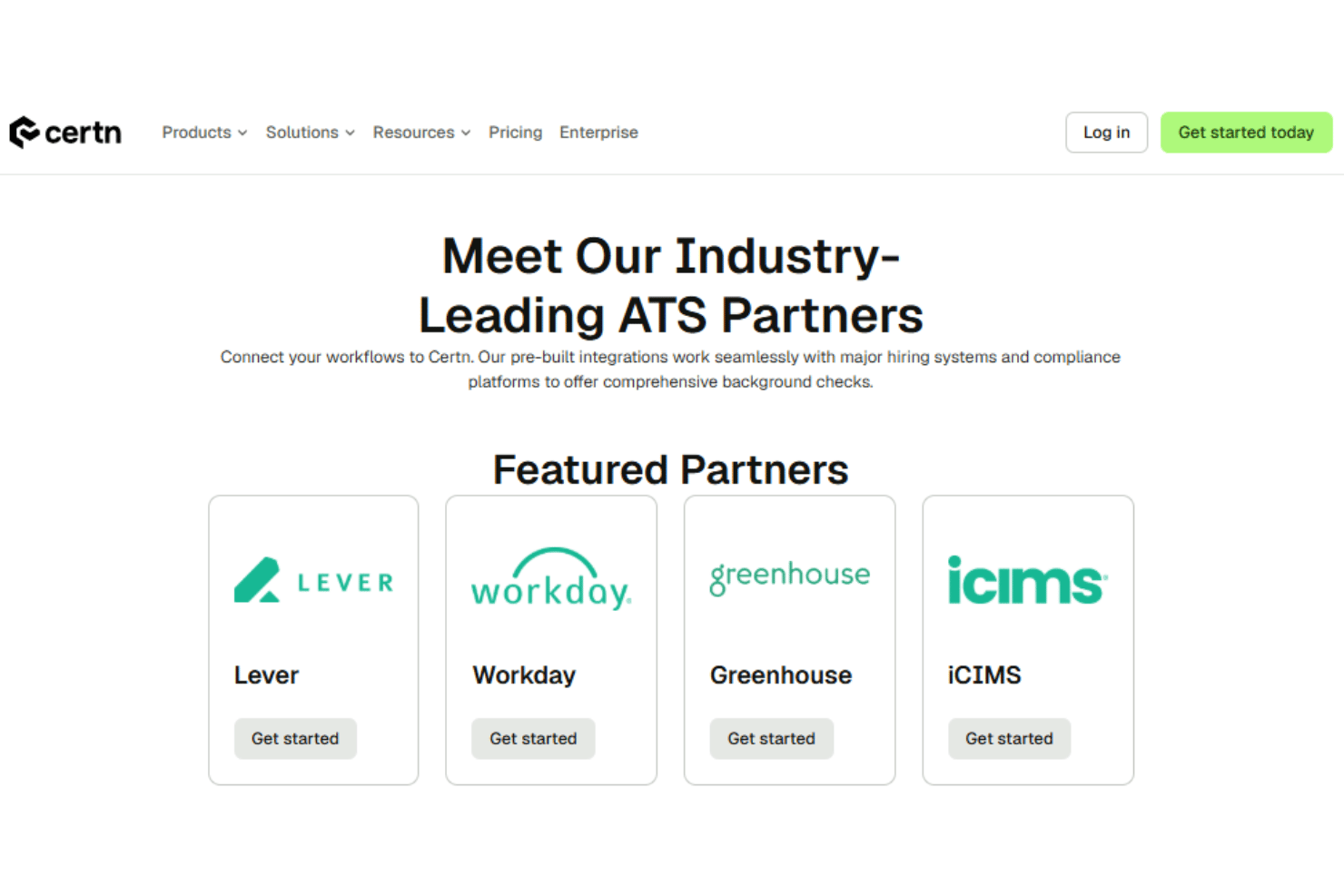
Certn integrates with Greenhouse, Workday, Lever, Workable, and iCIMS, among others.
Certn also offers an API and connects with popular third-party integration tools.
Certn Specs
- API
- Application Tracking
- Calendar Management
- Contact Management
- Dashboard
- Data Export
- Data Import
- Data Visualization
- Database
- Employee Onboarding
- External Integrations
- Feedback Management
- Multi-User
- Notifications
- Scheduling