CompXL Review: Pros, Cons, Features, and Pricing Explained



CompXL is a compensation management software built for HR and compensation teams that need flexible, configurable planning across merit, bonus, and equity cycles. I'd consider it if your team designs complex compensation structures and finds tools like Workday's compensation module too rigid to accommodate your plan logic without heavy IT involvement. CompXL's Excel-like interface lets compensation professionals build and manage plans without rebuilding their entire workflow from scratch.
CompXL Evaluation Summary
- Pricing upon request
- Free demo available
Why Trust Our Software Reviews
Our team has been testing and reviewing software since 2012. As HR experts ourselves, we know how difficult—and important—it is to choose the right software.
For this guide, we evaluated tools using hands-on testing and independent research, scoring tools using our selection criteria. We also draw on insights from industry thought leaders and practicing HR experts.
Our reviews reflect our human editorial judgment, not a sales pitch.
Expert reviewers:
CompXL Overview
If you're judging CompXL against other compensation management software, its standout strength is deep configurability—custom rules, approval flows, and reporting are all highly flexible. The user interface isn't the slickest, but support is responsive and onboarding is hands-on. Pricing is tailored, so you'll need to compare quotes. CompXL suits organizations with complex compensation planning challenges, global teams managing multi-currency pay, or anyone who needs to move beyond excel and manual spreadsheets.
pros
-
Handles complex compensation plans with high flexibility
-
Responsive customer support and hands-on onboarding
-
Customizable reporting and approval workflows
cons
-
Interface design feels dated compared to newer tools
-
Limited prebuilt integrations with HRIS or payroll systems
-
Pricing details are not transparent on the website
-

Justworks
Visit WebsiteThis rating combines scores from multiple user review sites to reflect overall customer sentiment about the product.4.6 -
Small Improvements
Visit WebsiteThis rating combines scores from multiple user review sites to reflect overall customer sentiment about the product.4.3 -
HiBob
Visit WebsiteThis rating combines scores from multiple user review sites to reflect overall customer sentiment about the product.4.5





How We Test & Score Our Tools
We’ve spent years building, refining, and improving our software testing and scoring system. The rubric is designed to capture the nuances of software selection and what makes a tool effective, focusing on critical aspects of the decision-making process.
Below, you can see exactly how our testing and scoring works across seven criteria. It allows us to provide an unbiased evaluation of the software based on core functionality, standout features, ease of use, onboarding, customer support, integrations, customer reviews, and value for money.
Core Functionality (25% of final score)
The starting point of our evaluation is always the core functionality of the tool. Does it have the basic features and functions that a user would expect to see? Are any of those core features locked to higher-tiered pricing plans? At its core, we expect a tool to stand up against the baseline capabilities of its competitors.
Standout Features (25% of final score)
Next, we evaluate uncommon standout features that go above and beyond the core functionality typically found in tools of its kind. A high score reflects specialized or unique features that make the product faster, more efficient, or offer additional value to the user.
We also evaluate how easy it is to integrate with other tools typically found in the tech stack to expand the functionality and utility of the software. Tools offering plentiful native integrations, 3rd party connections, and API access to build custom integrations score best.
Ease of Use (10% of final score)
We consider how quick and easy it is to execute the tasks defined in the core functionality using the tool. High scoring software is well designed, intuitive to use, offers mobile apps, provides templates, and makes relatively complex tasks seem simple.
Onboarding (10% of final score)
We know how important rapid team adoption is for a new platform, so we evaluate how easy it is to learn and use a tool with minimal training. We evaluate how quickly a team member can get set up and start using the tool with no experience. High scoring solutions indicate little or no support is required.
Customer Support (10% of final score)
We review how quick and easy it is to get unstuck and find help by phone, live chat, or knowledge base. Tools and companies that provide real-time support score best, while chatbots score worst.
Customer Reviews (10% of final score)
Beyond our own testing and evaluation, we consider the net promoter score from current and past customers. We review their likelihood, given the option, to choose the tool again for the core functionality. A high scoring software reflects a high net promoter score from current or past customers.
Value for Money (10% of final score)
Lastly, in consideration of all the other criteria, we review the average price of entry level plans against the core features and consider the value of the other evaluation criteria. Software that delivers more, for less, will score higher.
Core Features
Merit Adjustments & Bonus Planning
Automate merit planning and multi-factor bonus calculations for any pay cycle. Set custom rules for eligibility, proration, and approvals—no spreadsheets required.
Long-Term Incentive Planning
Design and manage long-term incentives, including equity and deferred compensation. Track vesting schedules and performance management metrics in one place.
Equity Tracking
Monitor and administer equity awards, grants, and vesting events. The platform centralizes all equity data for easy reporting and compliance.
Bonus Prorations & Accruals
Handle complex bonus proration and accrual scenarios automatically. This reduces manual errors and ensures accurate payouts.
Total Rewards Statements
Generate personalized total compensation statements for employees. These compensation statements clearly communicate the full value of each package.
Employee Access
CompXL gives employees secure, self-service access to view their compensation details, including salary, bonuses, and total rewards in one place. This improves transparency and reduces HR workload by letting employees access and understand their pay information anytime.
Ease of Use
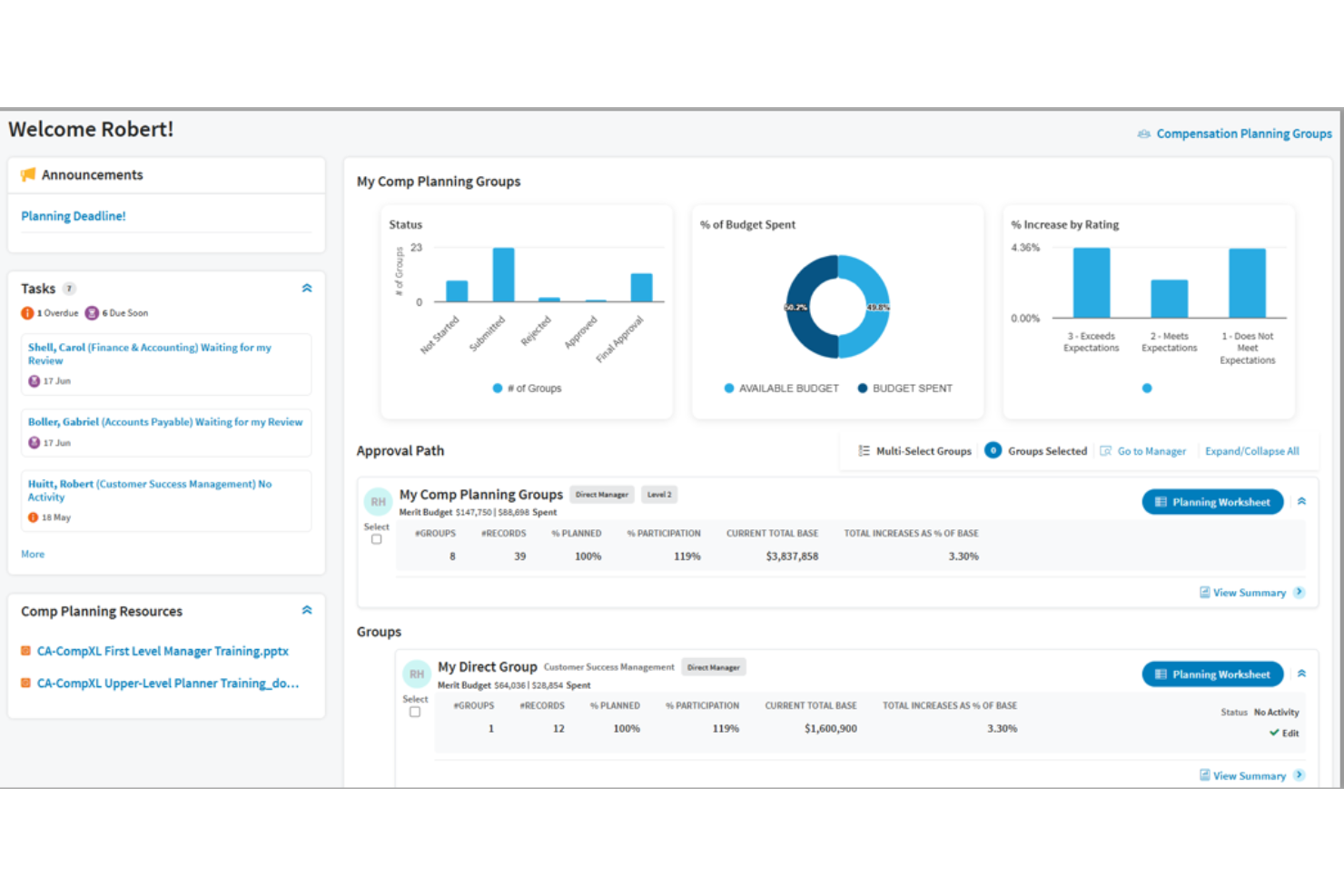
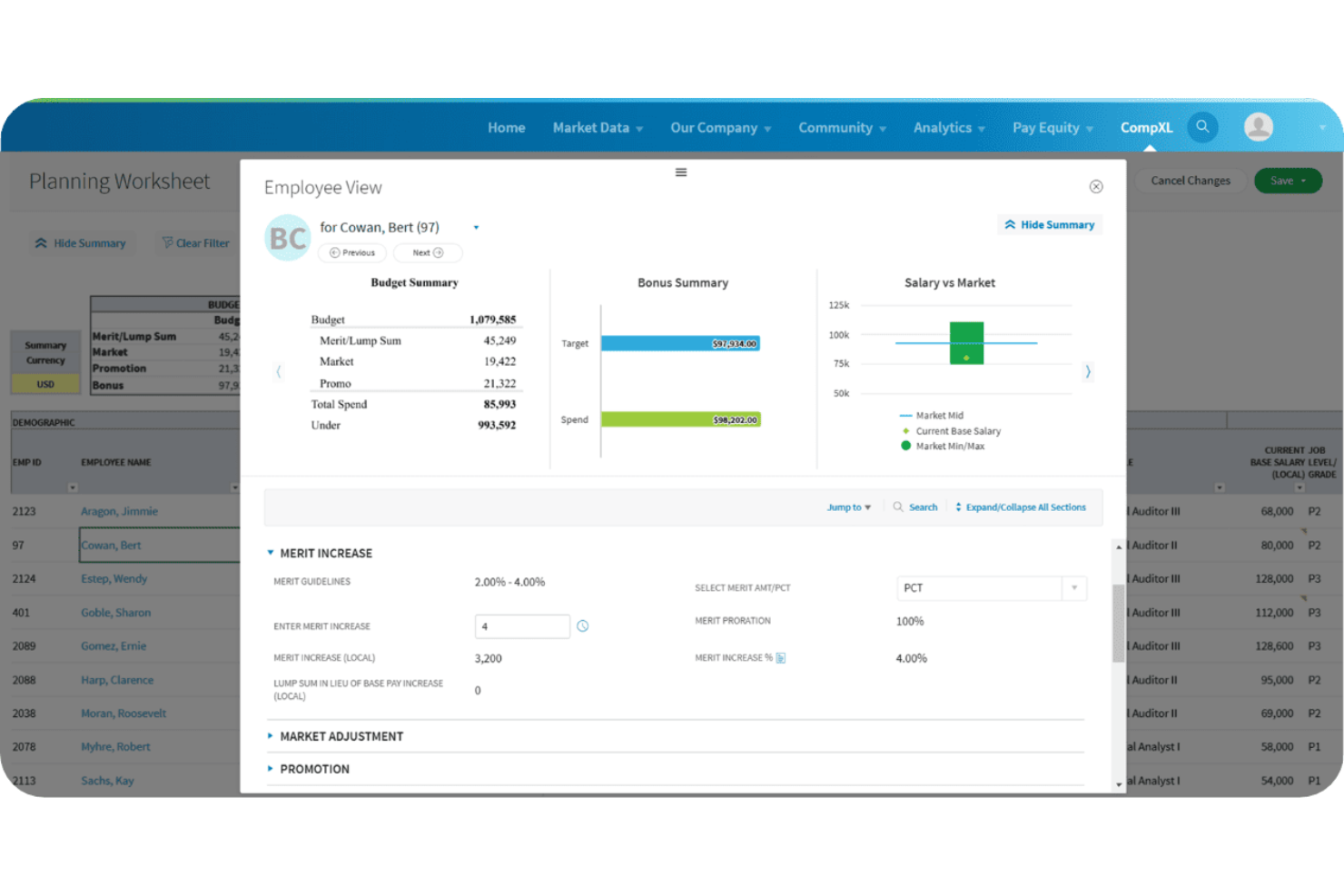
CompXL's user interface is functional but feels dated compared to newer compensation planning software. User reviews often mention that the platform's flexibility comes with a steeper learning curve, especially when setting up custom rules or workflows. However, once configured, the system handles complex compensation planning smoothly and reliably. HR teams who value configurability over visual polish will appreciate CompXL, but those seeking a more user-friendly, modern UI may find it less appealing. Screenshots shared in user reviews reflect a platform built for power over aesthetics.
Integrations
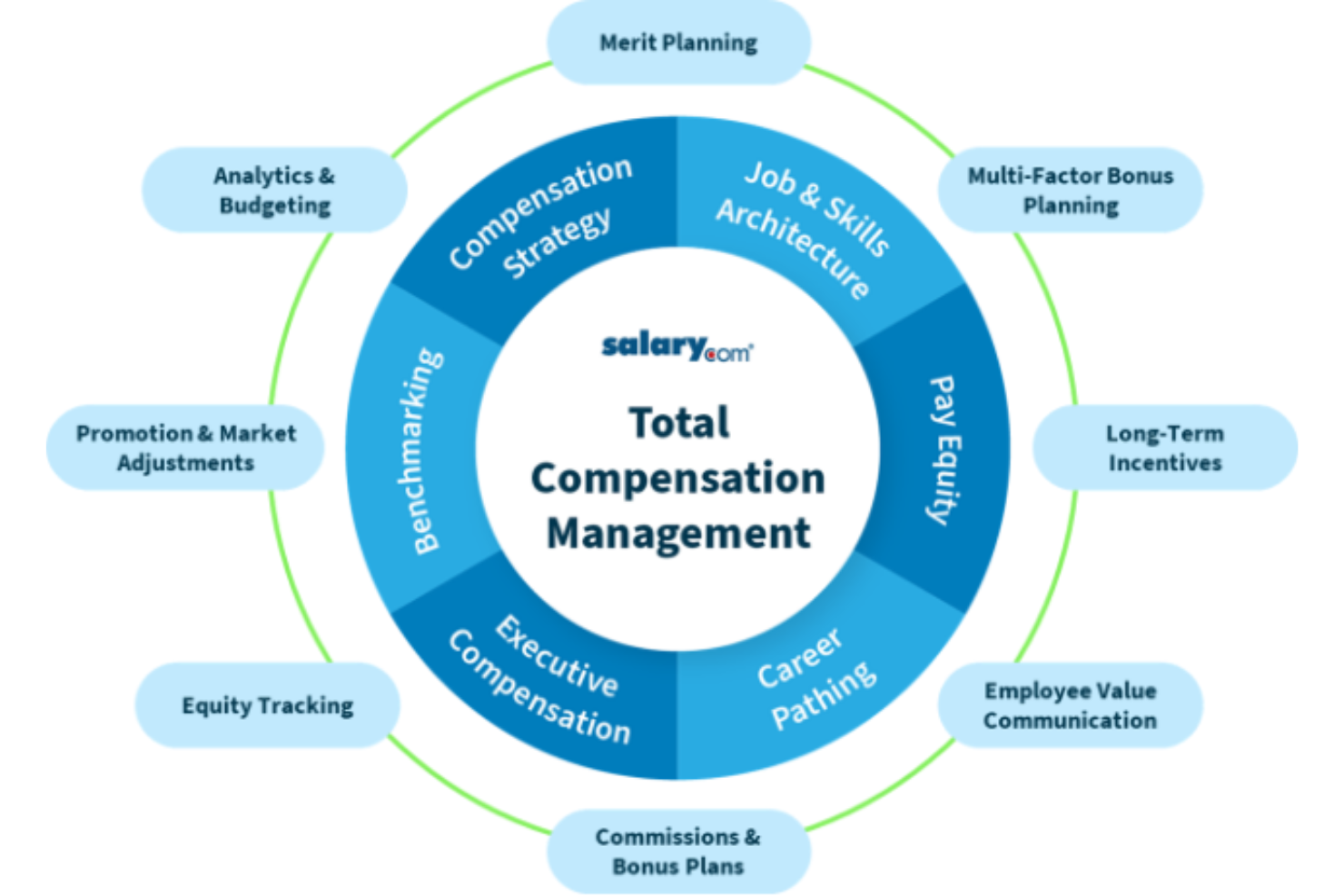
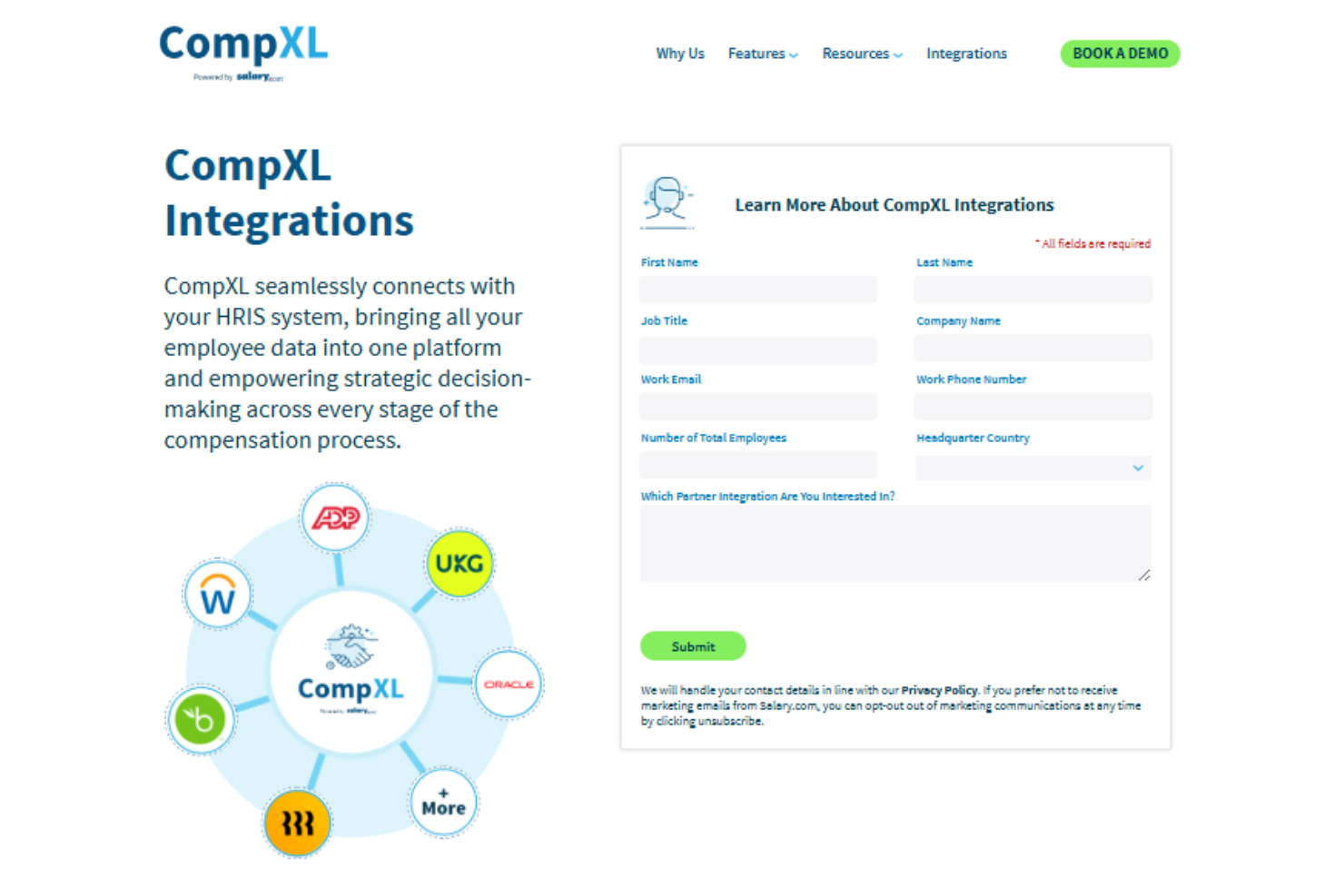
CompXL integrates with ADP Workforce Now, UKG, Workday, BambooHR, and Rippling, among others.
CompXL also offers an API for custom integrations and data connections with third-party systems.
CompXL Specs
- 360 Degree Feedback
- API
- Budgeting
- Comparative Reporting
- Competency Assessment
- Competency Scale
- Custom Assessments
- Dashboard
- Data Export
- Data Import
- Data Visualization
- Employee Database
- Employee Engagement
- Employee Incentive Management
- Employee Onboarding
- Expense Tracking
- External Integrations
- Feedback Management
- Forecasting
- Multi-Account
- Multi-Currency
- Multi-User
- Notifications
- Objectives Tracking
- Onboarding
- Online Surveys
- P&L
- Paper Surveys
- Payroll
- PDF Export
- Performance Appraisal
- Performance Reviews
- Report & Compliance
- Self-service Portal
- Tax Management
- Travel Management