


Gusto vs. Paychex: Comparison and Expert Reviews for 2026



Choosing between Gusto and Paychex means weighing Gusto’s intuitive, modern approach against Paychex’s deep customization and legacy expertise—two payroll software options built for very different priorities. If you’re feeling torn between a platform that makes payroll feel effortless and one that promises tailored control for complex needs, you’re not alone. Both Gusto and Paychex have carved out loyal followings, but their strengths shine in different scenarios.
In this article, you’ll get a side-by-side look at how each payroll software handles core tasks, supports compliance, and fits into real-world HR workflows, so you can confidently choose the right fit for your team’s future.
Gusto vs. Paychex Flex: An Overview
Gusto


Paychex Flex


Why Trust Our Software Recommendations
Our team has been testing and reviewing software since 2012. As HR experts ourselves, we know how difficult—and important—it is to choose the right software.
For this guide, we evaluated tools using hands-on testing and independent research, scoring tools using our selection criteria. We also draw on insights from industry thought leaders and practicing HR experts.
Our reviews reflect our human editorial judgment, not a sales pitch.
Expert reviewers:
Gusto vs. Paychex Flex Pricing Comparison
| Gusto | Paychex Flex | |
|---|---|---|
| Free Trial | Free demo available | Free demo available |
| Pricing | From $49/month | Pricing upon request |
Gusto vs. Paychex Pricing & Hidden Costs
Gusto uses a transparent, tiered pricing model with clear monthly fees based on the number of employees and the features you select. Most core payroll features are included, but you may see extra charges for add-ons like health benefits administration or advanced HR tools. Paychex, on the other hand, offers custom quotes tailored to your business size and needs. While this can give you flexibility, it often means you’ll need to watch for additional fees tied to setup, year-end tax forms, or specialized services.
Ask each provider for a detailed breakdown of what’s included and what costs extra—especially for things like tax filings, benefits, or integrations. Comparing these details side by side, while keeping in mind your must-haves, will help you spot hidden costs and avoid surprises.
Gusto vs. Paychex Flex Feature Comparison
Gusto and Paychex overlap heavily as full-service payroll platforms with built-in HR features. Both tools handle core functions like payroll processing, automated tax filing, direct deposit, employee onboarding, benefits administration, and HR reporting, making them all-in-one systems for managing a workforce. They also support integrations, compliance assistance, and employee self-service features, which make them viable for small to midsize businesses looking to centralize HR operations.
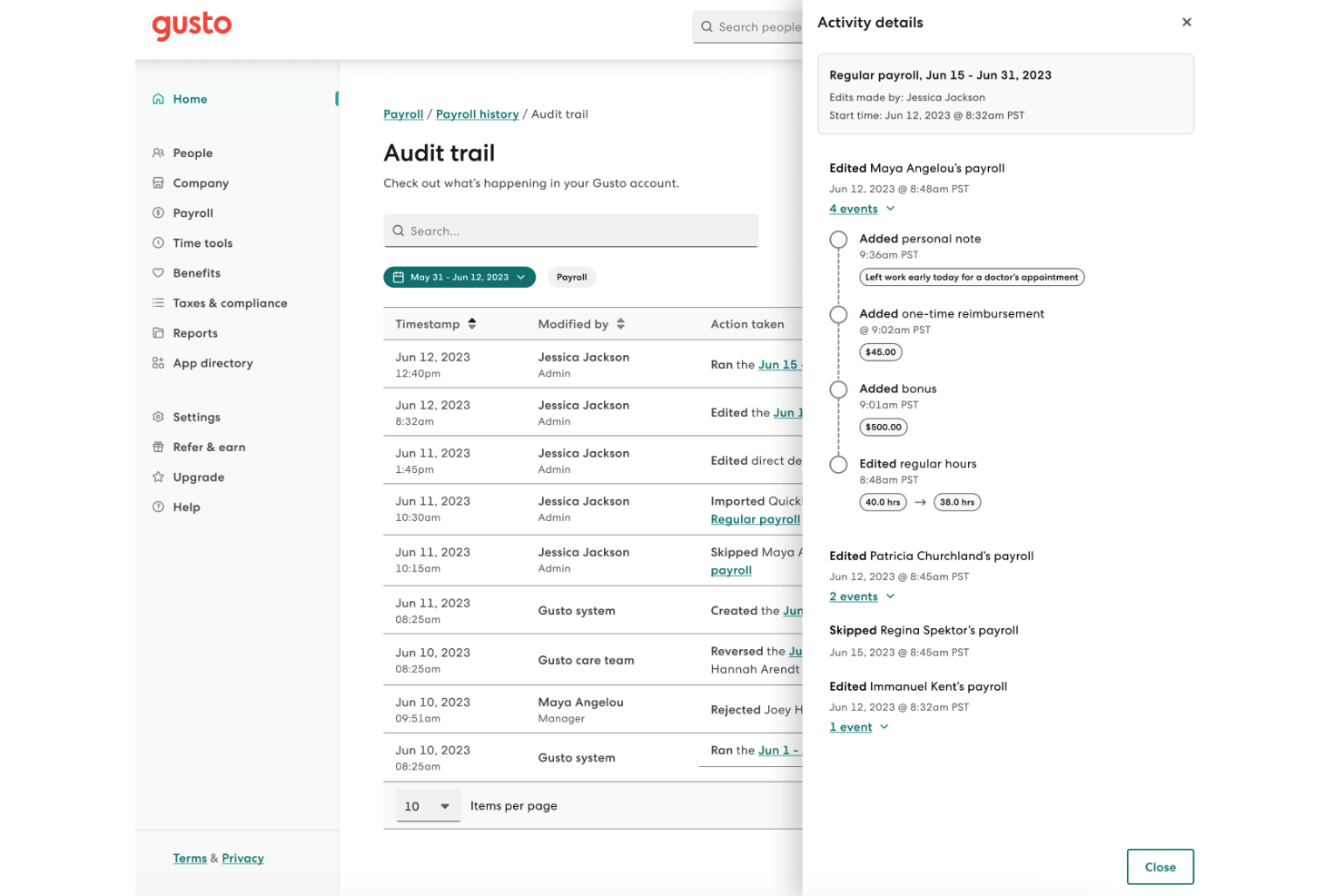
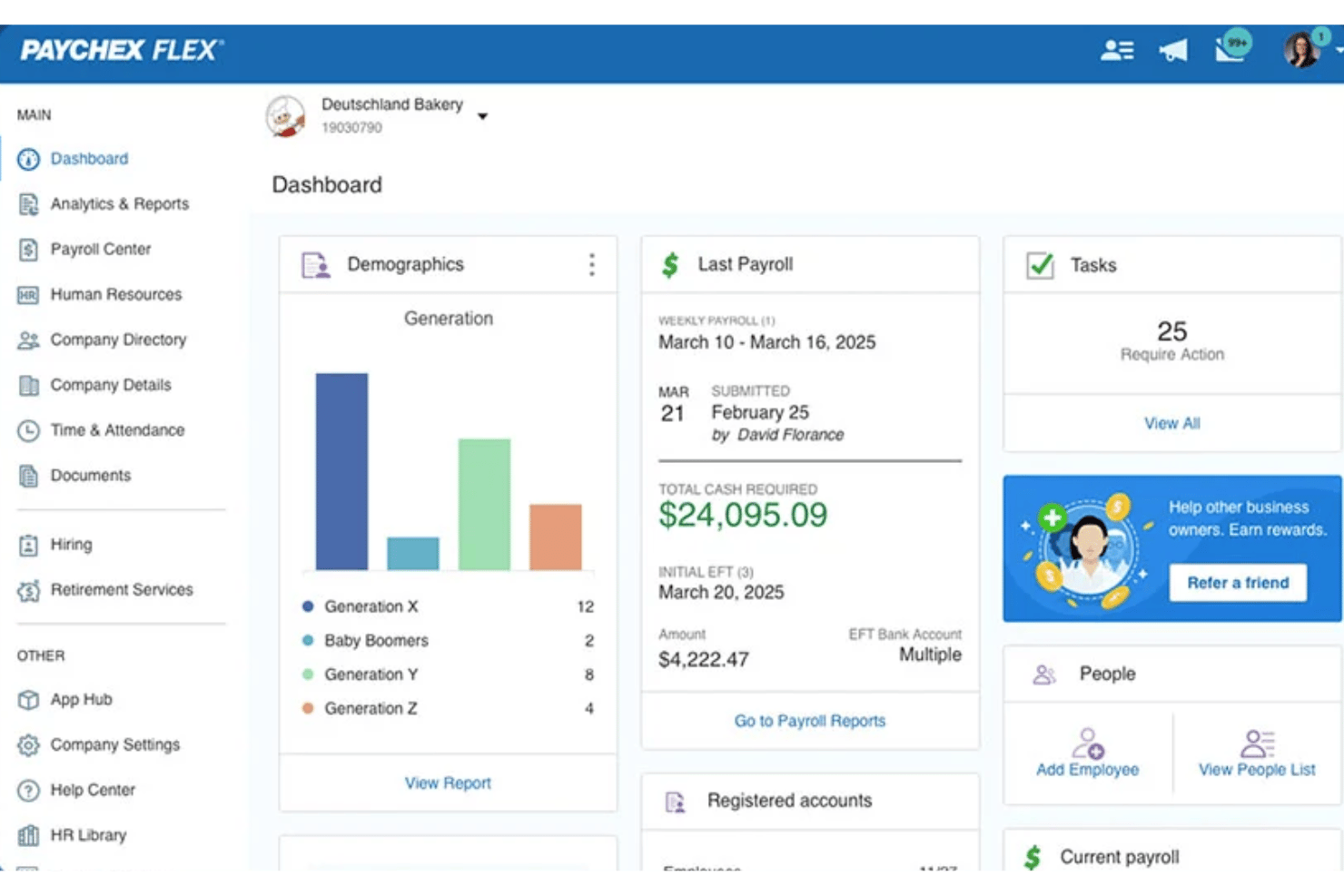
Where they diverge is in how they deliver those capabilities. Gusto stands out for its modern, software-first experience, with highly intuitive UX, automated payroll runs, and transparent, predictable pricing that appeals to smaller businesses wanting simplicity. Paychex, on the other hand, differentiates itself with deeper service layers—like access to HR professionals, 24/7 dedicated support, and professional employer organization (PEO)-style outsourcing—making it better suited for companies that need hands-on HR support and scalability for complex operations.
| Gusto | Paychex Flex | |
|---|---|---|
| API | ||
| Application Tracking | ||
| Approval Workflows | ||
| Attendance Tracking | ||
| Budgeting | ||
| Calendar Management | ||
| Compliance Tracking | ||
| Dashboard | ||
| Data Export | ||
| Data Import | ||
| Data Visualization | ||
| Employee Database | ||
| Employee Incentive Management | ||
| Employee Onboarding | ||
| Expense Tracking | ||
| External Integrations | ||
| Feedback Management | ||
| Forecasting | ||
| Multi-Currency | ||
| Multi-User | ||
| Notifications | ||
| Payroll | ||
| Scheduling | ||
| Tax Management | ||
| Time Management | ||
| Timesheets | ||
| Travel Management | ||
| Vacation & Absence Calendar |
Gusto vs. Paychex Integrations
| Integration | Gusto | Paychex |
| QuickBooks Online | ✅ | ✅ |
| Xero | ✅ | ✅ |
| FreshBooks | ✅ | ❌ |
| ADP | ❌ | ❌ |
| TSheets (QuickBooks Time) | ✅ | ✅ |
| Clover | ✅ | ✅ |
| Salesforce | ✅ | ✅ |
| Deputy | ✅ | ✅ |
| API | ✅ | ✅ |
| Zapier | ❌ | ❌ |
Gusto and Paychex both cover the essentials with popular accounting and time-tracking integrations like QuickBooks Online, Xero, and QuickBooks Time, along with shared connections to tools like Salesforce, Clover, and Deputy. Both also offer API access for building custom integrations. The main difference comes down to focus: Gusto supports a broader range of small business tools, including FreshBooks, while Paychex leans more toward enterprise-ready integrations, making it better suited for larger organizations with more complex tech stacks.
Gusto vs. Paychex Security, Compliance & Reliability
| Factor | Gusto | Paychex |
| Data Encryption | Uses bank-level encryption to protect sensitive payroll and employee data. | Secures data with advanced encryption and multi-factor authentication. |
| Regulatory Compliance | Automates federal, state, and local tax filings and updates compliance rules regularly. | Offers compliance support for complex regulations and handles multi-state payroll. |
| Uptime & Reliability | Maintains high uptime with real-time status updates and disaster recovery protocols. | Provides 24/7 system monitoring and robust backup systems for reliability. |
| Access Controls | Allows customizable user permissions and role-based access for sensitive information. | Supports granular access controls and audit trails for all payroll activities. |
Paychex edges ahead for organizations with complex compliance needs, while Gusto’s automated updates and transparent controls make it a strong choice for small to midsize teams. Gusto’s strengths lie in its user-friendly security features and proactive compliance updates, while Paychex stands out for its detailed regulatory support and enterprise-grade reliability.
Paychex vs. Gusto Ease of Use
| Factor | Gusto | Paychex |
| User Interface | Features a clean, modern dashboard with intuitive navigation and clear action steps. | Uses a more traditional interface with many options, which can feel overwhelming at first. |
| Onboarding | Offers guided setup, helpful checklists, and in-app tips for a smooth start. | Provides personalized onboarding support but requires more manual input and training. |
| Day-to-Day Tasks | Automates payroll runs and reminders, reducing repetitive work for users. | Handles complex payroll scenarios but often involves more steps and manual checks. |
| Customer Support | Delivers fast, friendly chat and email support with helpful resources. | Offers 24/7 phone support and dedicated specialists for more hands-on help. |
Gusto is easier to learn and use for most teams, while Paychex appeals to those who need hands-on support and are comfortable with a more complex system. Overall, Gusto’s strengths are its approachable design and automation, while Paychex stands out for its personalized support and ability to handle intricate payroll needs.
Gusto vs Paychex Flex: Pros & Cons
Gusto
- You can run payroll using guided steps, even without prior payroll experience.
- Employees can access pay stubs, tax forms, and update personal details without HR help.
- Health insurance premiums and 401(k) contributions are automatically deducted and synced with payroll.
- Support response times can be slower outside standard business hours.
- Costs can rise quickly as you add employees and features.
- May feel limiting if you need enterprise-level scalability and controls.
Paychex Flex
- Tax compliance support covers all state and local jurisdictions
- Mobile app allows employees to self-manage pay and documents
- Live support is available 24/7 for urgent questions
- Core features often require add-on purchases or upgrades
- Report customization options are limited and inflexible
- Historical payroll data imports can be slow or incomplete
Best Use Cases for Gusto and Paychex Flex
Gusto
- Small Businesses Good fit if you want an easy way to run payroll, file taxes, and manage employee records without needing payroll expertise.
- Mid-Sized Business Works well for growing teams that need automated payroll, benefits management, and support for multiple pay schedules.
- Contractor Business Useful if you pay freelancers or contractors regularly and need simple 1099 generation and payment tracking.
- Accountants Helps accountants manage payroll for multiple clients from one system with automated tax filing and reporting.
- New Businesses Ideal if you want to set up payroll quickly, stay compliant from the start, and avoid manual payroll processing.
- One Employee Teams Suitable for solo employers who need to run compliant payroll and handle taxes without complex HR tools.
Paychex Flex
- Multi-State Employers Managing taxes, compliance, and garnishments across state lines is much easier with Paychex Flex’s built-in jurisdiction support and tax expertise.
- Healthcare Practices Frequent changes in staffing and strict labor laws make Paychex Flex’s compliance features and real-time reporting a big advantage.
- Franchise Chains Centralized payroll dashboards and custom reporting help franchises oversee multiple locations and staffing models without manual data consolidation.
- Construction Companies Mobile access and adaptable pay schedules support field teams and job-based payments, addressing the complex needs of construction payroll.
- HR Departments 24/7 phone support and onboarding assistance lighten the administrative burden for HR teams who handle high volumes of new hires.
- Financial Services Tight security and detailed reporting meet strict industry requirements and simplify year-end tax tasks and audits.
Who Should Use Gusto, and Who Should Use Paychex?
Gusto is best suited for solopreneurs, small businesses, startups, and growing teams that want a simple, affordable, and easy-to-use payroll solution and HR platform. Its intuitive interface, transparent pricing, and automation make it ideal for companies without dedicated HR staff or complex compliance needs.
Paychex is a better fit for medium to large business owners—or smaller companies with more complex HR requirements—that need deeper customization in an HR solution, compliance support, and hands-on service. With features like dedicated HR advisors, PEO options, and scalable solutions, it works well for organizations managing larger teams or navigating more complex workflows and regulatory demands.
Differences Between Gusto and Paychex Flex
| Gusto | Paychex Flex | |
|---|---|---|
| Customization | Gusto offers limited customization to keep things simple. | Highly customizable to fit complex business structures. |
| HR Services Depth | Solid HR tools, but mostly software-driven. | Extensive HR services, including consulting and outsourcing payroll services. |
| PEO Services | Does not offer a traditional PEO model. | Paychex offers full PEO services through Paychex PEO. |
| Pricing Model | Transparent, tiered monthly pricing with clear feature sets. | Custom quotes based on business needs, with more variable fees. |
| Target Market | Best for small businesses and startups. | Designed for mid-sized to large businesses. |
| Visit GustoOpens new window | Read Paychex Flex ReviewOpens new window |
Similarities Between Gusto and Paychex Flex
| Benefits Administration | Each supports employee benefits management, including health insurance and retirement plans, with integrated enrollment options. |
|---|---|
| Employee Self-Service | Both offer employee portals for pay stubs, tax forms, and personal info updates, though the interfaces differ. |
| Mobile Apps | Both offer mobile apps for employees and administrators for HR and payroll management on the go. |
| Payroll Processing | Both let you run payroll, automate payroll calculations, deductions, and direct deposits, ensuring employees are paid accurately and on time. |
| Visit GustoOpens new window Read Paychex Flex ReviewOpens new window | |
| Reporting Tools | Each offers payroll and HR reporting features for business insights. |
| Tax Filing | Each handles federal, state, and local payroll tax filings, reducing compliance risks for your business. |
| Visit GustoOpens new window Read Paychex Flex ReviewOpens new window | |