Hone Review: Pros, Cons, Features and Pricing in 2026



Hone is a virtual leadership development program that delivers live, cohort-based classes on management, communication, and DEI skills for distributed teams. I'd reach for it when you need to upskill managers or emerging leaders at scale without building your own curriculum or coordinating in-person workshops. Compared to LinkedIn Learning, which leans on self-paced video libraries, Hone gives you small-group live sessions with expert facilitators, so your team gets real practice and peer discussion instead of passive watching.
Hone Evaluation Summary
- Pricing upon request
- Free demo available
Why Trust Our Software Recommendations
Our team has been testing and reviewing software since 2012. As HR experts ourselves, we know how difficult—and important—it is to choose the right software.
For this guide, we evaluated tools using hands-on testing and independent research, scoring tools using our selection criteria. We also draw on insights from industry thought leaders and practicing HR experts.
Our reviews reflect our human editorial judgment, not a sales pitch.
Expert reviewers:
Hone Overview
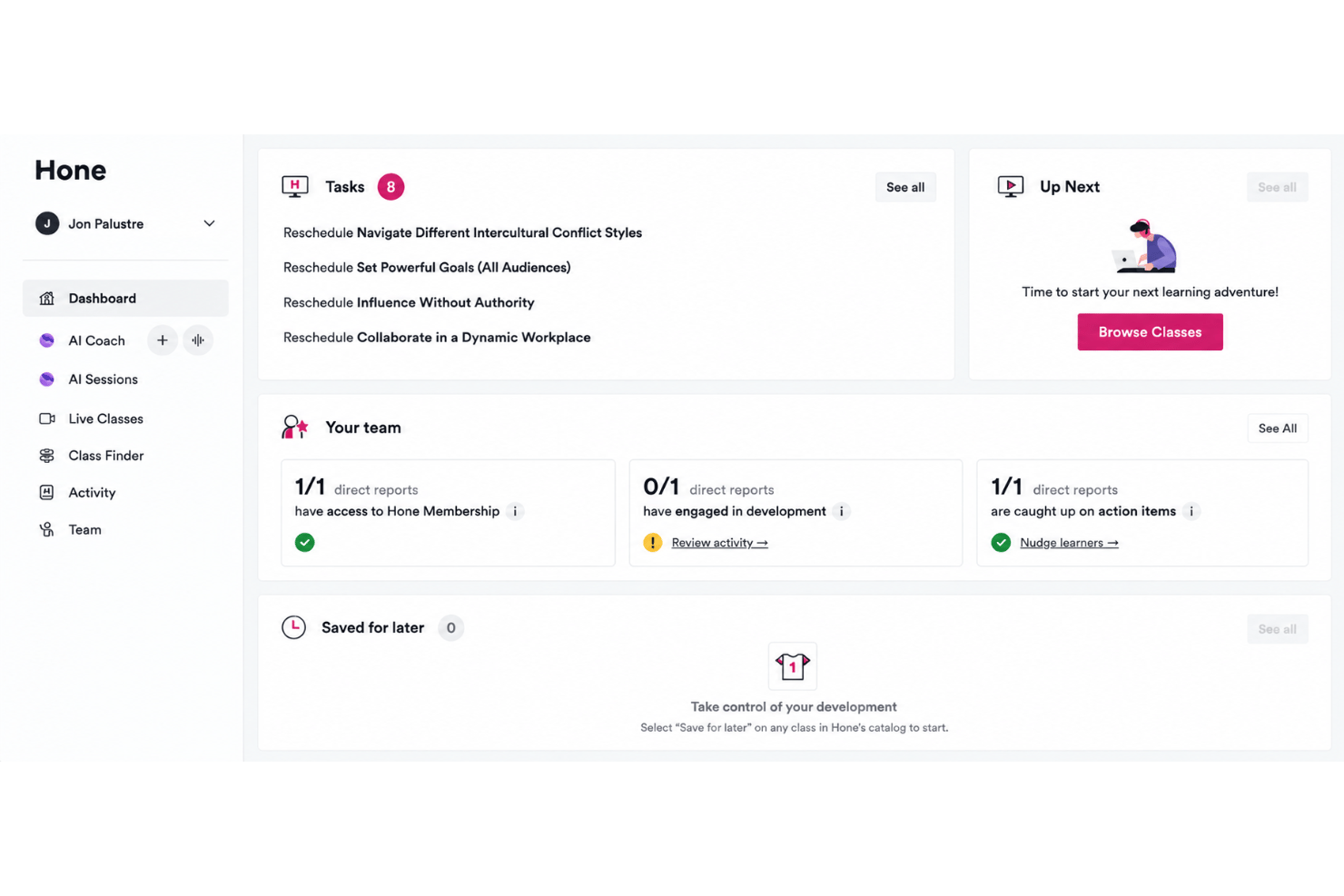
I think Hone stands out for live, interactive learning that goes deeper than video courses. Small group sessions give your team hands-on practice with real scenarios, and expert facilitators keep people engaged. Pricing is higher than some self-paced options, but it covers live instruction and custom tracks. Onboarding is quick—your managers can get started in a week. The interface is clear, and the support team is responsive. I’d suggest Hone is a great fit if you want to scale leadership skills across distributed teams and care about active participation, not just content consumption.
pros
-
Live cohort-based classes with expert facilitators for real interaction
-
Focuses on relevant topics like management, communication, and DEI
-
Quick onboarding and clear user interface for remote teams
cons
-
Higher price point than most self-paced learning platforms
-
Limited flexibility for on-demand or asynchronous training needs
-
Smaller catalog compared to larger e-learning content providers
-

Justworks
Visit WebsiteThis rating combines scores from multiple user review sites to reflect overall customer sentiment about the product.4.6 -
Small Improvements
Visit WebsiteThis rating combines scores from multiple user review sites to reflect overall customer sentiment about the product.4.3 -
HiBob
Visit WebsiteThis rating combines scores from multiple user review sites to reflect overall customer sentiment about the product.4.5





How We Test & Score Our Tools
We’ve spent years building, refining, and improving our software testing and scoring system. The rubric is designed to capture the nuances of software selection and what makes a tool effective, focusing on critical aspects of the decision-making process.
Below, you can see exactly how our testing and scoring works across seven criteria. It allows us to provide an unbiased evaluation of the software based on core functionality, standout features, ease of use, onboarding, customer support, integrations, customer reviews, and value for money.
Core Functionality (25% of final score)
The starting point of our evaluation is always the core functionality of the tool. Does it have the basic features and functions that a user would expect to see? Are any of those core features locked to higher-tiered pricing plans? At its core, we expect a tool to stand up against the baseline capabilities of its competitors.
Standout Features (25% of final score)
Next, we evaluate uncommon standout features that go above and beyond the core functionality typically found in tools of its kind. A high score reflects specialized or unique features that make the product faster, more efficient, or offer additional value to the user.
We also evaluate how easy it is to integrate with other tools typically found in the tech stack to expand the functionality and utility of the software. Tools offering plentiful native integrations, 3rd party connections, and API access to build custom integrations score best.
Ease of Use (10% of final score)
We consider how quick and easy it is to execute the tasks defined in the core functionality using the tool. High scoring software is well designed, intuitive to use, offers mobile apps, provides templates, and makes relatively complex tasks seem simple.
Onboarding (10% of final score)
We know how important rapid team adoption is for a new platform, so we evaluate how easy it is to learn and use a tool with minimal training. We evaluate how quickly a team member can get set up and start using the tool with no experience. High scoring solutions indicate little or no support is required.
Customer Support (10% of final score)
We review how quick and easy it is to get unstuck and find help by phone, live chat, or knowledge base. Tools and companies that provide real-time support score best, while chatbots score worst.
Customer Reviews (10% of final score)
Beyond our own testing and evaluation, we consider the net promoter score from current and past customers. We review their likelihood, given the option, to choose the tool again for the core functionality. A high scoring software reflects a high net promoter score from current or past customers.
Value for Money (10% of final score)
Lastly, in consideration of all the other criteria, we review the average price of entry level plans against the core features and consider the value of the other evaluation criteria. Software that delivers more, for less, will score higher.
Core Features
Live, Cohort-Based Classes
Join small group sessions led by expert facilitators for real-time practice and discussion. These classes cover management, communication, and DEI topics relevant to today’s teams.
Interactive Role-Playing Exercises
Practice leadership scenarios in a supportive environment to build confidence before using new skills at work. Your team gets feedback from peers and instructors to reinforce learning.
Custom Learning Tracks
Tailor class sequences to match leadership levels, business goals, or team needs. Assign managers to recommended tracks for consistent upskilling.
Progress Tracking and Reporting
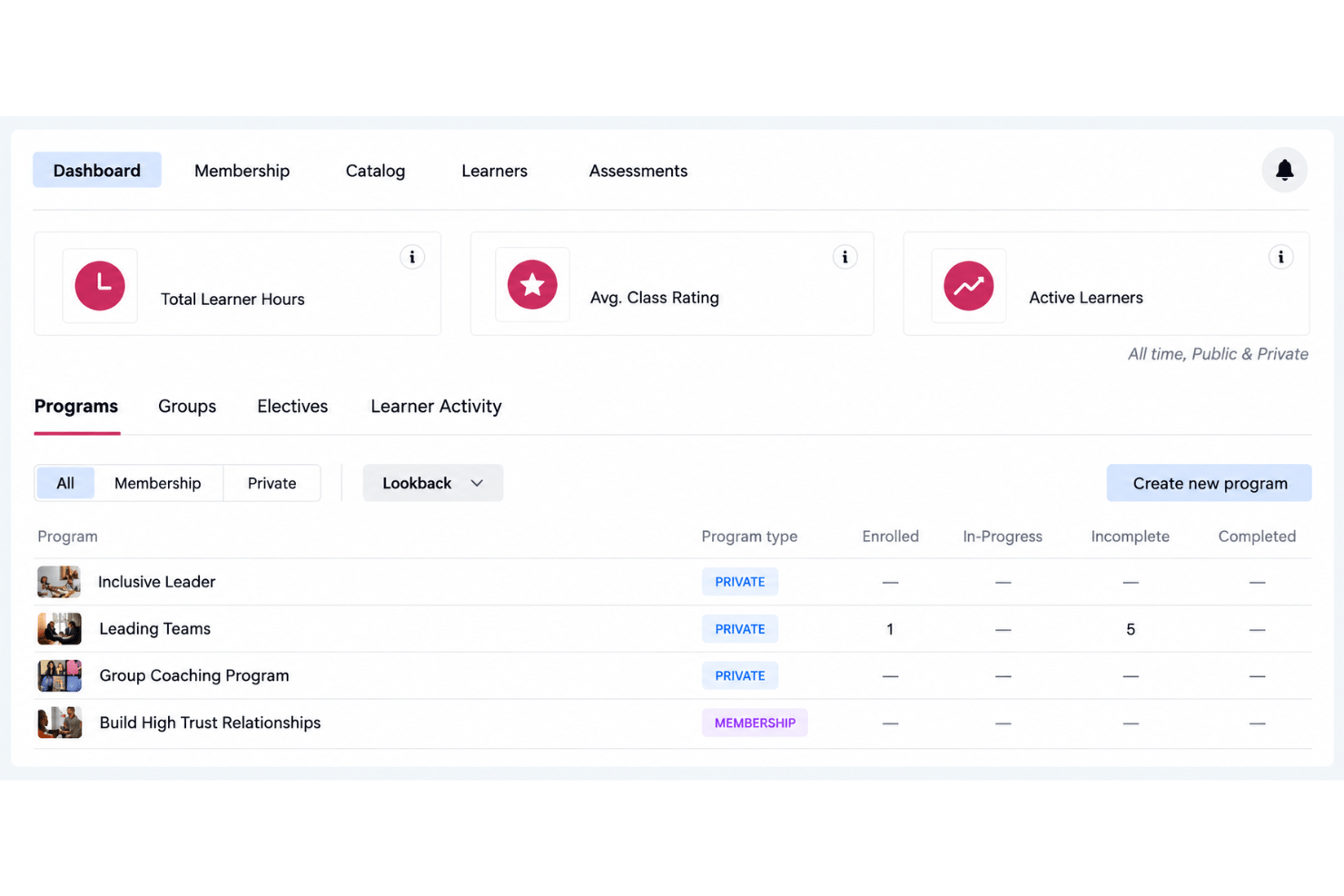
Monitor participation, attendance, and progress across your team in an easy-to-read dashboard. HR and leaders get clear insight into skill adoption and training results.
On-Demand Resources
Access worksheets, guides, and follow-up materials from each session so learning continues after class. These resources help managers reinforce skills and apply them on the job.
Dedicated Customer Support
Reach out to Hone’s support team for onboarding, troubleshooting, or customization needs. Quick responses keep your leadership development program running smoothly.
Ease of Use
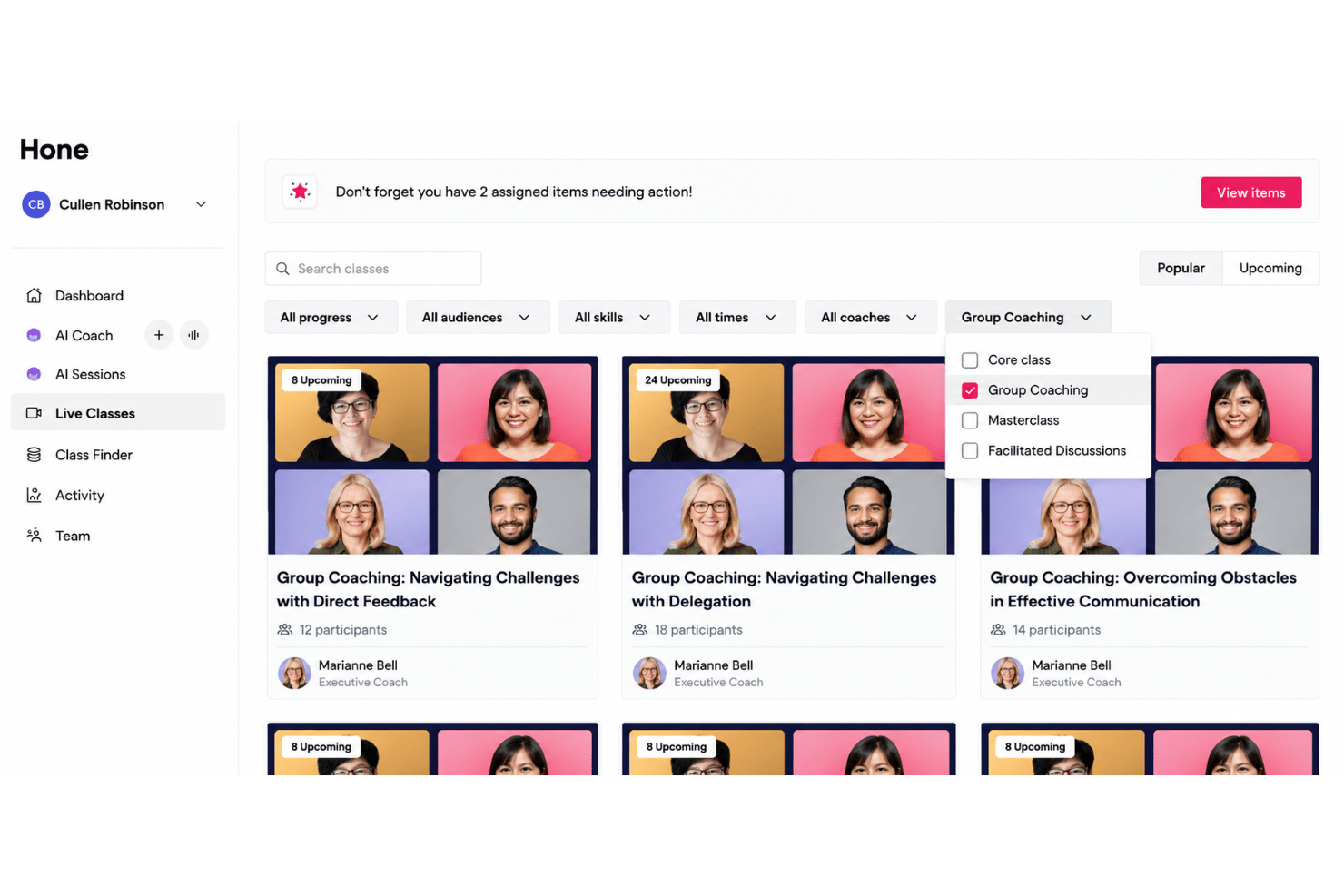
Hone is easy to get started with—onboarding takes less than a week, and the dashboard is clear for both HR and managers. Live session scheduling and progress tracking are simple, and participants say the small-group breakouts make the classes feel welcoming and low-pressure. The interface is straightforward, with intuitive access to class materials and support, which I think makes it accessible even for those new to virtual learning platforms.
Integrations
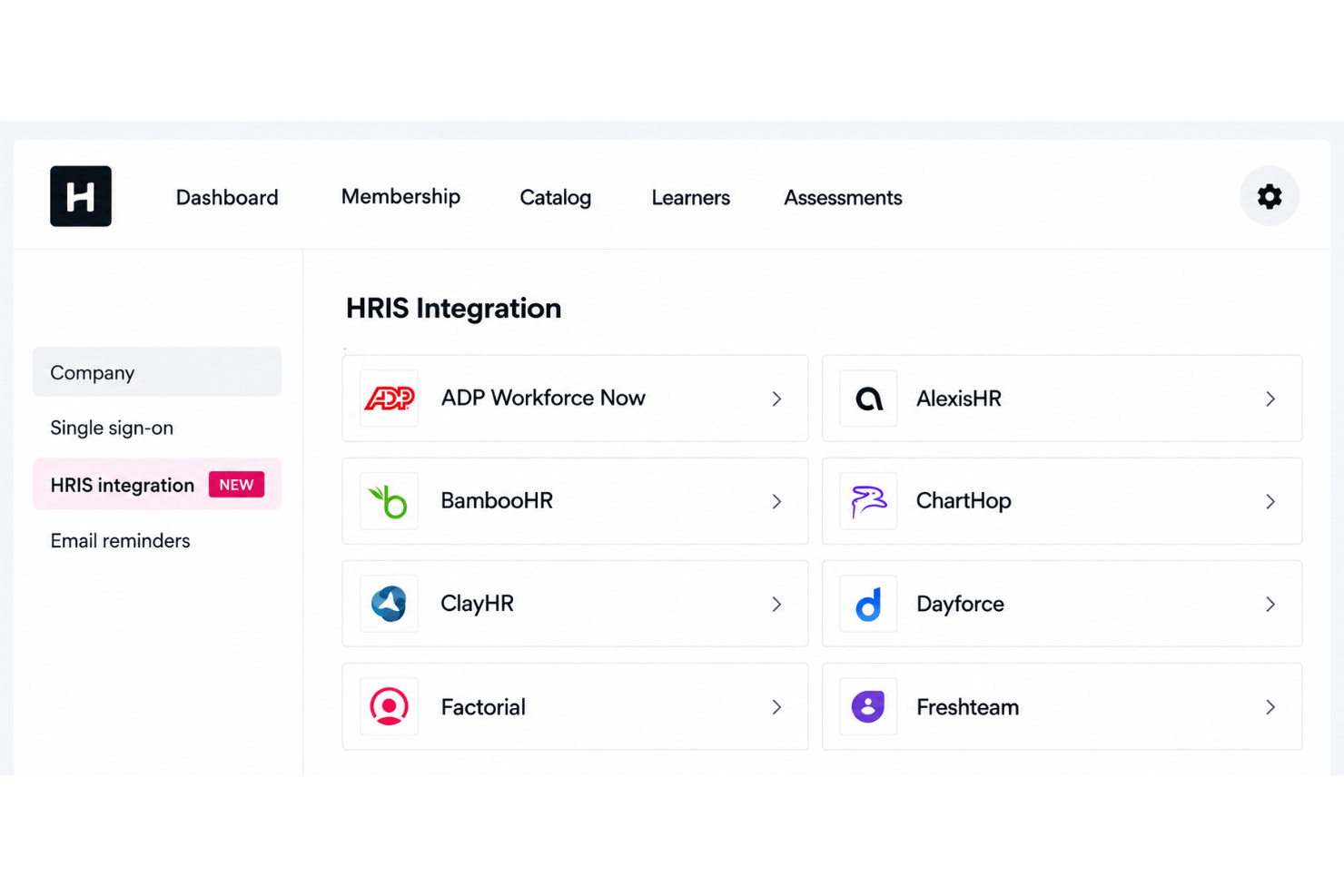
Hone integrates with Docebo, Workday, Degreed, Slack, Microsoft Teams, Deel, and BambooHR, among others.
Hone does not currently offer a public API for developer use.
Hone Specs
- 360 Degree Feedback
- API
- Application Tracking
- Attendance Tracking
- Batch Permissions & Access
- Calendar Management
- Data Export
- Data Import
- Email Integration
- Employee Database
- Employee Engagement
- Employee Incentive Management
- Employee Onboarding
- Employee Training
- External Integrations
- Feedback Management
- Gamification
- Google Apps Integration
- Multi-User
- Notifications
- Onboarding
- Password & Access Management
- Scheduling
- Time Management
- Timesheets
- Travel Management
- Vacation & Absence Calendar
- Video Courses