



Sage HR vs. UKG: Comparison & Expert Reviews For 2026


Similarities Between Sage HR and UKG
Both Sage HR and UKG offer essential HCM features designed to improve HR workflows, employee management, and workforce efficiency.
| Customization | Both platforms offer customization options, allowing you to tailor dashboards and reports to fit your team's specific needs. |
|---|---|
| Data Security | Sage HR and UKG prioritize data security with encryption and role-based access to protect sensitive information |
| Employee Management | Both Sage HR and UKG offer robust employee management tools, allowing you to track attendance and manage employee records efficiently. |
| Integrations | Both solutions provide integration capabilities with popular platforms like Slack and Microsoft Teams, enhancing team collaboration. |
| Mobile Usability | Sage HR and UKG both provide mobile apps, enabling you to manage HR tasks on the go, ensuring flexibility and accessibility. |
| Read Sage HR ReviewOpens new window | |
When comparing Sage HR vs. UKG, it's clear both HCM software platforms aim to streamline human resource management—but they serve different needs. Sage HR is known for its intuitive interface and user-friendly experience, making it a strong choice for small to mid-sized teams. UKG, meanwhile, offers a robust, enterprise-grade feature set ideal for larger organizations with complex HR demands.
This article will compare these tools, exploring their features, pros and cons, and pricing to help you find the best HCM software for your business needs.
Sage HR vs. UKG: An Overview
Sage HR



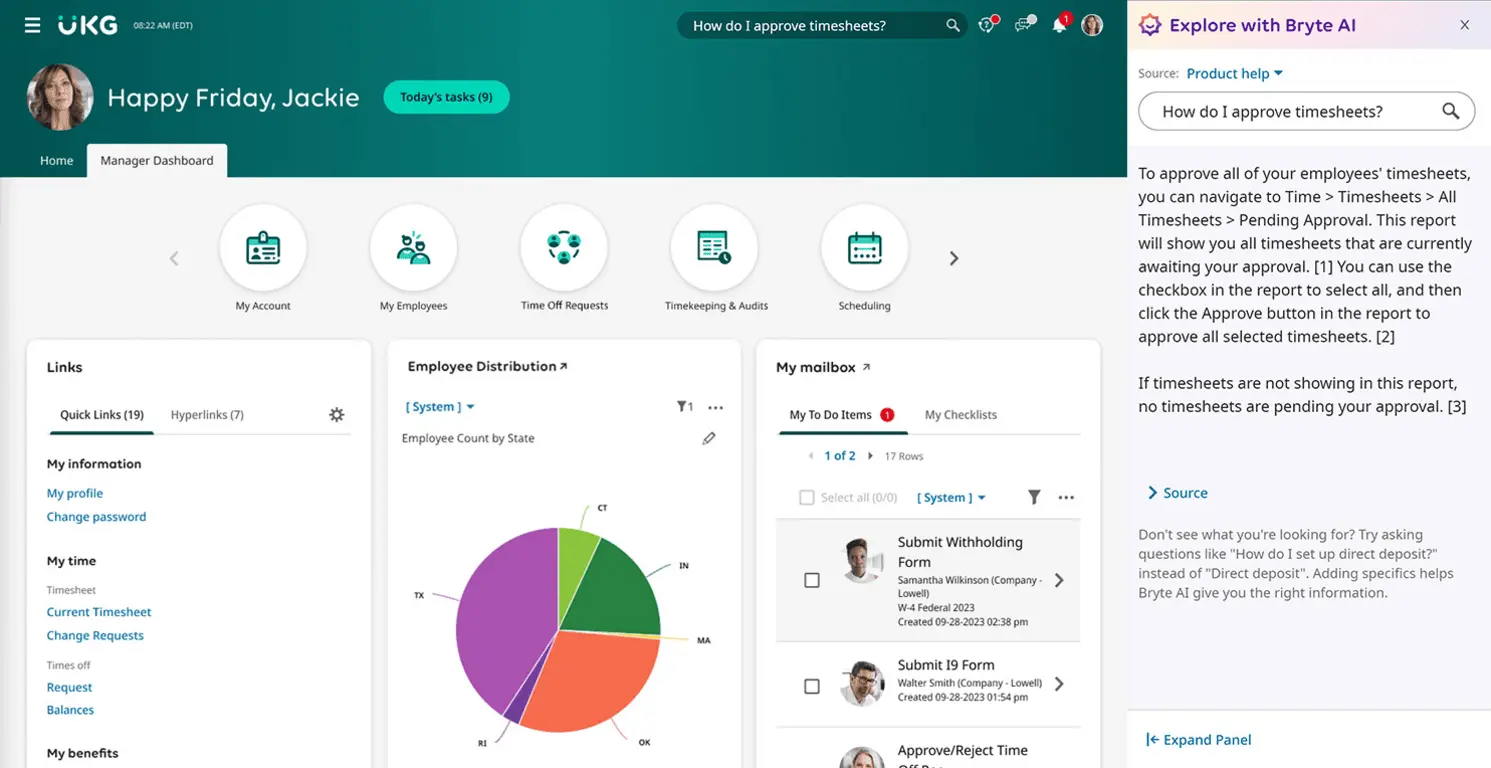
UKG

Why Trust Our Software Recommendations
Our team has been testing and reviewing software since 2012. As HR experts ourselves, we know how difficult—and important—it is to choose the right software.
For this guide, we evaluated tools using hands-on testing and independent research, scoring tools using our selection criteria. We also draw on insights from industry thought leaders and practicing HR experts.
Our reviews reflect our human editorial judgment, not a sales pitch.
Expert reviewers:
Sage HR vs. UKG Pricing Comparison
| Sage HR | UKG | |
|---|---|---|
| Free Trial | 30-day free trial | Free demo available |
| Pricing | From $6/employee/month | Pricing upon request |
Sage HR vs. UKG Pricing & Hidden Costs
Sage HR pricing follows a subscription model that varies based on the number of users, with potential additional costs for extra features or modules. UKG pricing typically requires a custom quote, reflecting the complexity and scale of the implementation, which might include extra charges for advanced functionalities.
To select the right pricing for your needs, evaluate both tools by listing your must-have features and compare how each vendor's pricing aligns with these requirements, ensuring you understand any additional costs that might arise.
Sage HR vs. UKG Feature Comparison
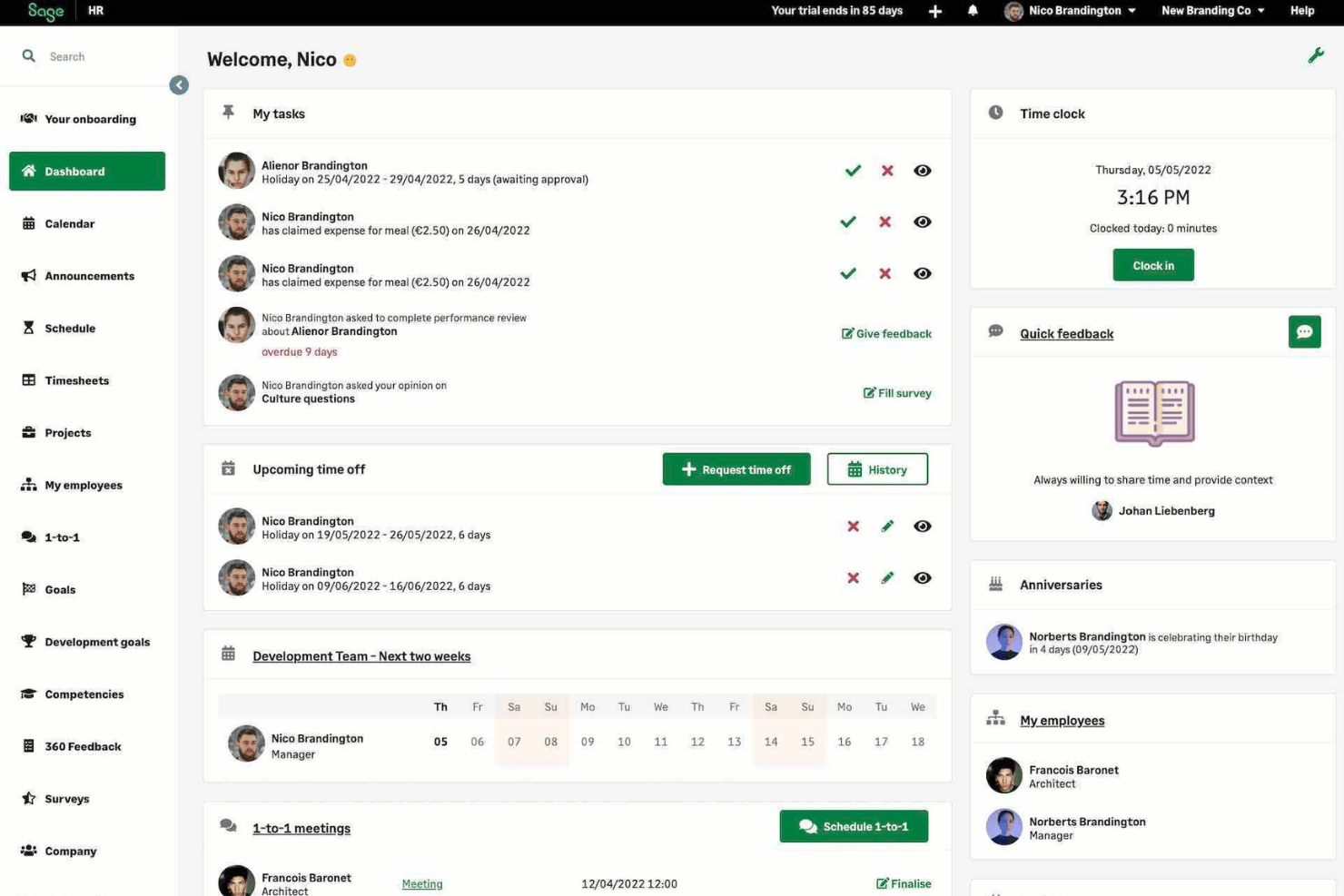
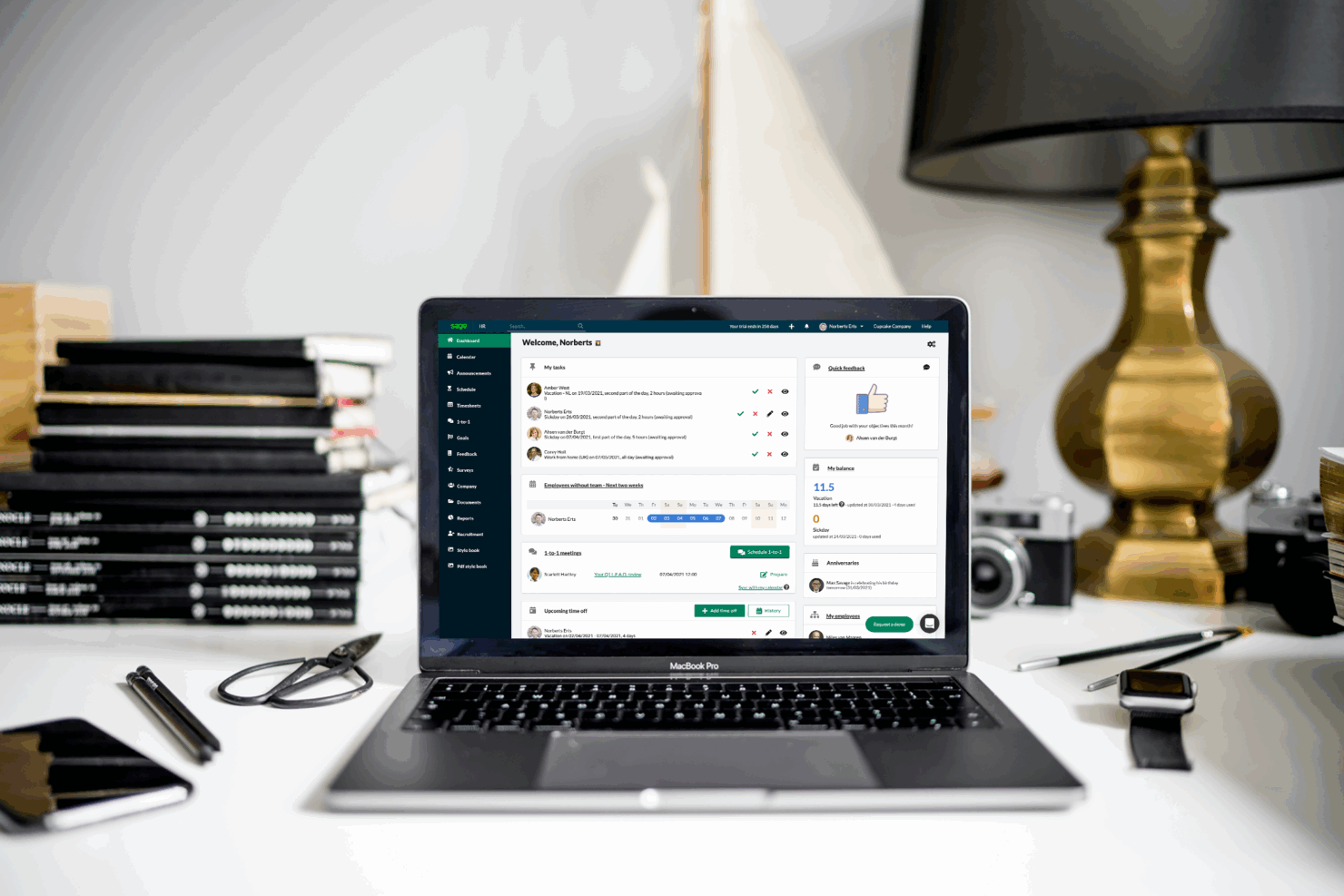
With Sage HR’s employee self-service portal, you can streamline administrative tasks by allowing employees to update their personal information and request time off, which is especially valuable in small to mid-sized businesses.
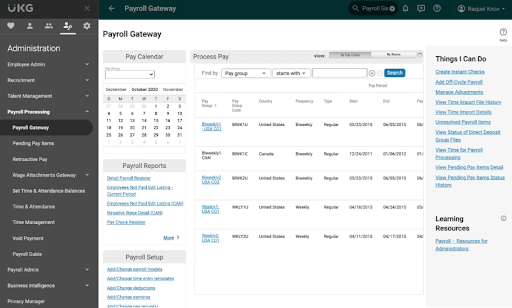
UKG’s advanced analytics feature is great for large enterprises seeking to gain insights from vast amounts of HR data, supporting strategic decision-making. While Sage HR simplifies daily HR tasks, UKG empowers data-driven strategies, each catering to different organizational needs.
| Sage HR | UKG | |
|---|---|---|
| 2-Factor Authentication | ||
| 360 Degree Feedback | ||
| API | ||
| Application Tracking | ||
| Attendance Tracking | ||
| Batch Permissions & Access | ||
| Compliance Tracking | ||
| Dashboard | ||
| Data Export | ||
| Data Import | ||
| Data Visualization | ||
| Employee Database | ||
| Employee Engagement | ||
| Employee Incentive Management | ||
| Employee Onboarding | ||
| Employee Training | ||
| Expense Tracking | ||
| External Integrations | ||
| Feedback Management | ||
| Multi-User | ||
| Notifications | ||
| Payroll | ||
| Performance Appraisal | ||
| Scheduling | ||
| Time Management | ||
| Timesheets | ||
| Travel Management | ||
| Vacation & Absence Calendar |
Sage HR vs. UKG Integrations
| Integration | Sage HR | UKG |
| Xero | ✅ | ❌ |
| QuickBooks | ✅ | ✅ |
| Gusto | ✅ | ❌ |
| Slack | ✅ | ✅ |
| Microsoft Teams | ✅ | ✅ |
| Google Calendar | ✅ | ❌ |
| Outlook Calendar | ✅ | ❌ |
| DocuSign | ❌ | ✅ |
| Dropbox | ❌ | ✅ |
| Salesforce | ❌ | ✅ |
| API | ✅ | ✅ |
| Zapier | ✅ | ✅ |
With Sage HR's integration with Xero, you can streamline payroll processes in small to mid-sized companies, ensuring accuracy and efficiency. UKG’s integration with Salesforce is great for large enterprises that need to align HR data with customer relations, enhancing overall business strategy.
While Sage HR aids in simplifying accounting tasks, UKG supports comprehensive business insights, each serving different organizational contexts.
Sage HR vs. UKG Security, Compliance & Reliability
| Factor | Sage HR | UKG |
| Data Privacy | Sage HR ensures data privacy by offering role-based access control and data encryption. | UKG maintains data privacy with comprehensive access controls and encryption protocols. |
| Regulatory Compliance | Sage HR complies with GDPR and other regulations through regular audits and updates. | UKG adheres to global compliance standards, including GDPR and CCPA, through robust policy frameworks. |
| System Reliability | Sage HR provides reliability with a 99.9% uptime guarantee and continuous system monitoring. | UKG ensures reliability with redundant data centers and a 99.9% uptime commitment. |
Sage HR and UKG both offer strong security and compliance features, but UKG often stands out with its comprehensive global compliance coverage. To evaluate and prioritize security and compliance features, review each vendor's certifications, audit reports, and uptime guarantees to ensure they meet your organization's specific regulatory requirements.
Sage HR vs. UKG Ease of Use
| Factor | Sage HR | UKG |
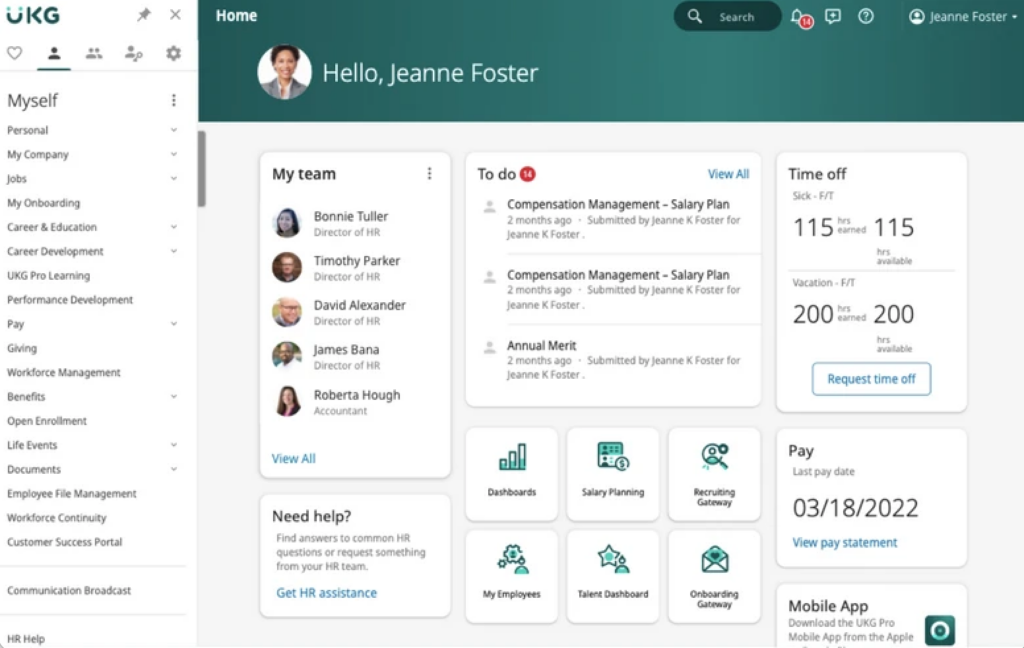
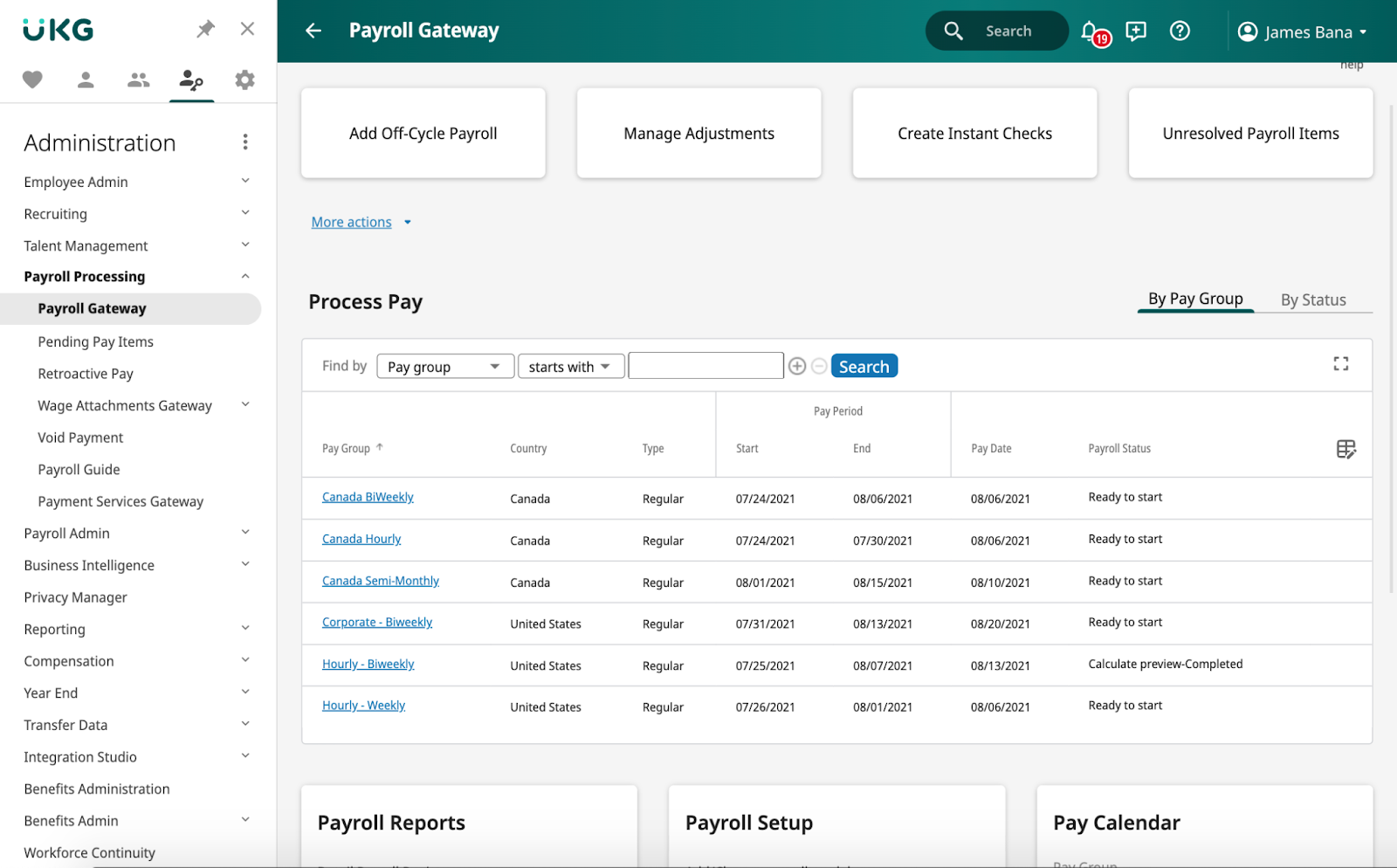
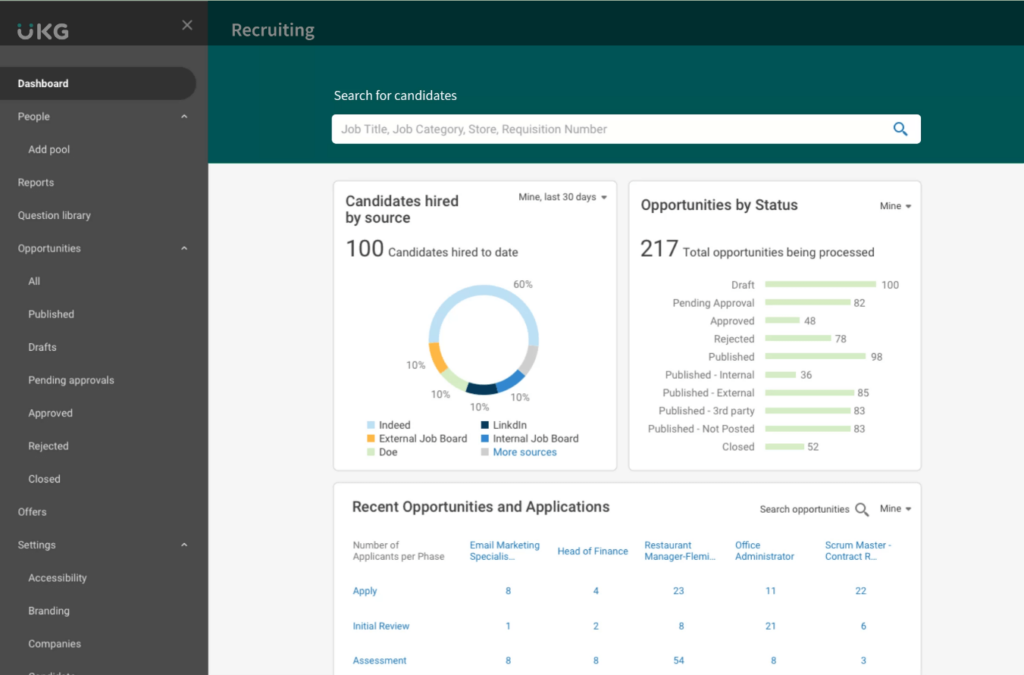
| User Interface | Sage HR offers a clean, intuitive interface with customizable dashboards for easy navigation. | UKG provides a feature-rich interface that may require more time to learn due to its complexity. |
| Onboarding Experience | Sage HR simplifies onboarding with step-by-step guides and an easy setup process. | UKG offers a comprehensive onboarding process that includes detailed training sessions. |
| Support Availability | Sage HR provides responsive support through live chat and email. | UKG offers robust support with dedicated account managers and a 24/7 help desk. |
Sage HR is easier to navigate with its intuitive interface and straightforward onboarding, making it ideal for smaller teams. UKG, while more complex due to its extensive features, excels in support and training, which benefits larger organizations with diverse needs.
Sage HR vs UKG: Pros & Cons
Sage HR
- Automated leave management cuts down manual tracking fast
- Customizable performance review templates suit different teams
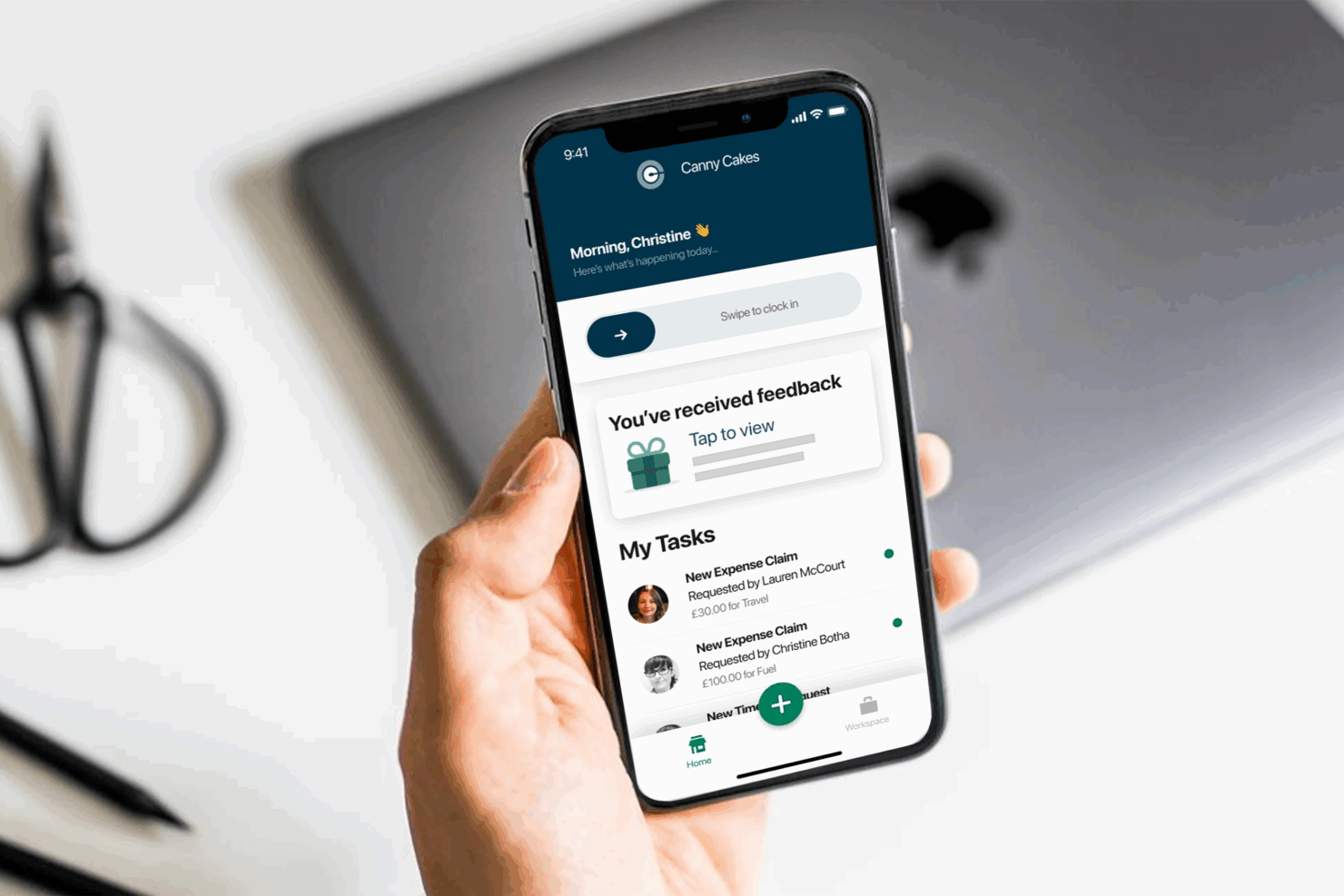
- Mobile app supports approval workflows and self-service requests
- Limited analytics restricts deeper workforce insights
- No built-in payroll processing in most plans
- Some users report delays with chat-based support
UKG
Best Use Cases for Sage HR and UKG
Sage HR
- Retail Businesses Sage HR’s shift scheduling and instant notifications help retail managers oversee changing rotas and track hourly employee attendance.
- Fast-Growing Startups Custom onboarding workflows and digital document storage make it easy to scale people operations quickly without drowning in paperwork.
- Remote Teams Features like remote check-in and announcements let distributed teams stay connected and manage attendance from anywhere.
- Hospitality Teams Easy time-off management and mobile features let hospitality staff and managers track last-minute absences and fill shift gaps fast.
- HR Departments With Limited IT Sage HR’s cloud-based, modular approach avoids heavy IT lift and lets small teams tailor modules to their needs.
- Professional Services Firms Centralized employee records and compliance documentation help keep client-facing teams organized and audit-ready.
UKG
Who Should Use Sage HR, and Who Should Use UKG?
In my opinion, Sage HR is best for small to mid-sized businesses that need a user-friendly, straightforward HR tool with essential features and a tight budget. It's great for teams that value simplicity and quick setup without sacrificing core HR functionalities.
On the other hand, UKG suits larger enterprises that need a comprehensive, feature-rich solution with advanced analytics and global compliance capabilities. If your organization requires extensive customization and has the resources for thorough training, UKG could be the right fit.
Differences Between Sage HR and UKG
Sage HR stands out for its simplicity and ease of use, while UKG delivers a feature-rich platform built for complex enterprise needs.
| Sage HR | UKG | |
|---|---|---|
| Automation | Sage HR automates basic HR processes like leave requests and approvals. | UKG automates complex workflows and integrates with enterprise systems. |
| Core Features | Sage HR focuses on essential HR tasks like employee self-service and time tracking. | UKG provides extensive features, including advanced analytics and global compliance. |
| Pricing | Sage HR uses a subscription model based on users, with add-ons available. | UKG requires a custom quote, reflecting its tailored solutions for large enterprises. |
| Support | Sage HR offers responsive support via live chat and email. | UKG provides comprehensive support with dedicated managers and 24/7 help. |
| User Interface | Sage HR has a clean, intuitive interface ideal for quick navigation. | UKG offers a feature-rich interface that can be complex to learn. |
| Read Sage HR ReviewOpens new window |