

Reseña de LeverTRM 2026: Pros, Contras, Características y Precios



Lever is a talent acquisition software that combines an applicant tracking system and a candidate relationship management tool in one platform. It's a strong fit for mid-size and enterprise teams that need to manage high-volume hiring while keeping candidates engaged across a longer pipeline. I'd consider it over Greenhouse if your team wants built-in CRM functionality without adding a separate tool—Lever gives you both natively, which keeps your recruiting data in one place rather than split across systems.
Lever Evaluation Summary
- Pricing upon request
- Free demo available
Por qué confiar en nuestras reseñas de software
Nuestro equipo lleva probando y evaluando software desde 2012. Como expertos en RR. HH., sabemos lo difícil —y lo importante— que es elegir el software adecuado.
Para esta guía, evaluamos las herramientas mediante pruebas prácticas e investigación independiente, puntuando las herramientas según nuestros criterios de selección. También nos basamos en la experiencia de líderes de opinión del sector y de profesionales de RR. HH. en activo.
Nuestras reseñas reflejan nuestro criterio editorial humano, no un discurso de ventas.
Revisores expertos:
Lever Overview
When I compare LeverTRM to others, I think its clean interface, customizable workflows, and strong analytics set it apart—especially for teams juggling multiple roles and approvals. Its integrations and responsive support help with fast onboarding.
Pricing can be high for smaller organizations, and bulk automation features may run deeper elsewhere, but I’d judge LeverTRM the best pick for midsize to large teams who prioritize collaborative hiring and centralized candidate data.
pros
-
Tracks candidate progress with clear, visual pipelines
-
Collaborative hiring tools let teams share feedback easily
-
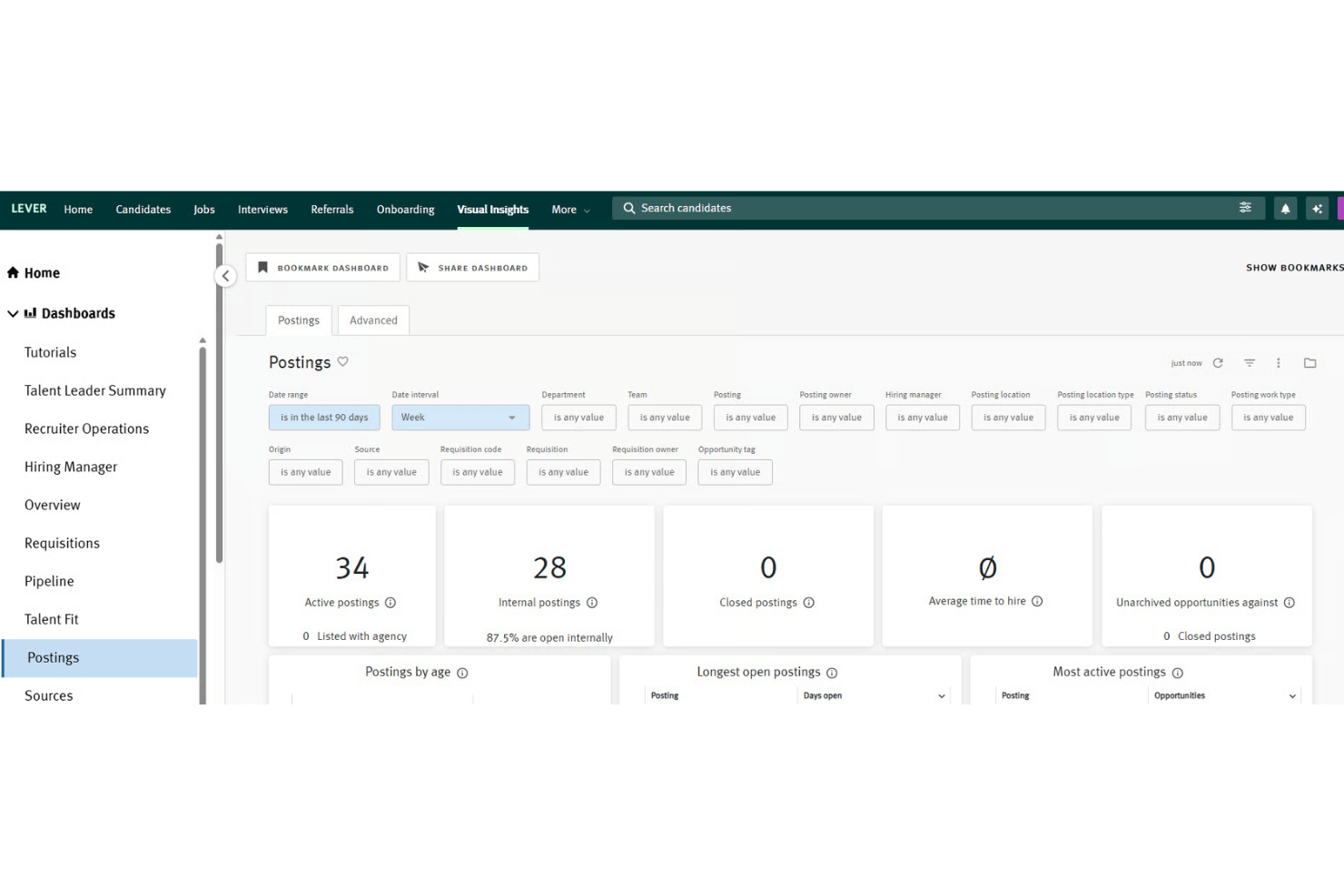
Reporting dashboard covers both sourcing and diversity metrics
cons
-
Limited flexibility to customize some workflow stages
-
Pricing may be too high for small companies
-
Advanced automation tools require higher subscription tiers
-

Justworks
Visit WebsiteThis rating combines scores from multiple user review sites to reflect overall customer sentiment about the product.4.6 -
Small Improvements
Visit WebsiteThis rating combines scores from multiple user review sites to reflect overall customer sentiment about the product.4.3 -
HiBob
Visit WebsiteThis rating combines scores from multiple user review sites to reflect overall customer sentiment about the product.4.5





Cómo probamos y puntuamos nuestras herramientas
Hemos pasado años construyendo, refinando y mejorando nuestro sistema de pruebas y puntuación de software. La rúbrica está diseñada para capturar los matices de la selección de software y lo que hace que una herramienta sea efectiva, centrándose en los aspectos críticos del proceso de toma de decisiones. A continuación, puedes ver exactamente cómo funcionan nuestras pruebas y puntuaciones a través de siete criterios. Esto nos permite ofrecer una evaluación imparcial del software basada en la funcionalidad principal, características destacadas, facilidad de uso, incorporación, soporte al cliente, integraciones, reseñas de clientes y relación calidad-precio.
Funcionalidad principal (25% de la puntuación final)
El punto de partida de nuestra evaluación siempre es la funcionalidad principal de la herramienta. ¿Tiene las funciones básicas que se espera encontrar? ¿Alguna de esas funciones básicas está restringida a planes de precio superiores? En esencia, esperamos que una herramienta se compare favorablemente con las capacidades básicas de sus competidores.
Características destacadas (25% de la puntuación final)
Luego, evaluamos características poco comunes que van más allá de la funcionalidad principal que normalmente se encuentra en herramientas de su tipo. Una puntuación alta refleja funciones especializadas o únicas que hacen que el producto sea más rápido, eficiente o que ofrezca un valor adicional al usuario. También evaluamos lo fácil que es integrar con otras herramientas comúnmente usadas en el entorno tecnológico para ampliar la funcionalidad y utilidad del software. Las herramientas que ofrecen muchas integraciones nativas, conexiones de terceros y acceso a API para construir integraciones personalizadas obtienen las mejores puntuaciones.
Facilidad de uso (10% de la puntuación final)
Consideramos qué tan rápido y fácil es ejecutar las tareas definidas en la funcionalidad principal utilizando la herramienta. El software que obtiene una puntuación alta está bien diseñado, es intuitivo, ofrece aplicaciones móviles, proporciona plantillas y hace que tareas relativamente complejas parezcan simples.
Incorporación (10% de la puntuación final)
Sabemos lo importante que es la rápida adopción del equipo para una nueva plataforma, por eso evaluamos qué tan fácil es aprender y usar una herramienta con una capacitación mínima. Evaluamos cuán rápido un miembro del equipo puede configurarse y comenzar a usar la herramienta sin experiencia. Las soluciones con mejores puntuaciones requieren poco o ningún soporte.
Soporte al cliente (10% de la puntuación final)
Revisamos cuán rápido y fácil es obtener ayuda mediante teléfono, chat en vivo o base de conocimientos. Las herramientas y empresas que ofrecen soporte en tiempo real obtienen las mejores puntuaciones, mientras que los chatbots obtienen las peores.
Reseñas de clientes (10% de la puntuación final)
Además de nuestras propias pruebas y evaluaciones, consideramos el puntaje neto de promotores de clientes presentes y pasados. Revisamos su probabilidad, dada la opción, de elegir nuevamente la herramienta por su funcionalidad principal. El software con una puntuación alta refleja un alto puntaje neto de promotores por parte de clientes actuales o anteriores.
Relación calidad-precio (10% de la puntuación final)
Por último, considerando todos los demás criterios, revisamos el precio promedio de los planes de entrada frente a las funciones principales y valoramos el resto de los criterios de evaluación. El software que ofrece más por menos tendrá una mejor puntuación.
Core Features
Candidate Pipeline Management
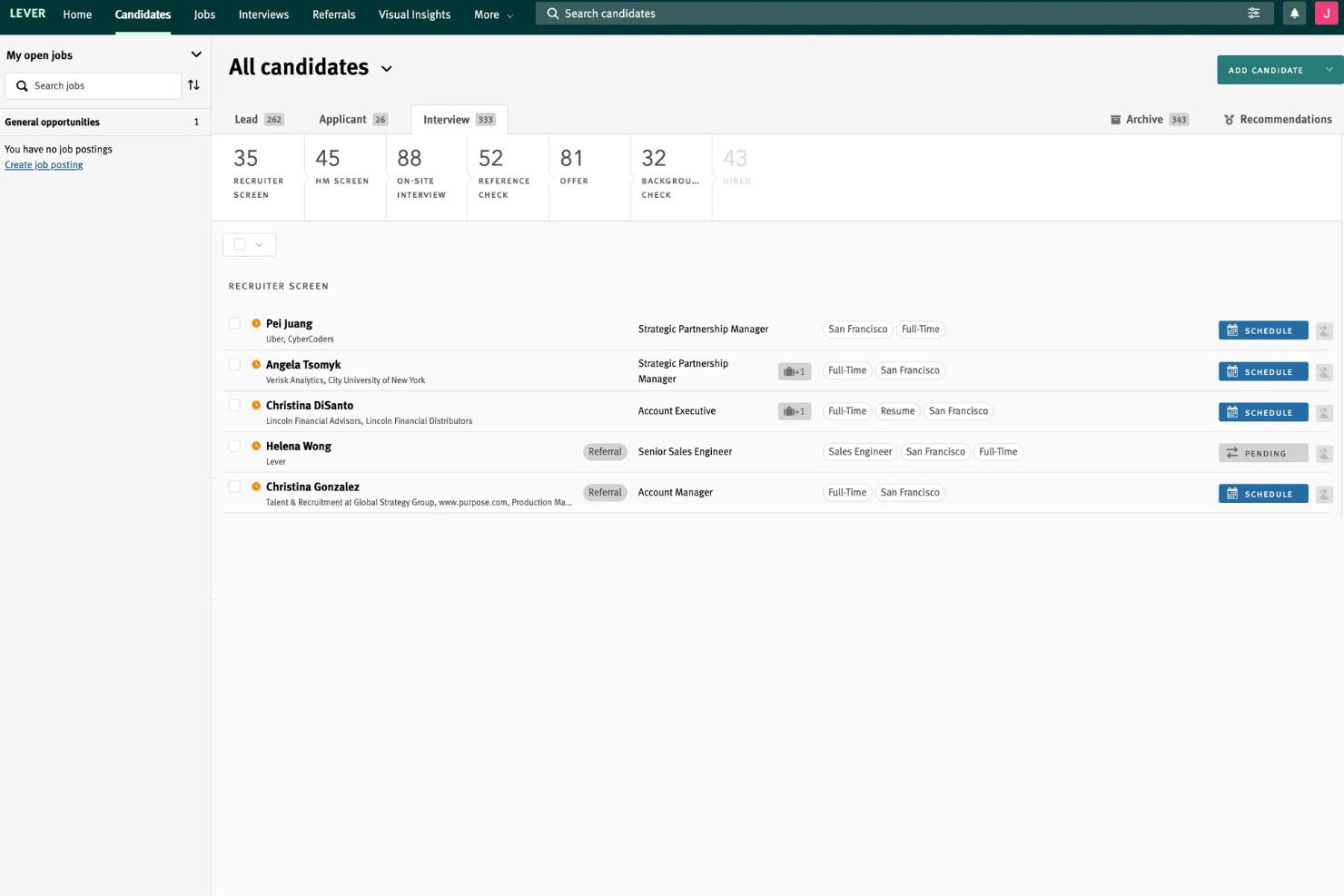
Track candidates through each hiring stage with customizable visual pipelines. Drag-and-drop moves applicants and gives teams a real-time overview.
Interview Scheduling
Automate interview scheduling and sync calendars right in the platform. Candidates pick times that work, which speeds up the process.
Candidate Nurture Campaigns
Set up automated email campaigns to re-engage past applicants or talent pools. This helps build ongoing relationships and fill future openings faster.
Diversity and Inclusion Analytics
Measure diversity metrics at every hiring stage with built-in dashboards. Spot trends in sourcing, selection, and offers to improve equity.
Offer Management
Create, send, and track offer letters with electronic signature support. You manage approvals and compliance all within LeverTRM.
Collaborative Feedback
Hiring teams share candidate assessments and private notes directly in the system. Managers see consolidated feedback so decisions happen faster.
Ease of Use
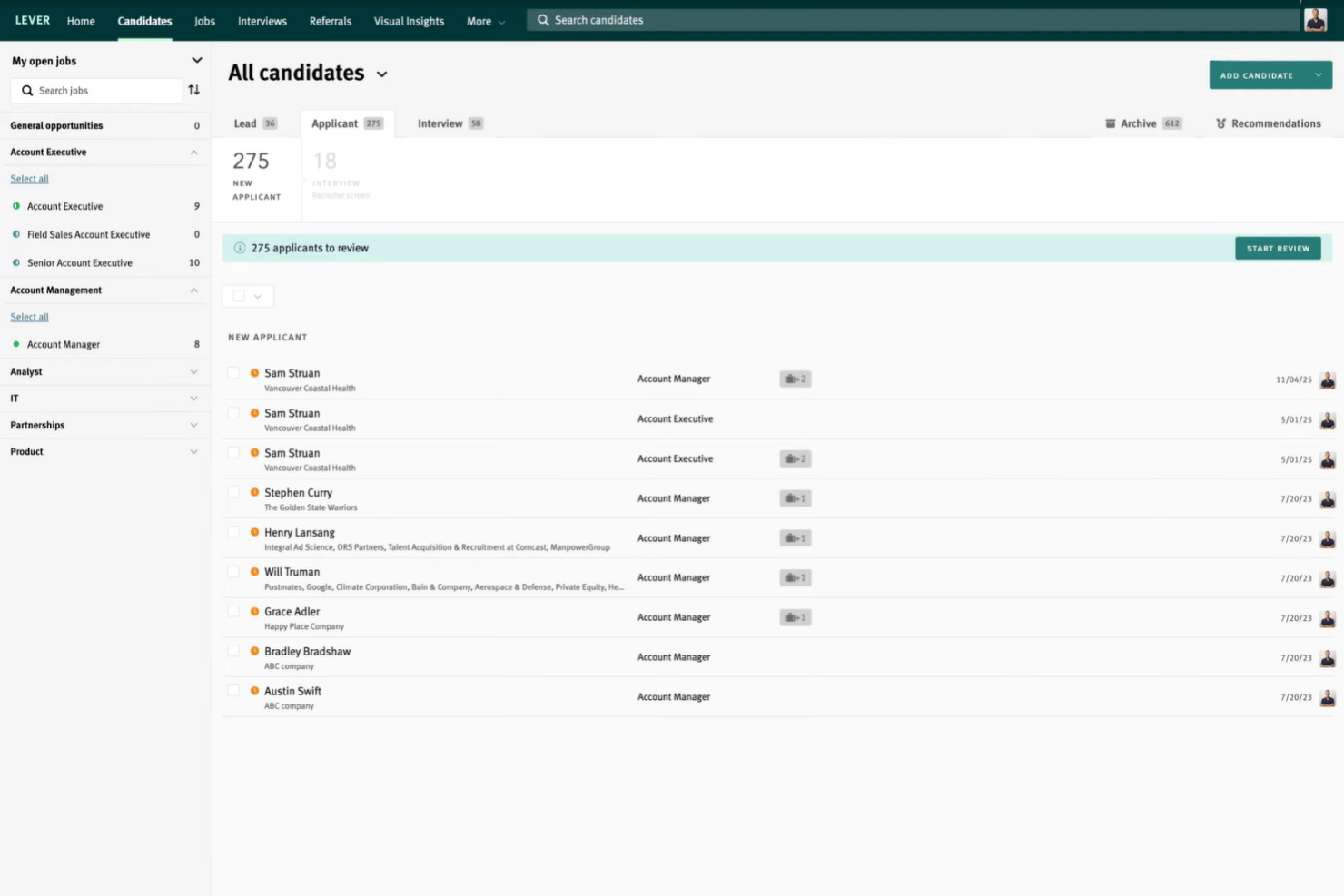
LeverTRM impresses with its modern, intuitive interface that makes navigating complex hiring pipelines straightforward. Most recruiters mention the drag-and-drop candidate stages and in-platform feedback sharing save time daily. Onboarding new users happens quickly, and even multi-location teams can adapt to its workflow without long ramp-up.
Integrations
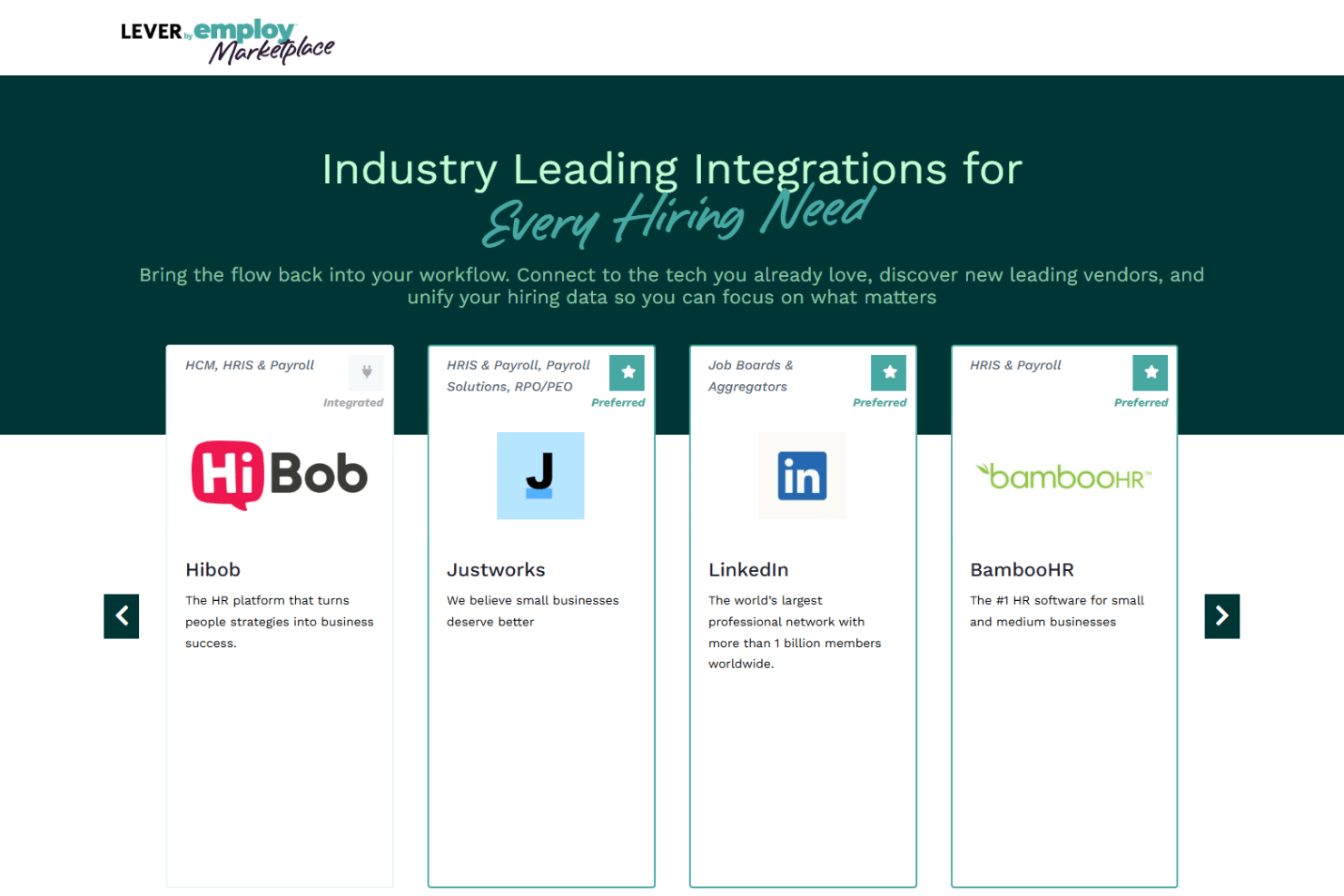
LeverTRM integrates with LinkedIn, Indeed, BambooHR, ADP, Hibob, Justworks, Verified First, and several payroll and job board solutions, among others.
It also provides an open API and connects with third-party integration tools for broader workflow automation.
Lever Specs
- 2-Factor Authentication
- 360 Degree Feedback
- API
- Application Tracking
- Approval Workflows
- Attendance Tracking
- Batch Permissions & Access
- Competency Assessment
- Compliance Tracking
- Custom Reports
- Dashboard
- Data Export
- Data Import
- Data Visualization
- Document Management
- Employee Database
- Employee Engagement
- Employee Incentive Management
- Employee Onboarding
- Employee Training
- Expense Tracking
- External Integrations
- Feedback Management
- Multi-User
- Notifications
- Objectives Tracking
- Payroll
- Performance Appraisal
- Risk Assessment
- Scheduling
- Workflow Management



- 5 retos al gestionar equipos remotos (y cómo solucionarlos)Opens new window
- Aprovechando a los pioneros de la IA para transformar el aprendizaje y desarrollo de tu empresaOpens new window
- Cómo Elevar a RRHH Como Socio Estratégico del NegocioOpens new window
- Demo de Lever: Recorrido en VideoOpens new window
- Las 10 mejores alternativas a Lever para 2026Opens new window
- Niveles de Precios de Lever y CostosOpens new window
- Para Encontrar El Mejor Talento Nuevo, Aprovecha Tu Talento ExistenteOpens new window
- Personas que gestionan personas – Lidera personas. Aprovecha la IA. Replantea el trabajo.Opens new window