


Avis Justworks : avantages, inconvénients, fonctionnalités et tarifs



Let’s face it, running a small business is tough. Managing day-to-day operations while juggling multiple responsibilities is already pretty demanding, and on top of that, you still have to handle complex HR functions like payroll, benefits, and compliance. Surely there’s a way to ease this burden, or better yet, avoid it altogether.
Justworks is an all-in-one professional employer organization (PEO) software that simplifies your HR functions by automating payments, tax calculations, withholdings, and timesheets. The Justworks platform is particularly beneficial for small and medium-sized businesses (SMBs), offering HR solutions for companies in creative industries, professional services, and technology. Its efficient payroll and HR management solutions save time and provide certainty in the otherwise tumultuous landscape of small business operations.
In this article, I'll walk you through Justworks' features, pros and cons, use cases, pricing, and more to help you decide if it aligns with your payroll and HR needs.
Justworks Evaluation Summary
- From $599/employee/month
- Not available
Pourquoi faire confiance à nos avis sur les logiciels
Notre équipe teste et évalue des logiciels depuis 2012. En tant qu’experts RH nous-mêmes, nous savons à quel point il est difficile — et important — de choisir le bon logiciel.
Pour ce guide, nous avons évalué les outils grâce à des tests pratiques et une recherche indépendante, en notant les outils selon nos critères de sélection. Nous nous appuyons également sur les enseignements de leaders d’opinion du secteur et de professionnels des RH en activité.
Nos avis reflètent notre jugement éditorial humain, et non un argumentaire de vente.
Réviseurs experts:
Justworks Overview
In my opinion, where Justworks really stands out is in its enterprise-grade PEO capabilities designed for small businesses, combining intuitive design with robust functionality to simplify HR tasks. The platform excels in ease of use and onboarding, which is crucial for small businesses without dedicated HR teams. However, its selection of native integrations is a bit limited in comparison to other HR software. Regardless, Justworks offers great value for money, especially for small businesses, such as startups and entrepreneurs, looking for a user-friendly, comprehensive solution that simplifies compliance and payroll management without the complexity of larger systems.
pros
-
Includes efficient employee benefits administration handled by experts.
-
Has extremely budget-friendly and transparent pricing.
-
Offers accessible payroll processing with built-in workflows.
cons
-
There’s minimal built-in support for leave management.
-
Limited reporting capabilities may not meet all your analytical requirements.
-
Justworks lacks the wide array of integrations compared to other platforms.
Is Justworks Right For Your Needs?
Who Would be a Good Fit for Justworks?
Justworks is ideal for SMBs seeking straightforward payroll, benefits, and HR software. If you're managing a team that needs compliance support, Justworks offers tools to handle taxes and labor laws efficiently. Its user-friendly interface ensures that even those without extensive HR experience can manage payroll and benefits with ease.
-
Remote Teams
Justworks supports remote payroll management if you have a distributed workforce, ensuring seamless operations.
-
Small Agencies
With its benefits management features and flexible HR solutions, Justworks helps you attract and retain talent.
-
Consulting Firms
Justworks handles varied contractor payments, ensuring smooth operations for your consulting work.
-
Micro Businesses
The budget-friendly pricing of Justworks allows for smaller businesses to comfortably adopt and manage payroll.
-
Regulated Industries
Justworks’ extensive compliance and security standards means that you can adopt it even in regulated industries.
-
Tech Startups
Your startup can benefit from Justworks' easy payroll processing, applicant tracking, and compliance support, letting you focus on growth.
Who Would be a Bad Fit for Justworks?
Justworks may not be ideal for large businesses or enterprises needing extensive customization and complex integrations. Its focus on small to midsize businesses means it lacks the depth required for intricate HR needs. Justworks may fall short if your company requires specialized tools for industry-specific compliance or extensive international operations.
-
Budget-Conscious Startups
Justworks' pricing may be steep for very small teams, making it less attractive for startups on a tight budget.
-
Manufacturing Companies
Justworks lacks job costing and crew scheduling features that are essential for manufacturing operations.
-
Industries With Unionized Workforces
There's a lack of built-in support for managing unionized employees or collective bargaining agreements.
-
Global Companies
Handling multiple currencies, languages, and country-specific compliance is limited in Justworks, making it unsuitable for international operations.
-
Large Enterprises
Justworks doesn't offer the depth and complexity needed for managing thousands of employees or complex organizational structures.
Comment nous testons et évaluons nos outils
Nous avons passé des années à construire, affiner et améliorer notre système de test et d’évaluation des logiciels. La grille d’évaluation est conçue pour saisir les nuances de la sélection des logiciels et ce qui rend un outil efficace, en se concentrant sur les aspects critiques du processus décisionnel. Ci-dessous, vous pouvez voir exactement comment fonctionne notre test et notre système d’évaluation à travers sept critères. Cela nous permet de fournir une évaluation impartiale des logiciels basée sur les fonctionnalités principales, les caractéristiques remarquables, la facilité d’utilisation, l’intégration, le support client, les intégrations, les avis clients et le rapport qualité-prix.
Fonctionnalités principales (25 % de la note finale)
Le point de départ de notre évaluation est toujours la fonctionnalité principale de l’outil. Dispose-t-il des fonctionnalités de base qu’un utilisateur s’attend à voir ? Certaines de ces fonctionnalités principales sont-elles réservées à des forfaits plus élevés ? En substance, nous nous attendons à ce qu’un outil soit à la hauteur des capacités de base de ses concurrents.
Fonctionnalités remarquables (25 % de la note finale)
Ensuite, nous évaluons les fonctionnalités remarquables, peu courantes, qui vont au-delà de la fonction principale habituellement présente dans les outils de ce type. Un score élevé reflète des fonctionnalités spéciales ou uniques qui rendent le produit plus rapide, plus efficace, ou offrent une valeur ajoutée à l’utilisateur. Nous évaluons également la facilité d’intégration avec d’autres outils généralement présents dans la pile technologique pour étendre la fonctionnalité et l’utilité du logiciel. Les outils qui proposent de nombreuses intégrations natives, des connexions tierces et un accès API pour développer des intégrations personnalisées obtiennent les meilleurs résultats.
Facilité d’utilisation (10 % de la note finale)
Nous prenons en compte la rapidité et la simplicité d’exécution des tâches définies par la fonctionnalité principale à l’aide de l’outil. Un logiciel bien noté est bien conçu, intuitif à utiliser, offre des applications mobiles, propose des modèles, et permet de simplifier des tâches relativement complexes.
Mise en route (10 % de la note finale)
Nous savons à quel point une adoption rapide par l’équipe est cruciale pour une nouvelle plateforme, c’est pourquoi nous évaluons la facilité d’apprentissage et d’utilisation d’un outil avec un minimum de formation. Nous évaluons la rapidité avec laquelle un membre de l’équipe peut s’installer et commencer à utiliser l’outil sans expérience préalable. Les solutions bien notées impliquent qu’aucune ou très peu d’assistance soit requise.
Support client (10 % de la note finale)
Nous examinons la rapidité et la simplicité d’obtention d’aide par téléphone, chat en direct ou base de connaissances. Les outils et sociétés qui proposent une assistance en temps réel obtiennent les meilleurs scores, tandis que les chatbots sont moins bien notés.
Avis clients (10 % de la note finale)
En plus de nos propres tests et évaluations, nous prenons en compte le score net de recommandation (NPS) des clients actuels et passés. Nous évaluons leur propension, s’ils en avaient l’option, à choisir à nouveau l’outil pour la fonctionnalité principale. Un logiciel obtenant un score élevé reflète un NPS élevé de clients actuels ou passés.
Rapport qualité-prix (10 % de la note finale)
Enfin, en tenant compte de tous les autres critères, nous comparons le prix moyen des forfaits d’entrée de gamme aux principales fonctionnalités et considérons la valeur des autres critères d’évaluation. Un logiciel qui en offre plus, pour moins, sera mieux noté.
Core Features
Automated Payroll Processing
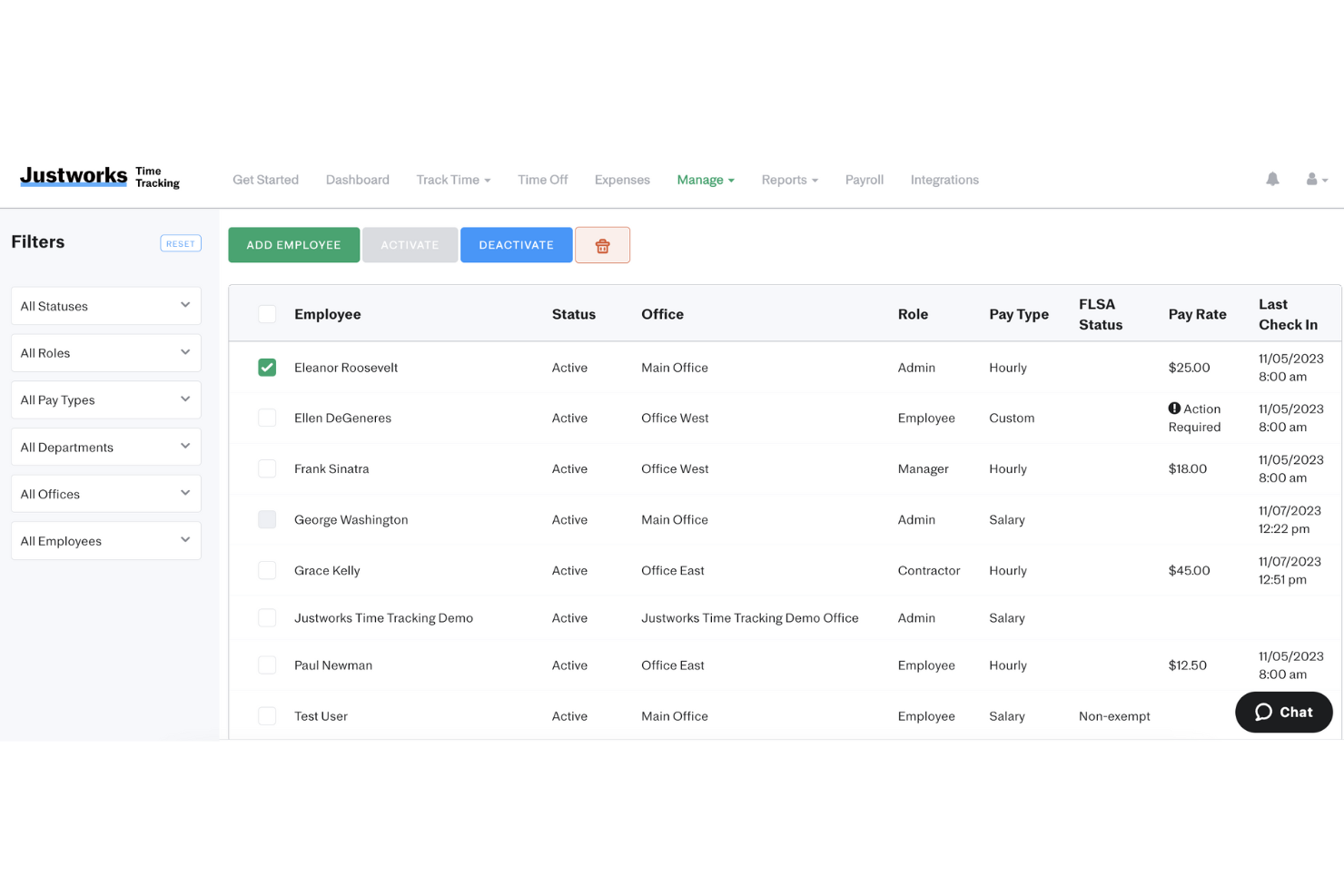
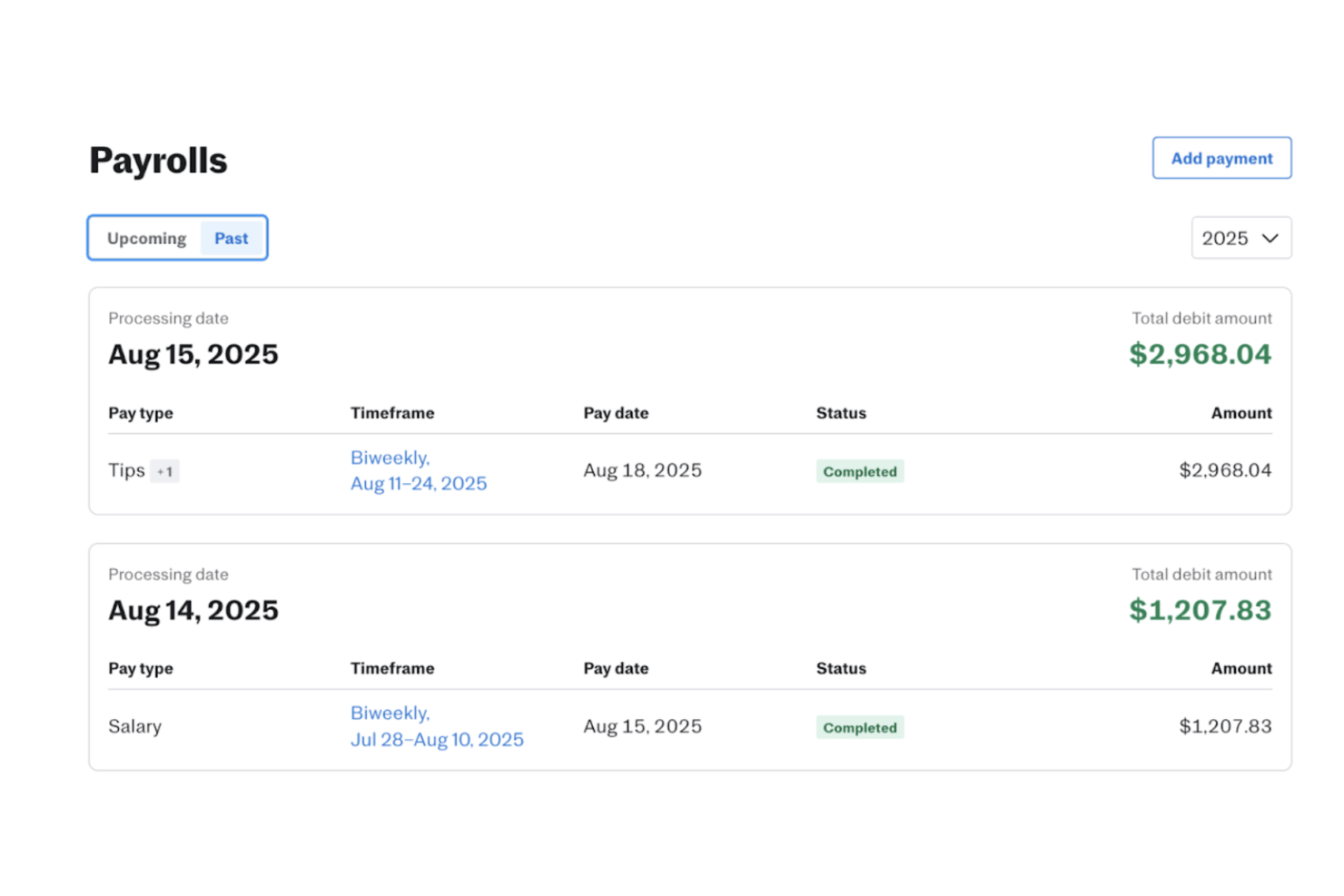
Easily manage your team's payroll with Justworks. It calculates taxes and deductions automatically, saving you time and reducing errors.
Compliance Management
Justworks keeps you updated on the latest payroll regulations. This helps ensure that your business stays compliant with state and federal laws.
Benefits Administration
Offer your employees benefits such as health insurance and retirement plans. Justworks simplifies the enrollment and management process.
Time Tracking
Track employee hours effortlessly. Your team can log their time, and you can approve it, ensuring accurate payroll processes.
Employee Self-Service Portal
Your team can access their pay stubs, tax forms, and benefits information at any time. This reduces administrative work and empowers employees.
Reporting and Analytics
Generate detailed payroll reports to understand your business's financial health. Use data insights to make informed decisions.
Standout Features
EOR Services
Justworks provides employer of record (EOR) services, which means it manages global hiring on your behalf. This reduces the administrative burden and compliance risk that comes with hiring.
24/7 Expert Support
Justworks offers round-the-clock customer support from HR and compliance experts, ensuring that you can resolve issues quickly and keep your business running smoothly.
Ease of Use
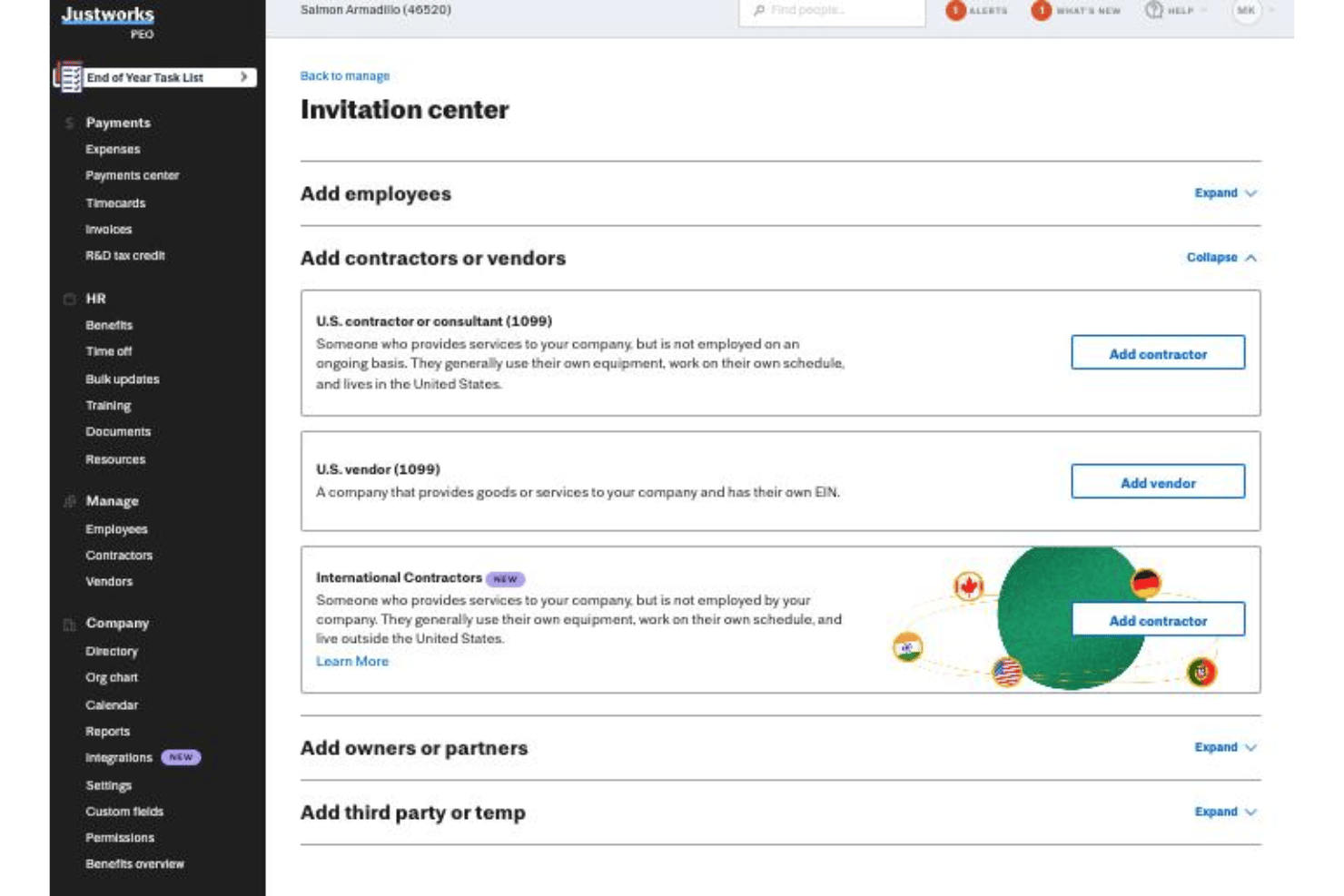
Justworks is praised for its straightforward interface, making payroll management less daunting for small businesses. Users appreciate its intuitive navigation and easily accessible essential features without extensive training. Compared to other platforms, Justworks stands out for simplifying complex payroll tasks, with clear instructions and responsive customer support. Regardless of occasional challenges in the onboarding process, it remains a user-friendly solution for small business payroll needs.
Onboarding
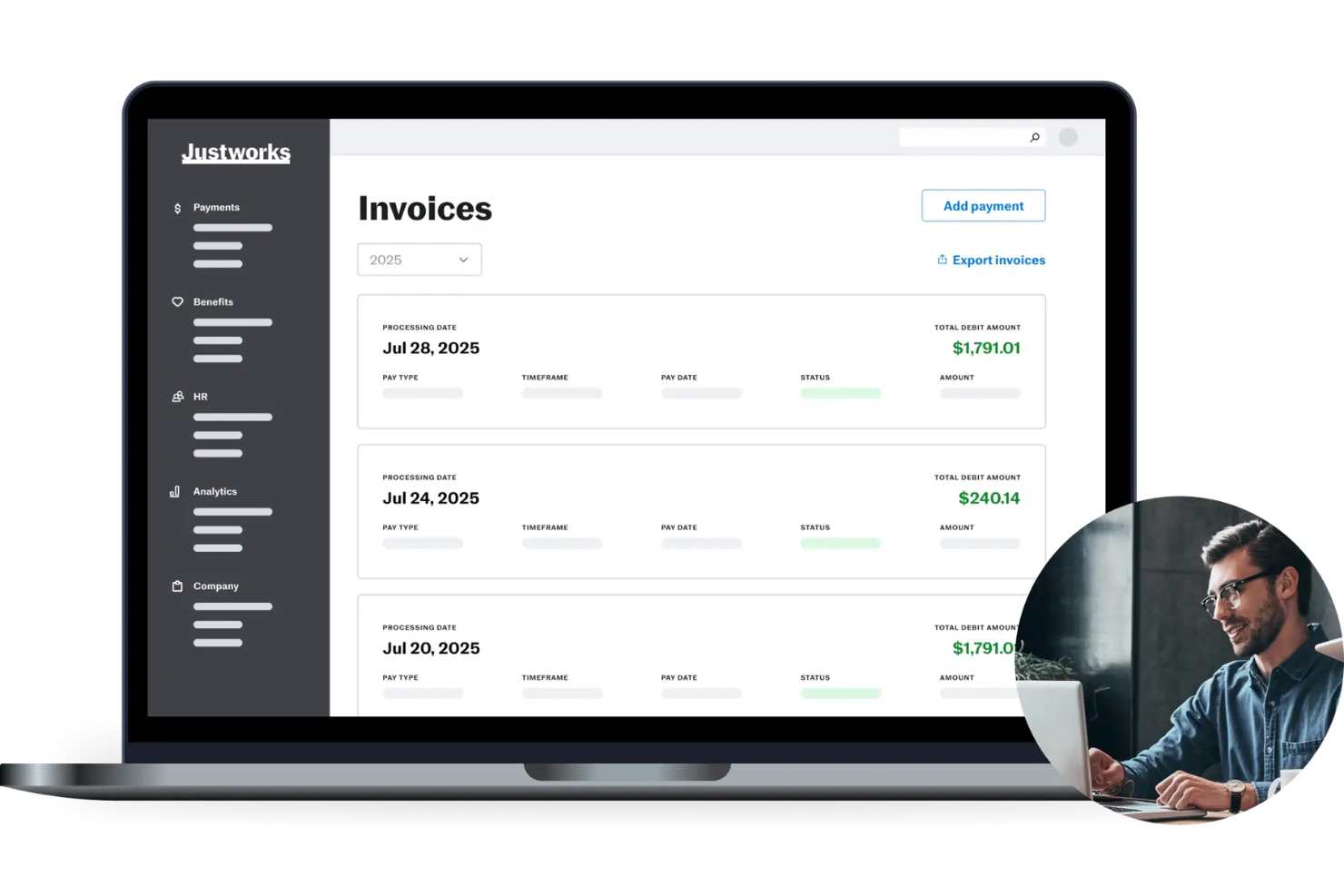
Justworks offers a smooth onboarding process, providing a dedicated onboarding manager to help you get started. The entire process can take anywhere from three to six weeks to fully implement, depending on the size and complexity of your business, but having an onboarding manager handling the data migration and providing tailored guidance eases the transition and eliminates any stress.
Customer Support
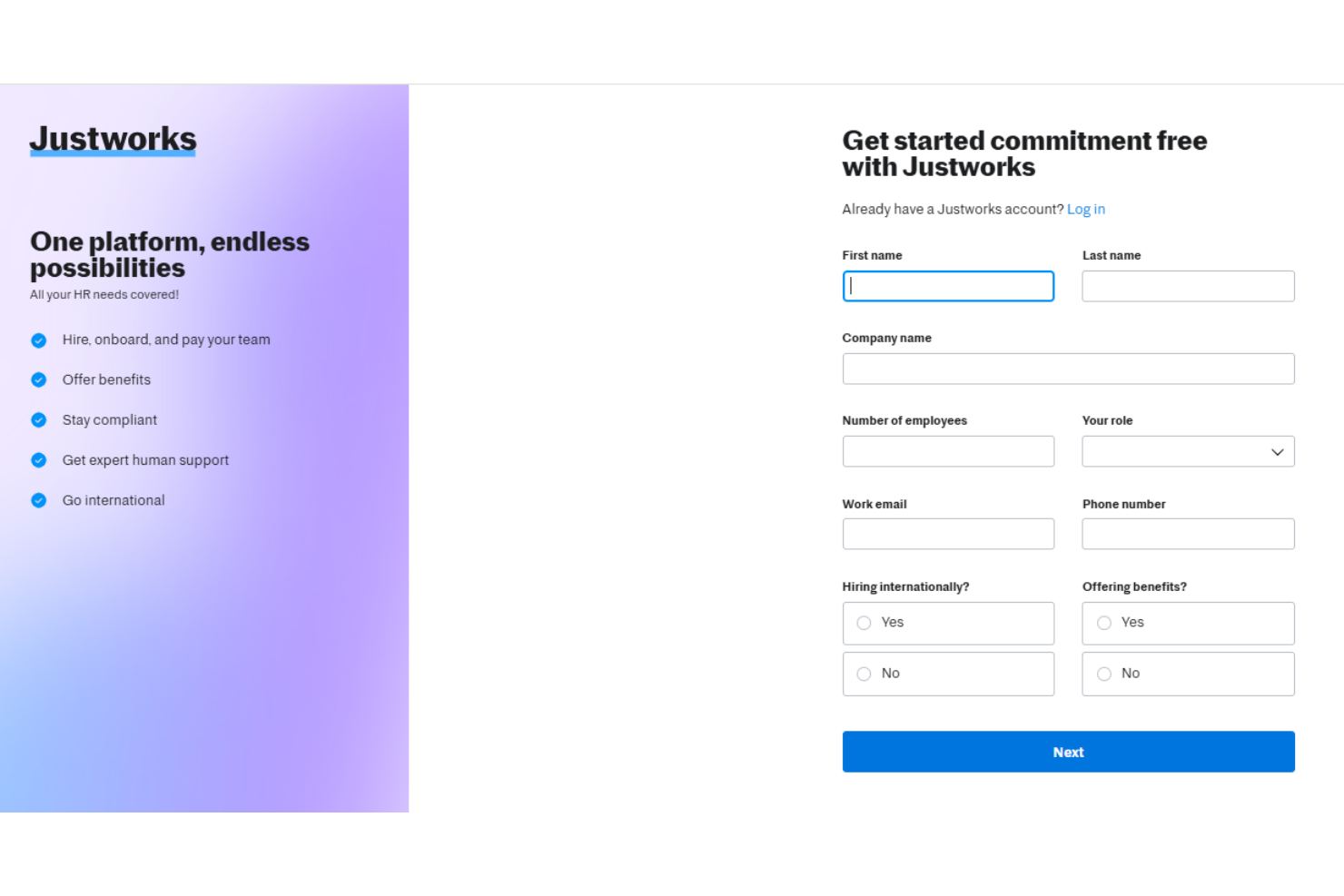
Justworks offers 24/7 phone support. You can expect helpful assistance from HR, compliance, and benefits experts, as well as through Justworks’ community and help center, which includes various videos and documentation. This makes Justworks favourable compared to other payroll software options where support is often self-service unless you have a higher plan option.
Integrations
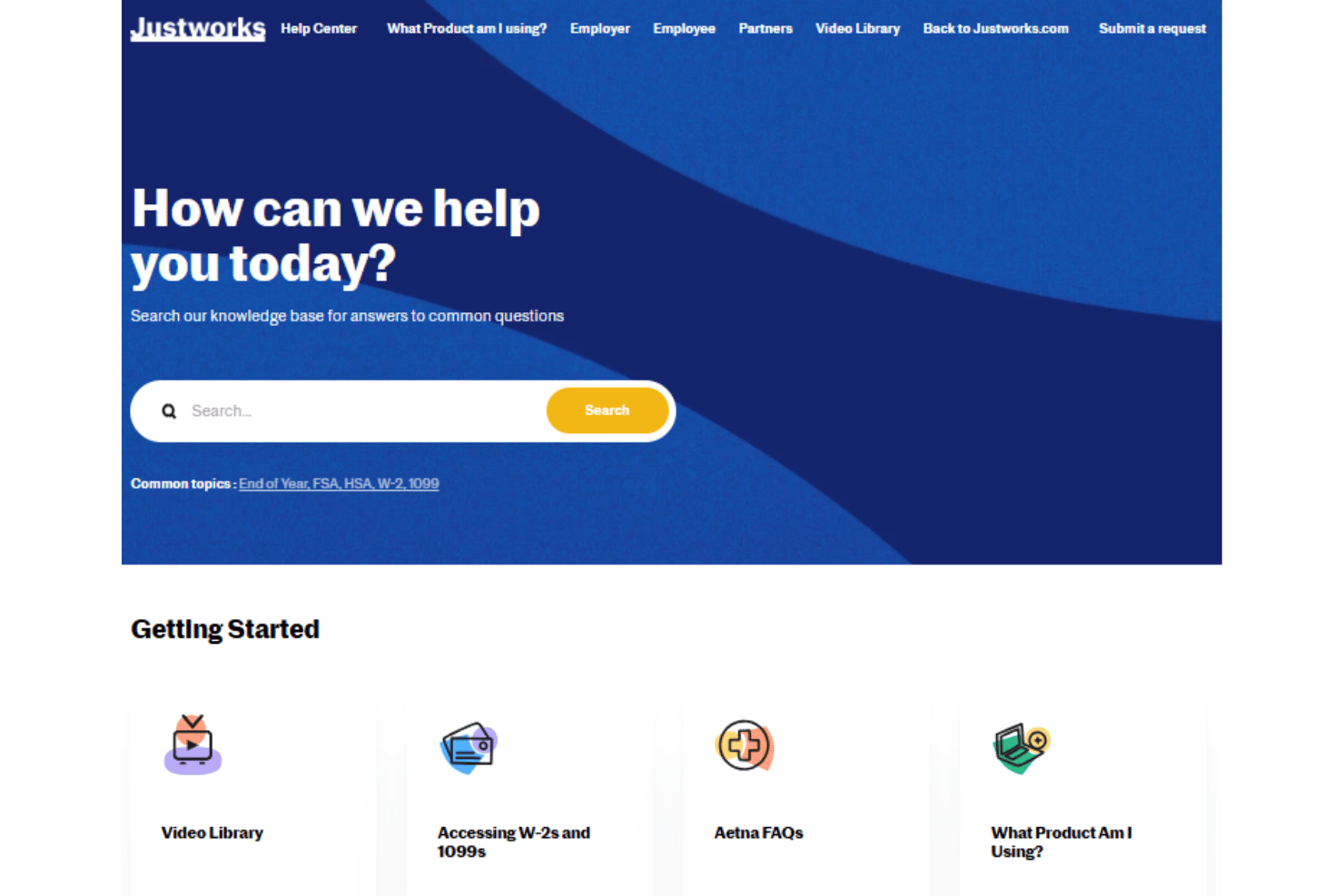
Justworks integrates with Culture Amp, 15Five, Leapsome, Carta, Brex, Ramp, Trainual, QuickBooks Online, Xero, and Vanta.
This software also provides an API for integrations, enabling connectivity with other platforms.
Value for Money
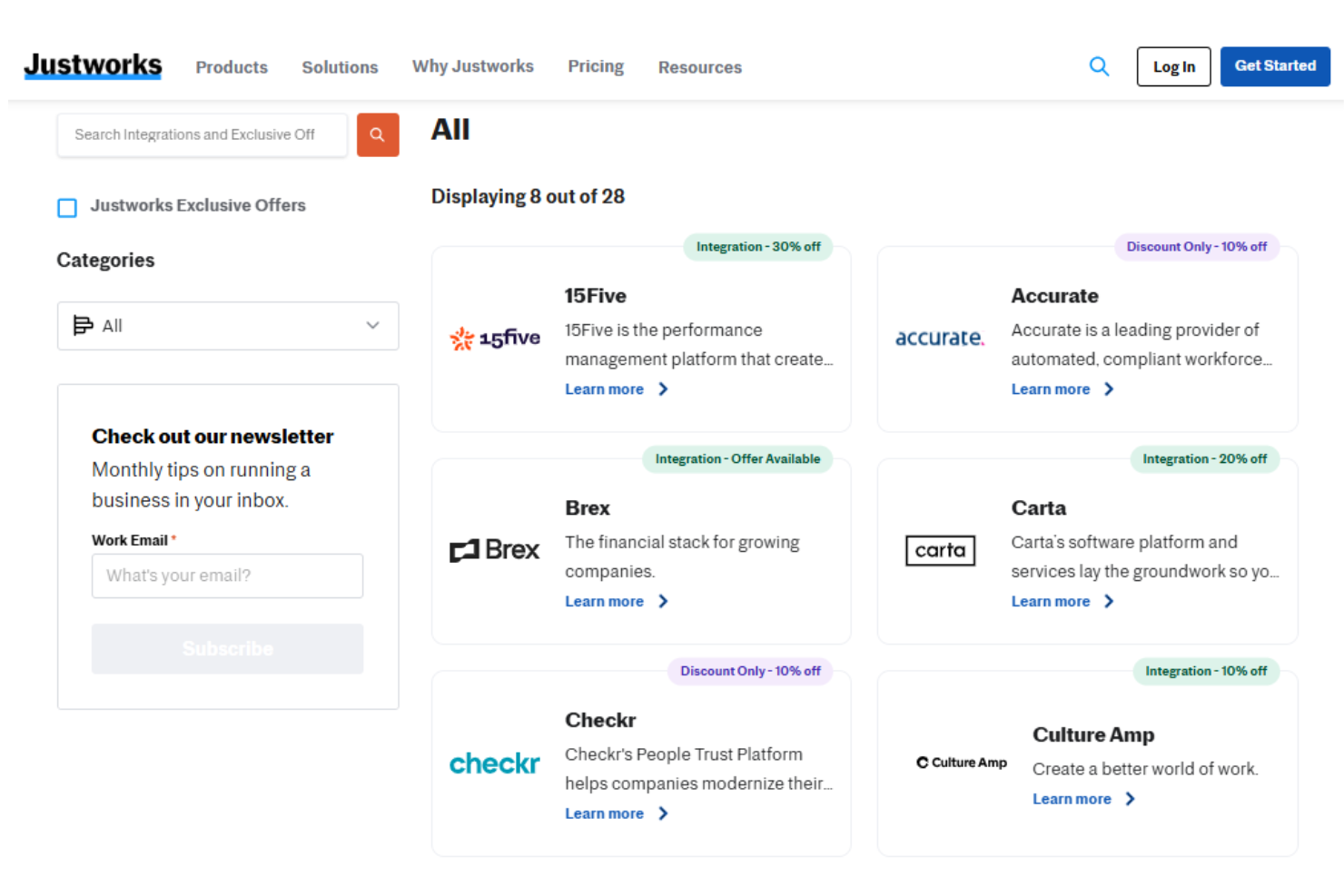
Justworks offers decent value, especially for smaller teams, with its transparent pricing structure. While its base pricing is competitive, the optional add-ons to access certain features can increase costs. Users also appreciate its pricing and potential volume discounts. A demo is available, allowing you to evaluate the software before committing to a purchase.
- Payroll: Includes payroll, HR tool, expert support, and time tracking.
- PEO Basic: Adds compliance, HR consulting, 24/7 support, custom reporting, and applicant tracking system integrations.
- PEO Plus: Offers health insurance administration, HSA/FSA accounts, and benefits management.
- EOR: Add-on service designed for teams looking to expand globally.
Justworks Specs
- API
- Application Tracking
- Batch Permissions & Access
- CRM Integration
- Data Export
- Data Import
- Data Visualization
- Database Search
- Email Integration
- Employee Database
- Employee Onboarding
- Employee Training
- External Integrations
- Google Apps Integration
- Multi-User
- Notifications
- Payroll
- Report & Compliance
- Scheduling
- Tax Management
- Timesheets
Justworks FAQs
How does Justworks support compliance with labor laws?
Can Justworks assist with payroll tax filings?
What employee benefits can Justworks manage?
How does Justworks handle employee onboarding?
What reporting capabilities does Justworks offer for financial analysis?
How does Justworks ensure data security and compliance?
Can Justworks assist in managing remote teams?
How does Justworks support employee self-service?
Justworks Company Overview & History
Justworks, headquartered in New York City, was founded in 2012 and has grown to support a significant number of small and medium-sized businesses with its human resources, payroll, and benefits management platform. Justworks is known for its robust customer support and dedication to simplifying business operations for its clients. Notable clients include small to medium enterprises that benefit from its comprehensive employee management services.
Justworks Major Milestones
- 2012: Founded in New York City.
- 2019: Received accreditation from the Employer Services Assurance Corporation.
- 2020: Acquired Boomr, enhancing its capabilities in workforce management.
- 2021: Launched Justworks.org, expanding its community and social initiatives.
- 2022: Named Mike Seckler the CEO.
- 2023: Launched Justworks Payroll and acquired Via to further expand its product offerings.