Avis FreshBooks 2026 : Avantages, Inconvénients, Fonctionnalités et Tarification



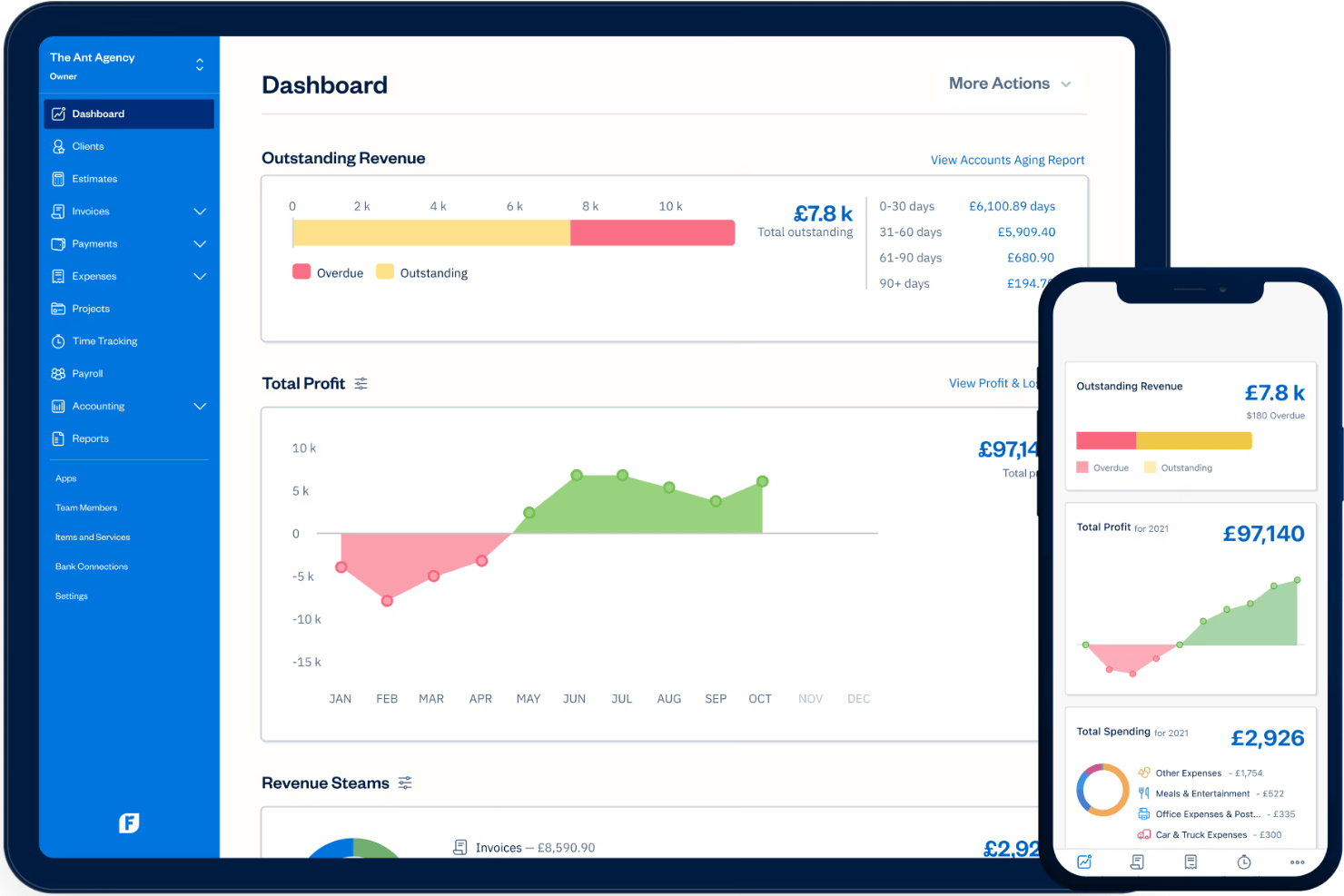
FreshBooks is a payroll software designed for small business owners who need to manage payroll alongside invoicing, expenses, and time tracking in one place. I'd consider it if you're running a lean team and want your accounting and payroll connected from the start—without the added complexity of a platform like QuickBooks Payroll, which tends to work better when you're already deep in the QuickBooks ecosystem.
FreshBooks Evaluation Summary
- From $12/month (billed annually)
- Free demo + 30-day free trial available
Pourquoi faire confiance à nos avis sur les logiciels
Notre équipe teste et évalue des logiciels depuis 2012. En tant qu’experts RH nous-mêmes, nous savons à quel point il est difficile — et important — de choisir le bon logiciel.
Pour ce guide, nous avons évalué les outils grâce à des tests pratiques et une recherche indépendante, en notant les outils selon nos critères de sélection. Nous nous appuyons également sur les enseignements de leaders d’opinion du secteur et de professionnels des RH en activité.
Nos avis reflètent notre jugement éditorial humain, et non un argumentaire de vente.
Réviseurs experts:
FreshBooks Overview
I think FreshBooks stands out for its approachable interface, fast setup, and friendly support, making payroll much less stressful for small business owners. Choosing FreshBooks means you get clear pricing and intuitive tools, though it lacks some of the advanced automation and integrations other solutions offer.
If you’re judging options for solo operators or teams under 50 who want quick onboarding and strong hands-on help, FreshBooks is a smart bet. For example, its guided setup walks you through tax compliance, but those with complex workforce needs might find its customization limited.
pros
-
Payroll tax filing is included at no extra cost
-
Built-in time tracking supports hourly wage calculations
-
Step-by-step setup guidance simplifies onboarding for new users
cons
-
Multi-state payroll support is not included by default
-
No native international payroll processing available
-
Advanced employee benefits management is limited
-

Justworks
Visit WebsiteThis rating combines scores from multiple user review sites to reflect overall customer sentiment about the product.4.6 -
Small Improvements
Visit WebsiteThis rating combines scores from multiple user review sites to reflect overall customer sentiment about the product.4.3 -
HiBob
Visit WebsiteThis rating combines scores from multiple user review sites to reflect overall customer sentiment about the product.4.5





Comment nous testons et évaluons nos outils
Nous avons passé des années à construire, affiner et améliorer notre système de test et d’évaluation des logiciels. La grille d’évaluation est conçue pour saisir les nuances de la sélection des logiciels et ce qui rend un outil efficace, en se concentrant sur les aspects critiques du processus décisionnel. Ci-dessous, vous pouvez voir exactement comment fonctionne notre test et notre système d’évaluation à travers sept critères. Cela nous permet de fournir une évaluation impartiale des logiciels basée sur les fonctionnalités principales, les caractéristiques remarquables, la facilité d’utilisation, l’intégration, le support client, les intégrations, les avis clients et le rapport qualité-prix.
Fonctionnalités principales (25 % de la note finale)
Le point de départ de notre évaluation est toujours la fonctionnalité principale de l’outil. Dispose-t-il des fonctionnalités de base qu’un utilisateur s’attend à voir ? Certaines de ces fonctionnalités principales sont-elles réservées à des forfaits plus élevés ? En substance, nous nous attendons à ce qu’un outil soit à la hauteur des capacités de base de ses concurrents.
Fonctionnalités remarquables (25 % de la note finale)
Ensuite, nous évaluons les fonctionnalités remarquables, peu courantes, qui vont au-delà de la fonction principale habituellement présente dans les outils de ce type. Un score élevé reflète des fonctionnalités spéciales ou uniques qui rendent le produit plus rapide, plus efficace, ou offrent une valeur ajoutée à l’utilisateur. Nous évaluons également la facilité d’intégration avec d’autres outils généralement présents dans la pile technologique pour étendre la fonctionnalité et l’utilité du logiciel. Les outils qui proposent de nombreuses intégrations natives, des connexions tierces et un accès API pour développer des intégrations personnalisées obtiennent les meilleurs résultats.
Facilité d’utilisation (10 % de la note finale)
Nous prenons en compte la rapidité et la simplicité d’exécution des tâches définies par la fonctionnalité principale à l’aide de l’outil. Un logiciel bien noté est bien conçu, intuitif à utiliser, offre des applications mobiles, propose des modèles, et permet de simplifier des tâches relativement complexes.
Mise en route (10 % de la note finale)
Nous savons à quel point une adoption rapide par l’équipe est cruciale pour une nouvelle plateforme, c’est pourquoi nous évaluons la facilité d’apprentissage et d’utilisation d’un outil avec un minimum de formation. Nous évaluons la rapidité avec laquelle un membre de l’équipe peut s’installer et commencer à utiliser l’outil sans expérience préalable. Les solutions bien notées impliquent qu’aucune ou très peu d’assistance soit requise.
Support client (10 % de la note finale)
Nous examinons la rapidité et la simplicité d’obtention d’aide par téléphone, chat en direct ou base de connaissances. Les outils et sociétés qui proposent une assistance en temps réel obtiennent les meilleurs scores, tandis que les chatbots sont moins bien notés.
Avis clients (10 % de la note finale)
En plus de nos propres tests et évaluations, nous prenons en compte le score net de recommandation (NPS) des clients actuels et passés. Nous évaluons leur propension, s’ils en avaient l’option, à choisir à nouveau l’outil pour la fonctionnalité principale. Un logiciel obtenant un score élevé reflète un NPS élevé de clients actuels ou passés.
Rapport qualité-prix (10 % de la note finale)
Enfin, en tenant compte de tous les autres critères, nous comparons le prix moyen des forfaits d’entrée de gamme aux principales fonctionnalités et considérons la valeur des autres critères d’évaluation. Un logiciel qui en offre plus, pour moins, sera mieux noté.
Core Features
Automated Payroll Runs
Run payroll automatically each pay period without manual input. FreshBooks calculates gross pay, taxes, and deductions in the background.
Tax Filing and Remittance
FreshBooks files federal, state, and local payroll taxes for you. This helps you avoid missed deadlines and compliance penalties.
Direct Deposit Payments
Pay employees by direct deposit straight from FreshBooks. You can set pay schedules and let the system transfer funds securely.
Employee Self-Service Portal
Employees can log in to view pay stubs and tax forms. This reduces HR admin work and gives workers access to their records.
Time Tracking Integration
Track hourly wages with FreshBooks’s built-in time tracking tool. Employee hours flow right into payroll calculations each period.
PTO Tracking and Management
FreshBooks lets you manage paid time off within payroll. Approve leave requests and watch balances update automatically with each payroll run.
Ease of Use
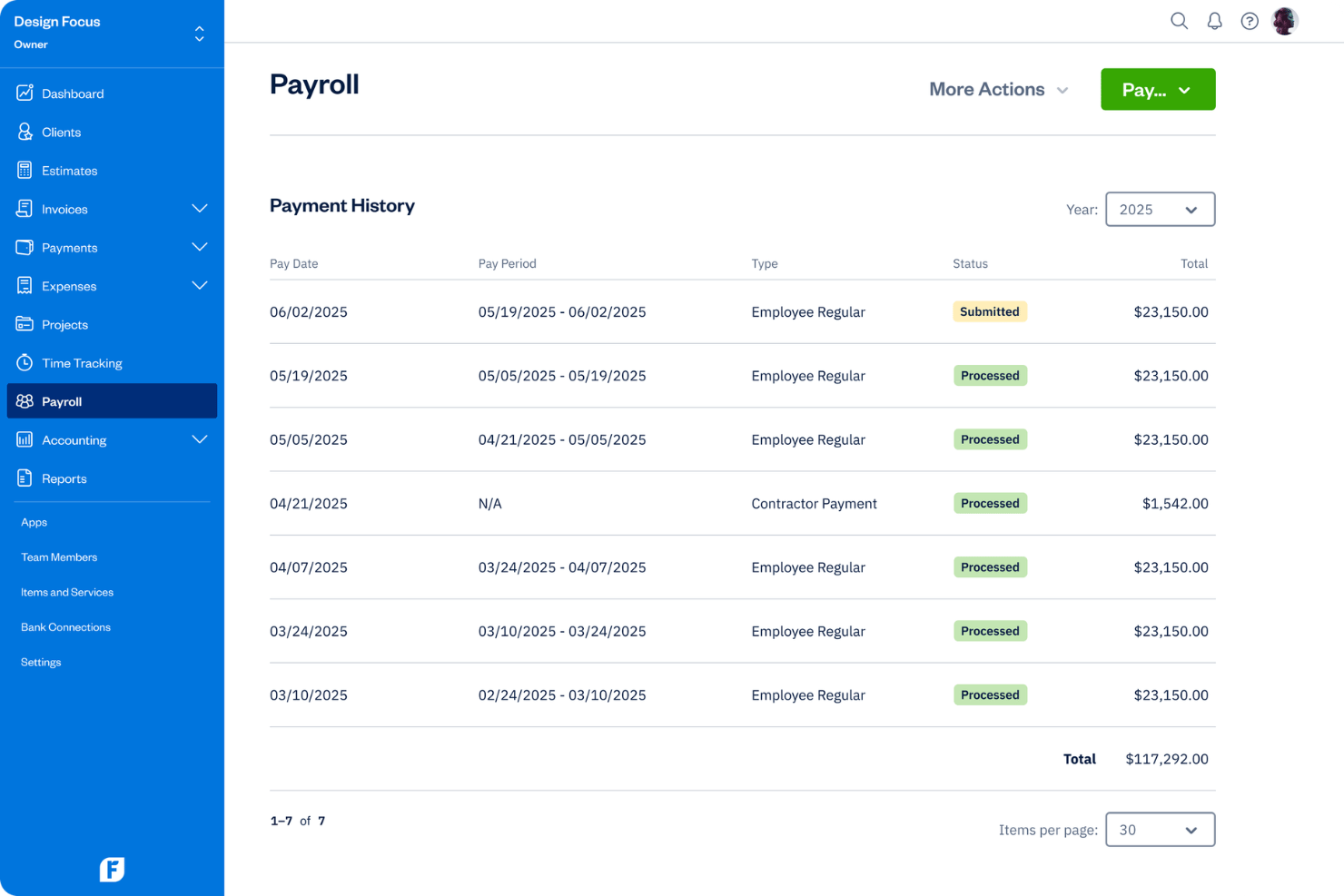
FreshBooks is one of the most approachable payroll platforms, with simple navigation, clear payroll runs, and onboarding checklists that walk users through setup step by step.
User reviews point to the dashboard’s clarity and the intuitive time-tracking integration as features that make everyday payroll tasks quick to handle, even for non-experts.
Integrations
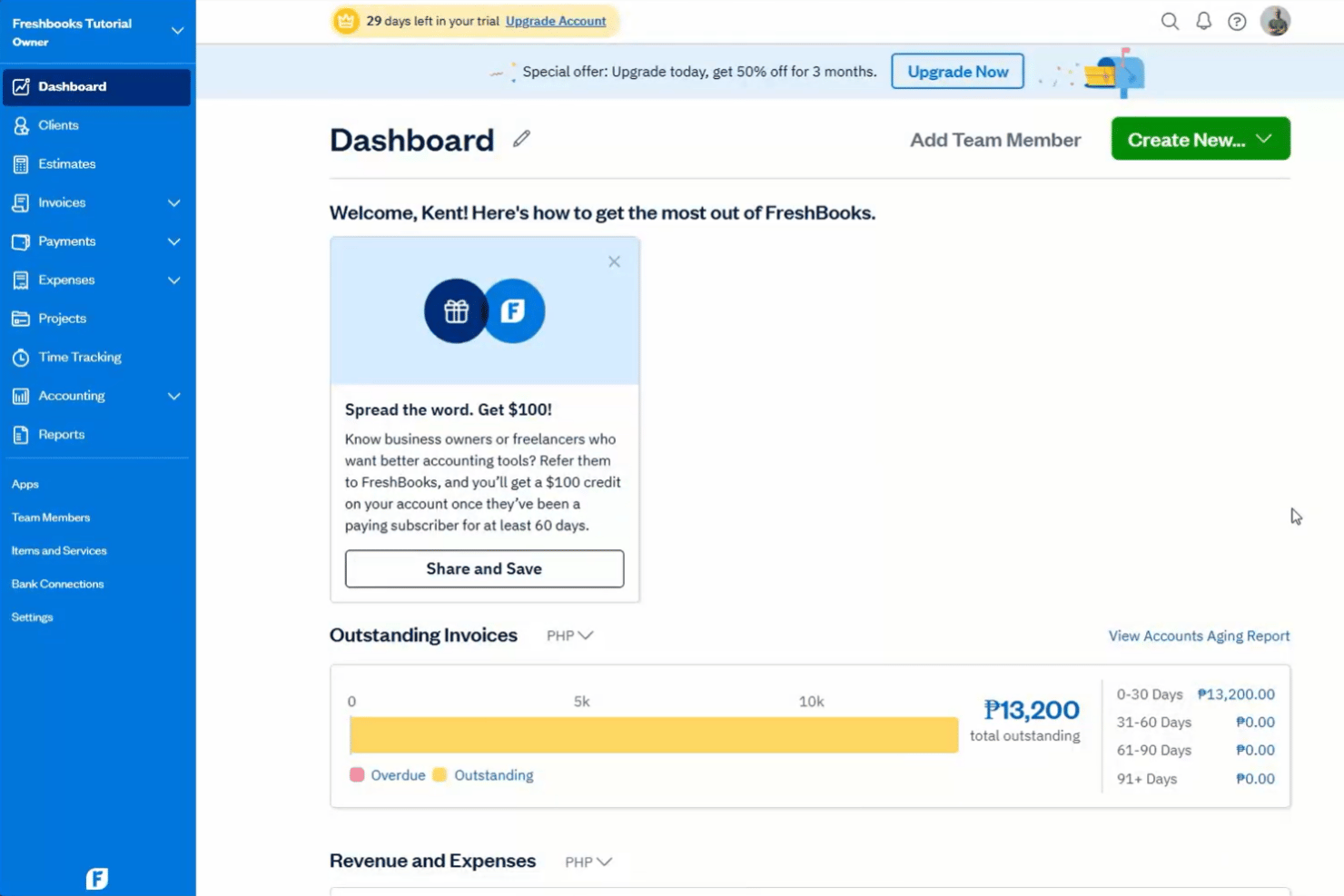
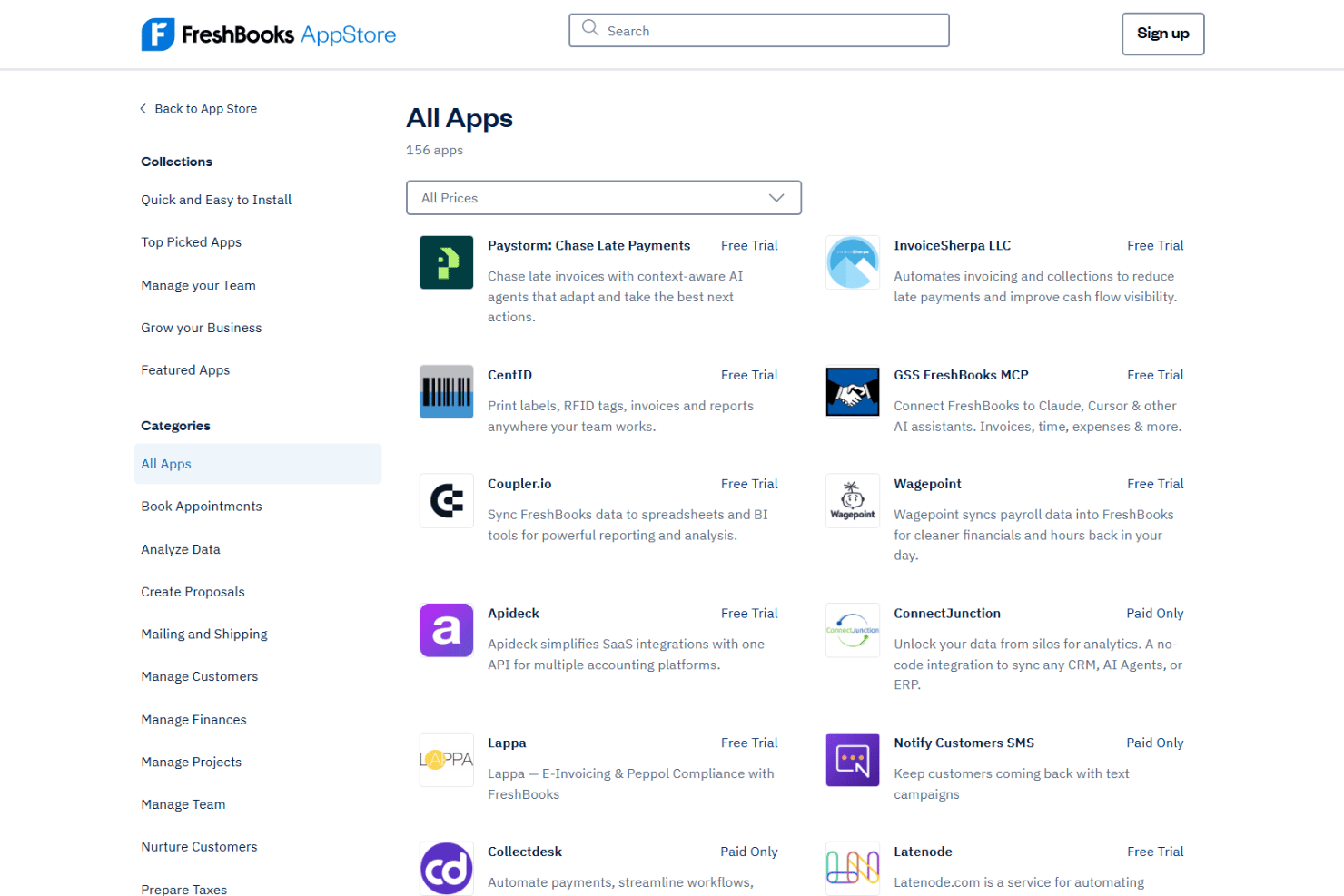
FreshBooks integrates with Gusto, Stripe, PayPal, Shopify, Squarespace, HubSpot, Zapier, Mailchimp, Trello, and Google Workspace, among others.
FreshBooks also provides an open API for custom integrations and workflow automation.
FreshBooks Specs
- 2-Factor Authentication
- Accounts Payable
- Accounts Receivable
- API
- Balance Sheet
- Billing/Invoicing
- BitCoin
- Budgeting
- Calendar Management
- Contact Management
- CRM Integration
- Customer Management
- Dashboard
- Data Export
- Data Import
- Data Visualization
- Expense Tracking
- External Integrations
- Forecasting
- General Account Ledger
- Inventory Tracking
- Multi-Currency
- Multi-User
- Notifications
- P&L
- PayPal
- Payroll
- SAP Integration
- Stripe
- Supplier Management
- Tax Management