



QuickBooks Payroll vs. Sage HR: Comparison and Expert Reviews for 2026


Choosing between QuickBooks Payroll and Sage HR can be frustrating when you’re trying to balance payroll accuracy, compliance, and day-to-day HR tasks without adding more complexity. You might be wondering which payroll software actually fits your workflow—whether you need something tightly connected to your accounting or a more complete HR system. Both platforms promise to simplify people management, but they take different approaches that can impact how efficiently you run your business.
In this article, I’ll break down how QuickBooks Payroll and Sage HR compare across key areas like features, pros and cons, use cases, pricing, security, and overall usability—so you can decide which one makes the most sense for your team.
QuickBooks Payroll vs. Sage HR: An Overview
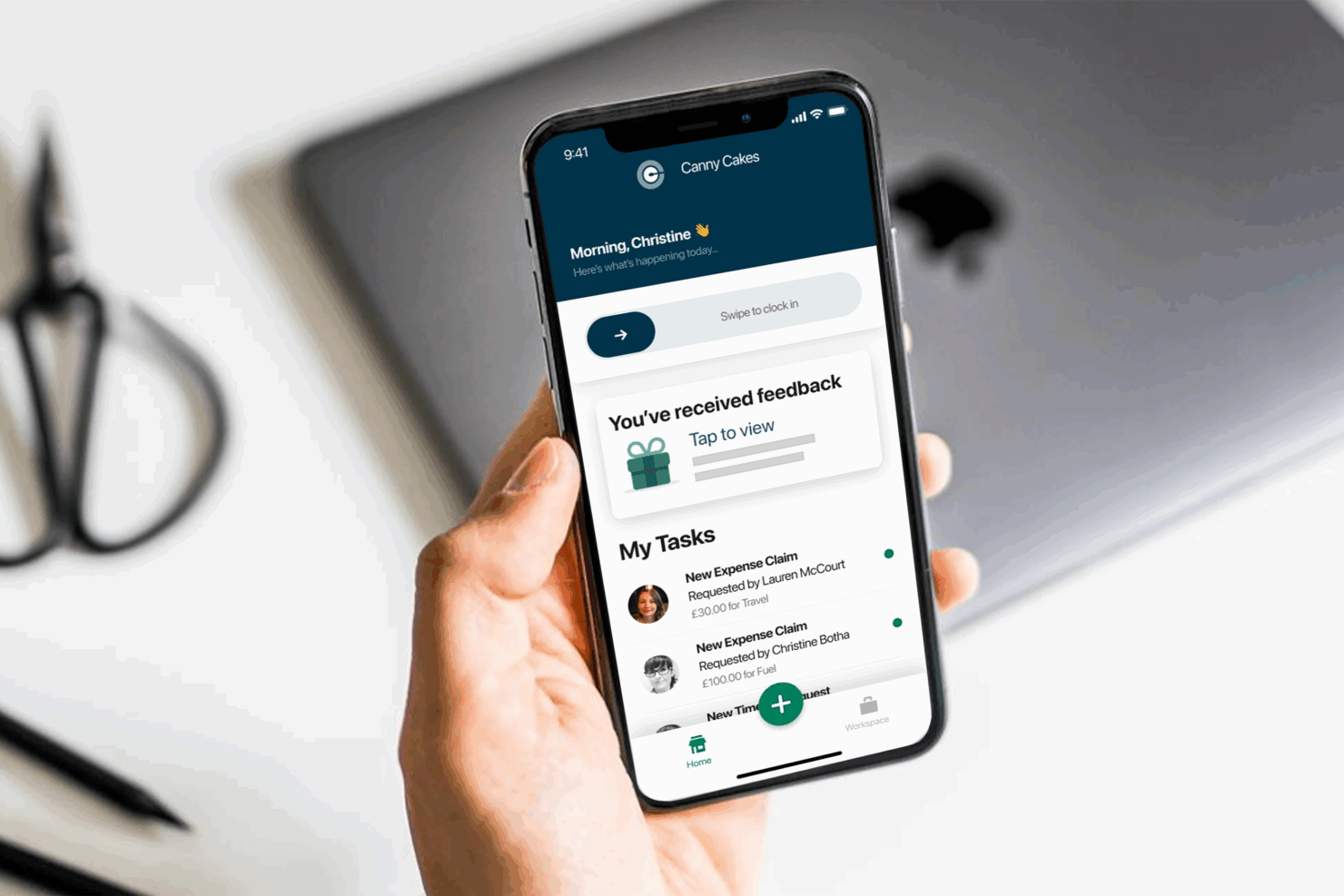
QuickBooks Payroll
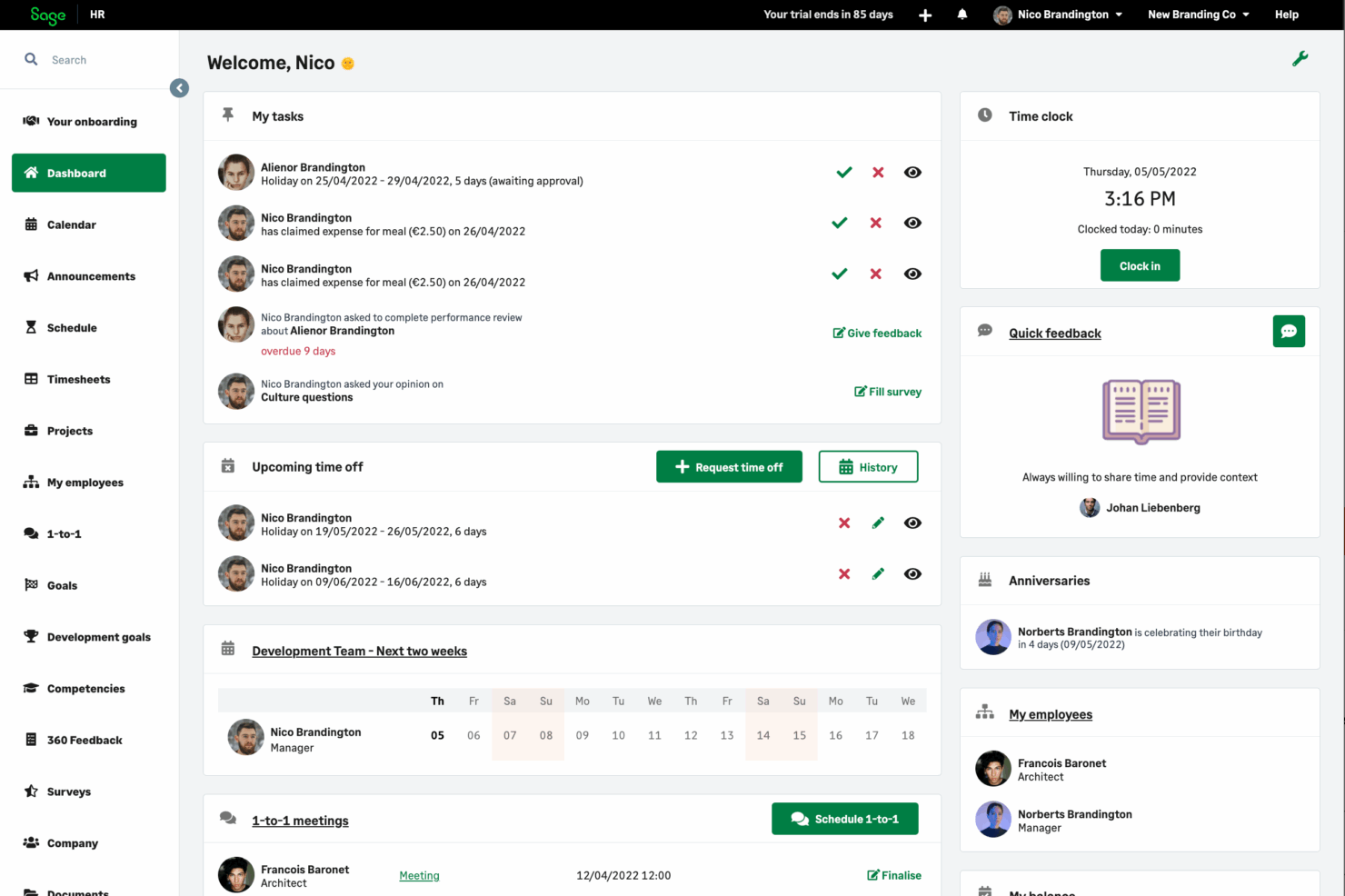
Sage HR



Why Trust Our Software Reviews
Our team has been testing and reviewing software since 2012. As HR experts ourselves, we know how difficult—and important—it is to choose the right software.
For this guide, we evaluated tools using hands-on testing and independent research, scoring tools using our selection criteria. We also draw on insights from industry thought leaders and practicing HR experts.
Our reviews reflect our human editorial judgment, not a sales pitch.
Expert reviewers:
QuickBooks Payroll vs. Sage HR Pricing Comparison
| QuickBooks Payroll | Sage HR | |
|---|---|---|
| Free Trial | 30-day free trial | 30-day free trial |
| Pricing | From $50/month | From $6/employee/month |
QuickBooks Payroll vs. Sage HR Pricing & Hidden Costs
QuickBooks Payroll uses a tiered subscription model, with different plans based on features and the number of users. You may encounter extra charges for advanced payroll features, tax filings, or adding more employees. Sage also offers tiered pricing, but its structure often depends on business size and the level of customization you need. Both platforms may include setup fees, integration costs, or charges for premium support, so it’s important to read the fine print.
To choose the right vendor, start by mapping out your payroll needs—consider the number of employees, required integrations, and any compliance complexities. Ask each provider for a detailed breakdown of all potential costs, including add-ons and support. Request a demo or trial to see how each platform handles your specific payroll scenarios, and check if the vendor’s pricing model can scale with your business as it grows. This approach helps you avoid surprises and ensures you invest in a solution that fits your long-term needs.
QuickBooks Payroll vs. Sage HR Feature Comparison
QuickBooks Payroll and Sage HR overlap heavily on core payroll and HR functionality. Both platforms support automated payroll processing, tax calculations and filings, employee self-service portals, and reporting tools, along with features like time tracking, benefits management, and compliance support. These shared capabilities make them viable end-to-end solutions for managing employee pay, records, and basic HR operations in small to mid-sized businesses.
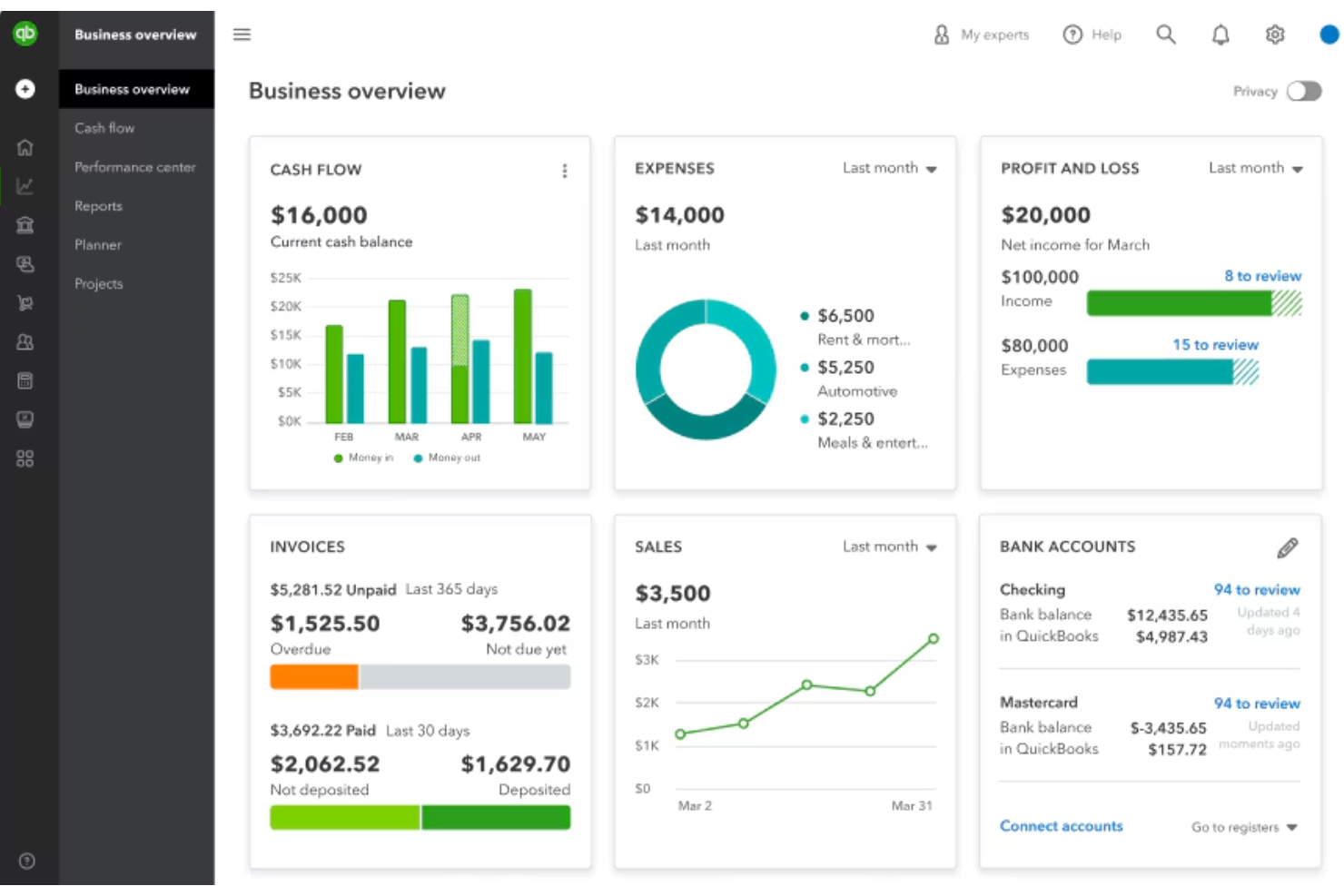
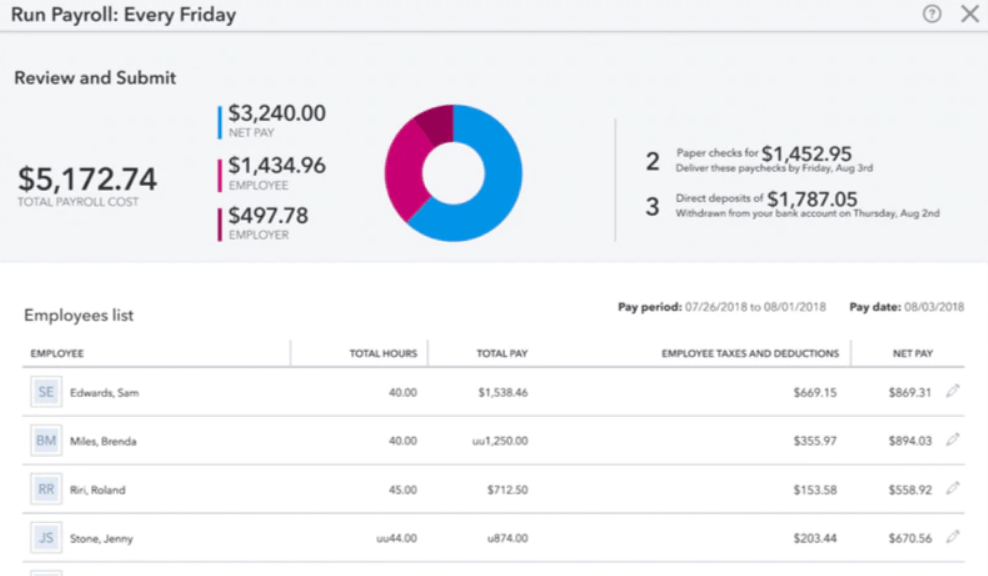
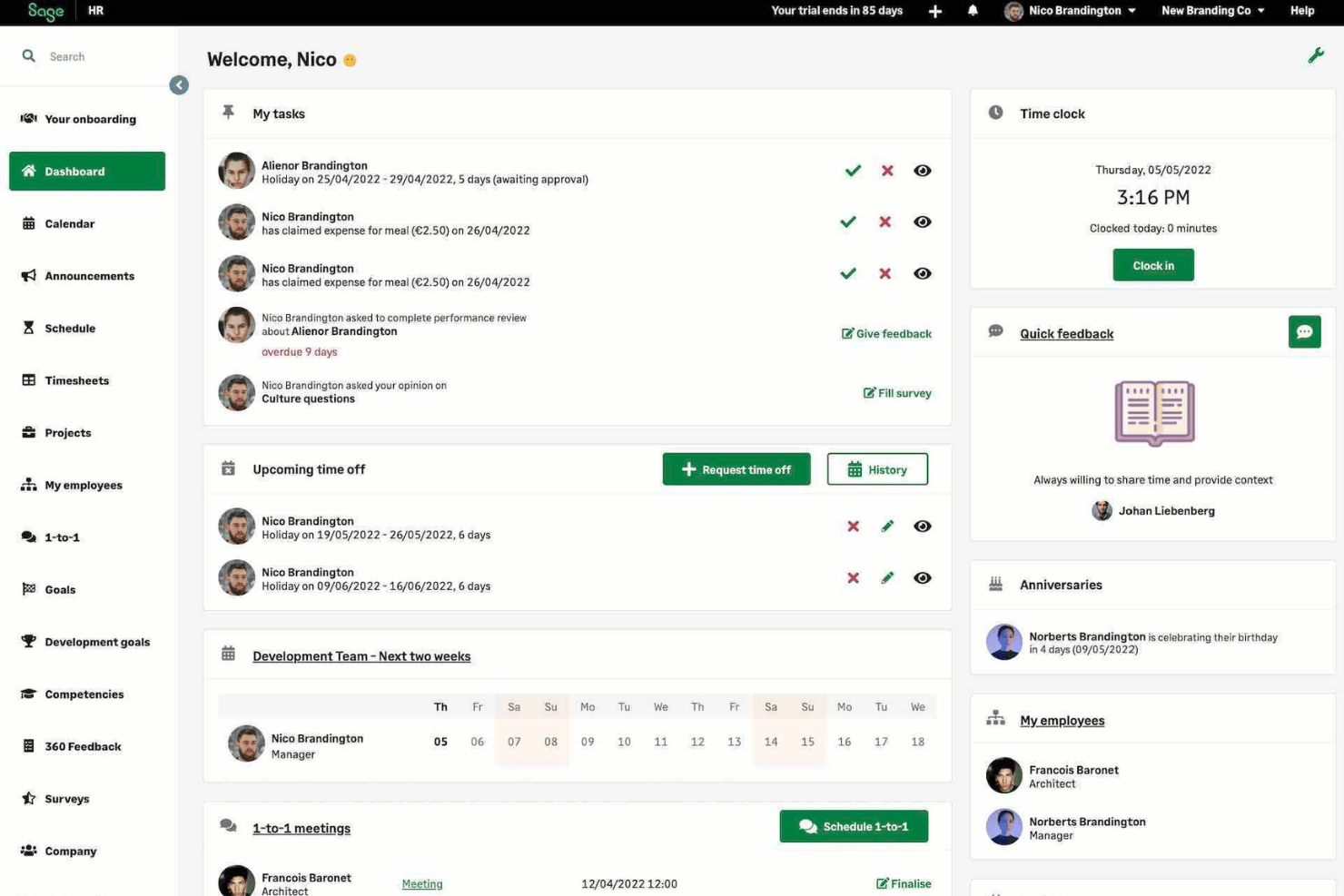
Where they differ is in focus and depth. QuickBooks Payroll stands out for its tight integration with accounting tools, offering features like automatic tax calculations, next-day direct deposit, and seamless syncing with QuickBooks Online for unified financial management. In contrast, Sage HR differentiates itself with more advanced HR functionality—such as customizable workflows, onboarding/offboarding automation, performance management, and deeper HR analytics—making it better suited for companies that want a more comprehensive HR suite beyond payroll.
| QuickBooks Payroll | Sage HR | |
|---|---|---|
| 2-Factor Authentication | ||
| 360 Degree Feedback | ||
| API | ||
| Application Tracking | ||
| Attendance Tracking | ||
| Batch Permissions & Access | ||
| Compliance Tracking | ||
| Dashboard | ||
| Data Export | ||
| Data Import | ||
| Data Visualization | ||
| Employee Database | ||
| Employee Engagement | ||
| Employee Incentive Management | ||
| Employee Onboarding | ||
| Employee Training | ||
| Expense Tracking | ||
| External Integrations | ||
| Feedback Management | ||
| Multi-User | ||
| Notifications | ||
| Payroll | ||
| Performance Appraisal | ||
| Scheduling | ||
| Time Management | ||
| Timesheets | ||
| Travel Management | ||
| Vacation & Absence Calendar |
QuickBooks Payroll vs. Sage HR Integrations
| Integration | QuickBooks Payroll | Sage |
| Gusto | ✅ | ❌ |
| TSheets (QuickBooks Payroll Time) | ✅ | ❌ |
| Shopify | ✅ | ✅ |
| Salesforce | ✅ | ✅ |
| ADP | ❌ | ✅ |
| Xero | ❌ | ✅ |
| PayPal | ✅ | ✅ |
| Microsoft 365 | ✅ | ✅ |
| API | ✅ | ✅ |
| Zapier | ✅ | ✅ |
QuickBooks Payroll and Sage HR both integrate with a range of common business tools, including platforms like Shopify, PayPal, and Microsoft 365. However, QuickBooks Payroll stands out with its deep integration with other tools in the Intuit ecosystem, like QuickBooks Time integration for built-in time tracking. Both offer API access and Zapier support, allowing you to connect with hundreds of additional apps and extend functionality as your needs grow.
QuickBooks Payroll vs. Sage HR Security, Compliance & Reliability
| Factor | QuickBooks Payroll | Sage |
| Data Encryption | Uses 128-bit SSL encryption to protect sensitive payroll and employee data. | Secures data with advanced encryption and regular vulnerability scans. |
| Regulatory Compliance | Automatically updates for tax law changes and supports multi-state payroll. | Offers built-in compliance tools for tax, GDPR, and industry standards. |
| Access Controls | Provides customizable user permissions and audit trails for all payroll actions. | Allows granular role-based access and detailed activity logs. |
| Uptime & Backups | Guarantees 99.9% uptime and automatic daily data backups. | Delivers high uptime with frequent backups and disaster recovery plans. |
| Fraud Prevention | Includes multi-factor authentication and alerts for suspicious activity. | Features two-factor authentication and proactive fraud monitoring. |
Both QuickBooks Payroll and Sage deliver strong security and compliance, but Sage stands out for its robust GDPR support and detailed access controls. QuickBooks Payroll shines with its reliable uptime and user-friendly fraud prevention, while Sage’s compliance tools and granular permissions give you extra peace of mind for complex payroll environments.
QuickBooks Payroll vs. Sage HR Ease of Use
| Factor | QuickBooks Payroll | Sage |
| User Interface | Features a clean, intuitive dashboard with guided payroll workflows. | Offers a customizable interface, but some users find it less modern. |
| Onboarding | Provides step-by-step setup wizards and helpful tooltips for new users. | Includes onboarding resources, though setup can feel complex for beginners. |
| Support Access | Delivers 24/7 chat and phone support, plus a large online knowledge base. | Offers business-hours support and detailed documentation, but response times may vary. |
| Mobile Experience | Has a dedicated mobile app for payroll tasks on the go. | Mobile access is available, but features are more limited than desktop. |
| Learning Curve | Easy for payroll newcomers to pick up quickly. | Requires more time to master, especially for advanced features. |
QuickBooks Payroll is easier to learn and navigate, while Sage appeals to users who want more customization and control. QuickBooks Payroll stands out for its approachable interface and mobile app, while Sage’s flexibility rewards those willing to invest extra time in setup and training.
QuickBooks Payroll vs Sage HR: Pros & Cons
QuickBooks Payroll
- You can run payroll in just a few clicks.
- It calculates and files your payroll taxes for you.
- You get automatic pay reminders so you don’t miss deadlines.
- You can't easily customize reports to fit your needs.
- It struggles with handling complex pay structures.
- You might wait a while to get help from support.
Sage HR
- Automated leave management cuts down manual tracking fast
- Customizable performance review templates suit different teams
- Mobile app supports approval workflows and self-service requests
- Limited analytics restricts deeper workforce insights
- No built-in payroll processing in most plans
- Some users report delays with chat-based support
Best Use Cases for QuickBooks Payroll and Sage HR
QuickBooks Payroll
- Small Businesses It handles pay, taxes, and filings without needing a dedicated payroll team.
- Remote Teams It offers direct deposit and online access so everyone gets paid on time.
- Accountants It syncs with QuickBooks, helping you keep payroll and books in one place.
- Retail Stores It supports hourly workers, time tracking, and quick tax filing.
- Freelancer Clients It works well for contractors, handling 1099 filings with ease.
- Growing Teams It’s simple to scale payroll as you add more employees over time.
Sage HR
- Retail Businesses Sage HR’s shift scheduling and instant notifications help retail managers oversee changing rotas and track hourly employee attendance.
- Fast-Growing Startups Custom onboarding workflows and digital document storage make it easy to scale people operations quickly without drowning in paperwork.
- Remote Teams Features like remote check-in and announcements let distributed teams stay connected and manage attendance from anywhere.
- Hospitality Teams Easy time-off management and mobile features let hospitality staff and managers track last-minute absences and fill shift gaps fast.
- HR Departments With Limited IT Sage HR’s cloud-based, modular approach avoids heavy IT lift and lets small teams tailor modules to their needs.
- Professional Services Firms Centralized employee records and compliance documentation help keep client-facing teams organized and audit-ready.
Who Should Use QuickBooks Payroll, and Who Should Use Sage HR?
QuickBooks Payroll is a strong fit if you want a payroll-first solution that ties directly into your accounting. It works best for small to mid-sized businesses already using QuickBooks who need fast, automated payroll, tax filing, and simple workforce management without adding a separate HR system. If your priority is efficiency in paying employees and staying compliant, it’s the more streamlined choice.
Sage HR is better suited for teams that need a more complete HR platform beyond payroll. It’s ideal if you’re focused on hiring, onboarding, performance management, and building structured HR processes as your company grows. If your biggest challenges are people management and HR organization—not just payroll—Sage HR offers more depth.
Differences Between QuickBooks Payroll and Sage HR
| QuickBooks Payroll | Sage HR | |
|---|---|---|
| Accounting Integration | Deep native integration with QuickBooks Online. | Integrates with Sage Accounting (optional), but less tightly coupled than the QuickBooks ecosystem. |
| Core Focus | Payroll-first solution with light HR features. | Dual approach: Sage HR (HR-first) + Sage Payroll (full payroll system with HR features). |
| Customization | Limited customization; optimized for straightforward payroll workflows. | Highly customizable HR workflows, plus configurable payroll settings and approvals. |
| Leave Management | Basic PTO tracking. | Advanced leave and absence management with approvals and policy controls. |
| Read QuickBooks Payroll ReviewOpens new window | Read Sage HR ReviewOpens new window | |
| Reporting | Standard payroll and tax reports. | Payroll and HR reporting with deeper workforce insights and cost analysis. |
| User Interface | Clean, simple, and easy to navigate—designed for non-HR users. | Modern interface with more HR depth; slightly steeper learning curve due to broader functionality. |
| Read QuickBooks Payroll ReviewOpens new window | Read Sage HR ReviewOpens new window |
Similarities Between QuickBooks Payroll and Sage HR
| Compliance Support | Both help businesses stay compliant with local payroll regulations through automated calculations and updates. |
|---|---|
| Direct Deposit | Both support direct deposit payments, allowing employees to be paid quickly and securely. |
| Employee Self-Service | Both provide employee portals where staff can access payslips, tax documents, and update personal details. Both provide employee portals where staff can access payslips, tax documents, and update personal details. |
| Payroll Processing | Both support payroll processing with automated calculations for wages, deductions, and taxes, helping reduce manual work. |
| Tax Management | Each platform assists with payroll tax calculations and documentation, reducing administrative burden. |
| Read QuickBooks Payroll ReviewOpens new window Read Sage HR ReviewOpens new window | |