Zoho Meeting Testbericht: Vorteile, Nachteile, Funktionen & Preise



Zoho Meeting is a meeting scheduling software that covers online meetings and webinars without needing separate tools. It's a natural fit for teams already working within the Zoho ecosystem. If that's you, the native integrations with Zoho CRM and Zoho Mail go deeper than what a standalone tool like Calendly can deliver.
Zoho Meeting Evaluation Summary
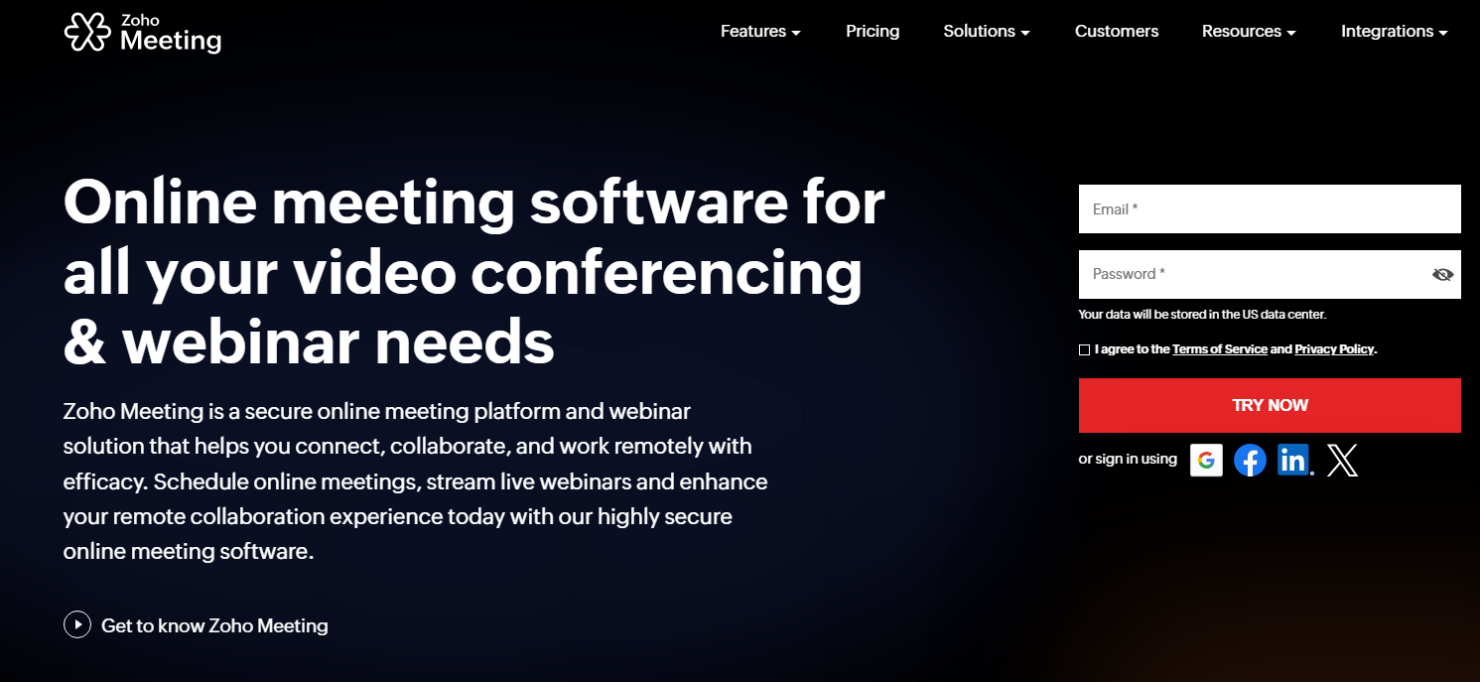
- From $1/host/month (billed annually)
- 14-day free trial
Warum Sie unseren Software-Bewertungen vertrauen können
Unser Team testet und bewertet Software seit 2012. Als HR-Experten wissen wir selbst, wie schwierig – und wichtig – es ist, die richtige Software auszuwählen.
Für diesen Leitfaden haben wir Tools mithilfe von praktischen Tests und unabhängiger Recherche bewertet und dabei unsere Bewertungskriterien angewendet. Zudem greifen wir auf Erkenntnisse von Branchenvordenkern und praktizierenden HR-Experten zurück.
Unsere Bewertungen spiegeln unser menschliches redaktionelles Urteilsvermögen wider, keine Verkaufsstrategie.
Expertenprüfer:
Zoho Meeting Overview
In my opinion, Zoho Meeting is a solid choice for teams seeking a dependable meeting scheduling tool. Its integration with other Zoho products gives it an edge for businesses already using Zoho's ecosystem, and while some users might find the interface slightly less intuitive than competitors like Zoom, Microsoft Teams, GoTo Meeting, or Google Meet, its features are sound, and new functionalities are added all the time. It's best for small to medium-sized businesses or departments that value cost-effectiveness and integration potential over extensive customization options.
pros
-
Zoho Meeting costs less than major competitors while still providing the core functionality that most small teams need.
-
Your team can schedule and join meetings with a straightforward interface that integrates directly with other Zoho products, Gmail, and Microsoft Outlook, supporting web-conferencing workflows.
-
Zoho Meeting's commitment to data privacy makes security a priority, so your team can trust that their meetings will be private, even when sharing sensitive information through messaging tools.
cons
-
Your team might initially find the user interface less intuitive than those of some competitors, such as Webex.
-
You may encounter occasional connectivity issues when you use Zoho Meeting.
-
Advanced customization options are limited compared to other platforms, especially on lower-tier plans.
-

Justworks
Visit WebsiteThis rating combines scores from multiple user review sites to reflect overall customer sentiment about the product.4.6 -
Small Improvements
Visit WebsiteThis rating combines scores from multiple user review sites to reflect overall customer sentiment about the product.4.3 -
HiBob
Visit WebsiteThis rating combines scores from multiple user review sites to reflect overall customer sentiment about the product.4.5





Wie wir unsere Tools testen und bewerten
Wir haben jahrelang unser System zur Überprüfung und Bewertung von Software aufgebaut, verfeinert und verbessert. Das Bewertungsschema ist darauf ausgelegt, die Nuancen der Softwareauswahl und die Wirksamkeit eines Tools abzubilden, wobei der Fokus auf wesentlichen Aspekten des Entscheidungsprozesses liegt. Unten sehen Sie genau, wie unsere Tests und Bewertungen anhand von sieben Kriterien funktionieren. Damit können wir eine unvoreingenommene Bewertung der Software hinsichtlich zentraler Funktionen, herausragender Merkmale, Benutzerfreundlichkeit, Onboarding, Kundensupport, Integrationen, Kundenrezensionen und Preis-Leistungs-Verhältnis bieten.
Kernfunktionen (25% der Endnote)
Der Ausgangspunkt unserer Beurteilung ist immer die Kernfunktionalität des Tools. Verfügt es über die grundlegenden Funktionen, die ein Benutzer erwarten würde? Sind einige dieser Funktionen in teureren Tarifen eingeschlossen? Im Kern erwarten wir, dass ein Tool den grundlegenden Fähigkeiten seiner Mitbewerber standhält.
Herausragende Funktionen (25% der Endnote)
Danach bewerten wir außergewöhnliche Funktionen, die über das Übliche hinausgehen, das normalerweise in ähnlicher Software zu finden ist. Eine hohe Punktzahl spiegelt spezialisierte oder einzigartige Funktionen wider, die das Produkt schneller, effizienter oder für den Benutzer wertvoller machen. Wir bewerten auch, wie einfach es ist, sich mit anderen im technischen Ökosystem üblichen Tools zu integrieren, um die Funktionalität und Nützlichkeit der Software zu erweitern. Tools mit vielen nativen Integrationen, Drittanbieter-Anbindungen und API-Zugängen für individuelle Integrationen erhalten die beste Bewertung.
Benutzerfreundlichkeit (10% der Endnote)
Wir betrachten, wie schnell und einfach die Aufgaben im Bereich der Kernfunktionen mit dem Tool erledigt werden können. Hoch bewertete Software ist gut designt, intuitiv zu bedienen, bietet mobile Apps, Vorlagen und macht komplexe Aufgaben einfach.
Onboarding (10% der Endnote)
Uns ist bewusst, wie wichtig eine schnelle Einführung eines neuen Systems im Team ist. Deshalb bewerten wir, wie leicht ein Tool mit minimalem Training erlernt und genutzt werden kann. Wir prüfen, wie schnell ein Teammitglied ohne Vorerfahrung mit dem Tool starten kann. Lösungen mit hoher Bewertung erfordern wenig bis keine Unterstützung.
Kundensupport (10% der Endnote)
Wir überprüfen, wie schnell und einfach Hilfe telefonisch, per Live-Chat oder Wissensdatenbank erhalten werden kann. Tools und Unternehmen, die Echtzeit-Support bieten, schneiden am besten ab – Chatbots am schlechtesten.
Kundenrezensionen (10% der Endnote)
Zusätzlich zu unseren eigenen Tests berücksichtigen wir den Net Promoter Score aktueller und ehemaliger Kunden. Wir prüfen, wie wahrscheinlich sie, falls es zur Wahl käme, das Tool für die Kernfunktionen erneut wählen würden. Eine hohe Bewertung der Software spiegelt einen hohen Net Promoter Score wider.
Preis-Leistungs-Verhältnis (10% der Endnote)
Abschließend berücksichtigen wir unter Einbeziehung aller anderen Kriterien den durchschnittlichen Preis der Einstiegstarife im Vergleich zu den Kernfunktionen und zum Wert der anderen Bewertungskriterien. Software, die mehr für weniger bietet, erhält höhere Bewertungen.
Core Features
Scheduling Meetings: You can schedule meetings with dates and times that work for everyone with just a few clicks. The platform sends automatic reminders to keep your team on track.
Video Conferencing: Connect face-to-face with your remote team through video conferencing to promote communication and collaboration.
Screen Sharing: Share your screen to present documents, slides, or any other content. This feature keeps everyone on the same page and supports your team in sharing visual aids and analytics.
Cloud Recording: Record your meetings to revisit important discussions or share with those who couldn't attend. This is a great way to keep a record of decisions and action points, and it can also be used to generate training materials.
Webinars: Host Zoho webinars to engage with a larger audience, offering tools to interact with participants. This feature is perfect for educational sessions or company-wide announcements, and registration forms can be customized to match your branding and include custom fields.
Industry-Leading Security Measures: Your meetings are encrypted, ensuring that your data and conversations remain confidential, and hosts can lock meetings to secure them from intruders. This builds trust and peace of mind for you and your team.
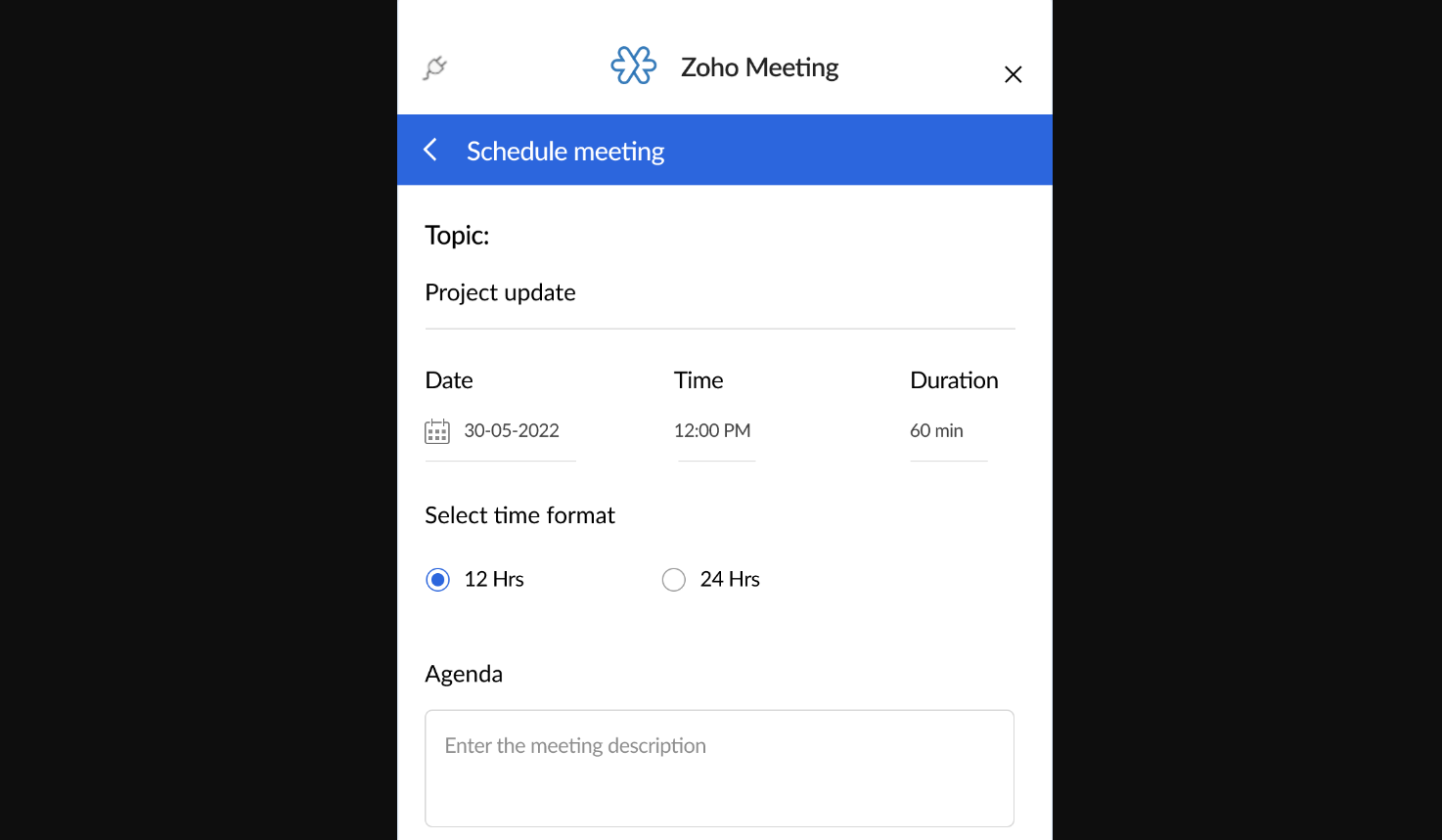
Ease of Use
Zoho Meeting is user-friendly, making it easy for you and your team to focus on what's important. With straightforward navigation and clear instructions, even those new to online meetings will find it accessible, which makes conducting meetings smooth and stress-free.

Integrations
Zoho Meeting integrates directly with Zoho CRM, Zoho Campaigns, Bigin by Zoho CRM, Zoho Projects, Zoho Connect, Microsoft Teams, Slack, Zoho Mail, Gmail, Zoho Flow, Zoho Marketing Automation, Zoho Bookings, Microsoft Outlook, Zoho Backstage, Zoho Notebook, Zia (powered by OpenAI), and Rev AI.
Zoho Meeting also provides an API for custom integrations and connects with third-party integration tools like Zapier.

Zoho Meeting Specs
- API
- Calendar Management
- Chat
- Contact Management
- Contact Sharing
- External Integrations
- History/Version Control
- Multi-User
- Notifications
- Scheduling