ADP RUN Review 2026: Pros, Cons, Features & Pricing



If you run a small business, you likely don’t have time to wrestle with clunky payroll systems or worry about tax compliance. That’s where ADP RUN comes in. ADP RUN strikes a solid balance—it’s easy to navigate, automates critical payroll tasks, and takes the headache out of tax filing. It covers the essentials well and delivers peace of mind for owners and managers who want payroll done right, without complexity.
In this review, I'll break down ADP RUN's features, pros and cons, best and worst use cases, and more. Whether you’re just starting or looking to streamline your current payroll process, this guide will help you decide if ADP RUN fits your business needs.
RUN Powered by ADP® Evaluation Summary
- Pricing upon request
- Free demo available
Why Trust Our Software Recommendations
Our team has been testing and reviewing software since 2012. As HR experts ourselves, we know how difficult—and important—it is to choose the right software.
For this guide, we evaluated tools using hands-on testing and independent research, scoring tools using our selection criteria. We also draw on insights from industry thought leaders and practicing HR experts.
Our reviews reflect our human editorial judgment, not a sales pitch.
Expert reviewers:
RUN Powered by ADP® Overview
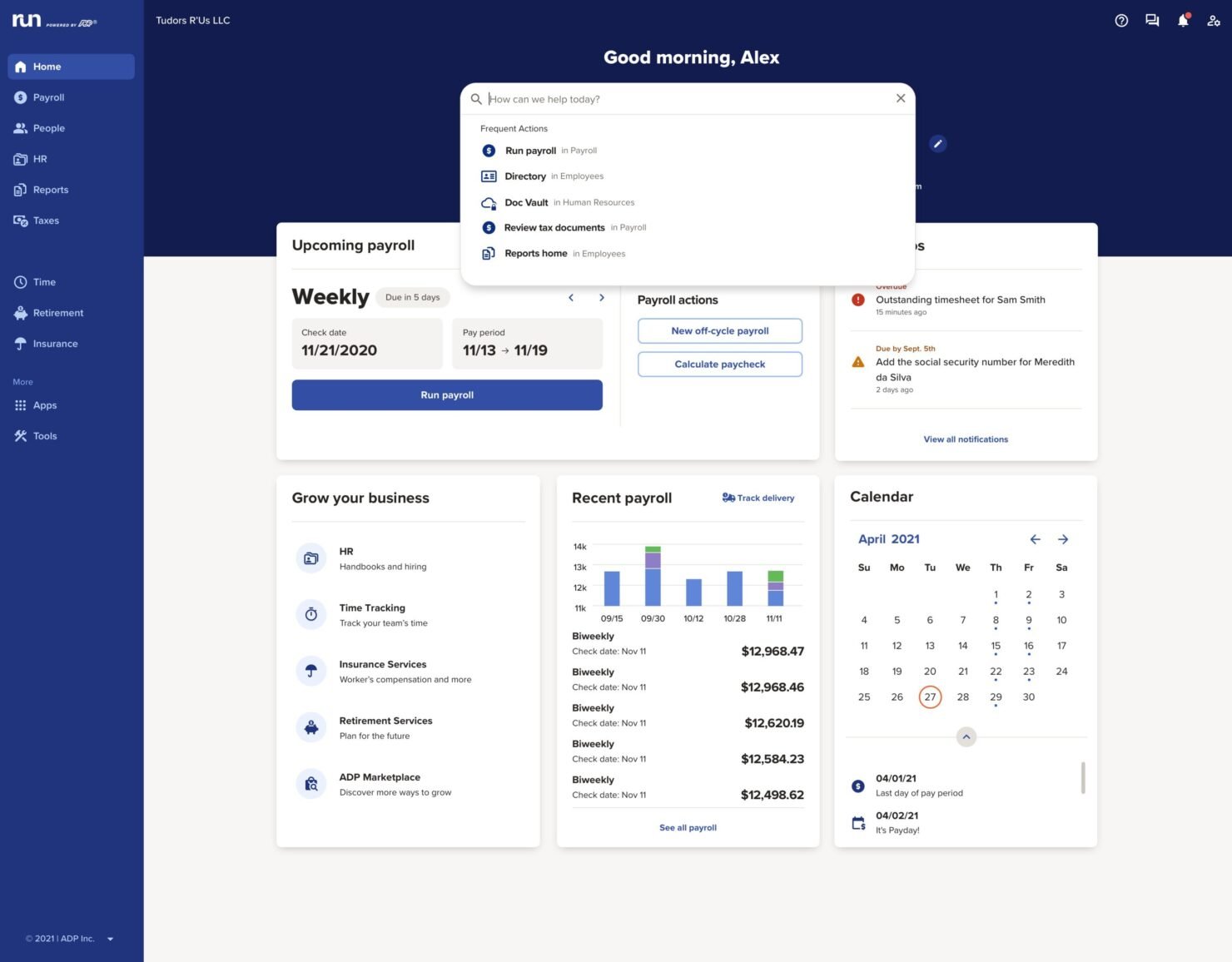
ADP RUN is part of the broader ADP ecosystem, which means it benefits from enterprise-grade infrastructure while being tailored specifically for small businesses. It handles tax filings, direct deposits, new hire reporting, and compliance updates automatically, helping business owners stay ahead of deadlines and avoid costly errors. With mobile access, built-in reminders, and optional add-ons for HR and benefits, it’s designed to take administrative weight off your shoulders.
pros
-
Offers a robust payroll system with logical processes and comprehensive reporting tools.
-
The platform includes a Document Vault for centralized document management.
-
It connects with ZipRecruiter via a hiring integration, allowing new hire data to sync into payroll.
cons
-
24/7 support is limited to payroll assistance and may take longer for other support needs.
-
Not ideal for large, enterprise-scale HR needs.
-
Limited integration access compared to the broader ADP ecosystem.
-

Justworks
Visit WebsiteThis rating combines scores from multiple user review sites to reflect overall customer sentiment about the product.4.6 -
Eletive
Visit WebsiteThis rating combines scores from multiple user review sites to reflect overall customer sentiment about the product.4.6 -
Prevue Assessments
Visit WebsiteThis rating combines scores from multiple user review sites to reflect overall customer sentiment about the product.4.6



How We Test & Score Our Tools
We’ve spent years building, refining, and improving our software testing and scoring system. The rubric is designed to capture the nuances of software selection and what makes a tool effective, focusing on critical aspects of the decision-making process.
Below, you can see exactly how our testing and scoring works across seven criteria. It allows us to provide an unbiased evaluation of the software based on core functionality, standout features, ease of use, onboarding, customer support, integrations, customer reviews, and value for money.
Core Functionality (25% of final score)
The starting point of our evaluation is always the core functionality of the tool. Does it have the basic features and functions that a user would expect to see? Are any of those core features locked to higher-tiered pricing plans? At its core, we expect a tool to stand up against the baseline capabilities of its competitors.
Standout Features (25% of final score)
Next, we evaluate uncommon standout features that go above and beyond the core functionality typically found in tools of its kind. A high score reflects specialized or unique features that make the product faster, more efficient, or offer additional value to the user.
We also evaluate how easy it is to integrate with other tools typically found in the tech stack to expand the functionality and utility of the software. Tools offering plentiful native integrations, 3rd party connections, and API access to build custom integrations score best.
Ease of Use (10% of final score)
We consider how quick and easy it is to execute the tasks defined in the core functionality using the tool. High scoring software is well designed, intuitive to use, offers mobile apps, provides templates, and makes relatively complex tasks seem simple.
Onboarding (10% of final score)
We know how important rapid team adoption is for a new platform, so we evaluate how easy it is to learn and use a tool with minimal training. We evaluate how quickly a team member can get set up and start using the tool with no experience. High scoring solutions indicate little or no support is required.
Customer Support (10% of final score)
We review how quick and easy it is to get unstuck and find help by phone, live chat, or knowledge base. Tools and companies that provide real-time support score best, while chatbots score worst.
Customer Reviews (10% of final score)
Beyond our own testing and evaluation, we consider the net promoter score from current and past customers. We review their likelihood, given the option, to choose the tool again for the core functionality. A high scoring software reflects a high net promoter score from current or past customers.
Value for Money (10% of final score)
Lastly, in consideration of all the other criteria, we review the average price of entry level plans against the core features and consider the value of the other evaluation criteria. Software that delivers more, for less, will score higher.
Core Features
Payroll Processing
ADP RUN handles payroll calculations, tax withholdings, and direct deposits efficiently. You'll find it easy to manage pay periods and ensure timely payments for your team.
Tax Filing
The software automatically calculates and files your payroll taxes. This feature reduces the risk of errors and helps you stay compliant with tax regulations.
Time and Attendance Tracking
ADP RUN offers time and attendance tools, but these are sold separately as add-ons. If needed, you can integrate these tools to manage employee hours and sync data with payroll.
HR Management
Basic HR tools help you manage employee records and benefits. You can keep all essential employee information organized and accessible.
Reporting
Generate payroll and HR reports to gain insights into your business operations. Use these reports to make informed decisions and improve efficiency.
Document Vault
Store and manage important employee documents in a centralized digital space. This feature ensures your documents are secure and easy to access when needed.
Self-Service
Includes an employee self-service portal where your staff can access onboarding, pay stubs, tax forms, update personal details, and manage time-off requests.

Ease of Use
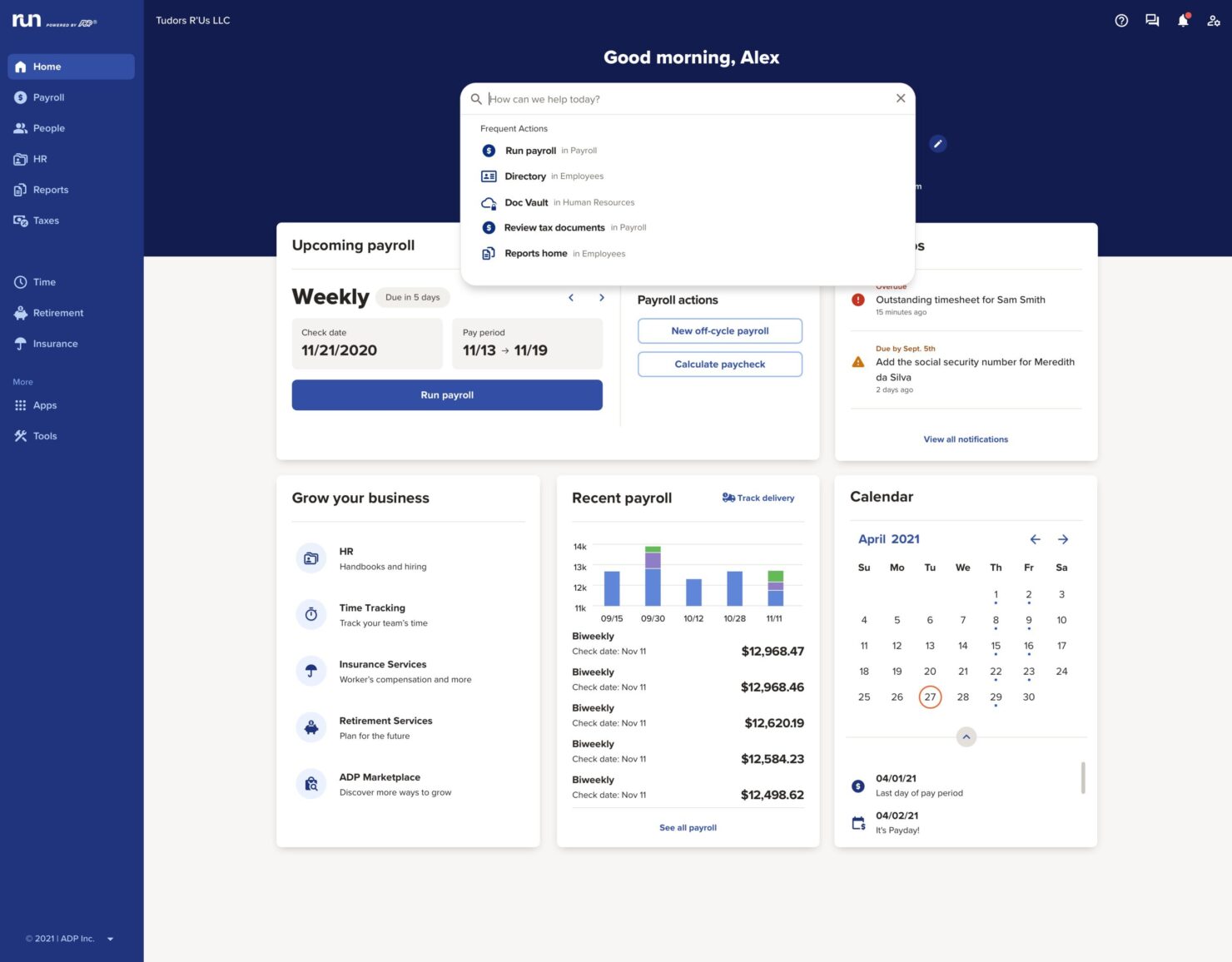
ADP RUN is user-friendly, especially for small businesses that need straightforward payroll management. Its intuitive interface makes navigating payroll tasks easy, even for those without extensive HR experience. Features like payroll processing and tax filing are simple to access and use, reducing the learning curve for your team. However, its lack of advanced customization may limit users who need more tailored solutions.
Integrations
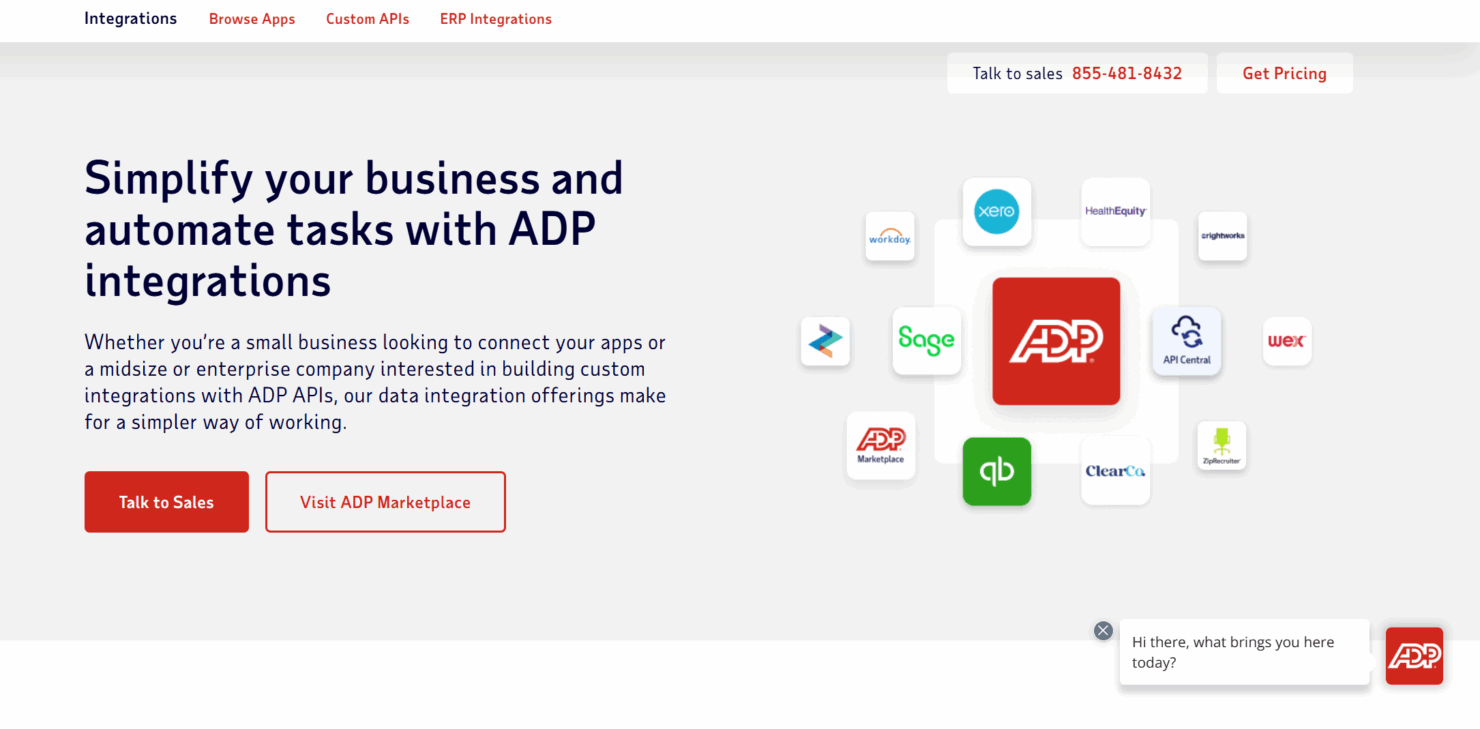
ADP RUN integrates natively with ZipRecruiter, CareerPlug (via connector), 7Shifts POS, When I Work, Replicon, G-P, JazzHR, Employee Navigator, Instant Pay, and Connecteam.
RUN Powered by ADP® Specs
- API
- Application Tracking
- Approval Workflows
- Attendance Tracking
- Budgeting
- Calendar Management
- Compliance Tracking
- Dashboard
- Data Export
- Data Import
- Data Visualization
- Employee Database
- Employee Incentive Management
- Employee Onboarding
- Expense Tracking
- External Integrations
- Feedback Management
- Forecasting
- Multi-Currency
- Multi-User
- Notifications
- Payroll
- Scheduling
- Tax Management
- Time Management
- Timesheets
- Travel Management
- Vacation & Absence Calendar