
Avis sur Insperity 2026 : Avantages, Inconvénients, Fonctionnalités et Tarifs



Insperity is a professional employer organization for small to mid-sized businesses that want to outsource HR administration, payroll, and benefits management through a co-employment model. If you're comparing it to TriNet, Insperity is the stronger pick if you want specialist-led HR support rather than a more self-directed platform.
Insperity Evaluation Summary
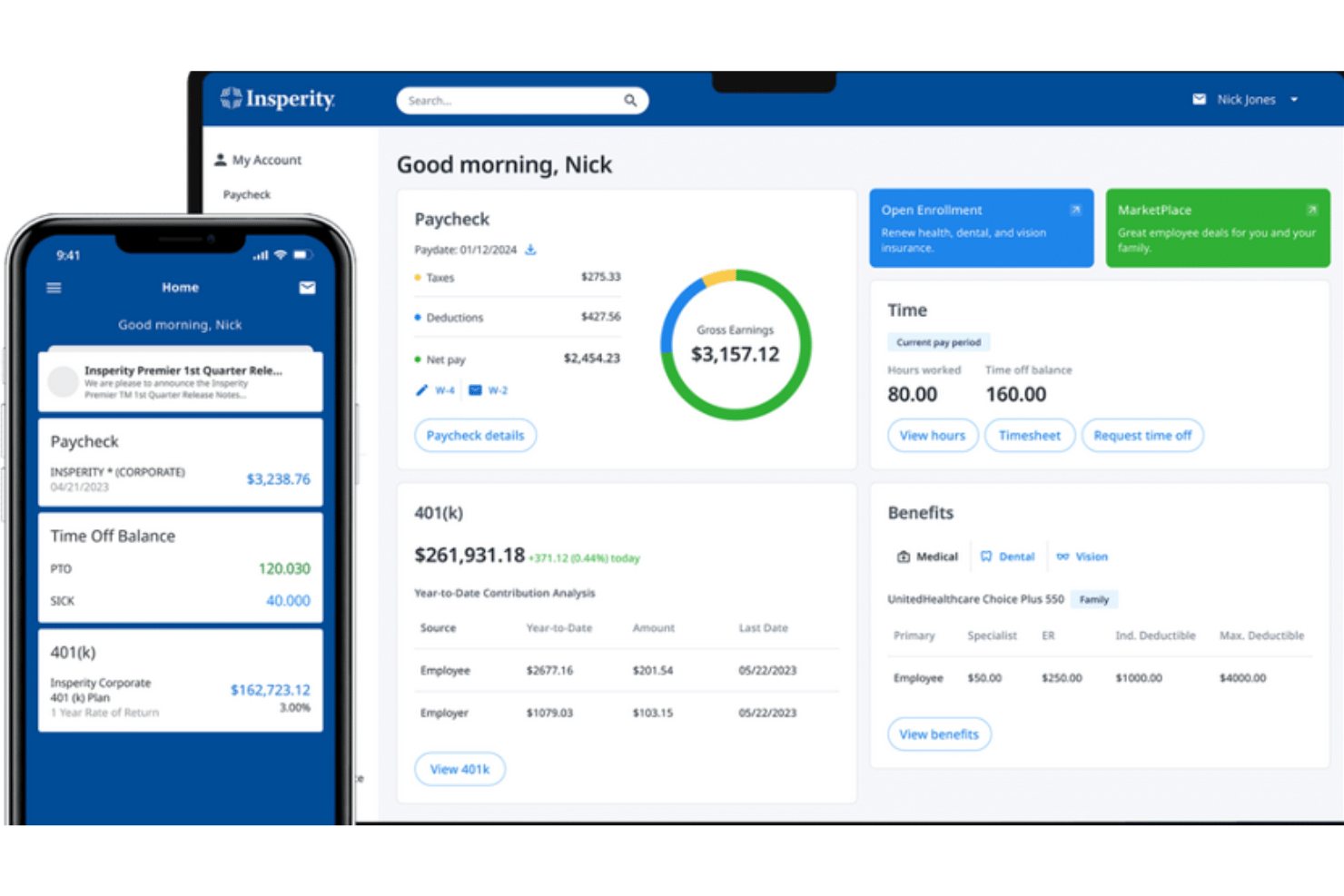
- Pricing upon request
- Not available
Pourquoi faire confiance à nos avis sur les logiciels
Notre équipe teste et évalue des logiciels depuis 2012. En tant qu’experts RH nous-mêmes, nous savons à quel point il est difficile — et important — de choisir le bon logiciel.
Pour ce guide, nous avons évalué les outils grâce à des tests pratiques et une recherche indépendante, en notant les outils selon nos critères de sélection. Nous nous appuyons également sur les enseignements de leaders d’opinion du secteur et de professionnels des RH en activité.
Nos avis reflètent notre jugement éditorial humain, et non un argumentaire de vente.
Réviseurs experts:
Insperity Overview
When judging Insperity against other PEO companies, I think its responsive support team, flexible package options, and strong compliance features make it a smart choice for small to mid-sized businesses that want hands-on HR help. The interface isn’t the sleekest, and pricing is usually higher than entry-level competitors, but the onboarding process and personalized service outperform most others.
If you’re selecting a PEO for a growing team that values attentive support and scalable solutions, Insperity is one to consider.
pros
-
Payroll and benefits support is highly responsive and thorough
-
Offers customizable HR service packages for different business sizes
-
Compliance guidance is proactive and frequently updated
cons
-
Pricing is higher than many other PEO options
-
Reporting tools lack depth for advanced HR analytics
-
Some users report slow resolution on complex issues
-

Justworks
Visit WebsiteThis rating combines scores from multiple user review sites to reflect overall customer sentiment about the product.4.6 -
Small Improvements
Visit WebsiteThis rating combines scores from multiple user review sites to reflect overall customer sentiment about the product.4.3 -
HiBob
Visit WebsiteThis rating combines scores from multiple user review sites to reflect overall customer sentiment about the product.4.5





Comment nous testons et évaluons nos outils
Nous avons passé des années à construire, affiner et améliorer notre système de test et d’évaluation des logiciels. La grille d’évaluation est conçue pour saisir les nuances de la sélection des logiciels et ce qui rend un outil efficace, en se concentrant sur les aspects critiques du processus décisionnel. Ci-dessous, vous pouvez voir exactement comment fonctionne notre test et notre système d’évaluation à travers sept critères. Cela nous permet de fournir une évaluation impartiale des logiciels basée sur les fonctionnalités principales, les caractéristiques remarquables, la facilité d’utilisation, l’intégration, le support client, les intégrations, les avis clients et le rapport qualité-prix.
Fonctionnalités principales (25 % de la note finale)
Le point de départ de notre évaluation est toujours la fonctionnalité principale de l’outil. Dispose-t-il des fonctionnalités de base qu’un utilisateur s’attend à voir ? Certaines de ces fonctionnalités principales sont-elles réservées à des forfaits plus élevés ? En substance, nous nous attendons à ce qu’un outil soit à la hauteur des capacités de base de ses concurrents.
Fonctionnalités remarquables (25 % de la note finale)
Ensuite, nous évaluons les fonctionnalités remarquables, peu courantes, qui vont au-delà de la fonction principale habituellement présente dans les outils de ce type. Un score élevé reflète des fonctionnalités spéciales ou uniques qui rendent le produit plus rapide, plus efficace, ou offrent une valeur ajoutée à l’utilisateur. Nous évaluons également la facilité d’intégration avec d’autres outils généralement présents dans la pile technologique pour étendre la fonctionnalité et l’utilité du logiciel. Les outils qui proposent de nombreuses intégrations natives, des connexions tierces et un accès API pour développer des intégrations personnalisées obtiennent les meilleurs résultats.
Facilité d’utilisation (10 % de la note finale)
Nous prenons en compte la rapidité et la simplicité d’exécution des tâches définies par la fonctionnalité principale à l’aide de l’outil. Un logiciel bien noté est bien conçu, intuitif à utiliser, offre des applications mobiles, propose des modèles, et permet de simplifier des tâches relativement complexes.
Mise en route (10 % de la note finale)
Nous savons à quel point une adoption rapide par l’équipe est cruciale pour une nouvelle plateforme, c’est pourquoi nous évaluons la facilité d’apprentissage et d’utilisation d’un outil avec un minimum de formation. Nous évaluons la rapidité avec laquelle un membre de l’équipe peut s’installer et commencer à utiliser l’outil sans expérience préalable. Les solutions bien notées impliquent qu’aucune ou très peu d’assistance soit requise.
Support client (10 % de la note finale)
Nous examinons la rapidité et la simplicité d’obtention d’aide par téléphone, chat en direct ou base de connaissances. Les outils et sociétés qui proposent une assistance en temps réel obtiennent les meilleurs scores, tandis que les chatbots sont moins bien notés.
Avis clients (10 % de la note finale)
En plus de nos propres tests et évaluations, nous prenons en compte le score net de recommandation (NPS) des clients actuels et passés. Nous évaluons leur propension, s’ils en avaient l’option, à choisir à nouveau l’outil pour la fonctionnalité principale. Un logiciel obtenant un score élevé reflète un NPS élevé de clients actuels ou passés.
Rapport qualité-prix (10 % de la note finale)
Enfin, en tenant compte de tous les autres critères, nous comparons le prix moyen des forfaits d’entrée de gamme aux principales fonctionnalités et considérons la valeur des autres critères d’évaluation. Un logiciel qui en offre plus, pour moins, sera mieux noté.
Core Features
Payroll Administration
Handles wage calculations, tax withholdings, and pay distribution for your team. Delivers accurate, on-time payroll and takes care of payroll tax filings.
Benefits Management
Provides access to health insurance, 401(k), and wellness programs. Lets your team choose from a variety of competitive benefit plans.
HR Compliance Support
Monitors legal and regulatory changes affecting your business. Offers real-time guidance on employment law and workplace policy updates.
Employee Onboarding and Offboarding
Streamlines hiring paperwork, background checks, and exit documentation. Reduces HR workload while improving new hire and separation experiences.
Risk Management and Safety Consulting
Gives you experts who assess worksite safety and manage workplace claims. Helps you prevent costly incidents and comply with OSHA standards.
Performance Management Tools
Offers online systems for setting goals, reviews, and feedback. Keeps managers and employees aligned on development and performance expectations.
Ease of Use
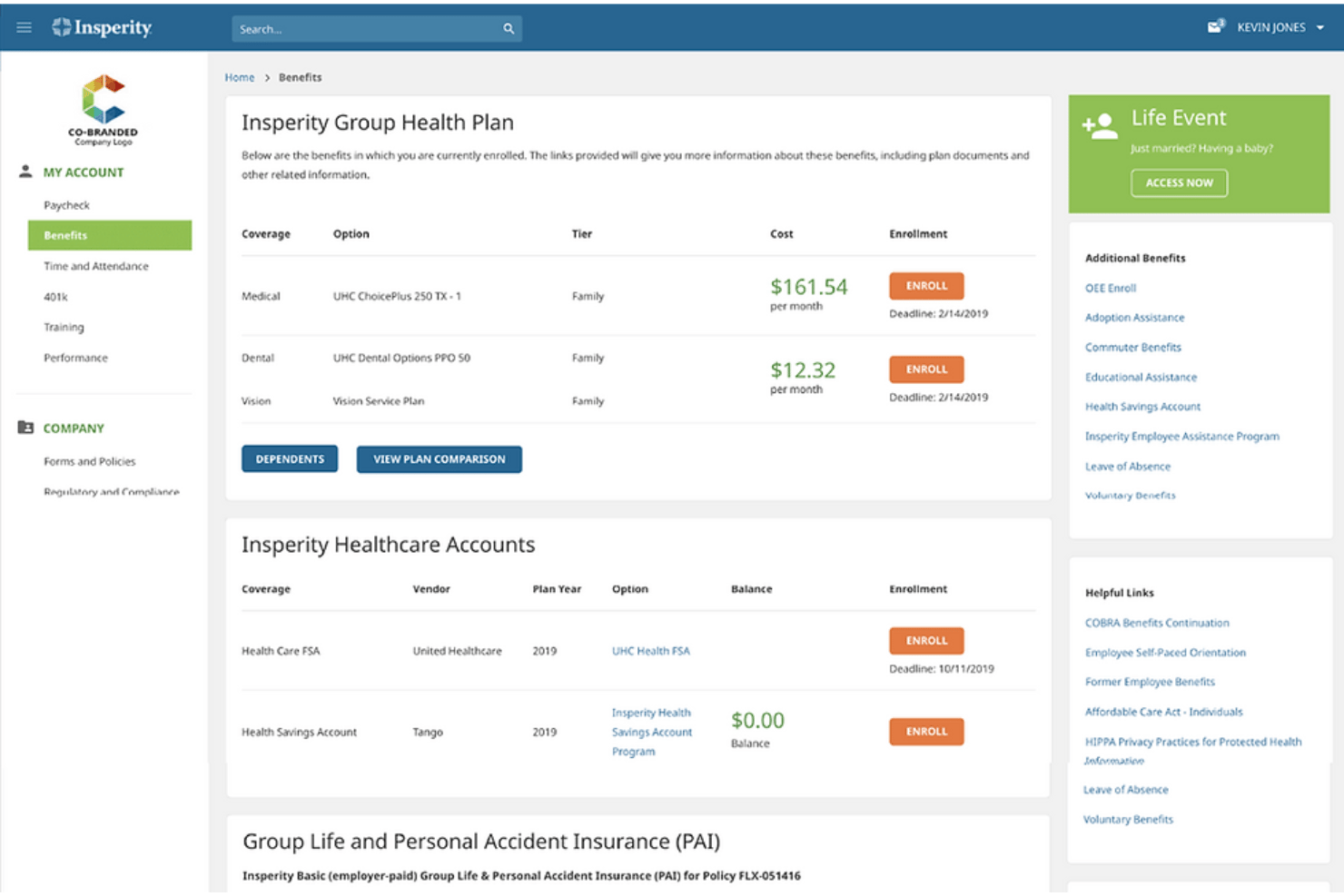
Insperity is user-friendly if you want live support and guidance rather than just a self-service portal. Some users find the dashboard a bit dated, but the dedicated service team and detailed onboarding process mean less guesswork and more confidence with HR tasks—even if the interface feels less modern than others.
Integrations
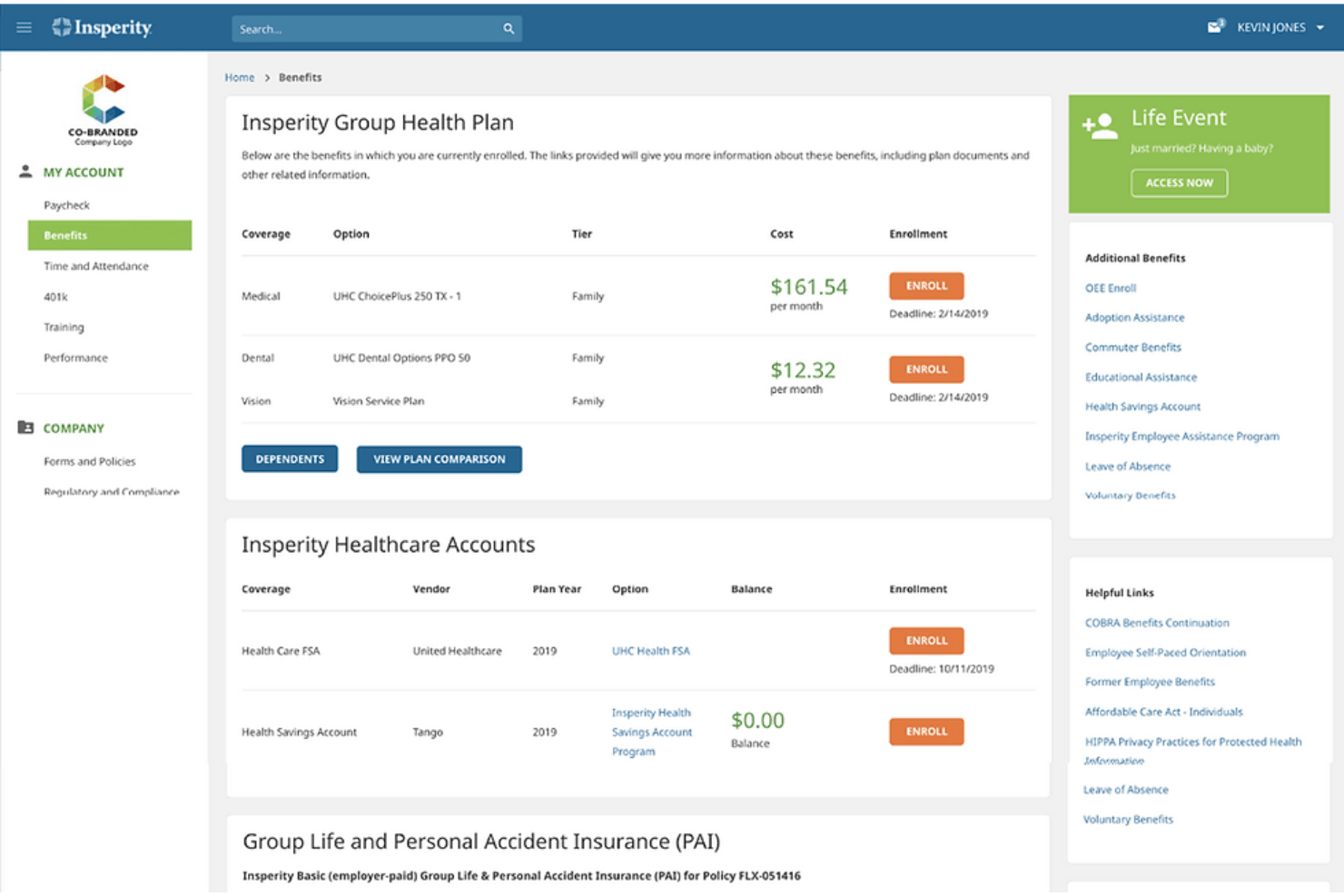
Insperity integrates with NetSuite, Workday, SAP SuccessFactors, QuickBooks, ADP, Oracle HCM, ConnectWise, BlueHive, Finch, and Kombo.
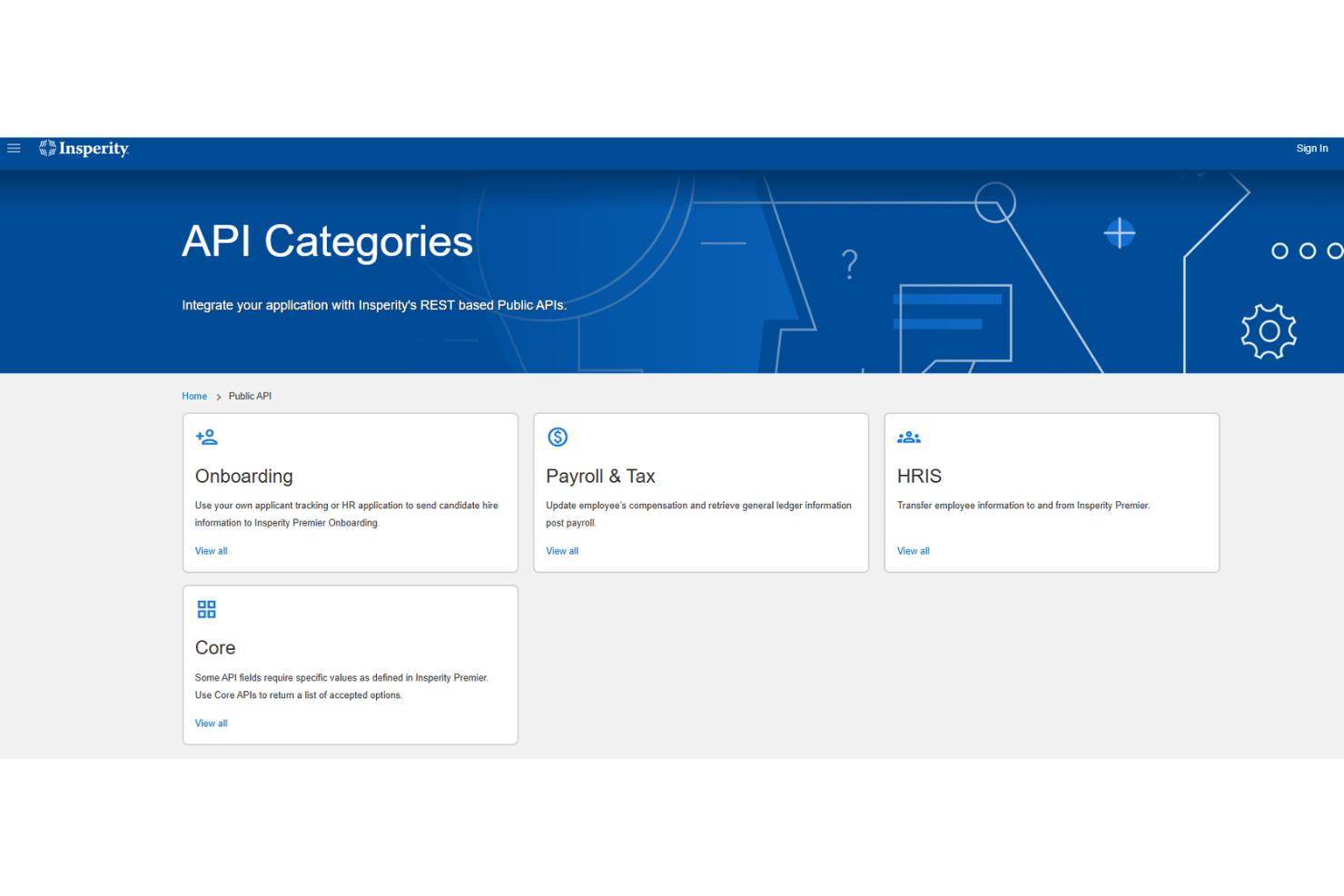
Insperity also offers a robust API and can connect with third-party integration tools.
Insperity Specs
- API
- Application Tracking
- Batch Permissions & Access
- CRM Integration
- Data Export
- Data Import
- Data Visualization
- Database Search
- Email Integration
- Employee Database
- Employee Onboarding
- Employee Training
- External Integrations
- Google Apps Integration
- Multi-User
- Notifications
- Payroll
- Report & Compliance
- Scheduling
- Tax Management
- Timesheets