

Kyan Health Review: Pros, Cons, Features and Pricing Guide



Kyan Health is an enterprise-focused employee assistance program designed to help HR teams move beyond underused, reactive wellness programs. Instead of relying on disconnected hotlines or limited counseling sessions, Kyan combines AI-guided care navigation, licensed mental health support, work-life services, and organizational well-being insights in one platform. For companies managing burnout risks, global workforce complexity, and rising employee expectations, Kyan Health aims to make mental health support easier to access, more personalized, and far more engaging than traditional EAPs.
In this review, I’ll walk you through Kyan Health’s standout features, ideal use cases, strengths, limitations, pricing structure, and overall value to help you decide whether it fits your organization
Kyan Health Evaluation Summary
- Pricing upon request
- Free demo available
Why Trust Our Software Recommendations
Our team has been testing and reviewing software since 2012. As HR experts ourselves, we know how difficult—and important—it is to choose the right software.
For this guide, we evaluated tools using hands-on testing and independent research, scoring tools using our selection criteria. We also draw on insights from industry thought leaders and practicing HR experts.
Our reviews reflect our human editorial judgment, not a sales pitch.
Expert reviewers:
Kyan Health Overview
What impresses me most about Kyan Health is how effectively it combines preventative well-being tools, human care, and AI-powered guidance into one cohesive experience. Its stepped-care model helps employees move between self-guided resources, coaching, counseling, and crisis support without navigating multiple disconnected systems. I also think Kyan stands out for multinational organizations thanks to its broad language support (120+ languages), culturally localized care network, and GDPR-native privacy approach.
For US-based organizations, Kyan Health also offers strong domestic coverage with more than 11,000 providers across all 50 states and HIPAA-compliant care delivery, making it a viable option for companies balancing global scalability with US regulatory requirements.
Features like KAI, the platform’s AI Care Navigator, and Kyan Engage’s aggregated well-being analytics make the platform feel more proactive and operationally useful than many traditional EAPs.
pros
-
AI-guided care pathways improve personalized employee support and accessibility.
-
Global multilingual clinician network supports culturally relevant employee care.
-
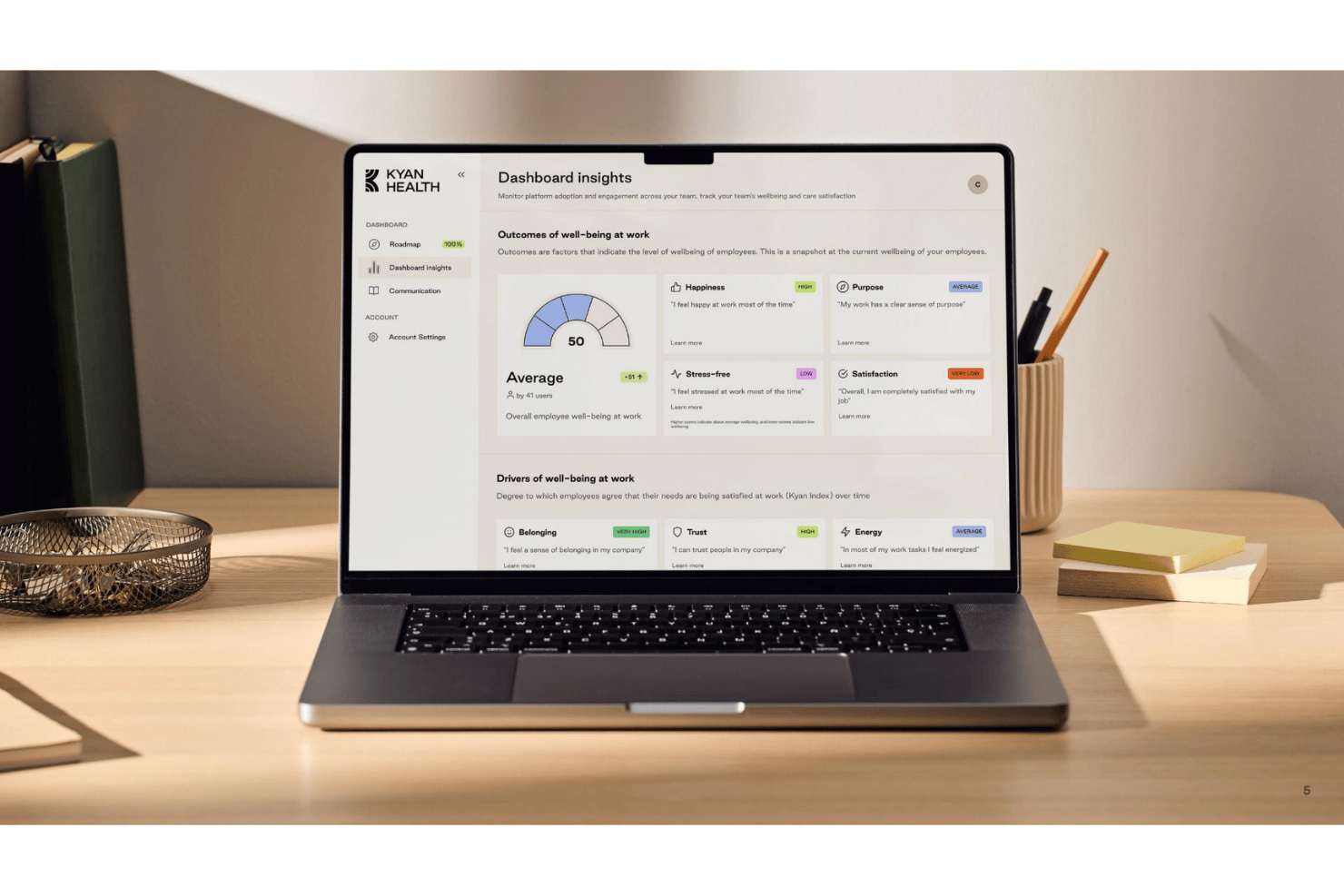
Integrated well-being analytics help HR teams track workforce well-being trends.
cons
-
The breadth of the platform can feel overwhelming at first.
-
Strong adoption depends on active HR-led rollout and employee communication.
-
Initial platform setup involves more decisions than simpler traditional EAPs.
Is Kyan Health Right For Your Needs?
Who Would be a Good Fit for Kyan Health?
Kyan Health is well-suited for enterprise organizations looking for a proactive, scalable alternative to traditional EAPs, particularly those managing distributed, multilingual workforces and aiming to consolidate wellness, counseling, and analytics needs.
-
Organizations Replacing Traditional EAPs
Companies frustrated with low-utilization EAPs and disconnected well-being vendors seeking continuous engagement and broad work-life support.
-
Multinational Enterprises
Global organizations operating across multiple regions and cultures needing a multilingual, GDPR- and HIPAA-compliant platform with localized care across 200+ countries and territories.
-
High-Stress Industries
Industries such as healthcare, manufacturing, logistics, finance, or professional services that benefit from preventative well-being tools and quick counseling access.
-
Hybrid and Remote Workforces
Distributed teams needing digital-first, virtual counseling, self-guided resources, and AI care navigation across time zones.
-
Large HR and People Operations Teams
HR leaders requiring insight into workforce well-being trends, aggregated analytics, and manager enablement tools.
-
Companies Focused on Burnout Prevention
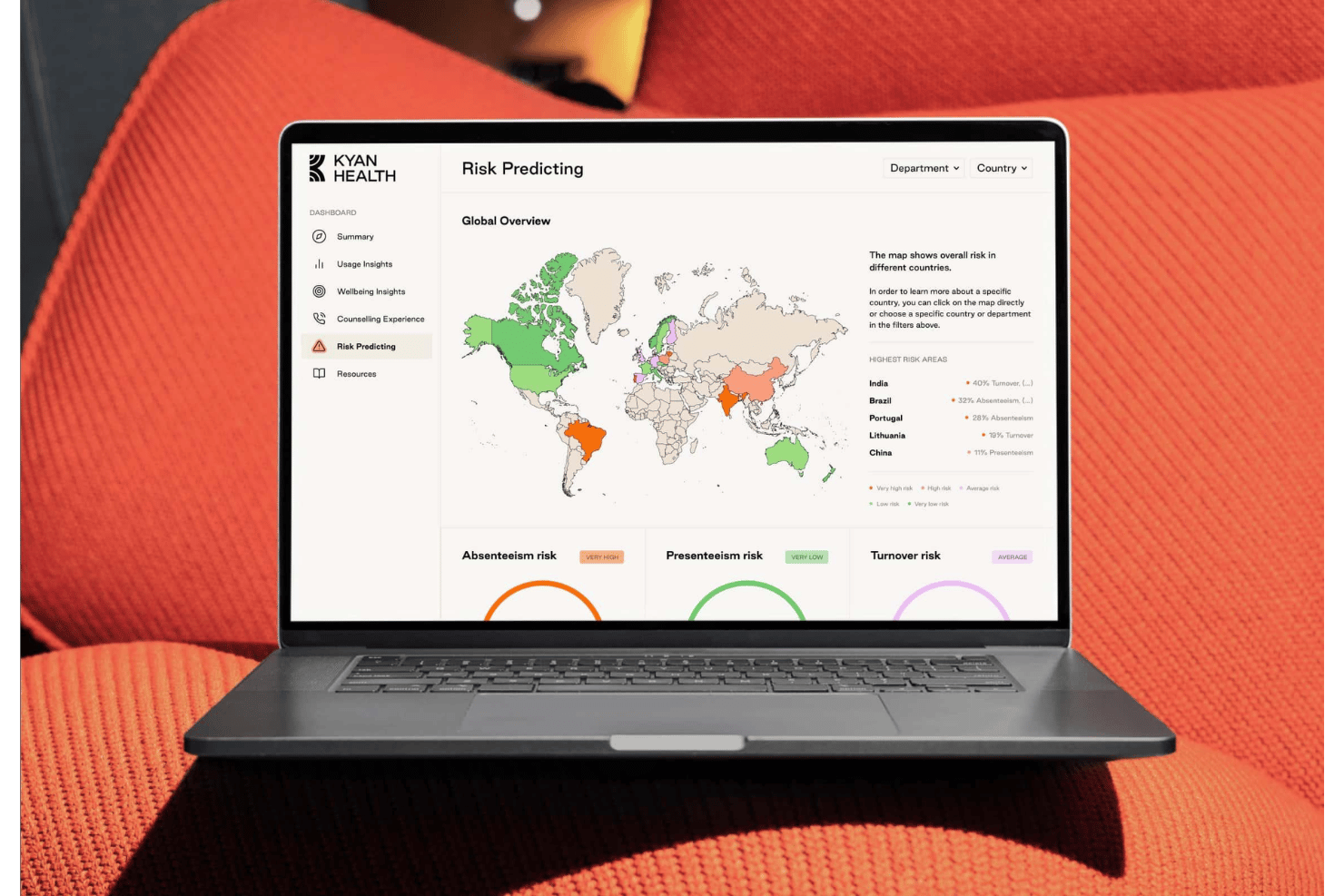
Organizations seeking to proactively address stress, absenteeism, and presenteeism with preventative care and continuous resources.
Who Would be a Bad Fit for Kyan Health?
Kyan Health is less suitable for smaller organizations needing basic well-being support, those wanting minimal involvement in rollout, predominantly in-person care, transparent pricing, highly customized integrations, or simple plug-and-play wellness apps.
-
Small and Mid-Sized Businesses
Companies with fewer than 1,000 employees or simple well-being needs.
-
Companies Wanting Minimal Rollout Involvement
Organizations expecting a hands-off EAP experience with little HR engagement.
-
Companies Seeking In-Person Care
Businesses primarily wanting face-to-face counseling or onsite wellness.
-
Budget-Constrained Organizations
Companies with limited HR budgets who find enterprise-focused pricing challenging.
-
Businesses Requiring Extensive Custom Integrations
Organizations depending on highly customized integration ecosystems.
-
Teams Wanting Simple Wellness Apps
Companies looking for lightweight or plug-and-play wellness tools without operational complexity.
How We Test & Score Our Tools
We’ve spent years building, refining, and improving our software testing and scoring system. The rubric is designed to capture the nuances of software selection and what makes a tool effective, focusing on critical aspects of the decision-making process.
Below, you can see exactly how our testing and scoring works across seven criteria. It allows us to provide an unbiased evaluation of the software based on core functionality, standout features, ease of use, onboarding, customer support, integrations, customer reviews, and value for money.
Core Functionality (25% of final score)
The starting point of our evaluation is always the core functionality of the tool. Does it have the basic features and functions that a user would expect to see? Are any of those core features locked to higher-tiered pricing plans? At its core, we expect a tool to stand up against the baseline capabilities of its competitors.
Standout Features (25% of final score)
Next, we evaluate uncommon standout features that go above and beyond the core functionality typically found in tools of its kind. A high score reflects specialized or unique features that make the product faster, more efficient, or offer additional value to the user.
We also evaluate how easy it is to integrate with other tools typically found in the tech stack to expand the functionality and utility of the software. Tools offering plentiful native integrations, 3rd party connections, and API access to build custom integrations score best.
Ease of Use (10% of final score)
We consider how quick and easy it is to execute the tasks defined in the core functionality using the tool. High scoring software is well designed, intuitive to use, offers mobile apps, provides templates, and makes relatively complex tasks seem simple.
Onboarding (10% of final score)
We know how important rapid team adoption is for a new platform, so we evaluate how easy it is to learn and use a tool with minimal training. We evaluate how quickly a team member can get set up and start using the tool with no experience. High scoring solutions indicate little or no support is required.
Customer Support (10% of final score)
We review how quick and easy it is to get unstuck and find help by phone, live chat, or knowledge base. Tools and companies that provide real-time support score best, while chatbots score worst.
Customer Reviews (10% of final score)
Beyond our own testing and evaluation, we consider the net promoter score from current and past customers. We review their likelihood, given the option, to choose the tool again for the core functionality. A high scoring software reflects a high net promoter score from current or past customers.
Value for Money (10% of final score)
Lastly, in consideration of all the other criteria, we review the average price of entry level plans against the core features and consider the value of the other evaluation criteria. Software that delivers more, for less, will score higher.
Core Features
One-to-One Counseling and Coaching
Employees can book sessions directly with licensed psychologists and certified coaches through the platform. Fast appointment availability, multilingual support, and a network of 11,000+ providers across all 50 US states make this especially valuable for distributed global teams. Kyan Health is also HIPAA compliant, which adds important reassurance for organizations operating in the US healthcare and benefits landscape.
Self-Guided Well-being Resources
Kyan Health includes over 1,000 hours of evidence-based exercises, courses, and meditations employees can access anytime. These resources support prevention and ongoing mental well-being between live sessions.
Work-Life Support Services
Beyond mental health support, Kyan Health offers services for childcare, eldercare, financial guidance, legal support, and mediation. Bringing these services into one platform reduces the fragmentation common with traditional EAPs.
Well-being Analytics and Reporting
HR teams can track anonymized well-being trends, engagement levels, and care usage through Kyan Engage. The platform also surfaces tailored recommendations to help organizations improve workforce well-being proactively.
Leadership Training and Manager Enablement
Kyan Academy provides workshops, e-learning, and manager-focused training programs designed to strengthen psychological safety and workplace resilience. I find this especially useful for organizations wanting well-being support beyond individual employee care.
Crisis Support and Emergency Helpline
Kyan Health includes automated crisis detection alongside access to emergency helplines and on-call support resources. This gives employees additional protection during high-risk or urgent well-being situations.

Standout Features
KAI AI Care Navigator
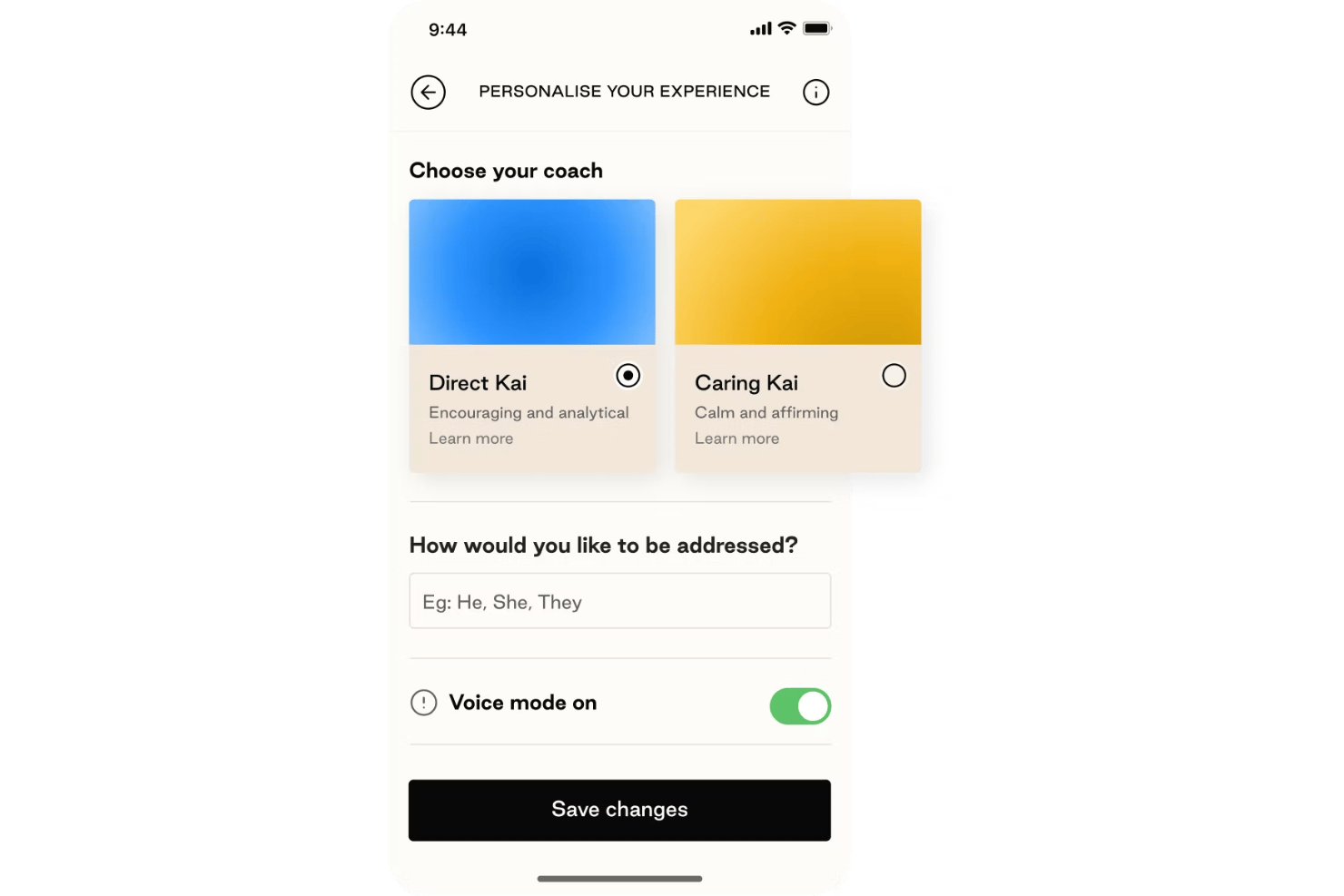
KAI acts as more than a basic chatbot or symptom checker. It continuously guides employees toward the right resources using well-being assessments, mood signals, and live conversations, while escalating users to human care when needed through clinically designed safety guardrails.
Truly Global and Localized Care Network
Kyan Health supports multinational organizations with a network of roughly 140,000 counselors, coaches, and specialists across 200+ countries and territories. Combined with extensive language coverage and culturally localized care, the platform feels far more globally scalable than many traditional EAP providers.
Ease of Use
I find Kyan Health relatively easy to use for both employees and HR teams, especially considering how much functionality the platform includes. The centralized experience makes it simple to access counseling, coaching, self-care resources, and work-life services from one place, while direct booking helps employees connect with support quickly.
That said, Kyan’s breadth can feel overwhelming at first for some program managers, particularly during initial setup (though its in-depth onboarding can help with that). The multilingual experience and guided care pathways do help reduce friction for global organizations managing diverse teams.
Onboarding
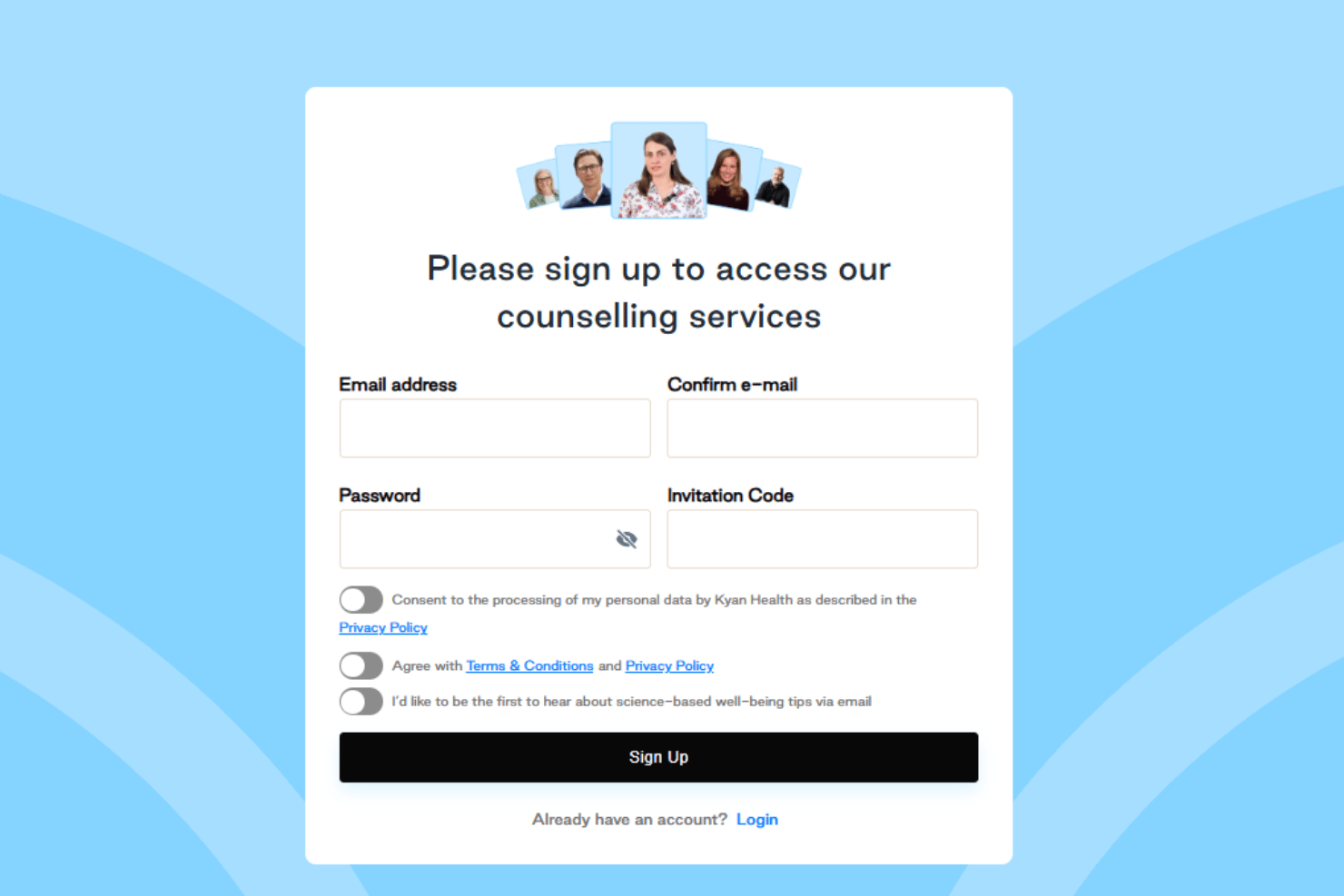
Kyan Health offers a highly guided onboarding process built for enterprise rollouts rather than lightweight self-serve setup. Each customer works with a dedicated Customer Success Manager who supports implementation, rollout planning, training, and post-launch optimization. Most standard deployments take around 4–6 weeks, though smaller pilots can launch in as little as 1–2 weeks and more complex multinational rollouts may take longer with SSO integrations or phased country launches.
I especially like that Kyan provides launch webinars, communication templates, presentation materials, and digital engagement assets through Kyan Engage, helping HR teams drive adoption without creating everything from scratch. Despite the platform’s broad functionality, the technical setup itself appears relatively low complexity since Kyan manages much of the infrastructure, compliance, and clinical network behind the scenes.
Customer Support
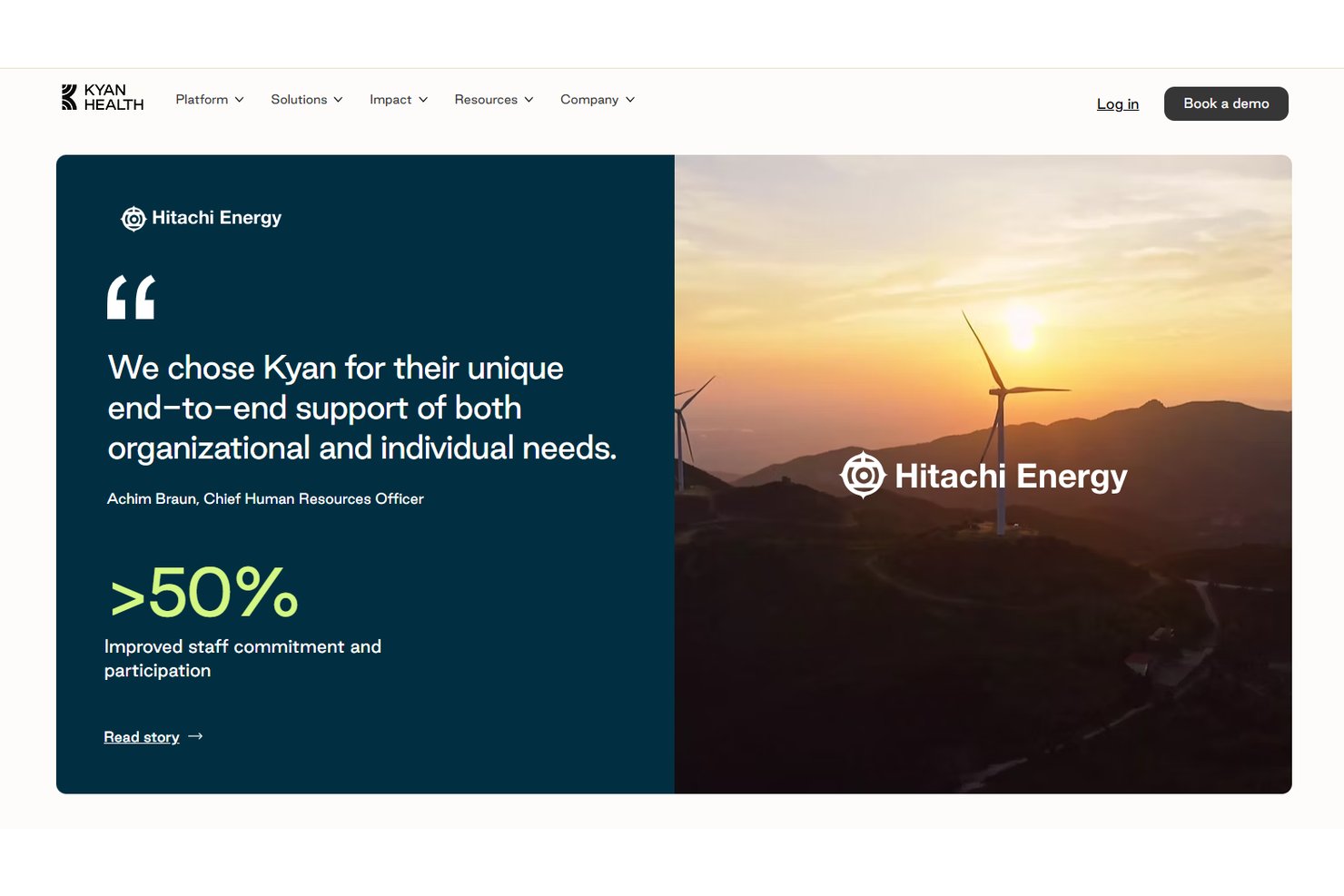
Kyan Health takes a fairly high-touch approach to customer support for HR and program managers. Enterprise customers receive ongoing guidance from dedicated Customer Success Managers who help with rollout strategy, analytics training, engagement optimization, and long-term program performance. I also like that Kyan provides structured support resources through Kyan Engage, including communication templates, launch assets, and ongoing adoption tools that help teams sustain utilization after implementation.
Integrations
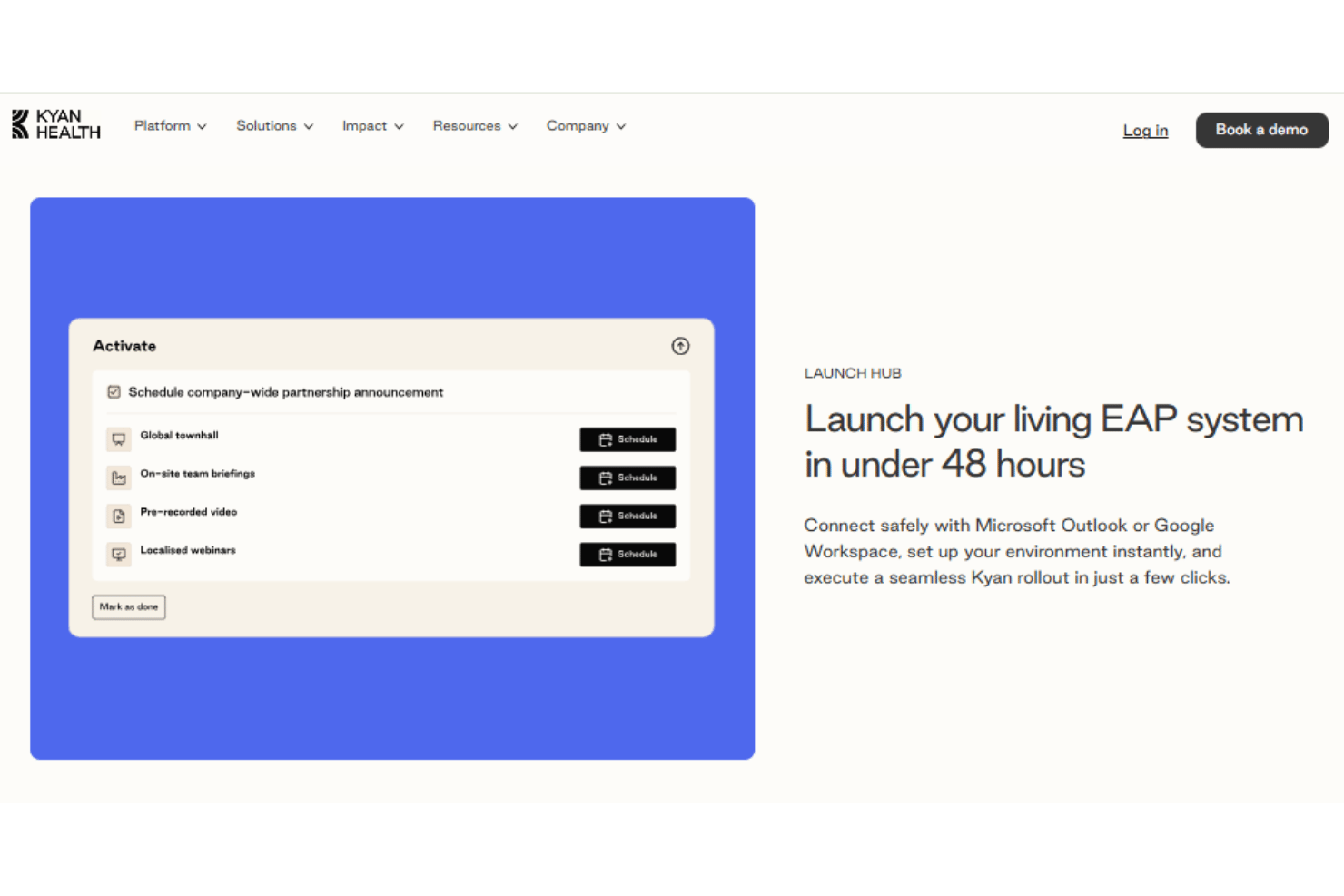
Kyan Health supports enterprise-focused integrations, including SSO, HRIS integrations, and compatibility with platforms like Slack and Microsoft Teams. The platform also connects with Microsoft Outlook and Google Workspace to help organizations manage rollout and employee access more efficiently. However, Kyan Health does not publicly provide a detailed integration marketplace or confirmed public API documentation, so companies with highly customized integration requirements may want additional clarification during evaluation.
Value for Money
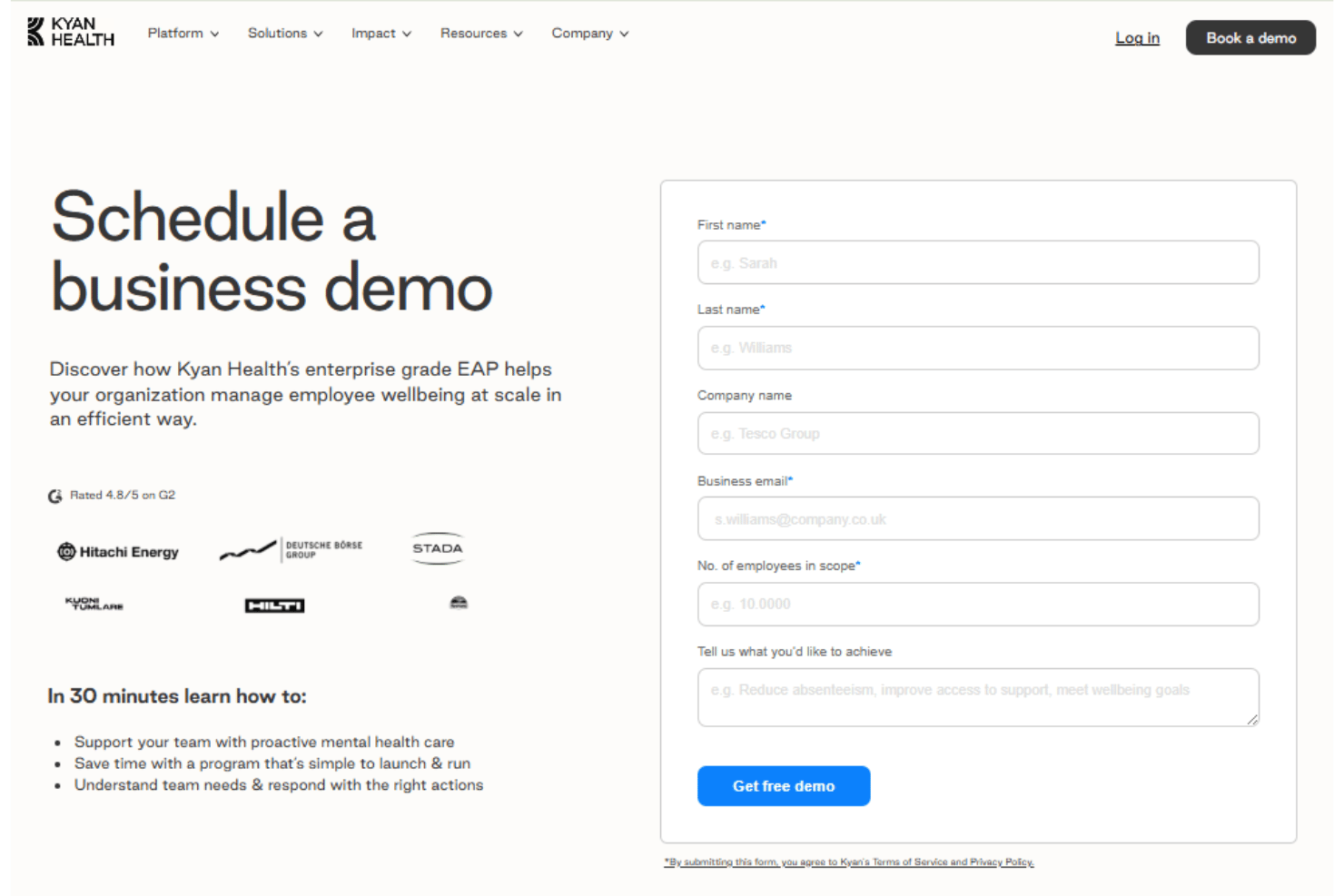
Kyan Health uses custom quote-based pricing tailored to workforce size, service scope, and organizational goals rather than transparent self-serve plans. From my point of view, the platform delivers strong value for large enterprises that want counseling, coaching, work-life services, well-being analytics, and AI-guided care consolidated into one system instead of managing multiple vendors separately.
Overall, if you’re evaluating Kyan, you should expect a sales-led buying process and may want to clarify which services, rollout support, integrations, and training modules are included in their contract.
Kyan Health Specs
- API
- Batch Permissions & Access
- Behavioral Tracking
- Budgeting
- Calendar Management
- Compliance Tracking
- Custom Data Forms
- Custom Reports
- Dashboard
- Data Export
- Data Import
- Data Visualization
- Employee Database
- Employee Engagement
- Employee Incentive Management
- Employee Training
- Expense Tracking
- External Integrations
- Feedback Management
- Health Management
- Multi-User
- Notifications
- Online Surveys
- Risk Assessment
- Safety Management
- Social-Media Integration
- Vacation & Absence Calendar
- Workflow Management
Kyan Health FAQs
How quickly can our company launch Kyan Health for employees?
Does Kyan Health support employees in multiple countries?
Can HR see individual employee mental health data?
What kind of live support is available through the platform?
What evidence-based therapies does Kyan Health offer?
How does Kyan Health help with compliance and data security?
Can we customize well-being campaigns or programs for our organization?
How is Kyan Health priced for different businesses?
Kyan Health Company Overview & History
Kyan Health is headquartered in Zürich, Switzerland, and focuses on digital mental health and well-being for the workplace. The company was founded by tech, medical, and psychology leaders and has a growing, multicultural team across Europe. Kyan Health is privately held and independent, with no widely reported affiliations or subsidiary products. The platform is currently used by organizations of many sizes across regions, but specific customer, revenue, or financial details are not publicly disclosed.
Kyan Health Major Milestones
- 2021: Company founded and established with headquarters in Zürich, Switzerland.
- 2022: Platform launched for the public and businesses across Europe.
- 2023: Received recognition as a top Swiss healthtech startup in industry press.
- 2024: Expanded clinical and well-being content, reached multilingual platform status.