


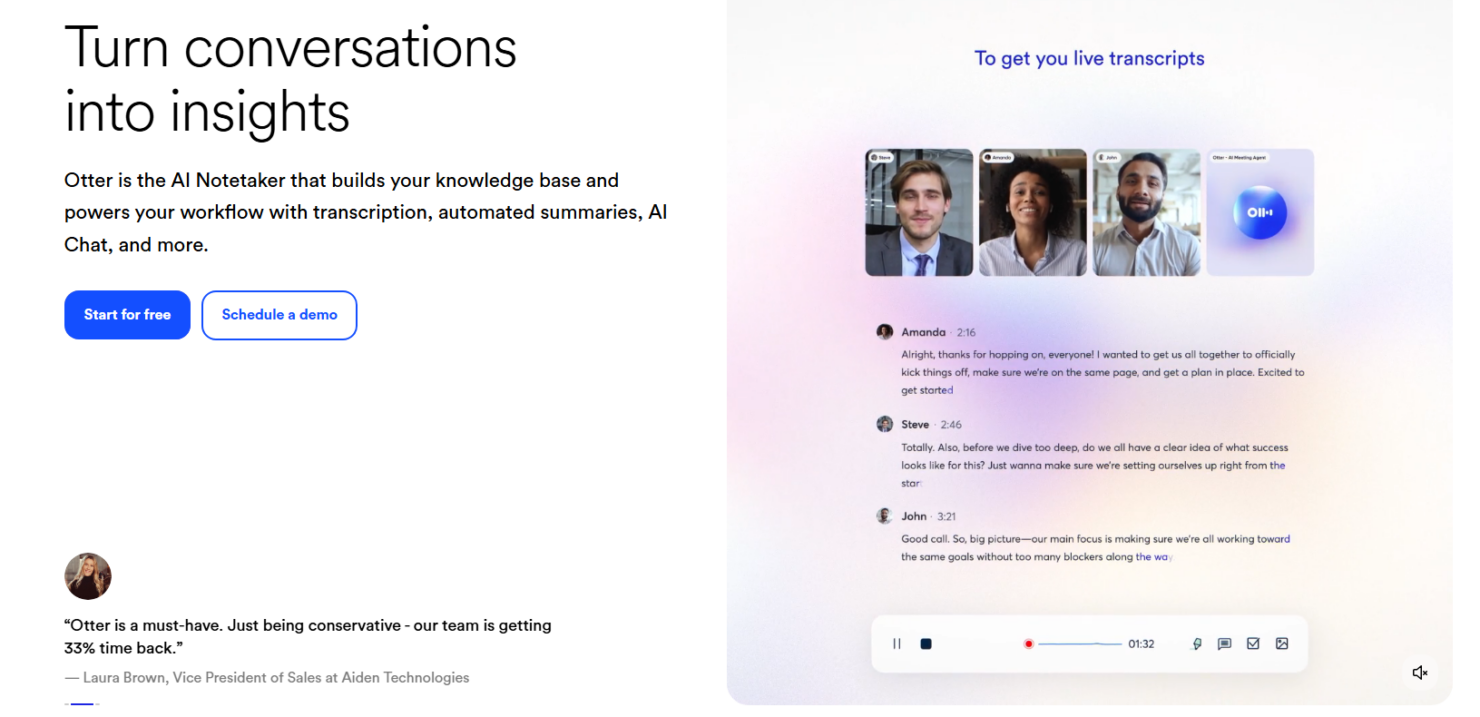
Otter.ai is an AI meeting assistant that transcribes, summarizes, and captures action items from your meetings in real time. It's worth considering if your team needs more than a post-call recording to reference after the fact. Compared to Fireflies.ai, Otter.ai gives you a more interactive in-meeting experience—with a live transcript your whole team can follow and annotate together while the conversation is still happening.
Otter.ai Evaluation Summary
- From $16.99/user/month
- Free plan available
Why Trust Our Software Reviews
Our team has been testing and reviewing software since 2012. As HR experts ourselves, we know how difficult—and important—it is to choose the right software.
For this guide, we evaluated tools using hands-on testing and independent research, scoring tools using our selection criteria. We also draw on insights from industry thought leaders and practicing HR experts.
Our reviews reflect our human editorial judgment, not a sales pitch.
Expert reviewers:
Otter.ai Overview
In my opinion, Otter is a solid choice for teams needing efficient transcription and note-taking. Its user-friendly interface and real-time capabilities make it stand out. Otter.ai pricing is competitive, support and onboarding could improve. It excels in environments like tech and education where accuracy and collaboration are key. However, if your team needs extensive integration options, you might find Otter AI slightly lacking compared to some competitors. Overall, it’s among the best AI tools for those prioritizing ease of use and transcription quality.
pros
-
Otter offers real-time transcription, making it easy for your team to capture discussions.
-
The interface is user-friendly, so your team can start using it without hassle.
-
Team collaboration features lets you share and edit notes conveniently.
cons
-
The onboarding process could be smoother for new team members.
-
Customer support might not be as responsive as you'd like in urgent situations.
-
Lacks extensive customization options.
-

Justworks
Visit WebsiteThis rating combines scores from multiple user review sites to reflect overall customer sentiment about the product.4.6 -
Small Improvements
Visit WebsiteThis rating combines scores from multiple user review sites to reflect overall customer sentiment about the product.4.3 -
HiBob
Visit WebsiteThis rating combines scores from multiple user review sites to reflect overall customer sentiment about the product.4.5





How We Test & Score Our Tools
We’ve spent years building, refining, and improving our software testing and scoring system. The rubric is designed to capture the nuances of software selection and what makes a tool effective, focusing on critical aspects of the decision-making process.
Below, you can see exactly how our testing and scoring works across seven criteria. It allows us to provide an unbiased evaluation of the software based on core functionality, standout features, ease of use, onboarding, customer support, integrations, customer reviews, and value for money.
Core Functionality (25% of final score)
The starting point of our evaluation is always the core functionality of the tool. Does it have the basic features and functions that a user would expect to see? Are any of those core features locked to higher-tiered pricing plans? At its core, we expect a tool to stand up against the baseline capabilities of its competitors.
Standout Features (25% of final score)
Next, we evaluate uncommon standout features that go above and beyond the core functionality typically found in tools of its kind. A high score reflects specialized or unique features that make the product faster, more efficient, or offer additional value to the user.
We also evaluate how easy it is to integrate with other tools typically found in the tech stack to expand the functionality and utility of the software. Tools offering plentiful native integrations, 3rd party connections, and API access to build custom integrations score best.
Ease of Use (10% of final score)
We consider how quick and easy it is to execute the tasks defined in the core functionality using the tool. High scoring software is well designed, intuitive to use, offers mobile apps, provides templates, and makes relatively complex tasks seem simple.
Onboarding (10% of final score)
We know how important rapid team adoption is for a new platform, so we evaluate how easy it is to learn and use a tool with minimal training. We evaluate how quickly a team member can get set up and start using the tool with no experience. High scoring solutions indicate little or no support is required.
Customer Support (10% of final score)
We review how quick and easy it is to get unstuck and find help by phone, live chat, or knowledge base. Tools and companies that provide real-time support score best, while chatbots score worst.
Customer Reviews (10% of final score)
Beyond our own testing and evaluation, we consider the net promoter score from current and past customers. We review their likelihood, given the option, to choose the tool again for the core functionality. A high scoring software reflects a high net promoter score from current or past customers.
Value for Money (10% of final score)
Lastly, in consideration of all the other criteria, we review the average price of entry level plans against the core features and consider the value of the other evaluation criteria. Software that delivers more, for less, will score higher.
Core Features
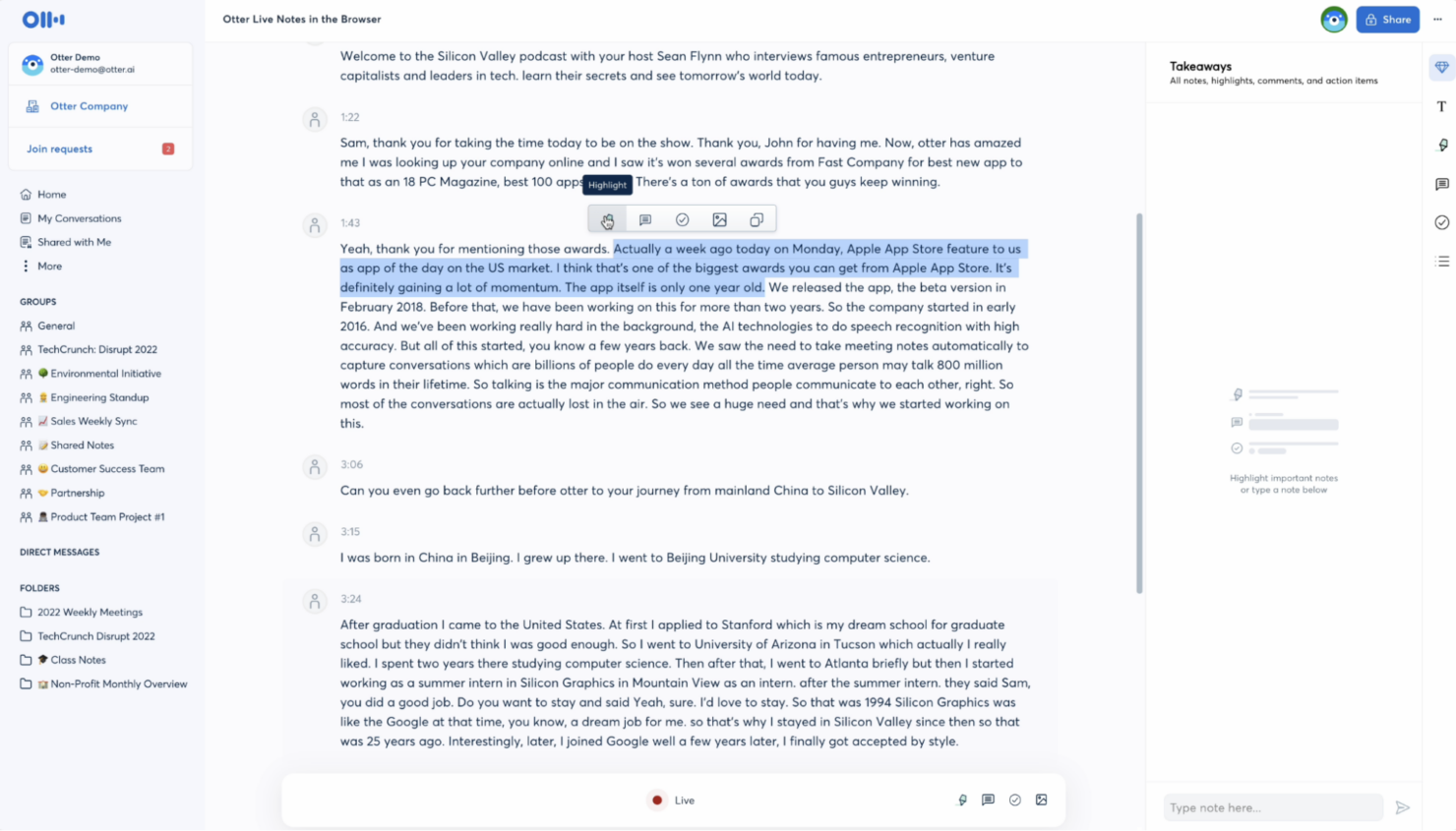
Real-Time Transcription: Otter captures spoken words instantly, allowing your team to follow along and make notes as discussions happen. This feature helps keep everyone on the same page during meetings.
Collaboration Tools: Share and edit notes from in-person and virtual meetings with your team seamlessly. You can work together on the same document, enhancing teamwork and productivity.
Searchable Transcripts: Easily find specific information by searching through your transcripts. This saves you time when you need to catch up on important details from past meetings.
Speaker Identification: Otter identifies different speakers, making it easy to see who said what. This feature adds clarity and context to your meeting notes and full transcripts.
Custom Vocabulary: Add industry-specific terms to ensure accurate transcription. This feature is especially useful if your team uses specialized language.
Audio Playback: Listen to audio recordings of meetings directly within Otter AI. This helps verify information and ensures nothing is missed.
Ease of Use
Otter shines in user-friendliness with its intuitive interface, making it easy for your team to jump right in. The setup is straightforward, so you won't spend much time getting started. Features like real-time transcription and speaker identification work seamlessly, reducing the learning curve. Users often appreciate how quickly they can navigate and utilize the platform, which is a big plus for teams needing efficient, accessible tools for meetings.

Integrations
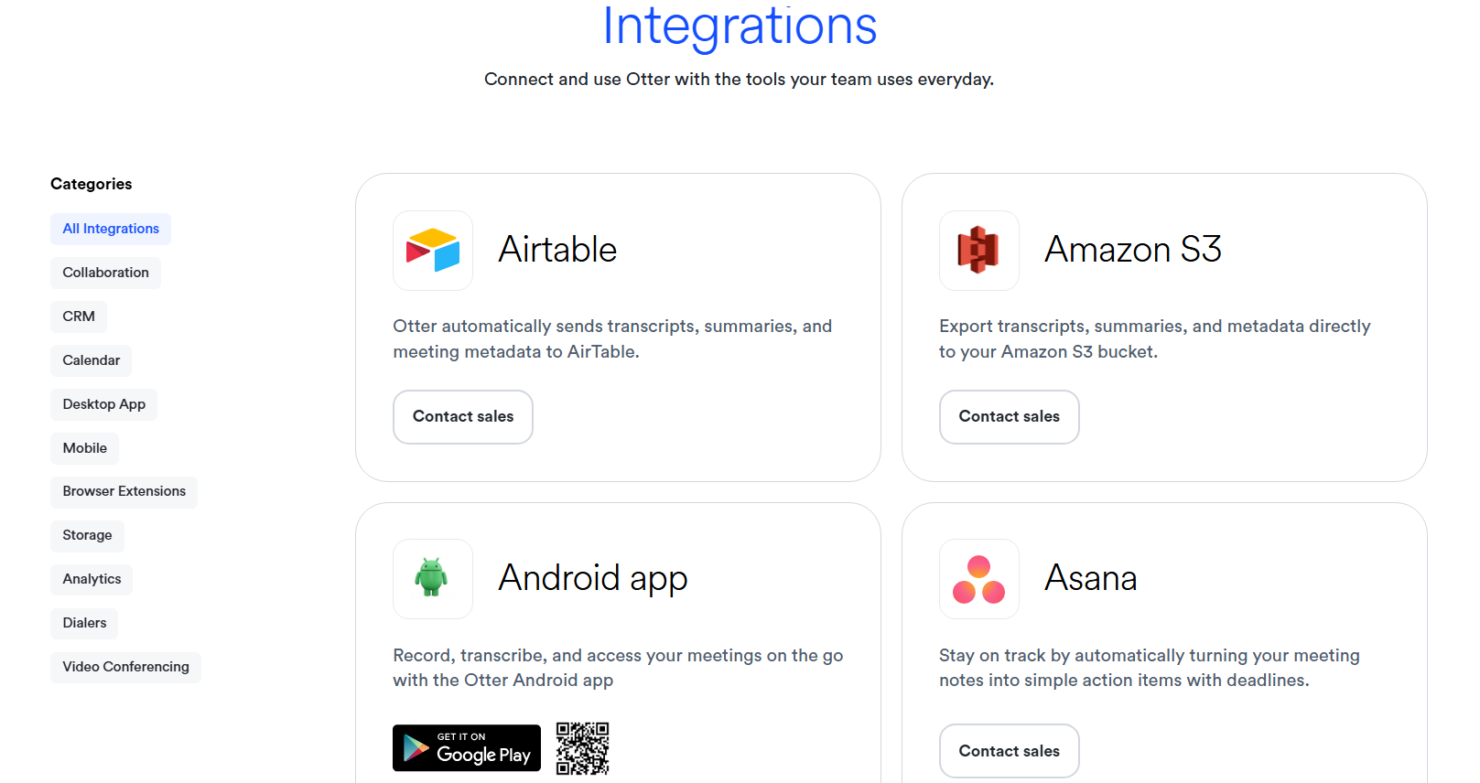
Otter integrates with Google Meet, Microsoft Teams, Zoom, Slack, Google Calendar, Google Drive, Dropbox, Salesforce, Asana, and HubSpot. Otter also offers an API for custom integrations and connects with third-party tools like Zapier for additional automation options.
Otter.ai Specs
- Corporate/Business
- Employee Training
- Gamification
- Personal Learning
- Video Courses