


Paycom Vs. ADP Workforce Now: Expert Reviews and Comparison in 2026



Few business mistakes spread faster than a payroll mistake. One missed paycheck, tax filing error, or compliance slip can trigger employee frustration, administrative chaos, and hours of damage control—making the choice of payroll software far more important than it seems.
Choosing between Paycom and ADP can get overwhelming when you’re trying to keep paychecks accurate, your team happy, and your business compliant. You need payroll software that fits your workflow and budget, simplifies the back-and-forth, and makes tax time less stressful. Both Paycom and ADP promise to handle the details—but how do they really stack up?
In this article, you’ll get a head-to-head comparison that covers each tool’s pros and cons, best use cases, pricing, security features, and overall usability. I’ll break it all down to help you find the right fit.
Paycom vs. ADP Workforce Now: An Overview
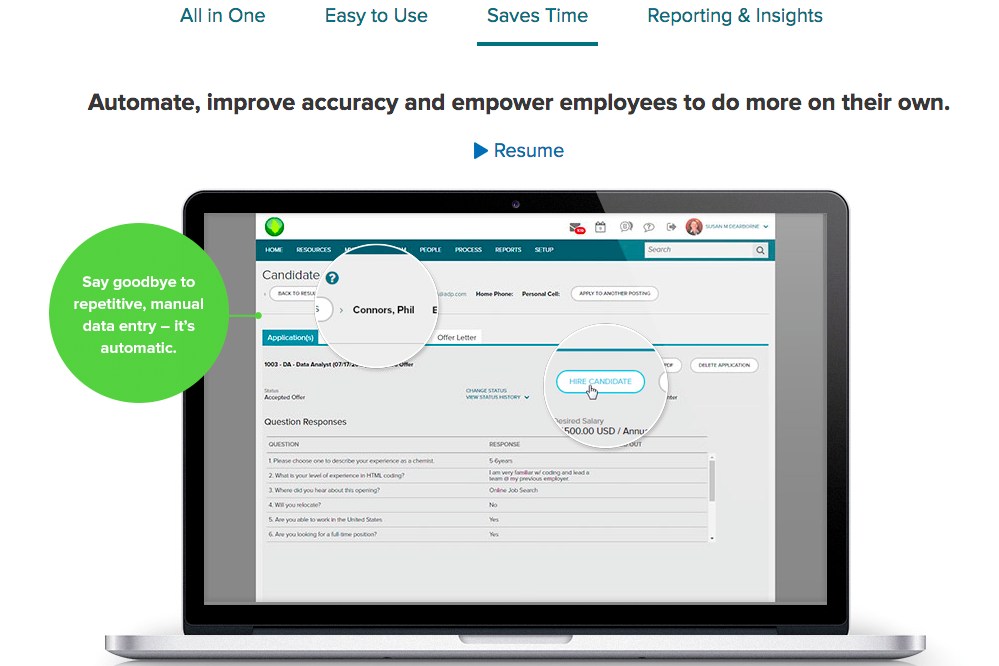
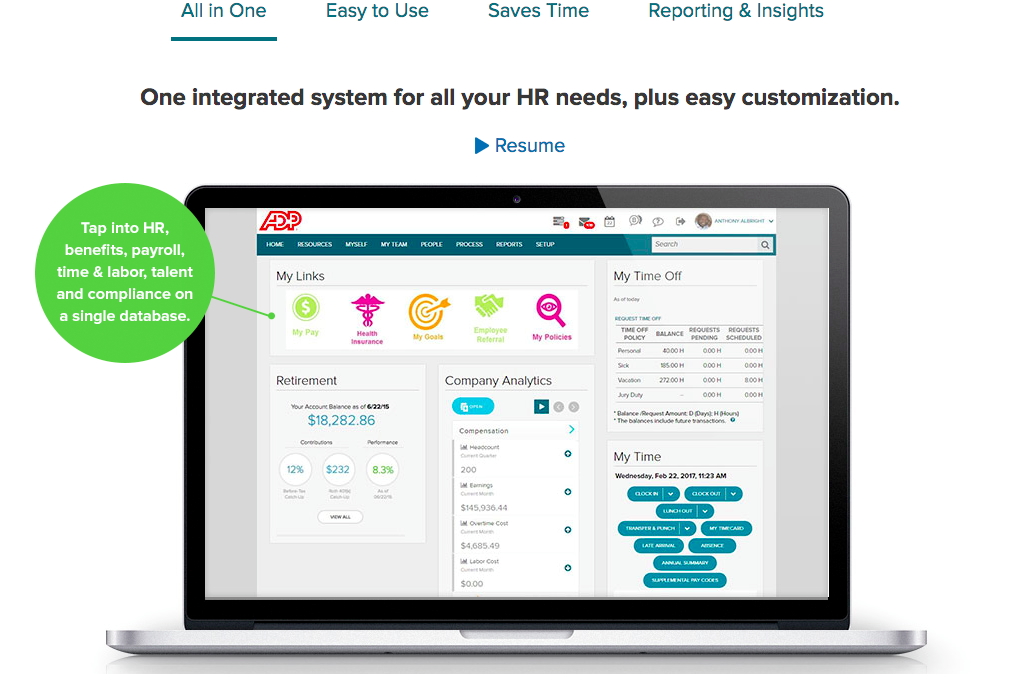
Paycom
ADP Workforce Now

Why Trust Our Software Recommendations
Our team has been testing and reviewing software since 2012. As HR experts ourselves, we know how difficult—and important—it is to choose the right software.
For this guide, we evaluated tools using hands-on testing and independent research, scoring tools using our selection criteria. We also draw on insights from industry thought leaders and practicing HR experts.
Our reviews reflect our human editorial judgment, not a sales pitch.
Expert reviewers:
Paycom vs. ADP Workforce Now Pricing Comparison
| Paycom | ADP Workforce Now | |
|---|---|---|
| Free Trial | Not available | Free demo available |
| Pricing | Pricing upon request | Pricing upon request |
Paycom Vs. ADP Workforce Now Pricing & Hidden Costs
Paycom and ADP both use custom quotes based on your team size, features, and specific needs. With Paycom, expect a flat per-employee monthly fee tailored to your entire company, though onboarding or service charges may apply. ADP also charges on a per-employee basis, but its pricing tends to be more layered, with separate costs for features like tax filing, direct deposit, payroll processing, or advanced HR support—so your total cost can vary depending on the services you choose.
When comparing vendors, ask for a detailed breakdown of everything included and request written clarification on add-on fees, minimum contract periods, and what support options (if any) are extra. Don’t be afraid to request demos, test-drive the support team, and talk to real users if you can. This way, you’ll have a clear sense of what your total spend will look like as your business changes.
Paycom vs. ADP Workforce Now Feature Comparison
| Paycom | ADP Workforce Now | |
|---|---|---|
| 2-Factor Authentication | ||
| 360 Degree Feedback | ||
| API | ||
| Application Tracking | ||
| Attendance Tracking | ||
| Batch Permissions & Access | ||
| Dashboard | ||
| Data Export | ||
| Data Import | ||
| Data Visualization | ||
| Employee Database | ||
| Employee Engagement | ||
| Employee Incentive Management | ||
| Employee Onboarding | ||
| Expense Tracking | ||
| External Integrations | ||
| Feedback Management | ||
| Multi-User | ||
| Notifications | ||
| Payroll | ||
| Scheduling | ||
| Time Management | ||
| Timesheets | ||
| Travel Management | ||
| Vacation & Absence Calendar |
Paycom Vs. ADP Workforce Now Integrations
| Integration | Paycom | ADP Workforce Now |
|---|---|---|
| QuickBooks | ❌ | ✅ |
| SAP Success Factors | ❌ | ✅ |
| Oracle HCM | ❌ | ✅ |
| Microsoft Teams | ❌ | ✅ |
| Oracle NetSuite | ❌ | ✅ |
| BambooHR | ❌ | ✅ |
| Salesforce | ❌ | ✅ |
| API | ❌ | ✅ |
| Zapier | ❌ | ✅ |
ADP wins this category for teams that need broad connectivity, offering a much wider range of out-of-the-box integrations with accounting, HRIS, and business platforms. Paycom takes the opposite approach: it operates as a consolidated, single-database ecosystem where users can complete payroll, HR, time tracking, and employee management tasks without switching between systems. That closed model can reduce duplicate data entry and platform hopping, but if your team depends on third-party tools, app marketplaces, or flexible external connections, ADP is clearly the stronger choice.
Paycom Vs. ADP Workforce Now Security, Compliance & Reliability
| Factor | Paycom | ADP Workforce Now |
|---|---|---|
| Data Encryption | Uses strong encryption protocols (including 256-bit encryption) to protect data in transit and at rest. | Encrypts data in transit and at rest with enterprise-grade protocols. |
| Regulatory Compliance | Maintains multiple certifications and audits including, but not limited to, ISO 27001, SOC 1, SOC 2, and SOC 3, supporting regulatory and financial reporting compliance. | Supports ACA, EEOC, tax filings, SOC 1 and 2 compliance certifications. |
| User Access Control | Role-based permissions, multi-factor authentication, SSO, and strict access policies help control who can view or modify data. | Customizable roles, audit trails, and single sign-on for fine-tuned permissions. |
| Uptime & Reliability | Guarantees 99.9% uptime and robust disaster recovery measures. | Consistent 99.9% uptime, backup systems, and real-time status alerts. |
| Audit Logs | Generates detailed logs of user activity and system actions. | Tracks all user and system actions with comprehensive logging and reporting. |
ADP is the clear leader in global compliance and reliability, though both offer strong security foundations. Paycom is a solid pick for straightforward, U.S.-based payroll data protection, but ADP’s broader compliance support and high reliability make it better suited for organizations with complex or multi-region needs.
Paycom Vs. ADP Workforce Now Ease of Use
| Factor | Paycom | ADP Workforce Now |
|---|---|---|
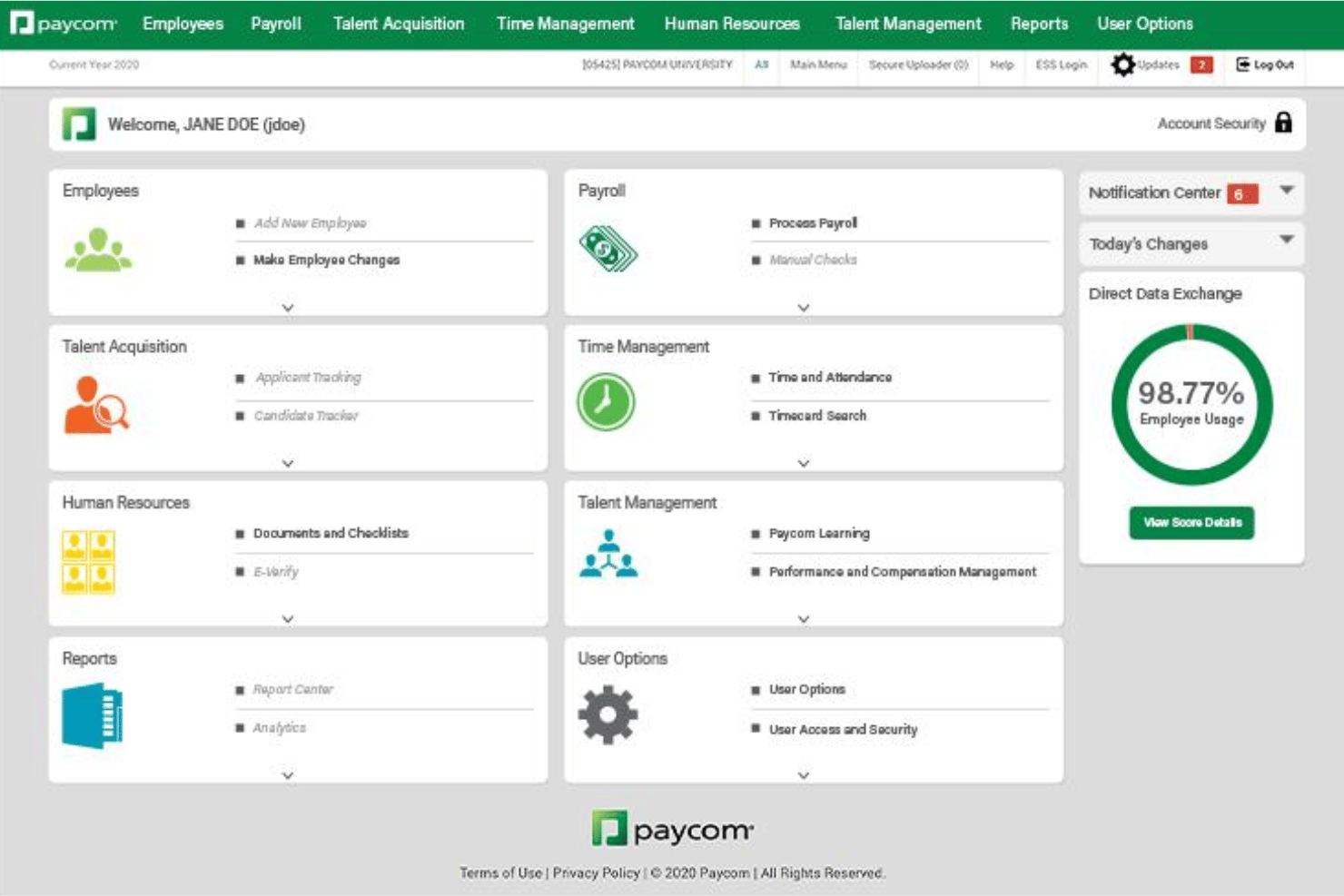
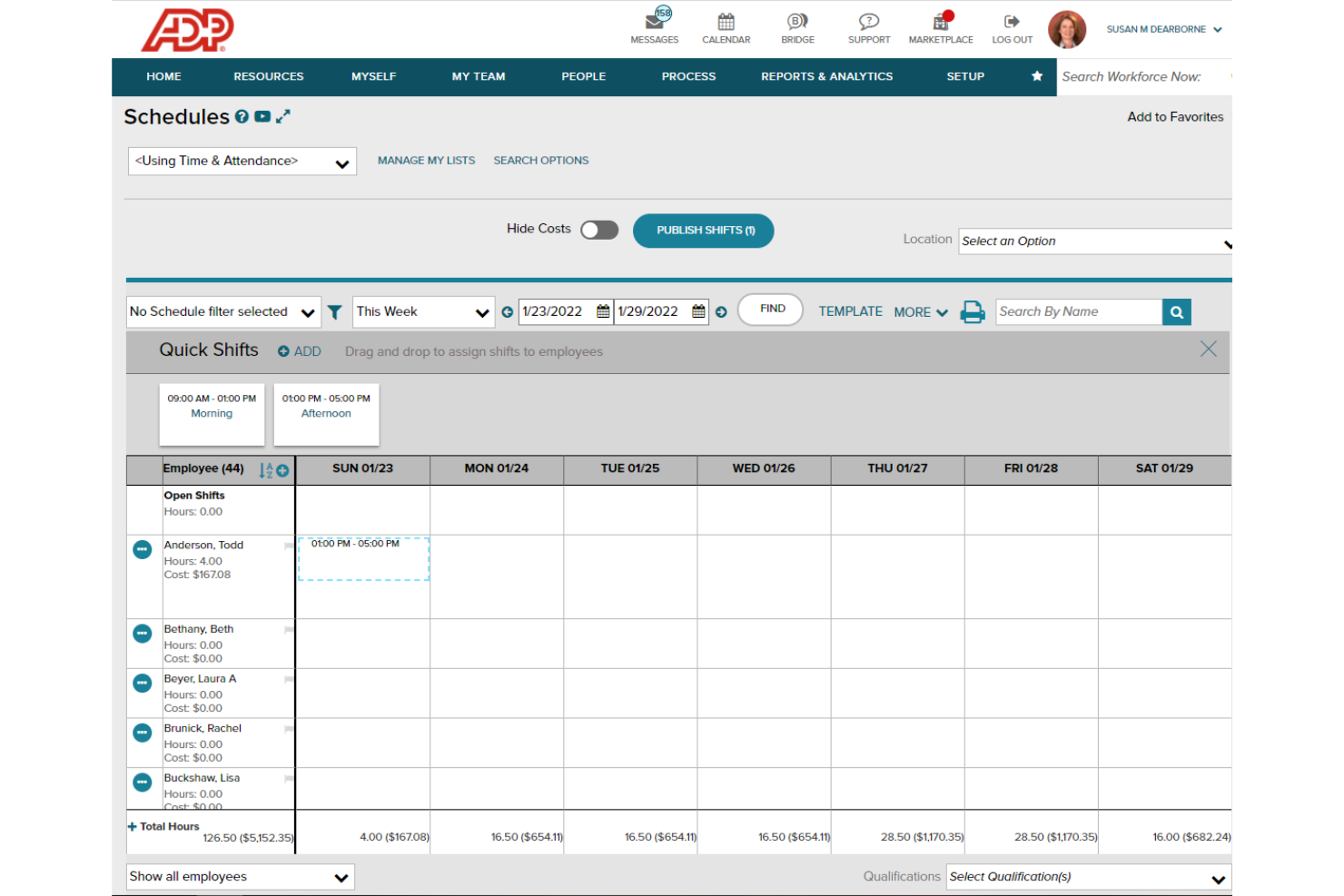
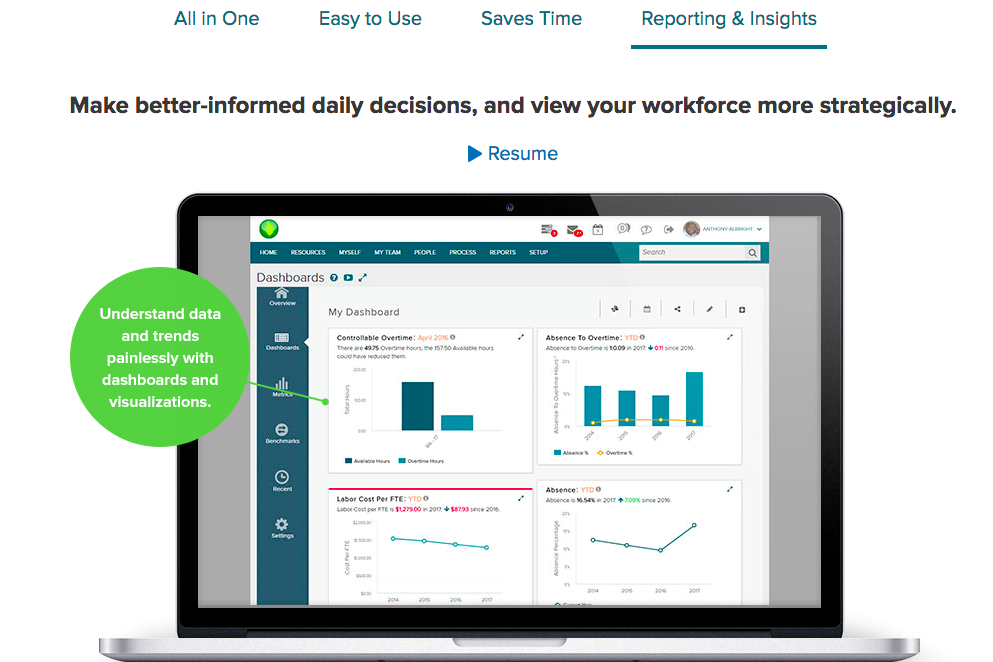
| User Interface | Modern, clean design with intuitive dashboard and quick links. | Familiar, menu-driven workflows with customizable dashboards and shortcuts. |
| Onboarding | Guided onboarding with interactive checklists for setup steps. | Step-by-step guidance and in-product help during setup and first payroll runs. |
| Support Access | Direct access to dedicated specialists via phone or chat. | Multi-channel support, robust help center, and responsive live chat. |
| Learning Curve | Easy for new users, though deeper features take time to master. | Requires some training, but navigation gets easier as users get familiar. |
| Mobile Experience | Fully functional mobile app for payroll, expenses, and approvals. | Mobile app covers payroll basics, reporting, and employee self-service. |
Paycom is generally quicker for new users to pick up, while ADP gives you more options but requires extra training up front. Paycom’s interface and support are a great fit if you want speed, and ADP’s depth pays off when your team is ready to invest in a broader set of features.
Paycom vs ADP Workforce Now: Pros & Cons
Paycom
- Employees can update their own payroll and HR data directly.
- Detailed compliance tools support complex regulatory needs.
- Payroll processing errors are automatically flagged before submission.
- Payroll is native in select countries, and not global.
- Pricing is generally unsuitable for low-headcount companies.
- Limited out of the box external integrations.
ADP Workforce Now
- It simplifies payroll with efficient processing and error prevention alerts.
- It offers a user-friendly self-service portal for employees to manage their details.
- It provides excellent recruiting tools with integration to major job boards.
- It lacks advanced customization options for workflows and reports.
- Performance management features are scattered and less cohesive.
- Advanced HR functions require add-ons, which can increase costs.
Best Use Cases for Paycom and ADP Workforce Now
Paycom
- Healthcare Organizations Paycom’s compliance tools and shift management features help manage certifications, varying pay rates, and large employee volumes.
- Franchises Multi-location payroll and consolidated reporting features reduce administrative work for companies operating across several sites.
- HR Departments in Corporations Unified HR and payroll in a single database streamline everything from onboarding to talent management and reporting.
- Manufacturing Companies Automated overtime calculations, shift differentials, and union deduction support make payroll for complex workforces easier to manage.
- Fast-Growing Tech Firms Seamless scalability and employee self-service tools support rapid onboarding and changes without endless admin burden.
- Construction Businesses Job costing and labor tracking features match the demands of managing crews in the field with variable pay structures.
ADP Workforce Now
- Retail Companies ADP Workforce Now handles high employee turnover and scheduling needs effectively.
- Healthcare Providers It manages complex compliance requirements and diverse staffing needs seamlessly.
- Finance Departments It offers robust payroll solutions that ensure accuracy and compliance.
- Recruitment Teams Its excellent recruiting tools simplify job posting and candidate management.
- Human Resources HR teams benefit from its user-friendly interface and efficient onboarding features.
- Small Businesses It provides essential HR functions without overwhelming smaller teams with unnecessary complexity.
Who Should Use Paycom, and Who Should Use ADP Workforce Now?
Paycom is best for U.S.-based businesses that want a modern all-in-one platform with self-service payroll and full-solution automation for growing teams and large organizations. If you value convenience and a clear, streamlined user experience over advanced integrations, Paycom is a strong choice. ADP, on the other hand, is ideal for global companies, multi-location teams, or organizations with complex regulatory and integration needs. I’d steer global, enterprise-sized, or highly regulated businesses toward ADP in this case.
Differences Between Paycom and ADP Workforce Now
| Paycom | ADP Workforce Now | |
|---|---|---|
| Global Payroll | Mostly U.S.-focused, with no global payroll features. | Full global payroll and compliance support for international teams. |
| Integrations | Lack of direct integrations, with no public API available. | Supports a wide range of integrations and offers open API and Zapier. |
| Pricing Structure | Bundled pricing with fewer visible add-ons. | Itemized, pay-for-what-you-use pricing with optional modules. |
| User Interface | Modern, straightforward interface for easy navigation. | Classic dashboard with deeper configuration and customization options. |
| Visit PaycomOpens new window | Read ADP Workforce Now ReviewOpens new window |
Similarities Between Paycom and ADP Workforce Now
| Compliance Support | Each solution offers tools for ACA, EEOC, and federal tax compliance, helping teams meet legal requirements. |
|---|---|
| Customer Support | Each provides access to support specialists and online help centers, so users get answers quickly when issues arise. |
| Employee Self-Service | Employees can access pay stubs, tax forms, and manage personal info from portals or mobile apps in both. |
| Payroll Processing | Both automate payroll calculations, tax filings, and direct deposits, letting you pay employees accurately on time. |
| Reporting Tools | Both include customizable payroll and HR reports to support audits, insights, and business decisions. |
| Visit PaycomOpens new window Read ADP Workforce Now ReviewOpens new window | |