


Remote People vs. Rippling: In-Depth Comparison and Expert Reviews for 2026


Choosing between Remote People and Rippling as your employer of record means weighing Remote People’s global compliance expertise against Rippling’s all-in-one HR automation. If you’re struggling to decide which platform will best support your international hiring goals, you’re not alone; many HR professionals face the same crossroads. Remote People stands out for its deep focus on cross-border employment and local legal nuances, while Rippling offers seamless integration with payroll, benefits, and IT management. This article breaks down the strengths, key differences, and real-world experiences with both platforms, so you can confidently choose the right platform for your team’s next stage of growth.
Remote People vs. Rippling: An Overview
Remote People
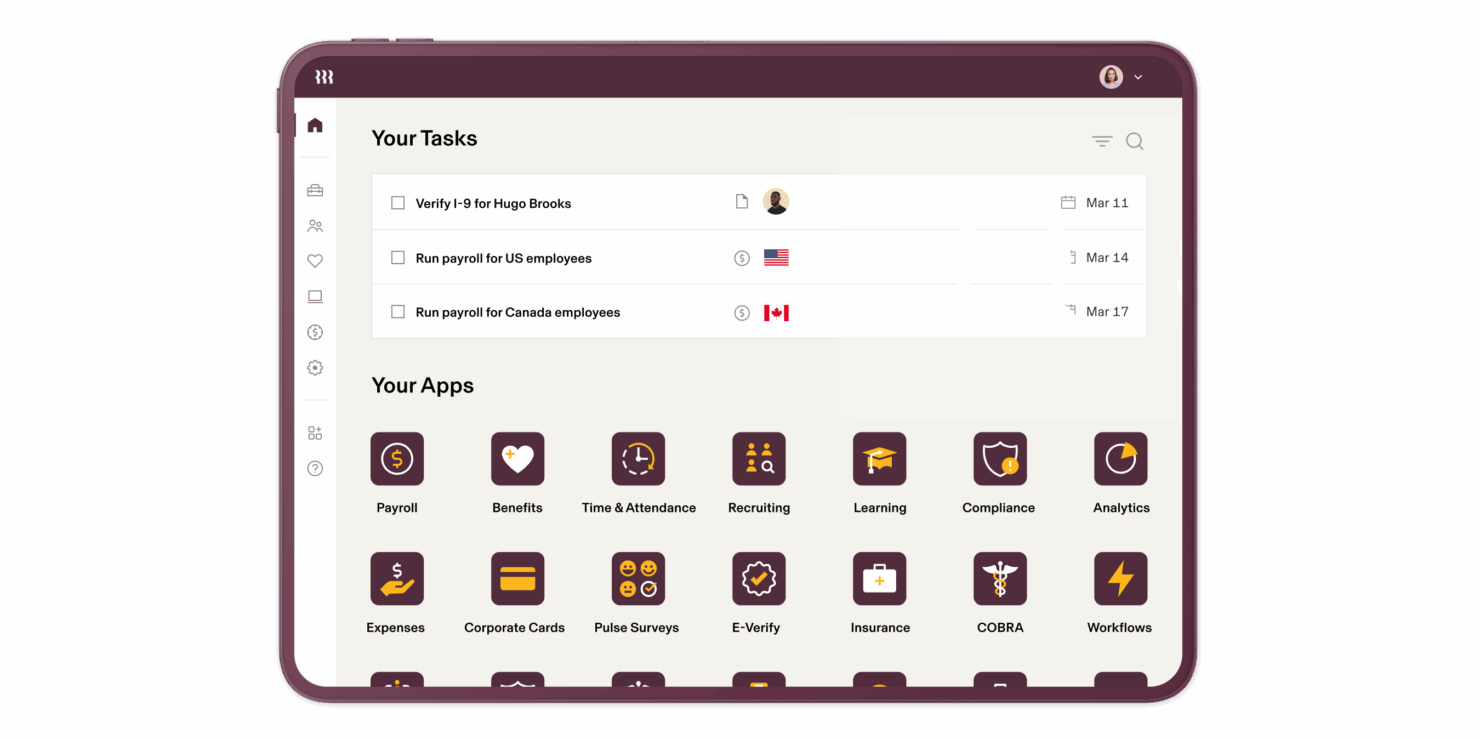
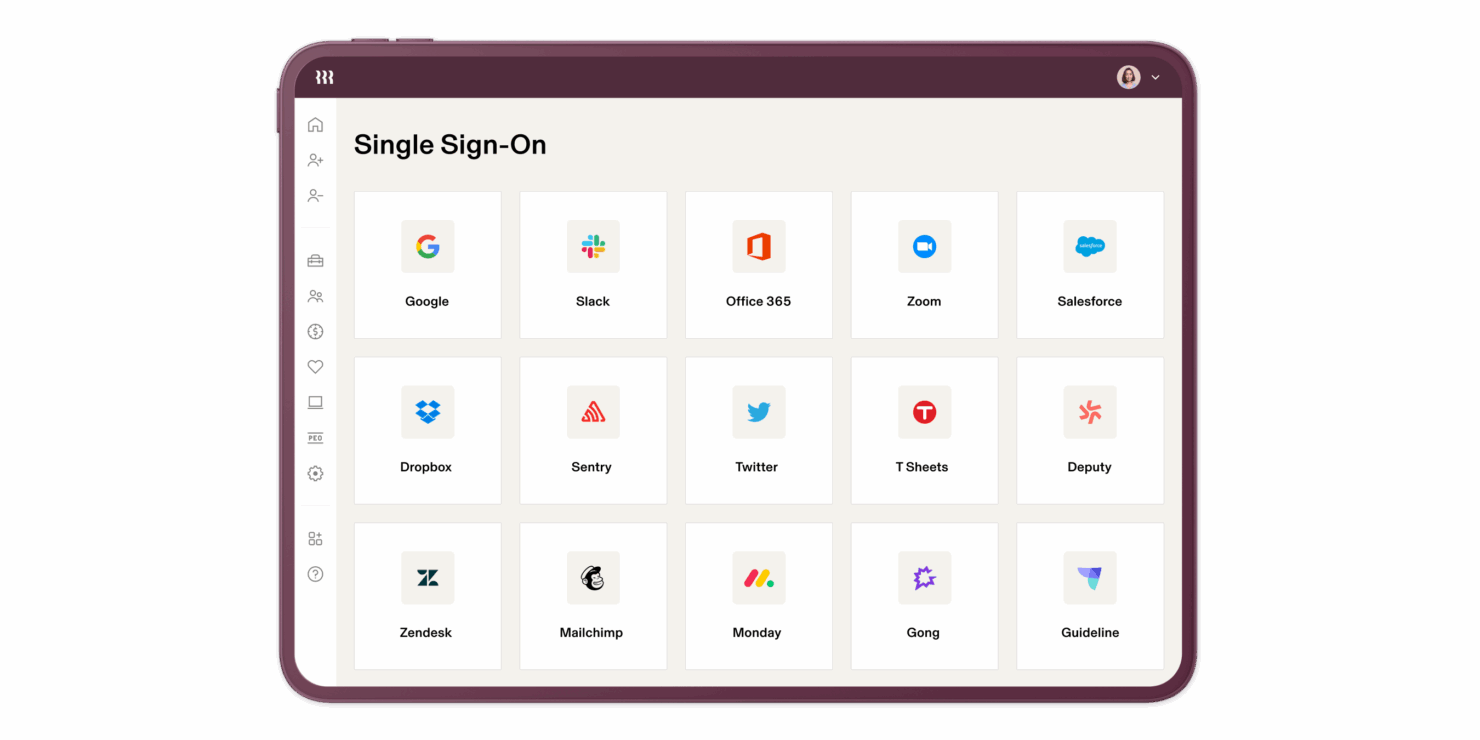
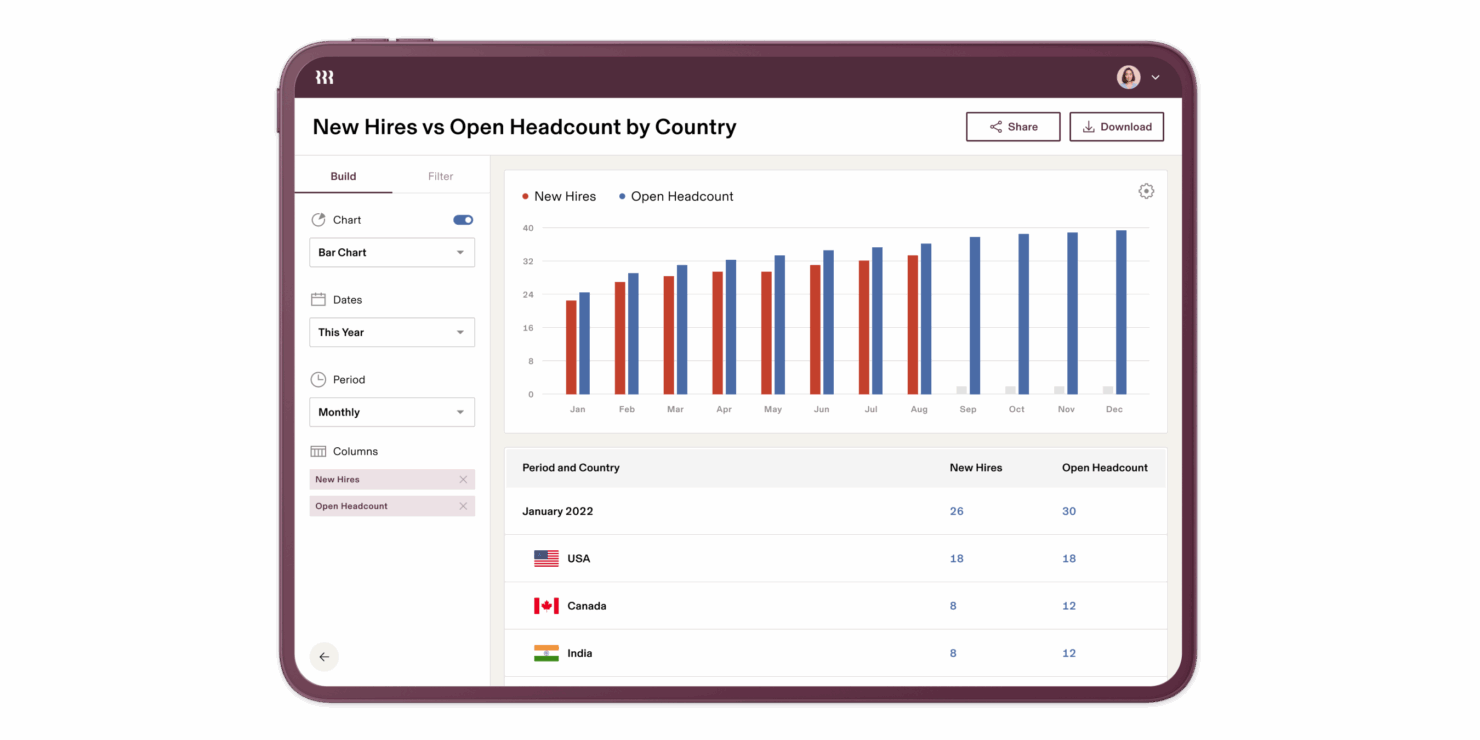
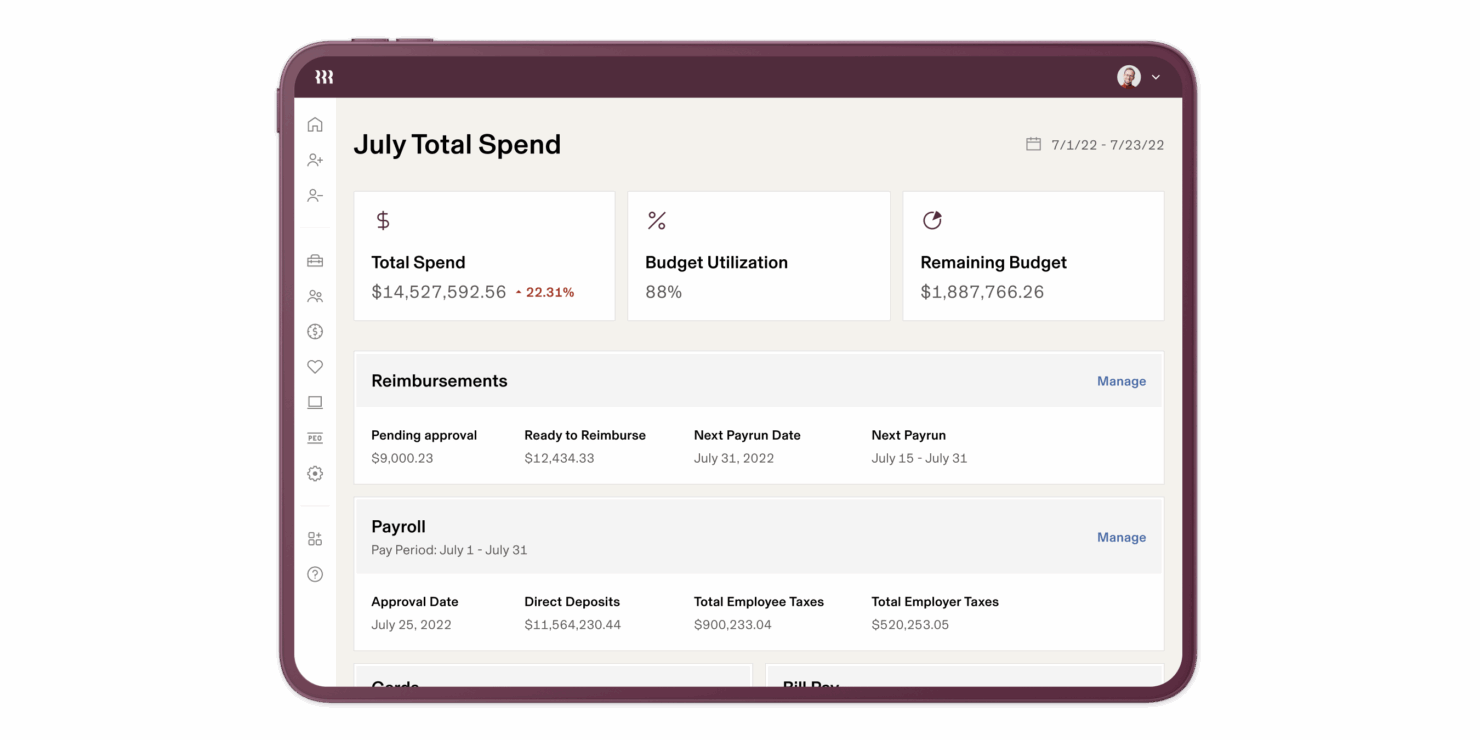
Rippling
Why Trust Our Software Reviews
We’ve been testing and reviewing HR software systems since 2019. As HR experts ourselves, we know how critical and difficult it is to make the right decision when selecting software.
We invest in deep research to help our audience make better software purchasing decisions. We’ve tested more than 2,000 tools for different HR management use cases and written over 1,000 comprehensive software reviews. Learn how we stay transparent & our software review methodology.
Remote People vs. Rippling Pricing Comparison
| Remote People | Rippling | |
|---|---|---|
| Free Trial | Free demo available | Free demo + free trial available |
| Pricing | From $199/month | Pricing upon request |
Remote People vs. Rippling Pricing & Hidden Costs
Remote People uses a transparent, per-employee pricing model that covers core employer of record services, with optional add-ons for extra features like contractor management or advanced compliance support. Rippling, on the other hand, offers modular pricing, charging separately for each HR, payroll, and IT feature you add to your plan. With both platforms, you may encounter extra fees for off and onboarding or country-specific compliance.
To choose the right vendor, map out your current and future hiring plans, including the countries you want to hire in and the HR features you’ll need as you grow. Ask each provider for a detailed breakdown of all potential costs, including onboarding, offboarding, and support. This approach helps you avoid surprises and ensures you’re comparing the true total cost of ownership.
Remote People vs. Rippling Feature Comparison
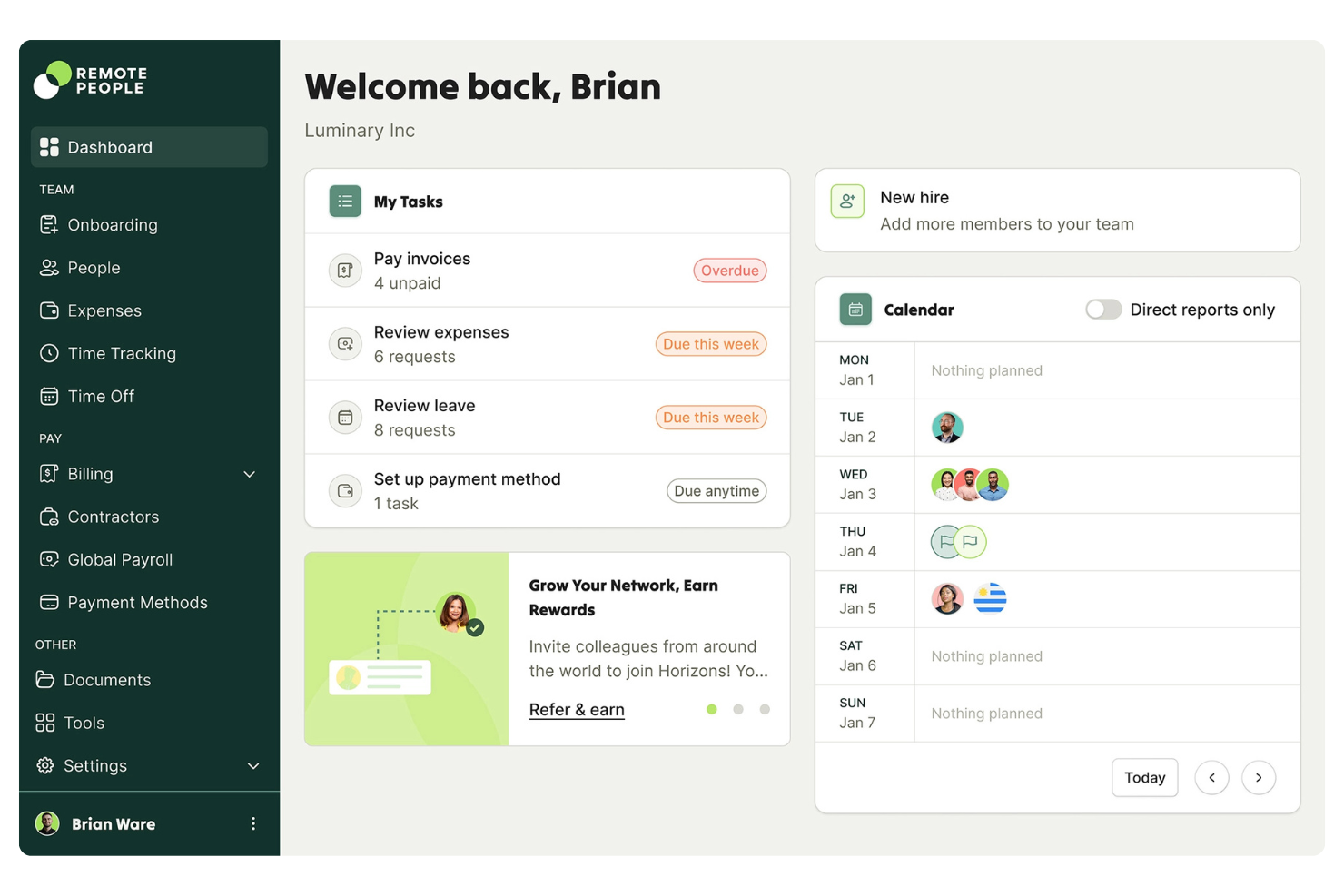
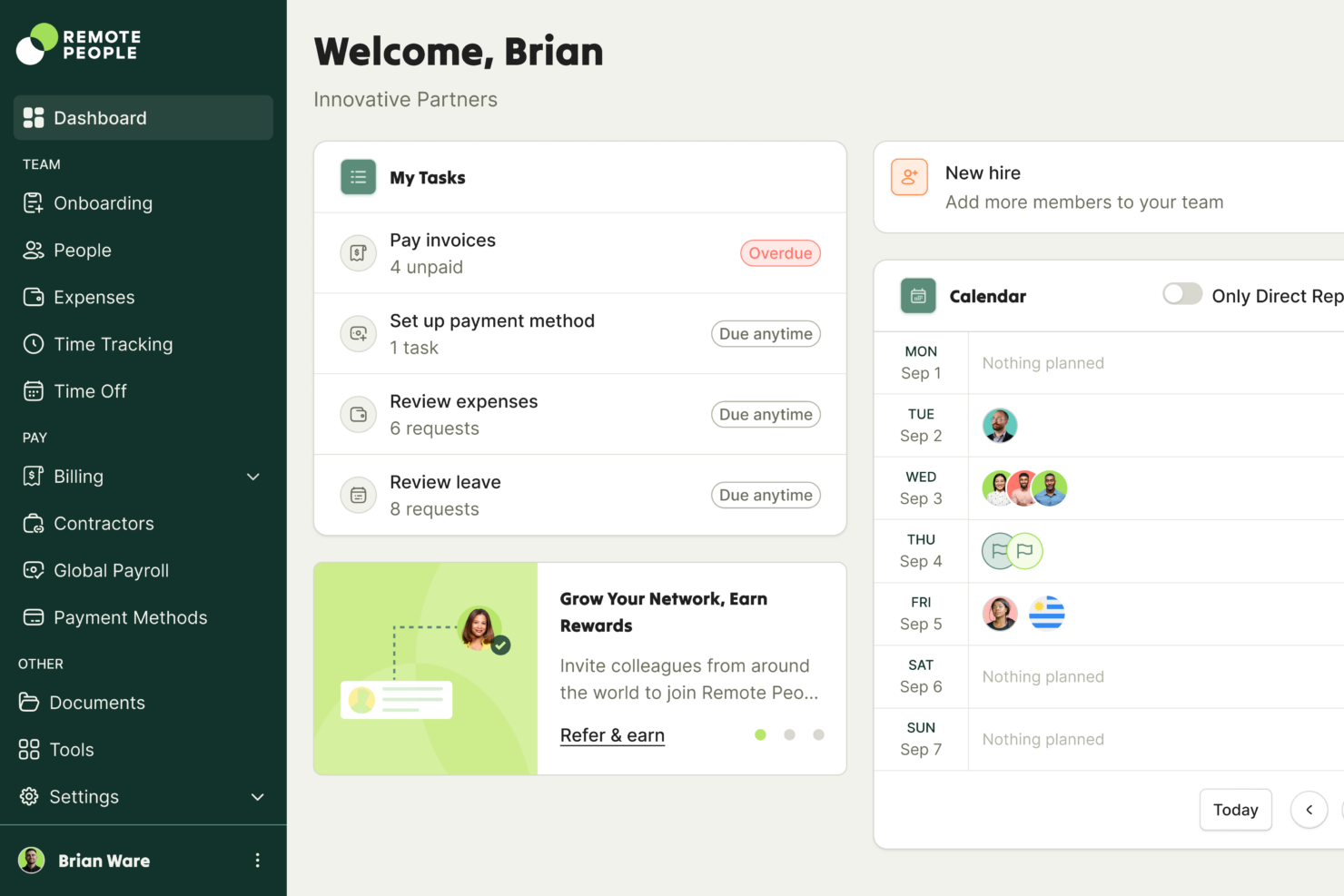
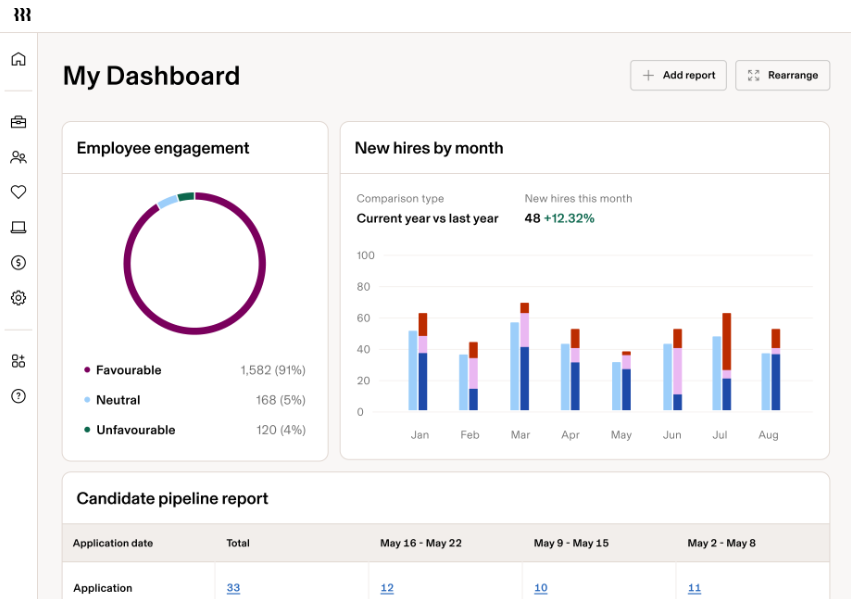
Remote People simplifies your daily work by handling global payroll and compliance, letting you focus on managing your team instead of navigating local laws. Rippling stands out with its unified dashboard, where you can automate onboarding, payroll, and IT tasks in one place, making it easy to keep everything running smoothly as your team grows.
| Remote People | Rippling | |
|---|---|---|
| API | ||
| Application Tracking | ||
| Batch Permissions & Access | ||
| Compliance Tracking | ||
| Data Export | ||
| Data Import | ||
| Data Visualization | ||
| Employee Database | ||
| Employee Onboarding | ||
| Employee Training | ||
| External Integrations | ||
| Multi-User | ||
| Notifications | ||
| Payroll | ||
| Scheduling | ||
| Timesheets |
Remote People vs. Rippling Integrations
| Integration | Remote People | Rippling |
|---|---|---|
| QuickBooks | ❌ | ✅ |
| Xero | ❌ | ✅ |
| Slack | ❌ | ✅ |
| BambooHR | ✅ | ✅ |
| Workday | ❌ | ✅ |
| Google Workspace | ✅ | ✅ |
| Dayforce | ✅ | ❌ |
| Greenhouse | ❌ | ✅ |
| API | ❌ | ✅ |
| Zapier | ❌ | ❌ |
Rippling offers a wider range of integrations, especially with IT and productivity tools, while Remote People covers the essential HR and Payroll integrations. Rippling also provides API access and Zapier connectivity for teams that rely on custom workflows, making it the more flexible choice for businesses with complex integration needs.
Remote People vs. Rippling Security, Compliance & Reliability
| Factor | Remote People | Rippling |
|---|---|---|
| Data Privacy | Uses GDPR and ISO27001-compliant data storage, is SOC 2 Type II certified, and regular audits to protect employee data. | Uses SOC 2 Type II certified infrastructure and offers granular access controls. |
| Regulatory Compliance | Provides in-country legal experts and automated compliance updates. | Automates compliance workflows and monitors regulatory changes across supported regions. |
| Encryption | Encrypts data at rest and in transit using industry-standard protocols. | Uses end-to-end encryption for all sensitive employee and payroll data. |
| Uptime & Reliability | Guarantees 99.9% uptime with a dedicated account manager for urgent issues. | Delivers high uptime and real-time system status updates for transparency. |
| Audit Trails | Maintains detailed logs of all user actions and document changes. | Offers comprehensive audit logs and customizable reporting for compliance tracking. |
Both Remote People and Rippling deliver strong security and compliance, but Remote People's in-country legal experts give it a slight edge for organizations with complex compliance needs across different regions, while Rippling stands out for its robust infrastructure and transparent reliability features.
Remote People vs. Rippling Ease of Use
| Factor | Remote People | Rippling |
|---|---|---|
| User Interface | Clean, intuitive dashboard focused on global employment tasks. | Modern, unified interface that centralizes HR, payroll, and IT management. |
| Onboarding Process | Step-by-step onboarding with personalized support from local experts and a dedicated account manager. | Automated onboarding flows that sync employee data across all connected systems. |
| Setup Time | Setup is handled entirely by Remote People through their own entities, allowing businesses to start hiring immediately. | Fast implementation, especially for companies already using Rippling’s HR or IT modules. |
| Customer Support | Responsive team of local experts and a dedicated account manager available 24/5. | 24/7 live chat and extensive self-service resources for troubleshooting. |
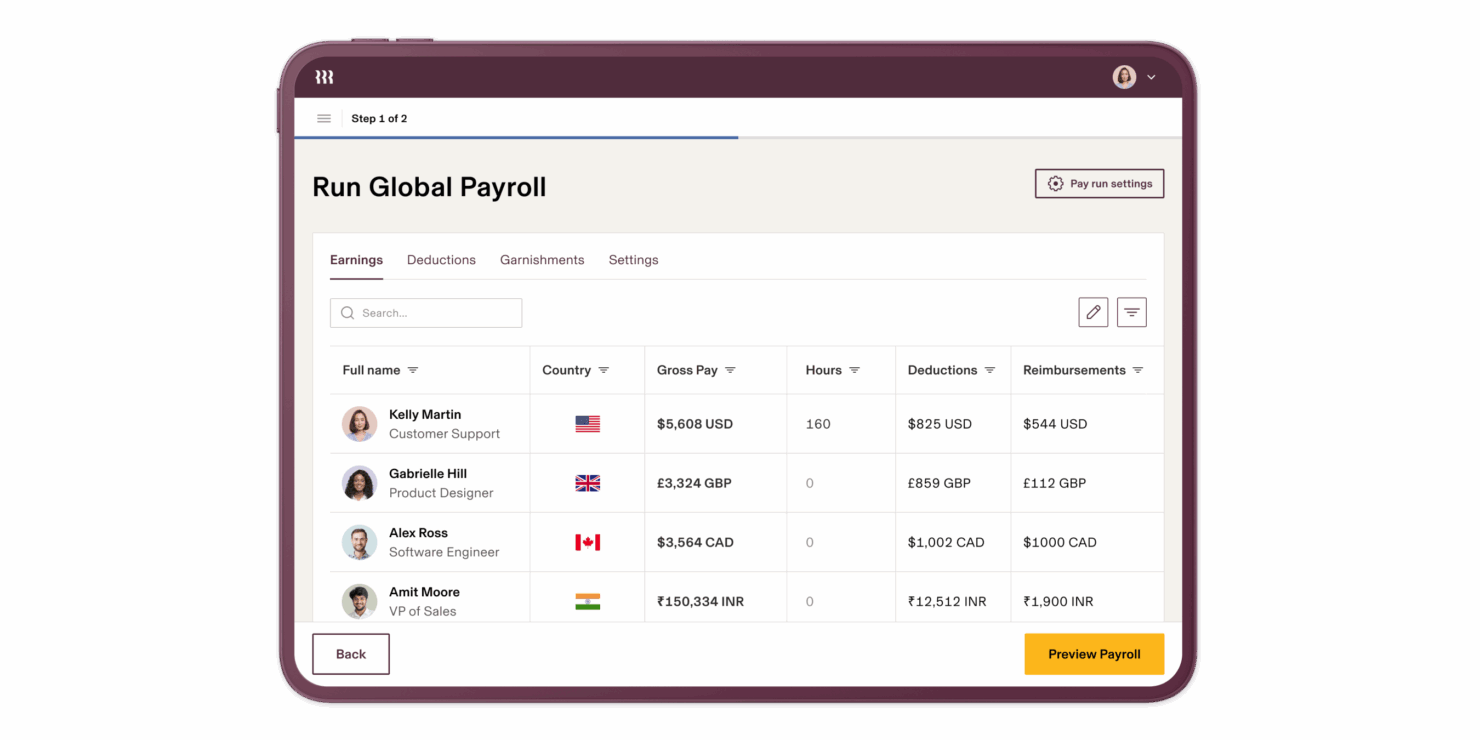
| Task Automation | Automates payroll and compliance reminders, reducing manual work. | Automates HR, payroll, and device provisioning from a single platform. |
Rippling offers a more seamless, all-in-one experience for automating HR and IT tasks, while Remote People excels at simplifying global onboarding and compliance for distributed teams. Remote People’s straightforward workflows make it easy for HR teams new to international hiring, while Rippling’s automation and centralized dashboard save time for organizations managing multiple systems.
Remote People vs Rippling: Pros & Cons
Remote People
- Transparent, predictable pricing with no hidden fees.
- Handles recruitment in-house during every stage of hiring.
- Fast onboarding in 150+ countries.
- Limited third-party software integrations.
- Reporting features could be more detailed.
- The self-service global entity setup process is lengthy.
Rippling
- Automates simple and complex tasks across departments with an intuitive Workflow Studio.
- The platform is highly scalable with add-on modules, making it ideal for growing businesses.
- Tons of integration options (650+), so that all your systems can be connected and centralized in one platform.
- Custom reporting and workflows may not be included with base modules.
- May be overly comprehensive for simpler operations with limited HR tasks or few employees.
- While modular, costs can add up quickly as you activate more capabilities.
Best Use Cases for Remote People and Rippling
Remote People
- Tech Startups Remote People supports fast onboarding and compliance for rapid global scaling.
- Professional Services Dedicated account managers help manage international contractors and employees.
- Remote-First Teams The platform handles payroll and compliance in 150+ countries.
- SMBs Expanding Abroad Transparent pricing helps small businesses budget for global hiring.
- HR Departments Centralized dashboard simplifies multi-country employee management.
- Nonprofits Reliable compliance support reduces risk in cross-border hiring.
Rippling
- Tech Companies Rippling's automation and integration capabilities suit the fast-paced, tech-driven environment your company thrives in.
- Small to Large Enterprises The platform scales well for small, medium, and large enterprises, handling growing operations, from simple to complex, across multiple geographies.
- HR Departments Rippling centralizes and automates HR functions, like onboarding, benefits administration, learning and development, time and attendance tracking, and recruiting.
- Remote Teams If your team works remotely, Rippling's cloud-based access keeps everyone connected and informed. With the IT add-on, you can even manage remote devices (e.g., automate device management, provisioning, and identity and access management).
- Finance Departments Rippling provides a full, in-house Finance suite with spend management, travel, bill pay and corporate cards. It also integrates payroll with other financial systems, streamlining financial workflows.
- Global Enterprises If your business spans multiple regions, Rippling's extensive reporting tools, global payroll, global hiring (EOR), and contractor management help manage diverse teams effectively.
Who Should Use Remote People, and Who Should Use Rippling?
Remote People is the best fit for HR teams and businesses focused on global expansion, especially those hiring in multiple countries with complex compliance needs. If you value hands-on support, local legal expertise, and a straightforward approach to international employment, Remote People will serve you well. Rippling is ideal for organizations that want to integrate their pre-existing HR, payroll, and IT automations in one platform, especially tech-forward companies or those scaling quickly with diverse software needs.
Differences Between Remote People and Rippling
| Remote People | Rippling | |
|---|---|---|
| Global Compliance | Specializes in local compliance and in-country legal expertise. | Automates compliance workflows across regions with real-time monitoring. |
| In-House Recruitment | Handles full-lifecycle hiring from recruitment all the way to payroll management. | Doesn't offer in-house recruitment, leaving it up to your HR team to source candidates globally. |
| Integration Options | Covers core HR and payroll integrations. | Offers a wider range of integrations, including IT and productivity tools, and API access. |
| Pricing Model | Transparent per-employee pricing with optional add-ons. | Modular pricing based on selected HR, payroll, and IT features. |
| User Interface | Focused dashboard for managing global employment tasks. | Unified platform for HR, payroll, and IT with a modern, centralized UI. |
| Visit Remote PeopleOpens new window | Visit RipplingOpens new window |
Similarities Between Remote People and Rippling
| Audit Trails | Both maintain detailed logs of user actions and document changes to support compliance and transparency. |
|---|---|
| Data Security | Both use strong encryption and follow international data privacy standards to protect sensitive information. |
| Employer of Record | Both act as legal employers for international hires, handling contracts, payroll, and compliance globally. |
| Payroll Automation | Each platform automates payroll processing, tax calculations, and payments for distributed teams. |
| Visit Remote PeopleOpens new window Visit RipplingOpens new window | |