SkyPrep Review: Pros, Cons, Features, and Pricing Explained


SkyPrep is a cloud-based learning management system built for organizations that need to train employees, partners, or customers without a complex setup process. It's worth a close look if you need more built-in automation and reporting depth than TalentLMS offers, but want to avoid the implementation overhead that typically comes with enterprise-grade platforms.
SkyPrep Evaluation Summary
- Pricing upon request
- 14-day free trial
Why Trust Our Software Reviews
Our team has been testing and reviewing software since 2012. As HR experts ourselves, we know how difficult—and important—it is to choose the right software.
For this guide, we evaluated tools using hands-on testing and independent research, scoring tools using our selection criteria. We also draw on insights from industry thought leaders and and practicing HR experts.
Our reviews reflect our human editorial judgment, not a sales pitch.
Expert reviewers:
SkyPrep Overview
If you're judging SkyPrep against other learning management systems, I think its intuitive user interface and quick onboarding set it apart for teams that want to launch training fast. The course builder is flexible, and the support team is responsive, which makes a real difference for HR teams with limited tech resources. Pricing is transparent, and integrations cover most business needs, though advanced analytics and niche integrations aren't as deep as some competitors. I'd suggest SkyPrep for organizations that value simplicity and need to train distributed or non-technical end users without a steep learning curve.
pros
-
Responsive customer support with fast resolution times
-
Flexible course builder for varied training content
-
Clean, modern interface for both admins and learners
cons
-
Reporting features lack advanced customization options
-
Limited depth in analytics compared to some competitors
-
Fewer niche integrations for specialized business needs
-

Justworks
Visit WebsiteThis rating combines scores from multiple user review sites to reflect overall customer sentiment about the product.4.6 -
Small Improvements
Visit WebsiteThis rating combines scores from multiple user review sites to reflect overall customer sentiment about the product.4.3 -
HiBob
Visit WebsiteThis rating combines scores from multiple user review sites to reflect overall customer sentiment about the product.4.5





How We Test & Score Our Tools
We’ve spent years building, refining, and improving our software testing and scoring system. The rubric is designed to capture the nuances of software selection and what makes a tool effective, focusing on critical aspects of the decision-making process.
Below, you can see exactly how our testing and scoring works across seven criteria. It allows us to provide an unbiased evaluation of the software based on core functionality, standout features, ease of use, onboarding, customer support, integrations, customer reviews, and value for money.
Core Functionality (25% of final score)
The starting point of our evaluation is always the core functionality of the tool. Does it have the basic features and functions that a user would expect to see? Are any of those core features locked to higher-tiered pricing plans? At its core, we expect a tool to stand up against the baseline capabilities of its competitors.
Standout Features (25% of final score)
Next, we evaluate uncommon standout features that go above and beyond the core functionality typically found in tools of its kind. A high score reflects specialized or unique features that make the product faster, more efficient, or offer additional value to the user.
We also evaluate how easy it is to integrate with other tools typically found in the tech stack to expand the functionality and utility of the software. Tools offering plentiful native integrations, 3rd party connections, and API access to build custom integrations score best.
Ease of Use (10% of final score)
We consider how quick and easy it is to execute the tasks defined in the core functionality using the tool. High scoring software is well designed, intuitive to use, offers mobile apps, provides templates, and makes relatively complex tasks seem simple.
Onboarding (10% of final score)
We know how important rapid team adoption is for a new platform, so we evaluate how easy it is to learn and use a tool with minimal training. We evaluate how quickly a team member can get set up and start using the tool with no experience. High scoring solutions indicate little or no support is required.
Customer Support (10% of final score)
We review how quick and easy it is to get unstuck and find help by phone, live chat, or knowledge base. Tools and companies that provide real-time support score best, while chatbots score worst.
Customer Reviews (10% of final score)
Beyond our own testing and evaluation, we consider the net promoter score from current and past customers. We review their likelihood, given the option, to choose the tool again for the core functionality. A high scoring software reflects a high net promoter score from current or past customers.
Value for Money (10% of final score)
Lastly, in consideration of all the other criteria, we review the average price of entry level plans against the core features and consider the value of the other evaluation criteria. Software that delivers more, for less, will score higher.
Core Features
Course Builder
Build training courses using videos, documents, quizzes, and SCORM files. Drag-and-drop authoring tools make updating content fast.
Automated Training Assignments
Set rules to auto-assign modules based on roles or departments. Keeps onboarding and compliance on track.
Progress Tracking and Reporting
Track progress with real-time dashboards and exportable reports. Spot completions and flag who needs follow-up fast.
Certification and Compliance Management
Issue certificates automatically when learners finish required courses. Supports audits and regulatory needs cleanly.
Mobile Learning
Learners access training from mobile devices, including a mobile app for Android and iOS. Supports remote and frontline teams.
Gamification and Social Learning
Add leaderboards, badges, and discussion boards to boost engagement. Helps end users stay motivated through elearning programs.
Ease of Use
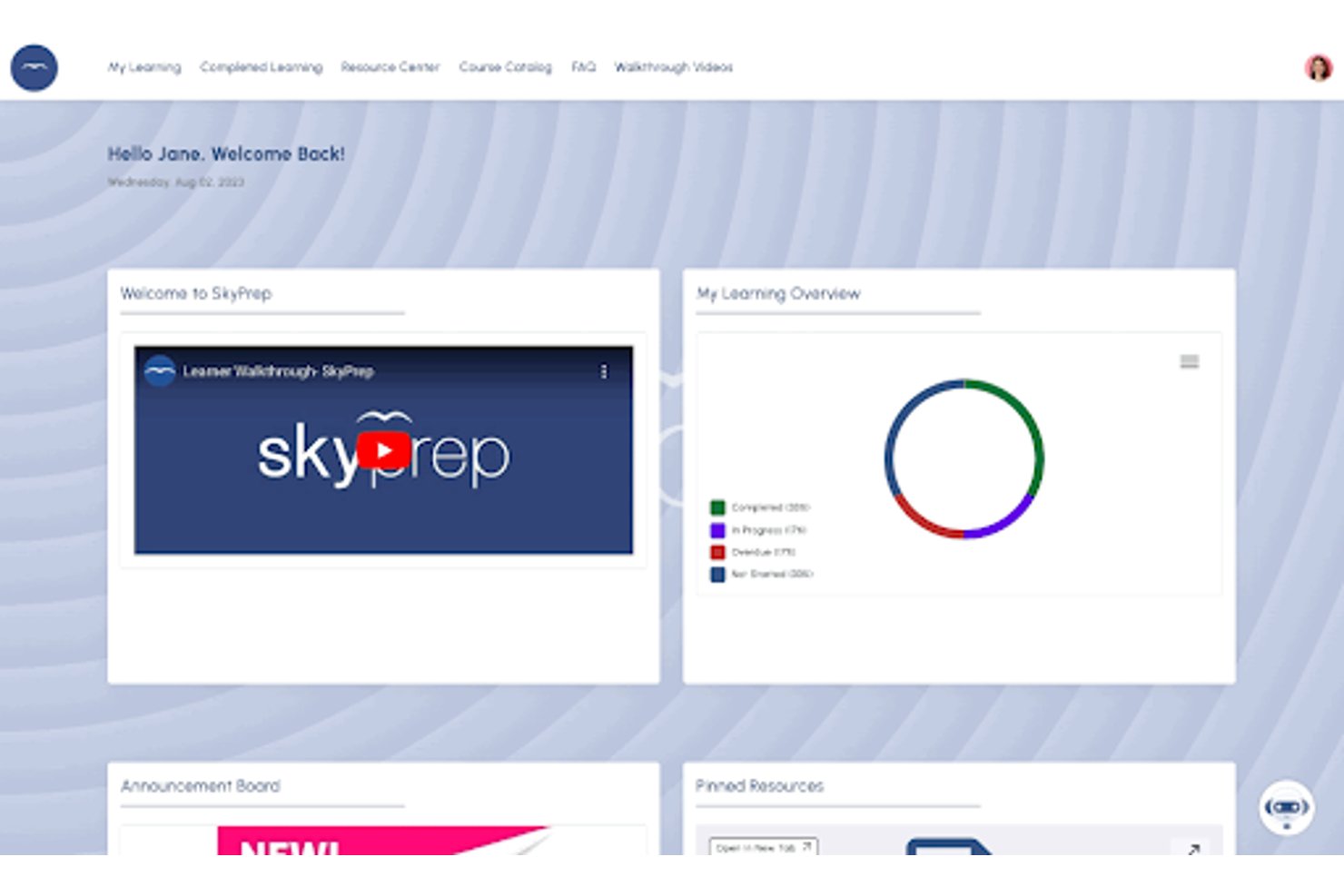
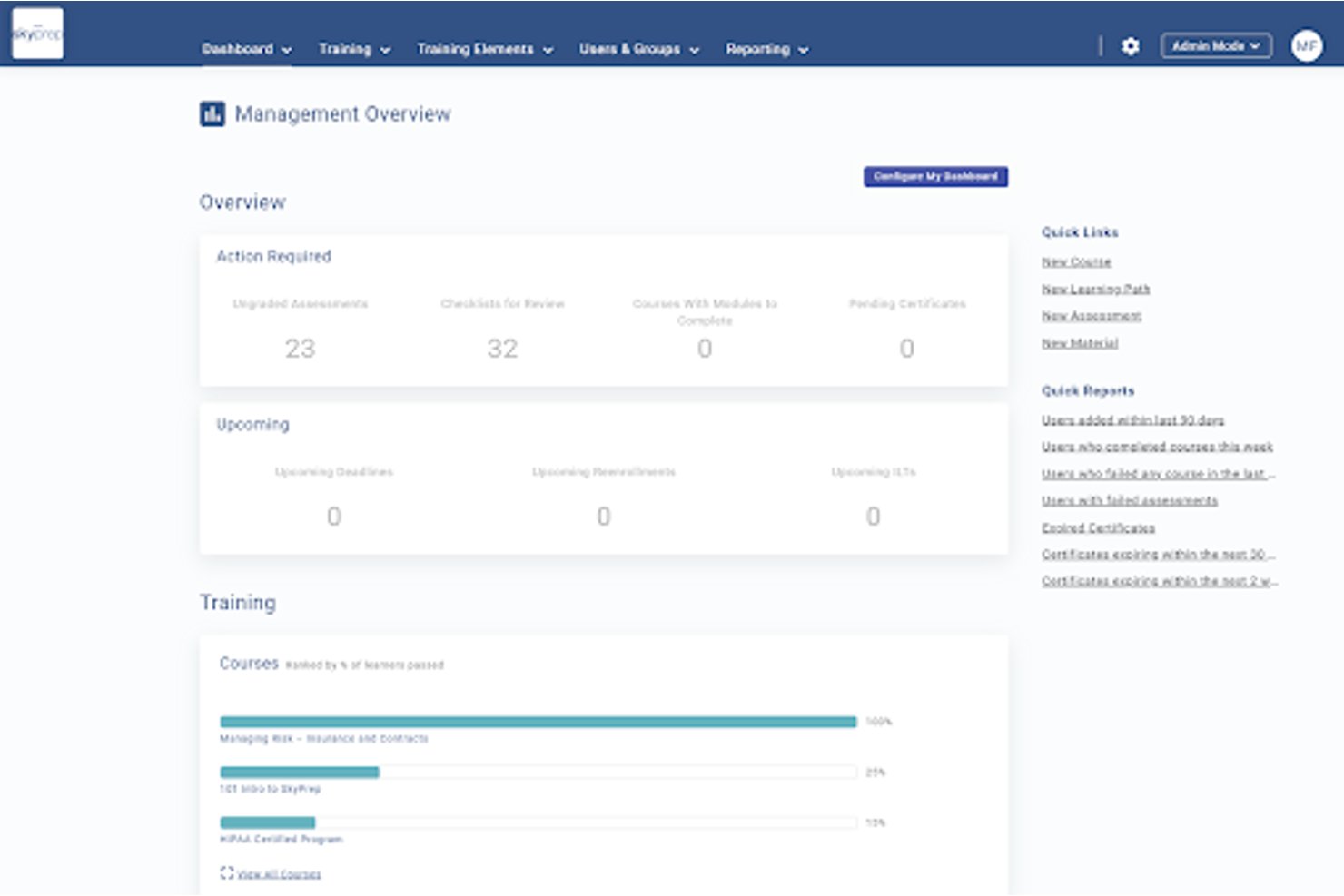
SkyPrep is one of the most approachable learning management systems I've used, with a clean dashboard and intuitive navigation for both admins and learners. Users often mention how quickly they can set up courses and onboard new staff without IT help. The drag-and-drop course builder, clear progress tracking, and minimal clutter make it easy to manage training—even for teams with limited technical experience. Most users say they spend less time troubleshooting and more time actually training.
Integrations
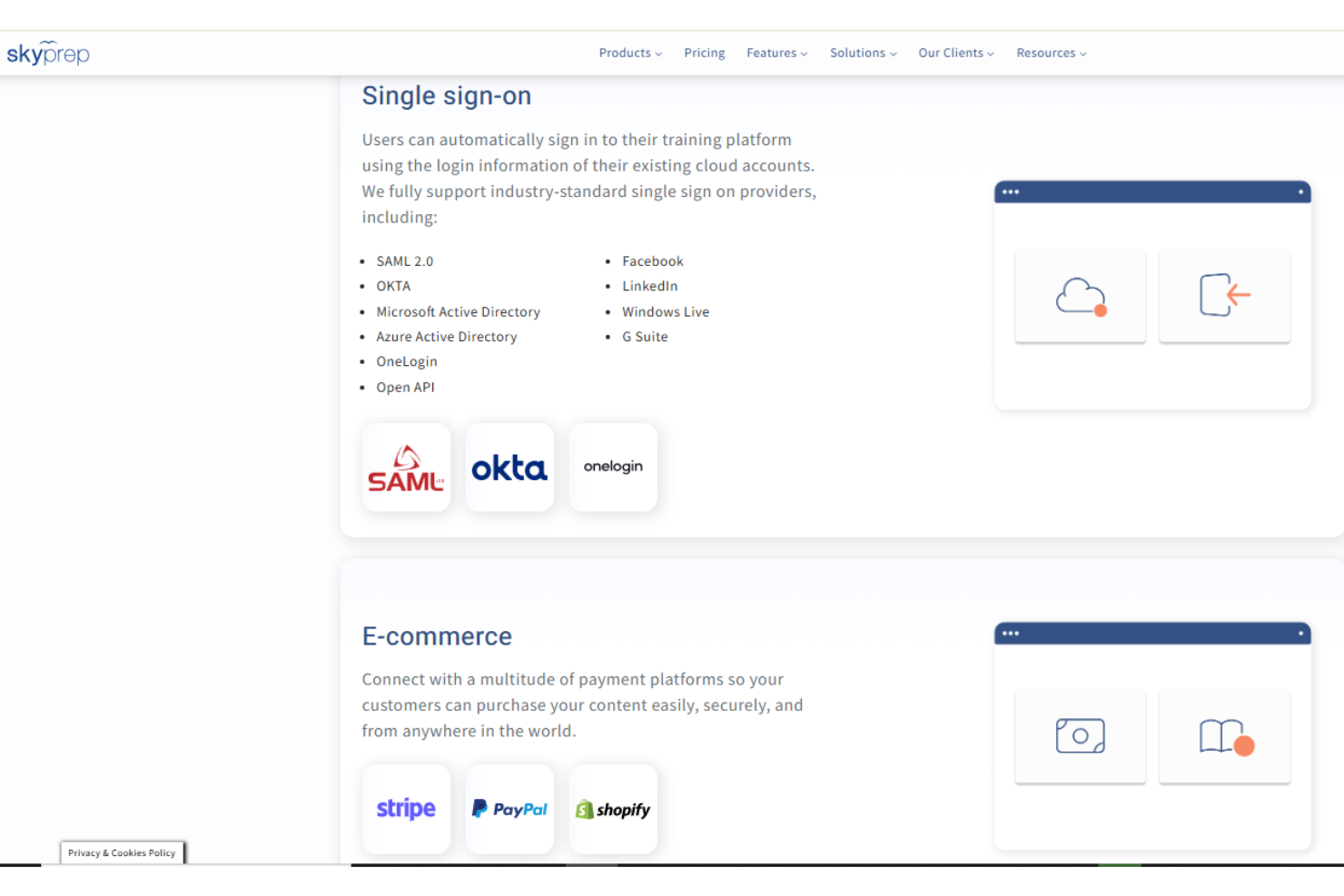
SkyPrep integrates with a wide range of tools, including ADP, Okta, Azure, Microsoft Teams, Zoom, BambooHR, Deel, HubSpot, and Salesforce, among many others.
SkyPrep also offers an open API for custom integrations and third-party connectivity.
SkyPrep Specs
- API
- Class Management
- Comparative Reporting
- Corporate/Business
- Dashboards
- Data Export
- Data Import
- Data Visualization
- Document Comparison
- Employee Training
- External Integrations
- Feedback Management
- Gamification
- Gradebook
- Mobile App
- Multi-User
- Notifications
- Personal Learning
- Report & Compliance
- Report Cards
- Scheduling
- SCORM
- Student Registration
- Video Courses