SmartRecruiters Review 2026: Pros, Cons, Features, and Pricing



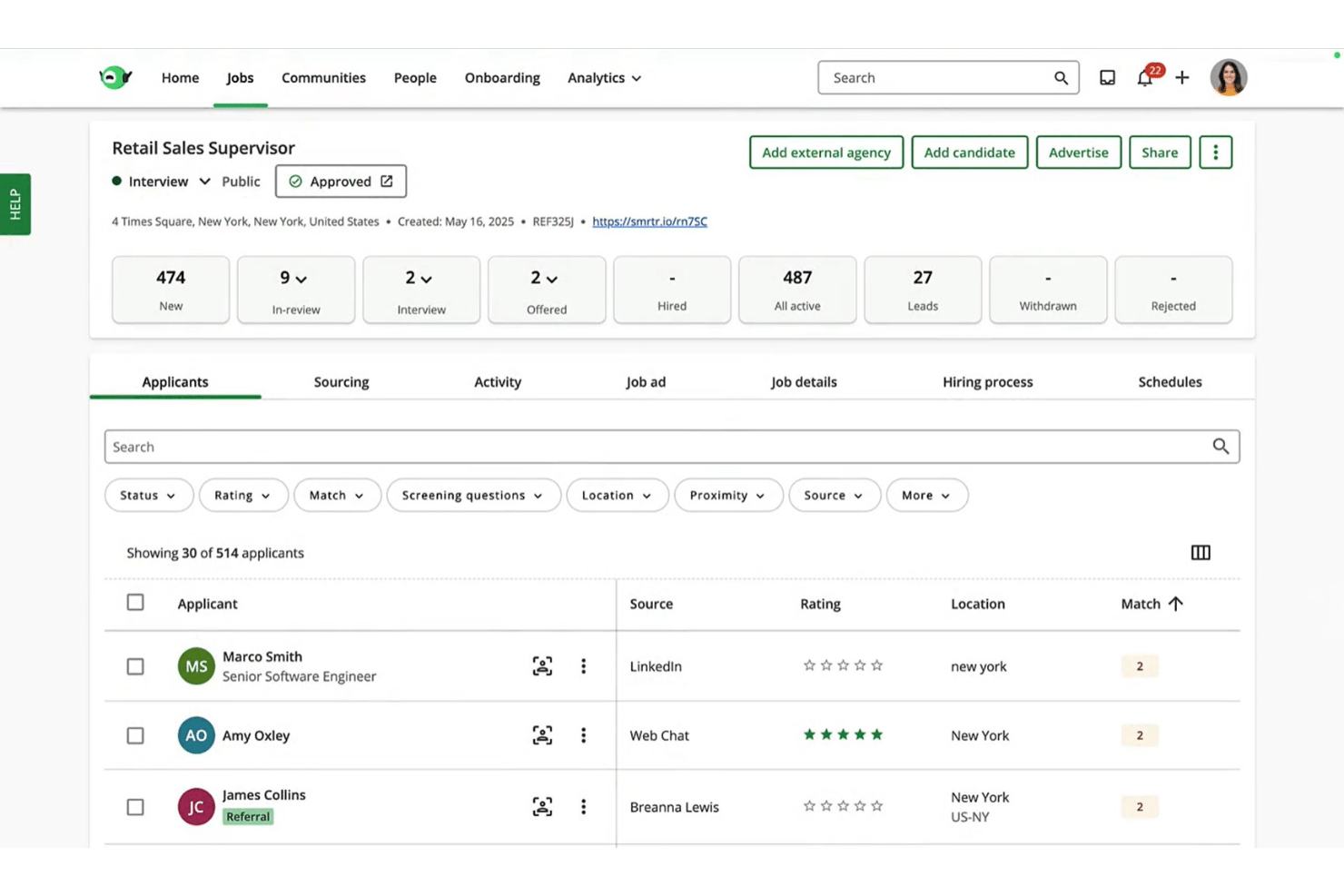
SmartRecruiters is a recruiting software built for teams managing the full hiring cycle, from job posting and sourcing to offer management. I'd mainly consider it if your organization is scaling quickly and needs structured, collaborative hiring workflows across departments. If you've looked at Greenhouse, SmartRecruiters offers a similar level of hiring structure. Where it pulls ahead is in interface accessibility and a broader built-in marketplace of third-party integrations that don't require heavy IT involvement to configure.
SmartRecruiters Evaluation Summary
- Pricing upon request
- Free demo available
Why Trust Our Software Reviews
Our team has been testing and reviewing software since 2012. As HR experts ourselves, we know how difficult—and important—it is to choose the right software.
For this guide, we evaluated tools using hands-on testing and independent research, scoring tools using our selection criteria. We also draw on insights from industry thought leaders and and practicing HR experts.
Our reviews reflect our human editorial judgment, not a sales pitch.
SmartRecruiters Overview
In my opinion, SmartRecruiters stands out for its clean interface, easy onboarding, and broad integration options, making it a smart choice for fast-growing or collaborative teams. I find its candidate experience features and automation tools outperform less flexible platforms, though its pricing can be a hurdle for smaller businesses.
When it comes to support and reporting depth, I think it sometimes lags behind, but for global teams needing multilingual support or quick job posting across channels, SmartRecruiters is a strong contender worth considering.
pros
-
Mobile app lets you access candidate info on the go
-
Collaboration tools keep hiring teams involved at every stage
-
Automated interview scheduling saves significant recruiter time
cons
-
Reporting customization options are limited compared to competitors
-
Some users report slow customer support response times
-
Bulk resume parsing occasionally misses candidate data
-

Justworks
Visit WebsiteThis rating combines scores from multiple user review sites to reflect overall customer sentiment about the product.4.6 -
HiBob
Visit WebsiteThis rating combines scores from multiple user review sites to reflect overall customer sentiment about the product.4.5 -
Homebase
Visit WebsiteThis rating combines scores from multiple user review sites to reflect overall customer sentiment about the product.4.2




How We Test & Score Our Tools
We’ve spent years building, refining, and improving our software testing and scoring system. The rubric is designed to capture the nuances of software selection and what makes a tool effective, focusing on critical aspects of the decision-making process.
Below, you can see exactly how our testing and scoring works across seven criteria. It allows us to provide an unbiased evaluation of the software based on core functionality, standout features, ease of use, onboarding, customer support, integrations, customer reviews, and value for money.
Core Functionality (25% of final score)
The starting point of our evaluation is always the core functionality of the tool. Does it have the basic features and functions that a user would expect to see? Are any of those core features locked to higher-tiered pricing plans? At its core, we expect a tool to stand up against the baseline capabilities of its competitors.
Standout Features (25% of final score)
Next, we evaluate uncommon standout features that go above and beyond the core functionality typically found in tools of its kind. A high score reflects specialized or unique features that make the product faster, more efficient, or offer additional value to the user.
We also evaluate how easy it is to integrate with other tools typically found in the tech stack to expand the functionality and utility of the software. Tools offering plentiful native integrations, 3rd party connections, and API access to build custom integrations score best.
Ease of Use (10% of final score)
We consider how quick and easy it is to execute the tasks defined in the core functionality using the tool. High scoring software is well designed, intuitive to use, offers mobile apps, provides templates, and makes relatively complex tasks seem simple.
Onboarding (10% of final score)
We know how important rapid team adoption is for a new platform, so we evaluate how easy it is to learn and use a tool with minimal training. We evaluate how quickly a team member can get set up and start using the tool with no experience. High scoring solutions indicate little or no support is required.
Customer Support (10% of final score)
We review how quick and easy it is to get unstuck and find help by phone, live chat, or knowledge base. Tools and companies that provide real-time support score best, while chatbots score worst.
Customer Reviews (10% of final score)
Beyond our own testing and evaluation, we consider the net promoter score from current and past customers. We review their likelihood, given the option, to choose the tool again for the core functionality. A high scoring software reflects a high net promoter score from current or past customers.
Value for Money (10% of final score)
Lastly, in consideration of all the other criteria, we review the average price of entry level plans against the core features and consider the value of the other evaluation criteria. Software that delivers more, for less, will score higher.
Core Features
Collaborative Hiring Workflows
Let team members review resumes, share feedback, and rate candidates together. This approach shortens decision cycles and keeps everyone engaged throughout the process.
Automated Interview Scheduling
Schedule interviews automatically with the candidate and team calendars syncing in real time. This reduces back-and-forth and minimizes manual scheduling errors.
Branded Career Site Builder
Create and update a branded career site to attract talent. The drag-and-drop editor makes it easy to showcase culture and open roles.
Customizable Job Requisition Management
Set up approval flows, job templates, and automated permissions for job postings. This keeps your hiring process organized and compliant.
Talent Pool and CRM
Build a searchable database of past candidates for future roles. Keep talent engaged with bulk emails and targeted campaigns.
Multi-Language and Multi-Currency Support
Recruit globally with support for multiple languages and currencies. This helps international teams manage hiring consistently across locations.
Ease of Use
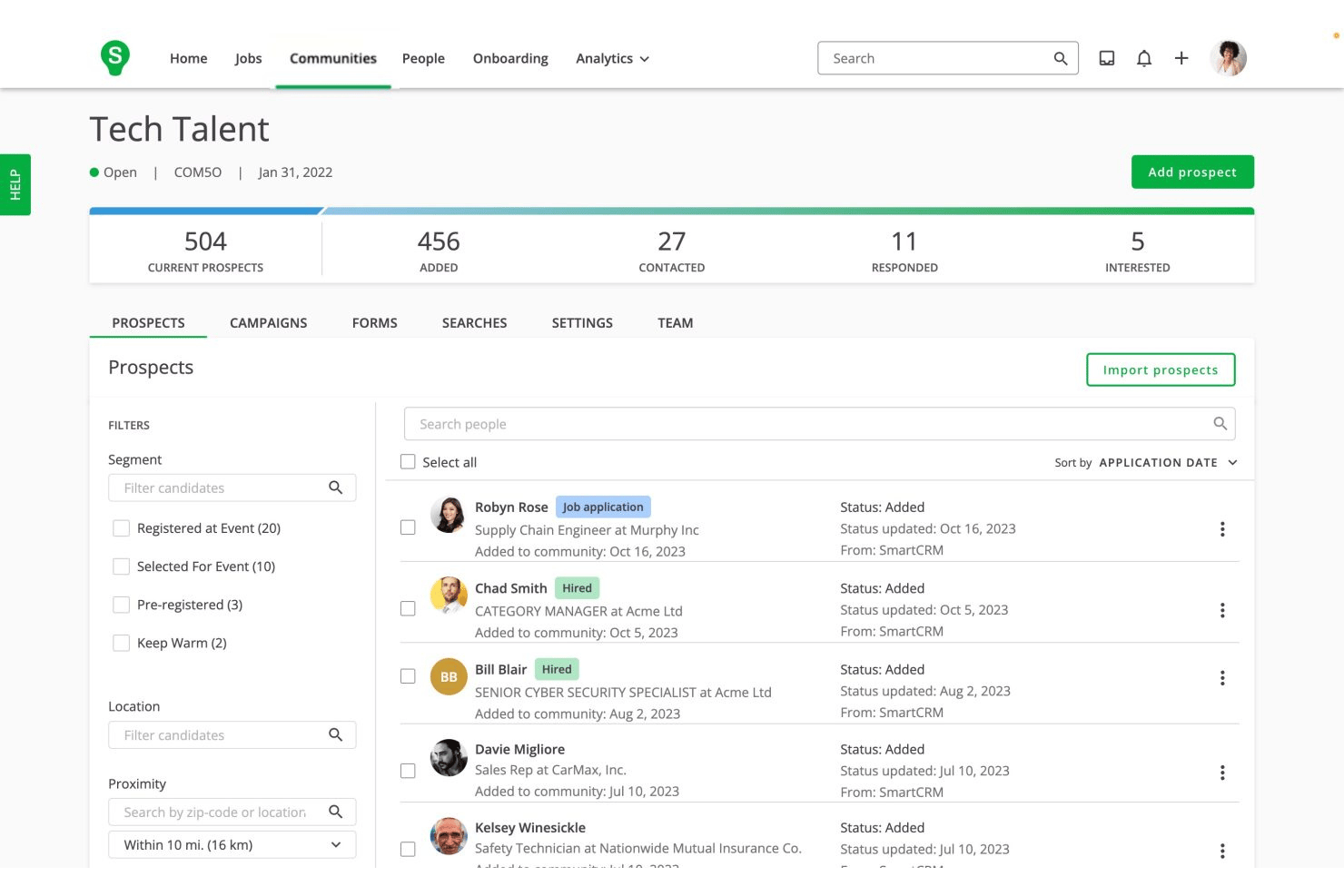
SmartRecruiters is one of the easiest recruiting platforms I’ve used—its drag-and-drop job builder, collaborative feedback, and intuitive dashboards keep hiring moving with little training needed.
Users mention how quickly new recruiters get up to speed and how smooth the workflow feels, especially when juggling multiple open roles or involving large teams in hiring decisions.
Integrations
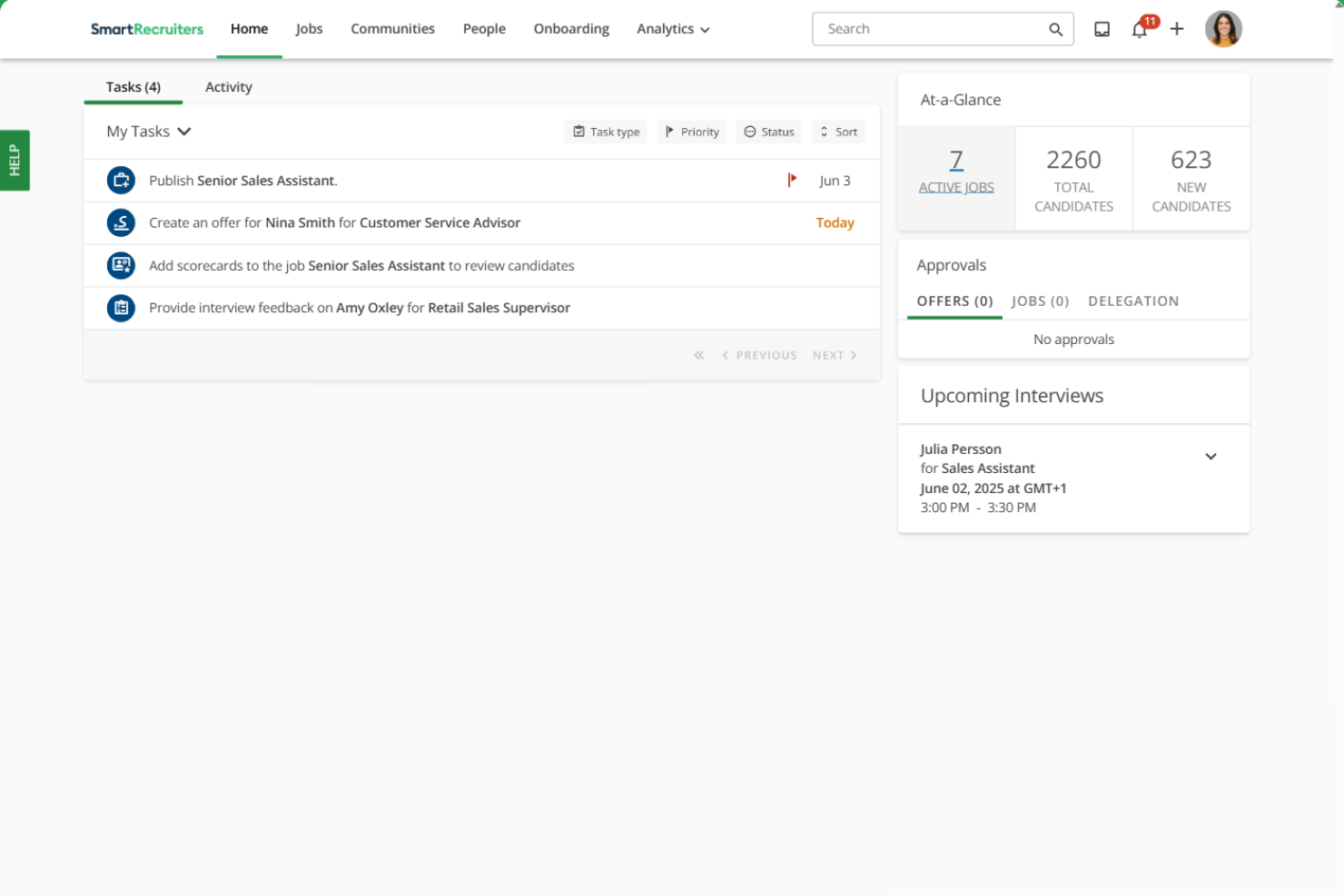
SmartRecruiters integrates with LinkedIn, Indeed, Glassdoor, SAP SuccessFactors, Google Jobs, DocuSign, Outlook, Slack, HireRight, and ADP, among others.
SmartRecruiters also offers an open API and connects with third-party integration tools for expanded functionality.
SmartRecruiters Specs
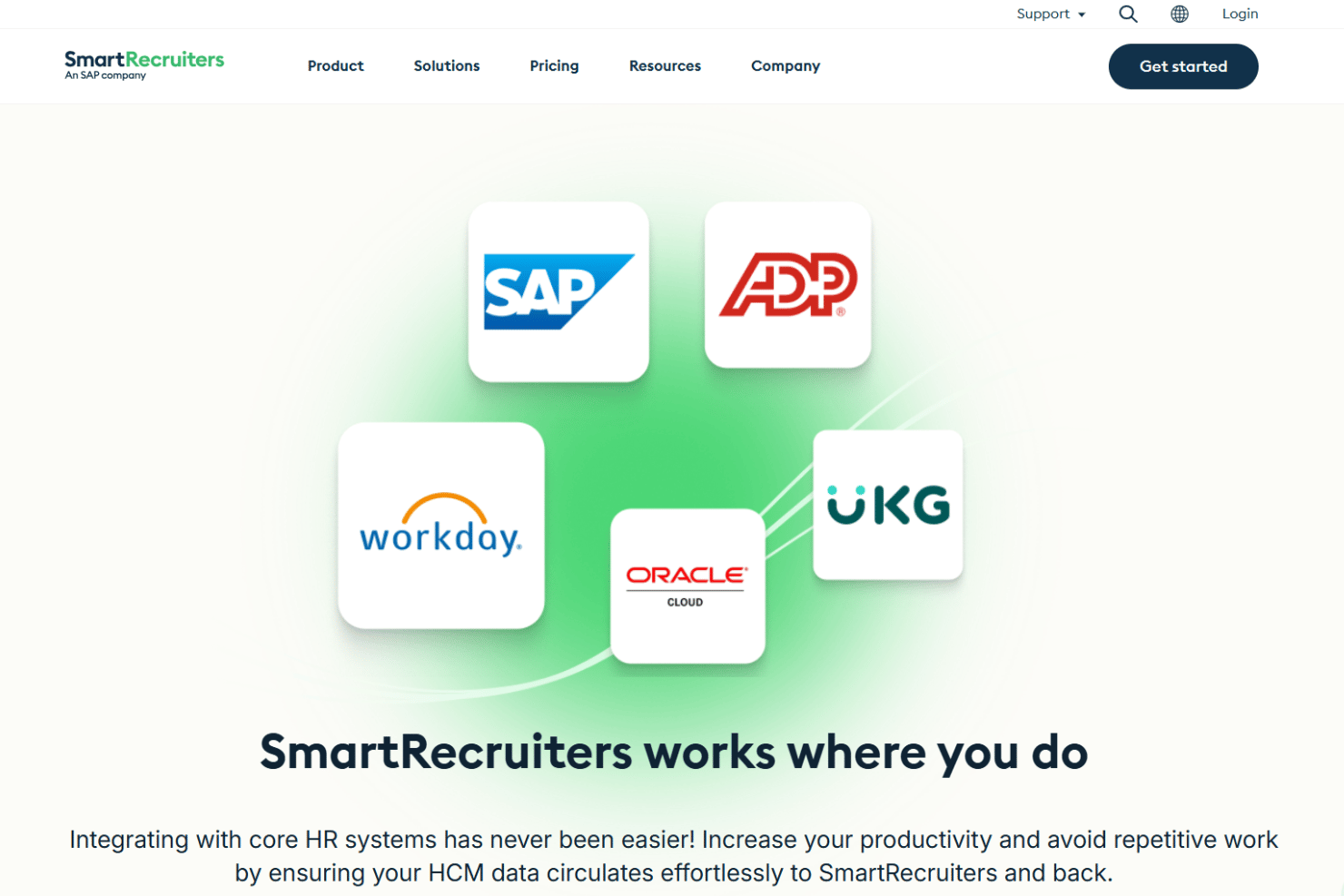
- 360 Degree Feedback
- API
- Application Tracking
- Batch Permissions & Access
- Behavioral Testing
- Budgeting
- Calendar Management
- Candidate Database
- Cognitive Testing
- Compliance Tracking
- Dashboard
- Data Export
- Data Import
- Data Visualization
- Email Integration
- Employee Database
- Employee Engagement
- Employee Incentive Management
- Employee Onboarding
- External Integrations
- Feedback Management
- Forecasting
- Interview Scheduling
- Multi-User
- Notifications
- Onboarding
- Personality Testing
- Psychometric Testing
- Referral Tracking
- Scheduling
- Soft Skill Testing
- Softphone
- Status Notifications
- Travel Management