Spark Hire Review: Pros, Cons, Features & Pricing



A hiring round just wrapped up, and it felt slower than it should have.
Too many phone screens, calendar back-and-forth, and feedback scattered across emails made it harder to move good candidates forward. It’s probably time to start looking into hiring software that can simplify early screening and bring everything into one place.
This Spark Hire review breaks down how the platform works, where it fits best, and whether it actually helps teams hire faster without adding complexity.
Spark Hire Evaluation Summary
- From $149/month
- Free trial available (up to 10 interviews)
Why Trust Our Software Reviews
We’ve been testing and reviewing HR software systems since 2019. As HR experts ourselves, we know how critical and difficult it is to make the right decision when selecting software.
We invest in deep research to help our audience make better software purchasing decisions. We’ve tested more than 2,000 tools for different HR management use cases and written over 1,000 comprehensive software reviews. Learn how we stay transparent & our software review methodology.
Spark Hire Overview
pros
-
Video interviews save your team time and streamline the hiring process.
-
Easy-to-use interface makes it simple for you and your candidates.
-
Collaboration tools enhance your team's decision-making and communication.
cons
-
Candidate management may feel unintuitive for some users.
-
ATS integrations can feel clunky when accessing videos.
-
Some candidates hesitate with video interviews, and tech issues may take time to resolve.
-

Justworks
Visit WebsiteThis is an aggregated rating for this tool including ratings from Crozdesk users and ratings from other sites.4.6 -
Paycom
Visit WebsiteThis is an aggregated rating for this tool including ratings from Crozdesk users and ratings from other sites.4.3 -
HiBob
Visit WebsiteThis is an aggregated rating for this tool including ratings from Crozdesk users and ratings from other sites.4.5





How We Test & Score Our Tools
We’ve spent years building, refining, and improving our software testing and scoring system. The rubric is designed to capture the nuances of software selection and what makes a tool effective, focusing on critical aspects of the decision-making process.
Below, you can see exactly how our testing and scoring works across seven criteria. It allows us to provide an unbiased evaluation of the software based on core functionality, standout features, ease of use, onboarding, customer support, integrations, customer reviews, and value for money.
Core Functionality (25% of final score)
The starting point of our evaluation is always the core functionality of the tool. Does it have the basic features and functions that a user would expect to see? Are any of those core features locked to higher-tiered pricing plans? At its core, we expect a tool to stand up against the baseline capabilities of its competitors.
Standout Features (25% of final score)
Next, we evaluate uncommon standout features that go above and beyond the core functionality typically found in tools of its kind. A high score reflects specialized or unique features that make the product faster, more efficient, or offer additional value to the user.
We also evaluate how easy it is to integrate with other tools typically found in the tech stack to expand the functionality and utility of the software. Tools offering plentiful native integrations, 3rd party connections, and API access to build custom integrations score best.
Ease of Use (10% of final score)
We consider how quick and easy it is to execute the tasks defined in the core functionality using the tool. High scoring software is well designed, intuitive to use, offers mobile apps, provides templates, and makes relatively complex tasks seem simple.
Onboarding (10% of final score)
We know how important rapid team adoption is for a new platform, so we evaluate how easy it is to learn and use a tool with minimal training. We evaluate how quickly a team member can get set up and start using the tool with no experience. High scoring solutions indicate little or no support is required.
Customer Support (10% of final score)
We review how quick and easy it is to get unstuck and find help by phone, live chat, or knowledge base. Tools and companies that provide real-time support score best, while chatbots score worst.
Customer Reviews (10% of final score)
Beyond our own testing and evaluation, we consider the net promoter score from current and past customers. We review their likelihood, given the option, to choose the tool again for the core functionality. A high scoring software reflects a high net promoter score from current or past customers.
Value for Money (10% of final score)
Lastly, in consideration of all the other criteria, we review the average price of entry level plans against the core features and consider the value of the other evaluation criteria. Software that delivers more, for less, will score higher.
Core Features
One-Way Video Interviews
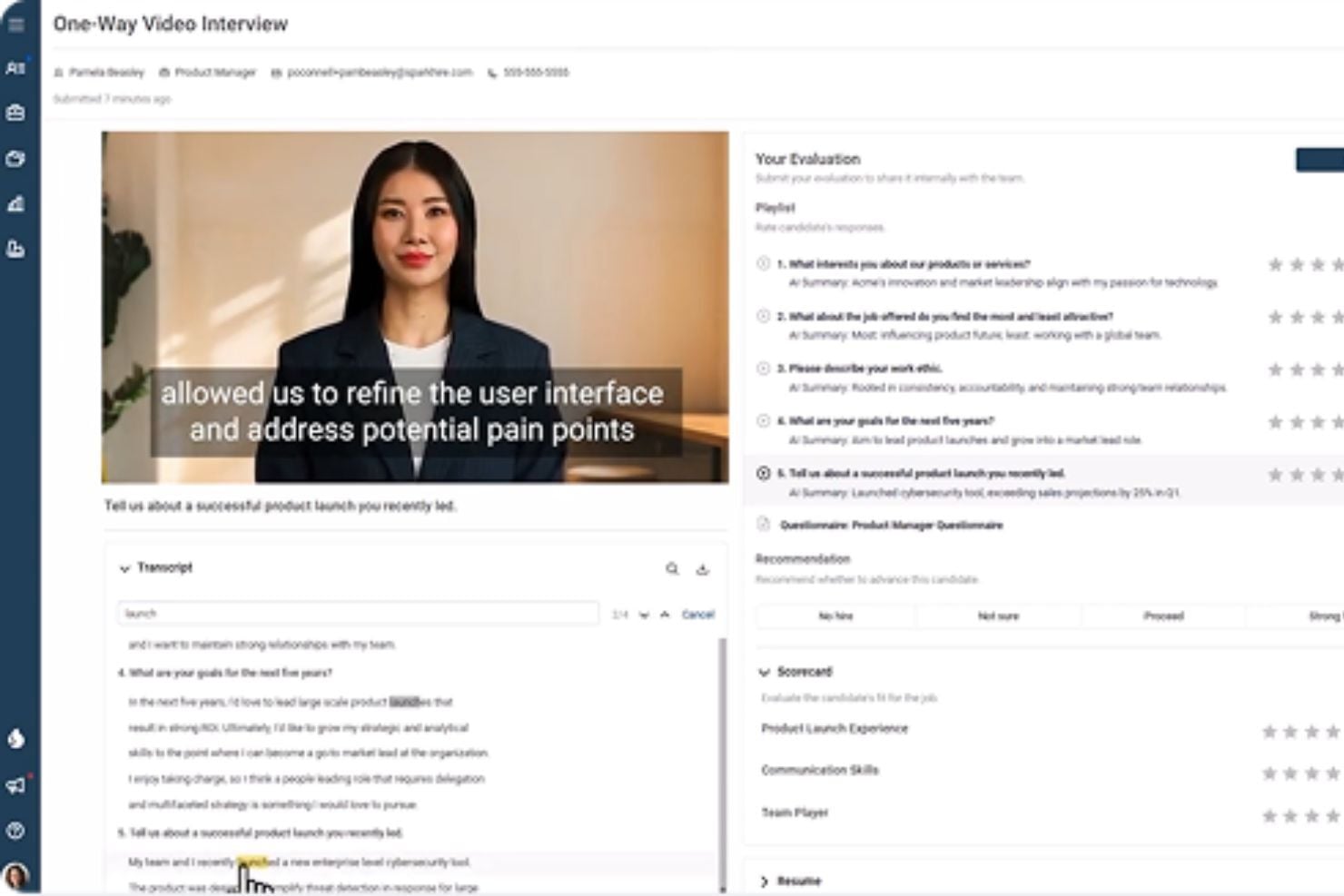
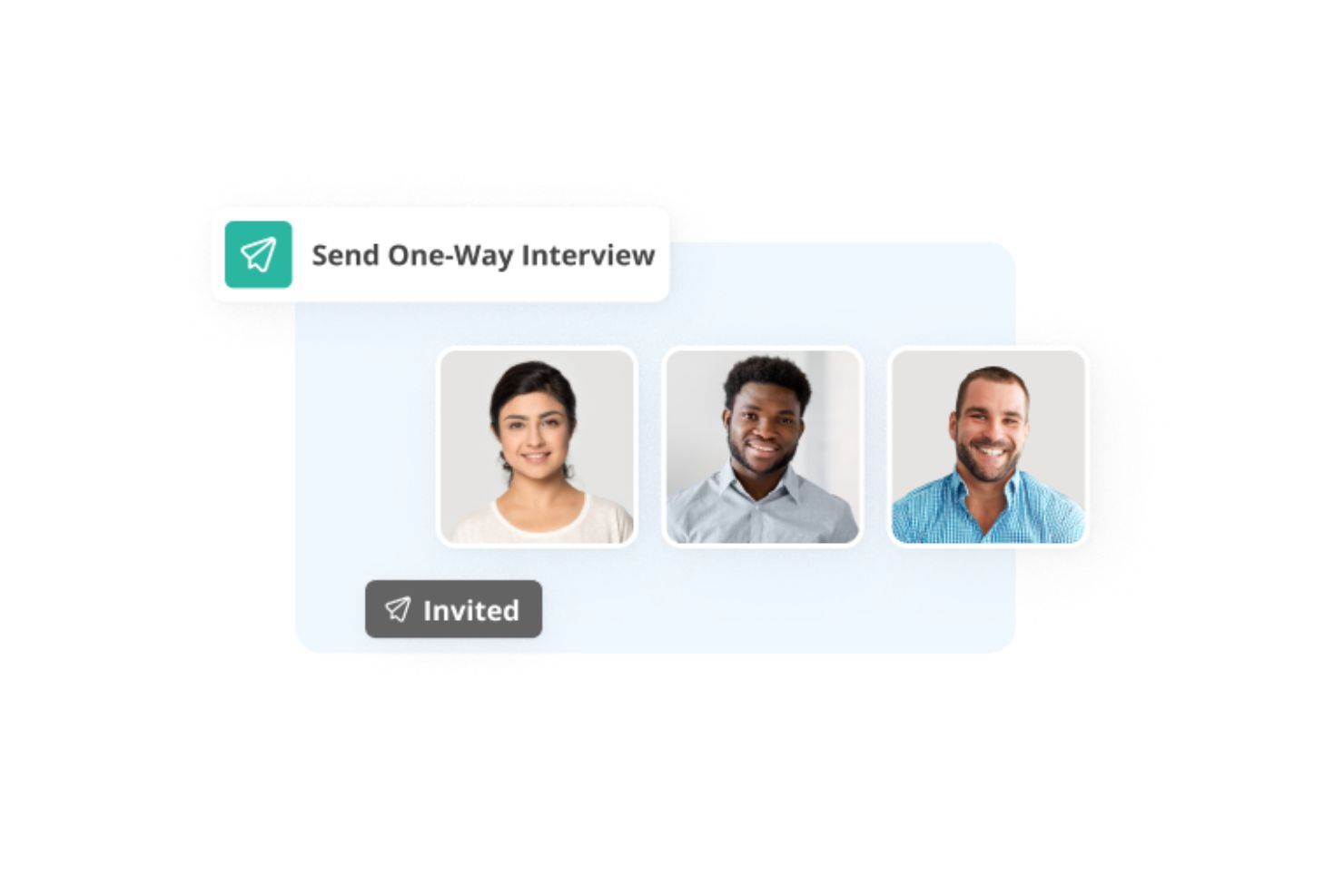
Spark Hire lets you send candidates pre-recorded or written interview questions that they answer on video at their own time. This replaces early phone screens and helps you quickly assess communication skills, confidence, and role fit without scheduling live calls.
Live Video Interviews
You can also run real-time video interviews directly inside Spark Hire. This allows you to move shortlisted candidates into live conversations without switching to external video tools.
Applicant Tracking System (ATS)
Spark Hire includes a built-in ATS that helps you manage candidates, track hiring stages, and centralize interview feedback. This is especially useful for teams that don’t want to rely on spreadsheets or juggle multiple hiring tools.
Team Collaboration & Candidate Evaluation
Hiring teams can leave comments, rate candidates, and share interview recordings internally. This keeps feedback organized and allows multiple stakeholders to weigh in without needing synchronous meetings.
Recruiting Analytics & Reporting
Spark Hire provides analytics that help you track hiring activity, such as interview completion rates and time-to-hire trends. These insights give you visibility into what’s working and where candidates drop off.
AI-Assisted Recruiting Tools
Spark Hire includes AI-powered features that help streamline screening and prioritize candidates. These tools are designed to support decision-making, not replace human judgment.
Ease of Use
Spark Hire is easy to use, especially when you’re reviewing a lot of candidates.
You can watch one-way video interviews on your own time, speed up responses to move faster, and leave feedback directly on each video without switching tools. Hiring managers can review and comment in the same place, which cuts down on back-and-forth.
The interface is clean, onboarding is quick, and regular updates keep the platform feeling simple rather than cluttered.
Integrations
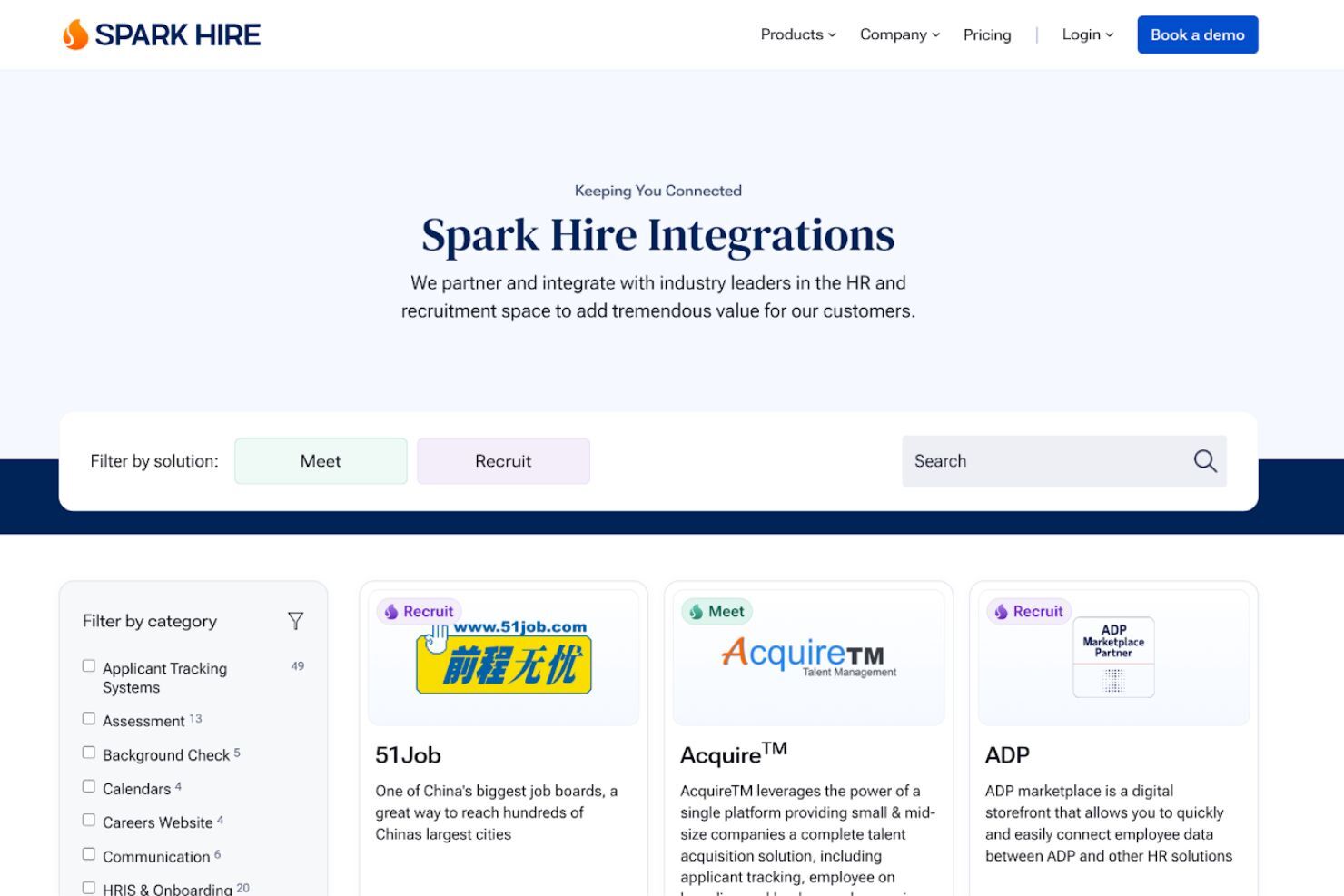
Spark Hire offers a broad partner ecosystem that connects with job boards, HRIS platforms, background check providers, assessment tools, and recruiting software. These integrations help teams plug Spark Hire into their existing hiring stack without juggling multiple systems.
Tools like BambooHR, ADP, Checkr, Codility, iCIMS, CareerJet, JobsDB, Ceipal, and Avature allow candidate data to sync, simplify job posting, and automate steps such as assessments and background checks. This makes it easier to fit Spark Hire into established hiring workflows.
Spark Hire Specs
- AI Integration
- API
- Audio Recording
- Automatic Transcription
- Calendar Management
- Candidate Database
- Contact Management
- Dashboard
- Data Export
- Data Import
- Data Visualization
- Document Management
- External Integrations
- Feedback Management
- Forecasting
- Interview Scheduling
- Multi-User
- Notifications
- Scheduling
- Workflow Management