

Tracker vs. JobAdder: Comparison and Expert Reviews for 2026


Navigating limited reporting, poor integrations, and a lack of customization can leave even the most experienced recruiters frustrated with their applicant tracking system (ATS). It might be time to consider switching to a better solution.
Both Tracker and JobAdder bring unique strengths to the applicant tracking systems market. Tracker shines with its relationship-driven approach and built-in CRM features, while JobAdder stands out for its intuitive automation and global reach.
In this article, you’ll get a side-by-side look at how each platform tackles your daily recruiting challenges, so you can decide which one fits your workflow, team, and growth goals best.
Tracker vs. JobAdder: An Overview
Tracker
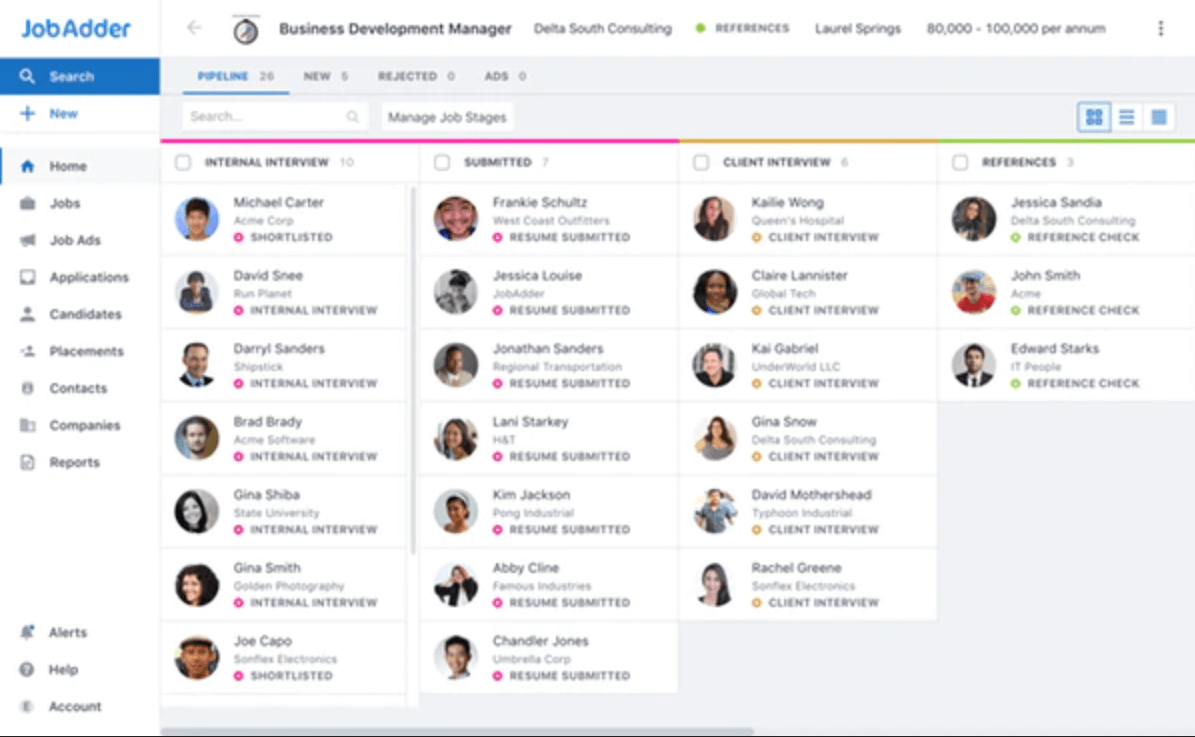
JobAdder
Why Trust Our Software Reviews
Tracker vs. JobAdder Pricing Comparison
| Tracker | JobAdder | |
|---|---|---|
| Free Trial | Free demo available | Free demo available |
| Pricing | Pricing starts at $95/user/month | Pricing upon request |
Tracker vs. JobAdder Pricing & Hidden Costs
Tracker uses a subscription-based pricing model, with the higher tiers typically tailored to the size of your team and the features you need. You may encounter extra costs for advanced modules, integrations, or premium support. JobAdder also follows a tiered plan approach but isn’t transparent with its pricing, instead offering custom pricing and features based on your specific needs. Some features, such as advanced analytics or third-party integrations, may come with additional fees.
To choose the right vendor, look beyond the base subscription and consider the total cost of ownership. Ask each provider for a detailed breakdown of what’s included, and clarify any fees for onboarding, training, or future upgrades. It’s also smart to map your must-have features against what’s included in each plan, so you avoid surprise expenses as your hiring needs evolve.
Tracker vs. JobAdder Feature Comparison
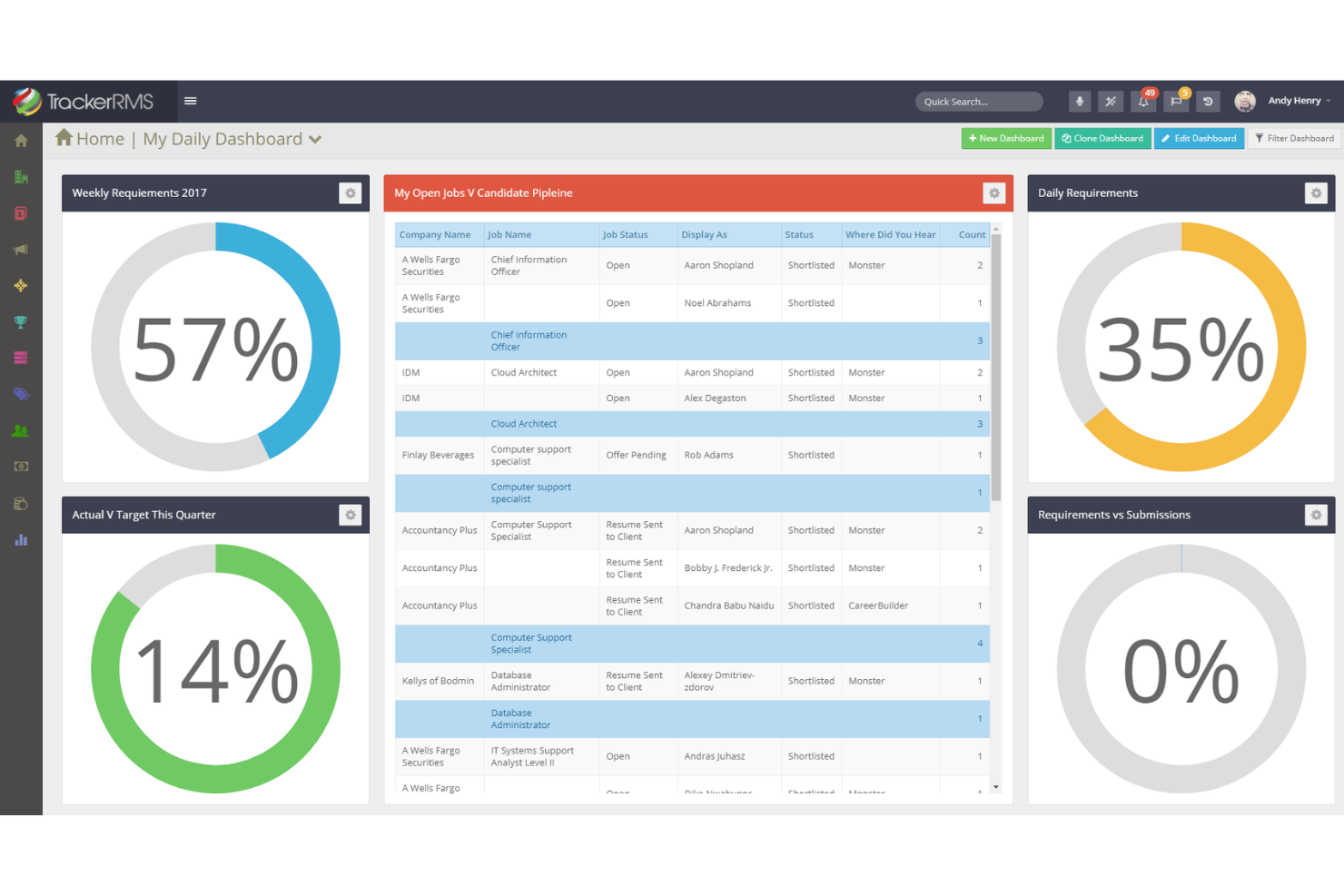
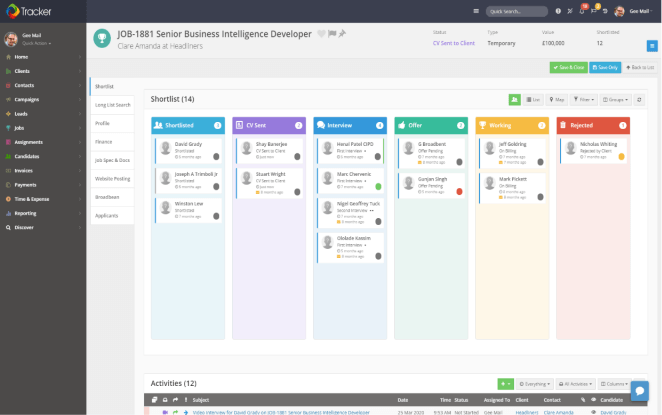
Tracker helps you stay organized with its integrated CRM and customizable workflow tools, making it easy to manage candidate relationships and tailor processes to your team’s needs. In contrast, JobAdder’s automated job posting and intuitive candidate search features save you time on repetitive tasks and help you quickly surface the best talent for every role.
| Tracker | JobAdder | |
|---|---|---|
| API | ||
| Application Tracking | ||
| Dashboard | ||
| Data Export | ||
| Data Import | ||
| Data Visualization | ||
| Employee Database | ||
| Employee Onboarding | ||
| External Integrations | ||
| Feedback Management | ||
| Multi-User | ||
| Notifications | ||
| Scheduling | ||
| Travel Management |
Tracker vs. JobAdder Integrations
| Integration | Tracker | JobAdder |
| Broadbean | ✅ | ✅ |
| Calendly | ✅ | ✅ |
| DocuSign | ✅ | ✅ |
| Microsoft Teams | ✅ | ❌ |
| BambooHR | ❌ | ✅ |
| QuickBooks | ✅ | ✅ |
| Xero | ✅ | ✅ |
| LinkedIn RSC | ✅ | ✅ |
| Allsorter | ✅ | ✅ |
| Zapier | ✅ | ✅ |
| API | ✅ | ✅ |
Tracker and JobAdder both cover the essentials with popular integrations like Broadbean, DocuSign, Xero, and API access for custom connections. However, Tracker stands out with Microsoft Teams, while JobAdder offers BambooHR integration. Both platforms provide enough flexibility to connect with most tools you rely on, but your choice may come down to a few key integrations that matter most to your workflow.
Tracker vs. JobAdder Security, Compliance & Reliability
| Factor | Tracker | JobAdder |
| Data Privacy | Uses GDPR and CCPA-compliant data handling and user controls. | Follows GDPR and local privacy laws with audit trails. |
| Encryption | Encrypts data at rest and in transit. | Uses end-to-end encryption for all sensitive data. |
| Uptime Guarantee | Offers 99.9% uptime with real-time status updates. | Provides 99.9% uptime and proactive system monitoring. |
| Access Controls | Customizable user roles and permissions. | Granular access controls and SSO support. |
| Audit Logging | Tracks all user actions for compliance. | Maintains detailed logs for all system activities. |
Both Tracker and JobAdder deliver strong security and compliance, but JobAdder’s granular access controls and SSO support give it a slight edge for larger teams. Tracker’s real-time status updates and customizable permissions make it a reliable choice for organizations that value transparency and control.
Tracker vs. JobAdder Ease of Use
| Factor | Tracker | JobAdder |
| User Interface | Offers a customizable dashboard with drag-and-drop features. | Features a clean, intuitive layout that’s easy to navigate. |
| Onboarding | Provides guided setup and personalized training sessions. | Delivers step-by-step onboarding and in-app tutorials. |
| Support Access | Live chat and phone support are available during business hours. | 24/7 support with a responsive help center. |
| Workflow Setup | Allows flexible workflow customization for different teams. | Streamlines workflow setup with pre-built templates. |
| Mobile Experience | Mobile-friendly interface for recruiters on the go. | Dedicated mobile app for managing tasks anywhere. |
JobAdder stands out for its intuitive interface and always-available support, making it especially friendly for new users. Tracker shines with its customizable dashboard and flexible workflows, which are ideal if you want more control over your process.
Tracker vs JobAdder: Pros & Cons
Tracker
- Integrations with job boards streamlines multiple job postings.
- Customizable workflows adapt to different recruiting processes.
- Built-in CRM supports end-to-end client and candidate management.
- Mobile experience is less robust than desktop version.
- Reporting tools require setup and configuration to maximize value.
- There is something of a learning curve.
JobAdder
- High user adoption rates among recruitment agencies
- Automated job posting and candidate communication tools
- Responsive customer support with fast ticket resolution
- Limited workflow flexibility for complex hiring processes
- Some users report slow job board integration updates
- Reporting and analytics features are basic
Best Use Cases for Tracker and JobAdder
Tracker
- Staffing Agencies Tracker’s CRM and ATS integration streamlines client and candidate management in one place.
- Recruitment Firms Customizable workflows and automation support complex, multi-stage hiring processes.
- Healthcare Staffing Tracker handles credential tracking and compliance for regulated industries.
- Multi-Location Companies Branch management features allow oversight across multiple offices or regions.
- Sales Recruitment Built-in sales pipeline tools help track both job orders and placements.
- Executive Search Advanced search and reporting support long, relationship-driven hiring cycles.
JobAdder
- Tech Startups Easy onboarding and scalable workflows suit fast-growing teams.
- Retail Chains Multi-location job posting and applicant tracking support seasonal hiring.
- Temporary Staffing Firms Quick candidate placement and shift scheduling features are built-in.
- In-House Human Resources Teams Centralized communication and compliance tools simplify internal hiring.
- Healthcare Staffing Fast job posting and candidate tracking help fill urgent roles.
- Recruitment Agencies JobAdder’s automation and bulk actions support high-volume candidate management.
Who Should Use Tracker, and Who Should Use JobAdder?
Tracker is a great fit for recruitment agencies and teams that want deep customization, built-in CRM features, and granular control over workflows. If your hiring process is complex or you need to tailor every step, Tracker gives you the flexibility to adapt. JobAdder is ideal for in-house HR teams or agencies that value simplicity, fast onboarding, and strong automation out of the box. Choose JobAdder if you want an intuitive, ready-to-go solution that scales easily as your team grows.
Differences Between Tracker and JobAdder
| Tracker | JobAdder | |
|---|---|---|
| Automation | Offers automation for tasks but with more manual setup. | Strong automation for job posting, candidate communication, and scheduling. |
| CRM Capabilities | Built-in CRM tools for client and candidate management. | Focuses solely on applicant tracking without full CRM features. |
| User Interface | Customizable dashboard with drag-and-drop options. | Clean, intuitive interface designed for ease of use. |
| Workflow Automation | Highly customizable workflows for unique processes. | Pre-built templates for quick, standardized setup. |
| Visit TrackerOpens new window | Read JobAdder ReviewOpens new window |
Similarities Between Tracker and JobAdder
| Candidate Management | Both offer robust candidate tracking, resume parsing, and pipeline management to keep hiring organized. |
|---|---|
| Cloud-Based Access | Both are fully cloud-based, allowing teams to access the system securely from anywhere with an internet connection. |
| Compliance Features | Both solutions are GDPR-compliant and provide audit trails to help you meet regulatory requirements. |
| Integration Options | Each platform connects with popular tools like Broadbean, DocuSign, Xero, and supports Zapier and API access. |
| Reporting & Analytics | Tracker and JobAdder deliver built-in reporting tools for tracking hiring metrics and recruitment outcomes. |
| Visit TrackerOpens new window Read JobAdder ReviewOpens new window | |