



Rippling vs. Workday HCM: Comparison & Expert Reviews For 2026


Rippling offers a streamlined approach to managing your HR tasks and helps unify workflows across departments, like IT and finance, through robust automation and customization. Meanwhile, Workday HCM provides robust solutions for enterprise-level human capital management.
In this article, you'll discover a detailed comparison of these HR management software solutions, examining their features, pros and cons, pricing, and more.
Rippling vs. Workday: An Overview
Rippling
Workday


Why Trust Our Software Reviews
We’ve been testing and reviewing HR software systems since 2019. As HR experts ourselves, we know how critical and difficult it is to make the right decision when selecting software.
We invest in deep research to help our audience make better software purchasing decisions. We’ve tested more than 2,000 tools for different HR management use cases and written over 1,000 comprehensive software reviews. Learn how we stay transparent & our software review methodology.
Rippling vs. Workday Pricing Comparison
| Rippling | Workday | |
|---|---|---|
| Free Trial | Free demo + free trial available | Free demo available |
| Pricing | Pricing upon request | Pricing upon request |
Rippling vs. Workday HCM Pricing & Hidden Costs
Rippling pricing is modular, based on a per-employee-per-month model, so prices only increase as you increase headcount or require more features.
Workday HCM pricing follows a subscription model that often requires a long-term commitment, with potential extra fees for implementation and customization.
To choose the right tool, evaluate your team's specific needs and anticipate future growth to ensure the pricing structure aligns with both your current and future requirements.
Rippling vs. Workday Feature Comparison
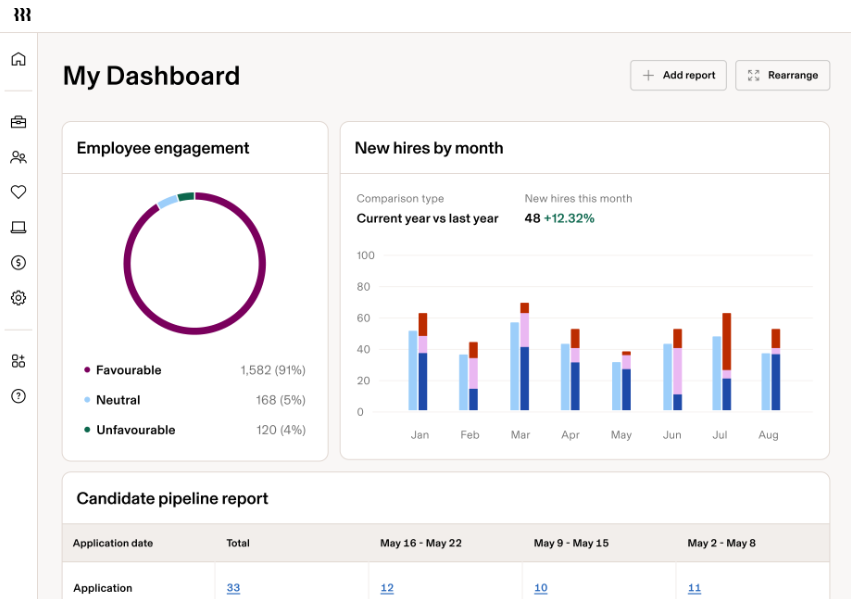
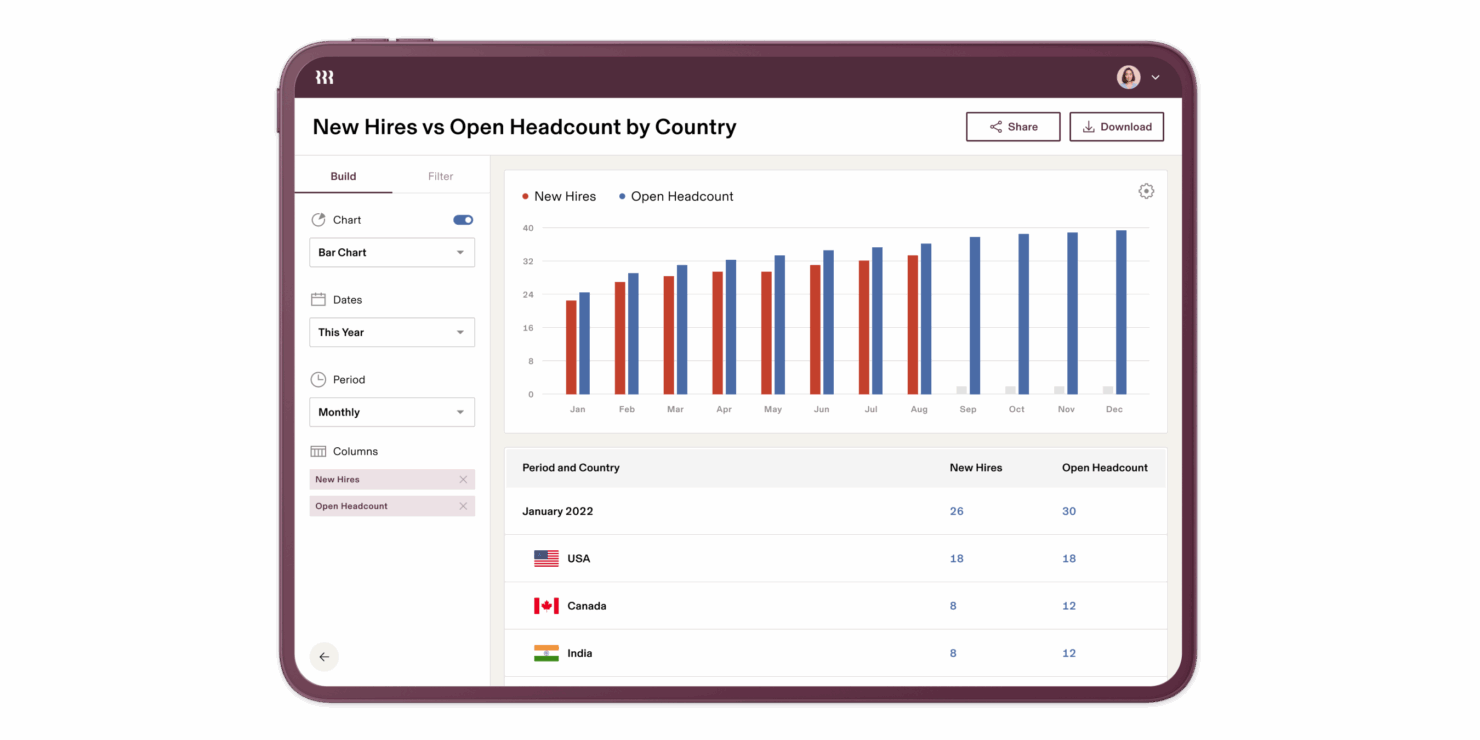
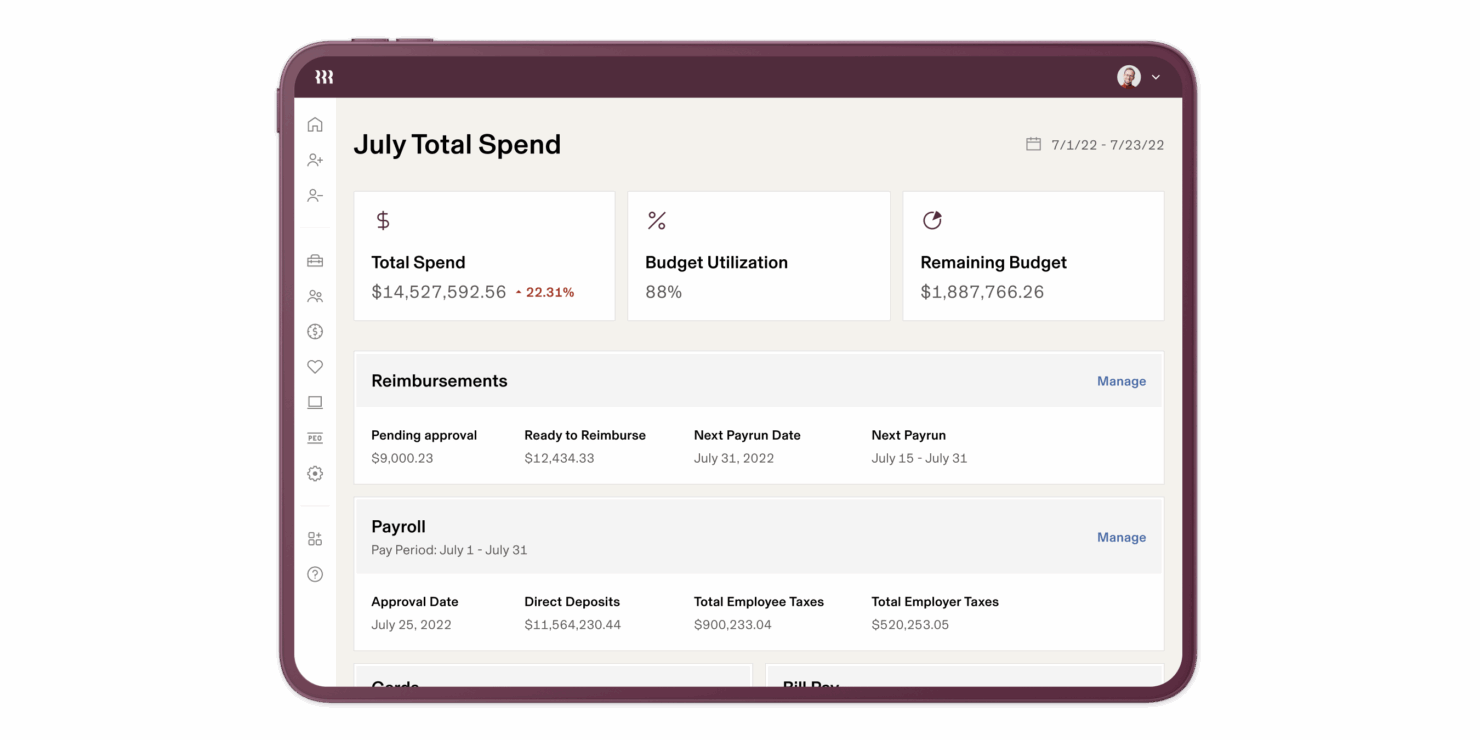
Both Rippling and Workday HCM cover core HR functions like payroll, benefits, and employee data. Rippling particularly stands out for its all-in-one automation and integration capabilities, allowing you to centralize HR, IT (e.g., device provisioning and user access management), and spend management within a single, intuitive platform. Its automation focus and modular setup makes it ideal for companies of any size.
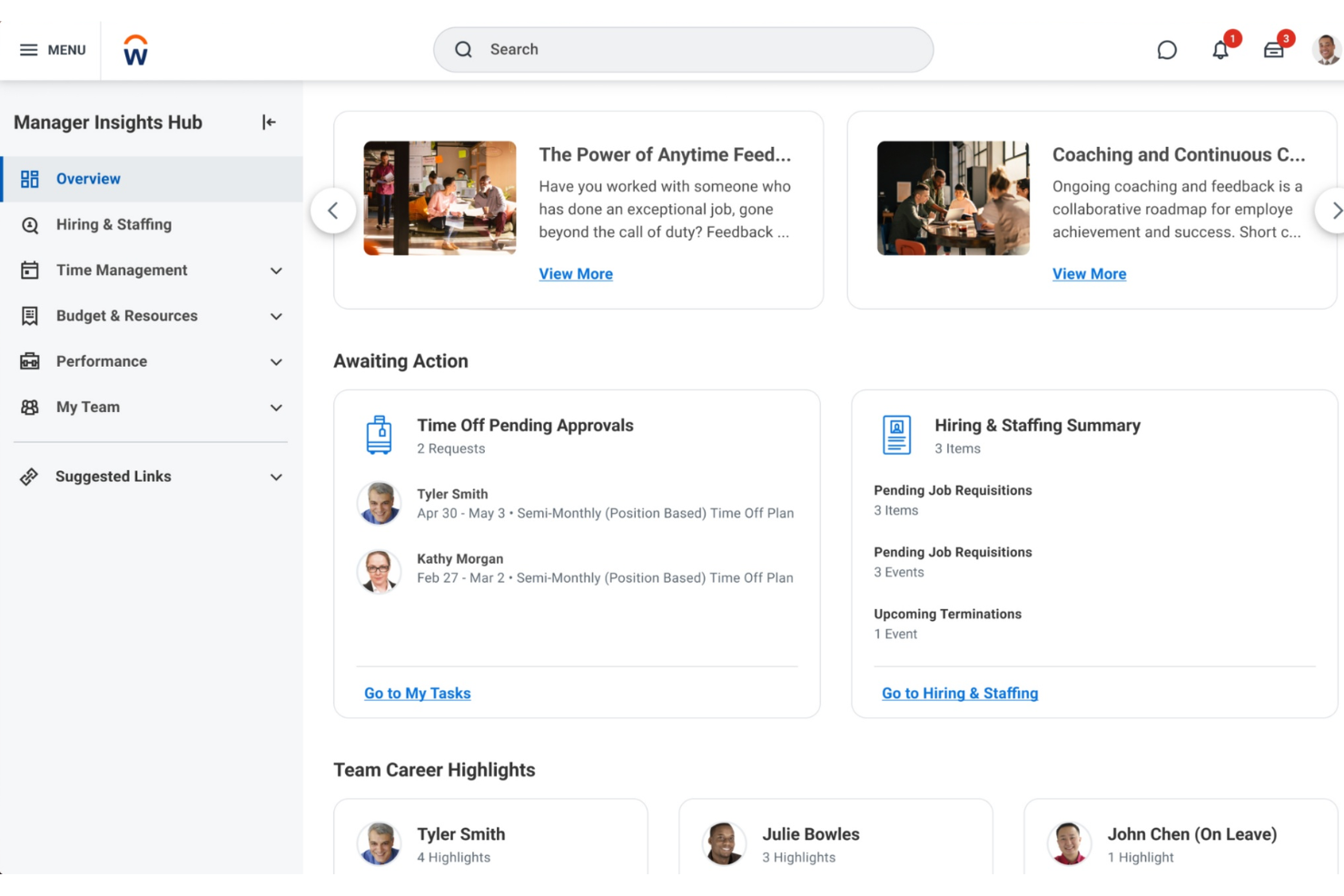
On the other hand, Workday HCM caters specifically to large enterprises, offering comprehensive human capital management and advanced analytics that are less intuitive “for everyone,” and more for those already at the enterprise level. They offer deep features for global payroll, talent and performance management, workforce planning, and robust real-time reporting and dashboards.
The key thing to remember is that Rippling can cater to your business at any stage of growth (from small to large enterprise), while Workday will be better for you if you’re already at the enterprise level and scaling up from there.
| Rippling | Workday | |
|---|---|---|
| 2-Factor Authentication | ||
| 360 Degree Feedback | ||
| API | ||
| Application Tracking | ||
| Attendance Tracking | ||
| Batch Permissions & Access | ||
| Compliance Tracking | ||
| Dashboard | ||
| Data Export | ||
| Data Import | ||
| Data Visualization | ||
| Employee Database | ||
| Employee Engagement | ||
| Employee Incentive Management | ||
| Employee Onboarding | ||
| Employee Training | ||
| Expense Tracking | ||
| External Integrations | ||
| Feedback Management | ||
| Multi-User | ||
| Notifications | ||
| Payroll | ||
| Performance Appraisal | ||
| Scheduling | ||
| Time Management | ||
| Timesheets | ||
| Travel Management | ||
| Vacation & Absence Calendar |
Rippling vs. Workday HCM Integrations
| Integration | Rippling | Workday HCM |
| QuickBooks | ✅ | ✅ |
| Salesforce | ✅ | ✅ |
| Slack | ✅ | ✅ |
| Google Workspace | ✅ | ✅ |
| Microsoft Teams | ✅ | ✅ |
| NetSuite | ✅ | ✅ |
| Zoom | ✅ | ❌ |
| ServiceNow | ✅ | ✅ |
| API | ✅ | ✅ |
| Zapier | ✅ | ❌ |
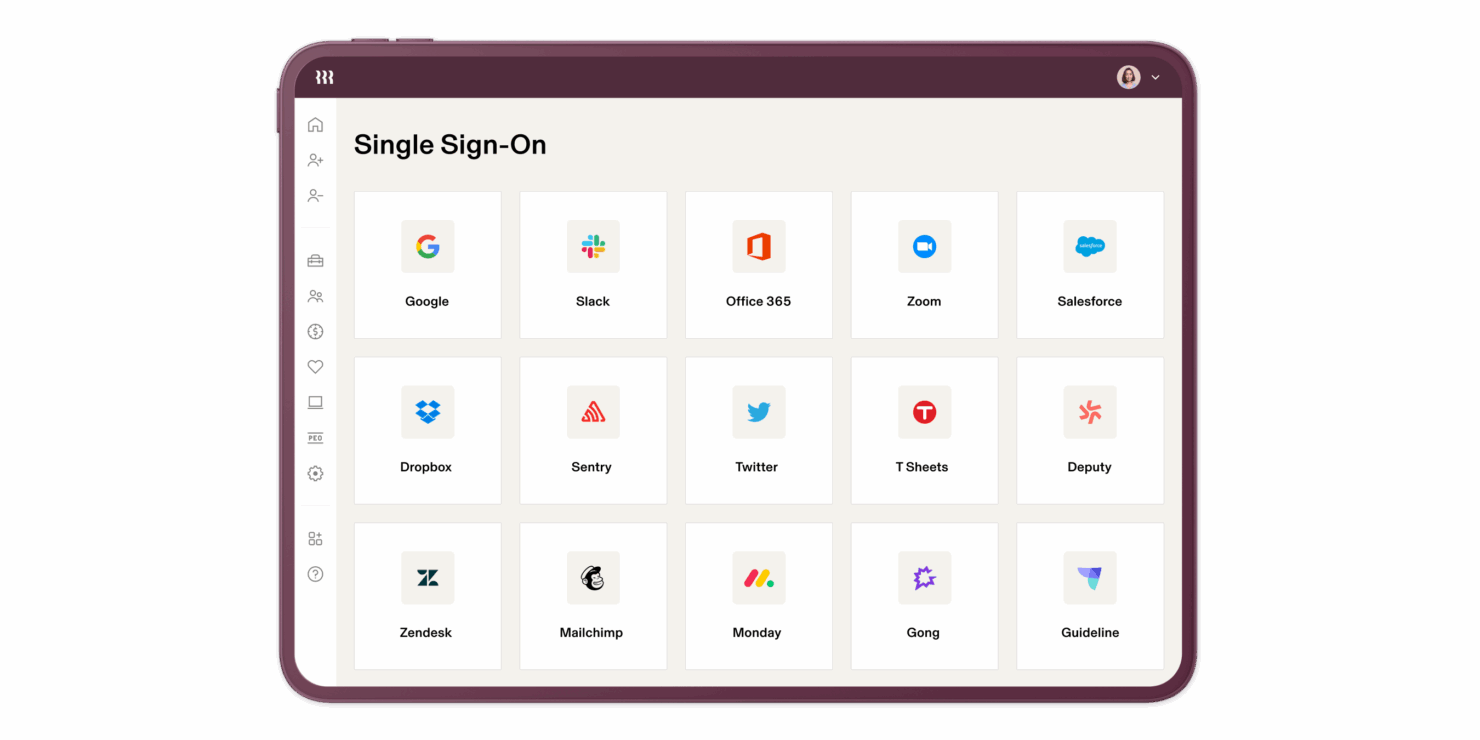
Both Rippling and Workday offer over 600 integration options, making them ideal if you require anything from simple, common connections to more complex, niche integrations. Both have an intuitive interface for integration orchestration, allowing you to customize triggers and workflows.
Rippling vs. Workday HCM Security, Compliance & Reliability
| Factor | Rippling | Workday HCM |
| Data Privacy | Rippling uses encryption to safeguard employee data and offers GDPR compliance tools. | Workday HCM ensures data privacy through strict access controls and regular audits. |
| Regulatory Compliance | Provides tools to manage compliance with all 50 U.S. states and labor laws is 85+ countries. | Supports compliance with various global regulations, including HIPAA and GDPR. |
| Reliability | Rippling ensures uptime with robust cloud infrastructure and regular maintenance. | Workday HCM maintains high reliability through redundant systems and 24/7 monitoring. |
Rippling and Workday HCM both prioritize security and compliance, but Workday HCM might offer compliance tracking in more countries than Rippling. To evaluate these features, assess how each vendor's security protocols align with your organization's specific data protection needs and regulatory requirements.
Rippling vs. Workday HCM Ease of Use
| Factor | Rippling | Workday HCM |
| User Interface | Offers a clean, intuitive UI that's easy to navigate for quick task management. | Provides a comprehensive interface that can be overwhelming for new users but offers in-depth customization. |
| Onboarding Experience | Simplifies customer onboarding with guided setup processes for new users. | Requires more time and training for onboarding due to its complex features. |
| Setup | Allows for quick setup with minimal IT involvement. | Setup is more involved, often requiring dedicated IT support and training. |
Rippling excels in ease of use with its straightforward interface and quick onboarding, making it accessible even for those new to HR software. Workday HCM, while powerful, can be more challenging due to its complex interface and detailed setup, which might require additional support to fully leverage its capabilities.
Rippling vs Workday: Pros & Cons
Rippling
- Automates simple and complex tasks across departments with an intuitive Workflow Studio.
- The platform is highly scalable with add-on modules, making it ideal for growing businesses.
- Tons of integration options (650+), so that all your systems can be connected and centralized in one platform.
- Custom reporting and workflows may not be included with base modules.
- May be overly comprehensive for simpler operations with limited HR tasks or few employees.
- While modular, costs can add up quickly as you activate more capabilities.
Workday
- Workday HCM is highly configurable, allowing you to tailor HR processes to fit your needs.
- It offers advanced talent management tools that enhance your team's capabilities.
- The user-friendly interface makes it easy for your team to navigate and manage HR tasks efficiently.
- The implementation process can be complex and may require full-time consultants.
- Its Applicant Tracking System and Payroll modules might not match specialized third-party solutions.
- Mid-market companies might find the premium pricing challenging due to high costs.
Best Use Cases for Rippling and Workday
Rippling
- Tech Companies Rippling's automation and integration capabilities suit the fast-paced, tech-driven environment your company thrives in.
- Small to Large Enterprises The platform scales well for small, medium, and large enterprises, handling growing operations, from simple to complex, across multiple geographies.
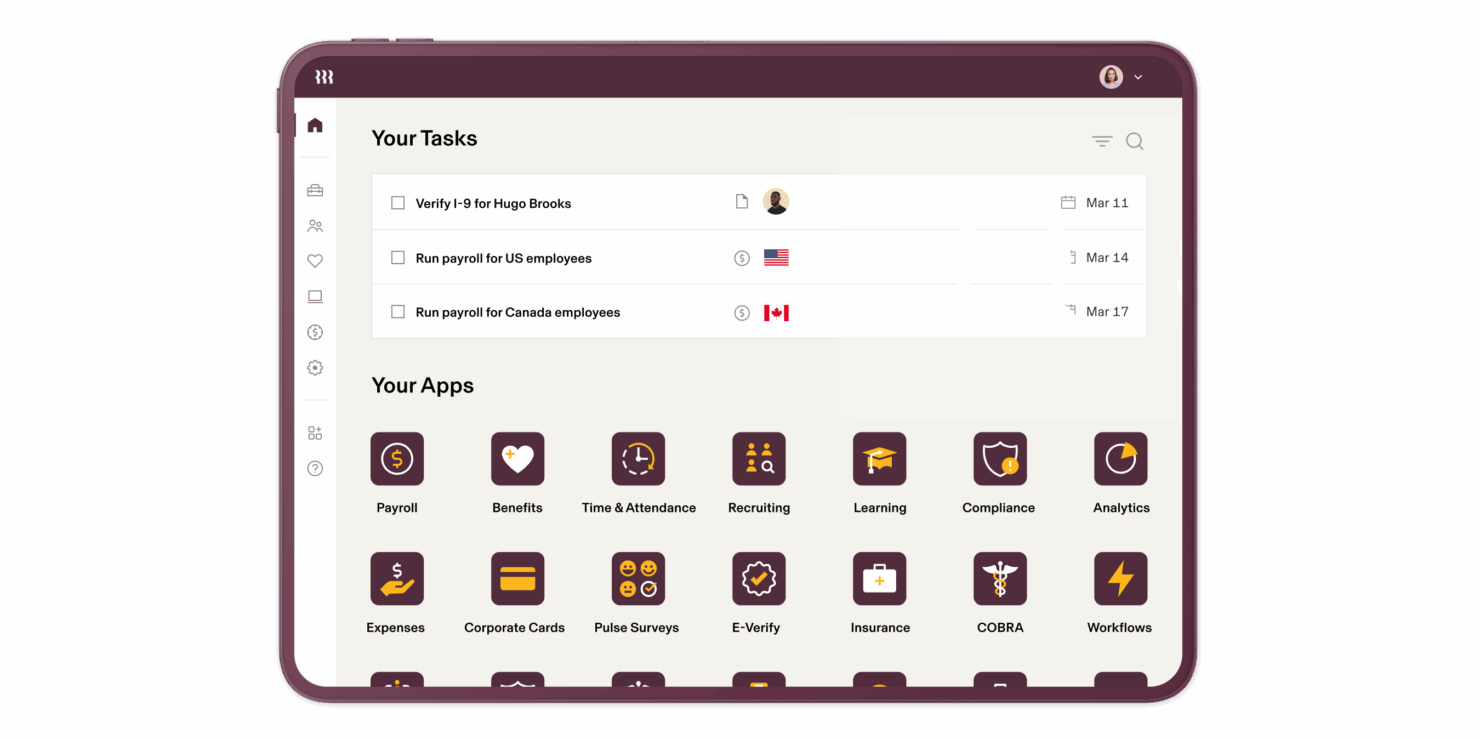
- HR Departments Rippling centralizes and automates HR functions, like onboarding, benefits administration, learning and development, time and attendance tracking, and recruiting.
- Remote Teams If your team works remotely, Rippling's cloud-based access keeps everyone connected and informed. With the IT add-on, you can even manage remote devices (e.g., automate device management, provisioning, and identity and access management).
- Finance Departments Rippling provides a full, in-house Finance suite with spend management, travel, bill pay and corporate cards. It also integrates payroll with other financial systems, streamlining financial workflows.
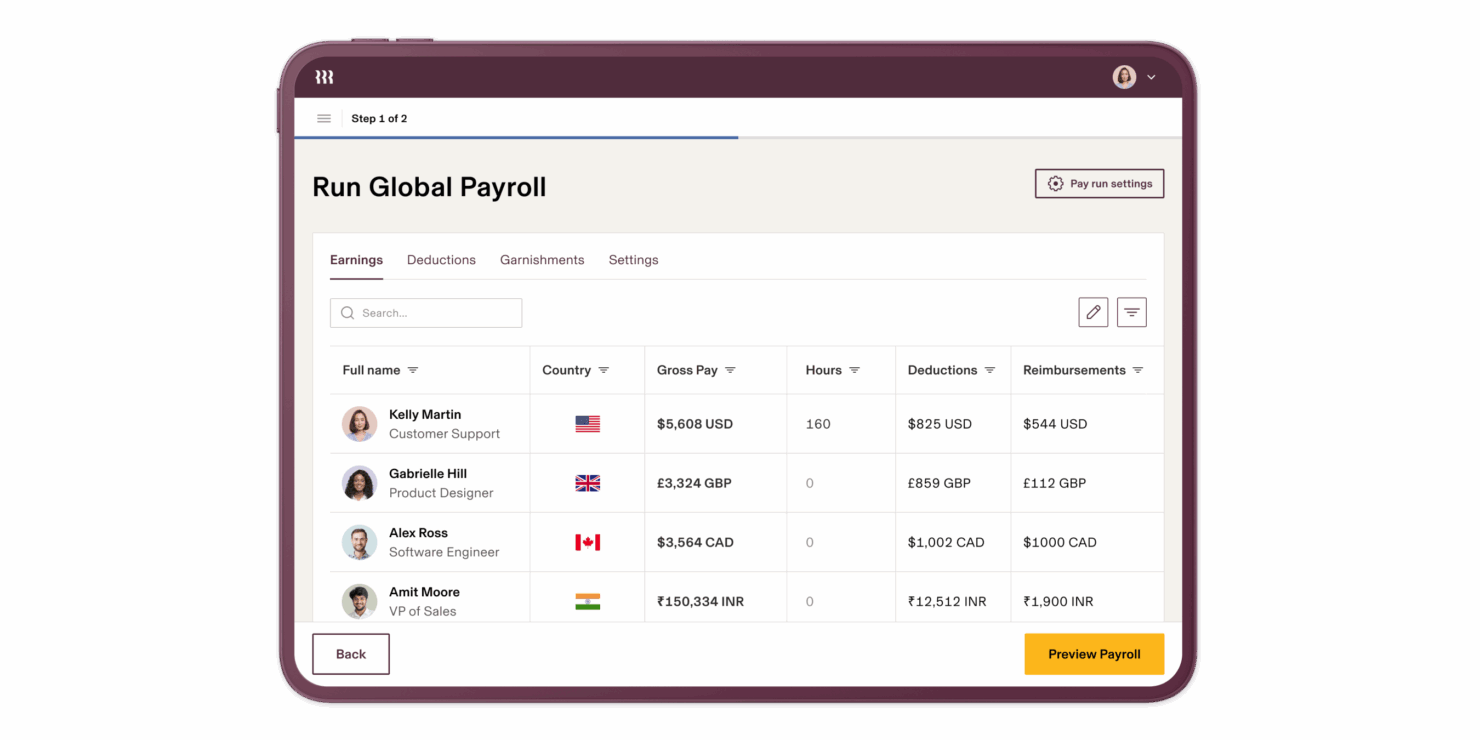
- Global Enterprises If your business spans multiple regions, Rippling's extensive reporting tools, global payroll, global hiring (EOR), and contractor management help manage diverse teams effectively.
Workday
- Large Enterprises Workday HCM’s scalability and robust features support your complex HR needs across global locations.
- Healthcare Organizations The system’s compliance tools help you manage regulatory requirements in your HR processes.
- Finance Sector Workday HCM’s analytical tools can enhance your workforce planning and decision-making.
- Technology Companies Its talent management features can help you attract and retain top tech talent in a competitive market.
- Human Resources Departments The intuitive interface and comprehensive tools streamline HR tasks for your team.
- Multinational Corporations Workday HCM supports multi-currency and multi-language capabilities, crucial for your global operations.
Who Should Use Rippling and Workday HCM?
Rippling is best for businesses of any size because it offers a user-friendly platform that can scale with your needs. If you want to automate more workflows across different departments, Rippling provides the enterprise features you need without making it complex like some enterprise-only platforms. It's also ideal for teams looking for quick setup and straightforward integrations.
On the other hand, Workday HCM is suited for large enterprises that require comprehensive HR solutions with extensive customization and global compliance capabilities. If your organization has the resources for a more involved setup and training, Workday HCM could be a better fit.
Differences Between Rippling and Workday
| Rippling | Workday | |
|---|---|---|
| Centralization | Centralizes all data across HR, IT, and finance departments through its add-on modules. Access to 650+ integrations also makes it easy to see all your data in one place. | Centralization of data beyond HR and finance departments primarily occurs through third-party integrations. For example, it doesn't have a built-in IT suite like Rippling, so you'll need to orchestrate IT-related workflows through integrations. |
| Compliance | Focuses on U.S. labor law compliance, but offers compliance checks for some other countries. | Supports compliance with global regulations, including GDPR. |
| IT Management | Offers an easy-to-use add-on module for managing devices, from provisioning and deprovisioning to access and identity management. | Doesn't offer direct device management, though options may be available through integrations. |
| Pricing | Uses a modular, per-employee-per-month model that is suitable for growing teams. | Follows a subscription model, often requiring long-term commitments. |
| User Interface | Offers a simple, clean UI that's easy to navigate. | While features are powerful at the enterprise level, the platform is generally more difficult to navigate and comes with a more significant learning curve. |
| Visit RipplingOpens new window | Read Workday ReviewOpens new window |
Similarities Between Rippling and Workday
| Cloud-Based | Both Rippling and Workday HCM are cloud-based, offering flexibility and remote access for your team, regardless of location or company size. |
|---|---|
| Core HR Functionality | Whether you need to manage payroll, benefits, talent, or employee data , both platforms provide strong features for your HR needs. |
| Employee Self-Service | The platforms offer employee self-service features, allowing your staff to manage their own information. |
| Integrations | Both offer robust integration options, with the ability to build custom flows and triggers to align with your day-to-day needs. |
| Mobile Usability | Both solutions provide mobile apps, ensuring your team can access HR functions on the go. |
| Visit RipplingOpens new window Read Workday ReviewOpens new window | |