

Workhuman Review: Pros, Cons, Features & Pricing


Your team engagement scores just dropped again, recognition feels inconsistent across departments, and leadership is asking for a real solution instead of another spreadsheet or one-off rewards program.
If you’re looking into employee recognition software, Workhuman is probably one of the names that keep coming up.
This review breaks down what Workhuman offers, where it stands out, and where it may fall short so you can confidently decide if it’s the right fit for you.
Workhuman Evaluation Summary
- Pricing upon request
- Free demo available
Why Trust Our Software Reviews
We’ve been testing and reviewing HR software systems since 2019. As HR experts ourselves, we know how critical and difficult it is to make the right decision when selecting software.
We invest in deep research to help our audience make better software purchasing decisions. We’ve tested more than 2,000 tools for different HR management use cases and written over 1,000 comprehensive software reviews. Learn how we stay transparent & our software review methodology.
Workhuman Overview
pros
-
Provides guided implementation and consulting support to help organizations successfully launch and scale recognition programs.
-
Offers deep analytics and insights through Workhuman iQ to support HR decisions.
-
Helps build a strong culture of recognition with peer-to-peer recognition, rewards, and milestone celebrations.
cons
-
Points-to-value conversion can be unclear.
-
Reward options may feel limited for redeeming points.
-
Recognition posts can feel delayed or overly complex for some users.
Is Workhuman Right For Your Needs?
Who Would be a Good Fit for Workhuman?
Workhuman is best suited for mid-to-large organizations that want to build a strong recognition culture, improve engagement and retention, and support continuous feedback across distributed teams.
It’s especially valuable for HR and People Ops teams that need data-driven insights, structured recognition programs, and expert guidance to design, launch, and scale initiatives that celebrate milestones and strengthen company culture over time.
-
Tech Companies Scaling Globally
Social Recognition helps large distributed teams build engagement and retention through peer recognition and rewards.
-
HR Teams Building Continuous Feedback Cultures
Workhuman’s Conversations feature enables ongoing feedback and check-ins that replace traditional annual performance reviews.
-
Organizations Prioritizing Employee Retention
The Workhuman platform connects recognition programs to measurable engagement and retention outcomes.
-
Companies Wanting to Celebrate Milestones and Life Events
Life Events, Service Milestones, and Community Celebrations help recognize employee milestones and important moments.
-
Data-Driven Enterprises
Workhuman iQ provides analytics and insights to measure culture, skills, and program ROI.
-
Organizations Needing Expert Guidance
The Consulting Practice helps design, launch, and optimize recognition strategies for long-term success.
Who Would be a Bad Fit for Workhuman?
Workhuman is not ideal for very small teams, budget-conscious organizations, or companies that only need a simple rewards tool.
It’s also a poor fit for teams that want a quick, plug-and-play solution or don’t have a dedicated HR or People Ops function to manage a recognition program. Organizations that aren’t actively investing in culture, engagement, or retention initiatives are unlikely to see enough value to justify the platform.
-
Very Small Businesses or Startups
Workhuman’s enterprise-level features, implementation effort, and budget expectations are typically far beyond what very small teams need.
-
Companies Needing a Simple Rewards Tool
Organizations looking for a lightweight rewards tool without recognition programs, analytics, or consulting will find Workhuman unnecessarily complex.
-
Teams Needing Instant Plug-and-Play
Workhuman requires program design, onboarding, and rollout planning, making it unsuitable for teams that need a tool they can launch immediately.
-
Organizations Without Dedicated HR or People Ops
Workhuman is designed to be managed strategically, so companies without HR ownership usually struggle to run and maintain the program effectively.
-
Budget-Conscious Companies Seeking Low-Cost Software
Workhuman is positioned as a premium enterprise platform, making it unrealistic for organizations prioritizing the lowest-cost option.
-
Companies Not Focused on Culture, Engagement, or Retention Initiatives
Organizations that don’t actively invest in employee experience will struggle to justify the platform’s value and likely won’t see ROI.
How We Test & Score Our Tools
We’ve spent years building, refining, and improving our software testing and scoring system. The rubric is designed to capture the nuances of software selection and what makes a tool effective, focusing on critical aspects of the decision-making process.
Below, you can see exactly how our testing and scoring works across seven criteria. It allows us to provide an unbiased evaluation of the software based on core functionality, standout features, ease of use, onboarding, customer support, integrations, customer reviews, and value for money.
Core Functionality (25% of final score)
The starting point of our evaluation is always the core functionality of the tool. Does it have the basic features and functions that a user would expect to see? Are any of those core features locked to higher-tiered pricing plans? At its core, we expect a tool to stand up against the baseline capabilities of its competitors.
Standout Features (25% of final score)
Next, we evaluate uncommon standout features that go above and beyond the core functionality typically found in tools of its kind. A high score reflects specialized or unique features that make the product faster, more efficient, or offer additional value to the user.
We also evaluate how easy it is to integrate with other tools typically found in the tech stack to expand the functionality and utility of the software. Tools offering plentiful native integrations, 3rd party connections, and API access to build custom integrations score best.
Ease of Use (10% of final score)
We consider how quick and easy it is to execute the tasks defined in the core functionality using the tool. High scoring software is well designed, intuitive to use, offers mobile apps, provides templates, and makes relatively complex tasks seem simple.
Onboarding (10% of final score)
We know how important rapid team adoption is for a new platform, so we evaluate how easy it is to learn and use a tool with minimal training. We evaluate how quickly a team member can get set up and start using the tool with no experience. High scoring solutions indicate little or no support is required.
Customer Support (10% of final score)
We review how quick and easy it is to get unstuck and find help by phone, live chat, or knowledge base. Tools and companies that provide real-time support score best, while chatbots score worst.
Customer Reviews (10% of final score)
Beyond our own testing and evaluation, we consider the net promoter score from current and past customers. We review their likelihood, given the option, to choose the tool again for the core functionality. A high scoring software reflects a high net promoter score from current or past customers.
Value for Money (10% of final score)
Lastly, in consideration of all the other criteria, we review the average price of entry level plans against the core features and consider the value of the other evaluation criteria. Software that delivers more, for less, will score higher.
Core Features
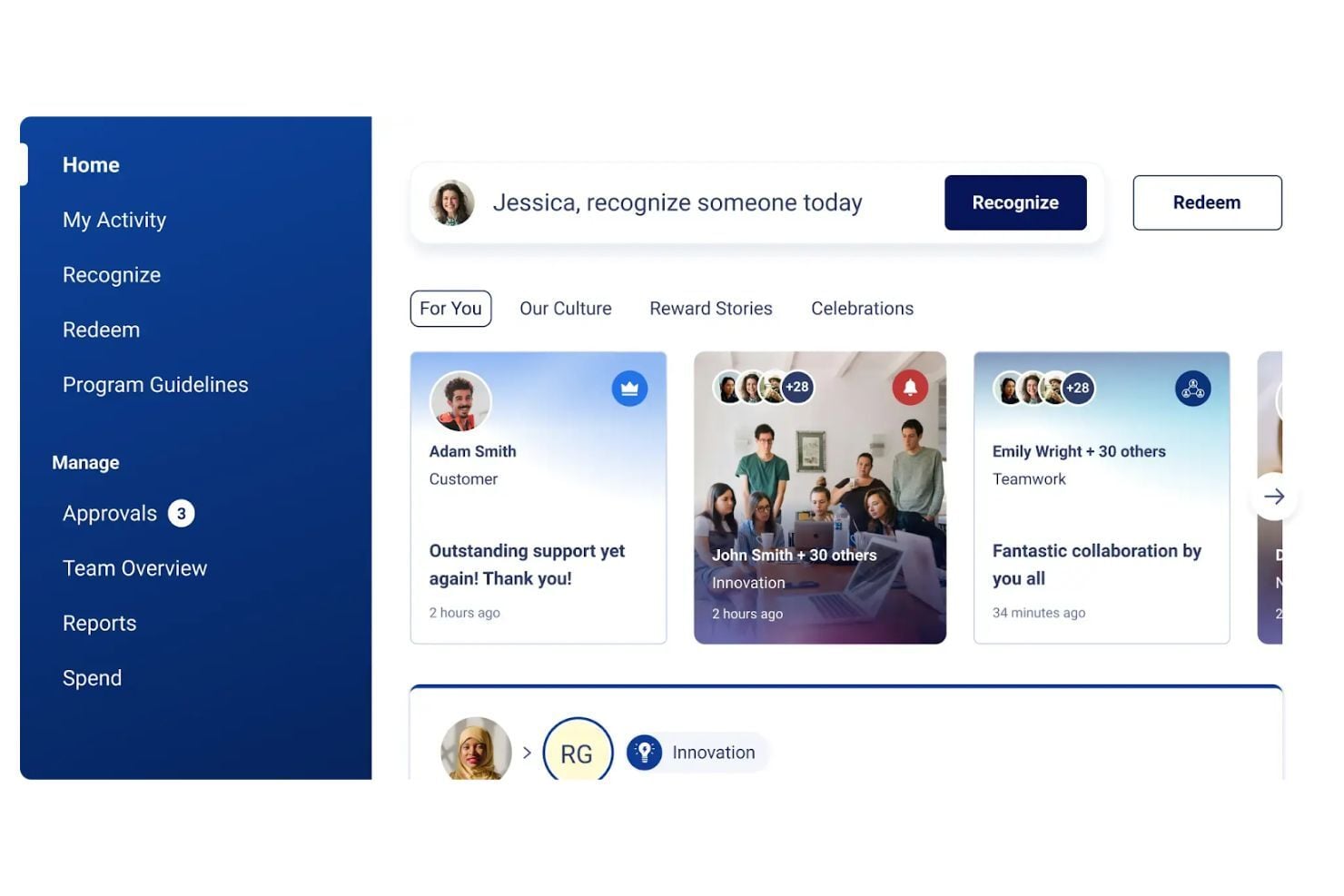
Social Recognition
Enables peer-to-peer recognition and rewards that improve engagement, productivity, and retention.
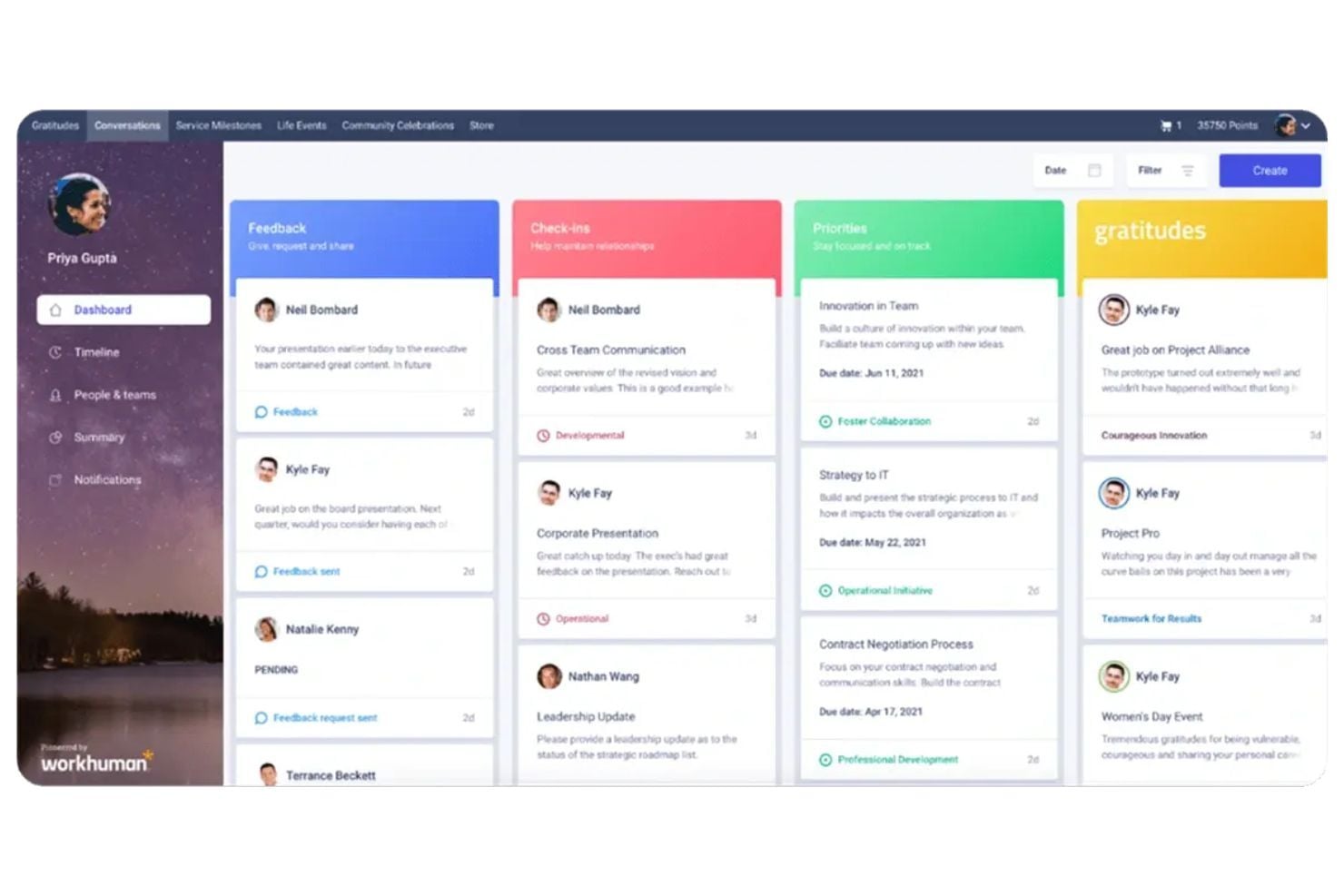
Conversations
Provides ongoing feedback, manager check-ins, and performance development tied directly to recognition moments.
Life Events
Helps teams celebrate important personal milestones to strengthen connection and belonging at work.
Service Milestones & Community Celebrations
Recognizes anniversaries and team celebrations to strengthen workplace culture and connection.
Global Rewards Marketplace
Allows employees to redeem recognition points for global rewards and personalized experiences.
Admin Hub
Provides tools for managing recognition programs, permissions, tracking, and governance.
Standout Features
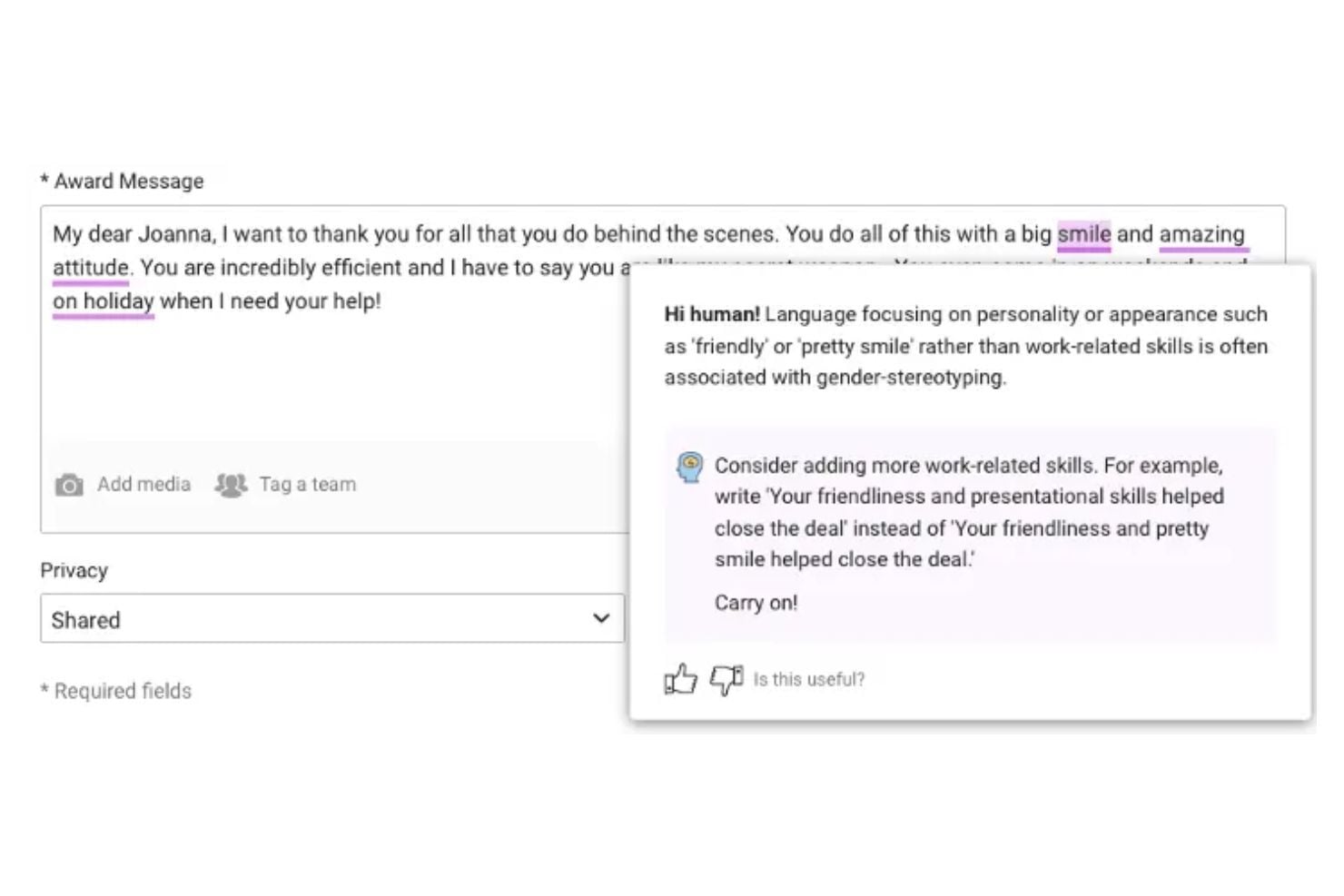
Inclusion Advisor
Combines recognition data and AI to generate insights, coach recognition messages, and connect appreciation to business outcomes.
Workhuman IQ
AI-powered analytics deliver real-time insights into retention, skills, engagement, and cultural health.
Ease of Use
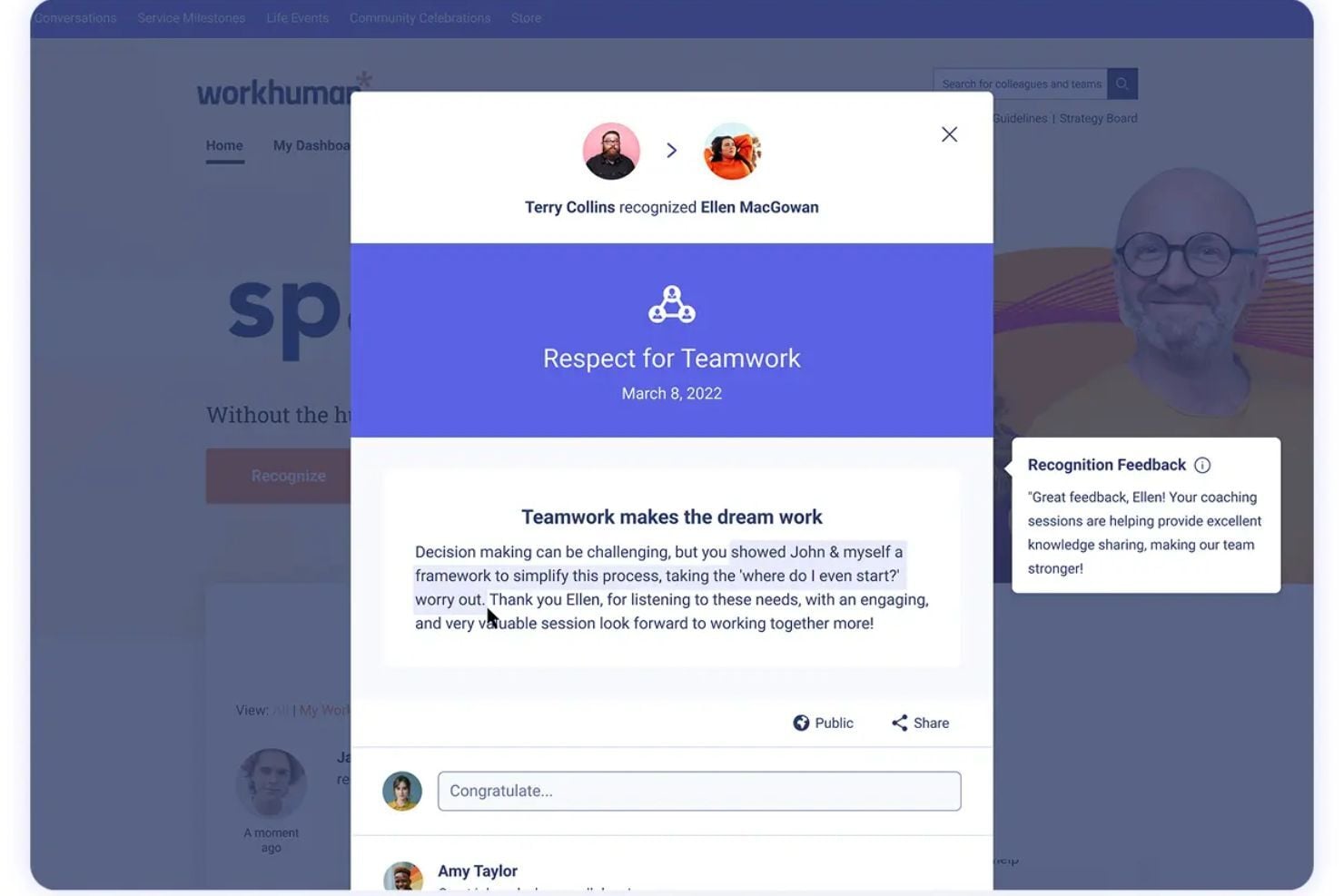
Workhuman is widely praised for its intuitive recognition flow and user-friendly interface, making it easy for employees to recognize peers, redeem awards, and participate regularly without needing support.
The platform’s visible recognition feed and simple award redemption process help drive frequent adoption, though organizations should still expect some setup and rollout effort during initial implementation.
Onboarding
Workhuman uses a guided, consultative onboarding approach that helps organizations plan, design, and launch their recognition programs with expert support.
The rollout focuses on strategy, adoption, and long-term engagement, so implementation typically involves planning and change management rather than a quick self-serve setup.
Customer Support
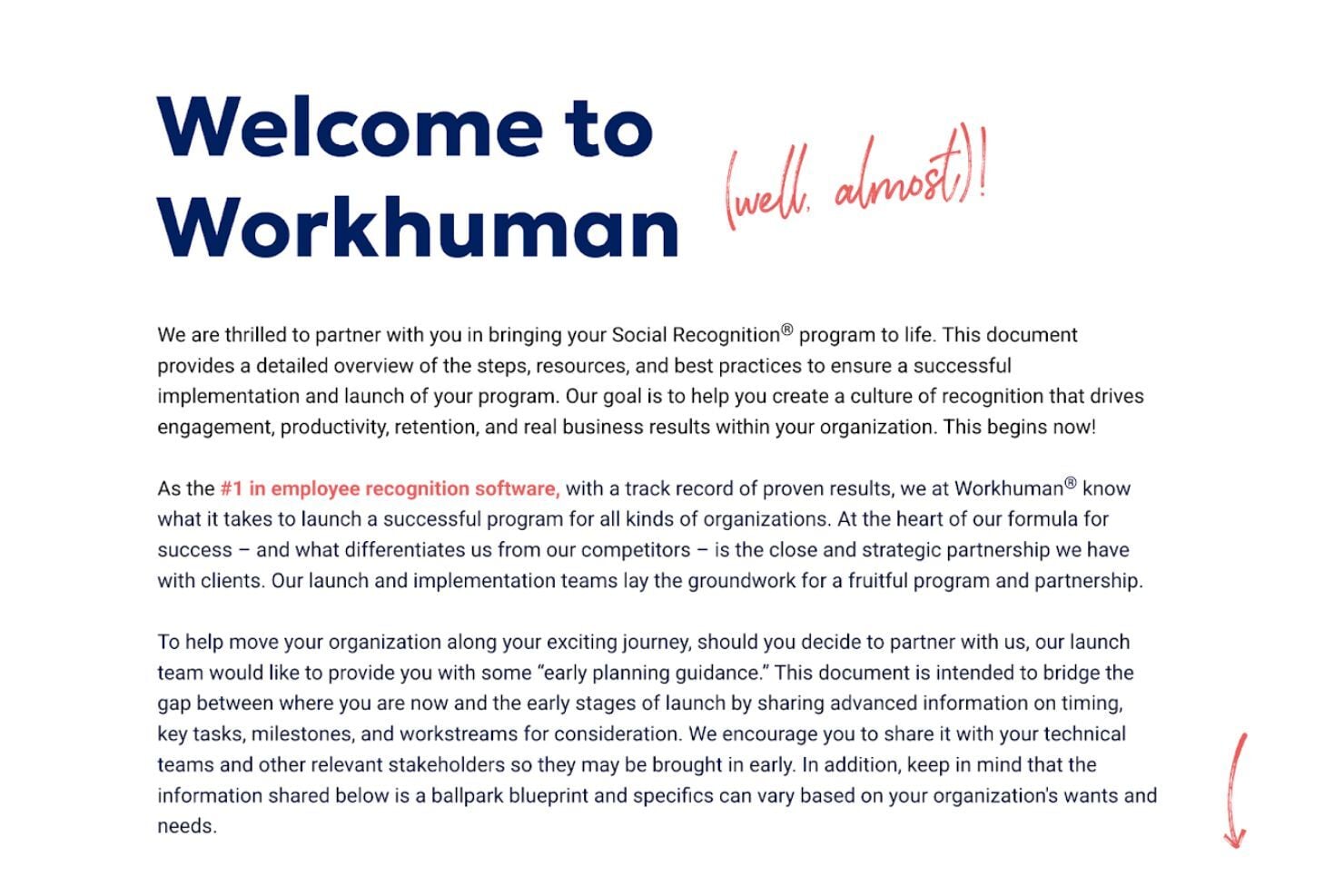
Workhuman offers support through its contact page and backs this up with an extensive library of resources, research, and educational content to help customers learn, troubleshoot, and continuously improve their recognition programs.
Integrations
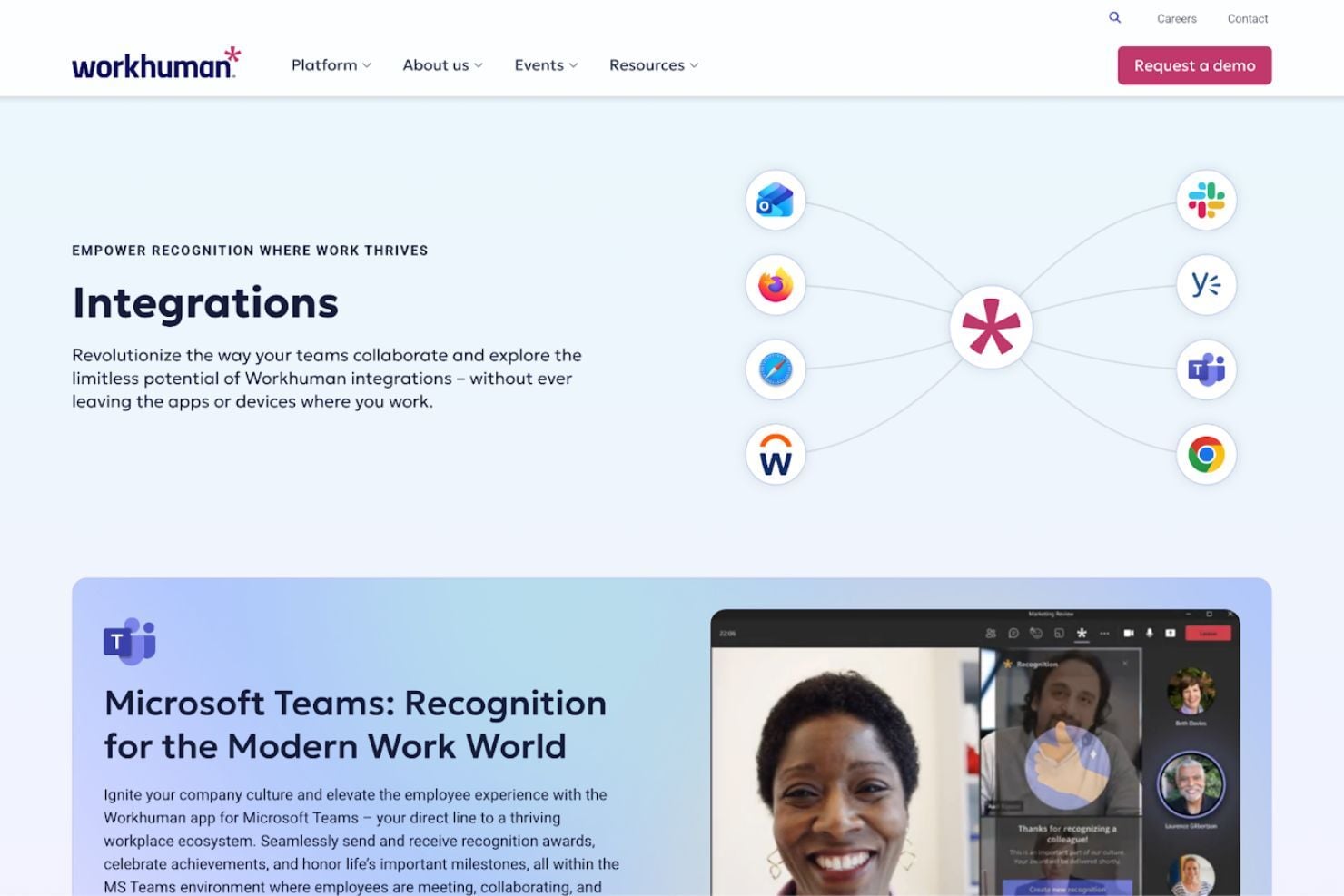
Workhuman integrates with Microsoft Teams, Slack, Microsoft Outlook, Yammer, and Workday so recognition and feedback can happen directly inside everyday work tools.
An open API is available to support custom integrations and extend the platform into additional workflows and systems.
Value for Money
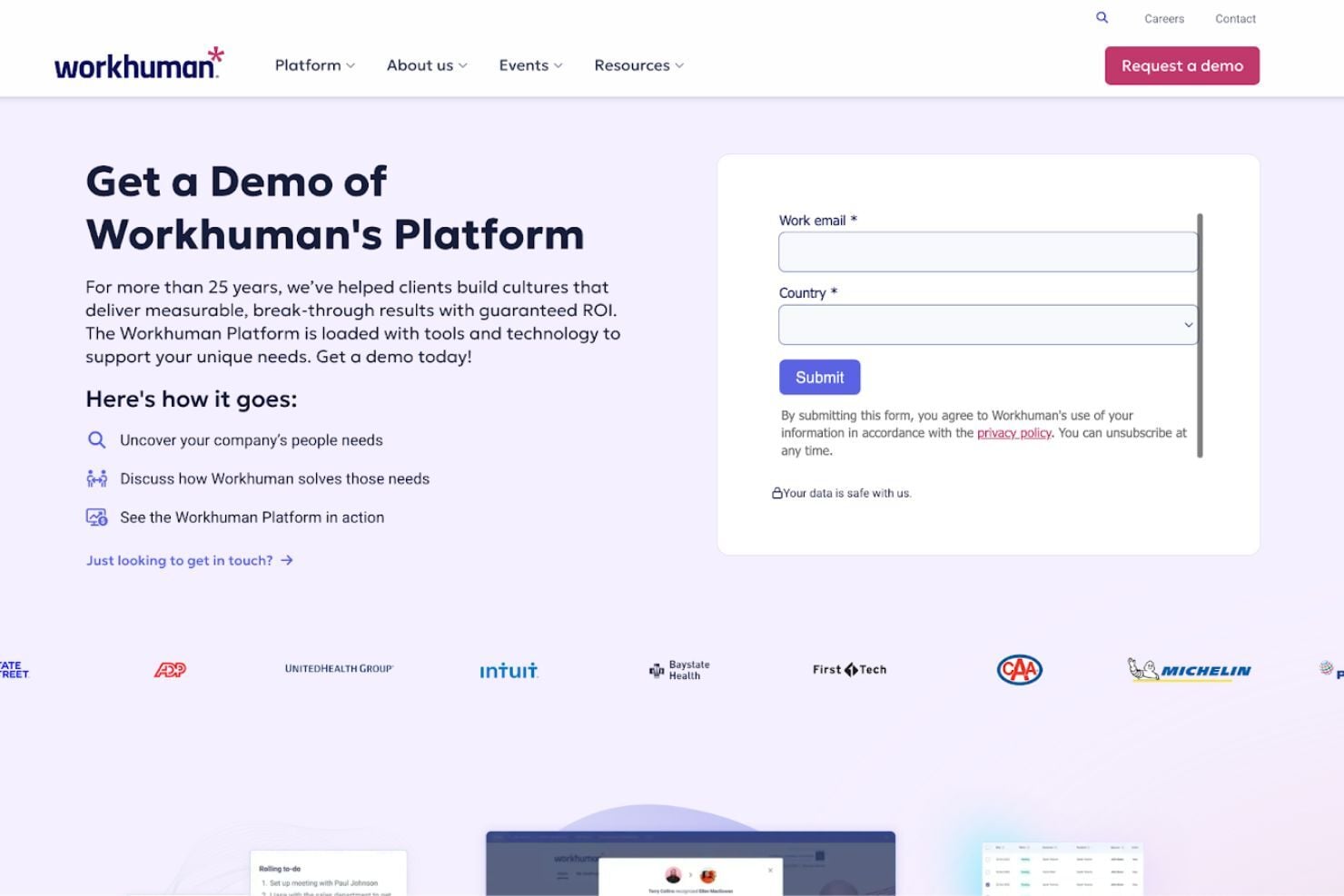
Workhuman uses a custom, demo-based pricing model, meaning you’ll need to speak with their team to receive a tailored quote based on your organization’s size, goals, and program scope.
This approach aligns with the platform’s enterprise positioning and consultative implementation model, where pricing reflects the level of customization, rewards budget, integrations, and support required to launch and scale a recognition program successfully.
Workhuman Specs
- 360 Degree Feedback
- API
- Application Tracking
- Attendance Tracking
- Budgeting
- Calendar Management
- Dashboard
- Data Export
- Data Import
- Data Visualization
- Employee Database
- Employee Engagement
- Employee Incentive Management
- Employee Onboarding
- External Integrations
- Feedback Management
- Forecasting
- Multi-User
- Notifications
- Scheduling
- Timesheets
- Vacation & Absence Calendar
Workhuman FAQs
How does Workhuman support employee engagement?
Can Workhuman be customized to fit our company culture?
How does Workhuman handle data security and compliance?
What types of reports can we generate with Workhuman?
How can Workhuman aid in employee retention?
Is Workhuman suitable for remote teams?
What support resources does Workhuman offer to new users?
Can Workhuman accommodate global companies?
Workhuman Company Overview & History
Workhuman was founded in 1999 by Eric Mosley and Eddie Reynolds and originally operated under the name Globoforce before rebranding to Workhuman in 2019.
Headquartered in Dublin, Ireland and Framingham, Massachusetts, the company has grown into an employee recognition and engagement platform serving large global organizations such as Cisco, LinkedIn, and JetBlue.
Today, Workhuman provides cloud-based solutions focused on recognition, rewards, and people analytics.
Workhuman Major Milestones
- 1999: Company founded by Eric Mosley and Eddie Reynolds.
- 2005: Expanded operations to the United States.
- 2019: Rebranded from Globoforce to Workhuman.
- 2020: Achieved a valuation of over $1 billion.
- 2023: Reported strong revenue growth with significant year-over-year increases.
- 2025: Announced the Human Intelligence 2025 release featuring expanded AI capabilities.
- 2025: Launched Workhuman Connect, a hub for HR professionals.
- 2025: Introduced a generative AI assistant within Workhuman iQ.