


Paycom Testbericht: Vorteile, Nachteile, Funktionen und Preise erklärt



What starts as a small payroll error can ripple across an entire organization, affecting productivity and trust. Behind the scenes, payroll admins are often left juggling spreadsheets, manual calculations, and last-minute fixes to keep payday on track.
Paycom is a payroll software and HCM platform designed to automate payroll processing and help HR teams manage employee data in one system. If you’re an HR executive tired of juggling spreadsheets, manual data entry, and compliance headaches, Paycom offers a unified platform where employees can access and manage their own records.
In this review, I’ll walk through Paycom’s features, pricing, best use cases, and where it falls short so you can decide if it fits your business’s payroll needs.
Paycom Evaluation Summary
- Pricing upon request
- Not available
Warum Sie unseren Software-Bewertungen vertrauen können
Unser Team testet und bewertet Software seit 2012. Als HR-Experten wissen wir selbst, wie schwierig – und wichtig – es ist, die richtige Software auszuwählen.
Für diesen Leitfaden haben wir Tools mithilfe von praktischen Tests und unabhängiger Recherche bewertet und dabei unsere Bewertungskriterien angewendet. Zudem greifen wir auf Erkenntnisse von Branchenvordenkern und praktizierenden HR-Experten zurück.
Unsere Bewertungen spiegeln unser menschliches redaktionelles Urteilsvermögen wider, keine Verkaufsstrategie.
Expertenprüfer:
Paycom Overview
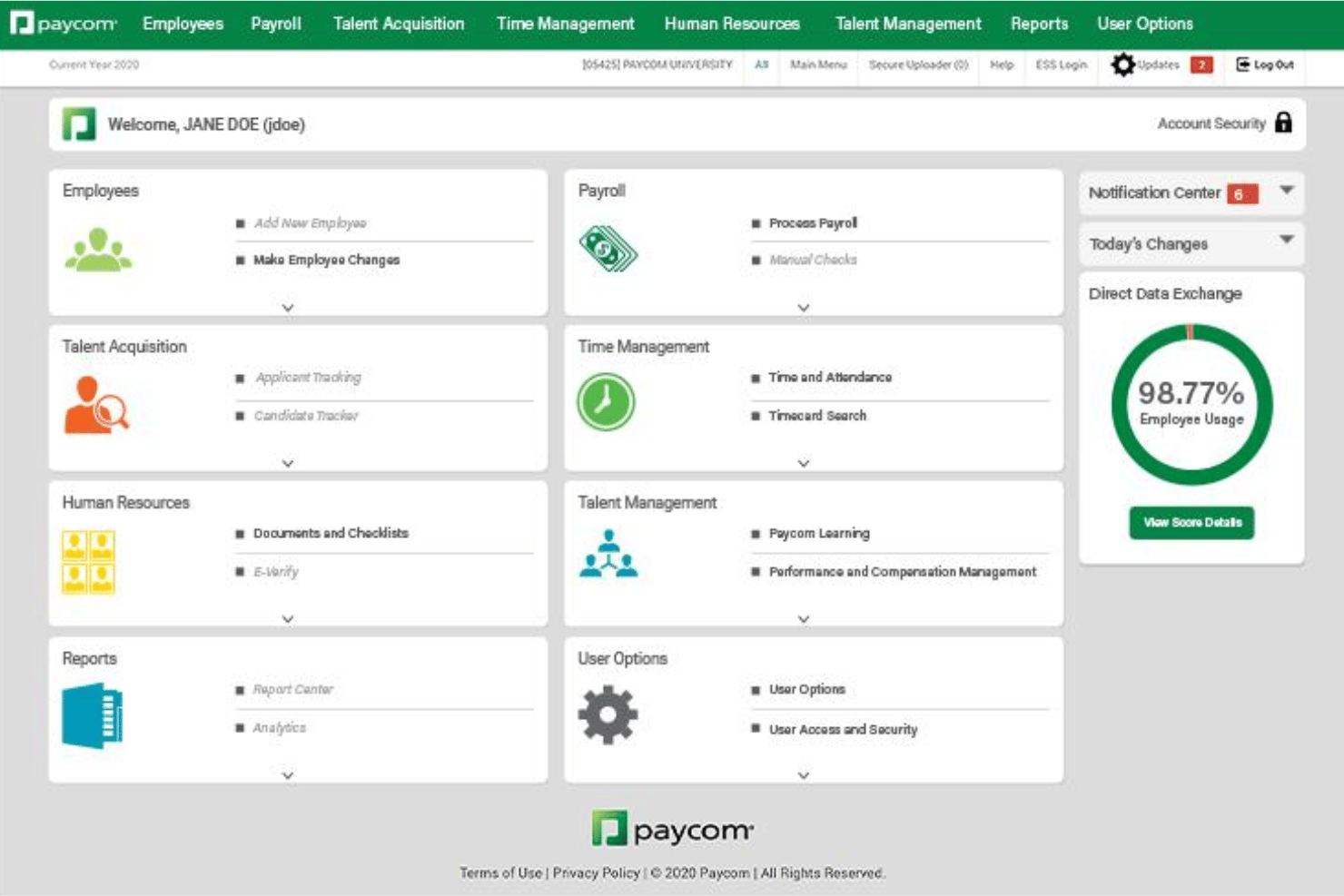
What sets Paycom apart is its full-solution approach to HR and payroll, built on a single-database architecture that keeps employee data consistent across payroll, time tracking, benefits, and workforce management. Its automated payroll, employee self-service tools, automated time-off requests, and command-driven AI in the employee app help reduce manual work while giving employees more control over their own data. Paycom also stands out with dedicated client service specialists and company-owned data centers, making it a strong fit for midsize and larger businesses that want automation, control, and support in one unified platform.
pros
-
Employees can update their own payroll and HR data directly.
-
Detailed compliance tools support complex regulatory needs.
-
Payroll processing errors are automatically flagged before submission.
cons
-
Payroll is native in select countries, and not global.
-
Pricing is generally unsuitable for low-headcount companies.
-
Limited out of the box external integrations.
Is Paycom Right For Your Needs?
Who Would be a Good Fit for Paycom?
Paycom works best for midsize to large organizations with complex payroll and compliance needs, especially those looking for an all-in-one HR solution. Businesses with distributed teams, multiple locations, or hourly workforces will appreciate self-service features, built-in compliance tracking, and payroll automation. Teams needing highly detailed reporting or multi-state payroll support can leverage Paycom for less manual data management.
-
Healthcare Organizations
Paycom’s compliance tools and shift management features help manage certifications, varying pay rates, and large employee volumes.
-
Franchises
Multi-location payroll and consolidated reporting features reduce administrative work for companies operating across several sites.
-
HR Departments in Corporations
Unified HR and payroll in a single database streamline everything from onboarding to talent management and reporting.
-
Manufacturing Companies
Automated overtime calculations, shift differentials, and union deduction support make payroll for complex workforces easier to manage.
-
Fast-Growing Tech Firms
Seamless scalability and employee self-service tools support rapid onboarding and changes without endless admin burden.
-
Construction Businesses
Job costing and labor tracking features match the demands of managing crews in the field with variable pay structures.
Who Would be a Bad Fit for Paycom?
For small businesses, seasonal companies, or organizations with highly specialized processes, Paycom can feel overly complex and costly. Teams with very simple payroll needs or those reliant on niche external integrations may run into frustration. Paycom’s implementation requirements and lack of a public API are better suited to established, structured workplaces than to small or rapidly changing organizations.
-
Small Startups
Setup costs and complexity outweigh the benefits for teams with fewer than 10 employees.
-
Highly Seasonal Employers
Implementation time and contract commitments are not ideal for businesses with short operating cycles or frequent headcount changes.
-
Nonprofits With Tight Budgets
Limited pricing transparency and higher costs don’t fit organizations needing basic payroll without add-ons.
-
Freelancers or Sole Proprietors
Paycom’s platform is built for managing larger teams, not one-person payroll.
-
Companies With Niche Software
Lack of a public API and limited integration partners make it poor for those depending on specialized, third-party tools.
-
International Businesses
Paycom’s core payroll tools focus on U.S. compliance and don’t cover global payroll and benefits needs.
Wie wir unsere Tools testen und bewerten
Wir haben jahrelang unser System zur Überprüfung und Bewertung von Software aufgebaut, verfeinert und verbessert. Das Bewertungsschema ist darauf ausgelegt, die Nuancen der Softwareauswahl und die Wirksamkeit eines Tools abzubilden, wobei der Fokus auf wesentlichen Aspekten des Entscheidungsprozesses liegt. Unten sehen Sie genau, wie unsere Tests und Bewertungen anhand von sieben Kriterien funktionieren. Damit können wir eine unvoreingenommene Bewertung der Software hinsichtlich zentraler Funktionen, herausragender Merkmale, Benutzerfreundlichkeit, Onboarding, Kundensupport, Integrationen, Kundenrezensionen und Preis-Leistungs-Verhältnis bieten.
Kernfunktionen (25% der Endnote)
Der Ausgangspunkt unserer Beurteilung ist immer die Kernfunktionalität des Tools. Verfügt es über die grundlegenden Funktionen, die ein Benutzer erwarten würde? Sind einige dieser Funktionen in teureren Tarifen eingeschlossen? Im Kern erwarten wir, dass ein Tool den grundlegenden Fähigkeiten seiner Mitbewerber standhält.
Herausragende Funktionen (25% der Endnote)
Danach bewerten wir außergewöhnliche Funktionen, die über das Übliche hinausgehen, das normalerweise in ähnlicher Software zu finden ist. Eine hohe Punktzahl spiegelt spezialisierte oder einzigartige Funktionen wider, die das Produkt schneller, effizienter oder für den Benutzer wertvoller machen. Wir bewerten auch, wie einfach es ist, sich mit anderen im technischen Ökosystem üblichen Tools zu integrieren, um die Funktionalität und Nützlichkeit der Software zu erweitern. Tools mit vielen nativen Integrationen, Drittanbieter-Anbindungen und API-Zugängen für individuelle Integrationen erhalten die beste Bewertung.
Benutzerfreundlichkeit (10% der Endnote)
Wir betrachten, wie schnell und einfach die Aufgaben im Bereich der Kernfunktionen mit dem Tool erledigt werden können. Hoch bewertete Software ist gut designt, intuitiv zu bedienen, bietet mobile Apps, Vorlagen und macht komplexe Aufgaben einfach.
Onboarding (10% der Endnote)
Uns ist bewusst, wie wichtig eine schnelle Einführung eines neuen Systems im Team ist. Deshalb bewerten wir, wie leicht ein Tool mit minimalem Training erlernt und genutzt werden kann. Wir prüfen, wie schnell ein Teammitglied ohne Vorerfahrung mit dem Tool starten kann. Lösungen mit hoher Bewertung erfordern wenig bis keine Unterstützung.
Kundensupport (10% der Endnote)
Wir überprüfen, wie schnell und einfach Hilfe telefonisch, per Live-Chat oder Wissensdatenbank erhalten werden kann. Tools und Unternehmen, die Echtzeit-Support bieten, schneiden am besten ab – Chatbots am schlechtesten.
Kundenrezensionen (10% der Endnote)
Zusätzlich zu unseren eigenen Tests berücksichtigen wir den Net Promoter Score aktueller und ehemaliger Kunden. Wir prüfen, wie wahrscheinlich sie, falls es zur Wahl käme, das Tool für die Kernfunktionen erneut wählen würden. Eine hohe Bewertung der Software spiegelt einen hohen Net Promoter Score wider.
Preis-Leistungs-Verhältnis (10% der Endnote)
Abschließend berücksichtigen wir unter Einbeziehung aller anderen Kriterien den durchschnittlichen Preis der Einstiegstarife im Vergleich zu den Kernfunktionen und zum Wert der anderen Bewertungskriterien. Software, die mehr für weniger bietet, erhält höhere Bewertungen.
Core Features
Employee Self-Service Payroll
Employees enter and approve their own hours and changes. This reduces data errors and gives workers direct access to pay information.
Automated Payroll Processing
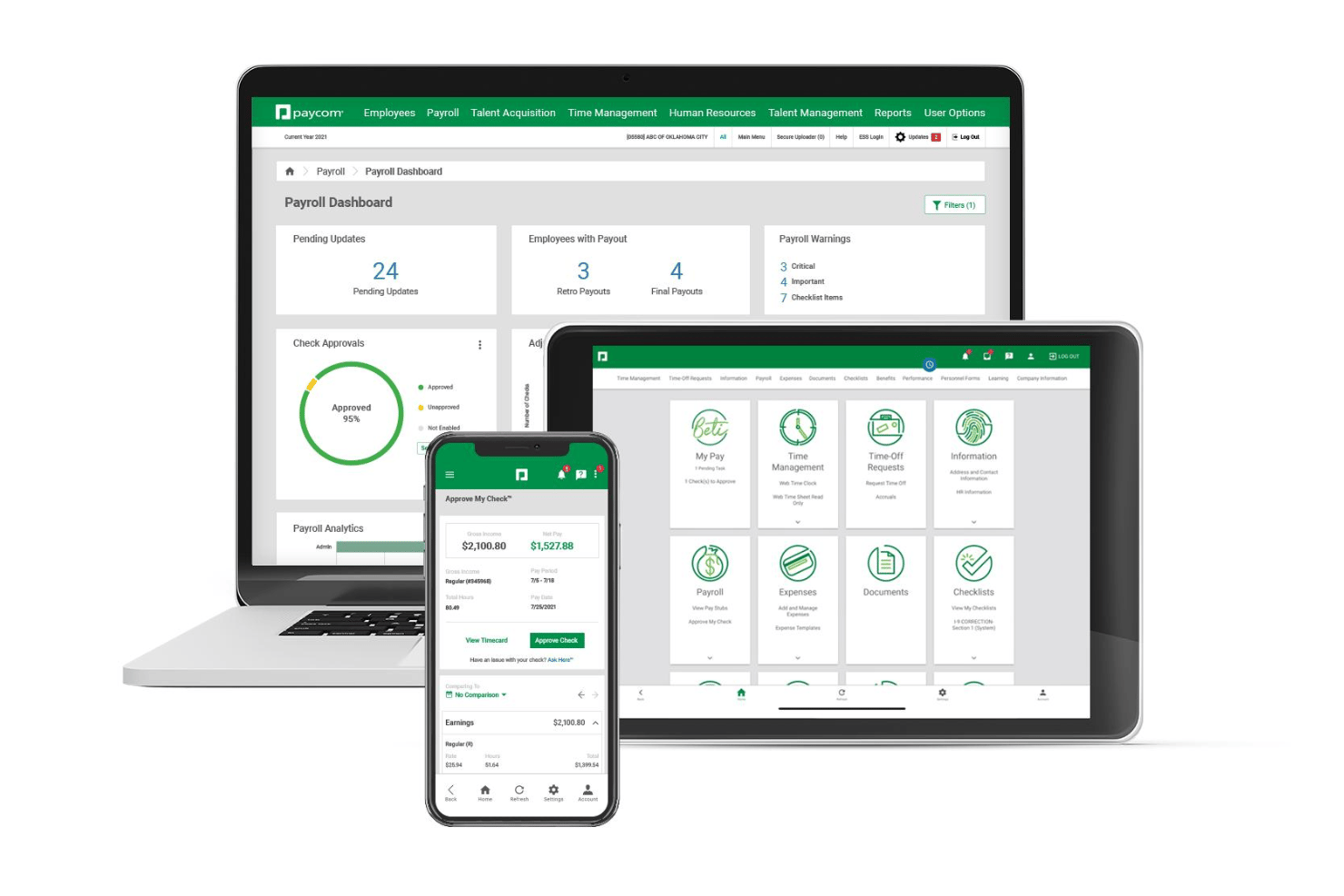
Run payroll and calculate taxes automatically from one dashboard. You can review changes before payroll is finalized each pay period.
Tax Management and Filing
Paycom calculates, withholds, and files local, state, and federal taxes. This helps you stay compliant without tracking deadlines yourself.
Direct Deposit and Paycards
Offer multiple electronic pay options, including direct deposit and reloadable paycards. This gives employees immediate access to their funds on payday.
Payroll Analytics and Reporting
Generate payroll reports for audits, budgeting, or compliance reviews. Reports are ready-to-use and filterable by department or location.
Garnishments Administration
Paycom manages wage garnishments and ensures accurate withholdings. This feature helps you handle court-ordered deductions correctly and on time.
Standout Features
Beti (Employee-Driven Payroll)
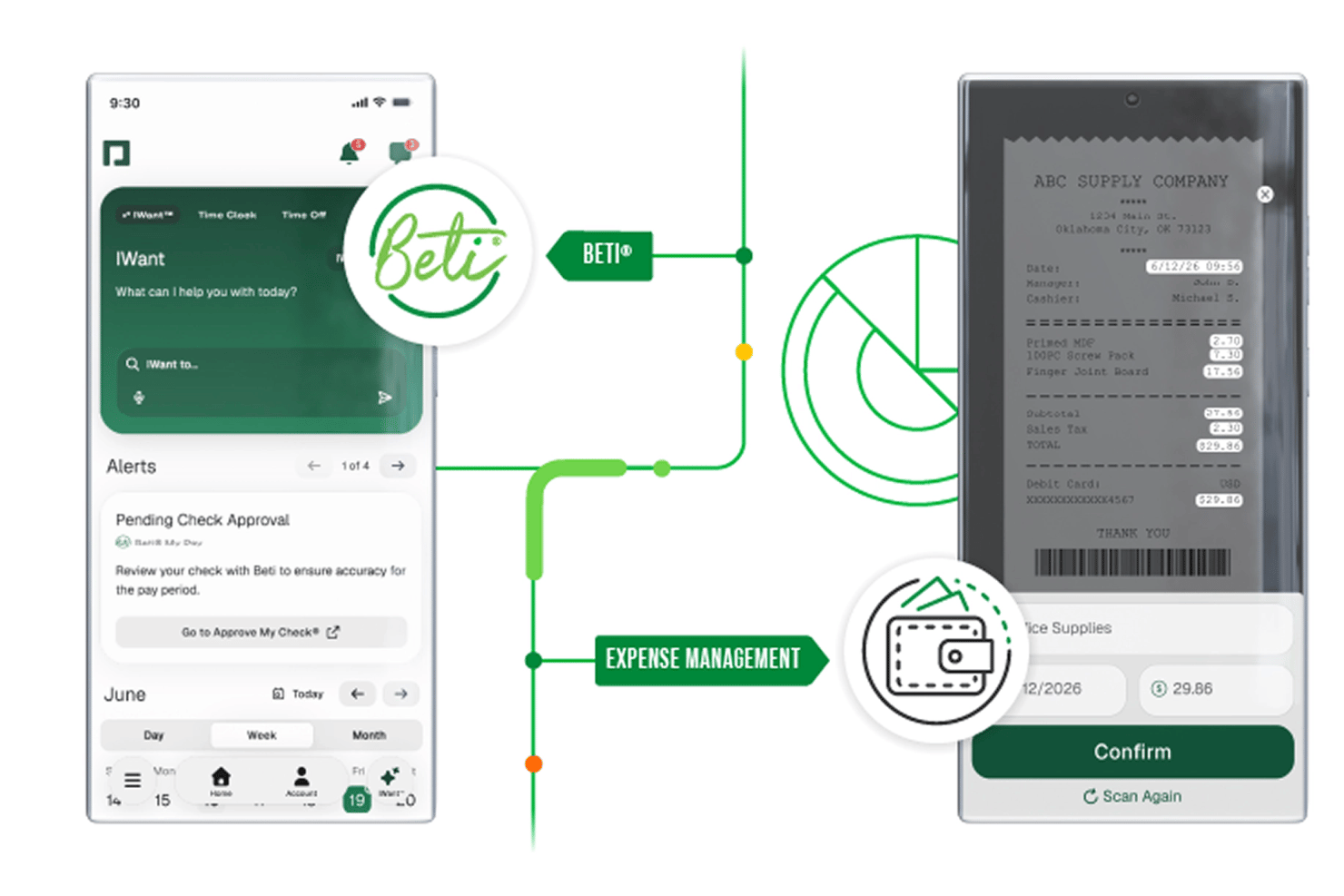
Beti lets employees review and approve their own paychecks before payroll is run. This unique tool helps catch and fix pay issues before money is moved.
Direct Data Exchange
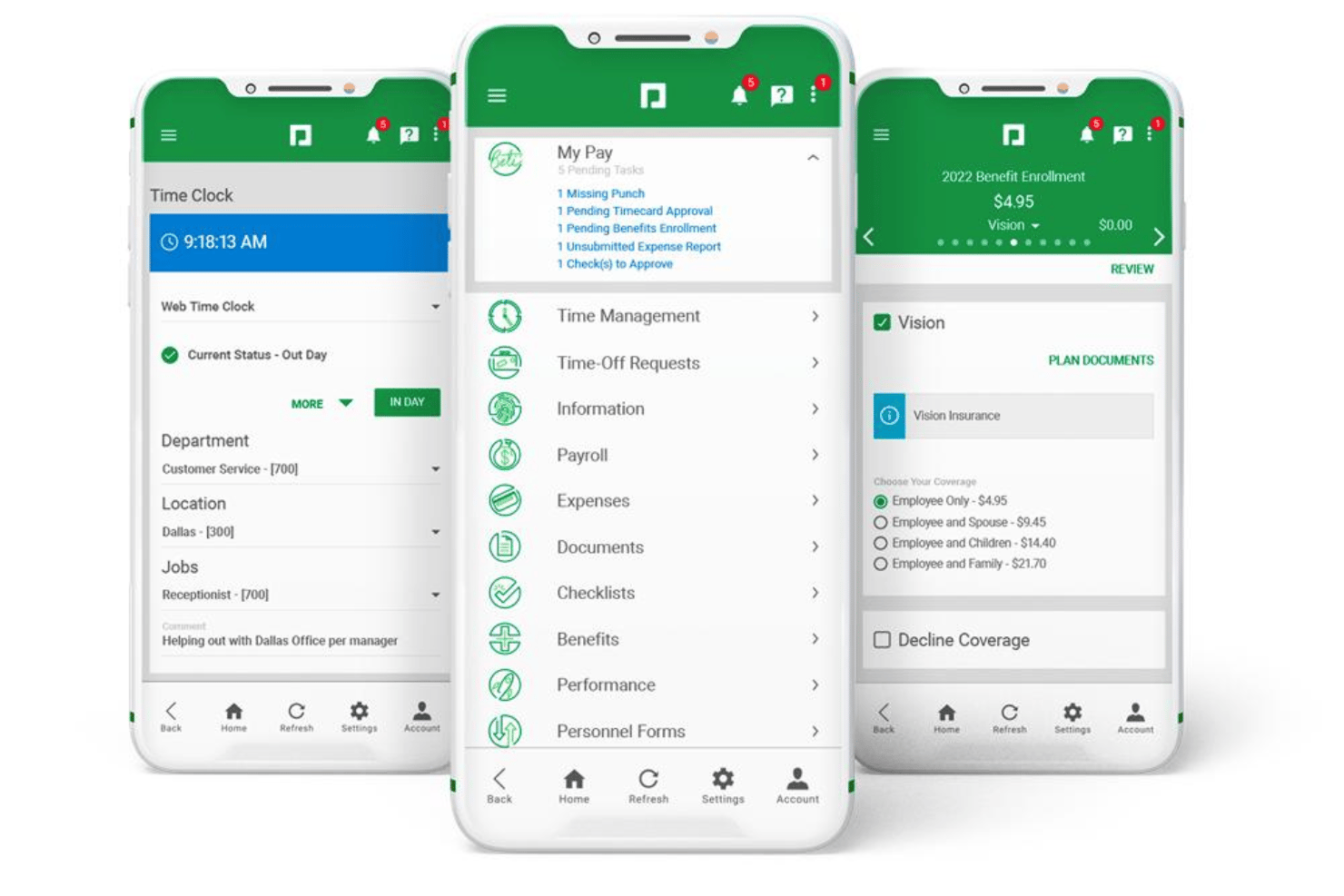
Direct Data Exchange gives instant visibility into HR data usage across your organization. It helps spot inefficiencies and encourages employees to engage with self-service tasks.
Ease of Use
I find Paycom’s interface straightforward and intuitive, with navigation that feels accessible even for first-time users. Employees can easily clock in and out, view pay stubs, request time off, and update their own records through a mobile-friendly self-service portal with clear prompts and guided workflows. The platform’s wizard-driven onboarding experience also makes it easy for new hires to enter their information and complete documents with minimal HR involvement. For administrators, payroll previews, real-time validation, and Paycom’s single-database architecture help reduce errors and eliminate redundant data entry, while dashboards, reporting tools, and in-app support remain easy to use without feeling overwhelming.
Onboarding
Paycom’s hands-on onboarding experience is well-supported, with dedicated training specialists and step-by-step implementation guides. Many users mention a clear project plan and responsive help during rollout, though setup can require a lot of input upfront. Ongoing support includes a knowledge base, video tutorials, free consultations, and quick-reply customer service for new questions. This structured approach makes a faster transition possible for most teams.
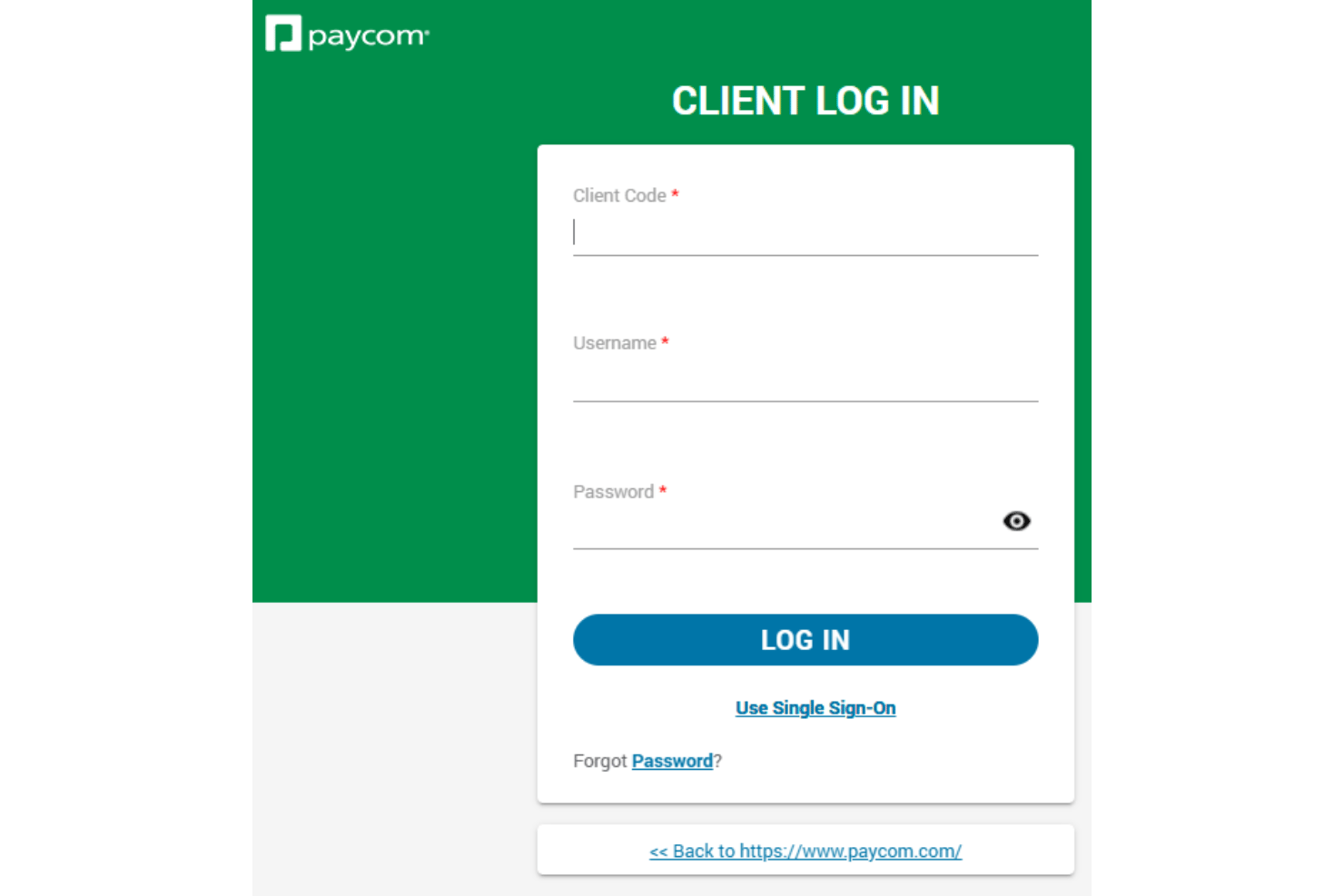
Customer Support
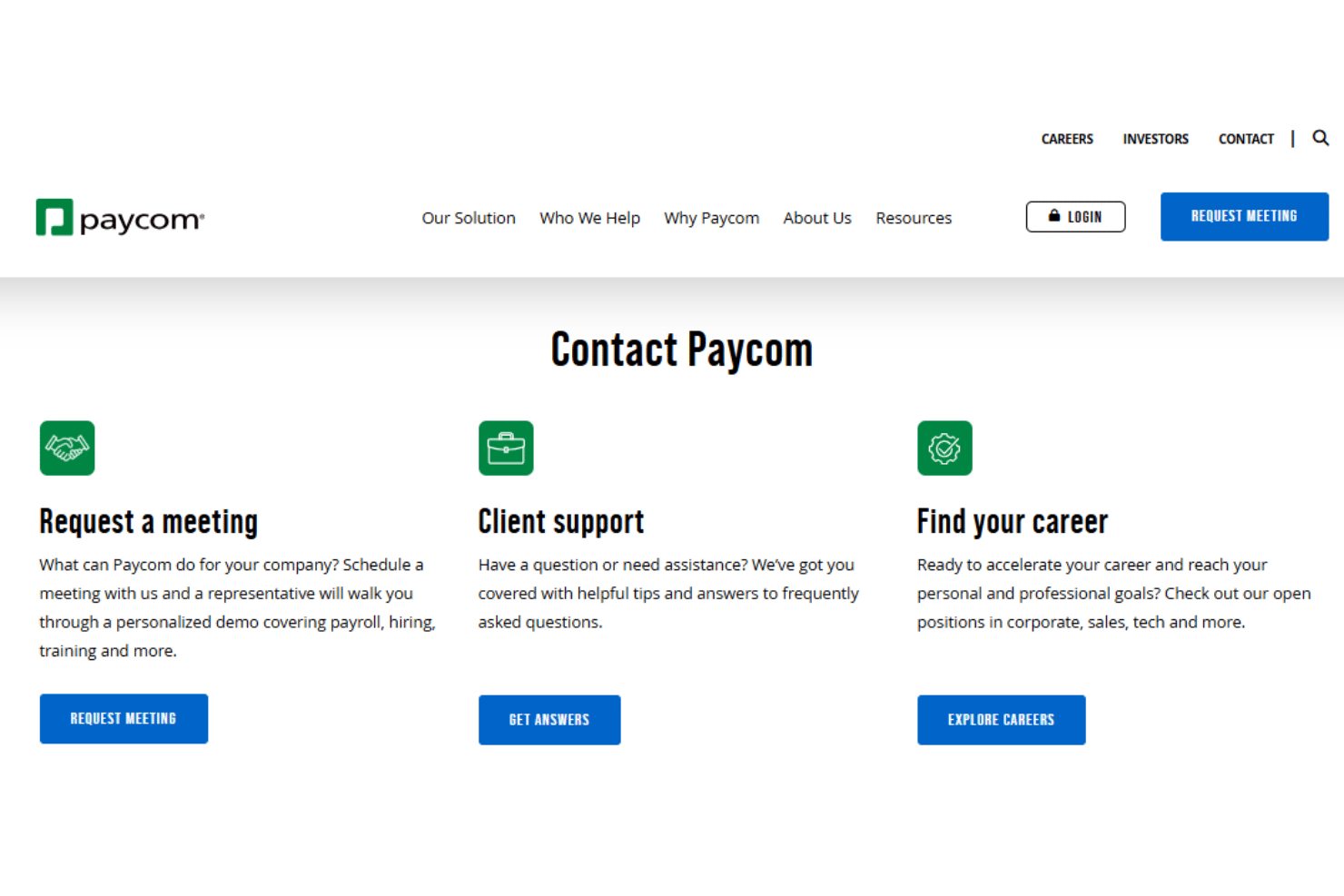
Paycom’s customer support gets high marks for personalized service and rapid response times. Users often cite dedicated account specialists who understand their business context, along with helpful troubleshooting for payroll issues. Support channels include phone, email, and a robust online help center. I’ve seen people value the ongoing check-ins and proactive communication, though some mention delays if submitting after-hours requests.
Integrations
Paycom doesn’t offer any out of the box integrations with other platforms, nor does it offer a public API, instead it emphasizes its single-database platform over external third-party integration tools.
Value for Money
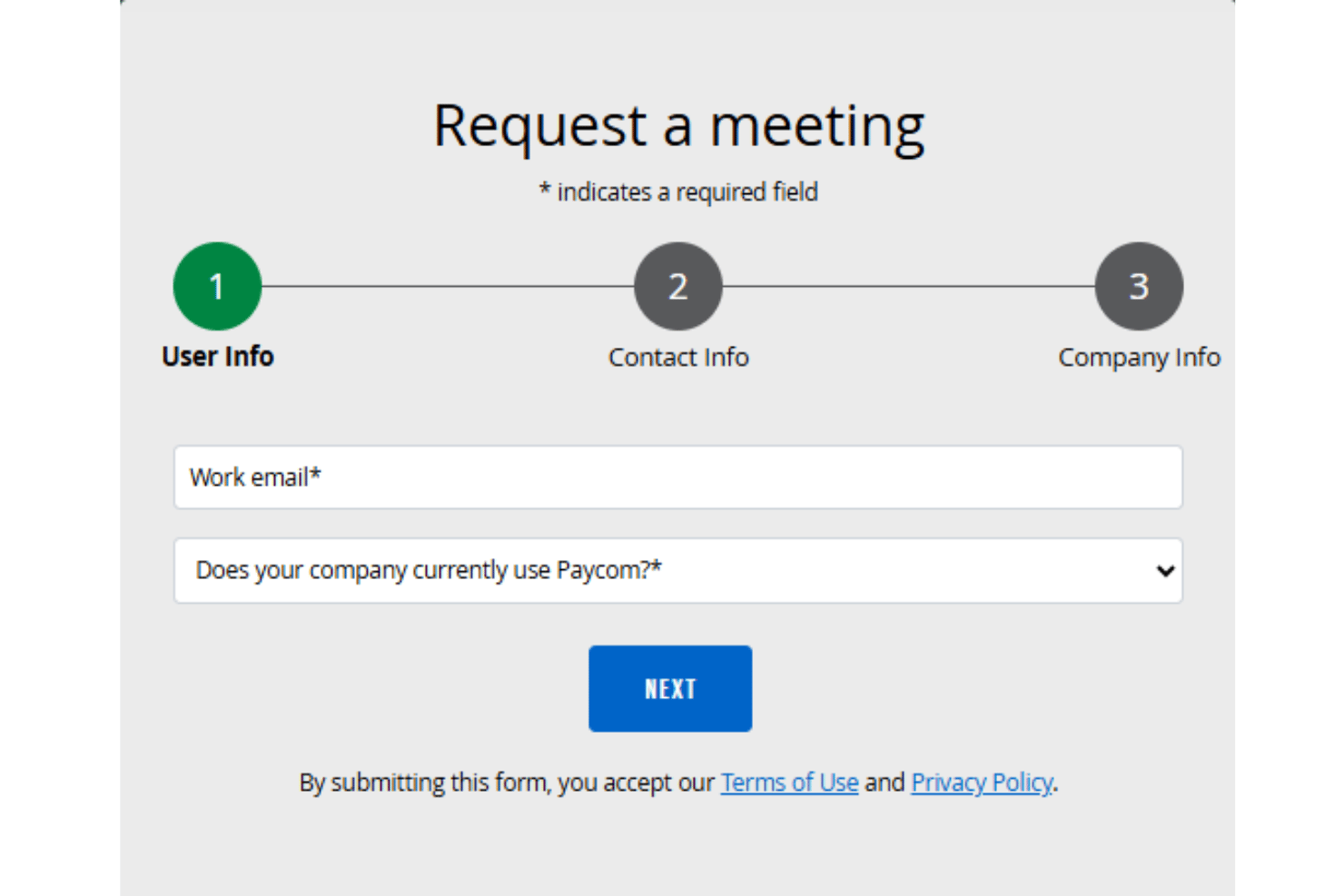
Paycom’s value comes from its unified HR and payroll platform, which many users feel justifies a higher price. Though costs are not published publicly and require a custom quote, the comprehensive feature set and hands-on service make it worthwhile for midsize and large businesses seeking fewer manual processes.
- Paycom Core: Tailored solutions based on organization size, selected modules, and payroll frequency.
- Paycom Complete: Additional fees for features such as advanced analytics, learning management, and expanded compliance tools.
Paycom Specs
- 2-Factor Authentication
- 360 Degree Feedback
- API
- Application Tracking
- Attendance Tracking
- Batch Permissions & Access
- Compliance Tracking
- Dashboard
- Data Export
- Data Import
- Data Visualization
- Employee Database
- Employee Engagement
- Employee Incentive Management
- Employee Onboarding
- Employee Training
- Expense Tracking
- External Integrations
- Feedback Management
- Multi-User
- Notifications
- Payroll
- Performance Appraisal
- Scheduling
- Time Management
- Timesheets
- Travel Management
- Vacation & Absence Calendar
Paycom FAQs
How long does it take to fully implement Paycom?
Is Paycom compliant with data security regulations like GDPR and SOC?
Does Paycom support multi-state and local payroll tax filing?
Can employees access and manage their own information directly?
What kind of customer support is available with Paycom?
How does Paycom handle garnishments and wage deductions?
How often are new features or updates released in Paycom?
Paycom Company Overview & History
Paycom Company Overview & History
Paycom is a public U.S. company headquartered in Oklahoma City, Oklahoma, serving clients nationwide with a workforce of over 7,000 employees. Founded by Chad Richison, Paycom introduced the first fully online payroll product and remains focused on a single, proprietary platform for HR and payroll. Paycom is known for its strong workplace culture, repeated recognition as a top workplace, and its inclusion in the S&P 500. As of 2025, Paycom is publicly traded on the NYSE under ticker PAYC, with annual revenues exceeding $2 billion.
Paycom Major Milestones
- 1998: Paycom is founded in Oklahoma City by Chad Richison.
- 2001: Releases first entirely online payroll solution.
- 2014: Conducts IPO and begins trading on the NYSE under PAYC.
- 2020: Achieves over $1 billion in annual revenue.
- 2021: Added to the S&P 500 index.
- 2023: Launches GONE, an HR automation module for time-off requests.
- 2025: Paycom launches IWant™.