

LeverTRM Review 2026: Pros, Cons, Features, and Pricing



Lever is a talent acquisition software that combines an applicant tracking system and a candidate relationship management tool in one platform. It's a strong fit for mid-size and enterprise teams that need to manage high-volume hiring while keeping candidates engaged across a longer pipeline. I'd consider it over Greenhouse if your team wants built-in CRM functionality without adding a separate tool—Lever gives you both natively, which keeps your recruiting data in one place rather than split across systems.
Lever Evaluation Summary
- Pricing upon request
- Free demo available
Why Trust Our Software Reviews
Our team has been testing and reviewing software since 2012. As HR experts ourselves, we know how difficult—and important—it is to choose the right software.
For this guide, we evaluated tools using hands-on testing and independent research, scoring tools using our selection criteria. We also draw on insights from industry thought leaders and practicing HR experts.
Our reviews reflect our human editorial judgment, not a sales pitch.
Expert reviewers:
Lever Overview
When I compare LeverTRM to others, I think its clean interface, customizable workflows, and strong analytics set it apart—especially for teams juggling multiple roles and approvals. Its integrations and responsive support help with fast onboarding.
Pricing can be high for smaller organizations, and bulk automation features may run deeper elsewhere, but I’d judge LeverTRM the best pick for midsize to large teams who prioritize collaborative hiring and centralized candidate data.
pros
-
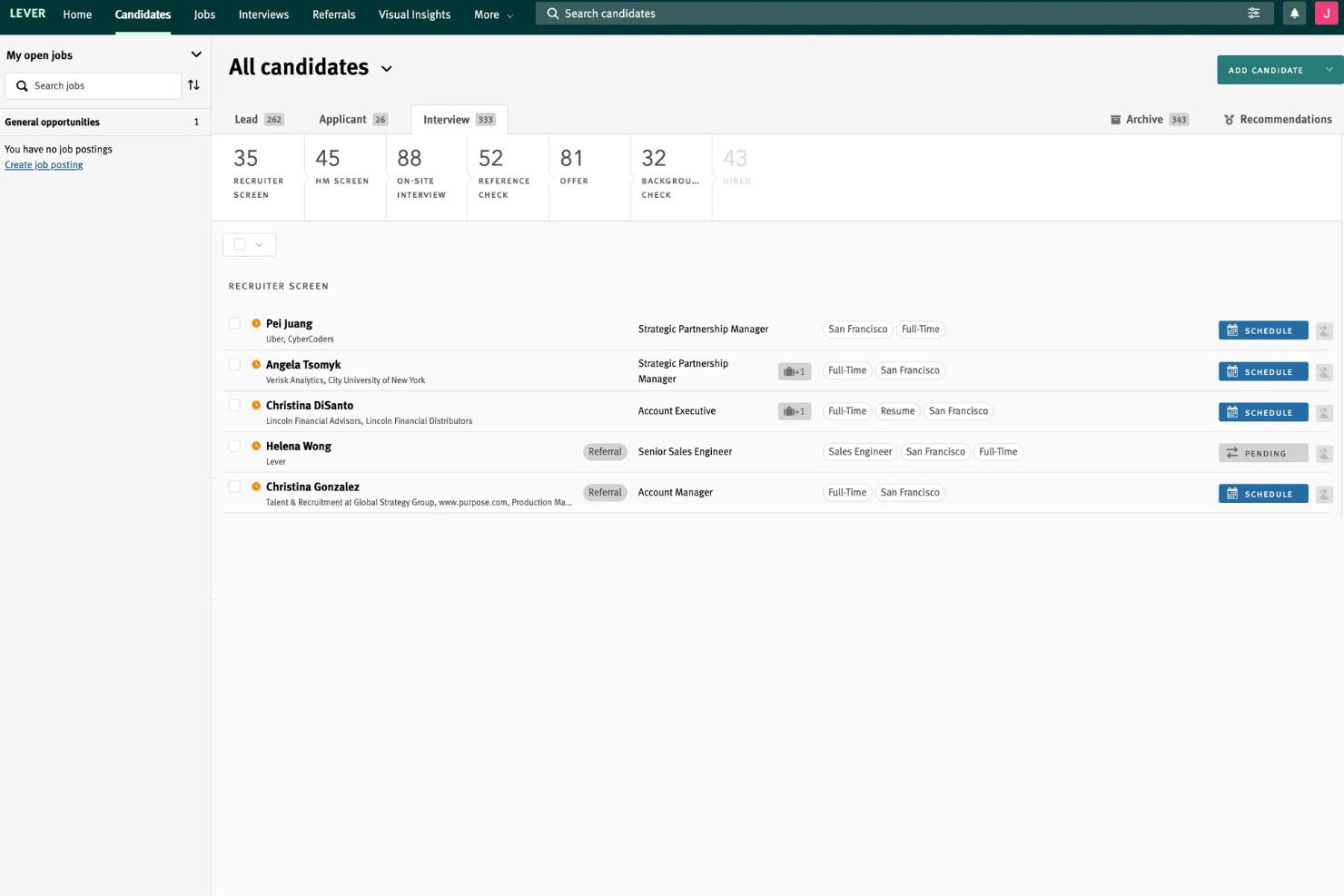
Tracks candidate progress with clear, visual pipelines
-
Collaborative hiring tools let teams share feedback easily
-
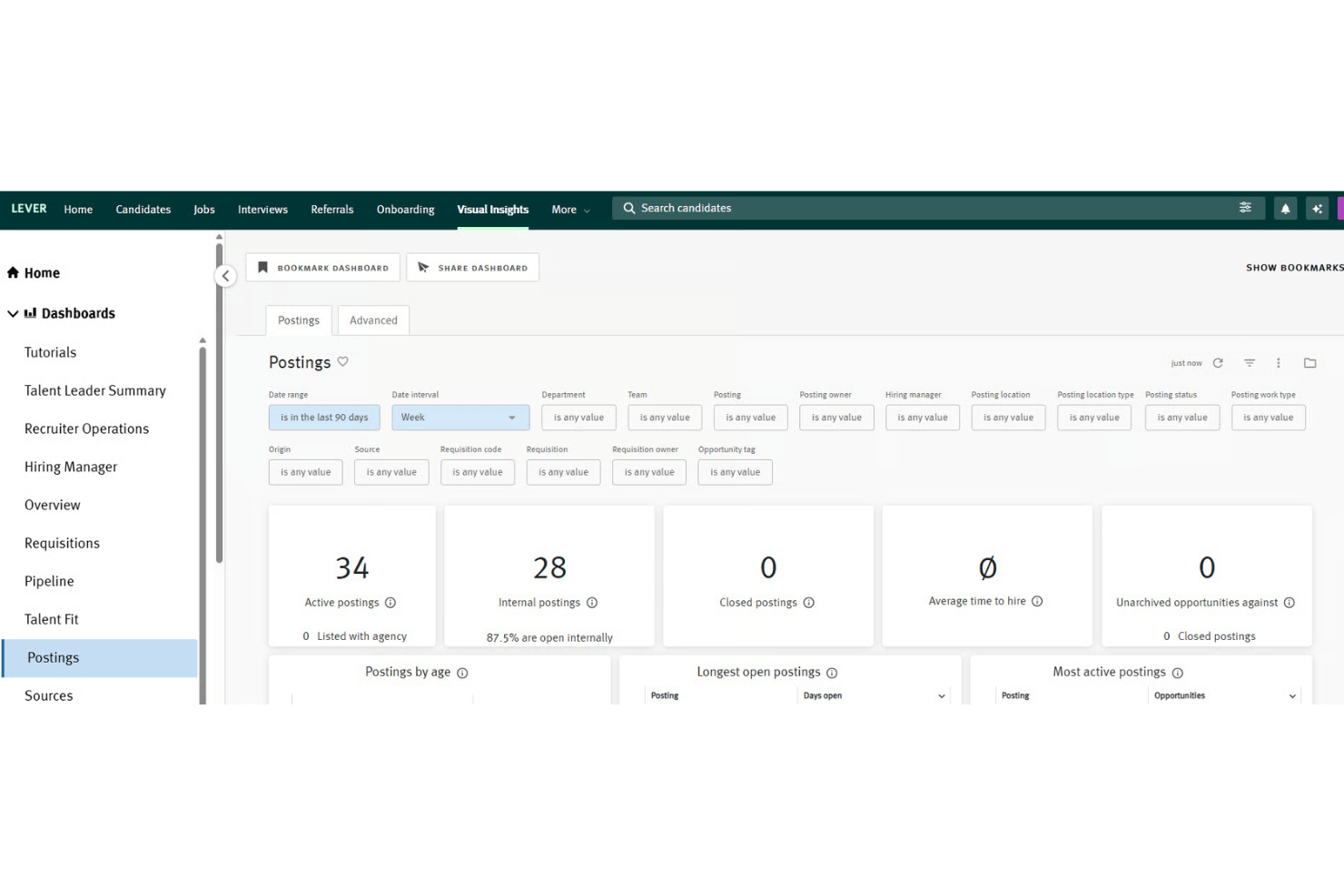
Reporting dashboard covers both sourcing and diversity metrics
cons
-
Limited flexibility to customize some workflow stages
-
Pricing may be too high for small companies
-
Advanced automation tools require higher subscription tiers
-

Justworks
Visit WebsiteThis rating combines scores from multiple user review sites to reflect overall customer sentiment about the product.4.6 -
Small Improvements
Visit WebsiteThis rating combines scores from multiple user review sites to reflect overall customer sentiment about the product.4.3 -
HiBob
Visit WebsiteThis rating combines scores from multiple user review sites to reflect overall customer sentiment about the product.4.5





How We Test & Score Our Tools
We’ve spent years building, refining, and improving our software testing and scoring system. The rubric is designed to capture the nuances of software selection and what makes a tool effective, focusing on critical aspects of the decision-making process.
Below, you can see exactly how our testing and scoring works across seven criteria. It allows us to provide an unbiased evaluation of the software based on core functionality, standout features, ease of use, onboarding, customer support, integrations, customer reviews, and value for money.
Core Functionality (25% of final score)
The starting point of our evaluation is always the core functionality of the tool. Does it have the basic features and functions that a user would expect to see? Are any of those core features locked to higher-tiered pricing plans? At its core, we expect a tool to stand up against the baseline capabilities of its competitors.
Standout Features (25% of final score)
Next, we evaluate uncommon standout features that go above and beyond the core functionality typically found in tools of its kind. A high score reflects specialized or unique features that make the product faster, more efficient, or offer additional value to the user.
We also evaluate how easy it is to integrate with other tools typically found in the tech stack to expand the functionality and utility of the software. Tools offering plentiful native integrations, 3rd party connections, and API access to build custom integrations score best.
Ease of Use (10% of final score)
We consider how quick and easy it is to execute the tasks defined in the core functionality using the tool. High scoring software is well designed, intuitive to use, offers mobile apps, provides templates, and makes relatively complex tasks seem simple.
Onboarding (10% of final score)
We know how important rapid team adoption is for a new platform, so we evaluate how easy it is to learn and use a tool with minimal training. We evaluate how quickly a team member can get set up and start using the tool with no experience. High scoring solutions indicate little or no support is required.
Customer Support (10% of final score)
We review how quick and easy it is to get unstuck and find help by phone, live chat, or knowledge base. Tools and companies that provide real-time support score best, while chatbots score worst.
Customer Reviews (10% of final score)
Beyond our own testing and evaluation, we consider the net promoter score from current and past customers. We review their likelihood, given the option, to choose the tool again for the core functionality. A high scoring software reflects a high net promoter score from current or past customers.
Value for Money (10% of final score)
Lastly, in consideration of all the other criteria, we review the average price of entry level plans against the core features and consider the value of the other evaluation criteria. Software that delivers more, for less, will score higher.
Core Features
Candidate Pipeline Management
Track candidates through each hiring stage with customizable visual pipelines. Drag-and-drop moves applicants and gives teams a real-time overview.
Interview Scheduling
Automate interview scheduling and sync calendars right in the platform. Candidates pick times that work, which speeds up the process.
Candidate Nurture Campaigns
Set up automated email campaigns to re-engage past applicants or talent pools. This helps build ongoing relationships and fill future openings faster.
Diversity and Inclusion Analytics
Measure diversity metrics at every hiring stage with built-in dashboards. Spot trends in sourcing, selection, and offers to improve equity.
Offer Management
Create, send, and track offer letters with electronic signature support. You manage approvals and compliance all within LeverTRM.
Collaborative Feedback
Hiring teams share candidate assessments and private notes directly in the system. Managers see consolidated feedback so decisions happen faster.
Ease of Use
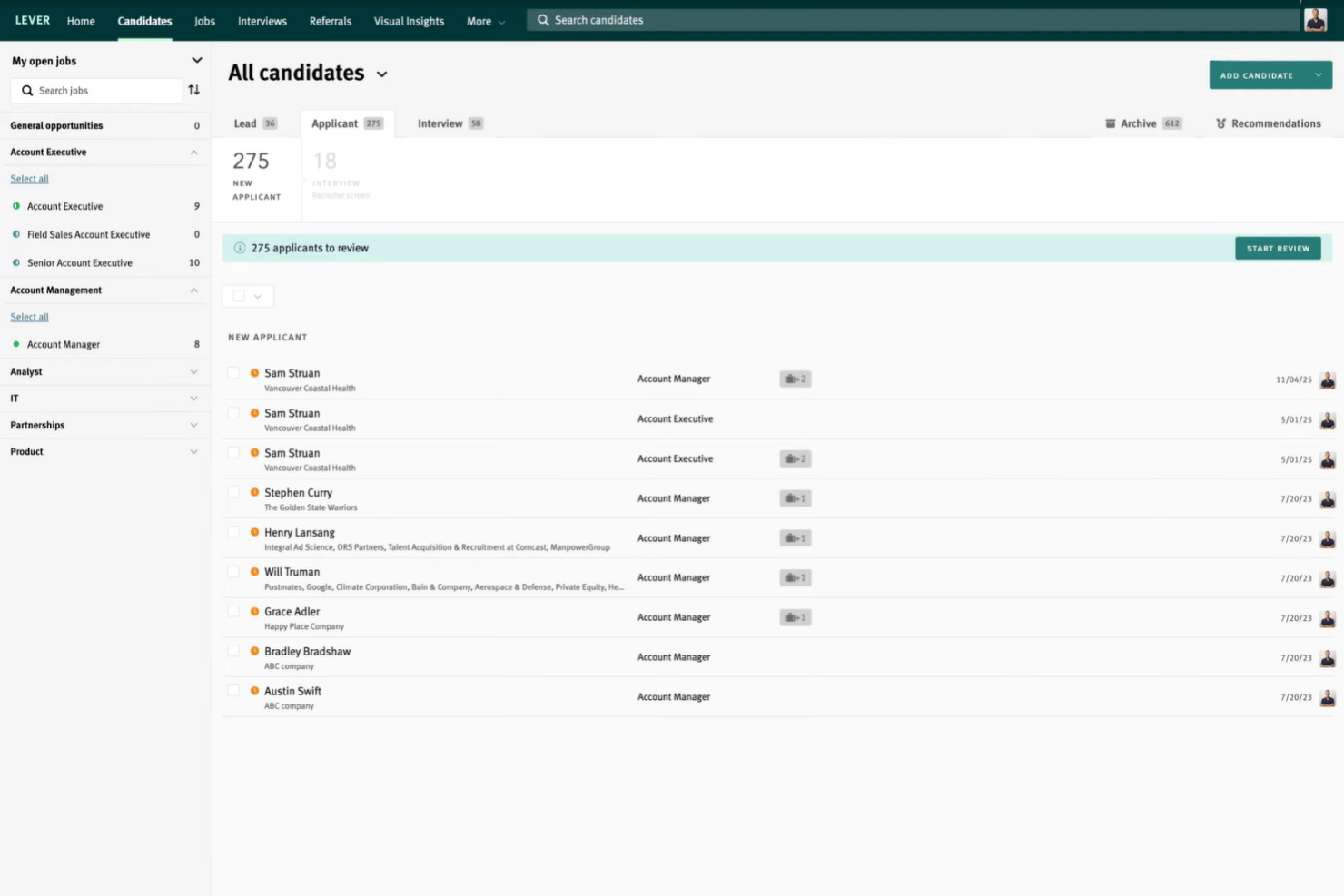
LeverTRM impresses with its modern, intuitive interface that makes navigating complex hiring pipelines straightforward. Most recruiters mention the drag-and-drop candidate stages and in-platform feedback sharing save time daily. Onboarding new users happens quickly, and even multi-location teams can adapt to its workflow without long ramp-up.
Integrations
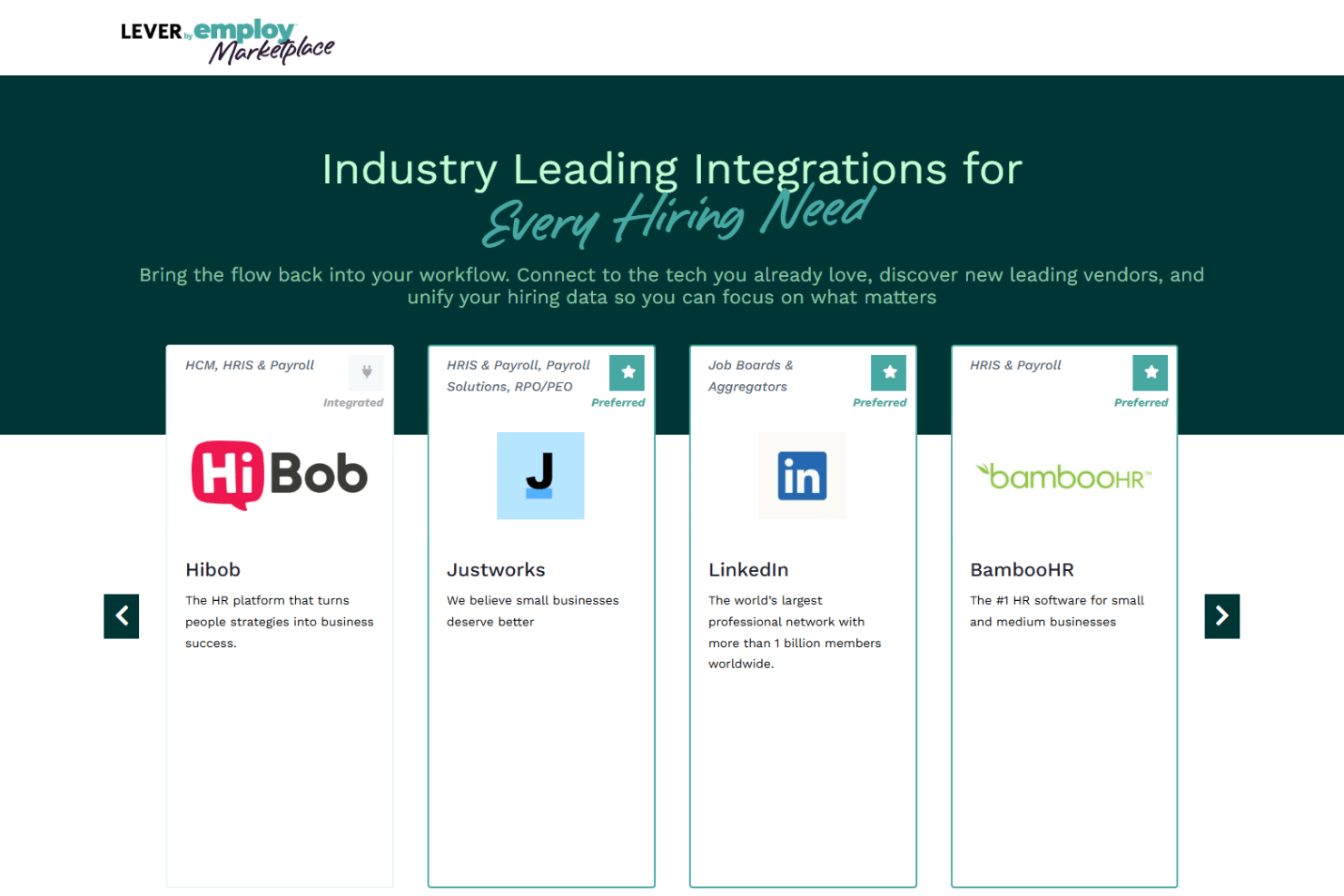
LeverTRM integrates with LinkedIn, Indeed, BambooHR, ADP, Hibob, Justworks, Verified First, and several payroll and job board solutions, among others.
It also provides an open API and connects with third-party integration tools for broader workflow automation.
Lever Specs
- 2-Factor Authentication
- 360 Degree Feedback
- API
- Application Tracking
- Approval Workflows
- Attendance Tracking
- Batch Permissions & Access
- Competency Assessment
- Compliance Tracking
- Custom Reports
- Dashboard
- Data Export
- Data Import
- Data Visualization
- Document Management
- Employee Database
- Employee Engagement
- Employee Incentive Management
- Employee Onboarding
- Employee Training
- Expense Tracking
- External Integrations
- Feedback Management
- Multi-User
- Notifications
- Objectives Tracking
- Payroll
- Performance Appraisal
- Risk Assessment
- Scheduling
- Workflow Management



- 10 Best Alternatives to Lever for 2026Opens new window
- 5 Challenges Managing Remote Teams (& How to Fix Them)Opens new window
- How To Elevate HR As A Strategic Partner Of The BusinessOpens new window
- Lever Demo: Video WalkthroughOpens new window
- Lever Pricing Tiers & CostsOpens new window
- Leveraging AI Pioneers To Transform Your Company's L&DOpens new window
- People Managing People - Lead People. Leverage AI. Rethink Work.Opens new window
- To Find The Best New Talent, Leverage Your Existing TalentOpens new window