

Finding the right employee experience platform can be a challenge for HR professionals. Workvivo might not meet your specific needs because its features, pricing, or user experience aren't right for you. You need a solution that truly aligns with your team's goals and enhances communication and engagement.
In my experience, exploring alternatives can uncover tools better suited for your specific challenges. I'll guide you through the best Workvivo competitors, focusing on what sets them apart and how they can support your team.
You'll get an unbiased, well-researched review of top options, giving you the insights needed to make an informed decision for your organization.
What Is Workvivo?
Workvivo is an employee experience platform (EXP) designed to boost communication and engagement within organizations. It's primarily used as a digital hub by HR professionals and team leaders who want to connect employees and enhance company culture. Features such as social networking, recognition tools, and communication hubs help build a sense of community and keep everyone informed. Overall, Workvivo offers a way to create a more connected and engaged workplace.
Workvivo Competitors Comparison Table
This comparison table summarizes pricing details for my top Workvivo competitor selections:
Score legend (out of 5)
- Excellent4.5–5
- Good4–4.4
- Average3–3.9
- Below average2–2.9
- Poor1–1.9
Sorted by: Default
| Tool | Starting Price | Website | |||||||
|---|---|---|---|---|---|---|---|---|---|
Best for bridging communication gaps | 3.8 out of 5 | 5 | 5 | 4 | 2 | 3 | 4 | Pricing upon request Free demo available | Website |
Best for employee feedback | 2.5 out of 5 | 2 | 2 | 2 | 5 | 2 | 2 | $5/user/month Free demo available | Book Demo |
Best for intranet-based comms governance | 3.2 out of 5 | 3 | 4 | 3 | 3 | 3 | 3 | Pricing upon request Free demo available | Website |
Best for reaching frontline staff without email | 3.7 out of 5 | 4 | 4 | 4 | 4 | 3 | 3 | Pricing upon request Free demo available | Website |
Best for personalized employee experiences | Not rated | Not rated | Not rated | Not rated | Not rated | Not rated | 3 | Pricing upon request Free demo available | Website |
Best for AI-driven engagement | 3.7 out of 5 | 4 | 4 | 3 | 4 | 3 | 4 | Pricing upon request Not available | Website |
Best for AI-powered intranet | 3.7 out of 5 | 4 | 4 | 3 | 3 | 4 | 4 | Pricing upon request Free demo available | Website |
Best for digital signage solutions | Not rated | 3 | 4 | 4 | 3 | Not rated | 4 | Pricing upon request Not available | Website |
Best for deskless worker support | 3.3 out of 5 | 4 | 4 | 4 | 2 | 2 | 4 | Pricing upon request Free demo available | Website |
Best for mobile-first engagement | 3.3 out of 5 | 4 | 4 | 4 | 3 | 2 | 3 | $3.75/user/month Free trial + demo available | Website |


Why Trust Our Software Recommendations
6,700+
Reviews
20
Industry experts
16+
Evaluation factors
14
Years reviewing software
Our team has been testing and reviewing software since 2012. As HR experts ourselves, we know how difficult—and important—it is to choose the right software.
For this guide, we evaluated tools using hands-on testing and independent research, scoring tools using our selection criteria. We also draw on insights from industry thought leaders and practicing HR experts.
Our reviews reflect our human editorial judgment, not a sales pitch.
Expert reviewers:
- Phil GrayCOO
 Kim BehnkeHR Tech Editor & Analyst
 Josh BarkerPeople Ops Manager

Best Workvivo Competitors Reviews
Below are my detailed summaries of the best Workvivo competitors that made it onto my shortlist. My reviews offer a detailed look at the key features, pros and cons, integrations, and ideal use cases of each tool to help you find the best one for you.
 Best for bridging communication gaps
- Free demo available
- Pricing upon request
Visit WebsiteCustomer Rating:4.7/5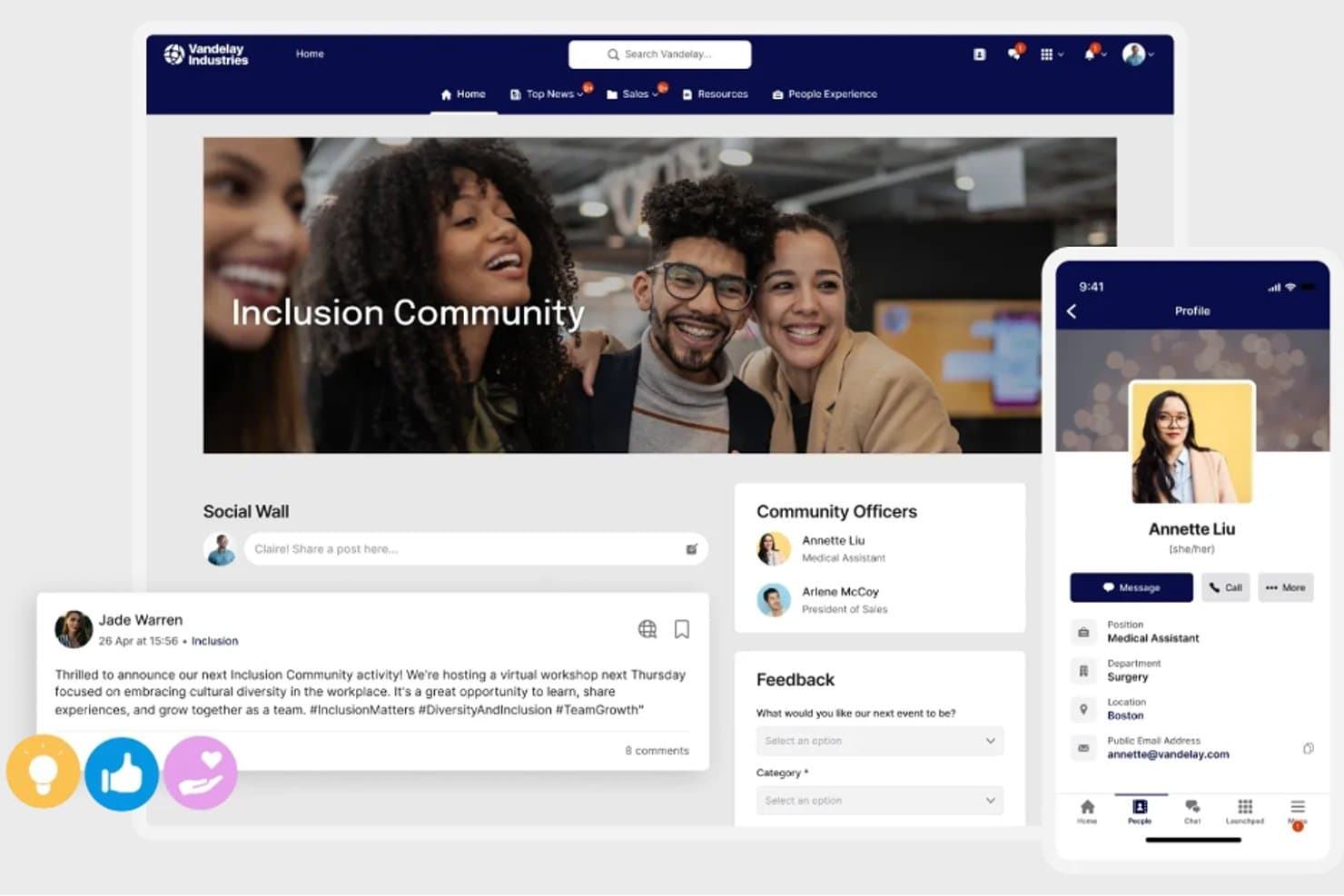
Staffbase connects employees via intranet, social walls, and profiles. Staffbase is an employee communication platform built for internal communicators and HR teams who need to reach both desk-based and frontline workers across mobile, email, intranet, and digital signage from a single system.
Who Is Staffbase Best For?
Staffbase is a strong fit for enterprise internal communications teams that need to reach both desk-based and frontline workers across multiple channels from one platform.
Why I Picked Staffbase
I've included Staffbase in my top picks because it genuinely bridges the communication gap between desk-based and frontline workers in a way most platforms don't. I love that you can publish content once and have it reach employees across mobile, email, digital signage, and Microsoft Teams simultaneously, with AI-powered translation surfacing it in each employee's preferred language. Flexible login options mean frontline staff without corporate email addresses can still access the branded app, so no one falls through the cracks.
Staffbase Key Features
- Editorial calendar: Schedule and coordinate content across teams using a shared publishing calendar aligned to communication goals.
- Staffbase Live: Broadcast interactive town halls and leadership updates to employees across screens in real time.
- Pulse surveys: Collect employee feedback on a one-time or recurring schedule through the app, intranet, or email.
- Multi-brand and multi-instance support: Run separate branded environments for multiple subsidiaries or regions from a single platform.
Staffbase Integrations
Staffbase offers integrations with Microsoft Teams, SharePoint, Workday, SAP, ADP Workforce, Oracle, ServiceNow, Google, Microsoft Entra ID, and Okta. It also provides APIs, webhooks, SCIM, and MCP connections for custom workflows and employee actions.
Pros and Cons
Pros:
- Analytics help assess communication engagement
- Multichannel publishing supports targeted company updates
- Mobile access reaches employees away from desks
Cons:
- No documented structured rewards workflow
- Admin settings complicate user and space management
Learn more about Staffbase: Best for employee feedback
- Free demo available
- From $5/user/month (billed annually)
Customer Rating:4.6/5
ThriveSparrow Kudos leaderboard with points, high fives, and attributed values. ThriveSparrow's Kudos module is a peer recognition and rewards platform that appeals to HR teams looking to build a culture of appreciation through value-linked recognition, automated rewards, and social visibility across Slack and Microsoft Teams.
Who Is ThriveSparrow Best For?
ThriveSparrow's Kudos module is a good fit for HR teams that want to anchor recognition in company values and reward employees through a global gift card marketplace.
Why I Picked ThriveSparrow
I picked ThriveSparrow because its Kudos module keeps employee feedback visible and tied to something meaningful: your company's actual values. When a teammate sends recognition, they tag it to a specific value, so you're building a real-time record of which behaviors your culture is rewarding. I also appreciate that the analytics go beyond counts, tracking value alignment trends and commonly used keywords across all recognition activity.
ThriveSparrow Key Features
- Rewards marketplace: Employees can redeem points for gift cards from more than 900 brands across more than 80 countries, with location-specific denominations and allocations.
- Award nominations: Teams can run structured nomination campaigns with timelines, submission limits, and review workflows to recognize standout peers.
- Recognition leaderboard: Employees are ranked by kudos received and points earned, with rankings tied to specific company values.
- Slack and Microsoft Teams recognition: Employees can send kudos, tag a company value, and add points directly from Slack or Microsoft Teams without switching tools.
ThriveSparrow Integrations
ThriveSparrow offers native integrations with Slack and Microsoft Teams for sending Kudos, tagging values, and adding points. It also provides an API for custom integrations, though named HRIS integrations and sync details aren’t clearly documented.
Pros and Cons
Pros:
- Awards and global rewards support recognition programs
- Analytics track participation and recognized values
- Recognition ties kudos to company values
Cons:
- Recognition reports omit content reach and sentiment
- No documented company-news publishing tools
Learn more about ThriveSparrow: 3Best for intranet-based comms governance
Hub
- Free demo available
- Pricing upon request
Visit WebsiteCustomer Rating:4.5/5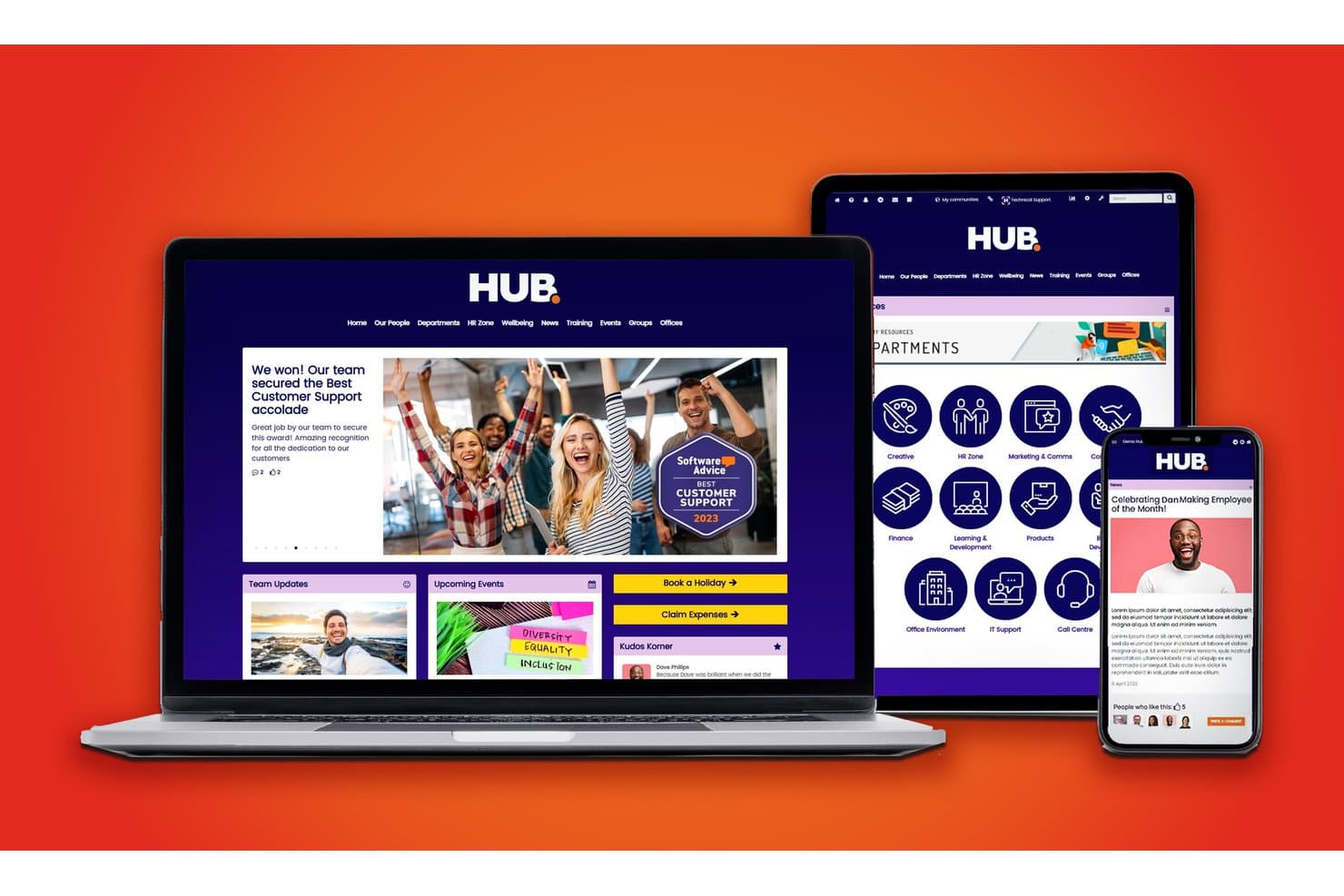
Hub centralizes team updates, events, and departments in one intranet. HUB is an employee intranet platform built for internal communications teams and HR leaders who want a structured, governed space for company news, resources, and culture content—without relying on email threads or legacy systems.
Who Is HUB Best For?
HUB is a strong fit for internal communications teams and HR leaders who need structured content governance, approval workflows, and a branded intranet their whole organization can access.
Why I Picked HUB
I picked HUB as one of the best Workvivo competitors because it takes intranet governance seriously in a way most platforms skip. I particularly like its news approval workflows, where editors draft content, approvers accept or reject with comments, and nothing goes live without sign-off. Add Must Reads with tracked confirmations and mandatory reminders, and you get a comms setup where your team can actually prove what employees have seen and acknowledged.
HUB Key Features
- Pulse polls and surveys: Run instant polls with anonymous voting and real-time result graphs, or deploy scored surveys to gather structured employee feedback.
- Customizable branded environments: Build unlimited custom environments with distinct branding, navigation, and content for different teams, brands, or audiences.
- Leave and absence management: Let employees book and track leave, view live balances, and route requests through an approval workflow.
- AI writing assistant: Generate news headlines, teasers, and article content with tone-of-voice controls and built-in spelling and grammar corrections.
HUB Integrations
HUB offers integrations with Microsoft Teams, Slack, SharePoint, OneDrive, Google Drive, Box, BambooHR, Confluence, Jira, and Eventbrite. It also supports Active Directory and other HR-system user syncing, but API availability isn’t documented.
Pros and Cons
Pros:
- Reviewers praise responsive onboarding support
- Must-read confirmations document message reach
- News approvals enforce accountable publishing
Cons:
- Engagement depends on employee participation
- Search can make resources harder to find
Learn more about Hub: Best for reaching frontline staff without email
- Free demo available
- Pricing upon request
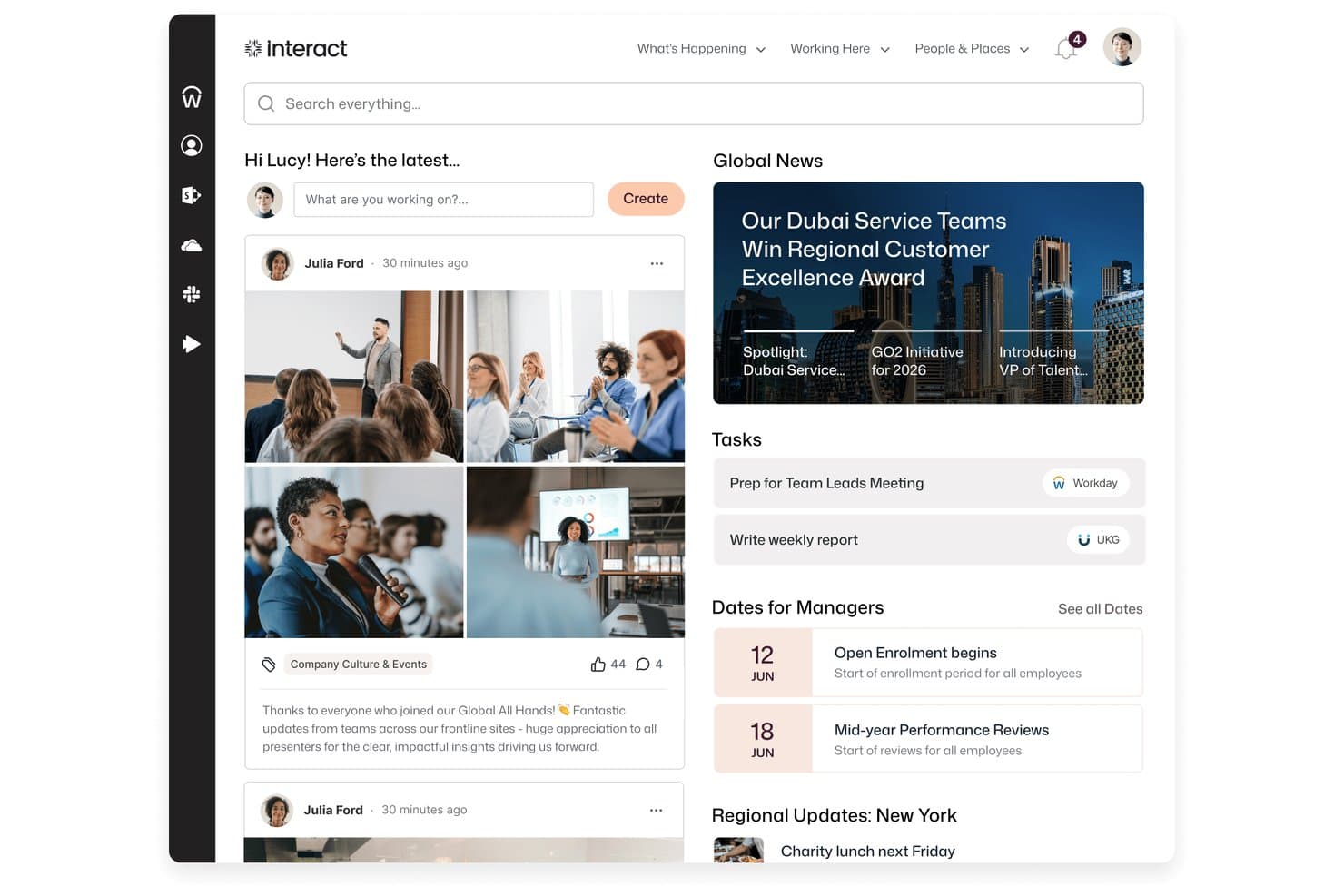
Interact Software centralizes news, tasks, and social updates in one intranet home screen. Interact Software is an AI-powered intranet and employee experience platform built for organizations that need to reach both desk-based and frontline workers through a single hub for communications, recognition, and company culture.
Who Is Interact Software Best For?
Interact Software is a strong fit for organizations in healthcare, retail, and manufacturing that need to reach large frontline workforces who don't have company email addresses.
Why I Picked Interact Software
I've included Interact Software in my top picks because it's purpose-built to reach frontline workers who don't have company email addresses, which is a real gap that most intranet platforms don't solve well. I like that staff can sign in via magic link, biometrics, or Apple/Google ID, and the mobile app carries full feature parity with desktop, so a warehouse worker sees the same content as a desk-based colleague. Interact's digital signage feature pushes intranet content directly to break-room screens, targeted by location or department, which means even staff who never open an app stay informed.
Interact Software Key Features
- AI translation: Pages, comments, and notifications are automatically translated into more than 100 languages, with admin editing available.
- Employee advocacy hub: Gives staff a curated library of pre-approved content they can share in one click to LinkedIn, X, Facebook, and Teams.
- Digital signage: Pushes intranet content to screens in break rooms or warehouses, with targeting by location or department and offline USB support.
- Pulse surveys and polls: Built-in survey and polling tools let you gather employee feedback directly within the platform.
Interact Software Integrations
Interact Software lists 24 integrations, including Microsoft 365, Google Workspace, Slack, Salesforce, ServiceNow, Workday, SuccessFactors, and Zendesk. Webhooks and its Developer Framework support custom integrations.
Pros and Cons
Pros:
- Publishers praise attentive launch and support
- Digital signage reaches workers away from screens
- Reaches frontline staff without company email
Cons:
- Complex pages take time to maintain
- Reviewers find analytics hard to extract
Learn more about Interact Software: Best for personalized employee experiences
- Free demo available
- Pricing upon request
Visit WebsiteCustomer Rating:4.7/5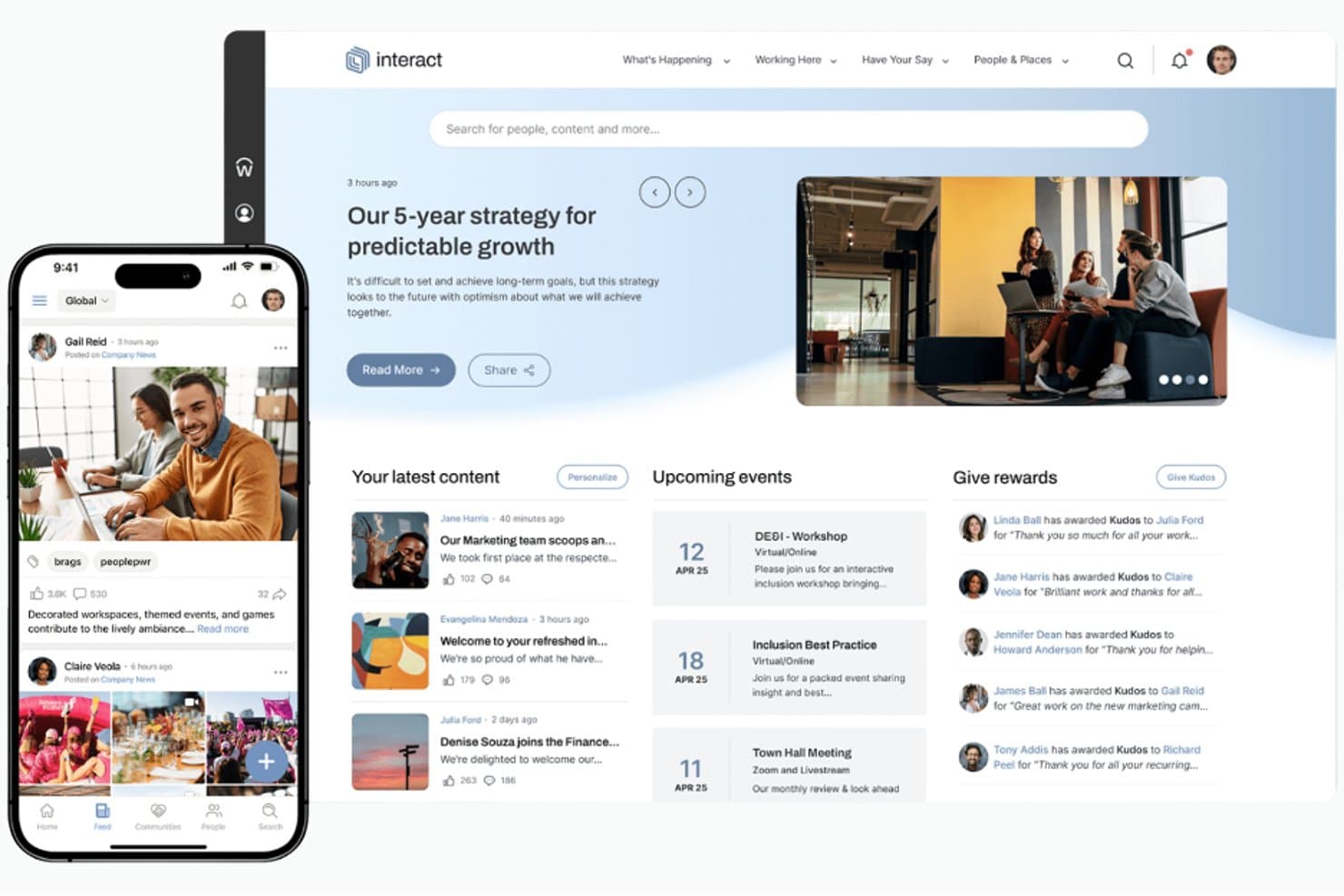
Interact centralizes news, events, and recognition in one intranet hub. Xobin's x360 is an AI-powered performance and engagement platform that helps HR teams run 360° assessments, employee surveys, and AI-driven training simulations to get a clearer picture of workforce performance and culture.
Who Is Xobin Best For?
Xobin's x360 is a good fit for HR teams that want to run structured 360° performance reviews and engagement surveys in one place.
Why I Picked Xobin
I picked Xobin's x360 as one of the best because it's built around personalizing how employees experience feedback and development. The 360° assessment module pulls in perspectives from managers, peers, direct reports, and self-evaluations, so performance reviews reflect a fuller, more individual picture rather than a single manager's view. I also like the AI simulation feature, where employees can practice real conversations like conflict resolution or leadership scenarios and get instant feedback tailored to their responses.
Xobin Key Features
- 360° feedback collection: Gather input from managers, peers, direct reports, and employees themselves within a single assessment cycle.
- Multi-type survey library: Deploy 13 survey types, including eNPS, DEI, exit interviews, onboarding feedback, and culture surveys.
- Real-time performance dashboards: View live analytics across assessment and survey data to track engagement metrics and performance trends.
- AI-powered role-play simulations: Let employees practice workplace scenarios like conflict resolution through interactive character simulations with instant feedback.
Xobin Integrations
Xobin doesn't have any native integrations documented for x360. Its general API supports creating assessments, inviting candidates, and fetching results, but x360-specific endpoints or integrations aren't documented.
Pros and Cons
Pros:
- AI simulations let employees practice workplace conversations
- Surveys cover engagement, culture, and eNPS
- Combines 360° feedback with performance reviews
Cons:
- No documented frontline or deskless employee access
- No company-wide news or employee communication feed
Learn more about Xobin:
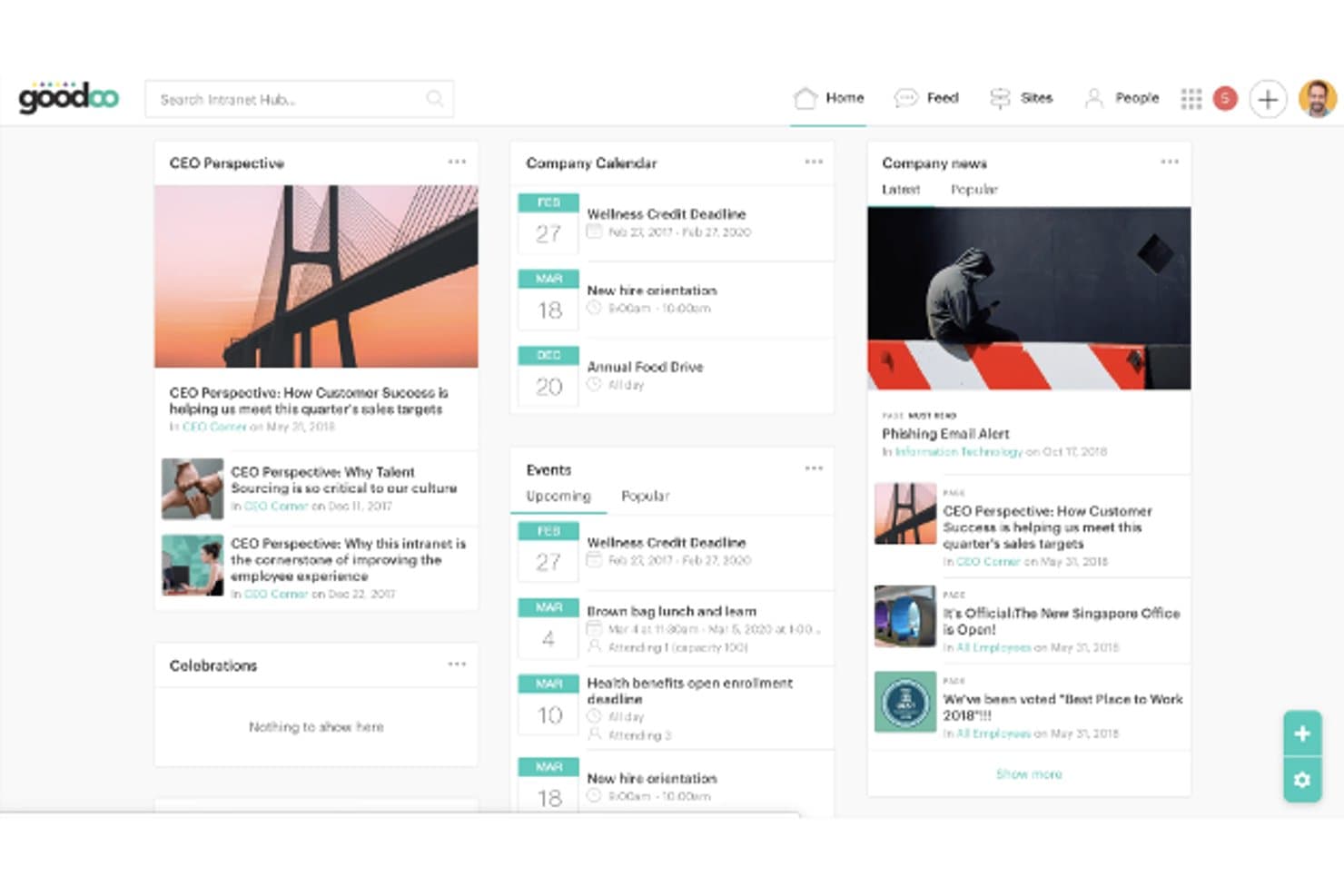
Simpplr centralizes news, events, and updates on one intranet hub. Simpplr is an AI-powered employee experience platform that blends an intelligent intranet with purpose-built AI agents, making it a strong fit for HR, IT, and internal communications teams that want to unify company news, knowledge, and employee engagement in one place.
Who Is Simpplr Best For?
Simpplr is a strong fit for mid-to-large organizations where HR, internal communications, and IT teams need a single platform to unify employee communication, knowledge, and engagement.
Why I Picked Simpplr
I've included Simpplr in my top picks because its AI-driven engagement goes well beyond a typical intranet feed. I particularly like its EX Agents, purpose-built AI assistants for HR, IT, and internal comms that answer employee questions and handle routine requests without human intervention. Paired with the AI Perception dashboard, which analyzes sentiment and emotion across posts and comments in real time, it gives me a genuinely layered picture of how employees are feeling across the org.
Simpplr Key Features
- Multichannel communication distribution: Sends messages through newsletters, mobile, Slack, Microsoft Teams, digital signage, QR codes, and SMS from a single platform.
- EX Agents for HR, IT, and Finance: Purpose-built AI agents handle employee questions and routine requests across HR, IT, finance, and workplace coordination without human intervention.
- Employee listening suite: Combines pulse surveys, anonymous sentiment checks, and awareness checks to collect direct and passive feedback from employees.
- 200+ out-of-the-box integrations: Connects to HRIS platforms like Workday and UKG, plus productivity, communication, and analytics tools through prebuilt, low-code, and no-code connectors.
Simpplr Integrations
Simpplr offers 200+ out-of-the-box integrations, including Workday, UKG, Oracle HCM, Slack, Microsoft Teams, Google Workspace, Microsoft 365, SharePoint, and Confluence. Its API supports custom integrations, workflows, and app tiles.
Pros and Cons
Pros:
- Analytics help track communication engagement
- Content administration earns positive reviewer feedback
- Company news and resources share one hub
Cons:
- Mobile publishing lacks desktop capabilities
- Search can miss relevant content
 Best for AI-powered intranet
- Free demo available
- Pricing upon request
Visit WebsiteCustomer Rating:4.6/5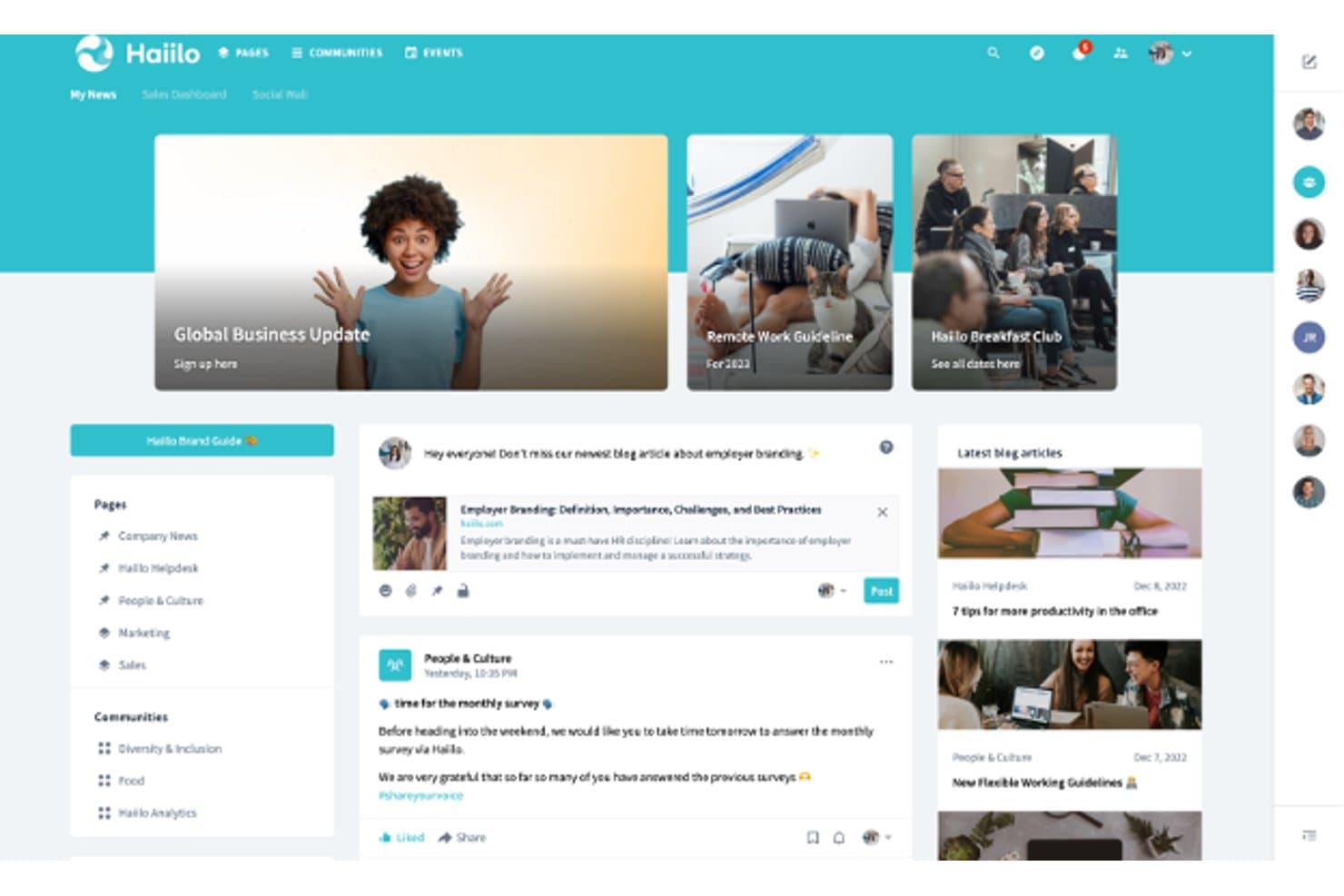
Haiilo centralizes news, communities, and social feeds in one hub. Haiilo is an AI-powered intranet and employee communication platform built for HR, internal communications, and IT teams who need to bring company news, knowledge, recognition, and workplace tools into one personalized digital experience.
Who Is Haiilo Best For?
Haiilo is a strong fit for mid-to-large organizations where internal communications and HR teams need a modern, AI-powered intranet to replace legacy tools and reach both office-based and deskless employees.
Why I Picked Haiilo
I picked Haiilo as one of the best because its AI-powered intranet goes well beyond a standard news feed. AVA, Haiilo's built-in AI assistant, lets employees book PTO, submit IT tickets, and surface answers from connected systems like Microsoft 365, all from a single chat interface. I also appreciate how the ALIGN module pairs targeted, audience-segmented content with sentiment and engagement analytics, so communications teams can see exactly what's landing and with whom.
Haiilo Key Features
- Haiilo MCP integration: Connects Haiilo content to MCP-compatible AI assistants—including Microsoft Copilot, Claude, and Gemini—while respecting each employee's existing permissions.
- Content translation: Lets employees translate posts, articles, and comments into their account language across 28 supported languages.
- HRIS sync: Pulls employee data from 80+ HR systems, including Workday, BambooHR, HiBob, and Personio, into Haiilo profiles via a one-way directory sync.
- Role-, team-, and location-based experiences: Delivers personalized homepages, content streams, and navigation tailored to each employee's role, team, and location.
Haiilo Integrations
Haiilo offers 130+ native integrations, including Microsoft 365, SharePoint, Microsoft Teams, Slack, Workday, BambooHR, HiBob, and Personio. Its REST API supports custom integrations with OAuth2 authentication and permission-aware access.
Pros and Cons
Pros:
- AI assistant handles workplace tasks
- Analytics track reach and sentiment
- Central hub for company news
Cons:
- High update volume complicates discovery
- Frontline tools trail specialist platforms
Learn more about Haiilo: Best for digital signage solutions
- Not available
- Pricing upon request
Visit WebsiteCustomer Rating:4.5/5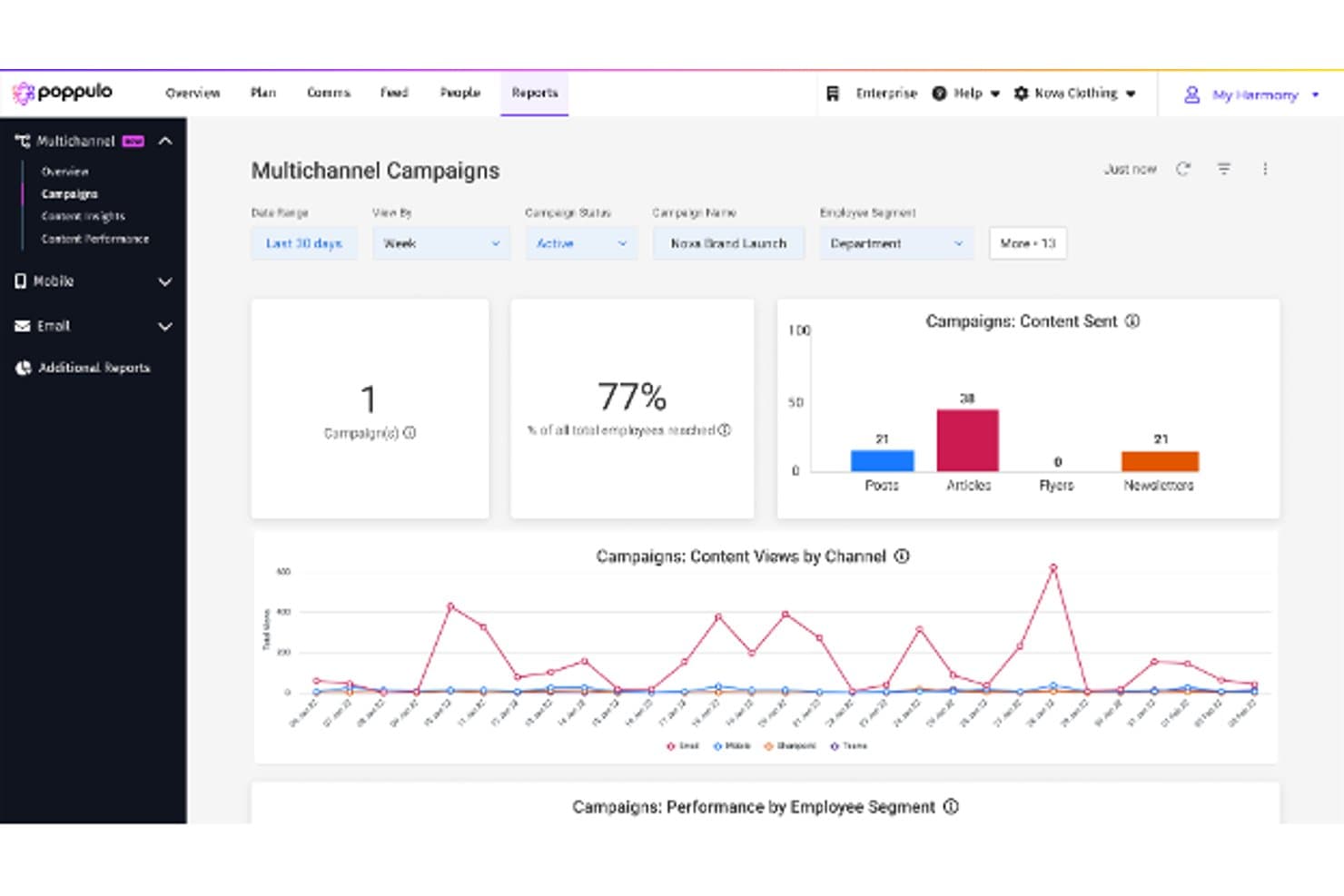
Poppulo tracks multichannel campaign performance across employee segments. Poppulo is an employee experience platform built for large, distributed organizations that need to reach both desk-based and frontline workers through a single, multichannel communications hub—spanning email, mobile, intranet, and digital signage.
Who Is Poppulo Best For?
Poppulo is a strong fit for large enterprises with dispersed workforces—especially those with a significant frontline population—that need to unify communications across email, mobile, intranet, and physical digital signage screens.
Why I Picked Poppulo
Poppulo earns its spot on my shortlist because it's one of the few platforms that genuinely bridges digital signage with the rest of your internal communications stack. I love that you can push targeted content directly to physical screens across offices, warehouses, or retail floors, reaching frontline workers who never open an email. Pair that with QR-code onboarding for employees without corporate accounts, and you're covering the full workforce in one platform.
Poppulo Key Features
- AI auto-translation: Automatically translates content into 54+ languages, with the option to preview and edit translations before publishing.
- Employee advocacy tools: Lets employees share curated company content to LinkedIn, X, Instagram, Facebook, and Threads, with gamification and analytics built in.
- Pulse surveys and eNPS: Supports quick polls, surveys, quizzes, and eNPS with targeted audiences, AI-powered qualitative analysis, and comparison graphs.
- Cross-channel publishing: Publishes content simultaneously across email, intranet, mobile, Microsoft Teams, SharePoint, and digital signage from a single workflow.
Poppulo Integrations
Poppulo lists integrations with SharePoint, Microsoft Teams, Microsoft Entra ID, Workday, SAP, Oracle PeopleSoft, Okta, and PingFederate. An API is available for custom integrations, but sync direction and frequency aren't specified.
Pros and Cons
Pros:
- Surveys and eNPS track employee sentiment
- Targeted campaigns support segmented messaging
- Digital signage reaches frontline employees
Cons:
- Detailed reports offer limited customization
- No employee directory or org chart
Learn more about Poppulo: Best for deskless worker support
- Free demo available
- Pricing upon request
Visit WebsiteCustomer Rating:4.7/5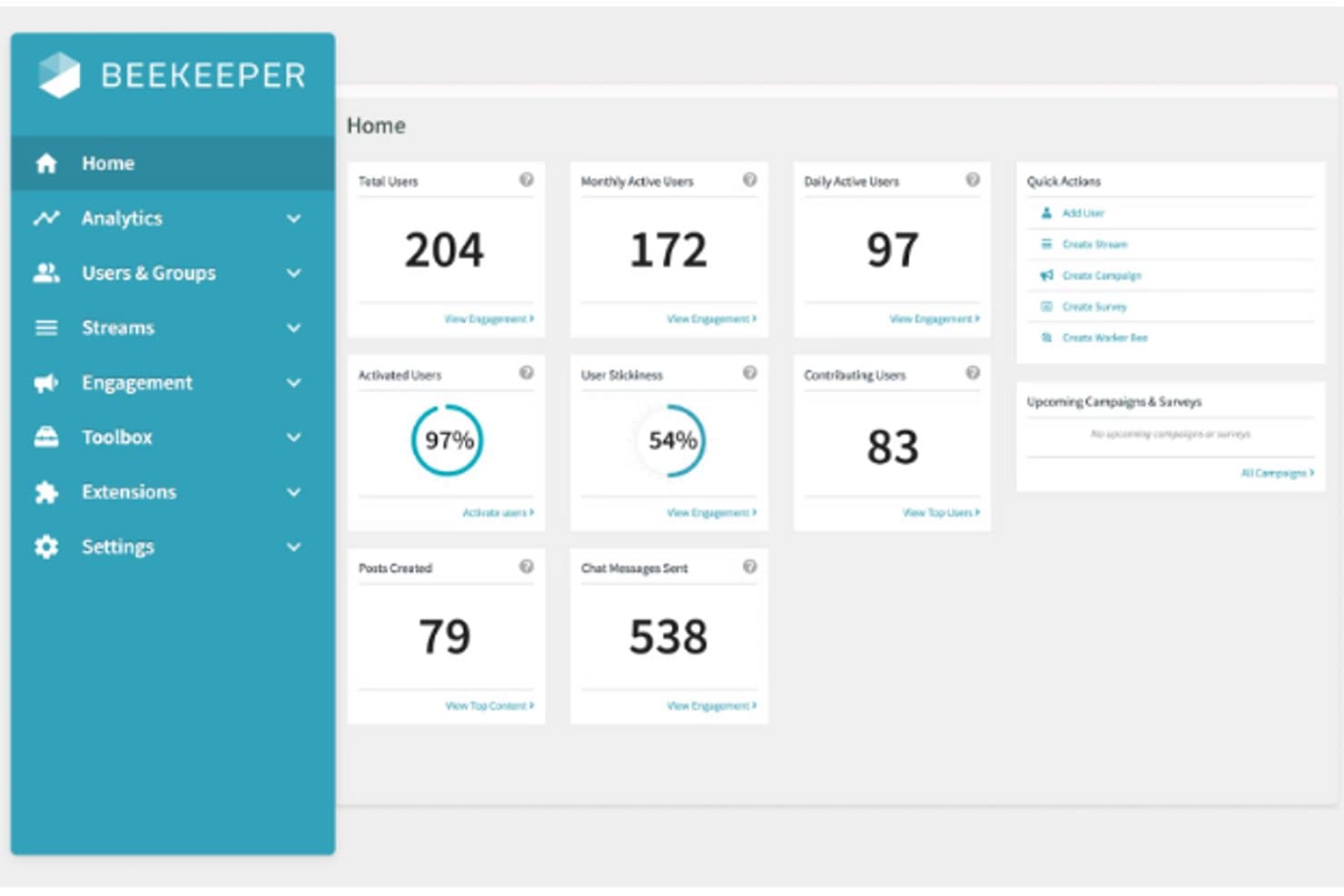
Beekeeper's dashboard tracks user engagement and activity metrics. Beekeeper is a mobile-first frontline communication platform that helps organizations connect deskless and office-based employees through targeted messaging, digital workflows, and built-in learning tools—without requiring a corporate email address.
Who Is Beekeeper Best For?
Beekeeper is a strong fit for organizations with large frontline or shift-based workforces—think manufacturing, hospitality, retail, and healthcare—where most employees don't have a corporate email address.
Why I Picked Beekeeper
I picked Beekeeper because it's purpose-built for the workers that platforms like Workvivo often struggle to reach: frontline and shift-based employees who don't have a corporate email address. I appreciate that it lets you onboard staff via QR code or SMS invite, so a hotel housekeeper or factory floor worker can be active on day one. Targeted campaigns by role, shift, or location mean the right message reaches the right crew without cluttering everyone else's feed.
Beekeeper Key Features
- Read confirmation tracking: Send campaigns that require employees to confirm they've read a message, with automatic follow-ups to those who haven't opened or responded.
- Mobile learning and onboarding journeys: Deliver bite-sized training courses, compliance modules, and new-hire onboarding steps directly to mobile devices in over 200 languages.
- Digital forms and task assignment: Replace paper-based processes with mobile forms, checklists, and assigned tasks that include due dates, attachments, and recurring schedules.
- Sentiment Analysis Report: Generate a quarterly, anonymized report of employee sentiment drawn from posts, comments, and streams across the platform.
Beekeeper Integrations
Beekeeper has documented native integrations with Workday, ServiceNow, SAP SuccessFactors, and UKG, plus integrations with Microsoft Teams, Slack, Google Chat, Google Drive, SharePoint, and SAP. It also provides a REST API for custom integrations.
Pros and Cons
Pros:
- Reviewers praise peer kudos and shout-outs
- Reaches deskless staff without corporate email
- Targets frontline campaigns by shift and location
Cons:
- A 2026 reviewer found admin setup time-consuming
- Some reviewers struggled to find older posts
Learn more about Beekeeper: 10Best for mobile-first engagement
Blink
- Free trial + demo available
- From $3.75/user/month (billed annually)
Visit WebsiteCustomer Rating:4.6/5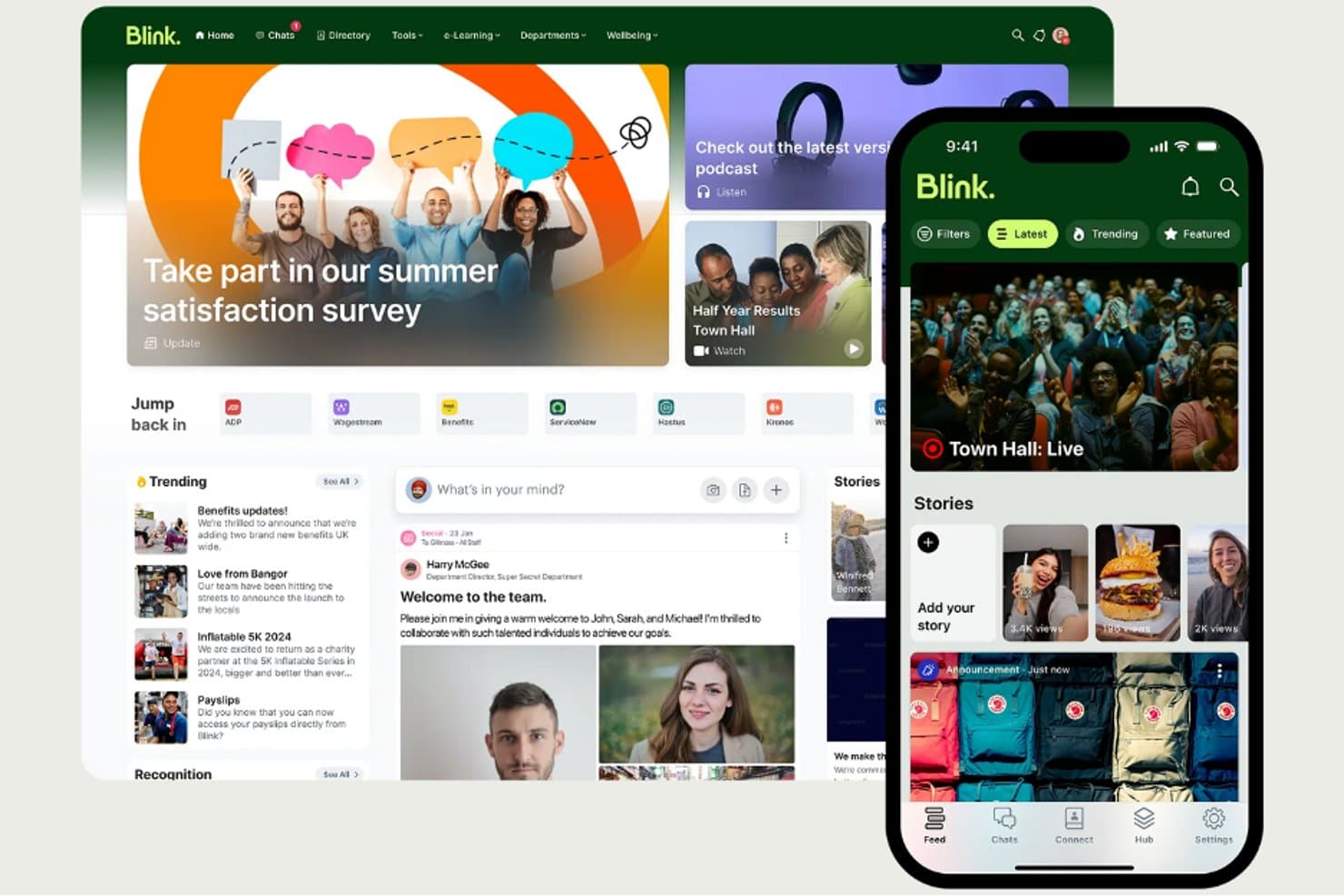
Blink centralizes company news, tools, and team updates in one feed. Blink is a mobile-first employee communication platform designed for organizations with large frontline or deskless workforces, bringing together a company news feed, chat, knowledge hub, and workplace tool access in one app.
Who Is Blink Best For?
Blink is a strong fit for organizations with large frontline or deskless workforces—think retail, healthcare, logistics, or hospitality—where reaching employees without company email or desk access is the core challenge.
Why I Picked Blink
I picked Blink as one of the best Workvivo competitors because it's purpose-built for frontline and deskless workers who never sit at a desk or log into a company email. I love that employees can join via QR code or SMS, save Feed posts for offline reading on mobile, and receive company updates the same moment they hit publish. Recognition posts appear directly in the Feed through Kudos, so a warehouse team or retail crew stays connected to company culture without needing a desktop.
Blink Key Features
- AI content translation: Automatically translates Feed posts, comments, and Hub pages into more than 90 languages using Microsoft Translator.
- Employee journeys: Builds automated, milestone-based communication sequences for pre-boarding and onboarding workflows.
- Digital signage integration: Distributes Feed content to workplace screens via an authenticated RSS 2.0 feed without requiring additional software from Blink.
- Polls and quizzes: Lets any user create anonymous polls with up to six answer options, posted directly in the Feed.
Blink Integrations
Blink offers integrations with Workday, ServiceNow, Microsoft 365, SharePoint, Google Workspace, Okta, ADP, and iTrent, plus Azure and Entra identity-provider connections. Blink API v2 and SCIM API support custom integrations and user provisioning.
Pros and Cons
Pros:
- Recognition posts bring culture into daily feeds
- Saved feed and hub content works offline
- Frontline staff can join without company email
Cons:
- Directory lacks a documented visual org chart
- Past posts can be difficult to retrieve
Learn more about Blink:
Other Workvivo Competitors
Here are some additional Workvivo competitors that didn’t make it onto my shortlist, but are still worth checking out:
- 11LumAppsBest for Google Workspace integration
- 12FirstupBest for personalized content delivery
- 13UnilyBest for seamless tool integration
- 14Axios HQBest for Smart Brevity communication
- 15Microsoft Viva EngageBest for Microsoft 365 integration
- 16OmniaBest for intranet customization
- 17SlackBest for integration capabilities
- 18ConnecteamBest for all-in-one team management
- 19JostleBest for centralized communication
- 20BonuslyBest for employee recognition
- 21WorkdayBest for HR and finance integration
- 22LatticeBest for performance management
- 23MangoAppsBest for team collaboration tools
How I Evaluate Workvivo Competitors
I evaluate these platforms across two layers: core must-haves like a social feed, mobile access, and recognition, and differentiators like HRIS integrations, frontline workforce fit, and analytics depth.
Core Functionality (Table Stakes For This List)
When I'm selecting tools for my list, I rank each one on a scale from 0 (does not offer the functionality) to 5 (excels in this area) for each core functionality listed below. Then, I calculate the tool's total score into a percentage. Each tool needs to achieve a minimum total score of 65% to be considered for inclusion.
- Social Employee Feed: I look for a scrollable, interactive feed where employees post updates, share wins, and react to company news the same way they would on a consumer social platform.
- Multi-Channel Communications: Every tool gets evaluated on whether comms teams can push announcements across web, mobile, email, and push notifications with audience targeting.
- Mobile-First Access: I check for a native iOS/Android app that gives frontline workers full access to content without needing a corporate email or VPN to log in.
- Community & Groups: The platform should let teams create public and private spaces for departments, locations, or interests—like a warehouse safety group or a new-hire cohort channel.
- Recognition & Culture Tools: I evaluate whether peers can give shoutouts tied to company values, not just generic likes, so recognition has context and visibility across the org.
- Engagement Analytics: Comms leaders need dashboards that show post reach, read rates, and active user trends—I look for segment-level reporting, not just aggregate counts.
Once I have a list of tools that meet this criteria, I consider what sets each platform apart.
Differentiating Factors (What Sets Vendors Apart)
Here's how I compare and contrast different vendors:
Standout Features
I look for built-in pulse surveys that let HR teams check employee sentiment without bolting on a separate tool. Native live streaming is another differentiator—platforms that support executive town halls with live chat, and reactions save comms teams from juggling a separate webinar app. I also evaluate whether a vendor includes a knowledge hub for housing policies, benefits guides, and onboarding resources right alongside the social feed, so employees have one place to go instead of digging through shared drives.
Beyond Features
Integration depth matters a lot here—I check whether a platform connects natively to your HRIS for automated user provisioning and org chart syncing, plus whether it plays well with Microsoft Teams or Slack, so adoption doesn't stall. Workforce composition fit is equally important. A tool built for knowledge workers at desks may fall flat for a retailer with thousands of frontline staff who need SMS or kiosk access. I also evaluate pricing transparency, especially whether vendors require large seat minimums that price out growing mid-market teams.
Why Look For a Workvivo Alternative?
While Workvivo is a good choice of employee experience platform, there are a number of reasons why some users seek out alternative solutions. You might be looking for a Workvivo alternative because…
- You need more customization options
- Your team requires better mobile access
- You're looking for more integration capabilities
- You need a platform with global support
- Your team needs enhanced analytics
- You're seeking a more budget-friendly option
If any of these sound like you, you’ve come to the right place. My list contains several employee experience platform options that are better suited for teams facing these challenges with Workvivo and looking for alternative solutions.
Workvivo Key Features
Here are some of the key features of Workvivo, to help you contrast and compare what alternative solutions offer:
- Employee directory: A centralized resource for accessing employee profiles, including contact details and skills, with real-time updates from HR systems.
- Team collaboration spaces: Virtual workspaces for teams to share ideas, manage tasks, and communicate in real-time.
- Content management system: Organizes and distributes content with support for various media types, content scheduling, and robust search functionality.
- Social intranet: Promotes interaction with activity feeds, comments, and user-generated content, fostering community and communication.
- Task management: Tools for assigning tasks, tracking deadlines, and monitoring progress to keep teams organized.
- Instant messaging: Real-time messaging capabilities for quick communication, group chats, and file sharing.
- Video conferencing: Integrated tools for meetings with screen sharing and recording options.
- Workplace analytics: Provides insights into engagement and productivity with customizable dashboards.
- Event management: Streamlines planning and organization of events with scheduling and registration tools.
- Mobile access: Ensures employees can access the platform from mobile devices, with a responsive design and push notifications.