

Mitratech Trakstar Review 2026: Pros, Cons, Features, and Pricing
Mitratech Trakstar helps HR teams manage performance reviews, employee engagement, recruiting, and learning programs with tools designed to support talent development and team growth.

We review tools independently, and commissions help fund our testing. See our transparency policy, our methodology, or suggest a tool.
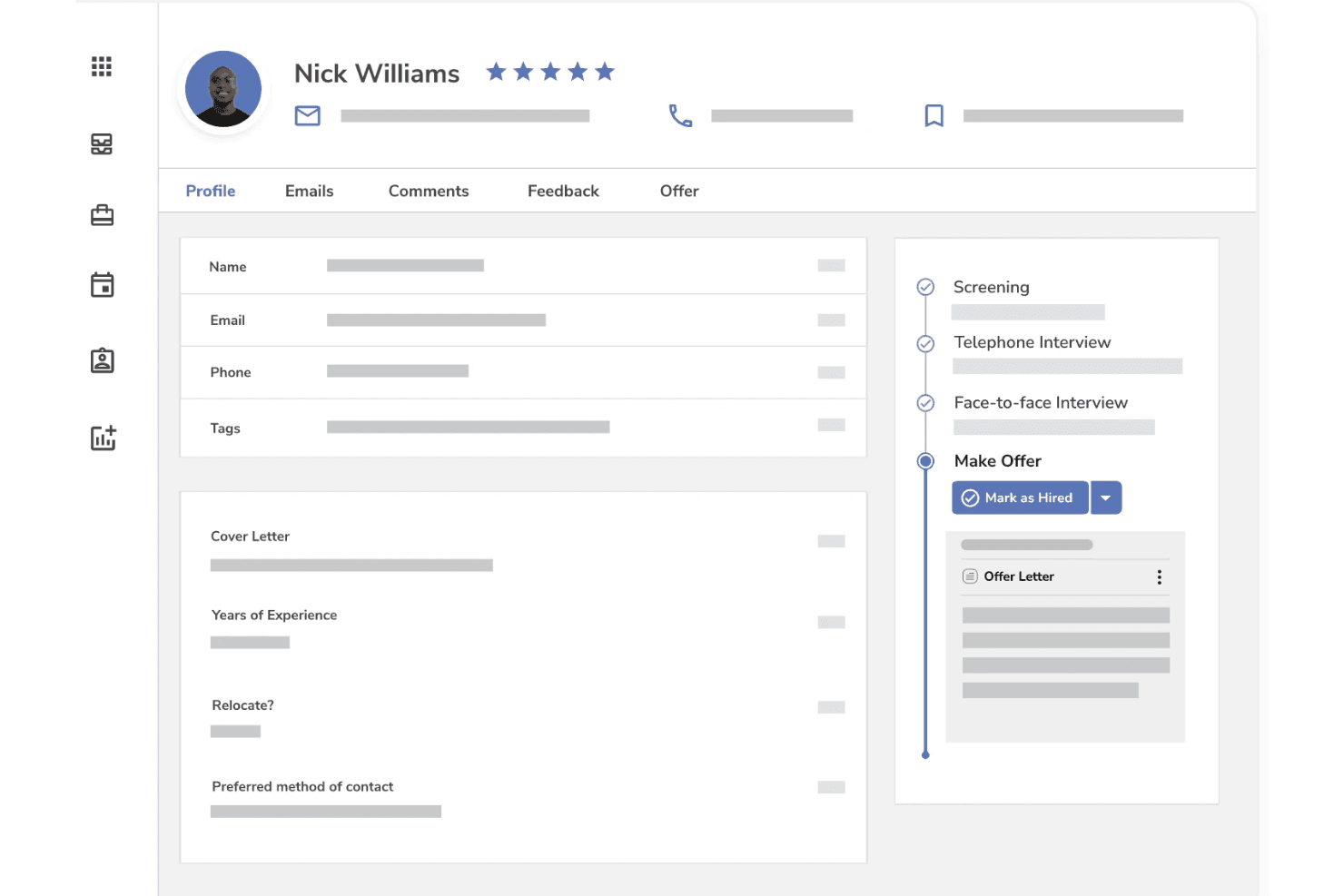
Mitratech Trakstar is an HR software built around applicant tracking. It's designed for teams that need to move candidates through structured hiring workflows while keeping compliance documentation in order. I'd consider it if you need more compliance depth than a tool like Greenhouse provides, but don't want to commit to a full enterprise talent platform to get it.
Mitratech Trakstar Evaluation Summary
4.2/5
- Pricing upon request
- Free demo available
Why Trust Our Software Recommendations
6,700+
Reviews
20
Industry experts
16+
Evaluation factors
14
Years
Our team has been testing and reviewing software since 2012. As HR experts ourselves, we know how difficult—and important—it is to choose the right software.
For this guide, we evaluated tools using hands-on testing and independent research, scoring tools using our selection criteria. We also draw on insights from industry thought leaders and practicing HR experts.
Our reviews reflect our human editorial judgment, not a sales pitch.
Expert reviewers:
- Phil GrayCOO
 Kim BehnkeHR Tech Editor & Analyst
 Josh BarkerPeople Ops Manager

Mitratech Trakstar Overview
I think Mitratech Trakstar stands out for its intuitive interface, strong performance review features, and customizable workflows. It’s especially easy to onboard new HR teams and integrates smoothly with major payroll and ATS platforms. While pricing is at the higher end and analytics could be deeper, I’d judge it as a smart pick for midsize organizations focused on formalizing talent processes.
If you’re choosing an HR system to simplify engagement tracking and automate reviews, you’ll find Mitratech Trakstar reliably delivers on those needs.
Pros
- Performance review workflows are highly configurable and scalable
- Real-time feedback tools improve employee engagement
- Reporting dashboard provides actionable insights for HR decisions
Cons
- Limited analytics depth compared to advanced HR platforms
- Not an all-in-one HRIS — no payroll, scheduling, or time tracking.
- Pricing is higher than many direct alternatives
Is Mitratech Trakstar Right For Your Needs?
Who Would be a Good Fit for Mitratech Trakstar?
Mtiratech Trakstar is best for organizations with structured HR practices seeking to improve performance management and leadership development. Mid-market and enterprise companies with multiple review cycles, compliance needs, or complex team structures especially get value from its configurability and analytics.
HR departments wanting customizable feedback and growth tools—particularly in regulated or high-accountability industries—will find its advanced reporting and real-time feedback essential for a strong talent strategy.
- Financial ServicesRobust performance audits and succession planning features help comply with regulatory standards while supporting career path transparency.
- Healthcare OrganizationsDetailed calibration workflows and survey tools support regular feedback and the need for unbiased evaluations across diverse teams.
- Tech CompaniesHigh-growth firms benefit from Mitratech Trakstar’s configurable review cycles and real-time feedback for continuous employee development.
- HR Departments (Mid/Large)Tools for repeatable, scalable review processes and rich analytics help HR teams evaluate managers, teams, and the entire organization.
- Multi-site EnterprisesCentralized dashboards and customizable templates simplify performance management across different geographies and business units.
- Legal & Compliance FunctionsBuilt-in audit trails and approval workflows help meet legal process standards and document all review activity for compliance.
Who Would be a Bad Fit for Mitratech Trakstar?
Mitratech Trakstar usually isn’t right for businesses without formalized HR or review processes, small teams with simple needs, or industries that require highly specialized HR modules outside performance management. Its cost and advanced features can be overkill for companies with basic payroll or time tracking requirements but no need for talent reviews or analytics.
Users looking for all-in-one HRIS or lightweight solutions are likely to be underserved by Mitratech Trakstar’s focus.
- Startups With Under 50 EmployeesMitratech Trakstar’s depth and price aren’t justified for teams needing simple, informal feedback tools.
- Retail BusinessesLacks scheduling, payroll, and high-volume hiring tools that retail companies expect from HR platforms.
- Single-Department TeamsGranular review cycles and reporting will be more than most department-specific teams want or require.
- Gig/Freelance WorkforcesDoesn’t offer shift management, flexible contracts, or project-centric HR features suited to changing rosters.
- Manufacturers With Hourly StaffMissing time/attendance and payroll integration are needed for production or hourly labor-focused employers.
- Nonprofits With Lean BudgetsMitratech Trakstar’s enterprise pricing model and administrative features exceed the needs and spend of most small nonprofits.
How We Test & Score Our Tools
We’ve spent years building, refining, and improving our software testing and scoring system. The rubric is designed to capture the nuances of software selection and what makes a tool effective, focusing on critical aspects of the decision-making process.
Below, you can see exactly how our testing and scoring works across seven criteria. It allows us to provide an unbiased evaluation of the software based on core functionality, standout features, ease of use, onboarding, customer support, integrations, customer reviews, and value for money.
Core Functionality (25% of final score)
The starting point of our evaluation is always the core functionality of the tool. Does it have the basic features and functions that a user would expect to see? Are any of those core features locked to higher-tiered pricing plans? At its core, we expect a tool to stand up against the baseline capabilities of its competitors.
Standout Features (25% of final score)
Next, we evaluate uncommon standout features that go above and beyond the core functionality typically found in tools of its kind. A high score reflects specialized or unique features that make the product faster, more efficient, or offer additional value to the user.
We also evaluate how easy it is to integrate with other tools typically found in the tech stack to expand the functionality and utility of the software. Tools offering plentiful native integrations, 3rd party connections, and API access to build custom integrations score best.
Ease of Use (10% of final score)
We consider how quick and easy it is to execute the tasks defined in the core functionality using the tool. High scoring software is well designed, intuitive to use, offers mobile apps, provides templates, and makes relatively complex tasks seem simple.
Onboarding (10% of final score)
We know how important rapid team adoption is for a new platform, so we evaluate how easy it is to learn and use a tool with minimal training. We evaluate how quickly a team member can get set up and start using the tool with no experience. High scoring solutions indicate little or no support is required.
Customer Support (10% of final score)
We review how quick and easy it is to get unstuck and find help by phone, live chat, or knowledge base. Tools and companies that provide real-time support score best, while chatbots score worst.
Customer Reviews (10% of final score)
Beyond our own testing and evaluation, we consider the net promoter score from current and past customers. We review their likelihood, given the option, to choose the tool again for the core functionality. A high scoring software reflects a high net promoter score from current or past customers.
Value for Money (10% of final score)
Lastly, in consideration of all the other criteria, we review the average price of entry level plans against the core features and consider the value of the other evaluation criteria. Software that delivers more, for less, will score higher.
Core Features
Performance Review Automation
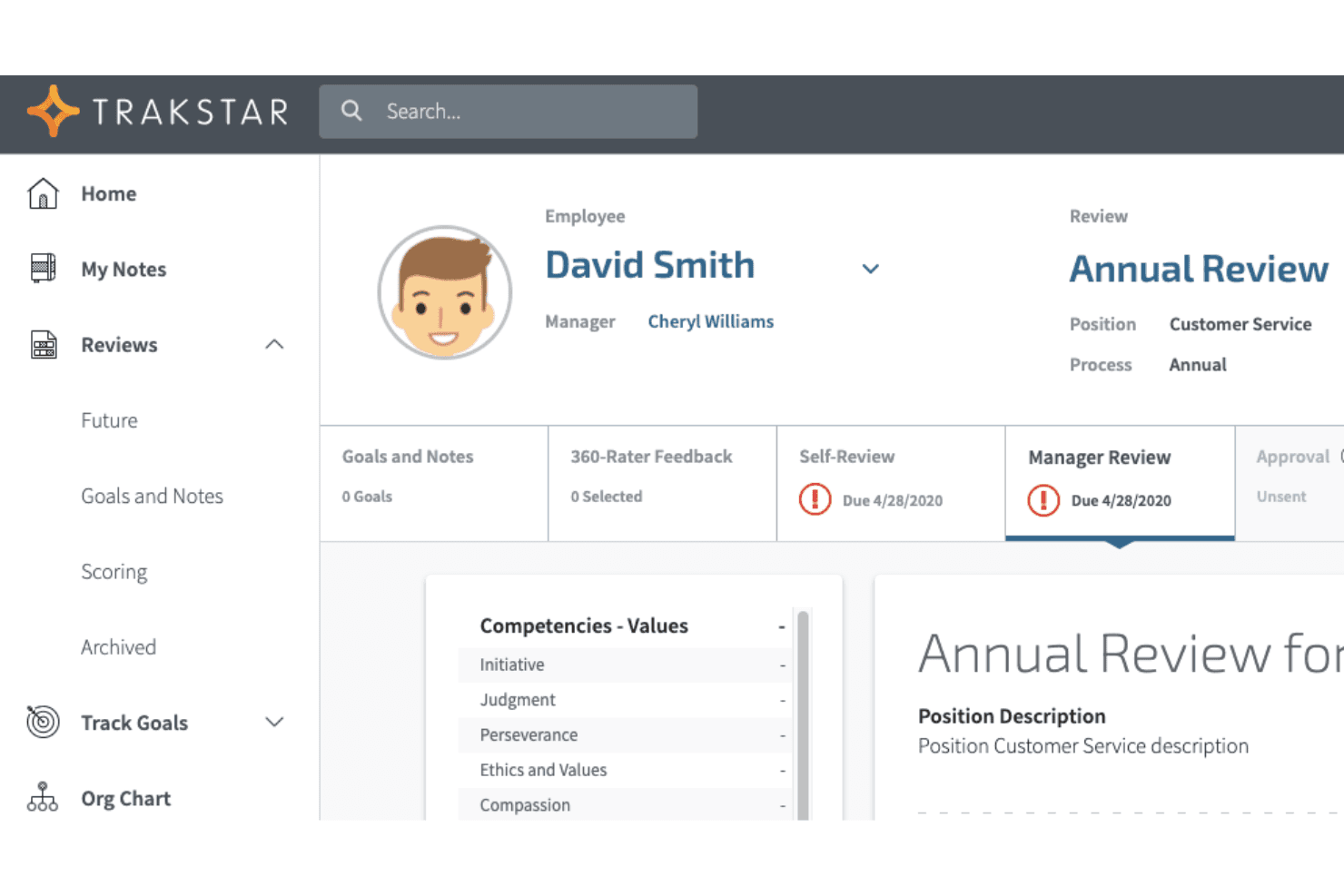
Automate employee evaluations with self, peer, and manager feedback forms. Customizable cycles save HR teams administrative time.
Real-Time Feedback
Give and receive feedback immediately to encourage ongoing development. This builds a stronger culture of recognition and improvement.
Goal Setting and Tracking
Set individual, team, or company-level goals and track progress year-round. Visual dashboards help managers align objectives with business priorities.
Customizable Review Templates
Choose from premade or create branded templates for different departments. Consistent templates drive fair and repeatable review cycles.
Reporting and Analytics
Access visual dashboards and exportable reports on employee performance metrics. Actionable insights surface trends in engagement and achievement.
Employee Engagement Surveys
Easily launch customizable surveys to measure team sentiment and experience. Results highlight strengths and target areas for improvement.
Standout Features
Succession Planning Tools
Identify future leaders with visual talent matrices and development plans. Built-in mapping makes it easy to forecast and prepare for leadership gaps.
Calibration Workflow
Enable HR and managers to calibrate scores for review fairness. This built-in workflow helps teams ensure unbiased, consistent ratings across departments.
Ease of Use
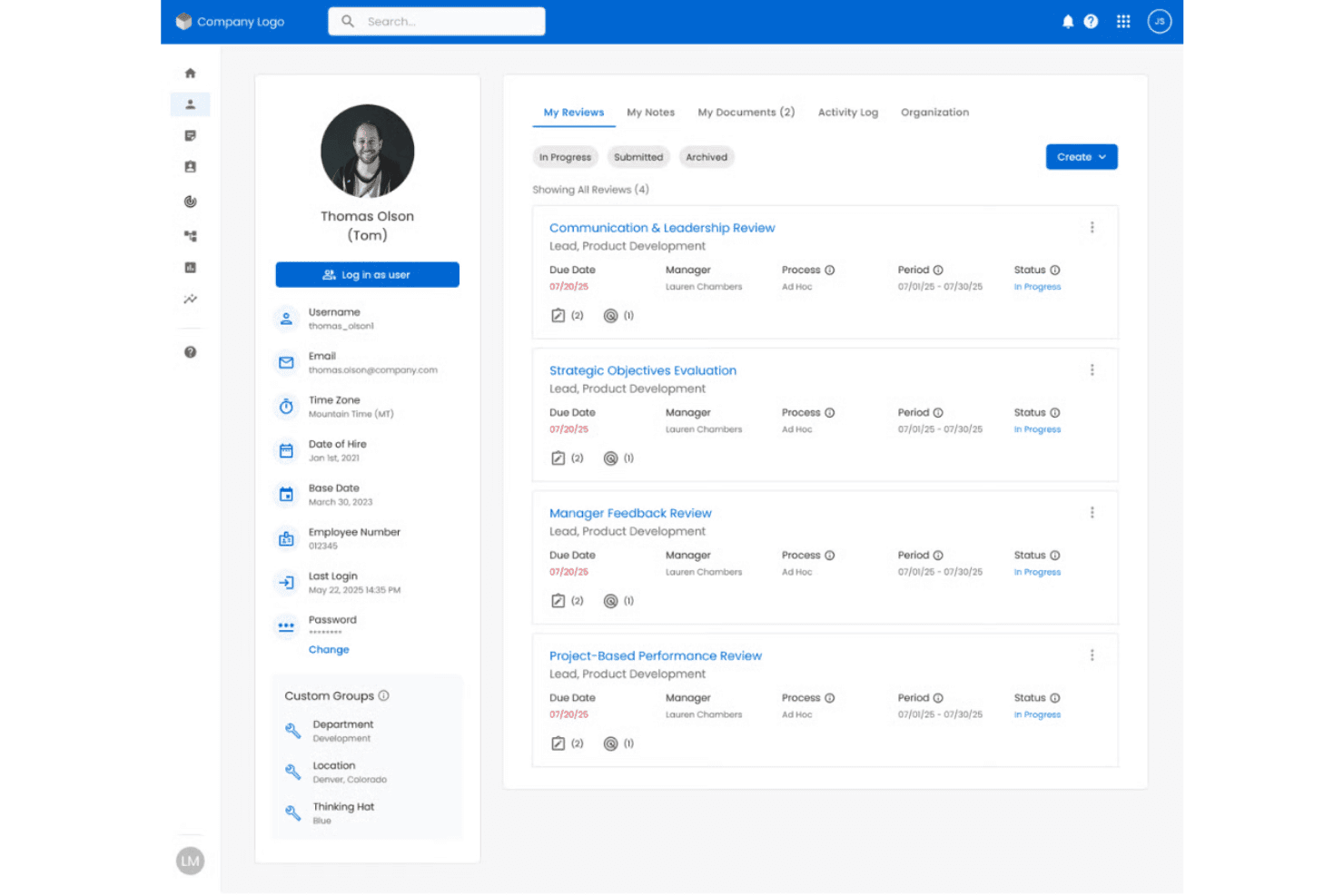
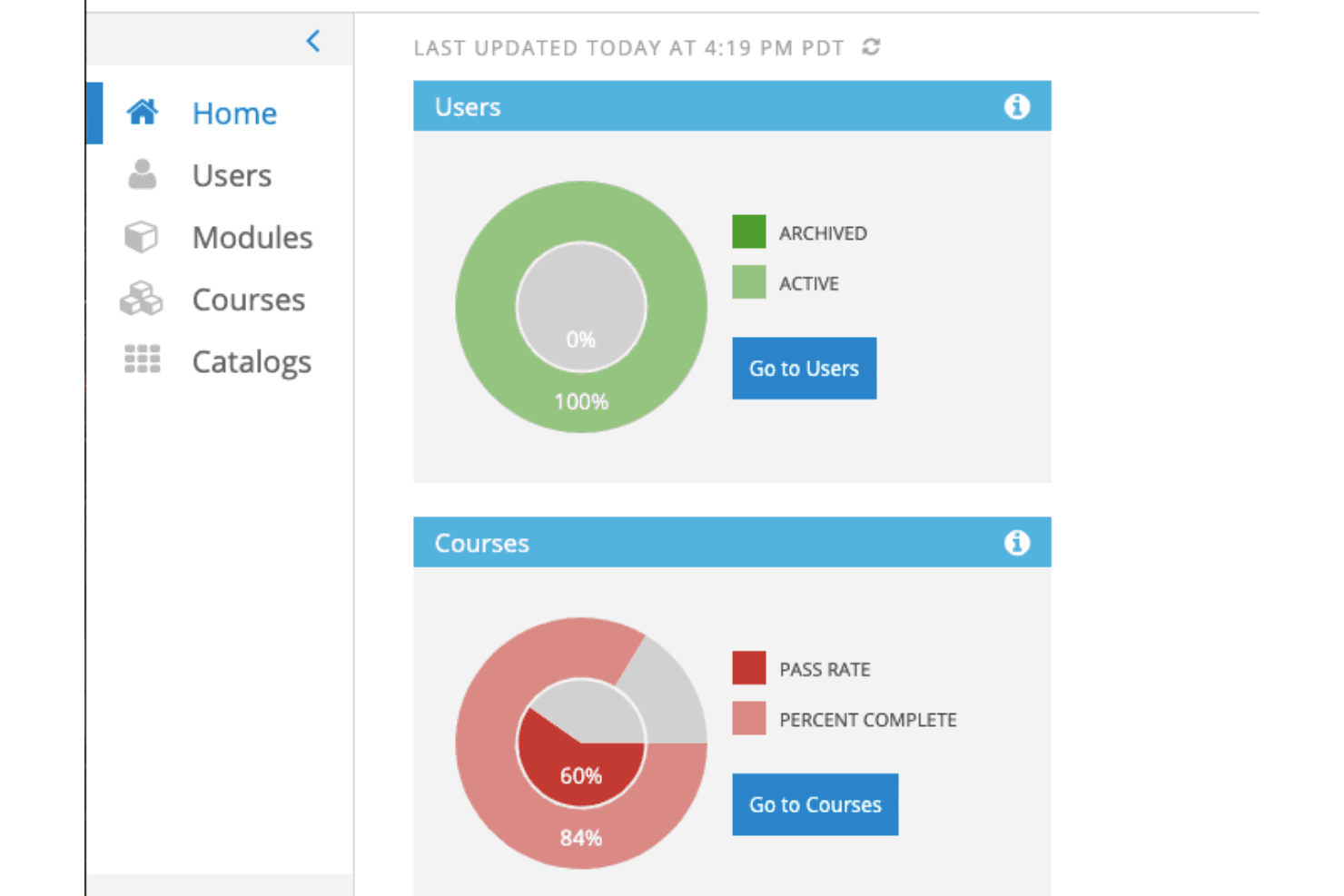
Mitratech Trakstar is easy to navigate, with clean dashboards and clear labeling that help HR and managers find what they need quickly. In my experience and from user reviews, building review cycles and launching surveys is straightforward. Its drag-and-drop tools and accessible reporting make it genuinely usable for teams new to formal performance management.
Onboarding
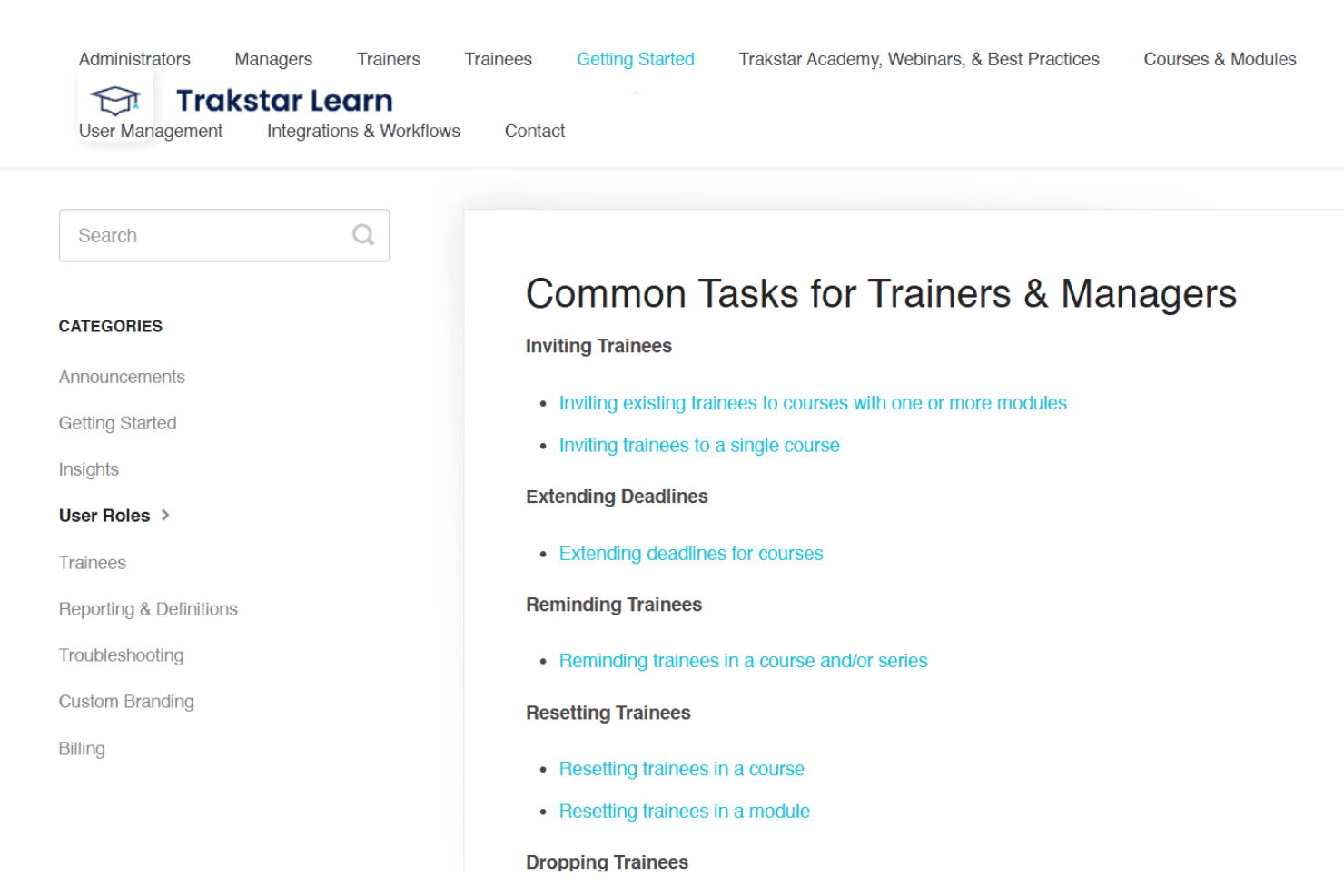
Getting started with Mitratech Trakstar is pretty smooth thanks to guided setup tools, detailed help docs, and responsive onboarding specialists.
User reviews praise the personalized support during rollout and solid onboarding webinars, which help teams get value from the platform faster than most would expect.
Customer Support
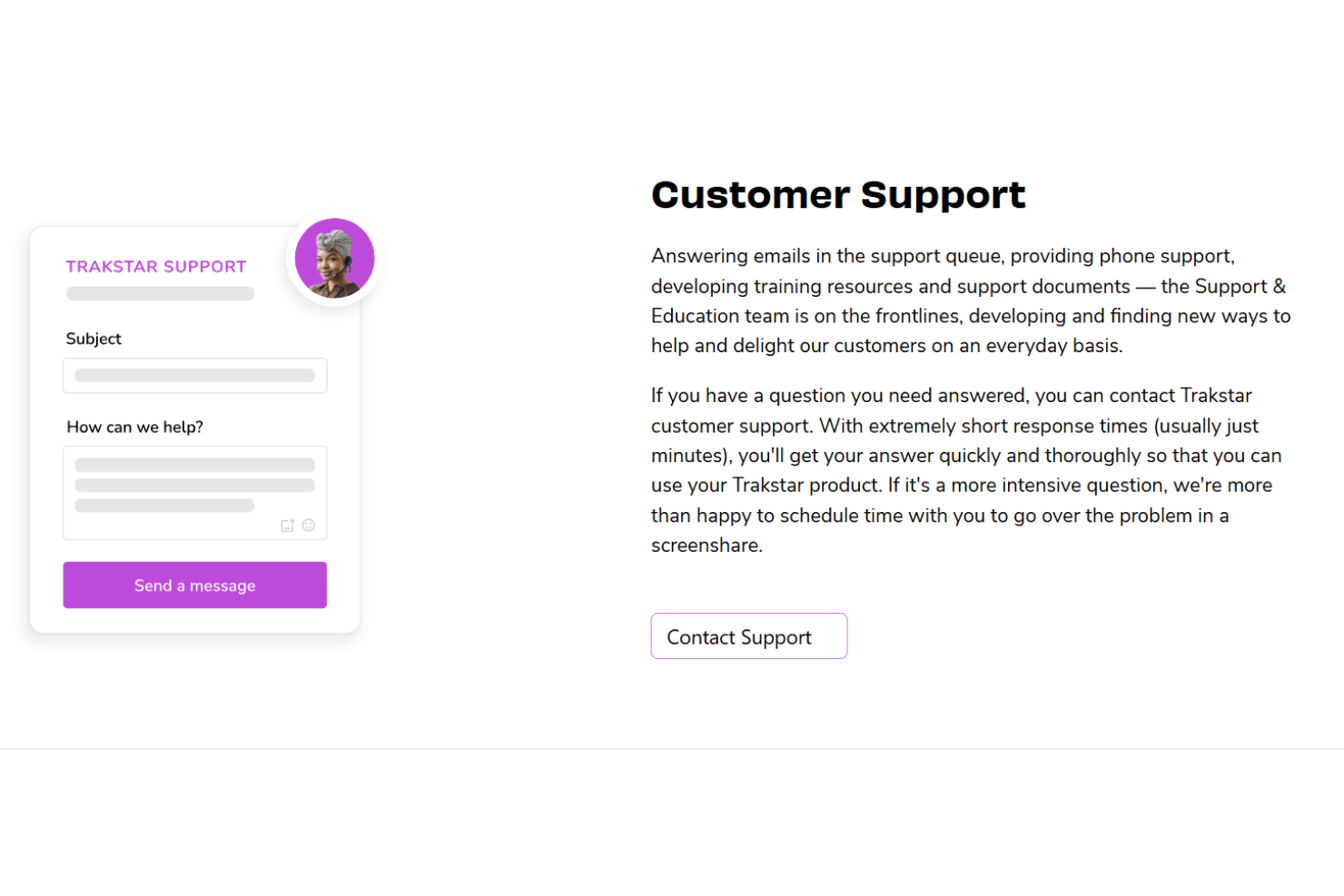
Mitratech Trakstar’s customer support gets high marks for quick responses and genuine expertise, especially during performance review cycles.
Users report that live chat, email, and phone channels are all available and helpful, with knowledgeable agents who solve both technical and workflow questions. Documentation and community resources also cover advanced needs.
Integrations
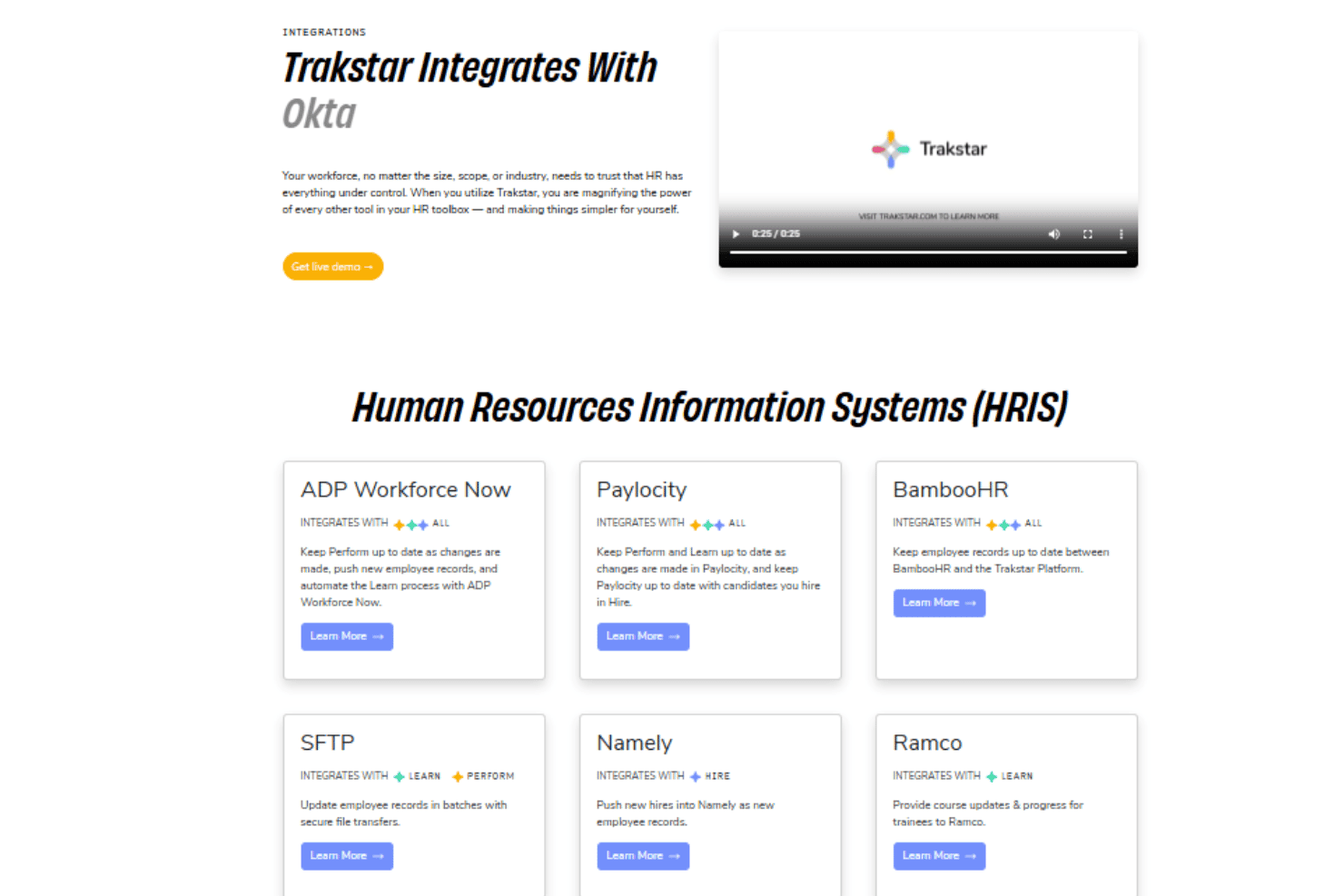
Mitratech Trakstar integrates with ADP Workforce Now, Paylocity, BambooHR, Okta, Office 365, Google Workspace, Cornerstone OnDemand, Namely, SFTP HRIS feeds, and Zoom, among others.
Trakstar also offers an API for custom integrations and can connect with third-party integration tools.
Value for Money
Mitratech Trakstar uses custom pricing based on company size, feature requirements, and the specific talent management modules a business needs. While pricing is not publicly listed, the platform is generally positioned for organizations looking for customizable performance management, employee engagement, recruiting, and learning tools with more flexibility than basic HR software.
- Core: Basic performance management with review cycles and reporting
- Premium: Adds advanced analytics, more automation options, and engagement features
- Enterprise: Includes custom branding, unlimited workflows, and high-touch support
Mitratech Trakstar Specs
- 2-Factor Authentication: Yes
- 360 Degree Feedback: Yes
- API: Yes
- Application Tracking: Yes
- Attendance Tracking: No
- Batch Permissions & Access: No
- Budgeting: No
- Calendar Management: Yes
- Dashboard: Yes
- Data Export: Yes
- Data Import: Yes
- Data Visualization: Yes
- Employee Database: Yes
- Employee Engagement: Yes
- Employee Incentive Management: No
- Employee Onboarding: Yes
- Expense Tracking: No
- External Integrations: Yes
- Feedback Management: Yes
- Forecasting: No
- Multi-User: Yes
- Notifications: Yes
- Onboarding: Yes
- Payroll: No
- Project Management: No
- Scheduling: Yes
- Time Management: No
- Timesheets: No
- Travel Management: No
- Vacation & Absence Calendar: Yes
Mitratech Trakstar FAQs
Mitratech Trakstar Company Overview & History
Mitratech Trakstar, previously known as Trakstar, provides cloud-based talent management and performance management software for HR teams and is now part of the Mitratech portfolio. Founded in 2001 and originally headquartered in Seattle, Washington, the platform supports performance reviews, employee engagement, recruiting, and learning management for organizations of various sizes.
Mtiratech Trakstar is recognized for its user-friendly interface, continuous feedback tools, and employee development features. Following its acquisition by Mitratech in 2023, the platform became part of a broader HR and compliance technology portfolio serving thousands of organizations globally.
Mitratech Trakstar Major Milestones
- 2001: Trakstar founded as a performance management software company.
- 2019: Expanded into a broader talent management suite with recruiting and learning tools.
- 2021: Rebranded parts of the platform, including “Trakstar Perform.”
- 2023: Acquired by Mitratech and integrated into its HR technology portfolio.
- 2024: Officially renamed “Mitratech Trakstar, Inc.”
- 2026: Continues serving thousands of organizations with talent management, employee engagement, and performance management solutions worldwide.